

Description
Feed Embedder for Substack lets you display the latest posts from any public Substack newsletter anywhere on your WordPress site using a simple shortcode:
[fefs_feed]
Just paste your Substack address (e.g. https://example.substack.com) in the settings — the plugin derives the RSS feed automatically, fetches your latest posts and renders them as clean, fully customizable cards.
Features
- Simple shortcode — drop
[fefs_feed]into any post, page or widget. - Per-instance overrides —
[fefs_feed url="https://other.substack.com" count="4" layout="vertical"]. - Two layouts — horizontal cards (image beside text) or a vertical grid with 1–3 columns.
- Full design control — colors (with color pickers), font sizes, weights, spacing, borders, radii, paddings, gaps, hover effects.
- Live preview — see your feed with the current design settings before saving, right in the admin.
- Mobile-friendly — configurable breakpoint, stacking behavior and mobile title size.
- Smart caching — feed responses are cached with WordPress transients (configurable, 0–1440 minutes).
- Privacy-friendly and lightweight — no external scripts, no iframes, no tracking; only the public RSS feed is fetched, server-side.
- Translation-ready — all strings are internationalized.
Usage
- Go to Settings Feed for Substack.
- Enter your Substack URL in the Feed tab and choose how many posts to show.
- Style the cards in the Design tab.
- Check the result in the Preview tab and copy the shortcode.
- Paste
[fefs_feed]anywhere shortcodes are supported.
Shortcode attributes
url— override the Substack URL for that instance.count— override the number of posts (1–20).layout—horizontalorvertical.
External requests and privacy
To display your posts, the plugin fetches the public RSS feed from the Substack address you configure. This request happens on your server (not in the visitor’s browser) and the result is cached. Post images are served from Substack’s CDN, so visitors’ browsers load those images directly from Substack, exactly as they would when visiting the newsletter. No other data is sent anywhere, and the plugin does not add any tracking, analytics or third-party scripts.
Disclaimer
Feed Embedder for Substack is an independent, third-party plugin and is not affiliated with, endorsed by, or sponsored by Substack Inc. “Substack” is a trademark of Substack Inc., used here only to describe what the plugin does.
Screenshots
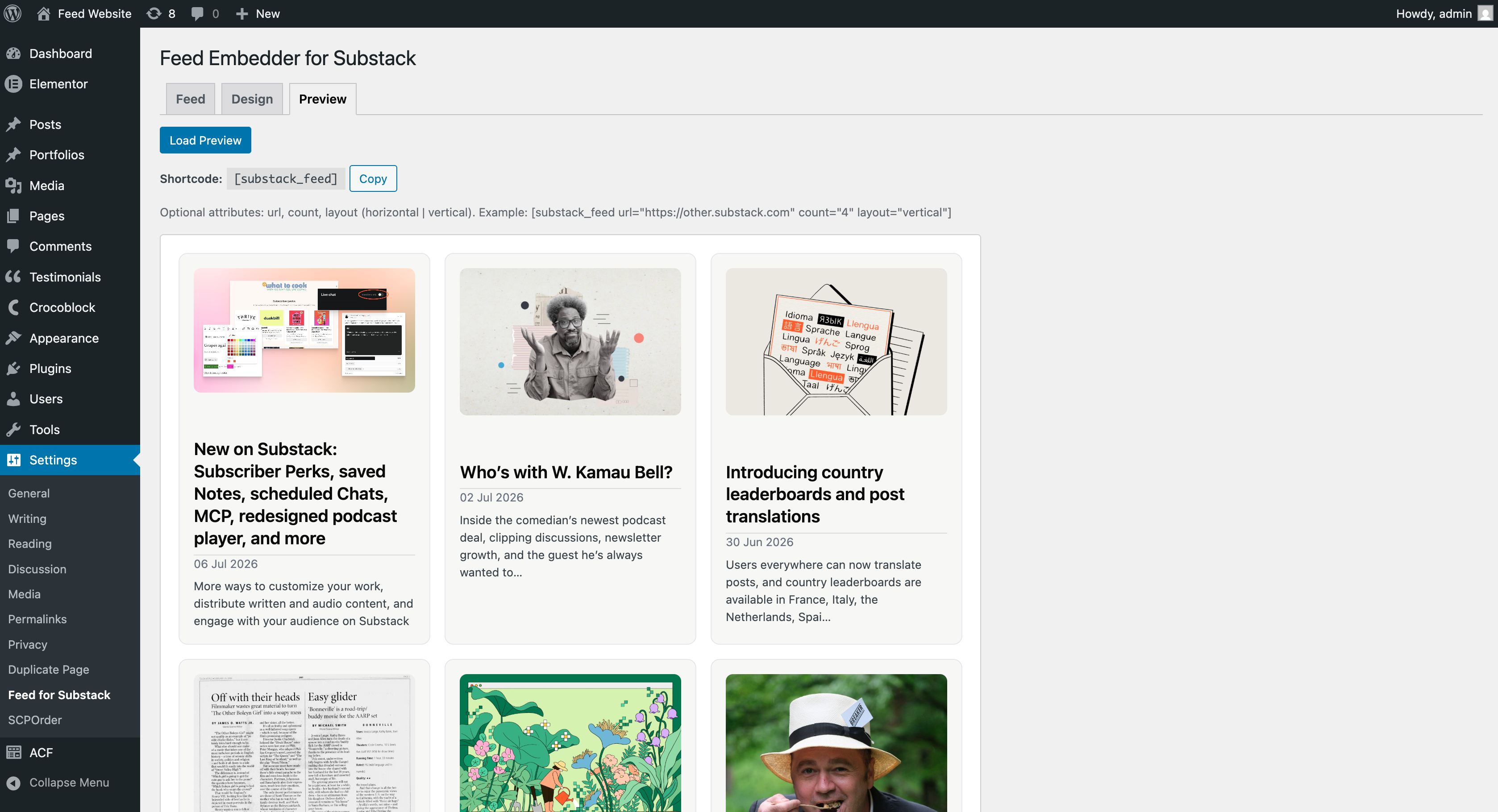
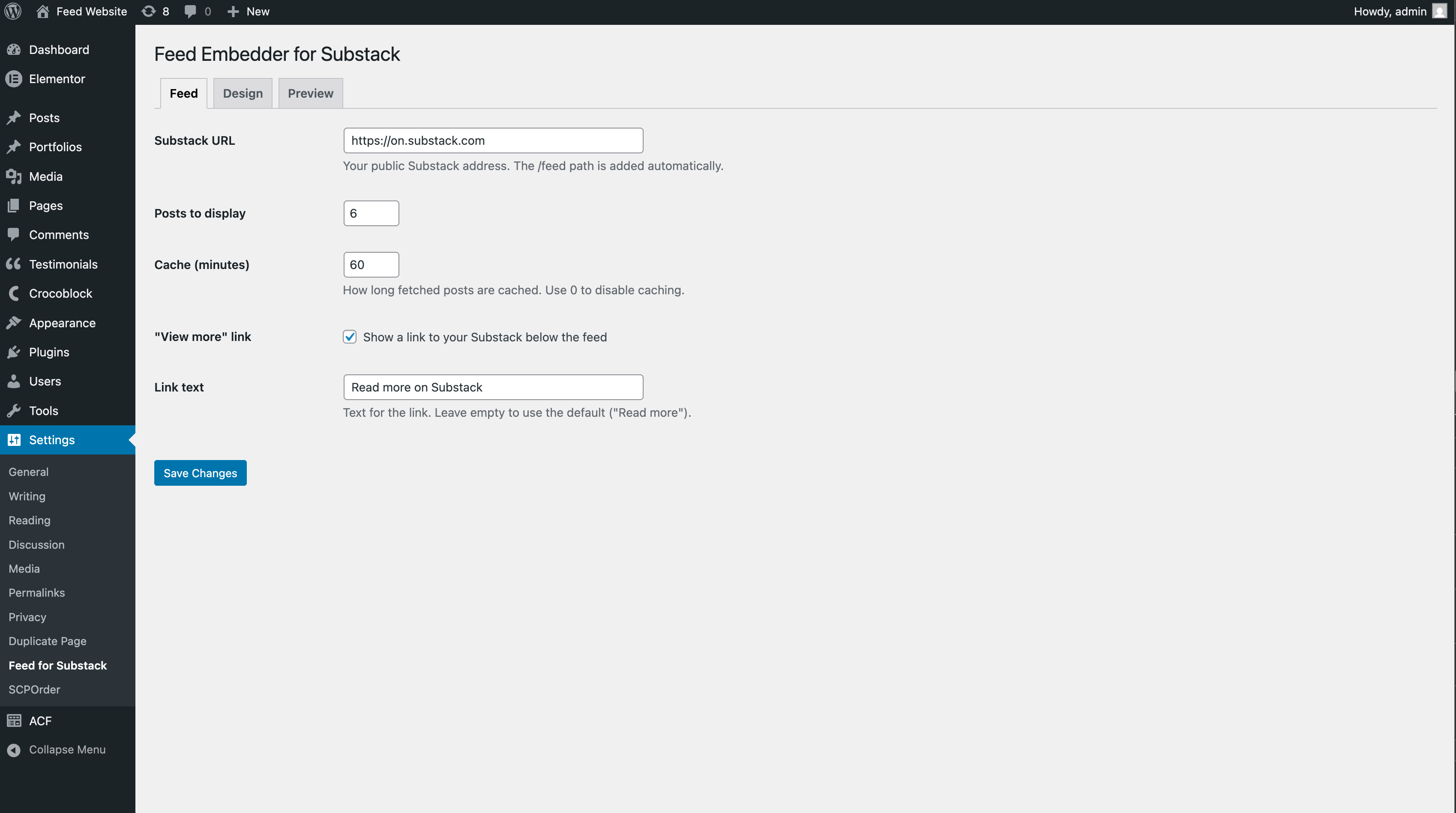
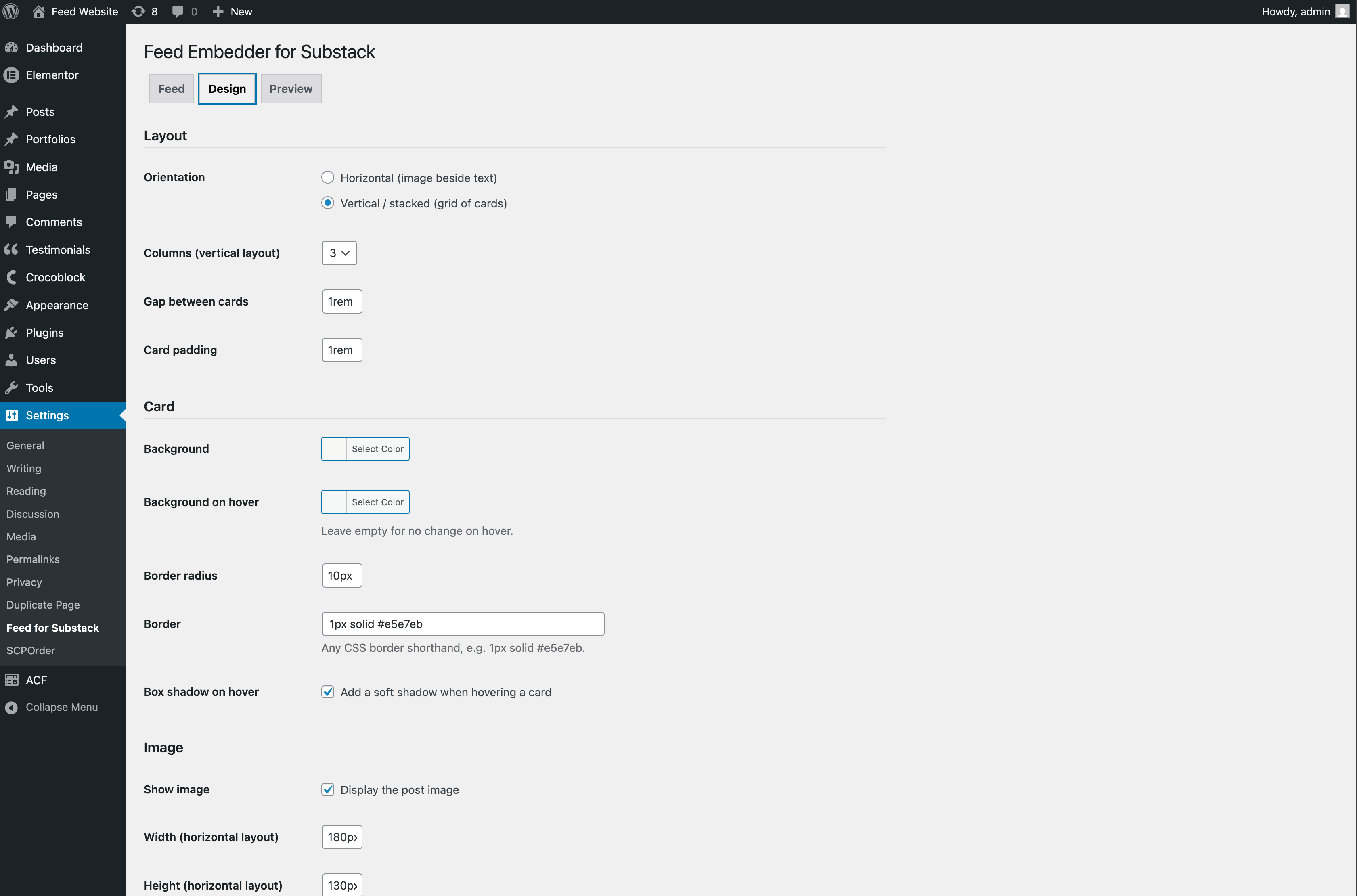
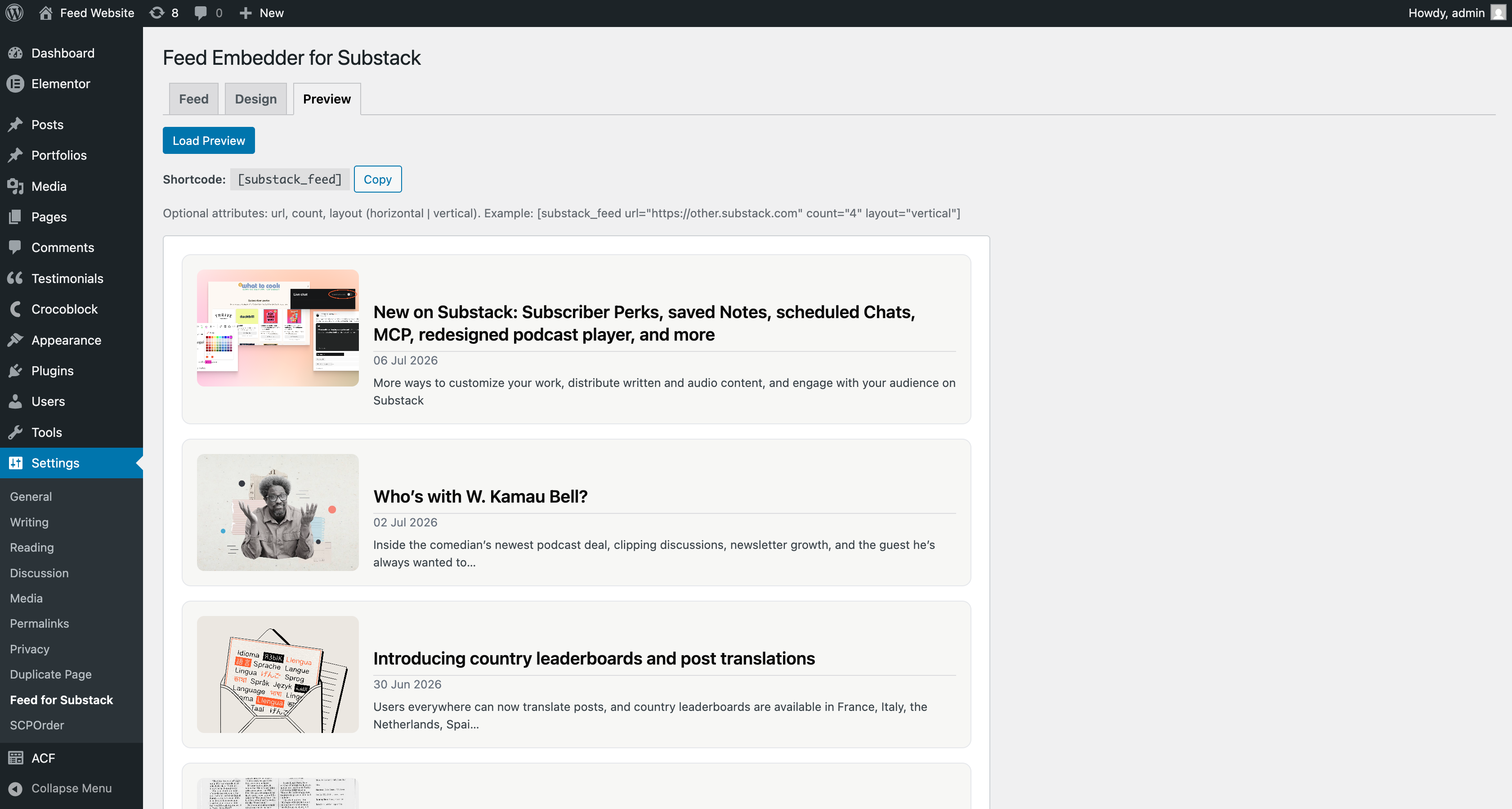
Installation
- Upload the
feed-embedder-for-substackfolder to/wp-content/plugins/, or install it directly from the WordPress plugin directory. - Activate the plugin through the Plugins menu.
- Go to Settings Feed for Substack and enter your Substack URL.
- Add the
[fefs_feed]shortcode to any post or page.
FAQ
-
Does this work with any Substack?
-
Yes, as long as the publication is public. The plugin reads the public RSS feed that every Substack exposes at
/feed. -
Can I use a non-Substack RSS feed?
-
Yes. If you enter a full feed URL (any valid
https://RSS feed), the plugin will use it as-is. Bare site URLs get/feedappended automatically, which matches Substack’s convention. -
Does it slow down my site?
-
No. The feed is fetched server-side and cached with WordPress transients for the duration you configure (default 60 minutes), so most page loads never hit Substack at all.
-
Yes. Use the
urlattribute:[fefs_feed url="https://first.substack.com"]and[fefs_feed url="https://second.substack.com"]. -
Does it load anything from Substack in the visitor’s browser?
-
Only the post images (hosted on Substack’s CDN). No scripts, iframes or trackers are embedded.
Reviews
There are no reviews for this plugin.
Contributors & Developers
“Feed Embedder for Substack” is open source software. The following people have contributed to this plugin.
Contributors
Translate “Feed Embedder for Substack” into your language.
Interested in development?
Browse the code, check out the SVN repository, or subscribe to the development log by RSS.
Changelog
1.0.0
- Initial release.