

Description
ExertPro Image Optimizer helps you keep your WordPress Media Library lean and accessible:
- Bulk Image Optimization — compress JPEG, PNG, and WebP images in your Media Library using GD or Imagick, with configurable quality and a size threshold filter. Original files are backed up automatically so you can restore them anytime.
- Find & Delete Unused Images — scan post content, featured images, WooCommerce product images, theme customizer settings, widgets, Gutenberg blocks, and ACF fields to find images that are no longer used anywhere on your site, then move them to trash or permanently delete them.
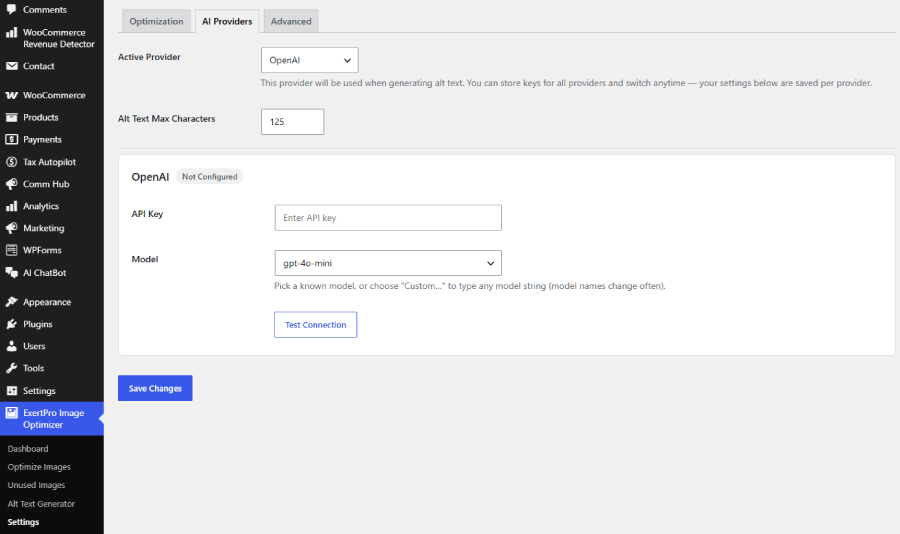
- AI Alt Text Generator (BYOK) — automatically generate concise, SEO-friendly alt text for your images using your own AI provider API key. Supports OpenAI, Anthropic Claude, xAI Grok, Moonshot AI Kimi, and Google Gemini.
Important: This is a Bring Your Own Key (BYOK) plugin
ExertPro Image Optimizer does not include or bundle any AI API key. To use the Alt Text Generator feature, you must obtain your own API key from one (or more) of the supported AI providers and enter it in the plugin’s Settings page. You are solely responsible for any usage costs, billing, and rate limits associated with your own API key and provider account.
External services
This plugin can connect to third-party AI providers to generate alt text for your images, and to let you test that your API key/model works. It only contacts a provider if you have entered an API key for it in Settings AI Providers; no provider is contacted otherwise. When it is used, the plugin sends the image (for alt text generation) or a short test message (for the “Test Connection” button) to the provider you selected, using the API key you supplied.
- OpenAI — used to generate AI alt text when OpenAI is your active provider, and to verify a stored key via “Test Connection”. Sends image data / a short test prompt using your API key, only when you trigger these actions.
Terms of use: https://openai.com/policies/service-terms/ — Privacy policy: https://openai.com/policies/row-privacy-policy/ - Anthropic (Claude) — used to generate AI alt text when Claude is your active provider, and to verify a stored key via “Test Connection”. Sends image data / a short test prompt using your API key, only when you trigger these actions.
Terms of service: https://www.anthropic.com/legal/commercial-terms — Privacy policy: https://www.anthropic.com/legal/privacy - xAI (Grok) — used to generate AI alt text when Grok is your active provider, and to verify a stored key via “Test Connection”. Sends image data / a short test prompt using your API key, only when you trigger these actions.
Terms of service: https://x.ai/legal/terms-of-service — Privacy policy: https://x.ai/legal/privacy-policy - Moonshot AI (Kimi) — used to generate AI alt text when Kimi is your active provider, and to verify a stored key via “Test Connection”. Sends image data / a short test prompt using your API key, only when you trigger these actions.
Terms of service: https://platform.moonshot.ai/docs/agreement/modeluse — Privacy policy: https://platform.moonshot.ai/docs/agreement/userprivacy - Google (Gemini) — used to generate AI alt text when Gemini is your active provider, and to verify a stored key via “Test Connection”. Sends image data / a short test prompt using your API key, only when you trigger these actions.
Terms of service: https://ai.google.dev/gemini-api/terms — Privacy policy: https://policies.google.com/privacy
API keys you enter are stored encrypted in your site’s database and are only ever sent to the provider they belong to.
Screenshots
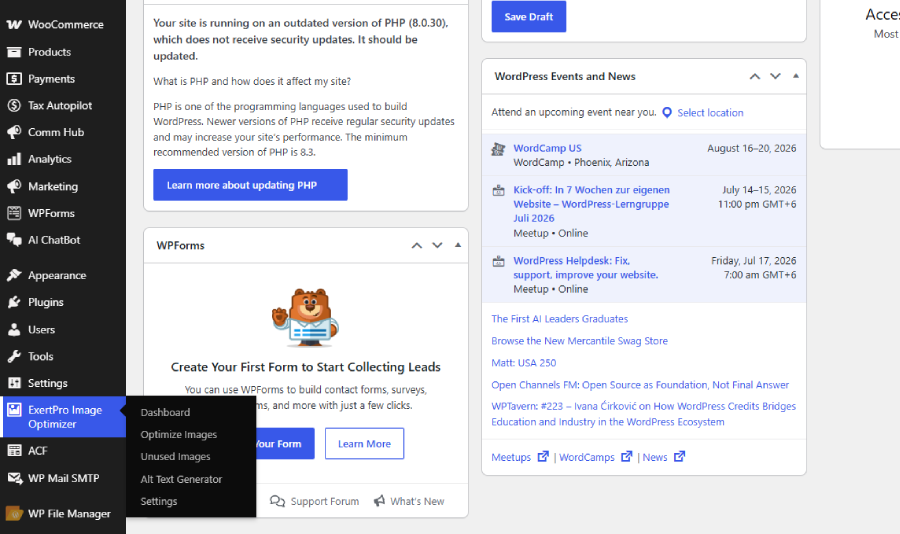
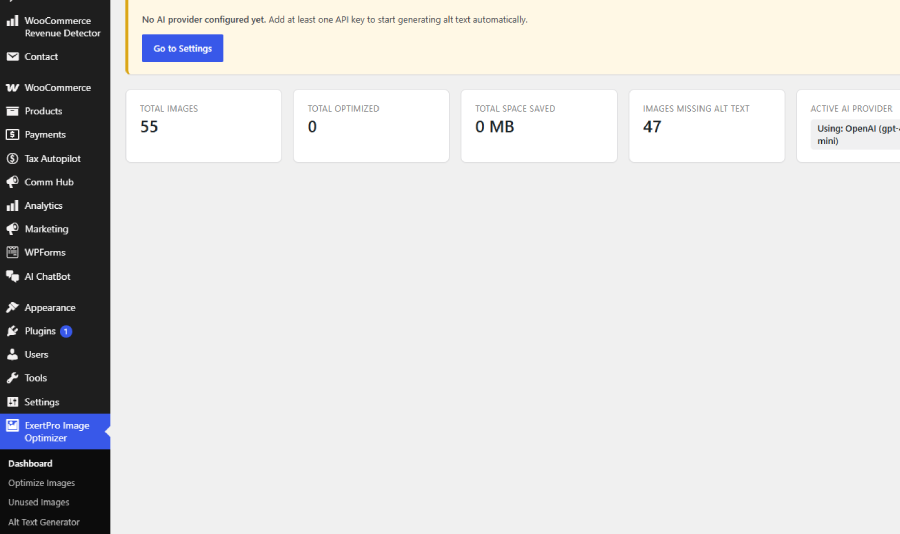
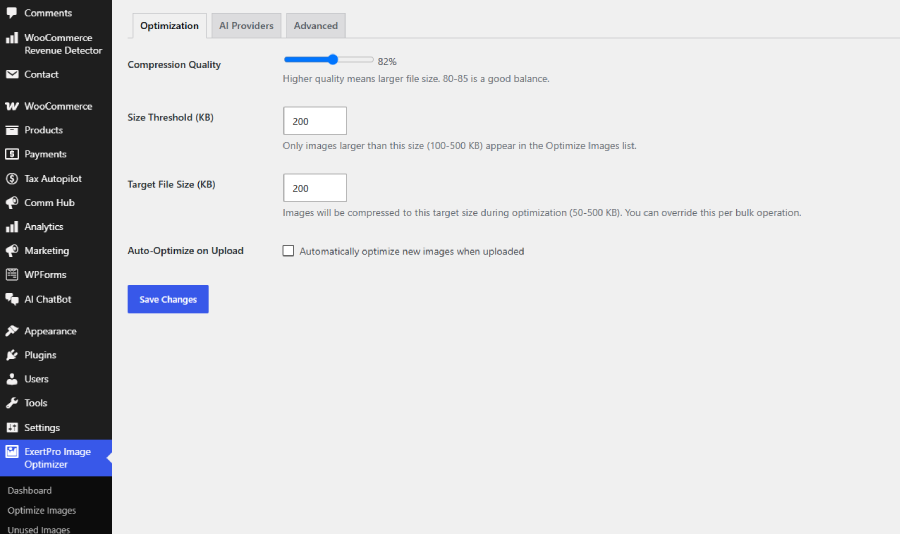
Installation
- Upload the
exertpro-image-optimizerfolder to the/wp-content/plugins/directory, or install the plugin zip via Plugins Add New Upload Plugin. - Activate the plugin through the ‘Plugins’ menu in WordPress.
- Go to ExertPro Image Optimizer Settings AI Providers and enter your own API key for at least one supported provider if you want to use the Alt Text Generator.
- Visit ExertPro Image Optimizer Optimize Images or Unused Images or Alt Text Generator to get started.
FAQ
-
Do I need an AI API key?
-
Only if you want to use the AI Alt Text Generator feature. Image optimization and unused image scanning do not require any AI provider key.
-
Which AI providers are supported?
-
OpenAI, Anthropic Claude, xAI Grok, Moonshot AI Kimi, and Google Gemini. You can store keys for multiple providers and switch the “active” one at any time.
-
Will this plugin pay for my AI API usage?
-
No. You use your own API key and your own billing/quota with your chosen AI provider. This plugin only sends requests using your key; it never bills you directly for AI usage.
-
Does this plugin support WooCommerce?
-
Yes, the Unused Images scanner checks WooCommerce product images and galleries when WooCommerce is active.
Reviews
There are no reviews for this plugin.
Contributors & Developers
“ExertPro Image Optimizer” is open source software. The following people have contributed to this plugin.
Contributors


Translate “ExertPro Image Optimizer” into your language.
Interested in development?
Browse the code, check out the SVN repository, or subscribe to the development log by RSS.
Changelog
1.0.0
- Initial release: bulk image optimization, unused image scanner, multi-provider AI alt text generator (BYOK).