

Description
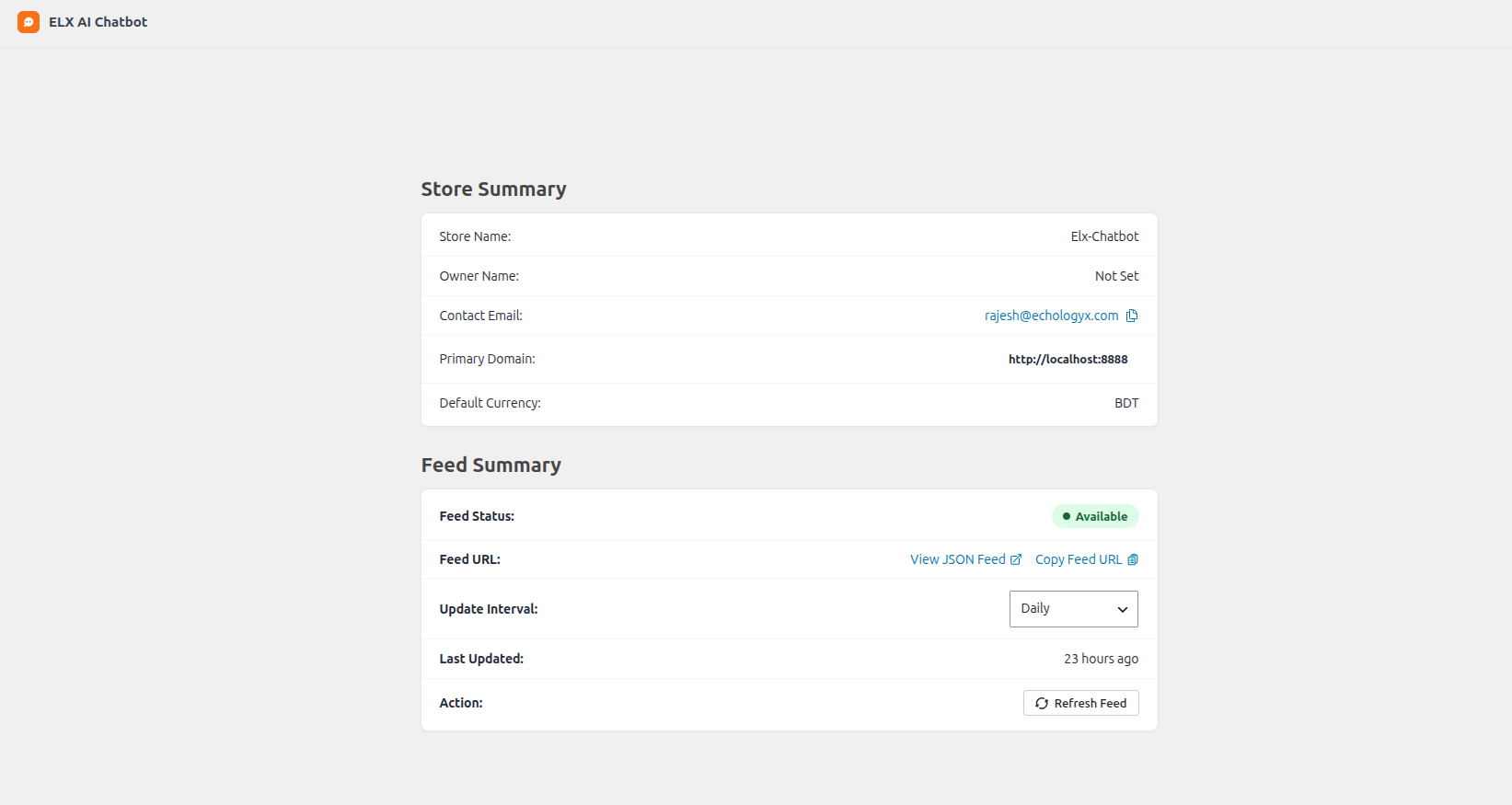
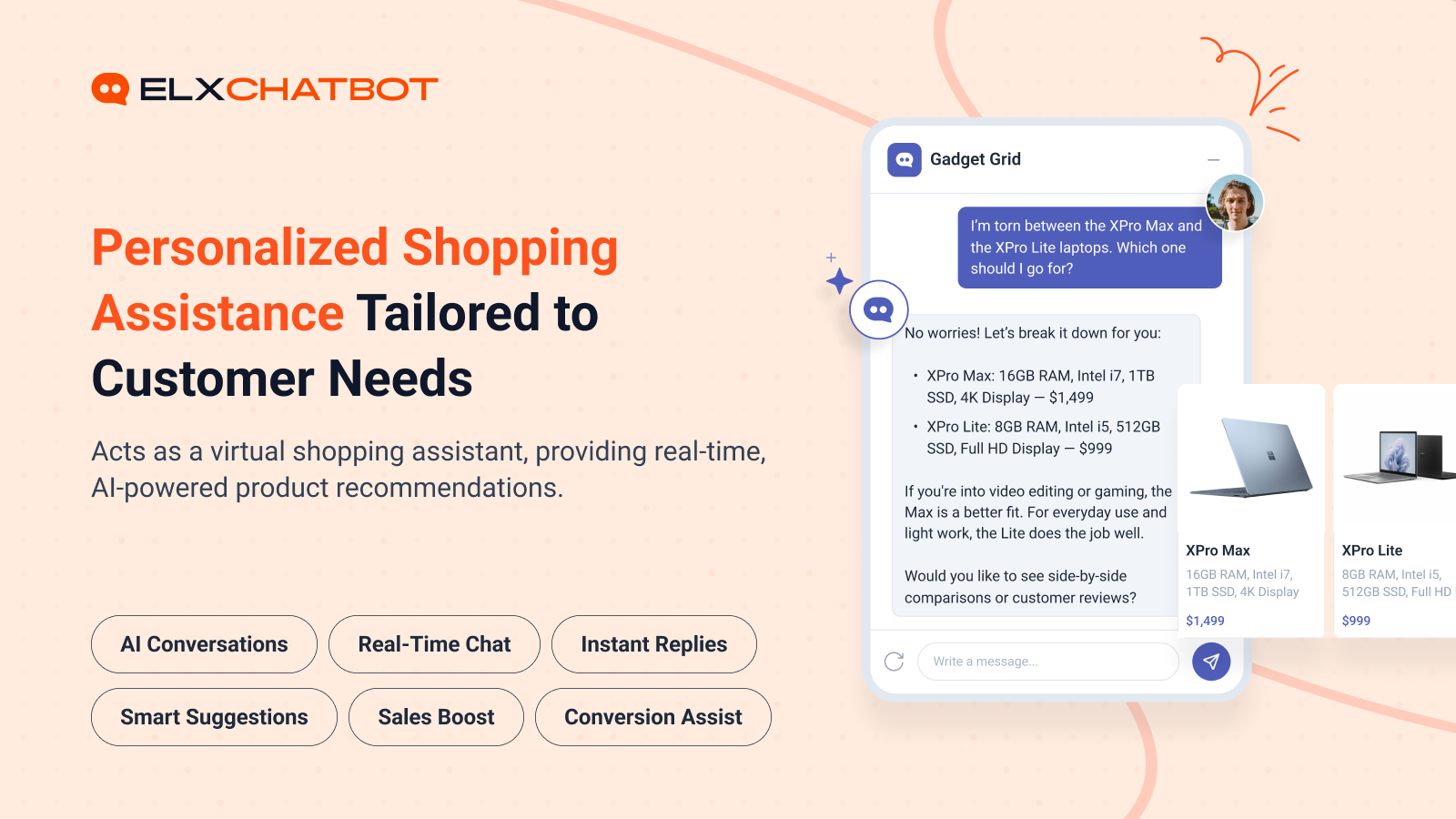
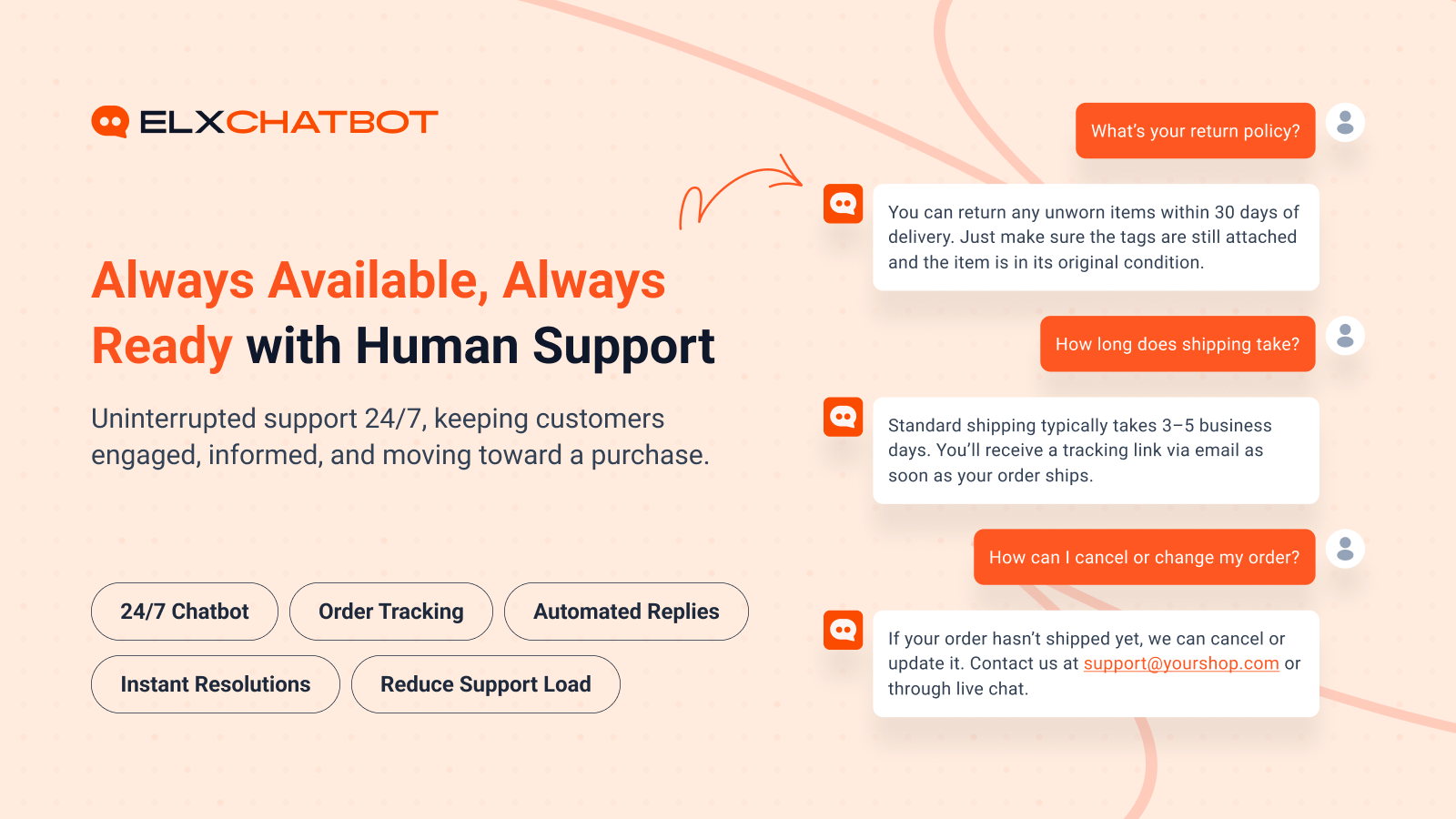
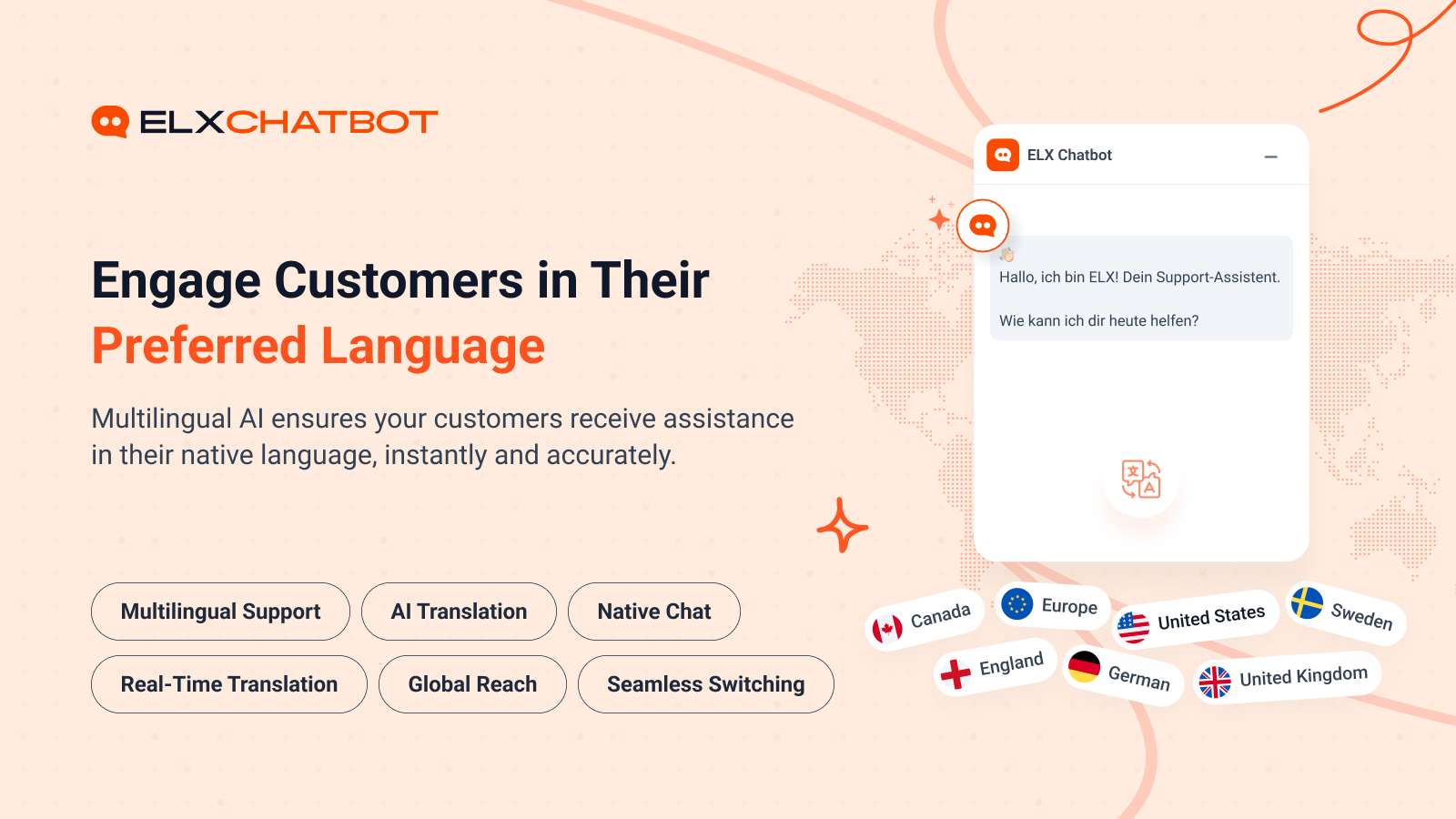
ELX Chatbot connects your WooCommerce store to the ELX Chatbot service. Once linked, you can sync your product catalogue as a JSON feed, expose order data over a secure REST endpoint, and verify ownership of your store from a single settings page.
Features:
- One-click store verification using a secret key.
- Automatic product feed generation in JSON format.
- Scheduled feed refresh (hourly, daily, weekly, monthly).
- REST API endpoints secured with JWT authentication for products and order lookup.
- WooCommerce-native product and variation handling.
How to use
- Install and activate the plugin.
- Go to Tools > ELX AI Chatbot in your WordPress admin.
- Enter your ELX Chatbot secret key and click Connect & Verify.
- Once connected, your product feed will be generated automatically.
- Configure feed refresh interval and product batch size from the settings page.
Feedback
Did you like this plugin? Dislike it? Have a feature request? Please share your feedback with us at support@elxchatbot.ai.
Third-Party Services
This plugin communicates with the following external services:
-
ELX Chatbot API (elxchatbot.ai)
- Purpose: Register your store, sync product feed data, and enable chatbot functionality.
- Data sent: Store URL, domain name, site name, WooCommerce currency, secret key.
- When: When you connect your store via the settings page and during feed generation.
- Privacy Policy: https://www.elxchatbot.ai/privacy-policy
- Terms of Service: https://www.elxchatbot.ai/terms-and-conditions
- Cookies Policy: https://www.elxchatbot.ai/cookies-policy
- Data Deletion: https://www.elxchatbot.ai/data-deletion-instructions
-
ELX Chatbot Frontend Script (CDN)
- Purpose: Load the chatbot user interface on your storefront.
- Data sent: Bot ID (anonymized identifier for your store).
- When: On every frontend page load when the chatbot is active.
- Privacy Policy: https://www.elxchatbot.ai/privacy-policy
- Terms of Service: https://www.elxchatbot.ai/terms-and-conditions
- Cookies Policy: https://www.elxchatbot.ai/cookies-policy
- Data Deletion: https://www.elxchatbot.ai/data-deletion-instructions
Screenshots
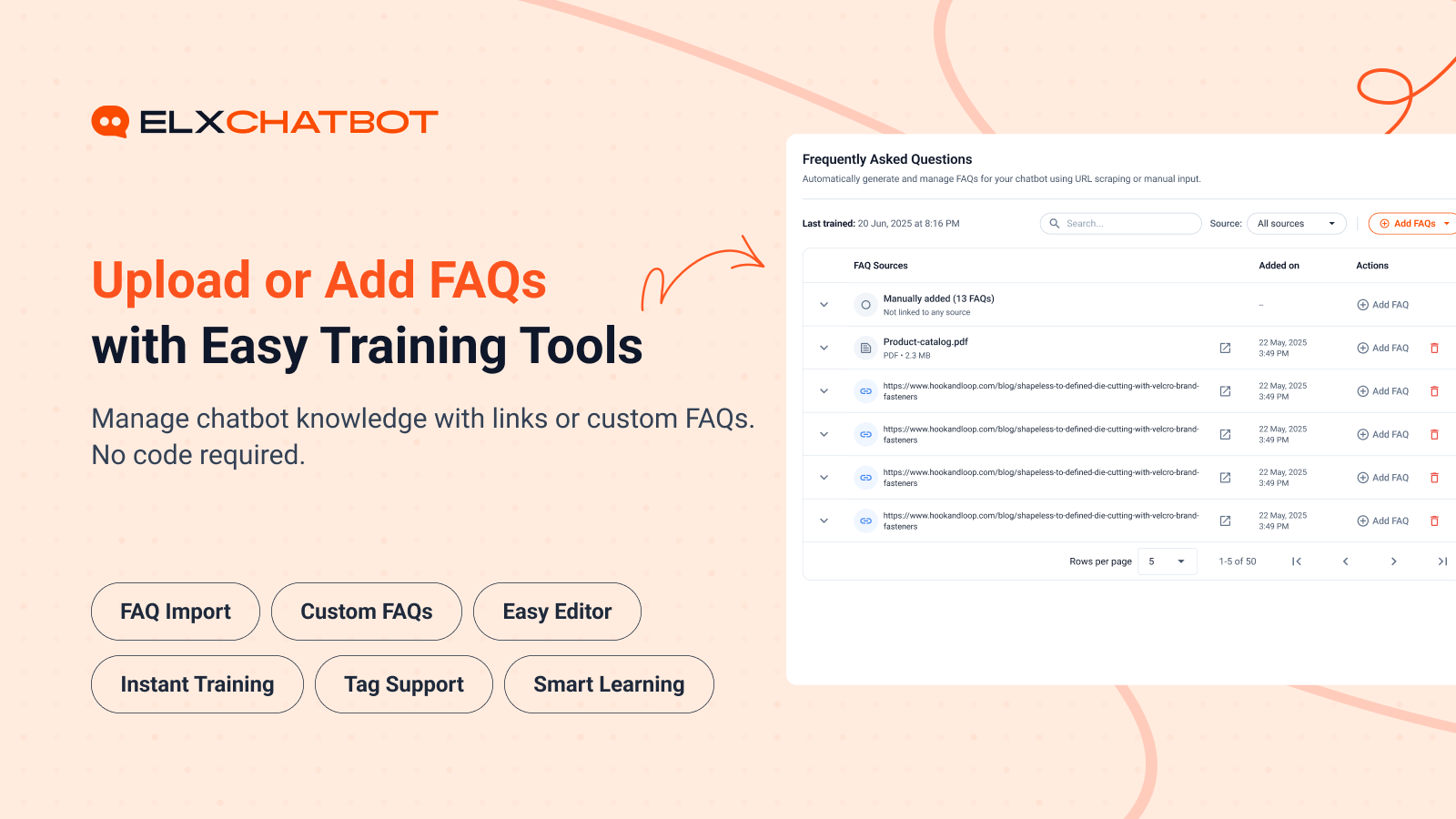
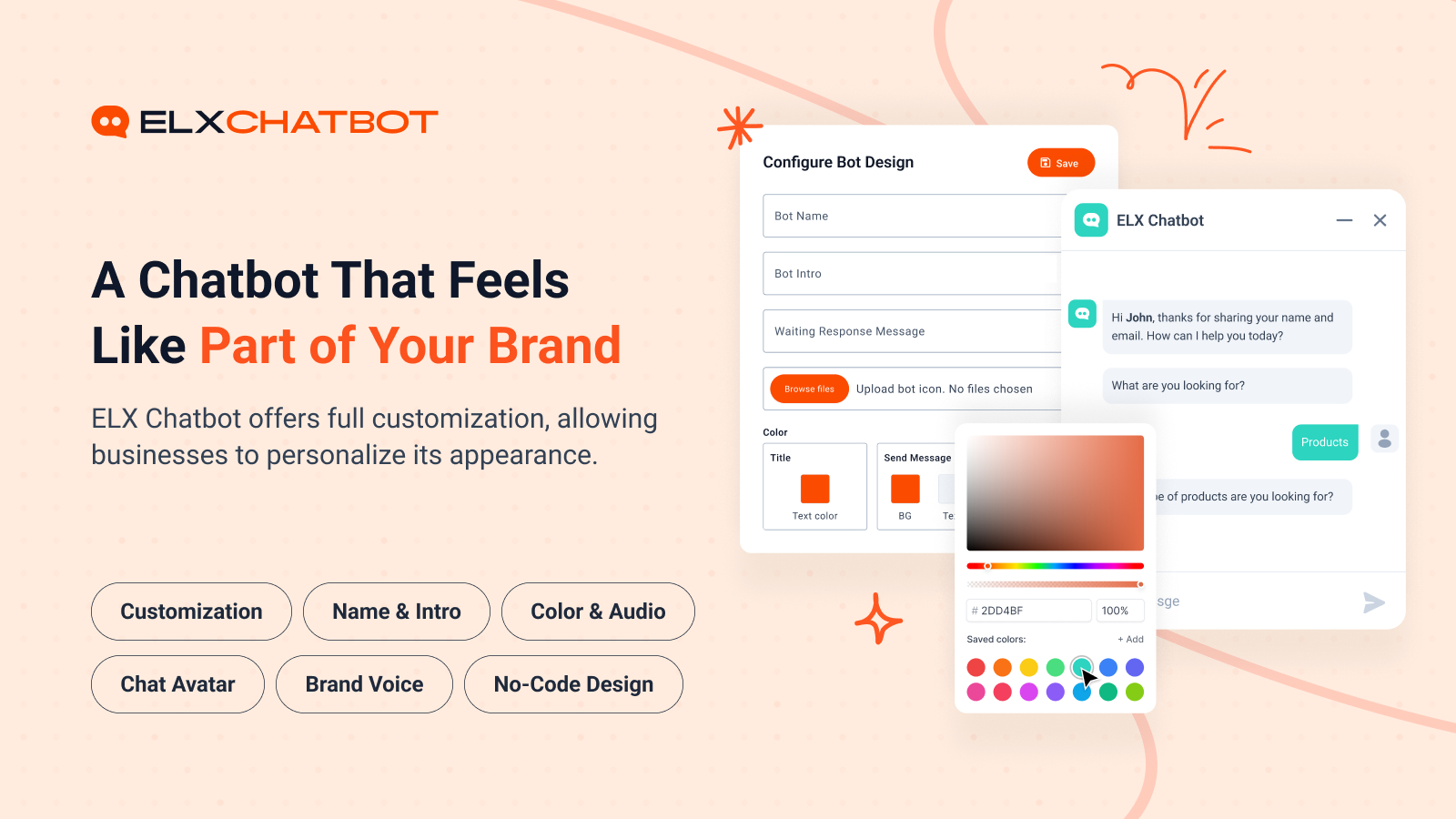
Installation
Download & Upload:
- Download the ELX Chatbot plugin (.zip file)
- In your admin area, go to the Plugins menu and click on Add New
- Click on Upload Plugin and choose the
elx-chatbot.zipfile and click on Install Now - Activate the plugin and Enjoy!
Manually:
- Download and upload the ELX Chatbot plugin to the
/wp-content/plugins/directory - Activate the plugin through the Plugins menu in WordPress
FAQ
-
Do I need to setup anything?
-
Yes. After activation, open the ELX Chatbot settings page under Tools > ELX AI Chatbot, paste the secret key provided by ELX Chatbot, and click “Connect & Verify”.
-
Does it work with any WordPress theme?
-
Yes, it will work with any standard WordPress theme.
-
Does this plugin require WooCommerce?
-
Yes. ELX Chatbot is a WooCommerce connector and requires WooCommerce to be installed and active.
You can post your questions on the support forum here
Reviews
There are no reviews for this plugin.
Contributors & Developers
“ELX Chatbot” is open source software. The following people have contributed to this plugin.
Contributors
Translate “ELX Chatbot” into your language.
Interested in development?
Browse the code, check out the SVN repository, or subscribe to the development log by RSS.
Changelog
1.0.0
- Initial release.