

Description
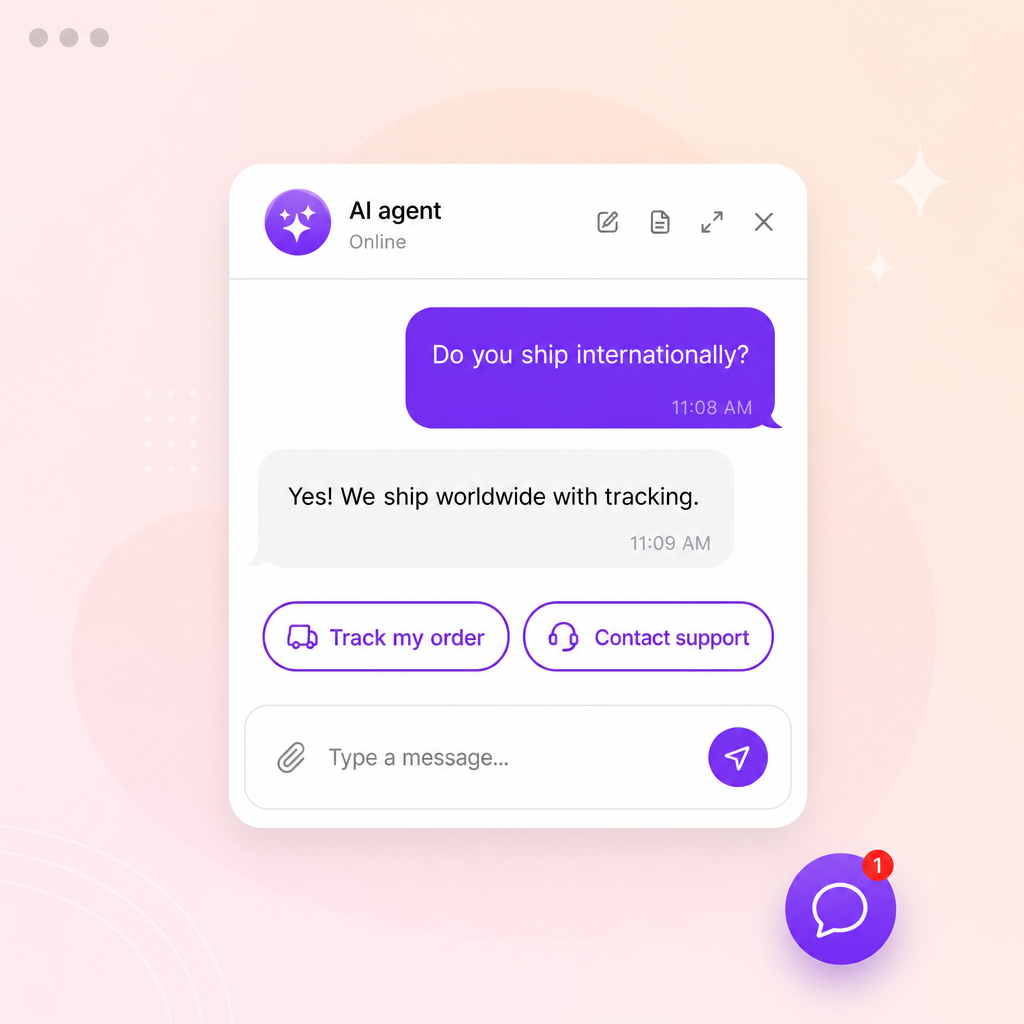
Elfsight AI Chatbot lets you add an AI agent to your WordPress website in minutes.
Create a chatbot trained on your business data on elfsight.com,
then connect it here to automate customer support, capture leads, drive sales,
and answer questions 24/7 — no coding required.
You configure the chatbot in the Elfsight dashboard; this plugin takes care of
embedding it correctly on your WordPress site.
Features
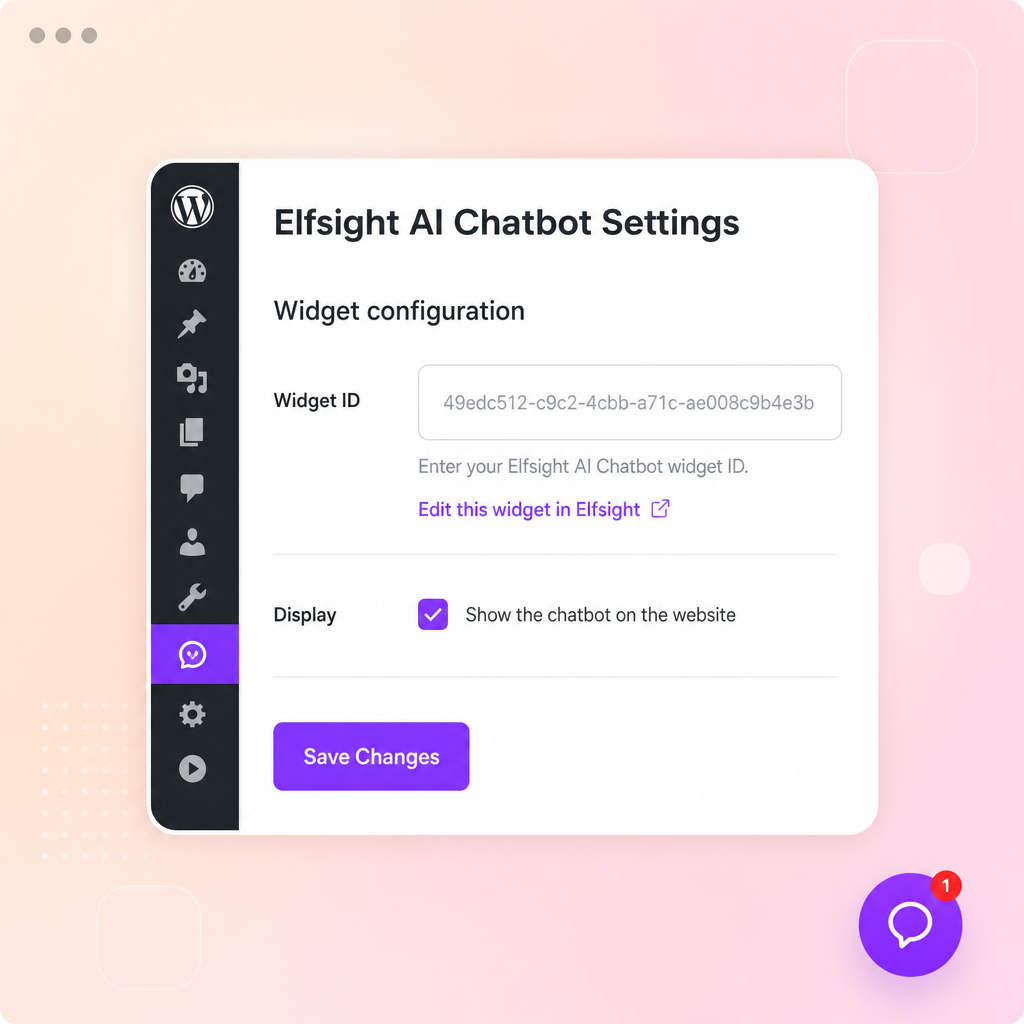
- One-field setup — paste your widget ID or the full Elfsight install code; the plugin extracts the ID automatically.
- Smart setup check — the plugin confirms your widget is ready to go and warns you if the ID looks wrong or belongs to a different widget.
- Automatic placement — floating chatbots appear on every page with no extra steps.
- Shortcode — place the chatbot exactly where you want with
[elfsight_ai_chatbot](required for the “embed” layout). - Block editor — insert the “Elfsight AI Chatbot” block from the Widgets category.
- Show/hide toggle — temporarily disable the chatbot without deleting your widget ID.
- Quick edit link — jump straight to your widget in the Elfsight dashboard from the settings and plugins screens.
External services
This is the official Elfsight plugin. It connects your WordPress site to Elfsight,
a third-party SaaS where your AI Chatbot is created, trained and managed. The plugin
itself only stores the widget ID you enter; all chatbot functionality is provided
by the Elfsight service.
- When you save a widget ID, the plugin contacts Elfsight to confirm the widget exists and to detect how it should be placed on your site. Only the widget ID is sent — no personal or site data.
- On the front end, the chatbot is rendered by Elfsight’s widget platform, loaded from the Elfsight CDN.
By using this plugin you agree to Elfsight’s Terms of Service and Privacy Policy.
Screenshots
Blocks
This plugin provides 1 block.
- Elfsight AI Chatbot Place your Elfsight AI Chatbot widget on the page.
Installation
- Upload the
elfsight-ai-chatbotfolder to the/wp-content/plugins/directory, or install the plugin through the Plugins screen in WordPress. - Activate the plugin through the “Plugins” screen in WordPress.
- Go to Settings Elfsight AI Chatbot and paste your widget ID (or the whole Elfsight install code).
- Save the settings. The plugin verifies the widget with Elfsight before saving.
- Floating chatbots appear automatically on every page. If your widget uses the “embed” layout, place it with the
[elfsight_ai_chatbot]shortcode or the “Elfsight AI Chatbot” block.
FAQ
-
Where do I get my widget ID?
-
Create a chatbot at elfsight.com and open
your install code. It looks like<div class="elfsight-app-WIDGET-ID"></div>. Paste
the WIDGET-ID part — or the whole install code — into the plugin settings, and the ID
will be extracted for you. -
My chatbot does not appear on the page. Why?
-
Most likely your widget uses the “embed” layout, which is not placed automatically.
Add the[elfsight_ai_chatbot]shortcode (or the “Elfsight AI Chatbot” block) to the
page or post where it should appear. Also make sure the “Show the chatbot on the
website” checkbox is enabled on the settings page. -
How do I place the chatbot on a specific page only?
-
Leave floating layouts to appear automatically, or use the
[elfsight_ai_chatbot]
shortcode / block on the exact page or post where you want the chatbot. -
How do I temporarily hide the chatbot?
-
Uncheck “Show the chatbot on the website” on the settings page. Your widget ID is
kept, so you can re-enable it any time. -
Is an Elfsight account required?
-
Yes. The chatbot itself is created and configured in your Elfsight account. This
plugin embeds it on your WordPress site.
Reviews
There are no reviews for this plugin.
Contributors & Developers
“Elfsight AI Chatbot” is open source software. The following people have contributed to this plugin.
Contributors
Translate “Elfsight AI Chatbot” into your language.
Interested in development?
Browse the code, check out the SVN repository, or subscribe to the development log by RSS.
Changelog
1.0.0
- Initial release: widget ID / install-code input with automatic ID extraction, widget validation via Elfsight, automatic footer placement, shortcode, block, show/hide toggle, and a dashboard edit link.