

Description
CyberPulse — the heartbeat of your WordPress security.
Every second, every request, every visitor — under control. Like a pulse, CyberPulse monitors your site 24/7 and reacts instantly to any threat.
Feel the pulse of real protection.
Features:
- AI Scraping Protection — blocks GPTBot, ClaudeBot, PerplexityBot, CCBot, and other AI data collectors
- 10 Interface Languages — Russian, German, French, Italian, Spanish, Portuguese, Chinese, Japanese, Korean, English
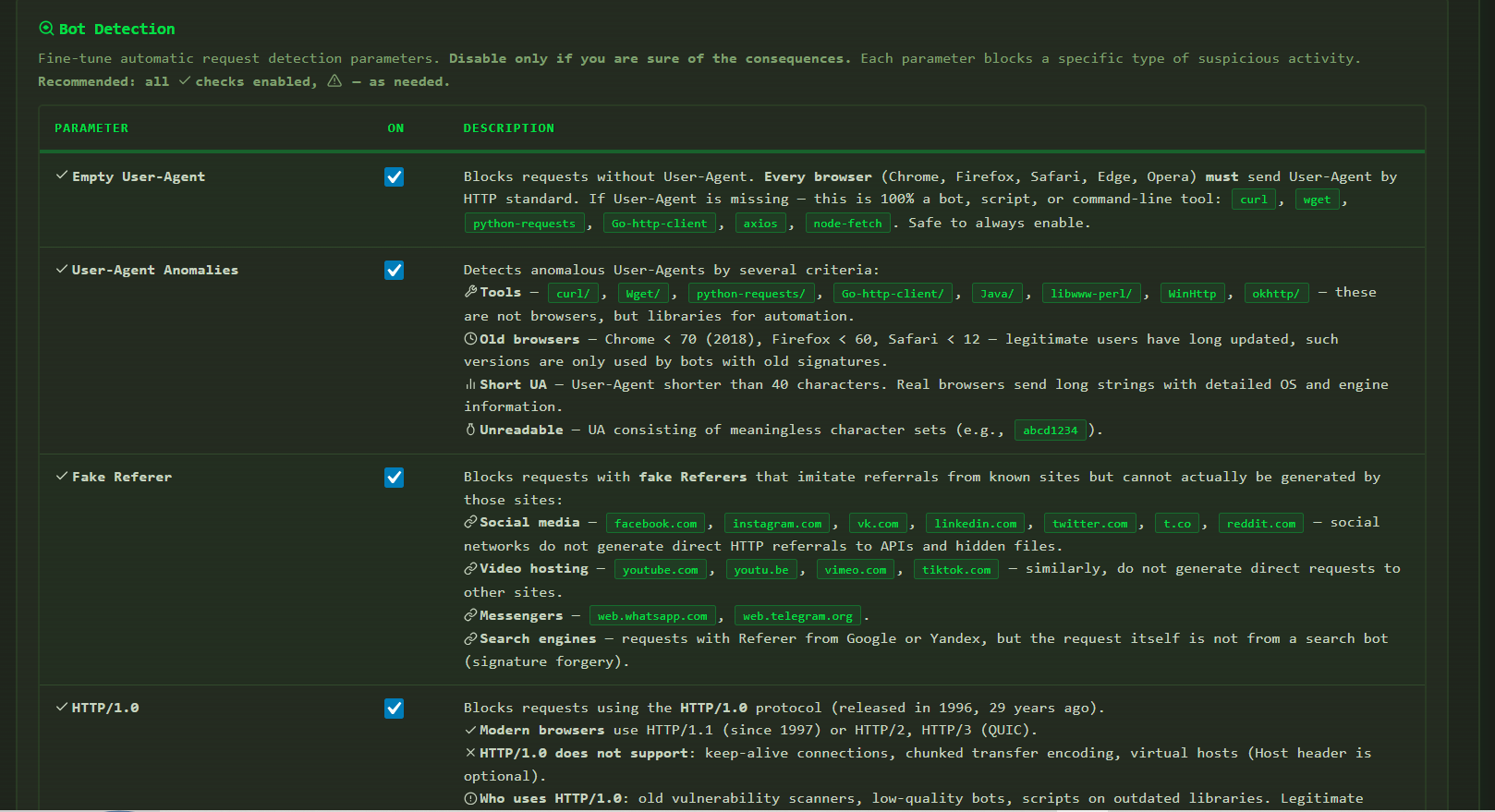
- Multi-layer bot detection (11 independent checks: User-Agent, HTTP headers, Referer, Accept-Language)
- Brute force protection with automatic permanent /24 subnet ban
- WordPress system files hiding
- Rate Limiting with configurable thresholds
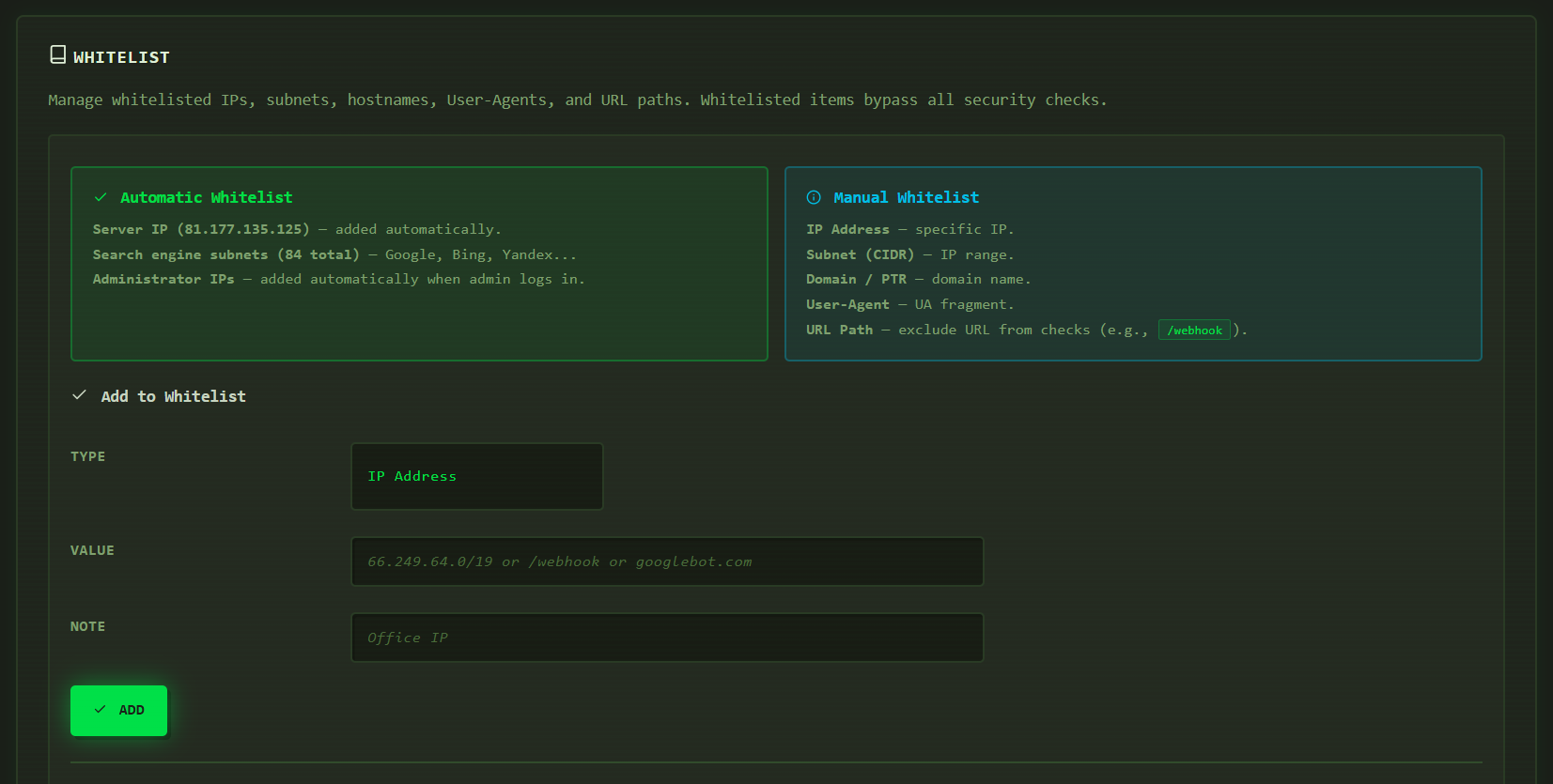
- IP whitelist (manual + automatic server and search engine detection)
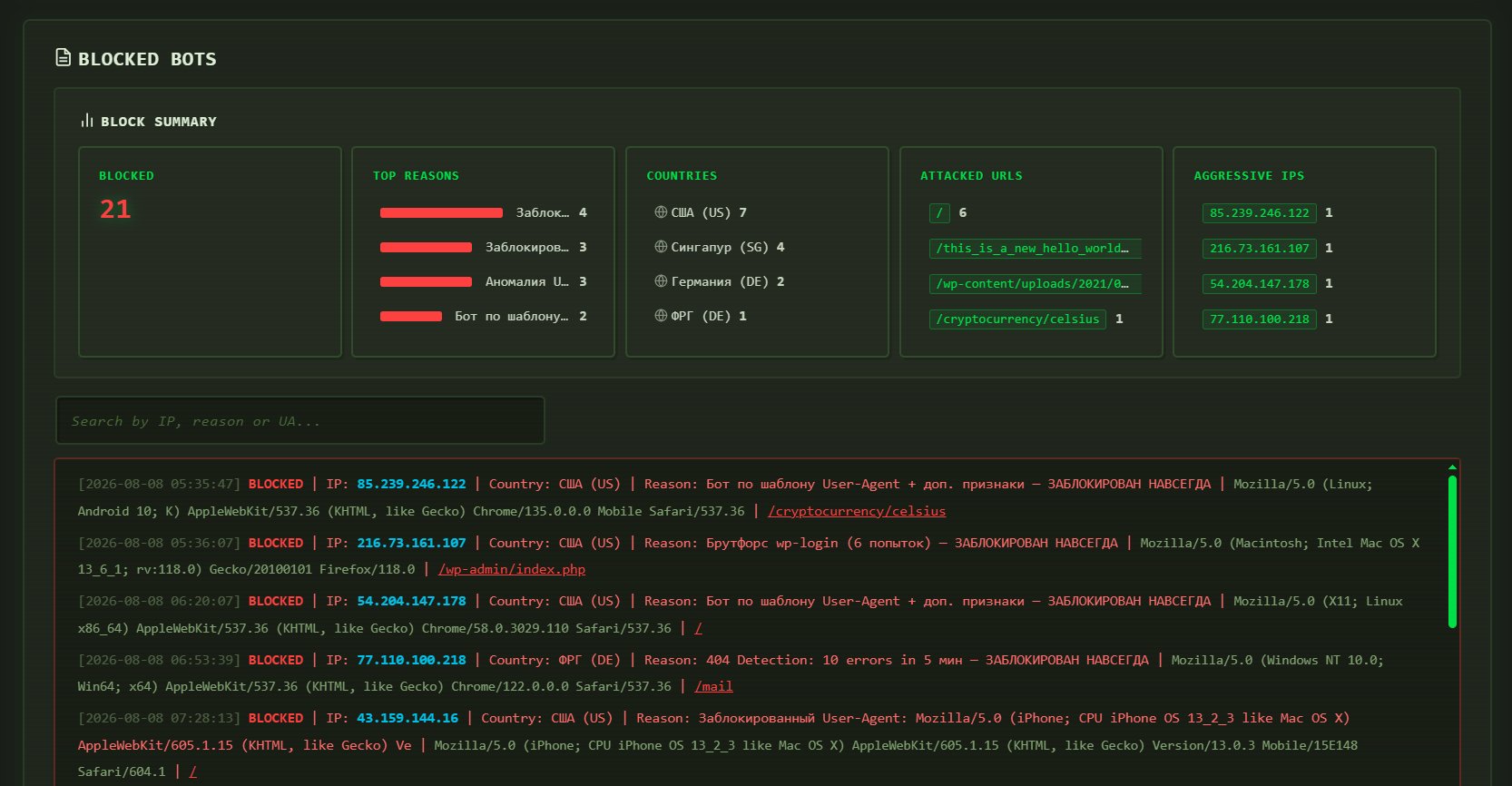
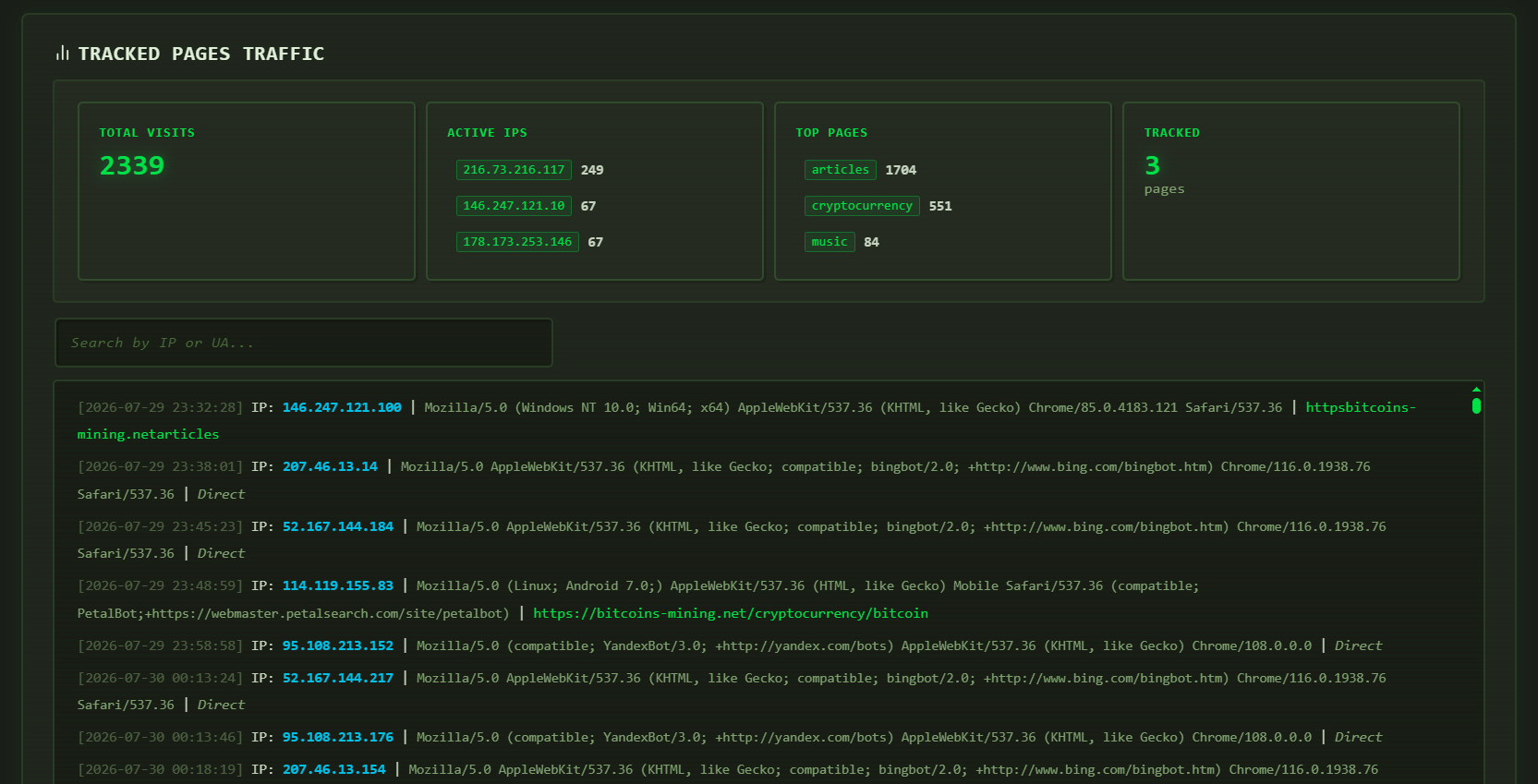
- Comprehensive log viewer with statistics and analysis
- Email alerts on attack spikes
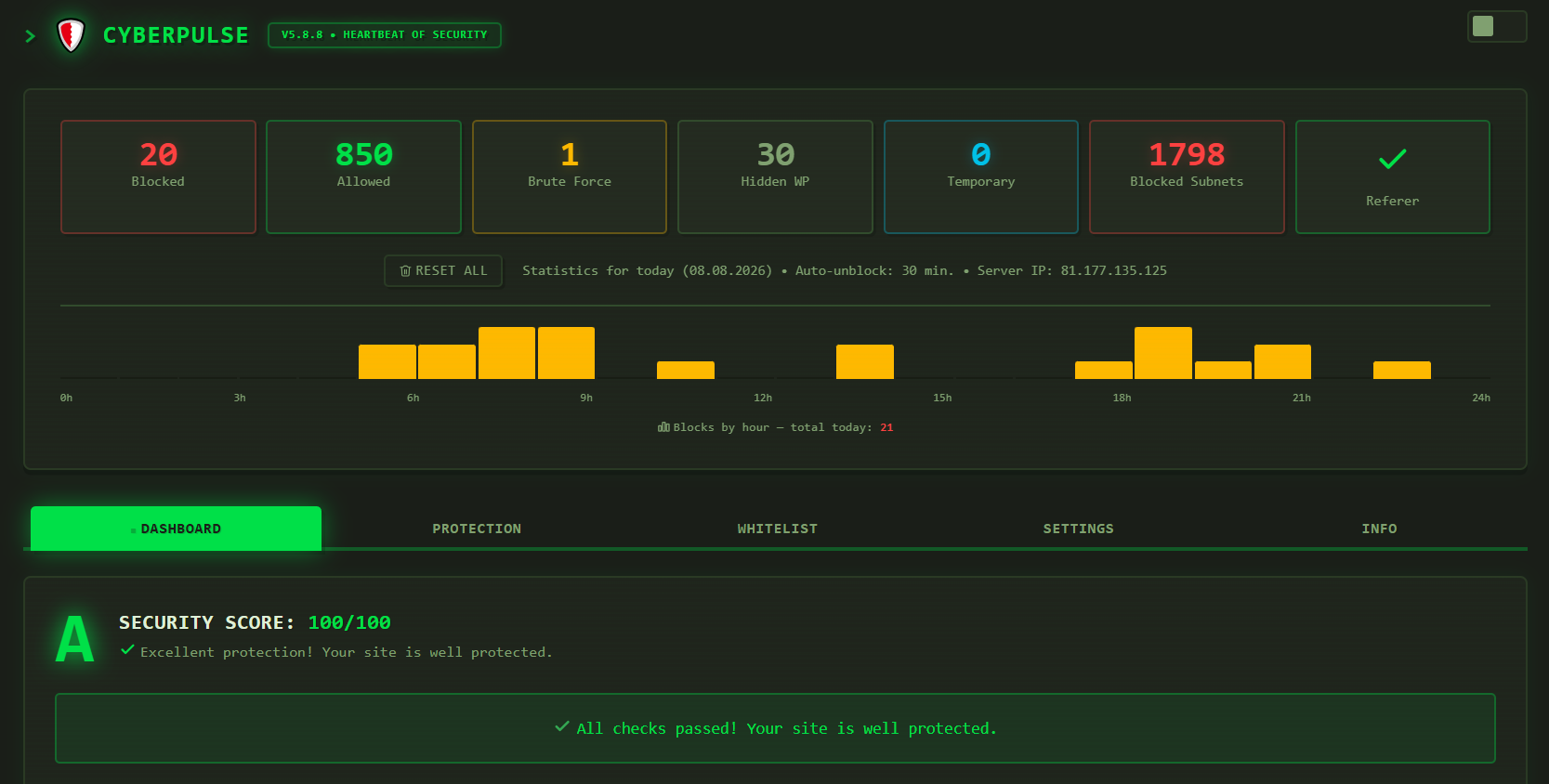
- Real-time security dashboard with hourly attack histogram
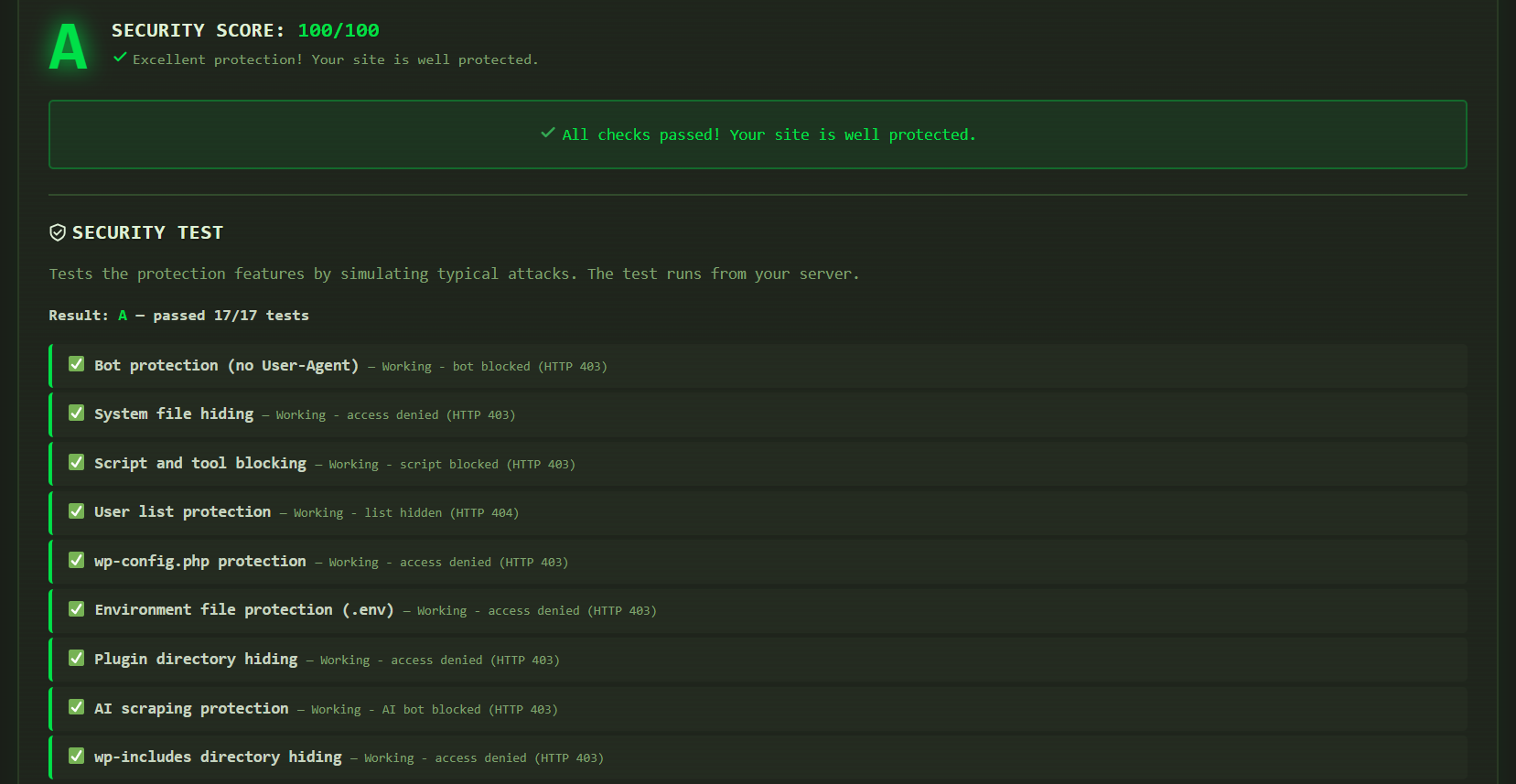
- Security score assessment with fix recommendations
- XSS and hidden file scanner protection
- Referer verification for tracked pages
- 404 error scanner detection with automatic blocking
- URL firewall for manual path blocking
- User-Agent blacklist with statistics
External Services
This plugin connects to external services to provide specific functionality.
IP Geolocation
* Service: ip-api.com
* Purpose: Determines visitor country for statistics
* Data sent: Visitor IP address
* When: On each page visit from non-whitelisted IP
* Terms of Service: https://ip-api.com/docs/legal
* Privacy Policy: https://ip-api.com/docs/legal
Server IP Detection
* Service: https://www.ipify.org/
* Purpose: Detects the server’s public IP address
* Data sent: None (only receives IP)
* When: Once on plugin activation, then cached for 24 hours
Threat Intelligence
* Service: blocklist.de, abuse.ch (FeodoTracker), Tor Project
* Purpose: Checks visitor IPs against known malicious IP databases
* Data sent: None (downloads threat lists locally)
* When: Periodically (cached for 24 hours)
* blocklist.de: https://www.blocklist.de/en/impressum.html
* abuse.ch: https://abuse.ch/
* Tor Project: https://www.torproject.org/about/trademark/
WordPress.org API
* Service: api.wordpress.org
* Purpose: Checks for WordPress core updates (security score feature)
* Data sent: None (standard WordPress update check)
* When: On security score calculation
* Privacy Policy: https://wordpress.org/about/privacy/
Source Code
The original unminified developer source code is available at:
https://github.com/gataurus/cyberpulse
Screenshots
Installation
- Upload
cyberpulsefolder to/wp-content/plugins/ - Activate through WordPress admin
- Navigate to CyberPulse in the admin menu
- Configure protection settings in the Dashboard
FAQ
-
Does it work with Cloudflare?
-
Yes. CyberPulse fully supports Cloudflare and correctly detects real visitor IPs via HTTP_CF_CONNECTING_IP header.
-
Will it block search engines?
-
No. Google, Bing, Yandex, Baidu, and other legitimate search bots are automatically detected and whitelisted by IP subnet and User-Agent.
-
Can I whitelist my IP?
-
Yes. You can whitelist IPs, subnets (CIDR), hostnames, User-Agent patterns, and specific URL paths from protection checks.
-
How is this different from other security plugins?
-
CyberPulse offers AI scraping protection and supports 10 languages with a modern UI and real-time dashboard.
Reviews
There are no reviews for this plugin.
Contributors & Developers
“CyberPulse” is open source software. The following people have contributed to this plugin.
Contributors
Translate “CyberPulse” into your language.
Interested in development?
Browse the code, check out the SVN repository, or subscribe to the development log by RSS.
Changelog
5.8.8
- Fixed: SQL compatibility with MariaDB
5.8.6
- AI scraping protection — blocks GPTBot, ClaudeBot, PerplexityBot, and other AI data collectors
- Multi-layer bot detection with 11 independent checks
- Brute force protection with automatic permanent /24 subnet ban
- WordPress system files hiding and version concealment
- Rate Limiting with configurable thresholds
- IP whitelist with automatic server and search engine detection
- Real-time security dashboard with hourly attack histogram
- Security score assessment with fix recommendations
- 10 interface languages with auto-detection
- Dark and light theme support
- XSS and hidden file scanner protection
- 404 error scanner detection with automatic blocking
- URL firewall for manual path blocking
- User-Agent blacklist with statistics
- Email alerts on attack spikes
- Event audit log