

Description
Cubix AI Article Generator turns your WordPress dashboard into a complete AI writing studio — without a monthly subscription.
Connect a free API key (Groq, Google Gemini, OpenRouter, and Mistral all offer genuinely free tiers with a two-minute signup and no credit card) and start generating titles, full articles, excerpts, outlines, FAQs, SEO keywords, and more — directly where you write.
✍️ Twelve writing tasks in your editor
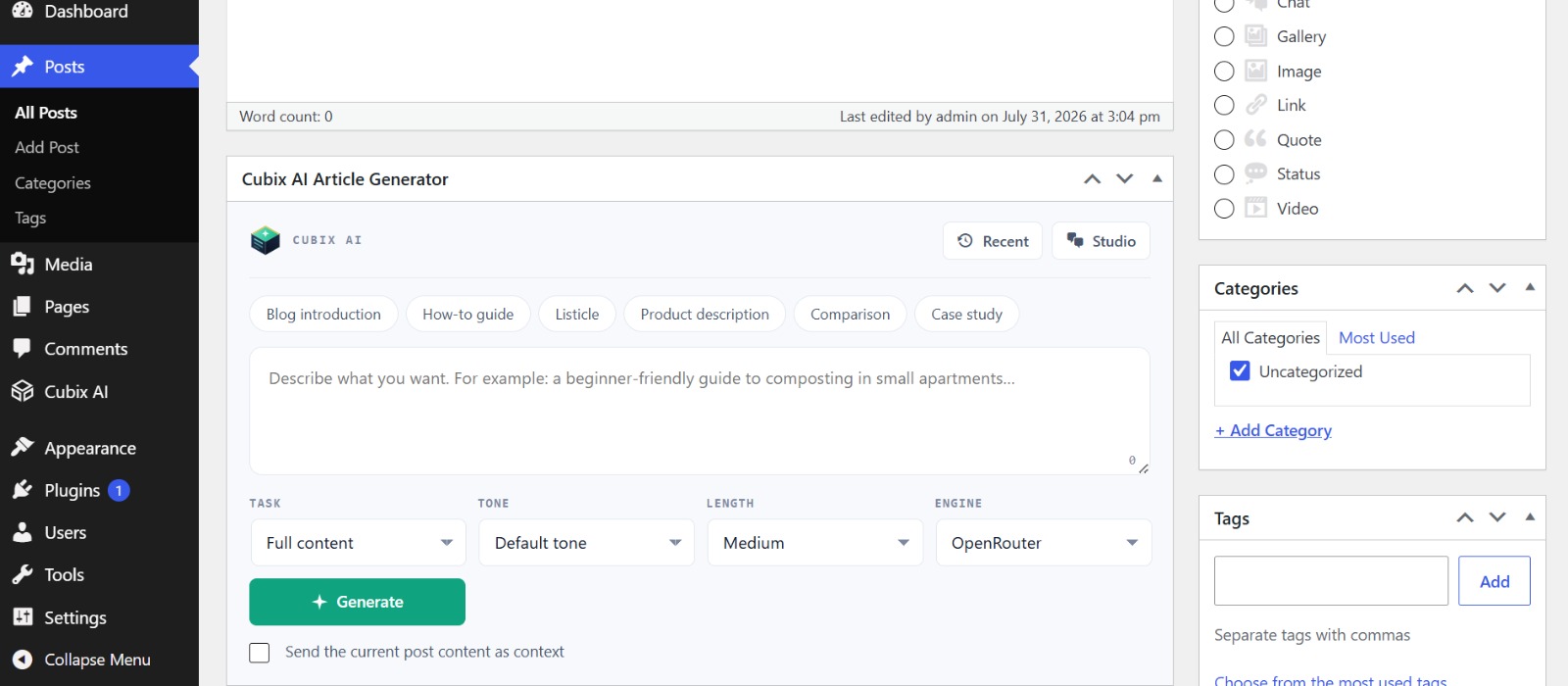
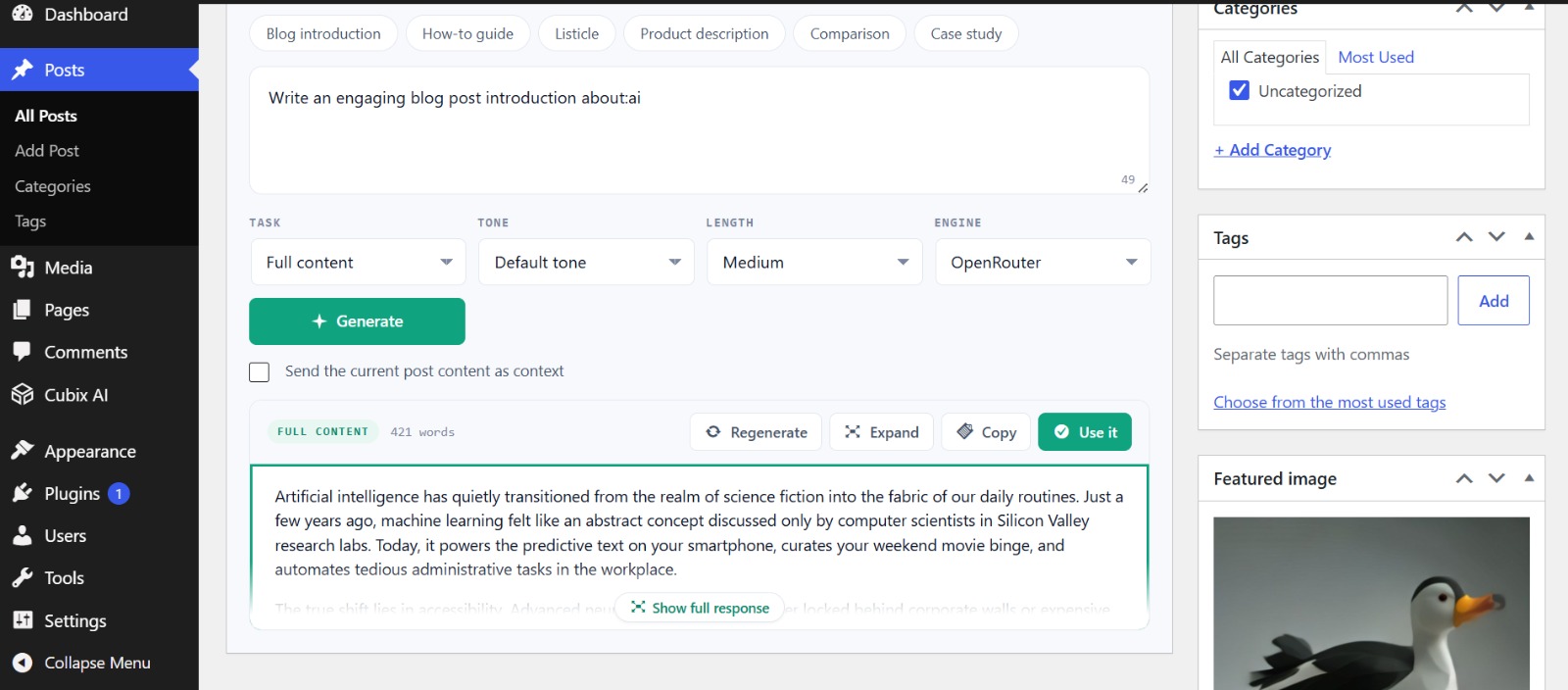
A beautifully designed panel appears right in the post editor:
- Write — full articles, post titles, excerpts & meta descriptions, structured outlines, FAQ sections.
- Refine — rewrite & improve, expand & enrich, summarise, or translate your existing draft. One click sends your current post as context.
- Optimise — SEO keyword suggestions, tag ideas, and conversion-focused call-to-action paragraphs.
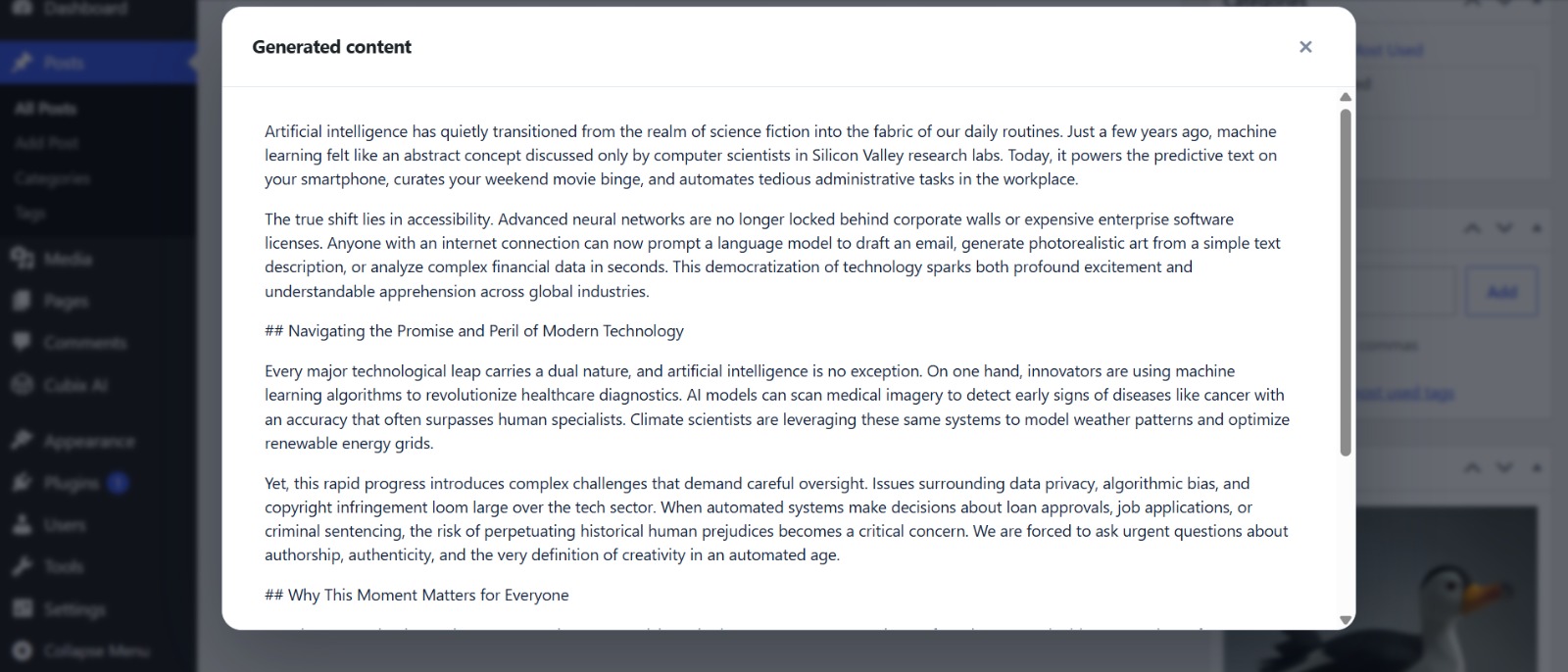
Every result shows a live word count with Regenerate, Expand, Copy, and one-click Use it — which inserts content into the Block Editor or Classic Editor, sets titles, or fills the excerpt field automatically.
💬 AI Studio — a real chat workspace
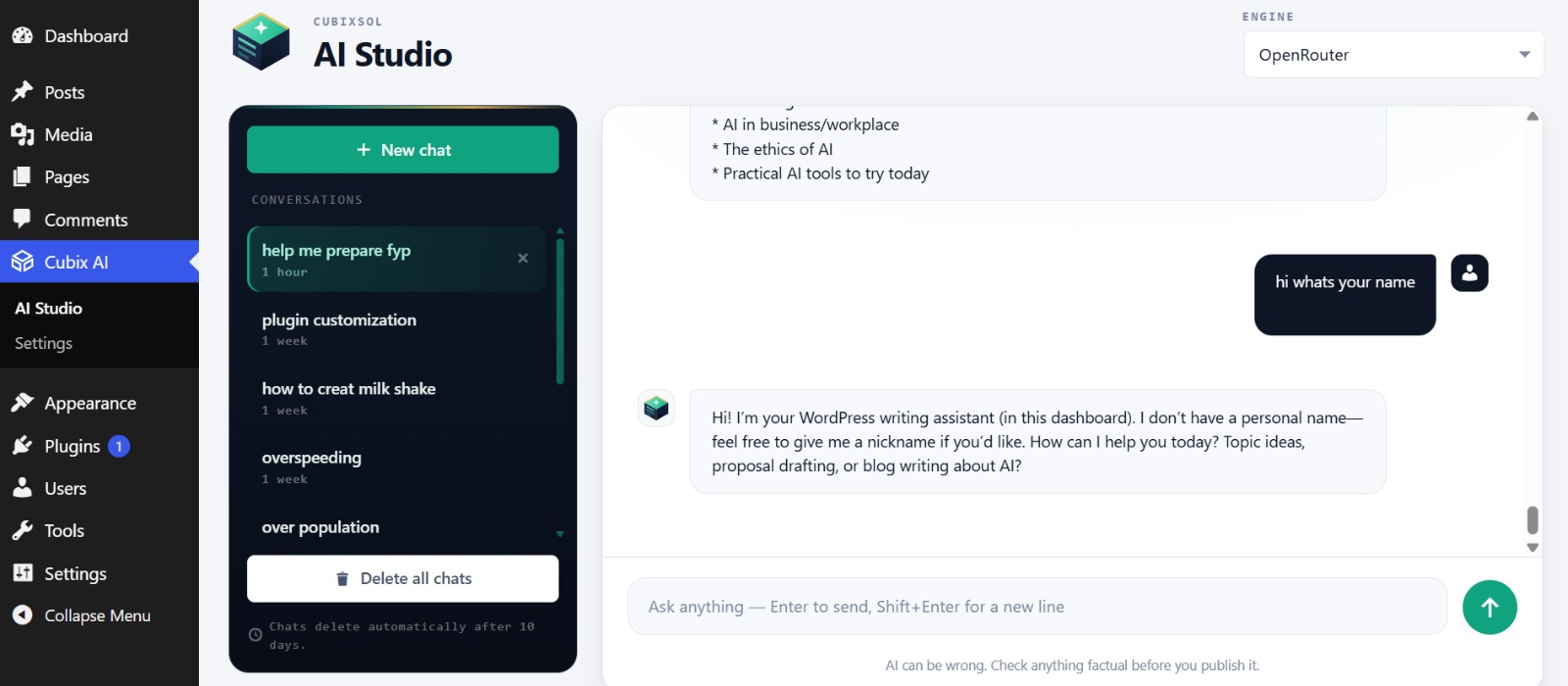
A full multi-conversation chat experience inside wp-admin:
- Start unlimited new chats; each is titled automatically from your first message.
- Conversation history sidebar with one-click switching.
- Delete any single chat, or everything with one button.
- Conversations are private per user and auto-delete after 10 days.
- Switch AI engines mid-conversation.
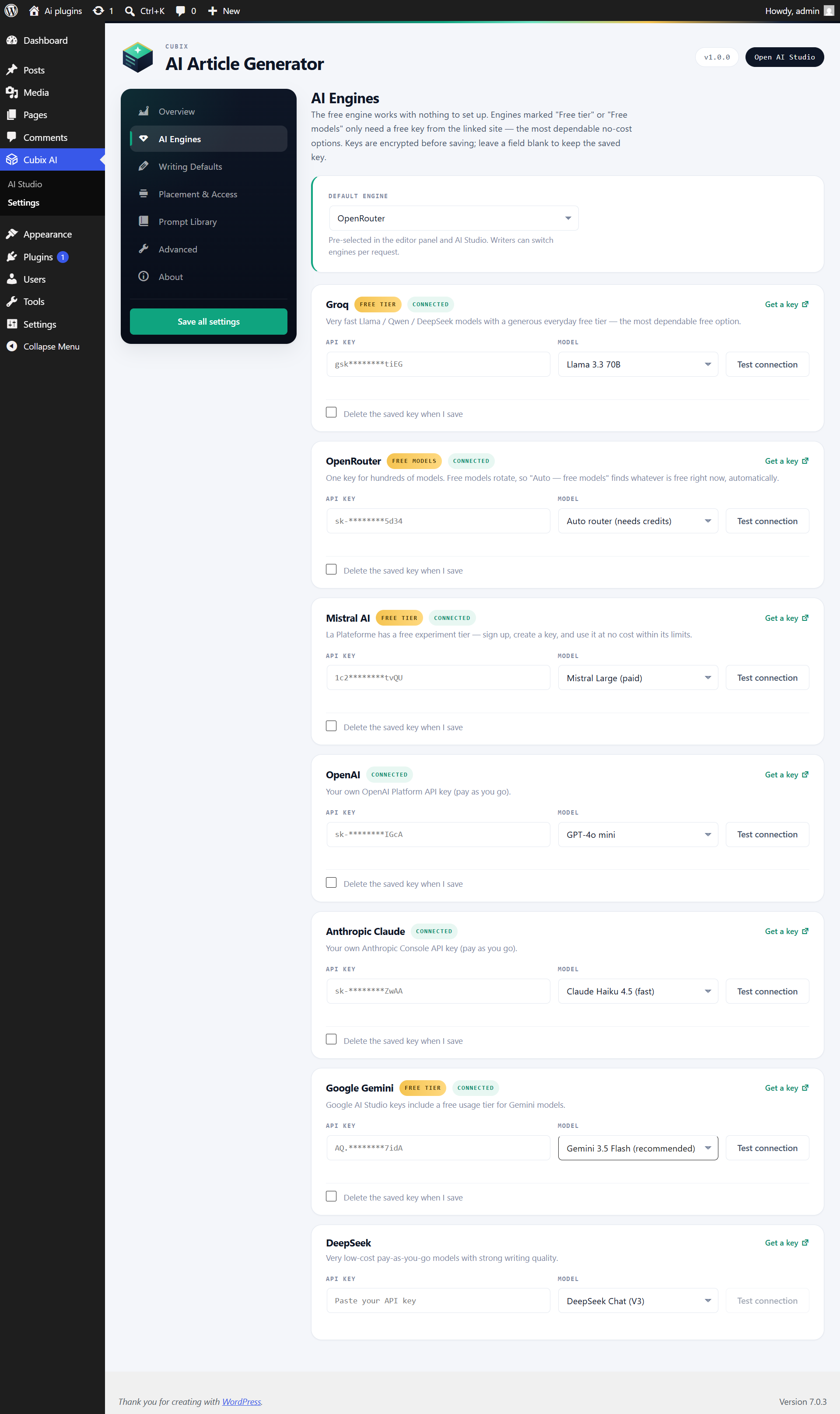
🔌 Seven AI engines — including truly free tiers
- Groq — very fast Llama, Qwen, and GPT-OSS models. Generous free tier, no credit card.
- Google Gemini — AI Studio keys include free usage.
- OpenRouter — hundreds of models with one key; the smart “Auto — free models” option finds whatever is free right now, automatically.
- Mistral AI — free experiment tier.
- OpenAI, Anthropic Claude, DeepSeek — premium pay-as-you-go quality when you want it.
Every engine card has a direct “Get a key” link and a one-click connection test. Keys are encrypted at rest using your site’s own authentication salts and are never included in settings exports.
🎛️ Built for real teams
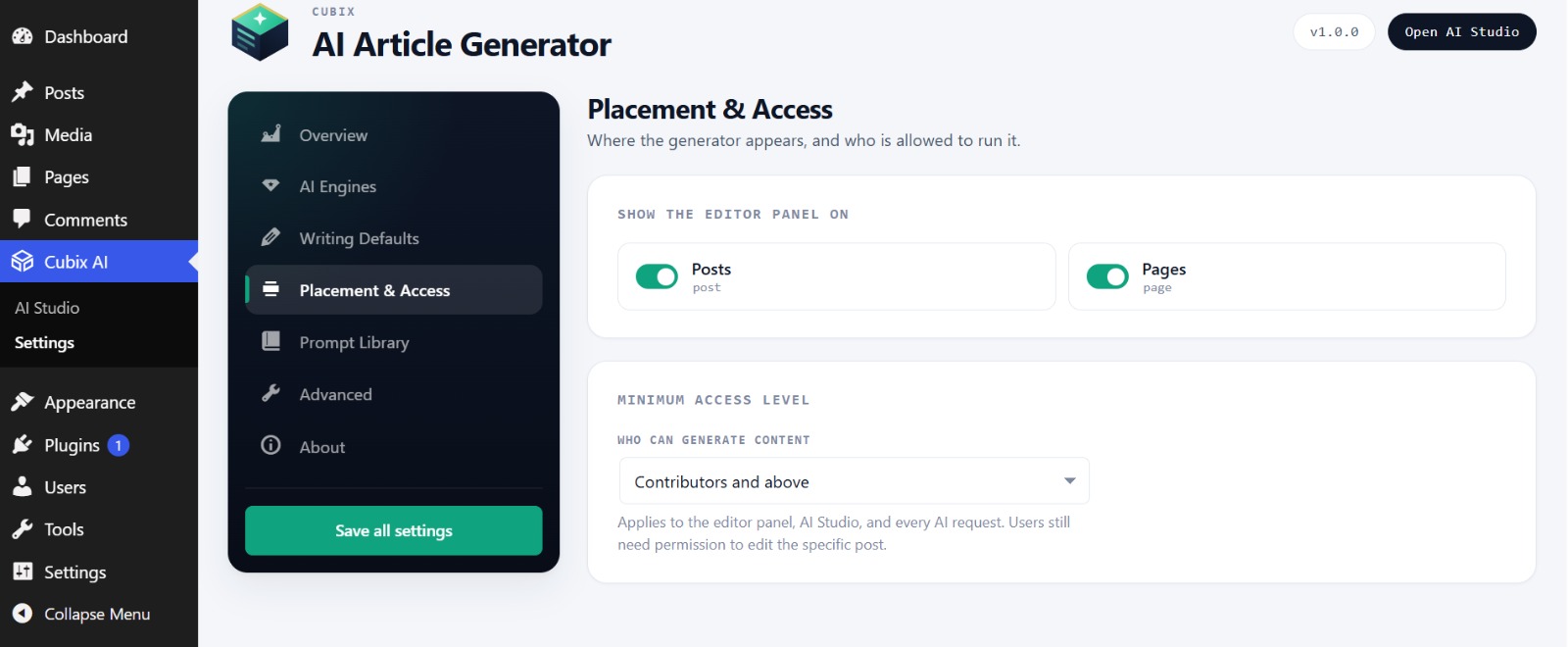
- Choose which post types show the AI panel.
- Set the minimum role allowed to use AI — from Contributors to Administrators only.
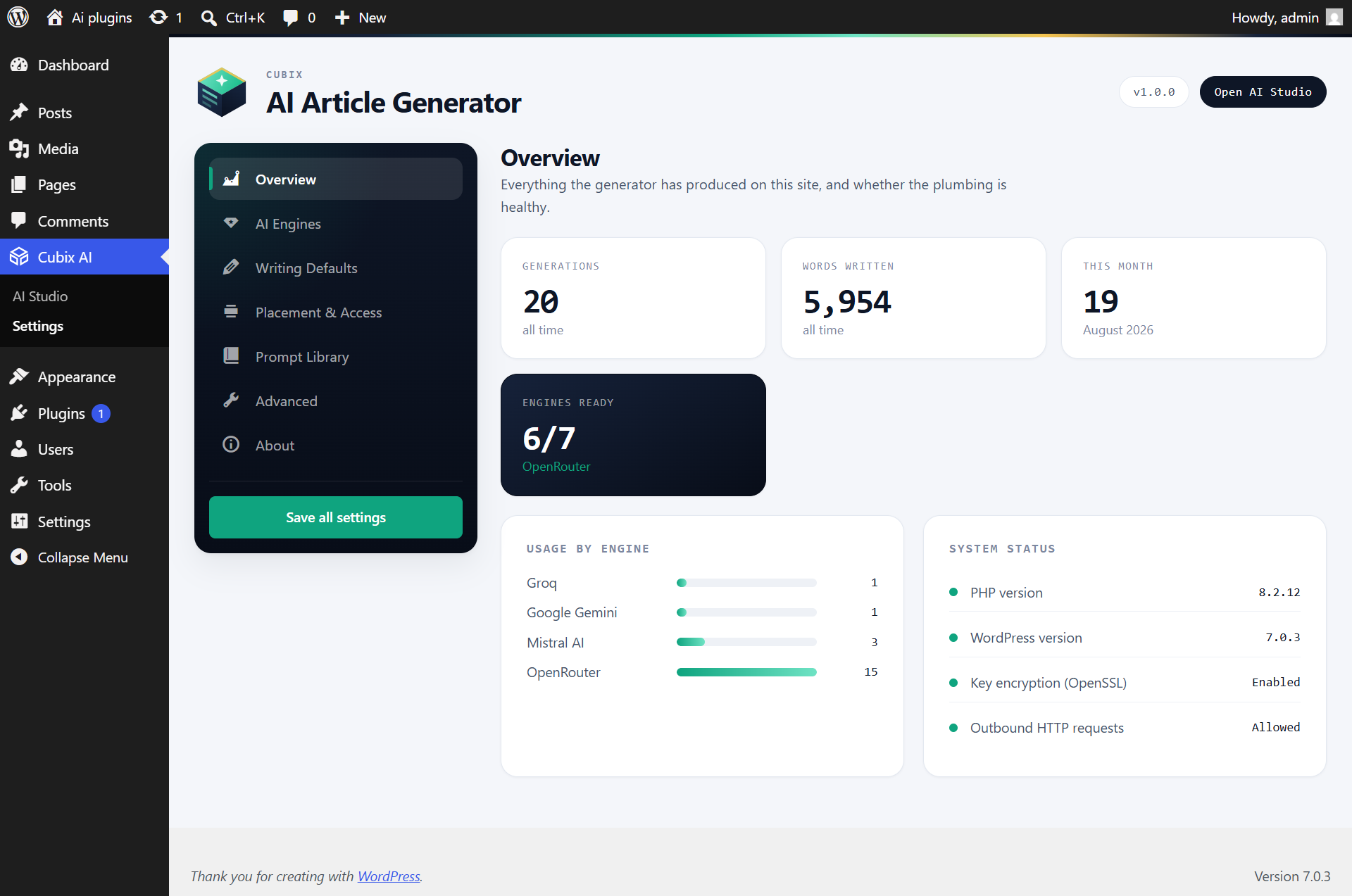
- Usage dashboard: total generations, words written, monthly activity, per-engine breakdown.
- Recent-generations history in the editor to re-run earlier prompts.
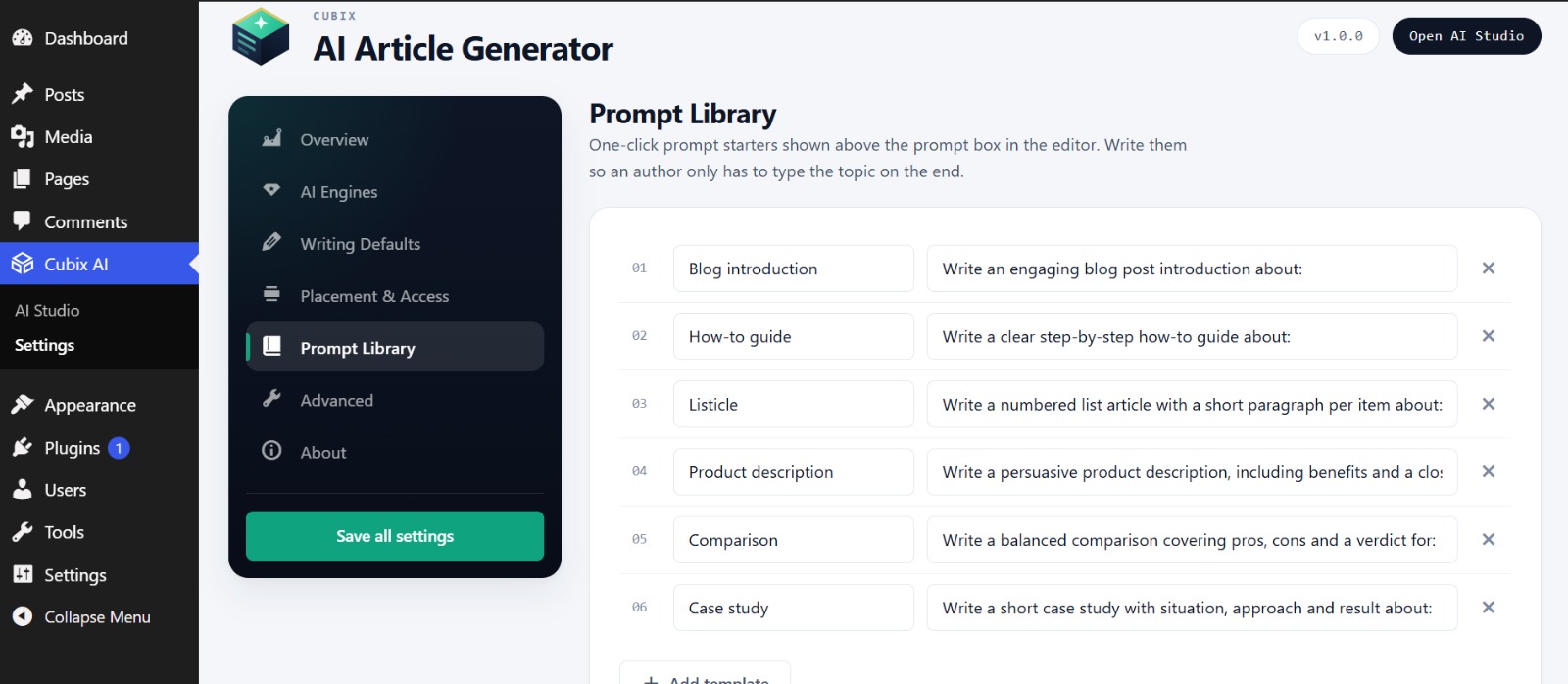
- Fully editable prompt library — ship your own starter prompts to your writers.
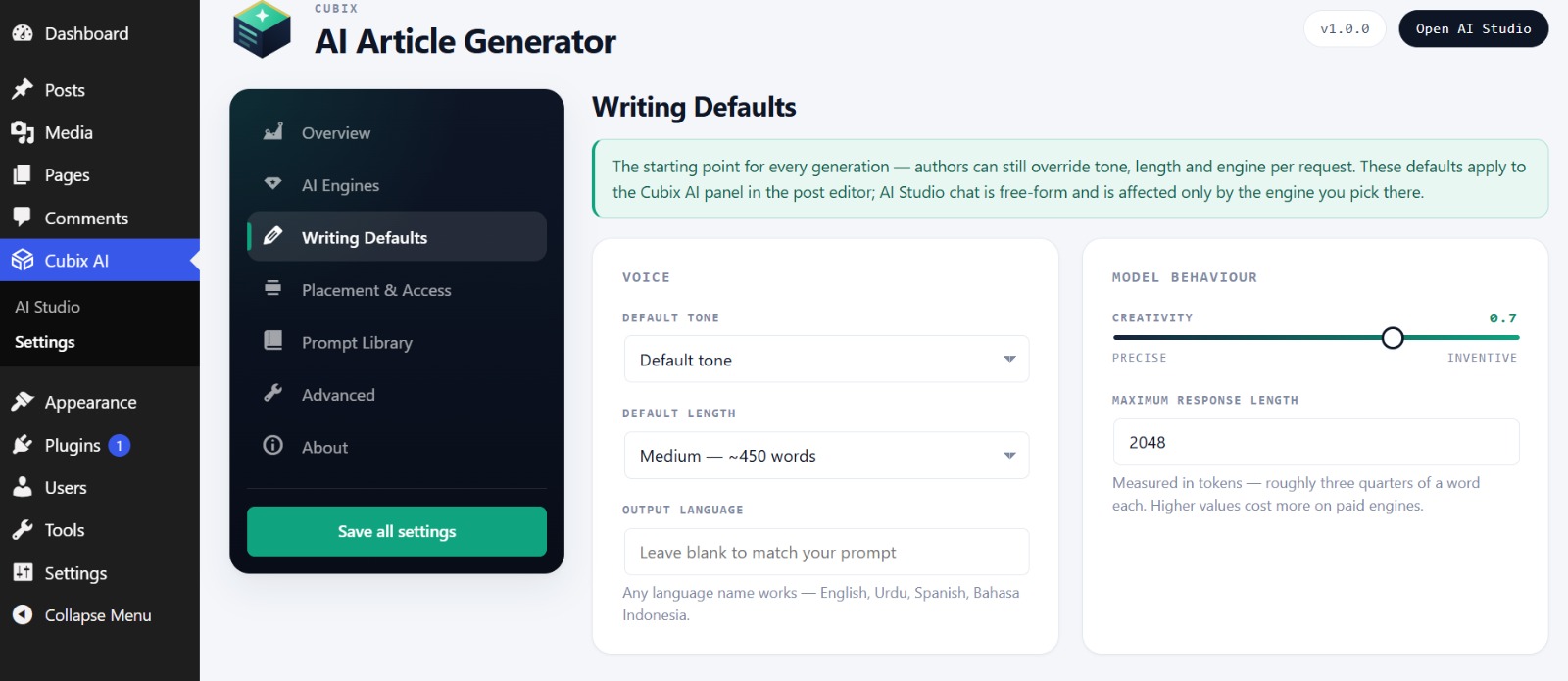
- Default tone (9 options), length presets, output language, and creativity control.
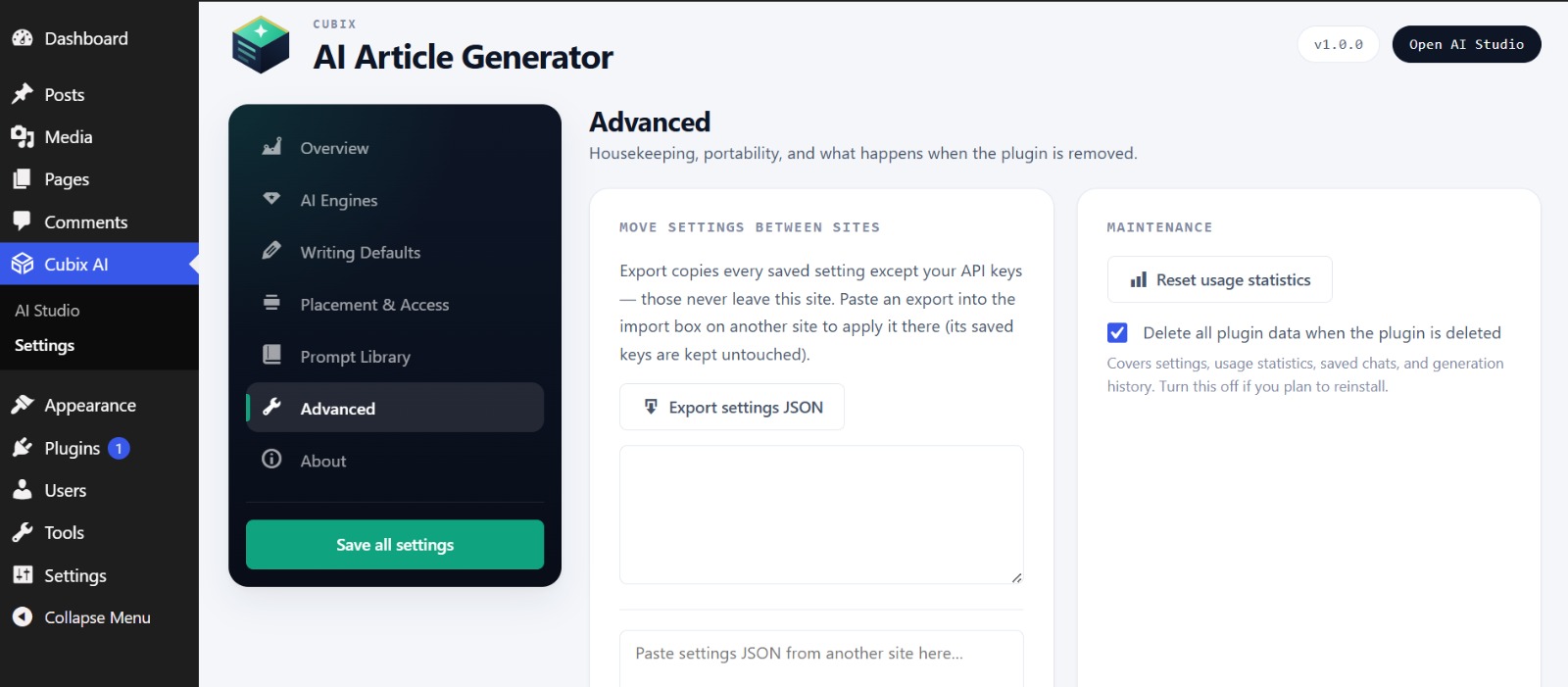
- Move a finished configuration between sites with JSON export and import — API keys are never included, so each site keeps its own.
🔒 Privacy first
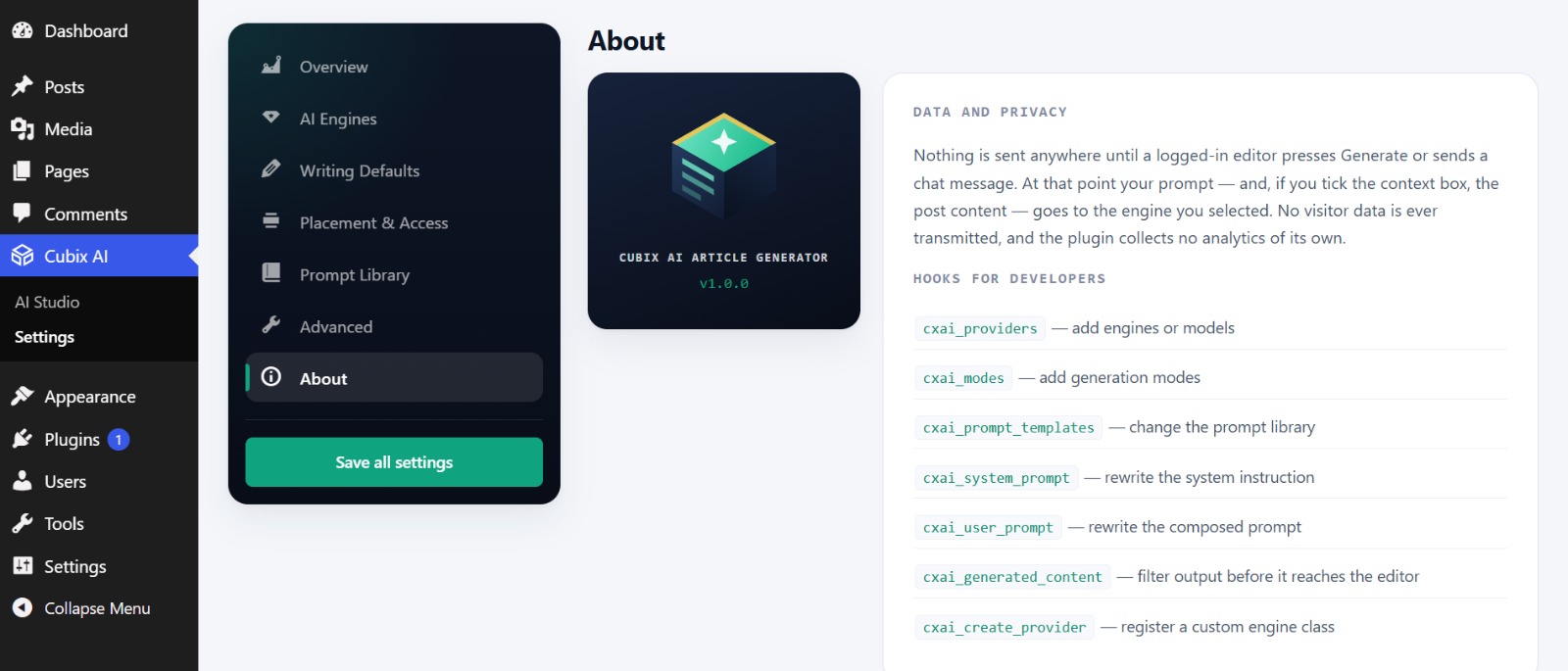
No accounts. No middleman servers. No tracking. Your prompts go directly from your server to the AI provider you chose — nothing passes through us, and site visitors never trigger any request. See the External Services section for exactly what is sent where.
🧑💻 Developer friendly
Clean, object-oriented, fully prefixed code with filters for everything: cxai_providers, cxai_modes, cxai_prompt_templates, cxai_system_prompt, cxai_user_prompt, cxai_generated_content, and cxai_create_provider to register custom engines.
External Services
This plugin connects to third-party AI APIs to generate content, power the AI Studio chat, and test API keys. No data is transmitted anywhere until a logged-in user presses Generate, Test connection, or sends a chat message. When they do, the prompt text — and the current post content, only when the context option is used — is sent to the single engine selected for that request:
- Groq — sent to
https://api.groq.com. Terms, Privacy Policy - Google (Gemini) — sent to
https://generativelanguage.googleapis.com. Terms of Service, Privacy Policy - OpenRouter — sent to
https://openrouter.ai. Terms, Privacy Policy - Mistral AI — sent to
https://api.mistral.ai. Terms, Privacy Policy - OpenAI — sent to
https://api.openai.com. Terms of Use, Privacy Policy - Anthropic (Claude) — sent to
https://api.anthropic.com. Terms of Service, Privacy Policy - DeepSeek — sent to
https://api.deepseek.com. Terms, Privacy Policy
You are responsible for complying with the terms of the provider(s) you choose to use. Requests are made server-side by logged-in users only; no site visitor data is ever transmitted, and the plugin collects no analytics of its own.
Screenshots
Installation
- Install through Plugins Add New (search “Cubix AI Article Generator”), or upload the plugin ZIP.
- Activate the plugin.
- Open Cubix AI Settings AI Engines, click “Get a key” on the Groq card (free, two minutes, no credit card), paste your key, and press Test connection.
- Open any post — the Cubix AI panel is waiting in the sidebar — or visit Cubix AI AI Studio to chat.
FAQ
-
Do I need to pay for anything?
-
No. Groq, Google Gemini, OpenRouter, and Mistral all offer free API tiers that work with this plugin — free key, no credit card, two-minute signup. Direct links are on the AI Engines tab. OpenAI, Claude, and DeepSeek are optional pay-as-you-go choices.
-
Which engine should I choose?
-
Start with Groq: it is extremely fast and its free tier comfortably covers day-to-day blogging. Add Gemini or OpenRouter as alternates. For the highest long-form quality, Claude and OpenAI are excellent paid options.
-
Where are my API keys stored?
-
Encrypted in your own WordPress database using AES-256 with a key derived from your site’s authentication salts. Keys are never displayed once saved, never exported, and never sent anywhere except to their own provider.
-
Is my content used to train AI models?
-
That depends on the provider you choose and your agreement with them — the plugin itself stores nothing outside your site and sends prompts only to your selected provider. Review the provider policies linked in the External Services section.
-
Who on my team can use it?
-
You decide: pick the minimum role (Contributor up to Administrator only) on the Placement & Access tab. Users must also be able to edit the specific post they are generating for.
-
Does it work with the Classic Editor and custom post types?
-
Yes to both. Content inserts through TinyMCE or the plain text editor, titles and excerpts fill their proper fields, and every public post type can be toggled on the Placement & Access tab.
-
What happens to AI Studio chats?
-
They are private to each user, stored in your own database, and automatically deleted after 10 days (this is shown in the Studio). Users can also delete any chat, or all chats, at any time.
-
Does the plugin phone home or collect analytics?
-
No. There is no telemetry, no external account, and no middleman API. Your server talks directly to the AI provider you configured — nothing else.
Reviews
There are no reviews for this plugin.
Contributors & Developers
“Cubix AI Article Generator” is open source software. The following people have contributed to this plugin.
Contributors
Translate “Cubix AI Article Generator” into your language.
Interested in development?
Browse the code, check out the SVN repository, or subscribe to the development log by RSS.
Changelog
1.0.0
- Initial release: 12 editor writing tasks, 7 AI engines with free-tier options, AI Studio multi-chat workspace, usage statistics, editable prompt library, role-based access, encrypted key storage, and settings export/import.