

Description
Consenteer is a cookie consent management platform (CMP). This official plugin
adds the Consenteer banner to your WordPress site without touching your theme:
- 2-minute setup: create an account on my.consenteer.com, add your site,
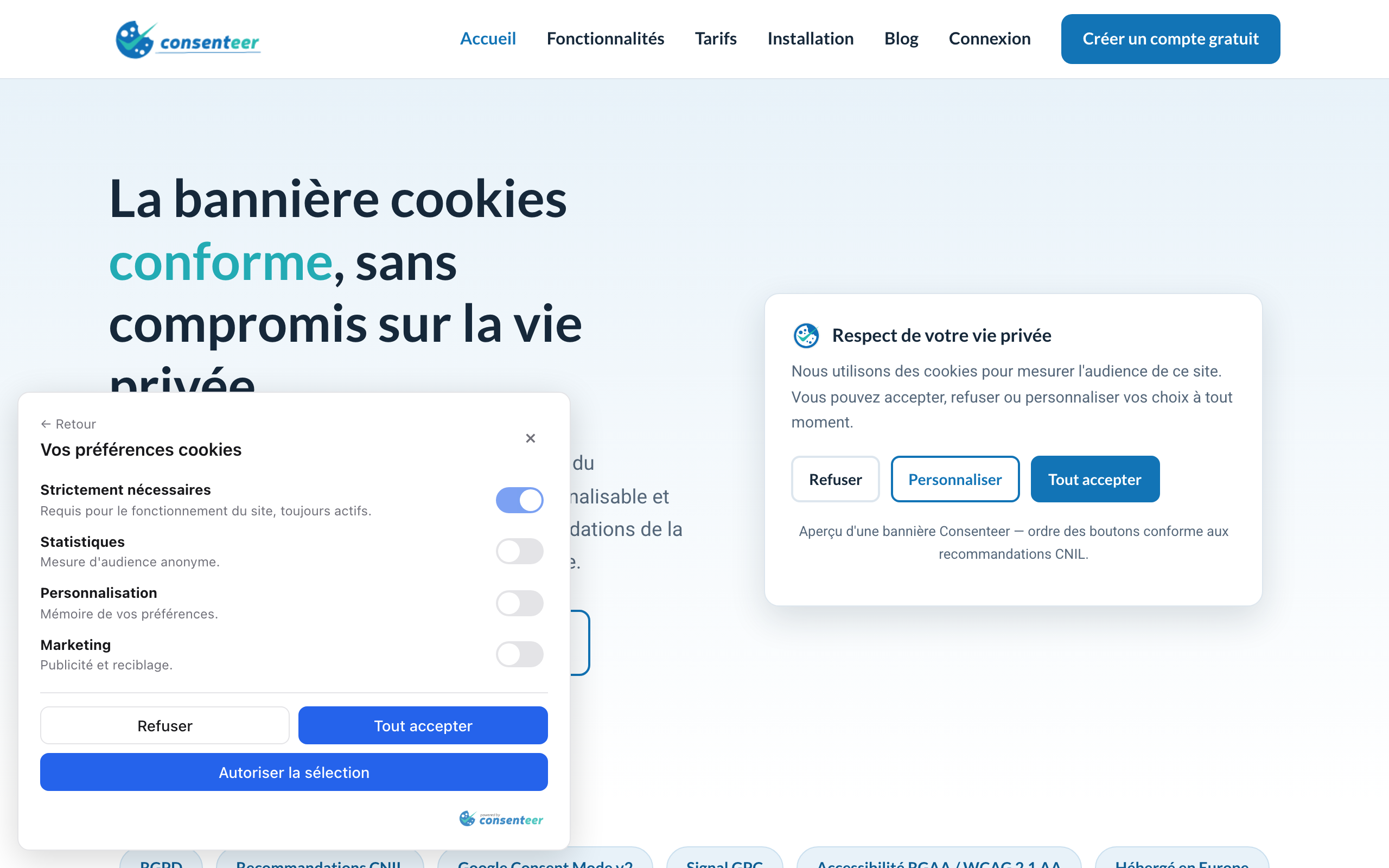
paste the Site ID in the plugin settings. - GDPR / CNIL compliance: Refuse / Customize / Accept-all buttons with equal
weight, consent records, permanent re-access to the choice. - Google Consent Mode v2 built in (ad_storage, analytics_storage… signals).
- Global Privacy Control honored, auto-blocking of third-party scripts,
refused cookies cleanup. - Full customization from your dashboard — formats, colors, light/dark
theme, multi-language — with no redeploy of your site. [consenteer_preferences]shortcode for the “Manage my cookies” link of your
footer or privacy policy.
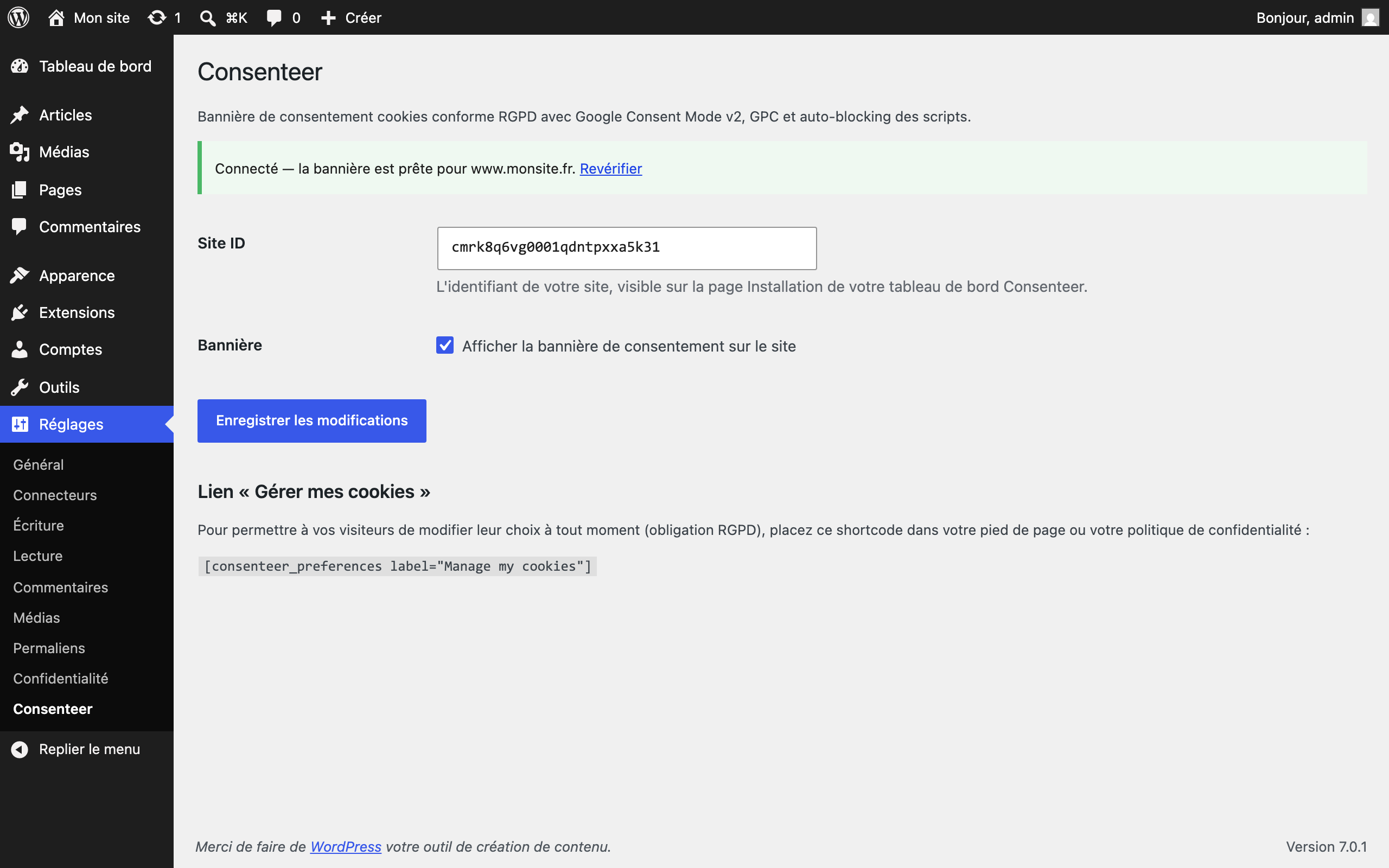
The built-in connection check detects the usual mistakes (unknown Site ID,
undeclared domain) right from the WordPress admin.
The interface ships in English and French.
External services
This plugin relies on the Consenteer platform (a third-party service):
- The banner script is loaded from
https://cdn.consenteer.comon the public
pages of your site. - The visitor’s browser talks to
https://saas.consenteer.comto load the
banner configuration and record consent choices (purpose: GDPR Art. 7 proof
of consent). IP addresses are never stored in clear text (salted hash,
server side). - From the WordPress admin only, the plugin calls
https://saas.consenteer.com to verify your Site ID.
Provider: Consenteer — https://www.consenteer.com
Terms of service: https://consenteer.com/cgu/
Privacy policy: https://consenteer.com/confidentialite/
A Consenteer account is required (a free plan is available).
Screenshots
Installation
- Install and activate the plugin.
- Create an account on https://my.consenteer.com/signup and add your site (the declared domain must be your WordPress domain).
- Copy the Site ID from the Installation page of the dashboard.
- Paste it in Settings Consenteer, tick “Show the consent banner”, save. The connection status is displayed immediately.
FAQ
-
Check the status in Settings Consenteer. The most frequent cause: your
WordPress domain is not the one declared for this site in your Consenteer
dashboard (banners are domain-locked). -
How can visitors change their choice later?
-
The Consenteer floating icon allows it by default. You can also place the
[consenteer_preferences] shortcode in your footer. -
Does the plugin slow my site down?
-
No: a single ~50 KB script loaded with
deferfrom a CDN, and no server-side
request on public pages.
Reviews
There are no reviews for this plugin.
Contributors & Developers
“Consenteer — Cookie Consent (GDPR & Google Consent Mode v2)” is open source software. The following people have contributed to this plugin.
Contributors
Translate “Consenteer — Cookie Consent (GDPR & Google Consent Mode v2)” into your language.
Interested in development?
Browse the code, check out the SVN repository, or subscribe to the development log by RSS.
Changelog
1.0.0
- Initial release: snippet injection, settings screen with connection check,
“Manage my cookies” shortcode, French translation.