

Description
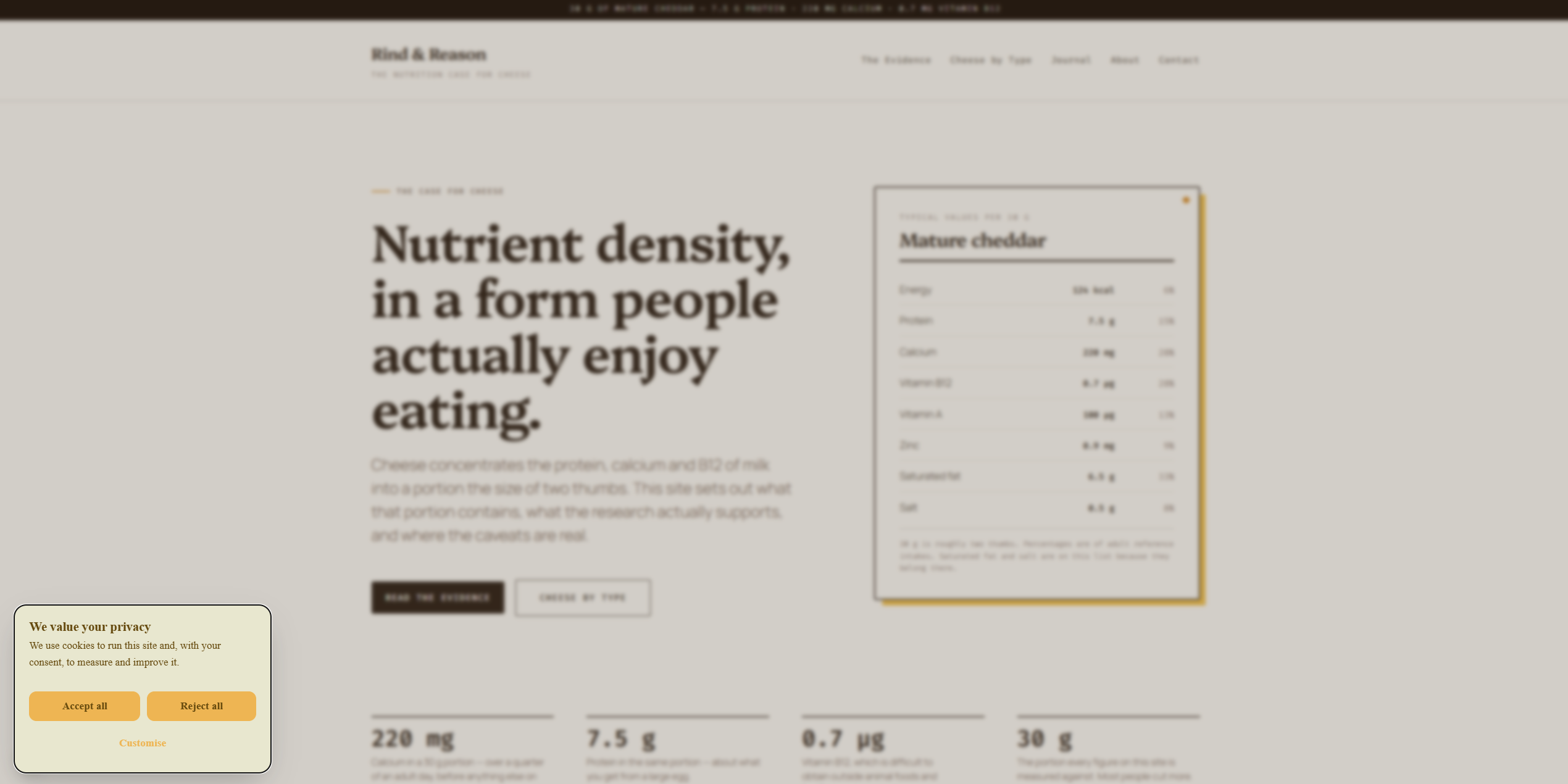
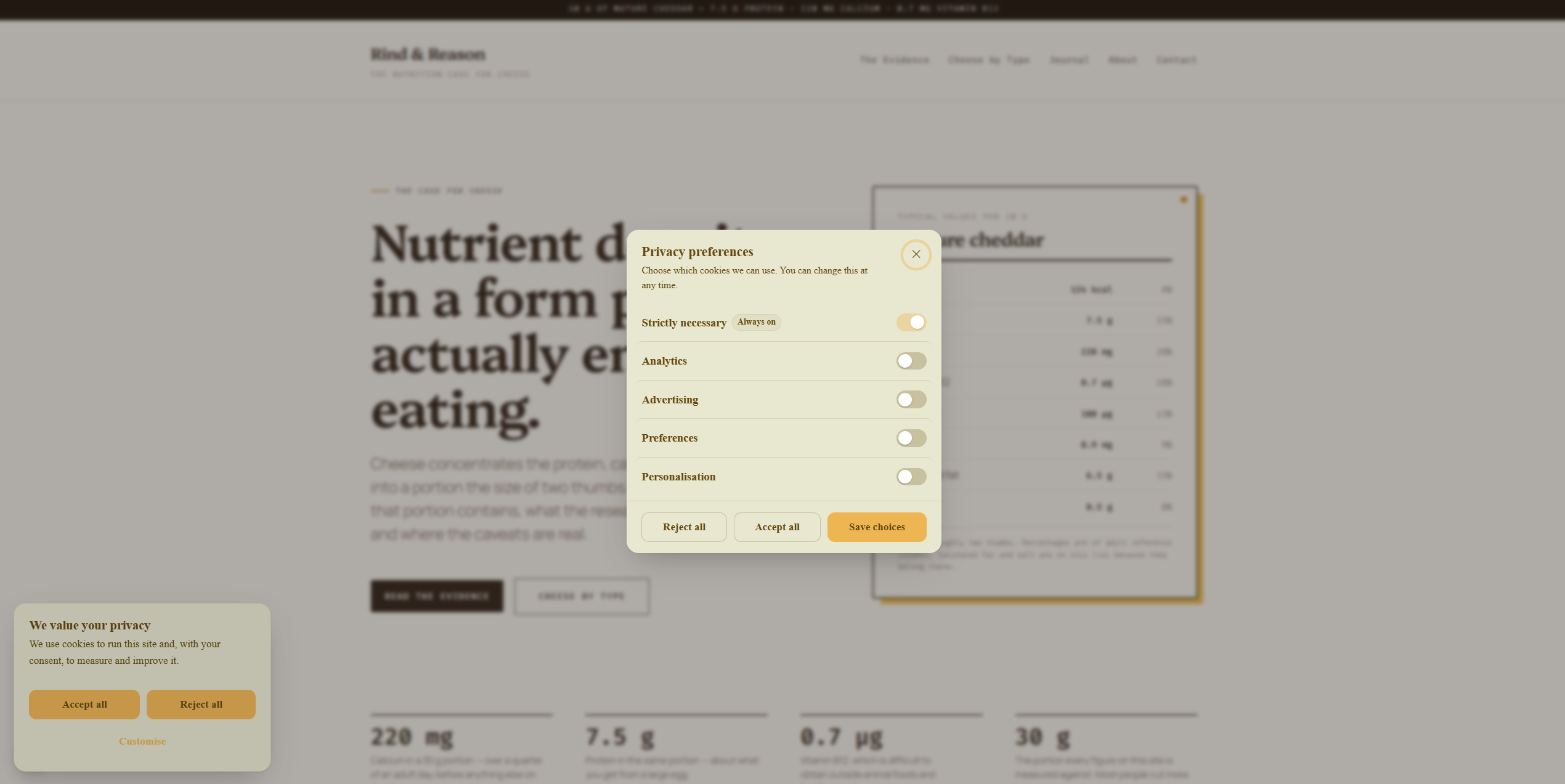
ConsentCook shows your visitors a cookie banner, records their choices, and
holds tracking back until they have said yes. This plugin connects your
WordPress site to your ConsentCook account and places the banner on every
page for you — nothing to paste, and nothing in your theme to edit.
Everything about the banner — how it looks, what it says, which languages and
regions it covers — is managed in your ConsentCook dashboard, and anything you
publish there reaches your site on its own. The plugin’s only job is the
connection, and it makes sure the banner loads before any tracking does.
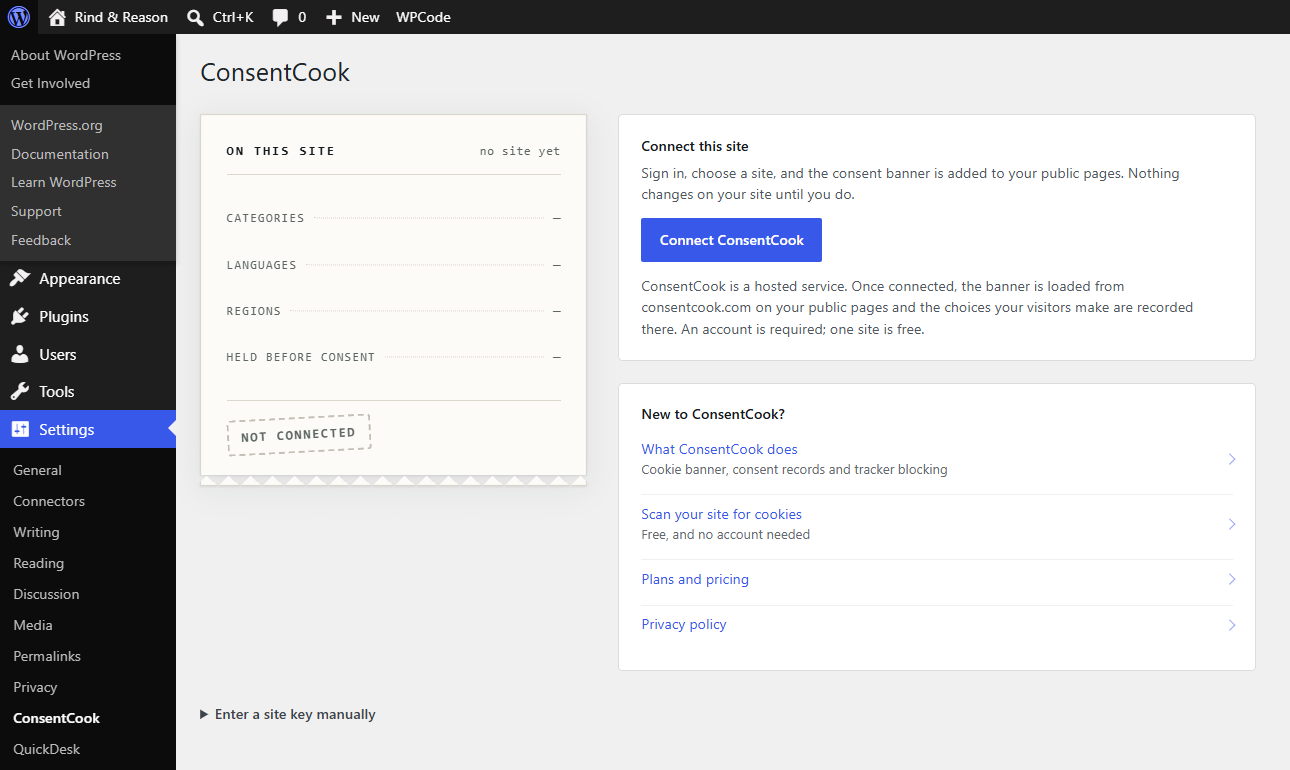
Connecting takes about a minute. Press Connect ConsentCook in the
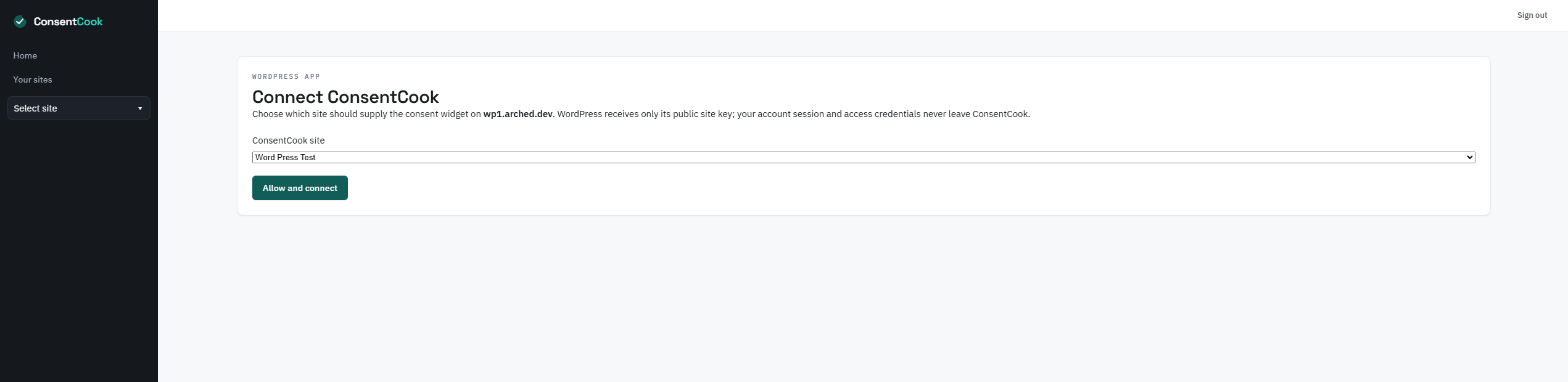
plugin’s settings, sign in, choose your site, and you are done. Your
ConsentCook password stays with ConsentCook — WordPress never sees it — and
until you connect, the plugin does nothing at all.
ConsentCook has a free plan for one site with no card needed, and nothing in
this plugin is locked behind payment.
For developers
- The banner script is placed at the earliest point of the page head, so
consent is resolved before analytics and marketing tags run. If a theme
hard-codes analytics above the head output, move those tags after
ConsentCook. - When the WP Consent API plugin is active, ConsentCook keeps its consent
categories in sync with it. - Sites enforcing a strict nonce-based Content Security Policy can supply the
request nonce through theconsentcook_csp_noncefilter.
External services
This plugin connects your site to ConsentCook (https://consentcook.com), the
service that provides the banner. Once connected:
- Every public page loads the banner script and your site’s published banner
settings from consentcook.com. - When a visitor makes a choice on the banner, that choice is sent to
ConsentCook so it can be recorded and enforced. - If the banner hits a problem in a visitor’s browser, a limited error report
may be sent to ConsentCook so it can be fixed. No other visitor data is
collected by the plugin itself.
Pressing Connect opens ConsentCook so you can sign in there; your password
stays with ConsentCook and is never shared with this site.
While an administrator has the plugin’s settings page open, the site also
fetches your published banner settings so the screen can show what is live.
That request identifies your site only by its public key, carries no visitor
data, and is remembered for five minutes. If your host blocks outgoing
requests, the screen says so and everything else keeps working.
Terms: https://consentcook.com/legal/terms
Privacy policy: https://consentcook.com/legal/privacy-policy
Screenshots
Installation
- In WordPress, go to Plugins Add New Plugin and search for ConsentCook.
- Press Install Now, then Activate.
- Go to Settings ConsentCook.
- Press Connect ConsentCook, sign in, choose your site, and allow the connection.
If the connect step will not go through on your host, open “Enter a site key manually” and paste the public site key shown on your ConsentCook setup page. Everything works the same afterwards.
FAQ
-
Do I need a ConsentCook account?
-
Yes — the plugin is the bridge between your site and ConsentCook, so it does
nothing until you connect one. The free plan covers one site and does not ask
for a card. -
What does the plugin store on my site?
-
Almost nothing: your site’s public key and whether the banner is switched on.
Your ConsentCook password is never seen or stored by WordPress. -
What happens if I deactivate it or never connect?
-
Nothing at all — the banner is not shown and your site does not contact
ConsentCook. -
Who is responsible for my visitors’ data?
-
You remain the data controller for your site. ConsentCook acts as a processor
for the consent choices recorded and enforced through the service.
Reviews
There are no reviews for this plugin.
Contributors & Developers
“ConsentCook” is open source software. The following people have contributed to this plugin.
Contributors
Translate “ConsentCook” into your language.
Interested in development?
Browse the code, check out the SVN repository, or subscribe to the development log by RSS.
Changelog
1.1.0
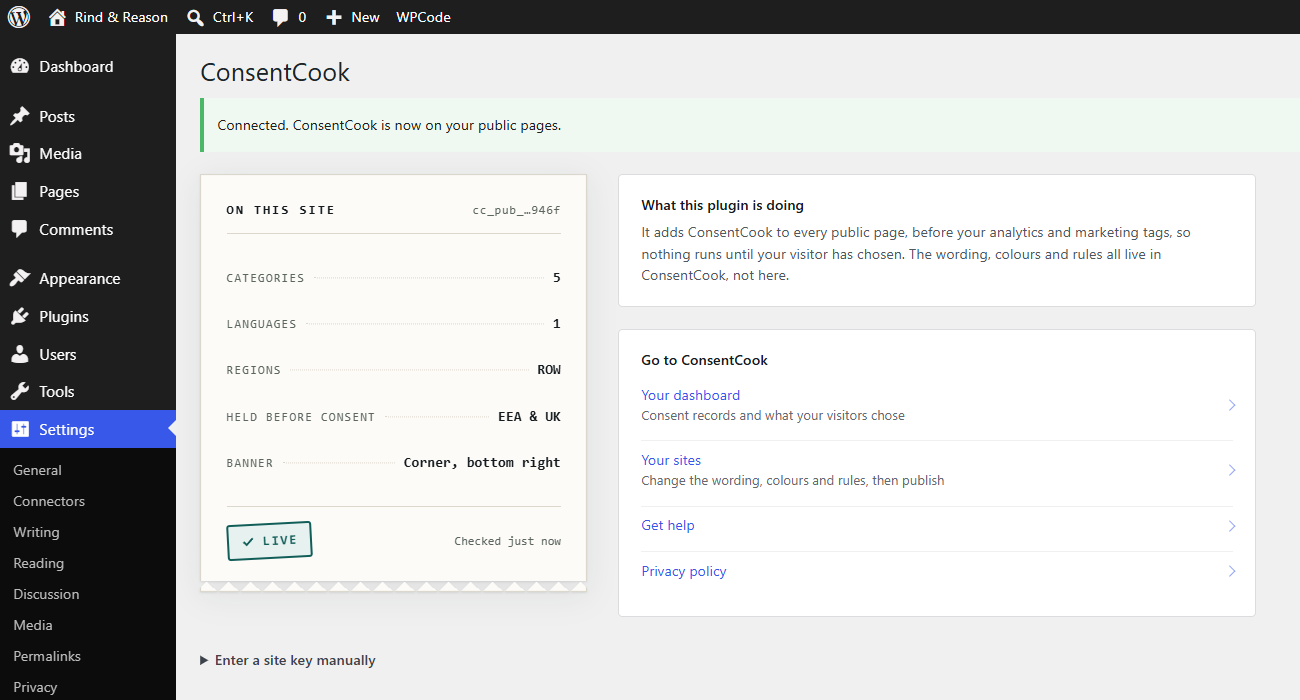
- The settings screen now shows what ConsentCook is publishing to this site:
how many categories and languages the banner covers, which regions it has
rules for, and whether trackers are held before consent. It reads the same
public configuration a visitor’s browser downloads, and the screen stays
complete when a host blocks outgoing requests. - Being connected but switched off now says so, instead of looking the same as
never having connected. - Links through to ConsentCook, including for sites that have not connected yet.
- The loader is now registered through WordPress’s script API instead of being
printed by hand. It still prints at the earliest head priority, so consent is
still resolved before analytics and marketing tags run. - The site key is attached through
script_loader_tag, which applies on every
supported WordPress version.
1.0.2
- Complete connections on hosts that block outbound loopback requests.
1.0.1
- Ship the connector the source actually contains.
1.0.0
- Secure one-click account connection with PKCE.
- Canonical early widget injection with styling kept in ConsentCook.
- Manual public-site-key fallback and WP Consent API support.