

Description
Stop spending hours writing product copy. Start selling.
CatalogPilot AI Studio does in minutes what takes your team days:
- ⚡ Generate dozens of AI product images in minutes — hero shots, lifestyle scenes, and studio-style renders at scale
- ⚡ Write unique, SEO-optimized product descriptions in seconds — no duplicate-content penalties, no more staring at a blank editor
- ⚡ Bulk-refresh your existing catalog in minutes — pick 500 products, click one button, watch every field fill in
- ⚡ Fill in missing content across your entire store in one click — the built-in scanner finds every product with a missing description, image, SEO meta, FAQ or alt text
- ⚡ Get Google FAQ rich snippets on every product — AI writes the questions AND emits valid FAQPage schema
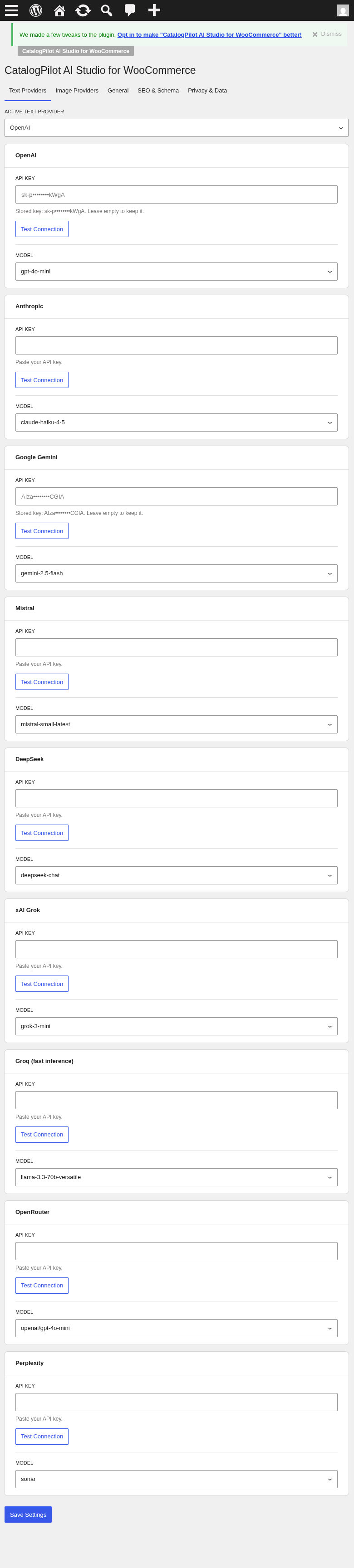
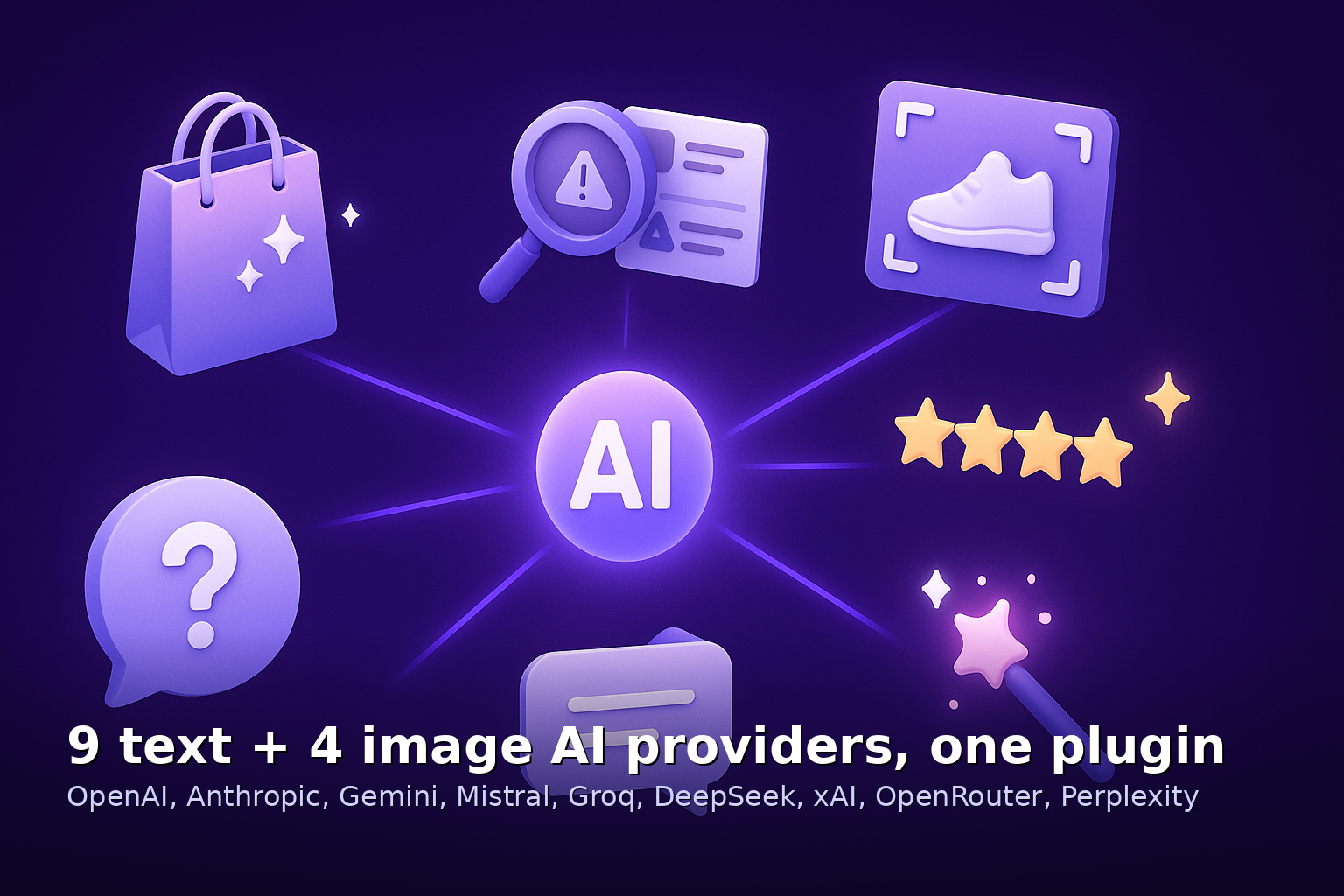
- ⚡ Match your brand voice with 9 AI providers — OpenAI, Anthropic Claude, Google Gemini, Mistral, Groq and 4 more — pick the one that sounds like you
Real time savings: what used to be 8 hours of copywriting for 100 products becomes 8 minutes. What used to require a photographer and a lightbox becomes an AI image generator that never sleeps.
Built for shop owners, WooCommerce agencies, dropshippers and print-on-demand sellers who need to launch fast, refresh often, and rank on Google. Bring your own API key (BYOK) from any of 9 text and 4 image AI providers — or subscribe to our managed AI cloud gateway and never think about API keys again.
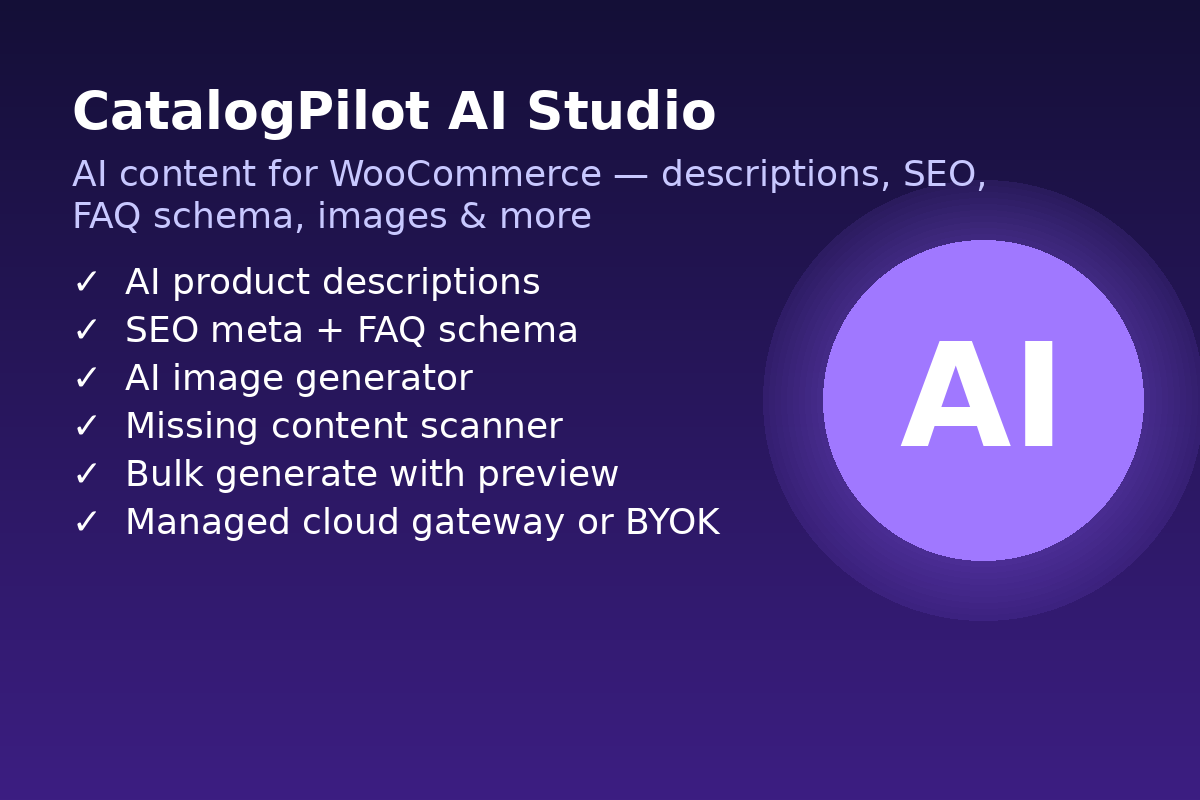
CatalogPilot AI Studio turns WooCommerce into a full AI content workshop: descriptions, SEO meta (title, description, focus keyword, OG/Twitter tags), FAQ rich-snippet schema, review summaries, product images, and a “missing content” scanner — all in one plugin.
🚀 What CatalogPilot AI Studio does
AI content generation for WooCommerce products
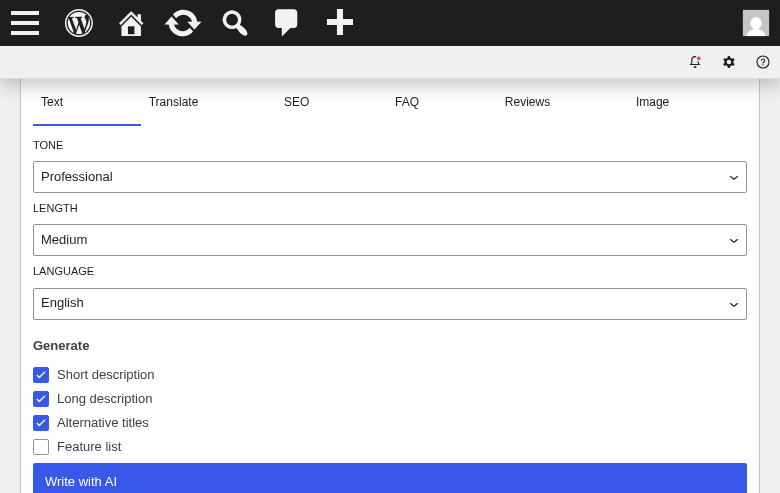
- Long product descriptions (main WooCommerce editor)
- Short descriptions (excerpt)
- SEO meta title (30-60 chars, keyword-aware)
- Meta description (120-160 chars)
- Focus keyword suggestion
- Open Graph title, description, image
- Twitter Card meta
- Product FAQ (with FAQPage JSON-LD rich-snippet schema)
- Review summary (aggregate customer reviews into a single paragraph)
- Product tags & category suggestions
- Attribute names & values
- Alt text for product images
AI image generation for products
- Product hero shots
- Feature detail images
- Lifestyle scenes with model + product
- Studio-style render variations
- Bulk regenerate for entire catalog
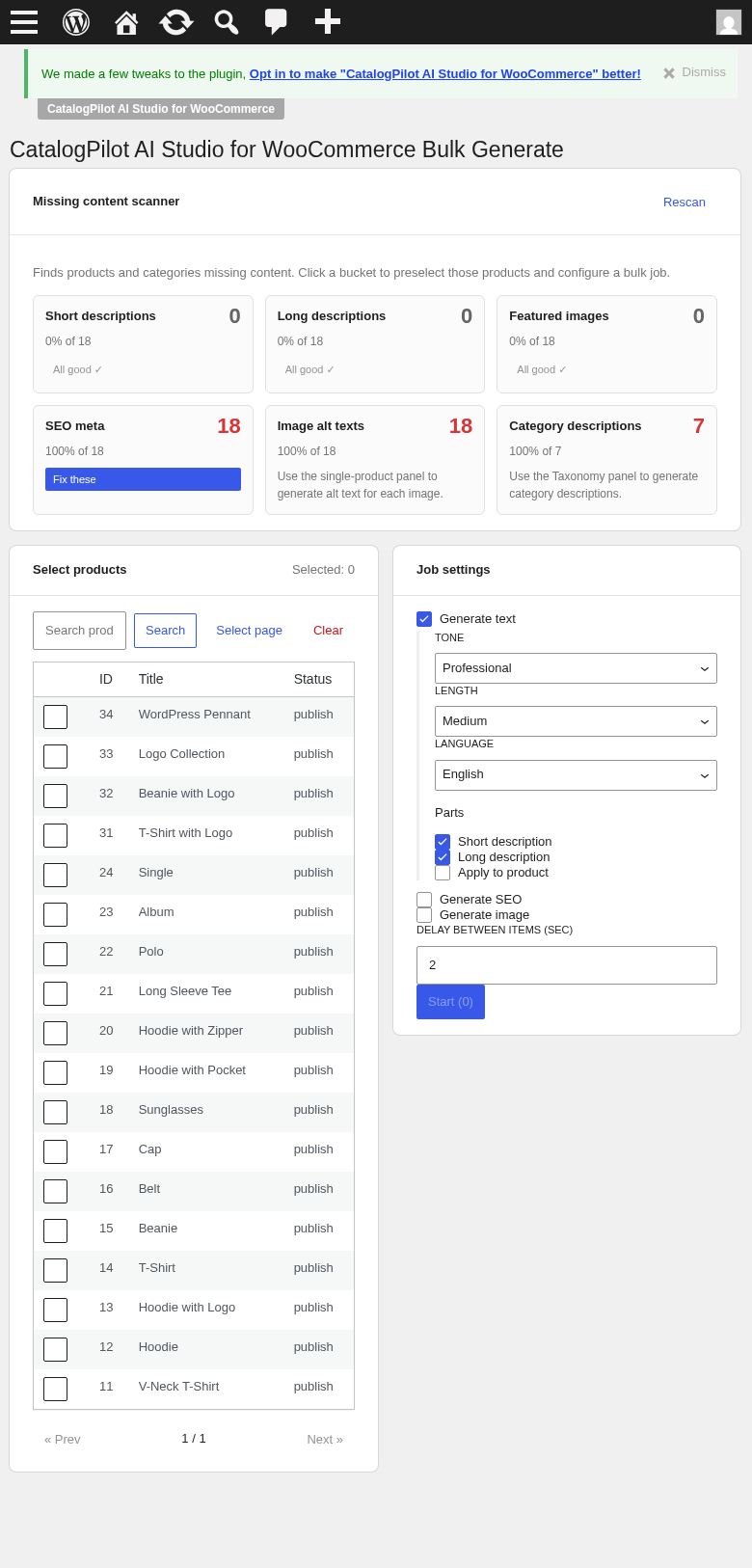
Missing Content Scanner
- Scans every product in your catalog
- Reports which products are missing: long description, short description, images, category, tags, meta title, meta description, FAQ items, alt text
- One-click bulk-generate for all missing fields
Bulk operations
- Select multiple products from the Products list
- Choose which fields to generate
- Runs in background with real-time progress bar
- Retry failed jobs with one click
- Preview AI output before it replaces existing content
🎨 9 text providers + 4 image providers (BYOK or managed cloud)
Text providers (bring your own API key):
- OpenAI (GPT-4o, GPT-4o-mini, GPT-4-turbo)
- Anthropic Claude (Sonnet 4, Haiku 4.5, Opus 4.7)
- Google Gemini (2.5 Pro, 2.5 Flash, Flash-Lite)
- Mistral (Large, Small, Codestral)
- Groq (LLaMA 3.3 70B, Mixtral)
- DeepSeek (Chat, Coder)
- xAI Grok (Grok-4, Grok-3-mini)
- OpenRouter (400+ models routed)
- Perplexity Sonar (research-augmented)
Image providers:
- OpenAI DALL·E / gpt-image-1
- Stability AI (SD3, SDXL, Stable Cascade)
- Replicate (Flux, Ideogram, Recraft, SDXL)
- Google Imagen (via Gemini API)
🧩 How it works
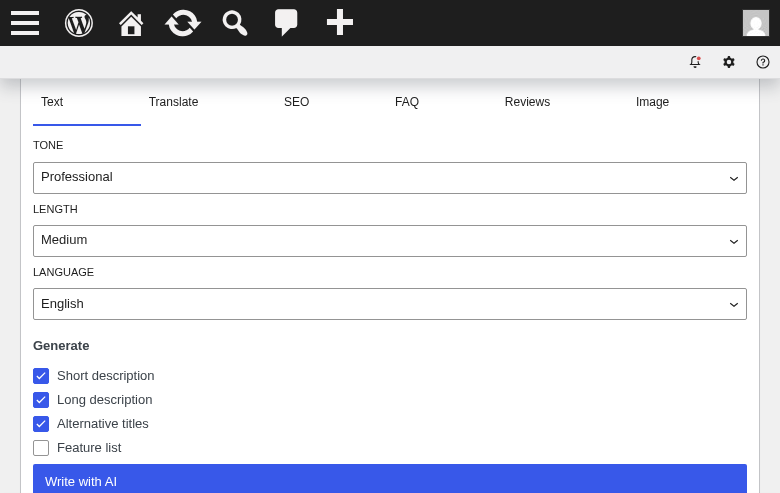
- Open a product in the WooCommerce editor.
- Look at the “CatalogPilot AI Studio” meta box (right sidebar).
- Click “Generate description” — AI writes the main editor content.
- Click “Generate SEO meta” — title, meta description, focus keyword filled.
- Click “Generate FAQ” — 3-6 Q&A items filled, JSON-LD schema auto-emitted on the frontend.
- Click “Generate image” — AI creates a new product image, saved to media library, attached to the product.
- Use “Bulk Generate” from the admin menu to run all of the above for many products at once.
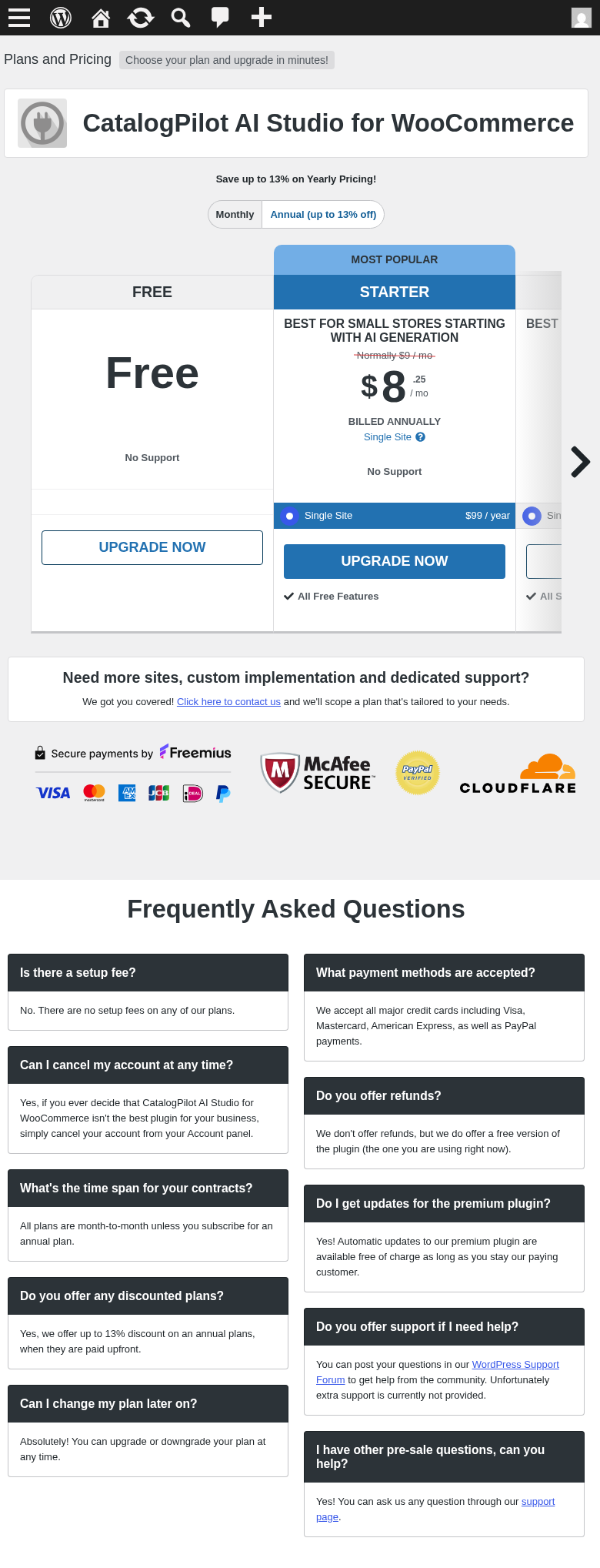
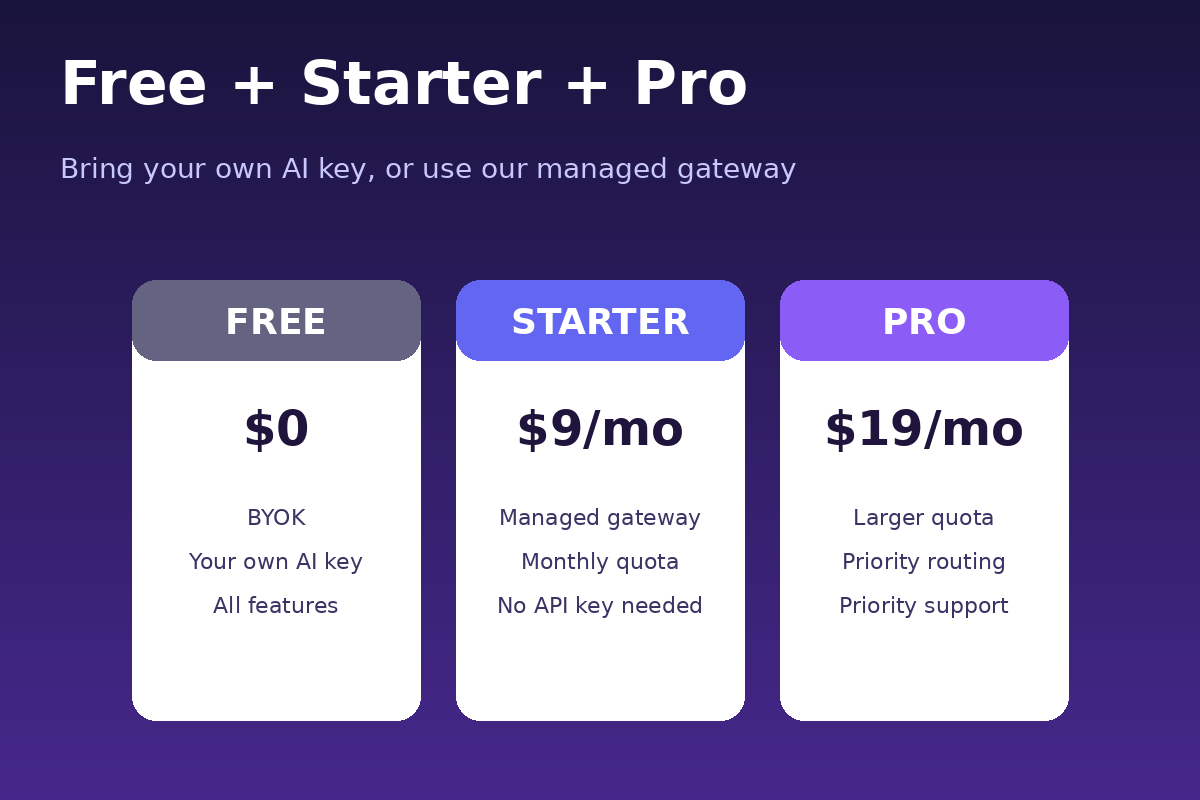
💎 Free + subscription plans
- Free (BYOK) — Bring your own API key. All features unlocked in trial mode.
- Starter — Managed AI cloud gateway with a monthly token + image quota.
- Pro — Larger monthly token + image quota and priority provider routing.
All paid plans are single-site licenses. Current pricing and monthly quotas are shown on the in-plugin Pricing page (managed via Freemius).
🔐 Privacy-first design
- No product data leaves your site unless you click a Generate button.
- API keys stored encrypted (AES-256-CBC) using your site’s
SECURE_AUTH_KEY. - Only the last 4 characters of stored keys are shown in the UI.
- A “Third-party AI consent” checkbox in Settings is off by default. You control when data is sent.
- Freemius handles licensing / billing — usage tracking is per-install, not per-user.
🌍 Perfect for
- WooCommerce store owners with 10 to 10,000 products
- Dropshippers importing product data from AliExpress, Alibaba, CJ Dropshipping, Spocket, Zendrop
- Print-on-demand sellers (Printful, Printify, Gelato) needing unique descriptions to avoid duplicate content penalties
- Digital product sellers (Easy Digital Downloads compatible)
- Multilingual sellers (WPML, Polylang, TranslatePress friendly)
- SEO agencies serving multiple e-commerce clients (Pro plan)
- Amazon FBA sellers building a DTC storefront on WooCommerce
- Etsy sellers exporting their catalog to WordPress
- Shopify migration users (rebuilding their catalog on WooCommerce)
🆚 Why CatalogPilot vs ChatGPT tab?
- CatalogPilot understands WooCommerce fields — no copy-paste
- Bulk generation for hundreds of products at once
- AI-generated FAQ becomes valid FAQPage schema (rich snippet ready)
- Missing-content scanner catches gaps you’d never find manually
- Multi-provider (OpenAI + Anthropic + Gemini + 6 more) — try before you buy
- Preview AI output before it replaces existing content
- Content stays with your Google-indexed WordPress URL — not a screenshot in your chat history
📊 SEO benefits
- Focus keyword injected into title, meta description, first paragraph, image alt text
- FAQPage schema qualifies for Google FAQ rich snippet (higher SERP real estate)
- Product schema (name, description, price, availability, SKU, GTIN, ratings)
- Open Graph + Twitter Card meta (better link previews on social)
- Meta description length auto-validated (120-160 chars)
- Meta title length auto-validated (30-60 chars)
- Alt text auto-generated for accessibility, image search, and Google Lens
🛒 WooCommerce compatibility
- WooCommerce 7.0+ (older versions work with degraded features)
- HPOS (High-Performance Order Storage) — fully supported
- Product Blocks (WooCommerce block editor) — supported
- Cart & Checkout Blocks — no interference
- Variable products — description per variation optional
- Grouped products — parent-level supported
- External / Affiliate products — supported
- Subscription products (WooCommerce Subscriptions) — supported
🌐 Multilingual
- WPML: language detected from post_lang, prompt adjusted
- Polylang: same
- TranslatePress: original language content generated, then translated
- qTranslate-XT: legacy support
- Target language is set in Settings and any language the AI provider supports can be selected
🖼️ Image workflow examples
- Fashion & apparel: generate a lifestyle shot from a flat-lay
- Electronics: generate a hero shot from a spec sheet description
- Home & garden: generate a room scene from a product photo
- Food & beverage: generate an appetizing plated shot from a package image
- Cosmetics: generate a texture close-up from a bottle image
- Any product: remove the background for a clean transparent PNG
External services
This plugin sends data to third-party AI services only when you click a Generate button in the CatalogPilot admin. Data transmitted:
- Product title, description excerpt (up to 800 words), category, tags
- Your selected provider name and model
- No customer PII, no order data, no WordPress credentials
Providers (BYOK — bring your own key):
- OpenAI: https://api.openai.com/ · Terms: https://openai.com/policies/terms-of-use · Privacy: https://openai.com/policies/privacy-policy
- Anthropic Claude: https://api.anthropic.com/ · Terms: https://www.anthropic.com/legal/consumer-terms · Privacy: https://www.anthropic.com/legal/privacy
- Google Gemini: https://generativelanguage.googleapis.com/ · Terms: https://ai.google.dev/terms · Privacy: https://policies.google.com/privacy
- Mistral: https://api.mistral.ai/ · Terms: https://mistral.ai/terms/ · Privacy: https://mistral.ai/privacy-policy/
- Groq: https://api.groq.com/ · Terms: https://groq.com/terms-of-use/ · Privacy: https://groq.com/privacy-policy/
- DeepSeek: https://api.deepseek.com/ · Terms: https://cdn.deepseek.com/policies/en-US/deepseek-terms-of-use.html · Privacy: https://cdn.deepseek.com/policies/en-US/deepseek-privacy-policy.html
- xAI Grok: https://api.x.ai/ · Terms: https://x.ai/legal/terms-of-service · Privacy: https://x.ai/legal/privacy-policy
- OpenRouter: https://openrouter.ai/api/ · Terms: https://openrouter.ai/terms · Privacy: https://openrouter.ai/privacy
- Perplexity: https://api.perplexity.ai/ · Terms: https://www.perplexity.ai/hub/legal/terms-of-service · Privacy: https://www.perplexity.ai/hub/legal/privacy-policy
- Stability AI: https://api.stability.ai/ · Terms: https://stability.ai/terms-of-service · Privacy: https://stability.ai/privacy-policy
- Replicate: https://api.replicate.com/ · Terms: https://replicate.com/terms · Privacy: https://replicate.com/privacy
Managed cloud gateway (subscription users only):
- CatalogPilot AI Gateway: https://api.wpcrypto.net/gateway · Terms: https://wpcrypto.net/terms · Privacy: https://wpcrypto.net/privacy
Freemius (billing & licensing):
- Freemius: https://checkout.freemius.com/ · Terms: https://freemius.com/terms/ · Privacy: https://freemius.com/privacy/
Screenshots
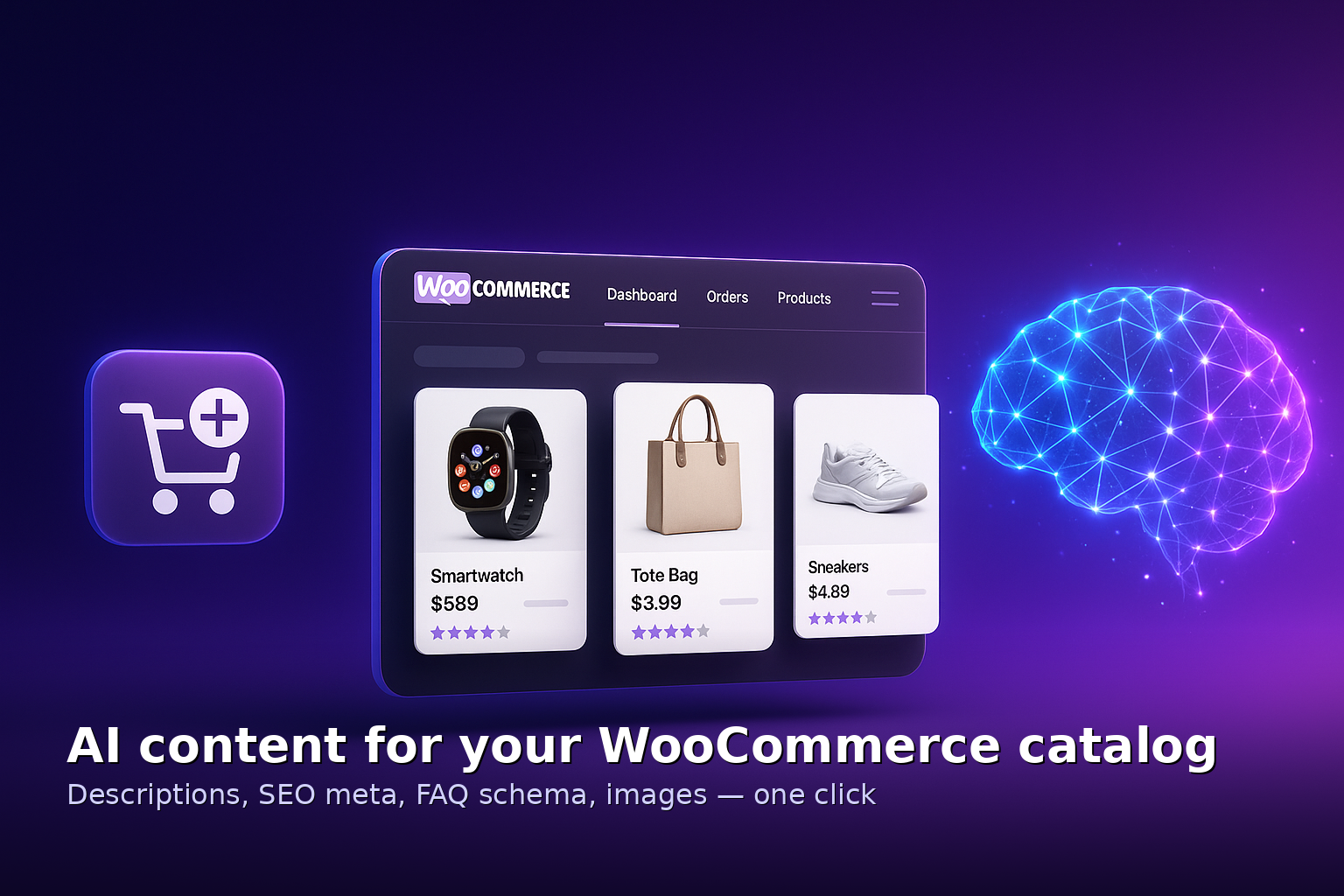

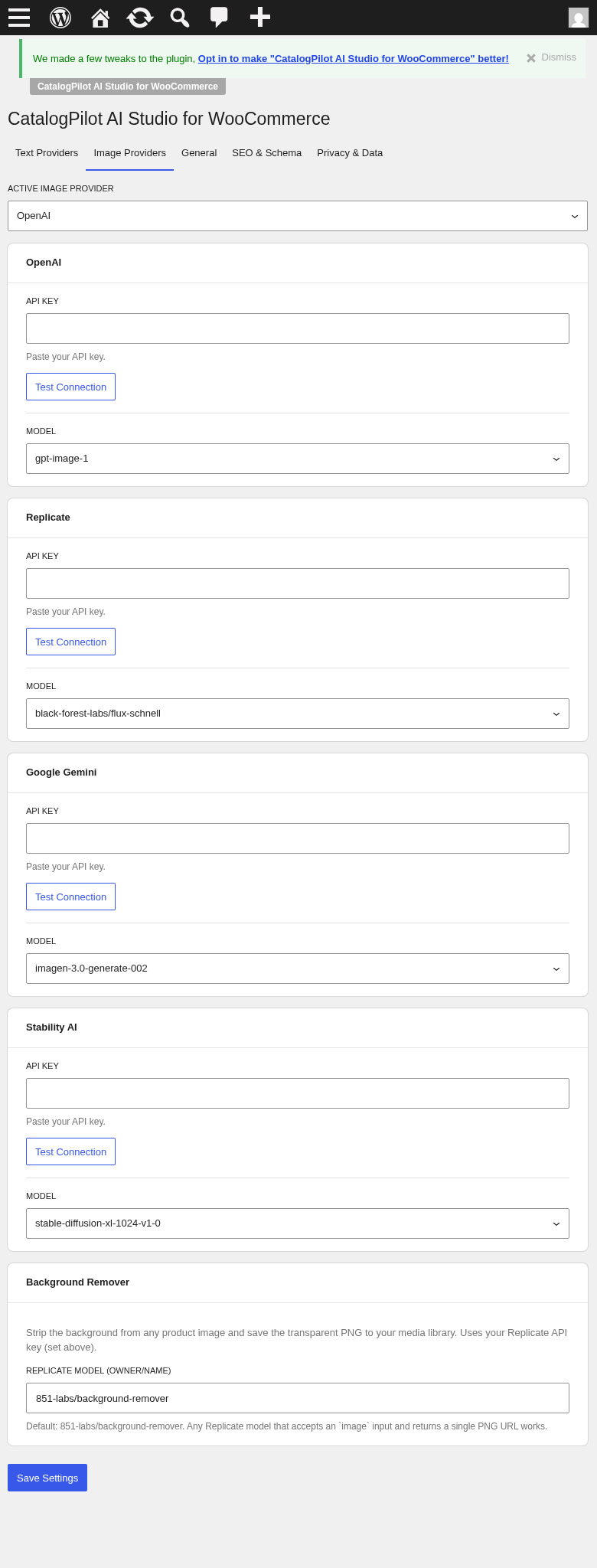
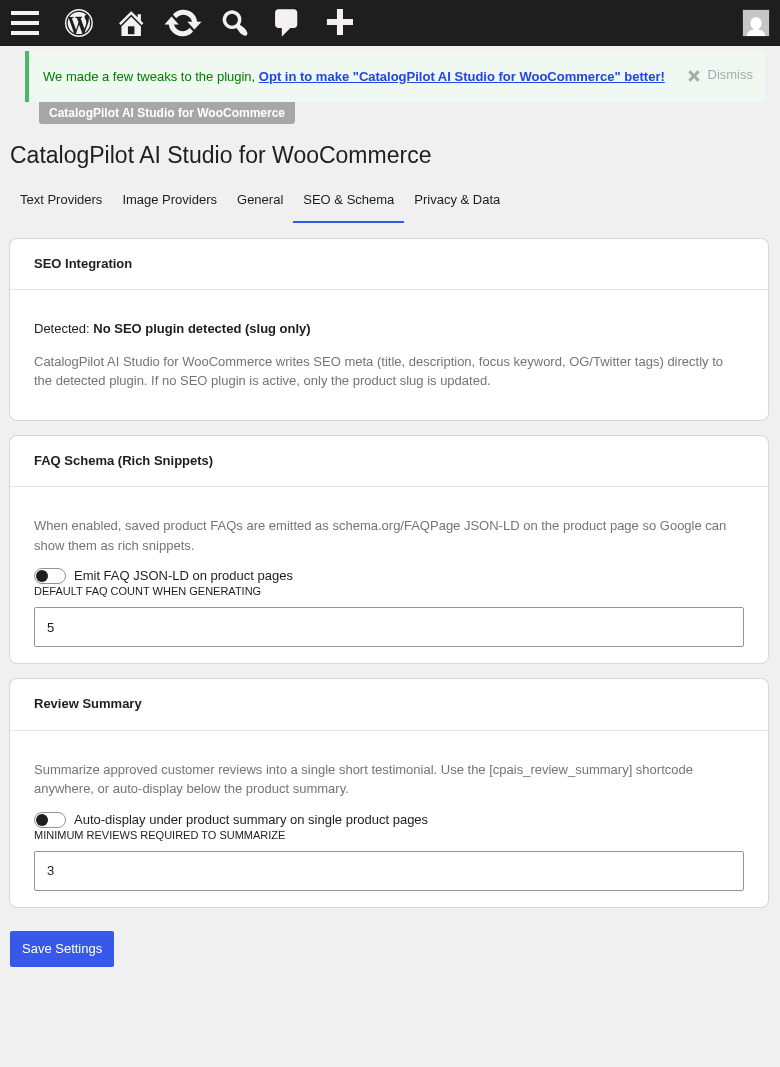
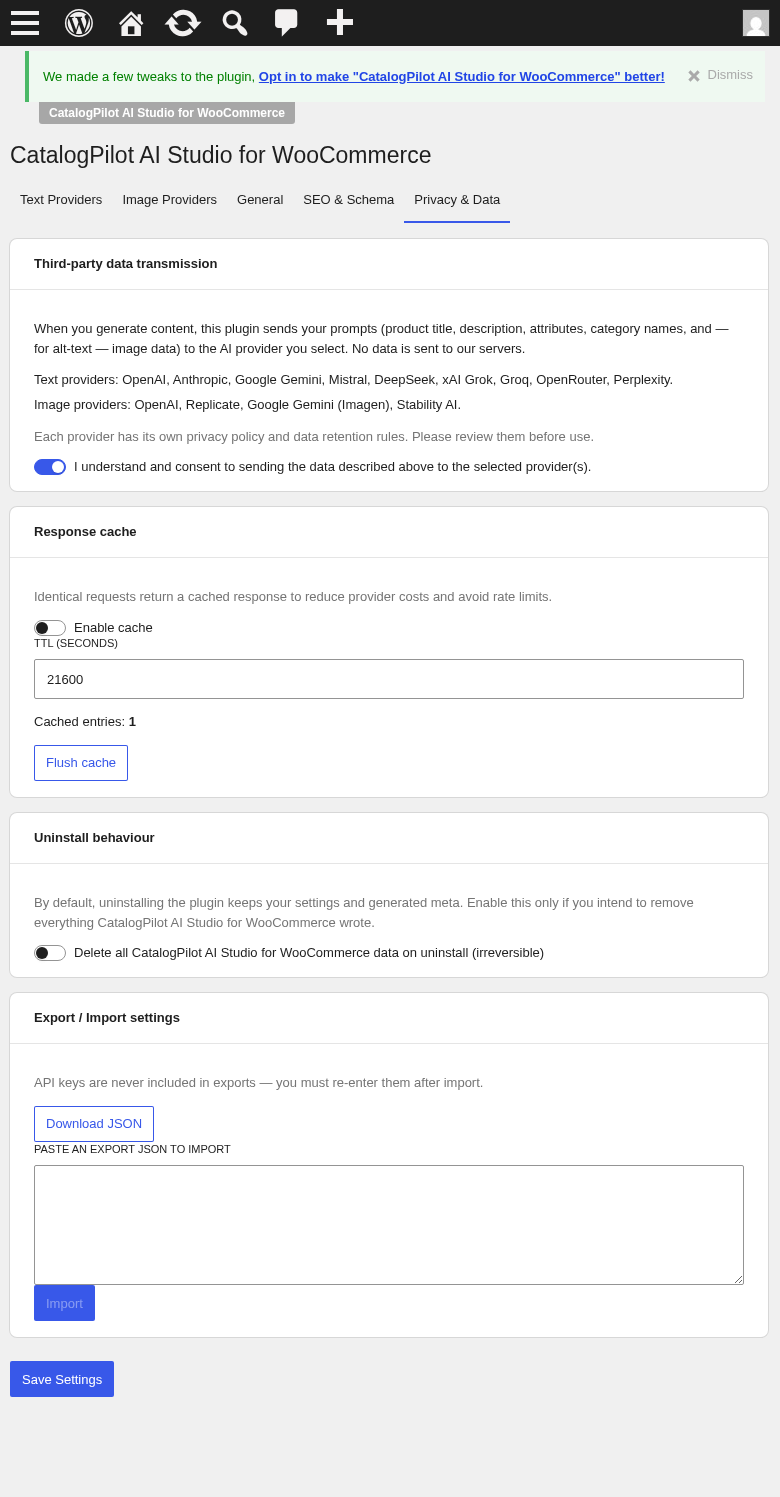
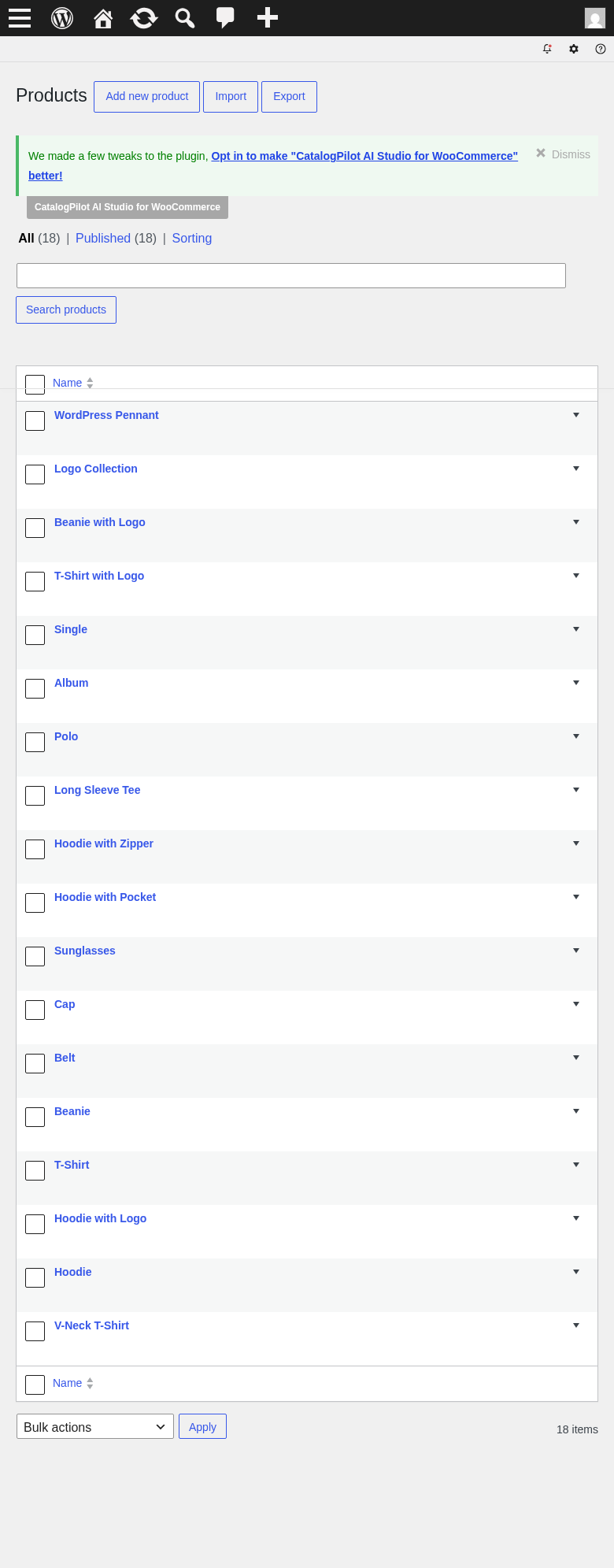
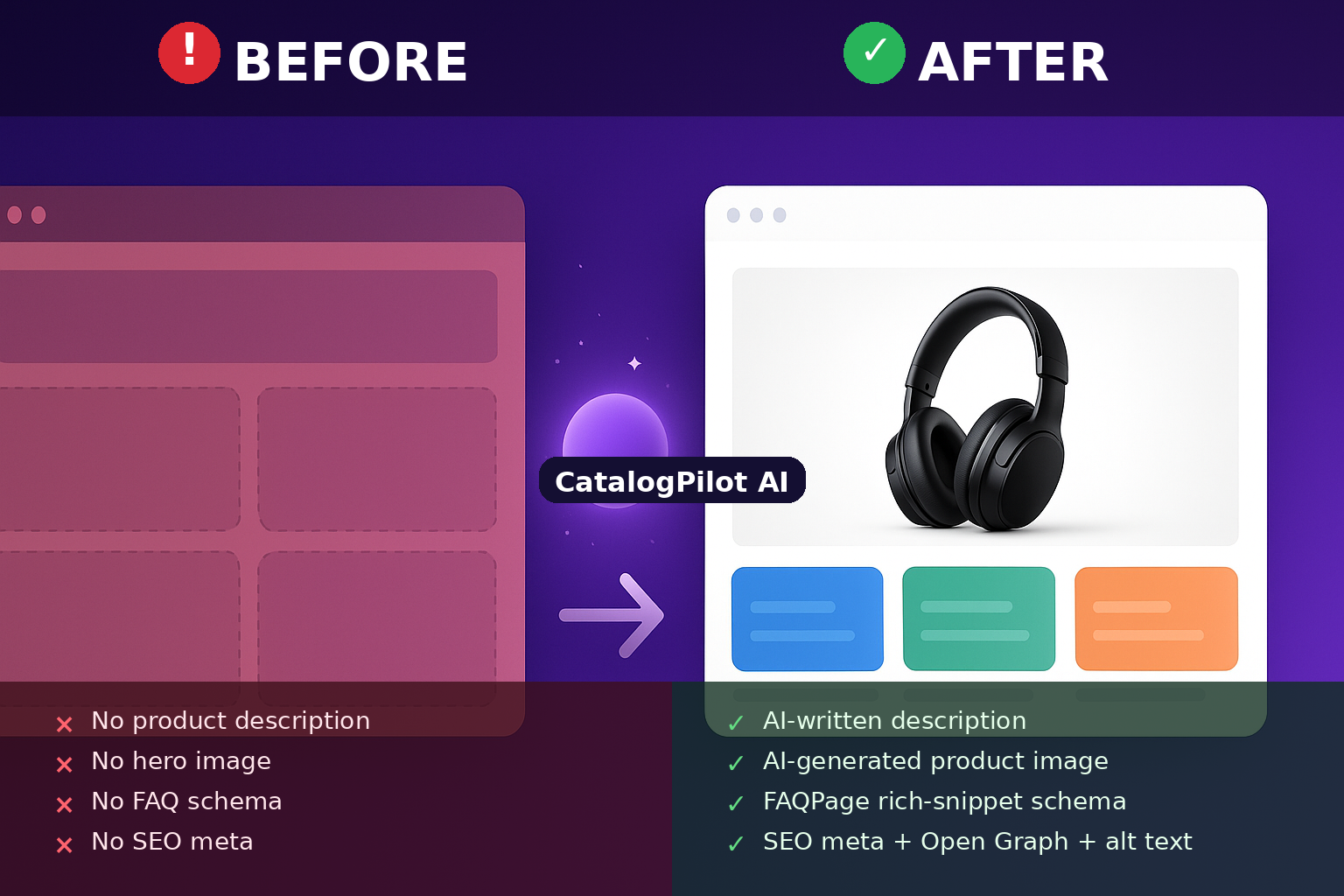 → AI-populated rich listing with schema” class=”wp-image-9000017″ srcset=”https://i0.wp.com/ps.w.org/catalogpilot-ai-studio-for-woocommerce/assets/screenshot-17.png?rev=3597505&w=300 300w, https://i0.wp.com/ps.w.org/catalogpilot-ai-studio-for-woocommerce/assets/screenshot-17.png?rev=3597505&w=600 600w, https://i0.wp.com/ps.w.org/catalogpilot-ai-studio-for-woocommerce/assets/screenshot-17.png?rev=3597505&w=900 900w” sizes=”(max-width: 599px) 50vw, 33vw” width=”1536″ height=”1024″ loading=”eager” fetchpriority=”low” decoding=”async”/>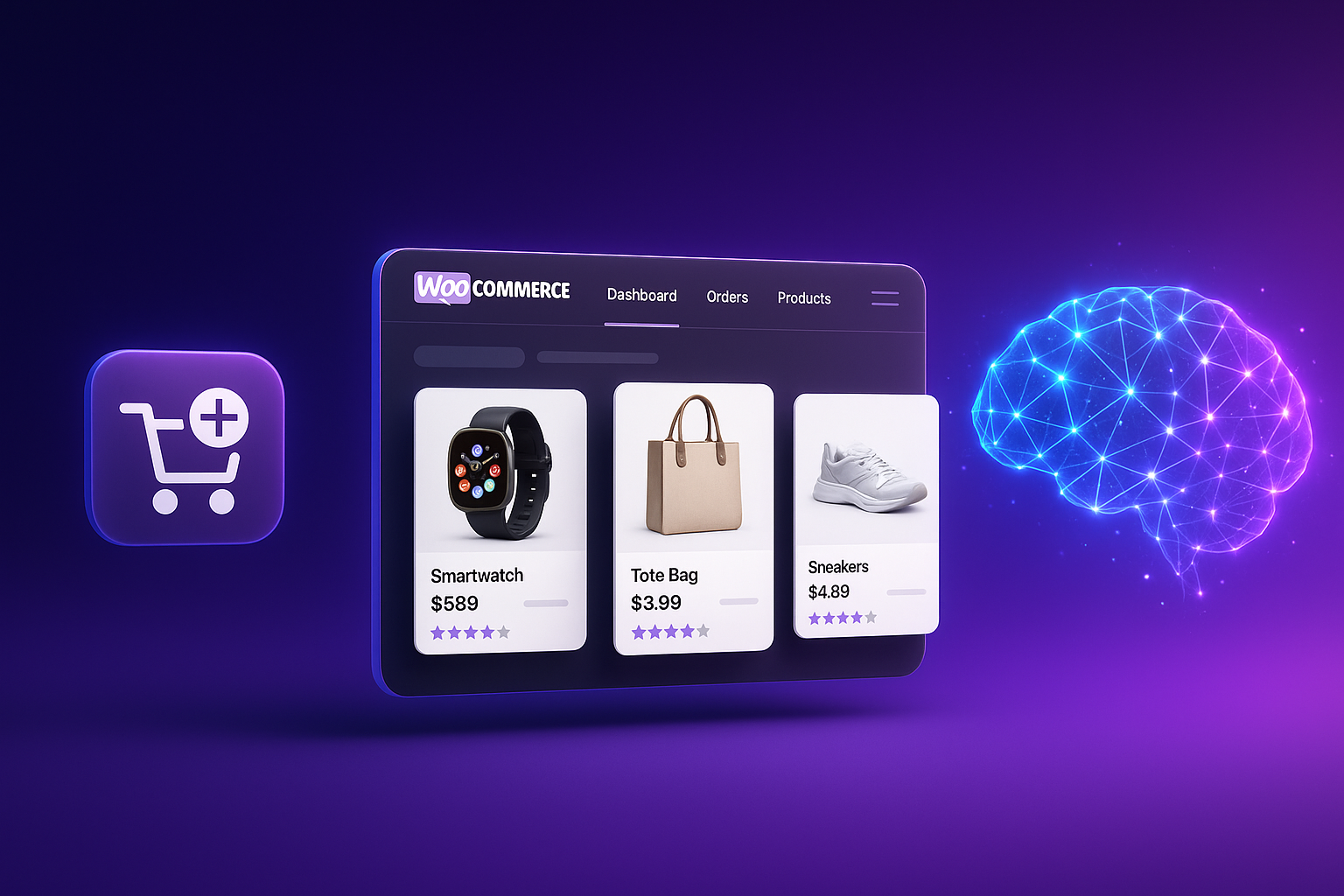
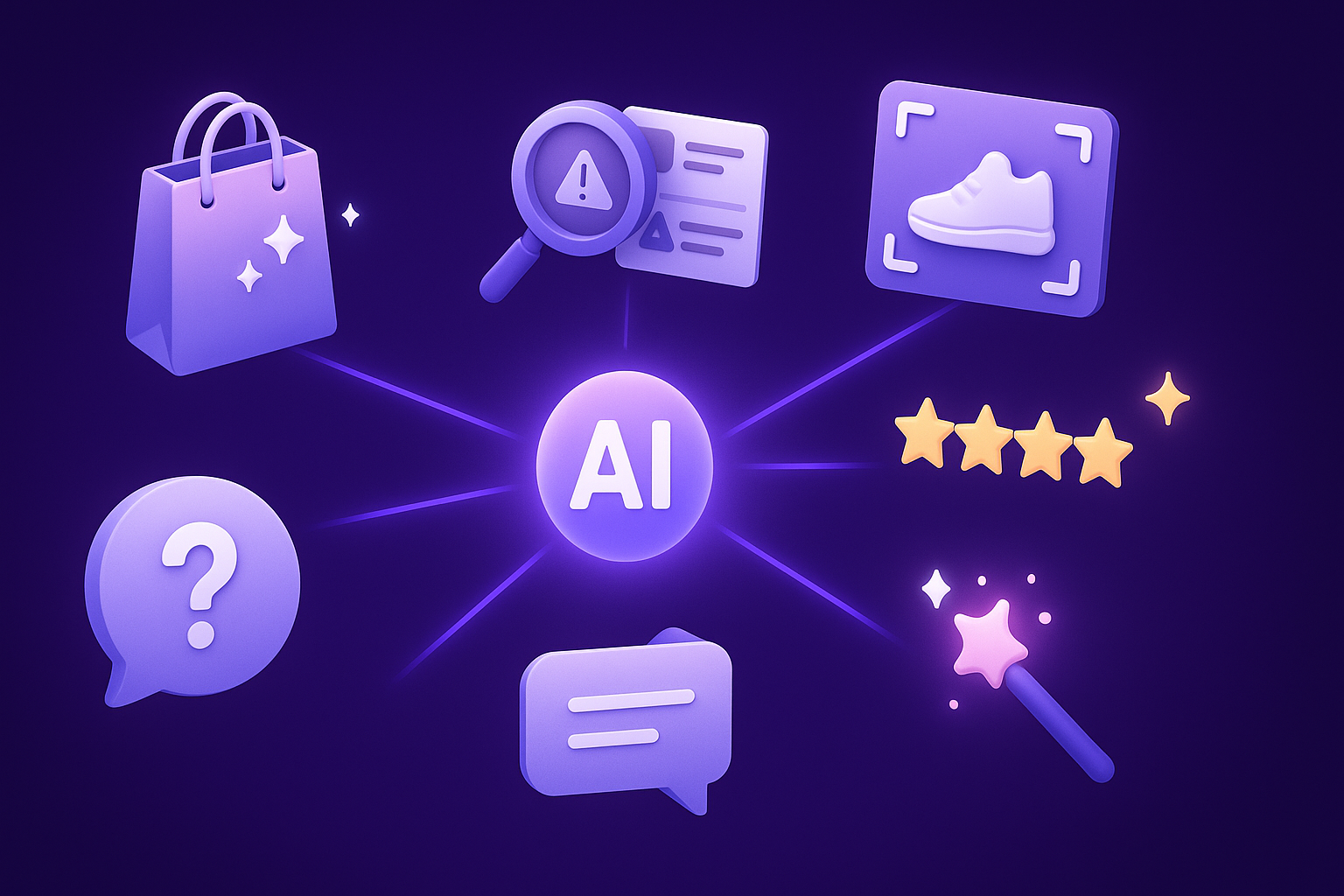
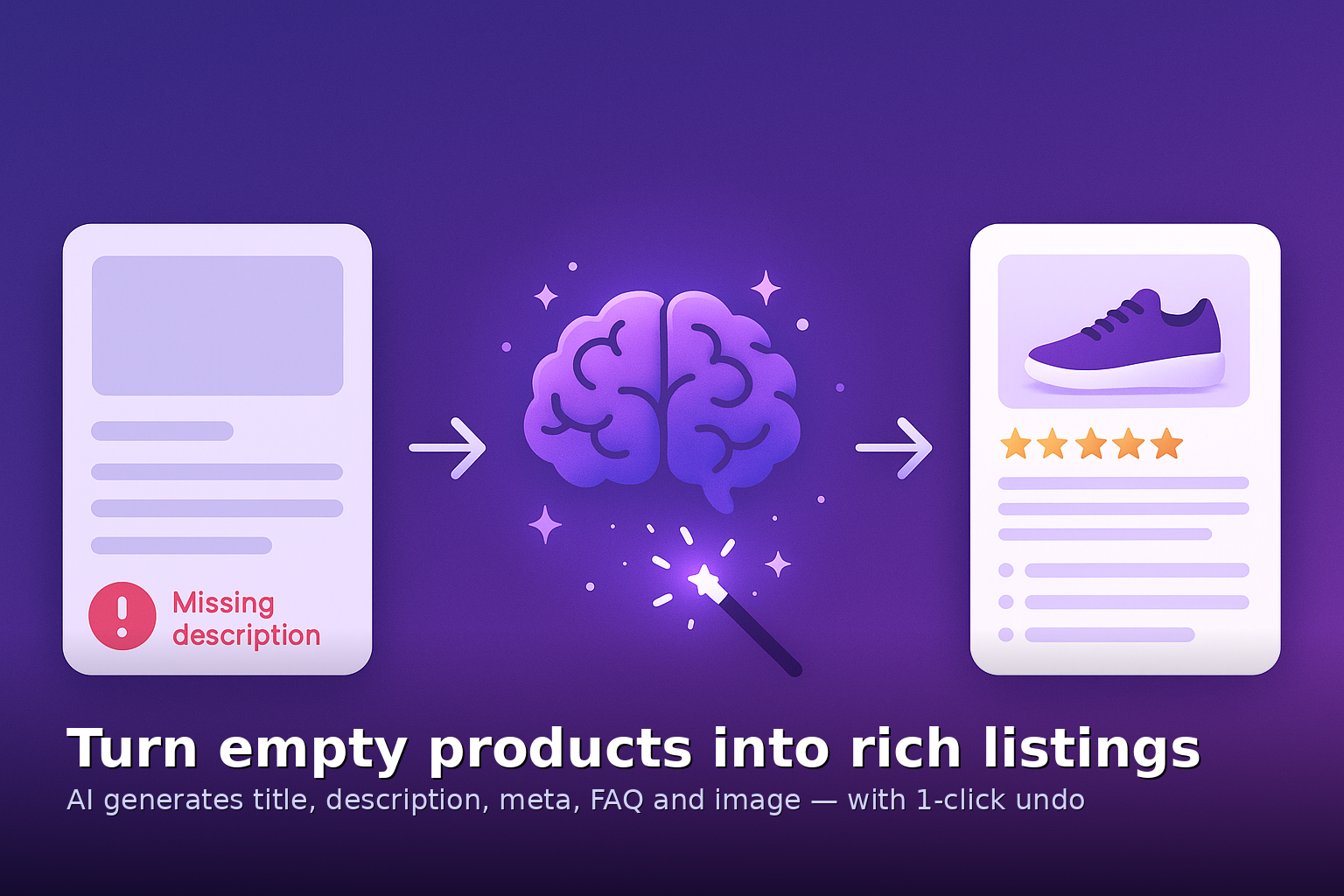
 → AI transform rich listing” class=”wp-image-9000020″ srcset=”https://i0.wp.com/ps.w.org/catalogpilot-ai-studio-for-woocommerce/assets/screenshot-20.png?rev=3597505&w=300 300w, https://i0.wp.com/ps.w.org/catalogpilot-ai-studio-for-woocommerce/assets/screenshot-20.png?rev=3597505&w=600 600w, https://i0.wp.com/ps.w.org/catalogpilot-ai-studio-for-woocommerce/assets/screenshot-20.png?rev=3597505&w=900 900w” sizes=”(max-width: 599px) 50vw, 33vw” width=”1536″ height=”1024″ loading=”eager” fetchpriority=”low” decoding=”async”/>
Installation
- Upload
catalogpilot-ai-studio-for-woocommerce.zipvia Plugins Add New Upload Plugin. - Activate the plugin.
- Navigate to CatalogPilot AI Studio in the WordPress admin menu (below WooCommerce).
- Under Settings API Keys, paste your OpenAI, Anthropic, Gemini, or other provider key.
- Or click Upgrade to subscribe to the managed AI cloud gateway (no API key needed).
- Open any WooCommerce product and use the CatalogPilot meta box in the sidebar to start generating.
Requires: WooCommerce 7.0+ and PHP 7.4+.
FAQ
-
Do I need to pay for an OpenAI account?
-
Free plan: yes, you bring your own key from OpenAI, Anthropic, Gemini, or any of the other 6 supported providers. Some have generous free tiers (Gemini 2.5 Flash, Groq, OpenRouter).
Starter / Pro subscribers: no, we use our managed AI cloud gateway. Your subscription includes tokens and images. No third-party API key required.
-
Where is my data sent when I click Generate?
-
Only when you click a Generate button, the product’s title and content excerpt are sent to your selected AI provider (or our managed gateway). Nothing else — no customer data, no orders, no user information. The “Third-party AI consent” checkbox in Settings must be enabled first.
-
Are API keys stored securely?
-
Yes. Keys are AES-256-CBC encrypted using your site’s
SECURE_AUTH_KEYand stored in wp_options. Only the last 4 characters are shown in the UI. Keys are never sent anywhere except the provider you selected. -
Does it work with WooCommerce HPOS?
-
Yes. CatalogPilot AI Studio declares HPOS compatibility and works with the new High-Performance Order Storage.
-
Can I generate content in languages other than English?
-
Yes. Set the target language in Settings and AI will produce content in that language. WPML and Polylang are detected automatically.
-
Does the FAQ schema really work for Google rich snippets?
-
Yes. We emit valid FAQPage JSON-LD according to schema.org. Test with Google’s Rich Results Test tool at https://search.google.com/test/rich-results.
-
What happens to the original content when I click Generate?
-
Nothing is destroyed. The AI output goes into a preview panel first. You review the result before approving. Nothing is overwritten unless you click Save.
-
Can I try before I buy?
-
Yes. The free plan gives you 20 AI actions per day using your own API key. No credit card required.
-
Does this work with variable products?
-
Yes. You can generate descriptions per variation or use a single description for the parent product.
-
Do you support Elementor, WPBakery, Divi, Bricks, Oxygen?
-
Yes — the generated content is standard HTML that any WordPress page builder accepts.
-
Can I use CatalogPilot AI Studio on WordPress multisite?
-
Yes. Activate per-site or network-wide. Site activation counts follow the terms of your Freemius license.
-
How is this different from Yoast SEO, Rank Math, or AIOSEO?
-
Yoast, Rank Math and AIOSEO are general SEO plugins. CatalogPilot AI Studio is a WooCommerce-specific AI content workflow that fills in the fields those SEO plugins can only display. You can use CatalogPilot alongside Yoast, Rank Math, or AIOSEO — CatalogPilot detects the presence of another SEO plugin and gracefully hands off meta tag emission to avoid duplicates.
-
Is my Freemius subscription refundable?
-
Please review the refund policy on the checkout page. Software subscriptions typically follow platform-standard terms.
Reviews
There are no reviews for this plugin.
Contributors & Developers
“CatalogPilot AI Studio — AI Product Description Generator, SEO Meta, FAQ Schema & Image Generator for WooCommerce” is open source software. The following people have contributed to this plugin.
Contributors
Interested in development?
Browse the code, check out the SVN repository, or subscribe to the development log by RSS.
Changelog
1.0.5
- Added: Missing content scanner in the admin dashboard
- Added: Bulk regenerate for images
- Improved: FAQ schema respects other SEO plugins (Yoast, Rank Math, AIOSEO) — no duplicate emission
- Improved: 9 text providers include OpenRouter and Perplexity routing
- Fixed: HPOS compatibility declaration
- Fixed: Meta box appearance under WooCommerce Product Blocks
1.0.4
- Added: Anthropic Claude provider
- Added: Google Gemini provider
- Added: Multi-language prompt support
1.0.3
- Added: Managed AI cloud gateway integration (Freemius Starter/Pro plans)
- Improved: API key encryption uses AES-256-CBC
- Fixed: WooCommerce Blocks Cart/Checkout compatibility
1.0.2
- Added: FAQ Rich Snippet schema (FAQPage JSON-LD)
- Added: Bulk Generate admin page
1.0.1
- Initial submission tweaks per wp.org review
1.0.0
- First public release