
Description
Adds a [bottleneckpc_calculator] shortcode that embeds a working CPU and GPU bottleneck calculator
into a post or page. A reader picks their processor and graphics card and gets a verdict for the
resolution they actually play at, without leaving your site.
It loads nothing onto your readers. No analytics, no advertising scripts, no cookies, no
service worker. The embed makes one request, for the widget itself. This was a deliberate change
rather than a happy accident, and you can verify it in your browser’s network tab.
Eleven languages. English, Spanish, Italian, Korean, French, Portuguese, German, Polish, Czech,
Greek and Russian. The widget’s labels and verdicts are translated, not machine-rendered English,
and by default it follows your site’s own language setting.
The hardware data stays current. The calculator reads a database that is updated continuously,
so cards released after you install the plugin appear without you touching the shortcode again.
Attribution
By default the shortcode renders a small credit line underneath the widget, in your page’s own
HTML, linking to the calculator in the same language. That credit is the only thing we ask for in
exchange, and it is how the tool stays free.
If you do not want it, add credit="false" and it will not be output. Nothing else changes.
Usage
Simplest form, which follows your site language:
[bottleneckpc_calculator]
Pre-set a specific pairing, useful inside a review or a build guide:
[bottleneckpc_calculator cpu="ryzen-7-9800x3d" gpu="rtx-5070" res="1440p"]
Force a language, regardless of the site setting:
[bottleneckpc_calculator lang="de"]
Without the credit line:
[bottleneckpc_calculator credit="false"]
Shortcode attributes
lang– en, es, it, ko, fr, pt, de, pl, cs, el, ru. Defaults to your site language, falling back to English.cpu– a processor slug, for exampleryzen-7-9800x3d. Pre-selects it.gpu– a graphics card slug, for examplertx-5070. Pre-selects it.res–1080p,1440por4k. Defaults to 1440p.width– a pixel value or percentage. Defaults to 100%, capped at 420px so it does not stretch.height– pixels. Defaults to 480.credit–trueorfalse. Defaults to true.
Part slugs are the same ones used in the calculator’s own URLs, so you can read one off any result
page on bottleneckpc.com.
Screenshots
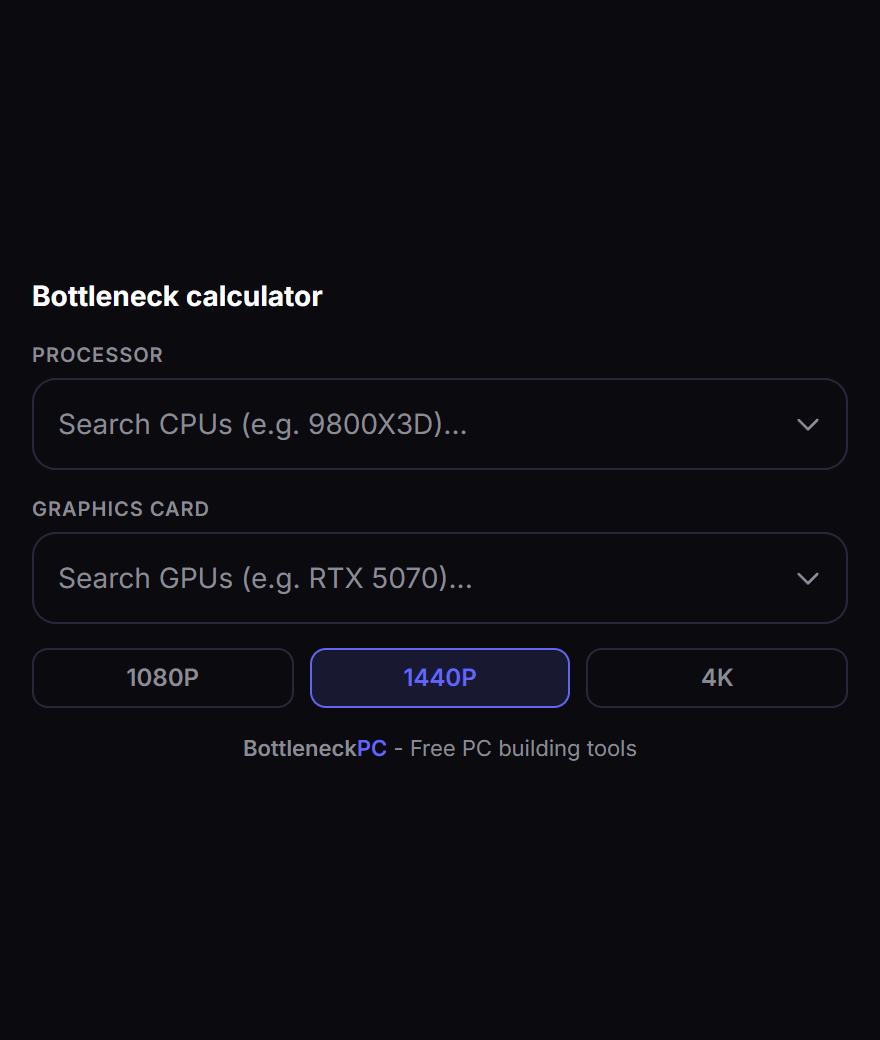
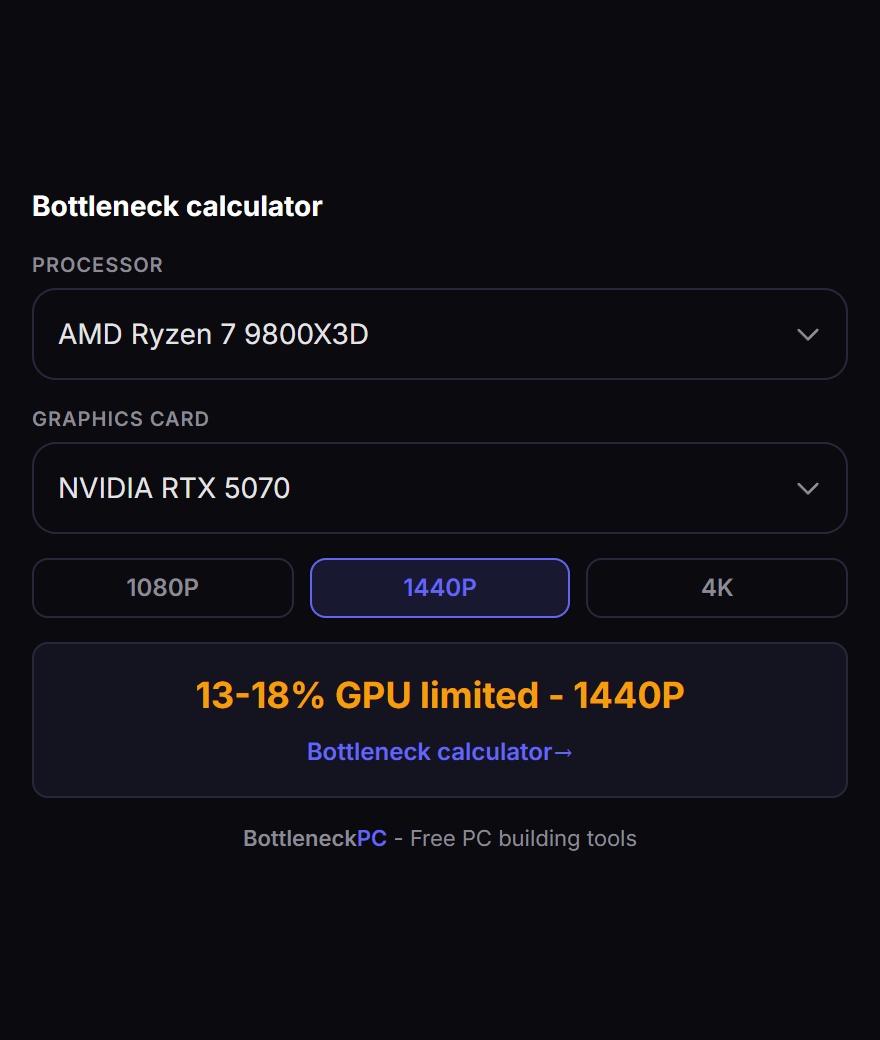
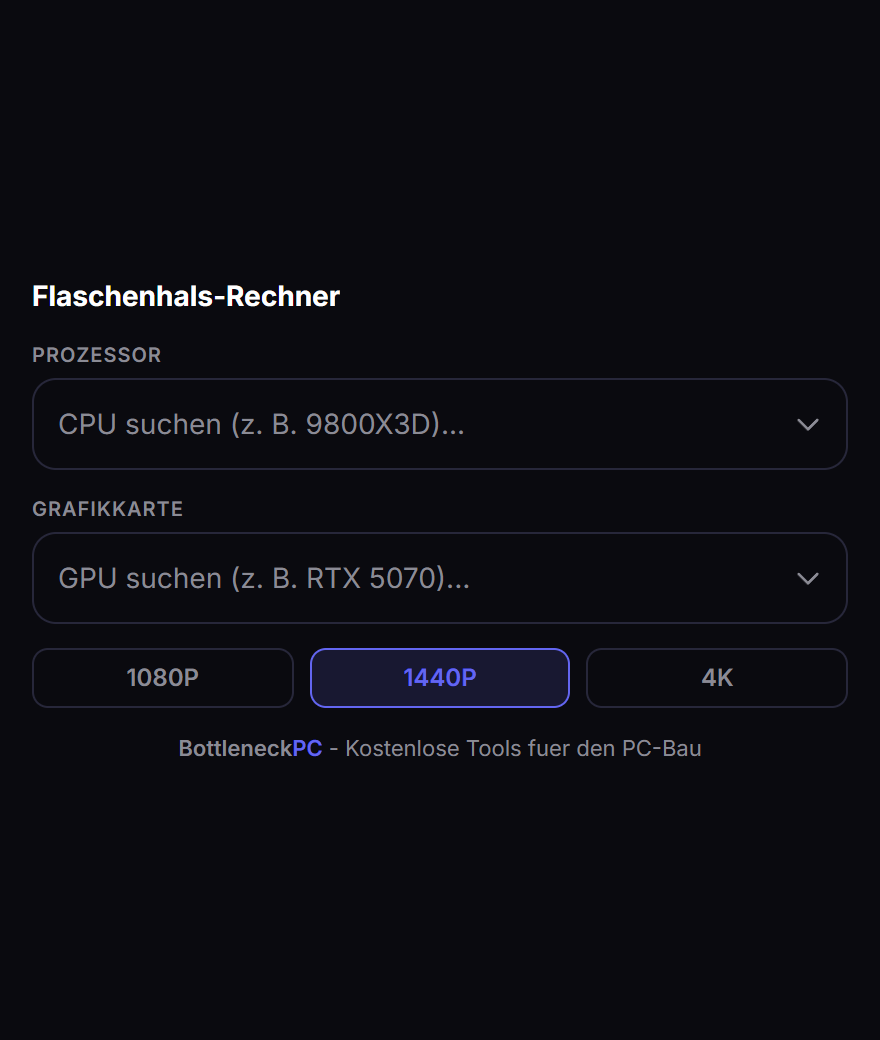
FAQ
Does this slow my site down?
The iframe is lazy-loaded, so it is not fetched until a reader scrolls near it. The plugin itself enqueues no CSS and no JavaScript.
No. The embed route was specifically stripped of analytics, the advertising partner’s script and the service worker so that this answer could be a plain no.
Can I remove the credit link?
Yes, with
credit="false". We would rather you kept it, since it is what pays for maintaining the hardware database, but the plugin will not fight you about it.The iframe fails to load and the rest of your page is unaffected. Nothing about your site depends on us being up.
Is the calculator accurate?
It gives a bounded range with the resolution stated, and names which component limits the other. It deliberately does not output a single invented percentage, because there is no measurement behind that kind of number. The scoring engine is open source at https://github.com/BottleneckPC/bottleneck-checker if you want to check the working.
Reviews
There are no reviews for this plugin.
Contributors & Developers
“Bottleneck Calculator by BottleneckPC” is open source software. The following people have contributed to this plugin.
Contributors
Translate “Bottleneck Calculator by BottleneckPC” into your language.
Interested in development?
Browse the code, check out the SVN repository, or subscribe to the development log by RSS.
Changelog
1.0.0
- First release. Shortcode, eleven languages, optional attribution, no third-party scripts.