

Description
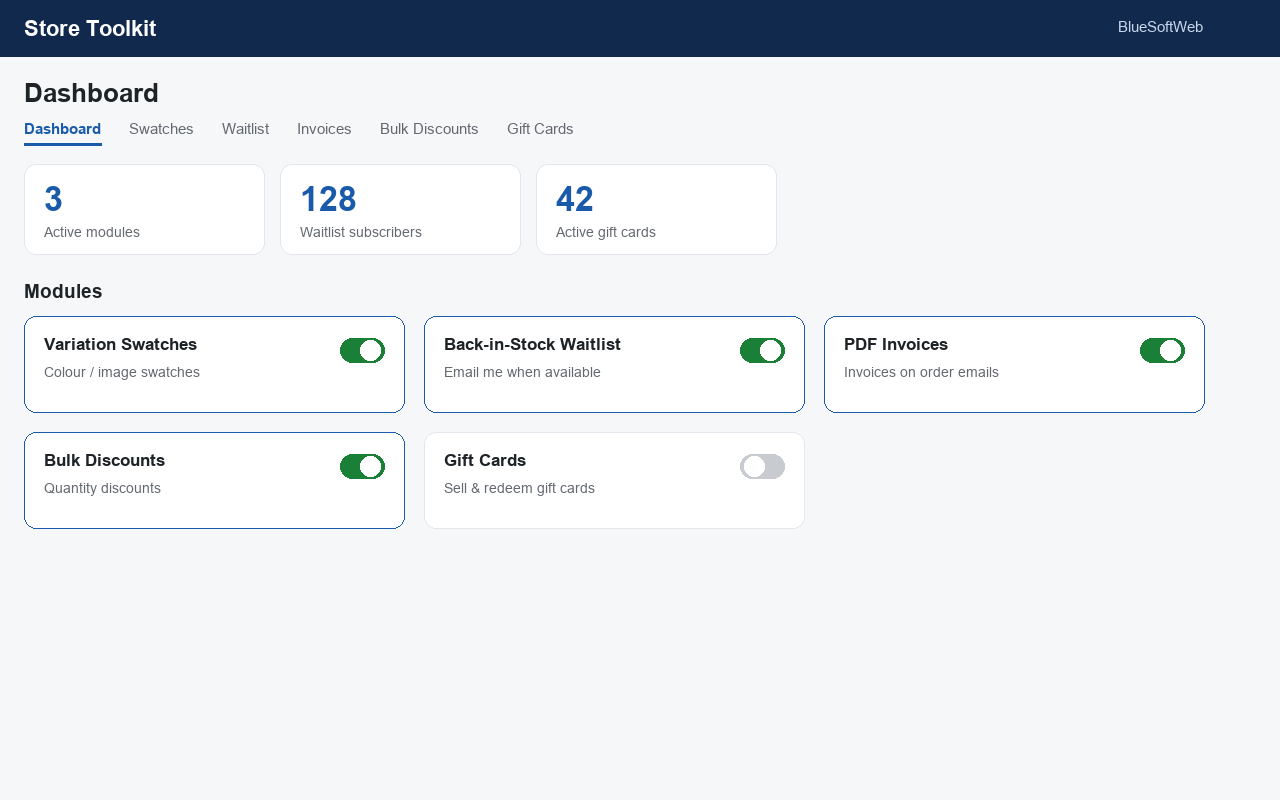
Store Toolkit bundles five of the most-requested WooCommerce enhancements into a single, lightweight plugin. Turn each tool on or off from one dashboard — disabled modules add no front-end code.
1. Variation Swatches
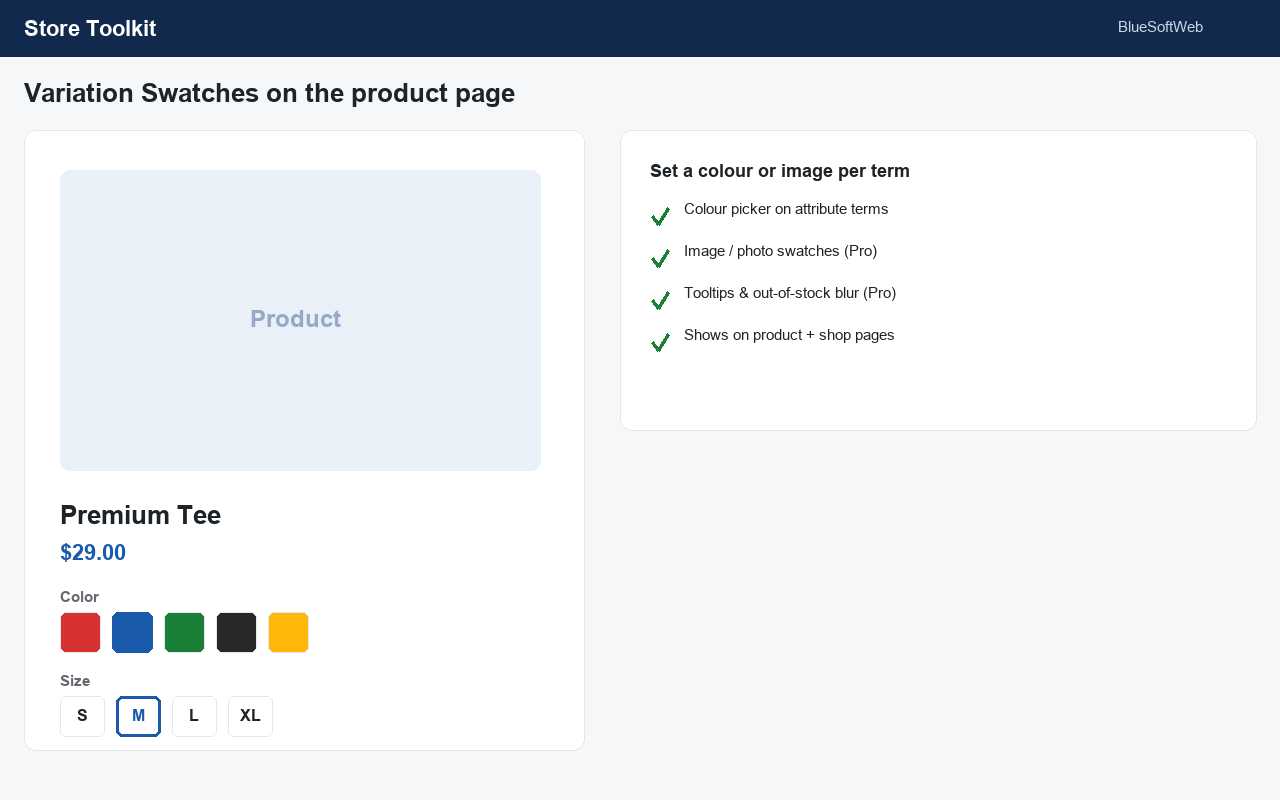
Replace boring variation dropdowns with colour and label/button swatches on the product page, and show colour dots in the shop loop. Set a colour per attribute term with a built-in colour picker.
2. Back-in-Stock Waitlist
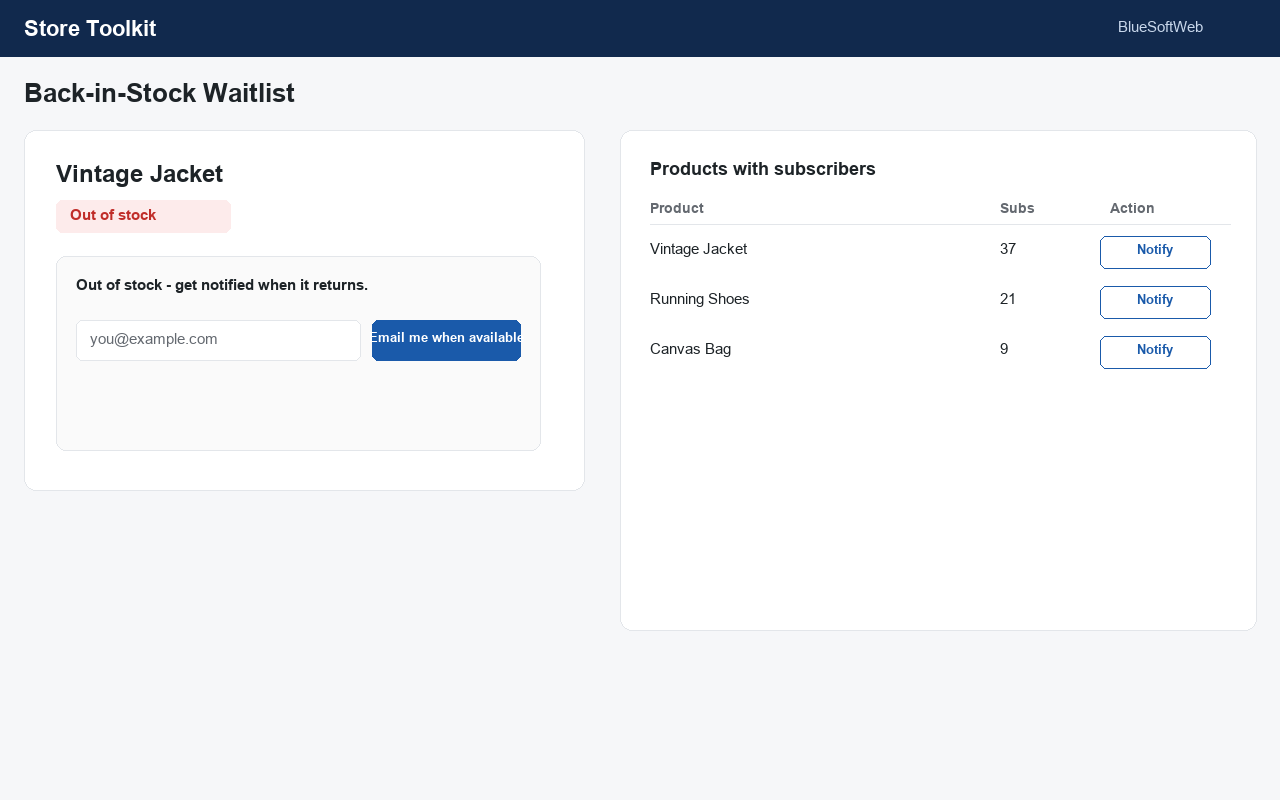
Add an “Email me when available” form to out-of-stock products. Collect signups in a table and email everyone with one click when stock returns.
3. PDF Invoices
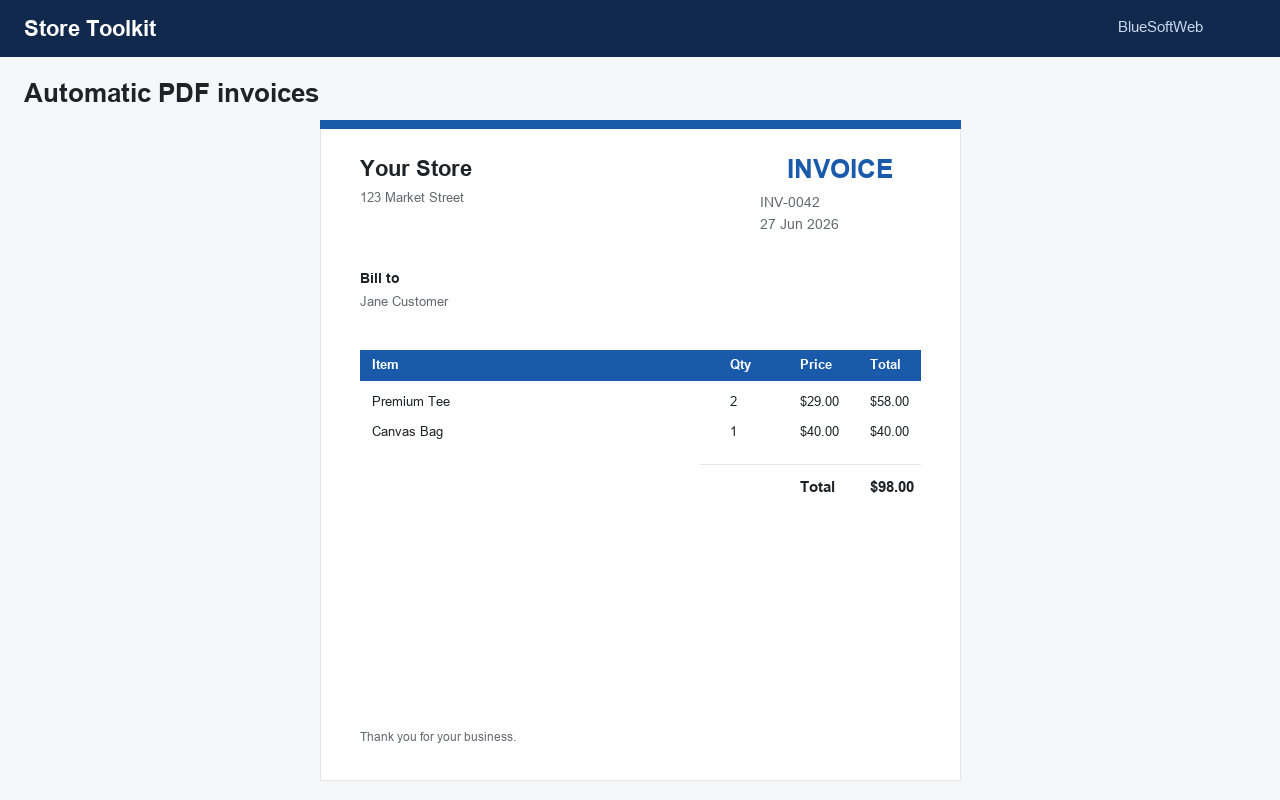
Automatically attach a clean PDF invoice to your order emails, and let customers download it from My Account. No external libraries — invoices are generated in pure PHP.
4. Bulk Discounts
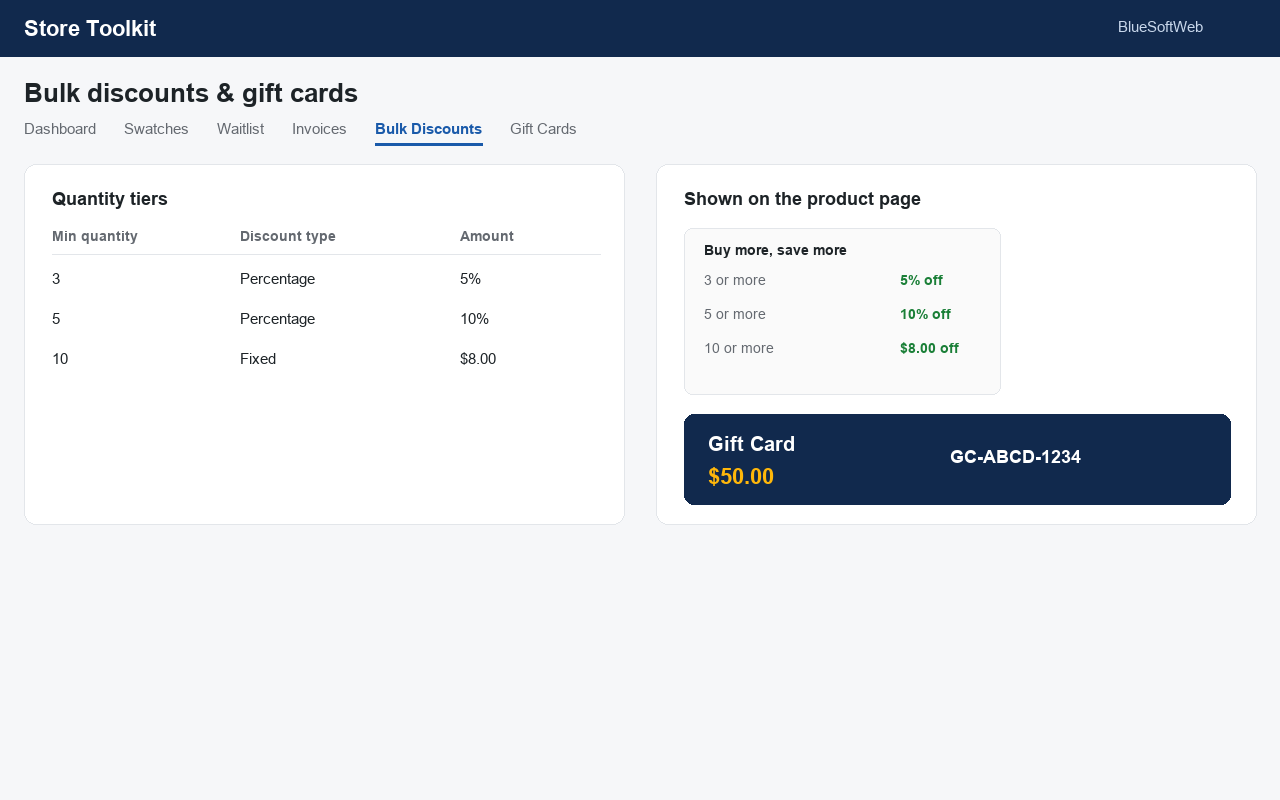
Reward bigger baskets with automatic quantity discounts (“buy 3+ save 10%”), with an optional discount table shown on the product page.
5. Gift Cards
Sell gift cards: mark any product as a gift card and a unique code is created and emailed to the recipient on purchase. Customers redeem the code at the cart.
Built for modern WooCommerce
- Compatible with High-Performance Order Storage (HPOS).
- Compatible with the Cart & Checkout Blocks declaration.
- Translation-ready.
Upgrade to Pro
Store Toolkit Pro is a separate premium add-on that adds image/photo swatches with tooltips and out-of-stock blur, automatic restock notifications with double opt-in, branded invoices with packing slips and credit notes, role-based pricing with scheduled sales, and gift card scheduled delivery with a printable PDF.
WooCommerce is a trademark of Automattic Inc. This plugin is not affiliated with or endorsed by Automattic.
Screenshots
Installation
- Upload the plugin to
/wp-content/plugins/or install it from Plugins Add New. - Activate it (WooCommerce must be active).
- Go to Store Toolkit in the admin menu, enable the tools you want, and configure each tab.
FAQ
-
Does this require WooCommerce?
-
Yes. WooCommerce must be installed and active.
-
Will it slow my store down?
-
No. Only the modules you enable load any code.
-
Where do gift card codes appear?
-
A code is generated when a gift-card product is paid for, emailed to the recipient, and listed under Store Toolkit Gift Cards.
-
Can customers download their invoice?
-
Yes — from My Account Orders, and you can download it from the order screen.
Reviews
There are no reviews for this plugin.
Contributors & Developers
“BlueSoftWeb Store Toolkit for WooCommerce” is open source software. The following people have contributed to this plugin.
Contributors
Translate “BlueSoftWeb Store Toolkit for WooCommerce” into your language.
Interested in development?
Browse the code, check out the SVN repository, or subscribe to the development log by RSS.
Changelog
1.0.0
- Initial release: variation swatches, back-in-stock waitlist, PDF invoices, bulk discounts and gift cards.