

Description
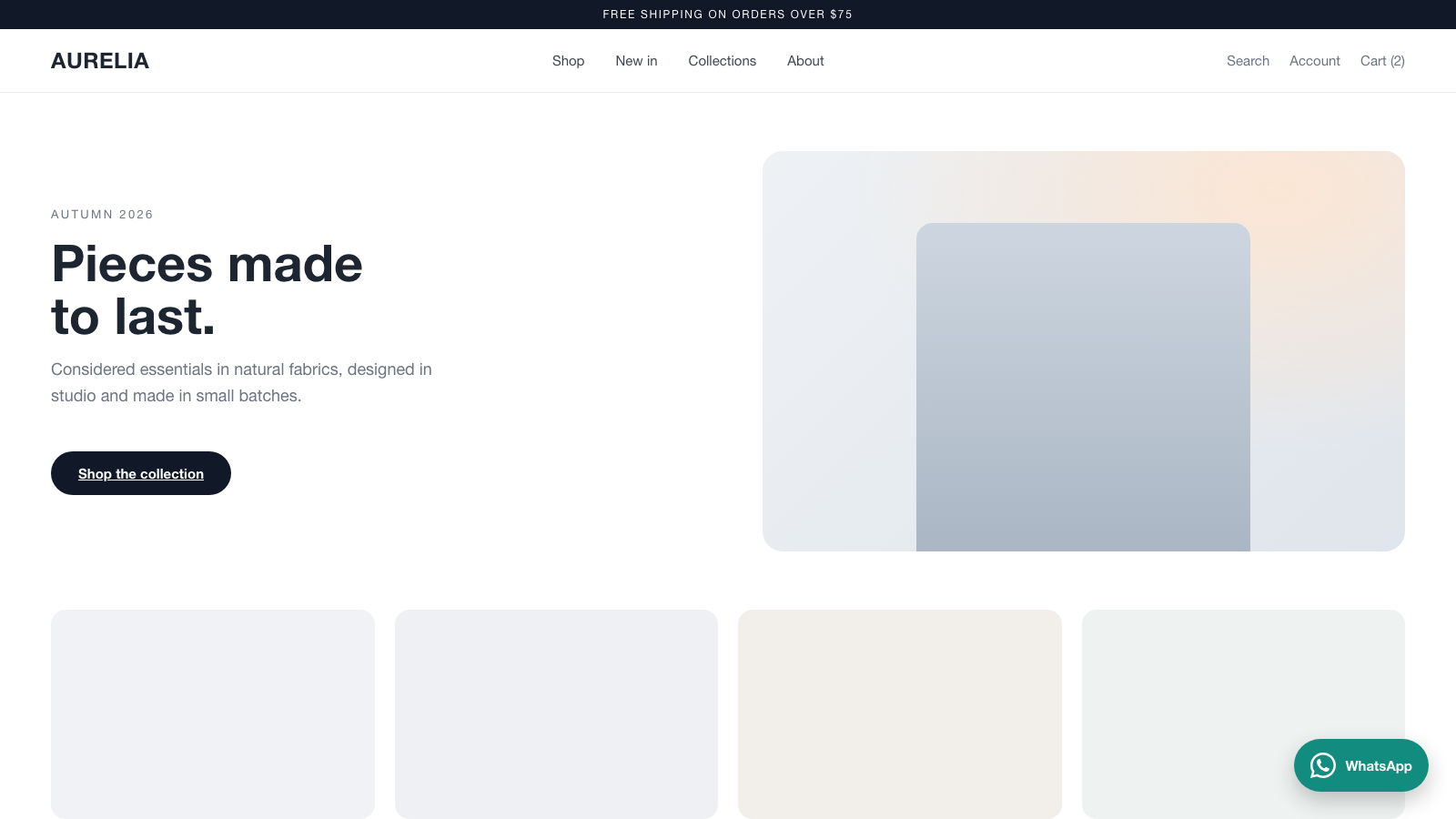
bKlug Floating Contact Button adds a floating WhatsApp chat button to the front end of your WordPress site. No theme editing and no code — set your number in the settings and the button appears.
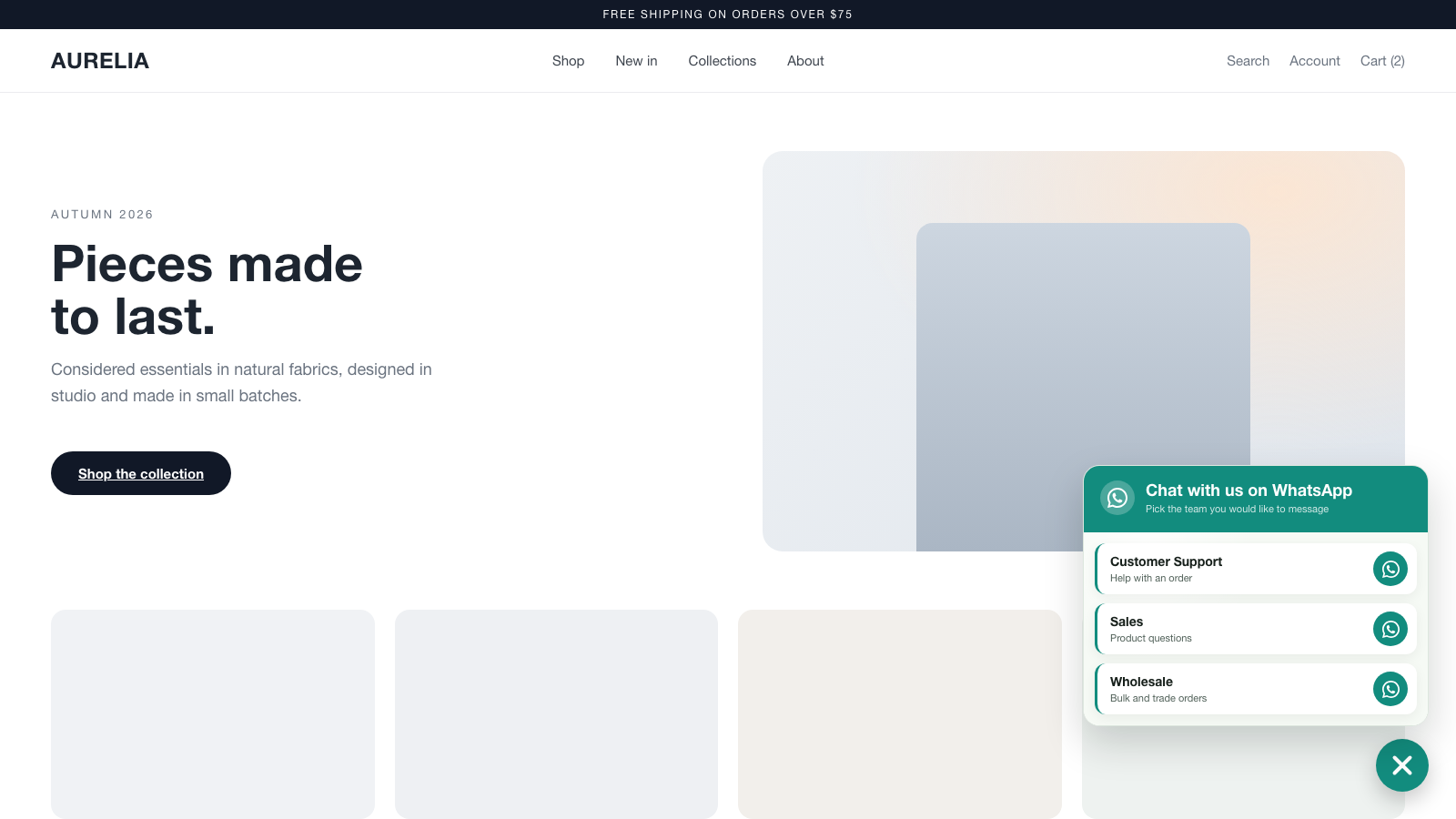
Fill in a single number to send visitors straight into a WhatsApp chat with your pre-filled message. Add more numbers (up to five) and the button opens a clean contact picker so visitors choose who to message — sales, support, a specific store, and so on.
Features
- Floating WhatsApp button, bottom-left or bottom-right.
- Icon only, icon + “WhatsApp”, or icon + your own button text.
- Up to five contacts, each with a name, a note, a number, and a pre-filled message.
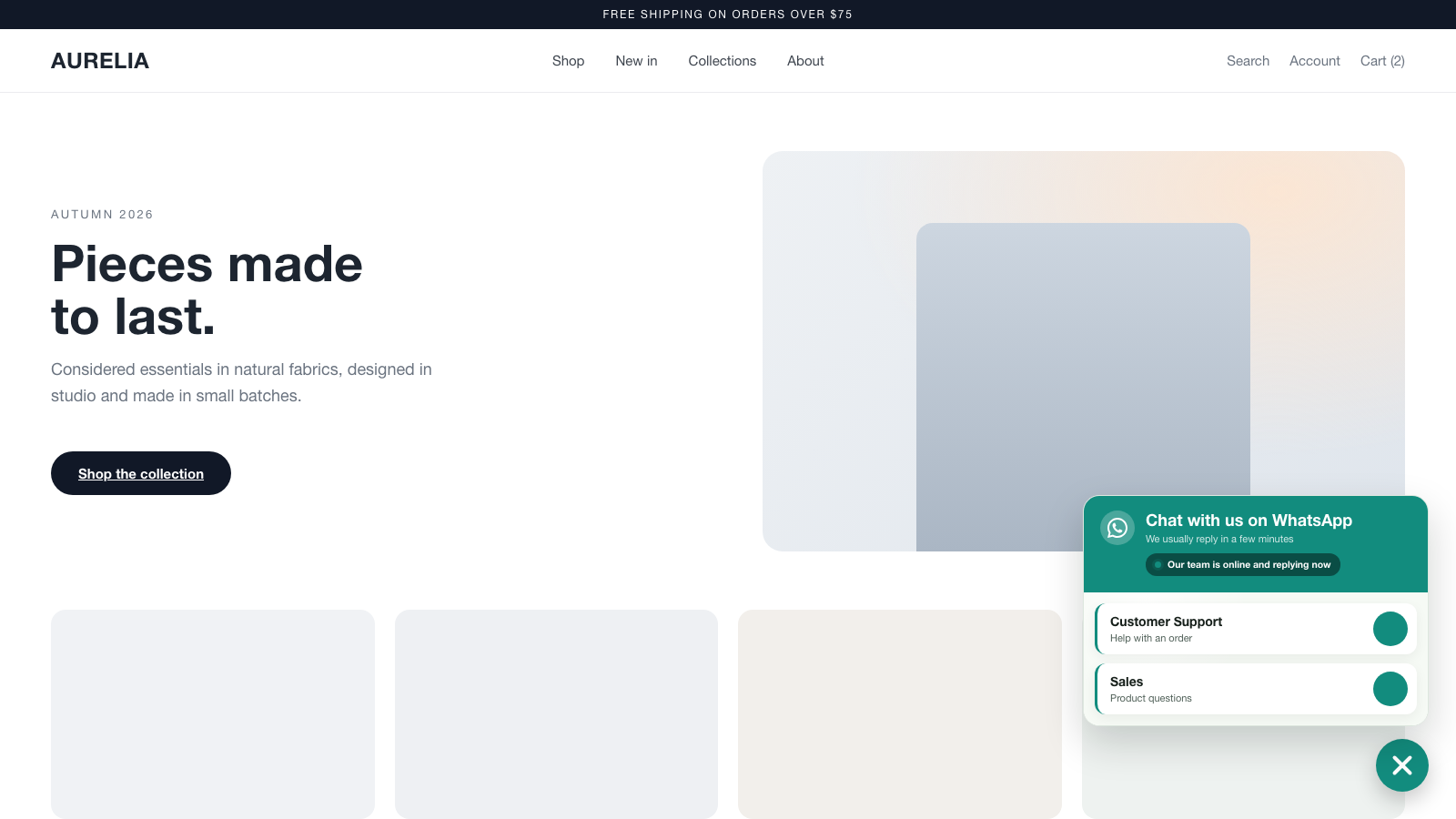
- Contact-picker popup when you have two or more numbers.
- Business hours: show a live “available now” or “away” note with a status dot based on the current time, days, and timezone.
- Optional auto-open of the contact picker after the visitor is idle.
- Full color control for the button and popup, plus size and spacing.
- Show or hide on desktop and mobile independently.
- Lightweight, framework-free JavaScript. Assets load only on pages where the button is shown.
- No account required and no data leaves your site — the button simply opens WhatsApp with your number.
This plugin is a free tool from bKlug. It uses WhatsApp’s standard wa.me links; WhatsApp is a trademark of its respective owner and this plugin is not affiliated with or endorsed by WhatsApp or Meta.
Screenshots
Installation
- Upload the
bklug-floating-contact-buttonfolder to/wp-content/plugins/, or install the plugin through the Plugins screen in WordPress. - Activate the plugin through the “Plugins” screen.
- Go to Settings bKlug Contact Button.
- Enter at least one WhatsApp number (including the country code) and save.
- Visit the front end of your site — the floating button appears.
FAQ
-
Do I need a WhatsApp Business account?
-
No. The button opens a standard WhatsApp chat to whatever number you enter. A personal or Business number both work.
-
The button only appears once at least one WhatsApp number is set in Settings bKlug Contact Button. Also check that “Show on desktop” / “Show on mobile” are enabled for the device you are testing.
-
What number format should I use?
-
Include the country code, for example +1 555 123 1234. Spaces, dashes, and the plus sign are fine — the plugin strips them automatically.
-
Can I show more than one number?
-
Yes. Fill in up to five contacts. With two or more, the button opens a contact picker so visitors choose who to message.
-
Does it slow down my site?
-
No. The CSS and JavaScript are small, framework-free, and only load on pages where the button is displayed.
Reviews
There are no reviews for this plugin.
Contributors & Developers
“bKlug Floating Contact Button” is open source software. The following people have contributed to this plugin.
Contributors
Translate “bKlug Floating Contact Button” into your language.
Interested in development?
Browse the code, check out the SVN repository, or subscribe to the development log by RSS.
Changelog
1.0.0
- Initial release.