

Description
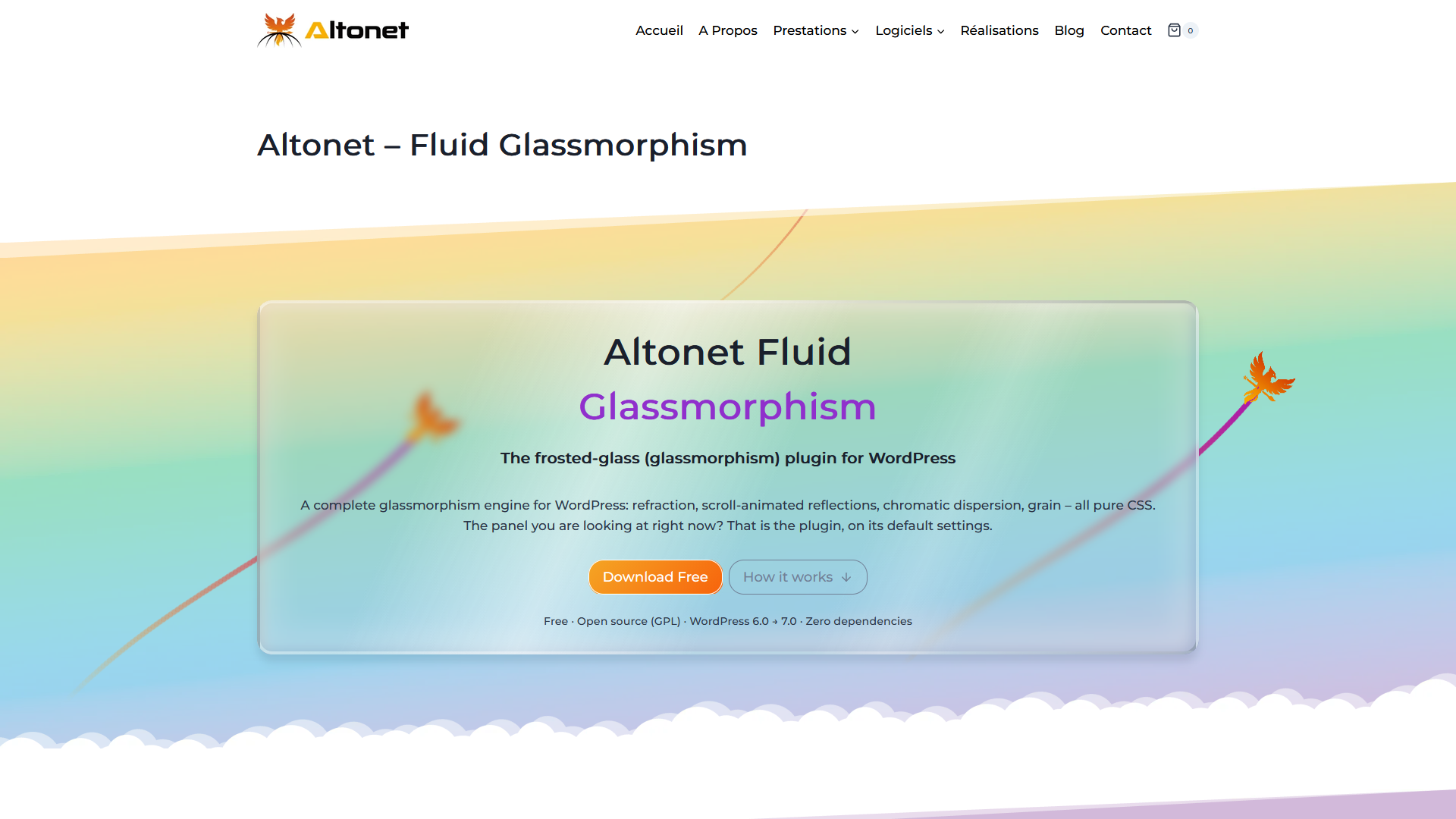
A complete glassmorphism engine for WordPress: refraction, reflections, dispersion, grain, scroll-driven light – all pure CSS.
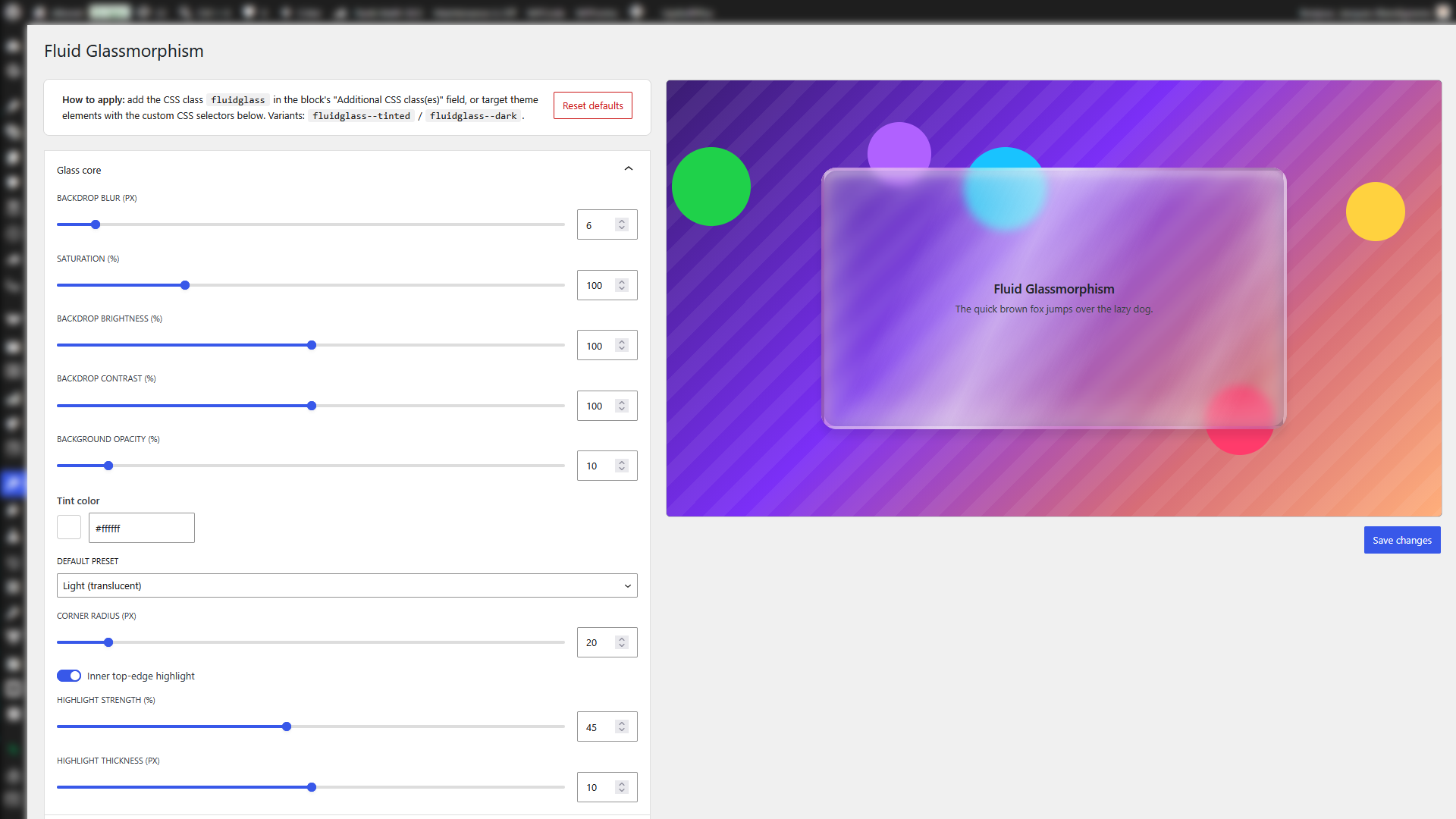
Altonet Fluid Glassmorphism turns any element of your site into a realistic pane of frosted glass, configured from a single settings page with a live preview. Everything is pure CSS at render time, so the effect looks the same in every modern browser – no WebGL, no canvas, no heavy JavaScript.
The glass engine
- Frosted body via
backdrop-filter(blur, saturation, brightness, contrast), semi-transparent tint, shadow and radius. - Simulated refractive border: a full-perimeter glass ring with its OWN blur, brightness, contrast and saturation, whose inner and outer corners follow the radius exactly (no corner gap). After the technique popularised by Josh W. Comeau.
- Light & realism cues, driven by a single light angle so the panel reads as one glass slab under one light source:
- a specular reflection streak (sheen) across the body, with adjustable position, width and echo – and an optional scroll animation that slides the reflection as the panel moves through the viewport, like a fixed light reflecting on moving glass;
- rim bevel lighting – the border is lit on the side facing the light and shaded opposite, hugging the corner radius exactly, faking the way light bends through the curved edge of glass;
- a chromatic dispersion fringe – soft warm/cool edges of adjustable width, faking the splitting of light at the rim.
- Inner top-edge highlight and configurable inner/outer rim glow.
- Backdrop extension: the blurred body can grow past any edge to also sample content NEAR the panel, not only behind it – great over moving or scrolling backgrounds.
- Lightweight grain/granularity layer (a static SVG noise texture, generated once).
- Three presets: Light, Tinted (stabilized readability) and Dark.
How you apply it
- Add the
fluidglassutility class to any block (“Additional CSS class(es)” field) or page-builder element. Variants:fluidglass--tinted,fluidglass--dark. - Or target theme-rendered elements (archive cards, headers, widgets…) with custom CSS selectors: matching elements receive the full glass engine automatically, including content inserted later by AJAX pagination or infinite scroll.
Performance & accessibility
- Conditional loading: assets are only enqueued when the effect is actually used.
- Optional performance guard drops the heavier second backdrop-filter on mobile and low-end devices.
- Respects
prefers-reduced-transparencyandprefers-contrast, with a clean opaque fallback whenbackdrop-filteris unsupported.
Tip: glass looks its best over a moving, colourful backdrop – Altonet Fluid Glassmorphism pairs beautifully with the Altonet Animated BG plugin.
This plugin renders a frosted glass UI effect and is not affiliated with or endorsed by any hardware or OS vendor.
Credits
The frosted-glass and glass-border techniques are an original CSS implementation, inspired by public write-ups from Josh W. Comeau, Artur Bien and Jamie Gray. No third-party code is bundled.
Screenshots
Installation
- Upload the plugin to the
/wp-content/plugins/directory, or install it from the Plugins screen. - Activate it.
- Go to Appearance > Altonet Fluid Glassmorphism to configure the global look with the live preview.
- Add the
fluidglassclass to any element, or enter custom CSS selectors in the Targeting section.
FAQ
-
Will text stay readable?
-
The text of the element is never blurred or overlaid: the glass is painted on layers behind it. The Tinted preset increases the fill opacity for stabilized readability, and with
prefers-reduced-transparencyorprefers-contrastthe effect falls back to an opaque surface. -
What about old browsers?
-
When
backdrop-filteris unsupported, the effect degrades to a clean semi-opaque surface automatically. -
Do the realism effects (reflection, refraction, dispersion) need WebGL?
-
No. They are plain CSS gradients and box-shadows, computed from your settings, so they render wherever the base effect does and cost nothing measurable.
-
How do custom selectors work?
-
A tiny script (under 1 KB) adds the
fluidglassclass to every element matching your selectors, as soon as the HTML parser reaches them – so they get the exact same engine as everything else, with no flash. It also watches for content added later (AJAX, infinite scroll).
Reviews
There are no reviews for this plugin.
Contributors & Developers
“Altonet Fluid Glassmorphism” is open source software. The following people have contributed to this plugin.
Contributors
Translate “Altonet Fluid Glassmorphism” into your language.
Interested in development?
Browse the code, check out the SVN repository, or subscribe to the development log by RSS.
Changelog
1.0.1
- The scroll-driven reflection no longer runs on mobile devices by default: several stacked glass panels animating during touch scrolling could stutter on some phones (reported on a Galaxy Z Fold 5). A new “Animate on mobile devices too” toggle re-enables it.
- Performance: the reflection animation now skips sub-half-percent updates, sparing gradient repaints over the backdrop-filter while scrolling on every device.
1.0.0
- Initial release: full glass engine (frosted body with backdrop-filter, refractive full-perimeter border, two-layer rim bevel, specular reflection streak with scroll animation, chromatic dispersion fringe, grain), settings page with live preview, utility classes and custom CSS selector targeting, performance guards for mobile/low-end devices, accessibility fallbacks.