

Description
AI Data Layer analyses your published content with cloud AI, builds a semantic entity graph, and exposes structured, AI-readable data describing your content and its entities — JSON-LD schema, an /llms.txt index, Markdown copies, public REST endpoints and a per-site MCP server.
What it does
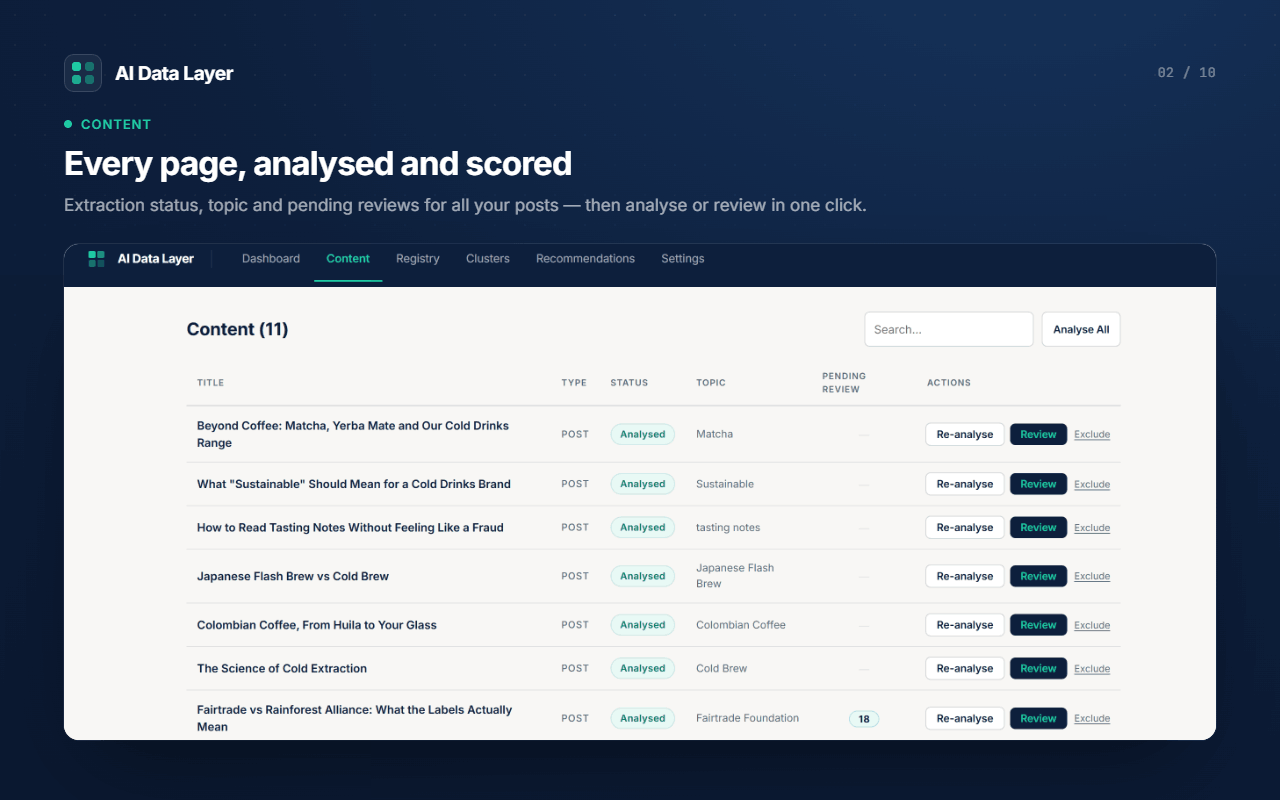
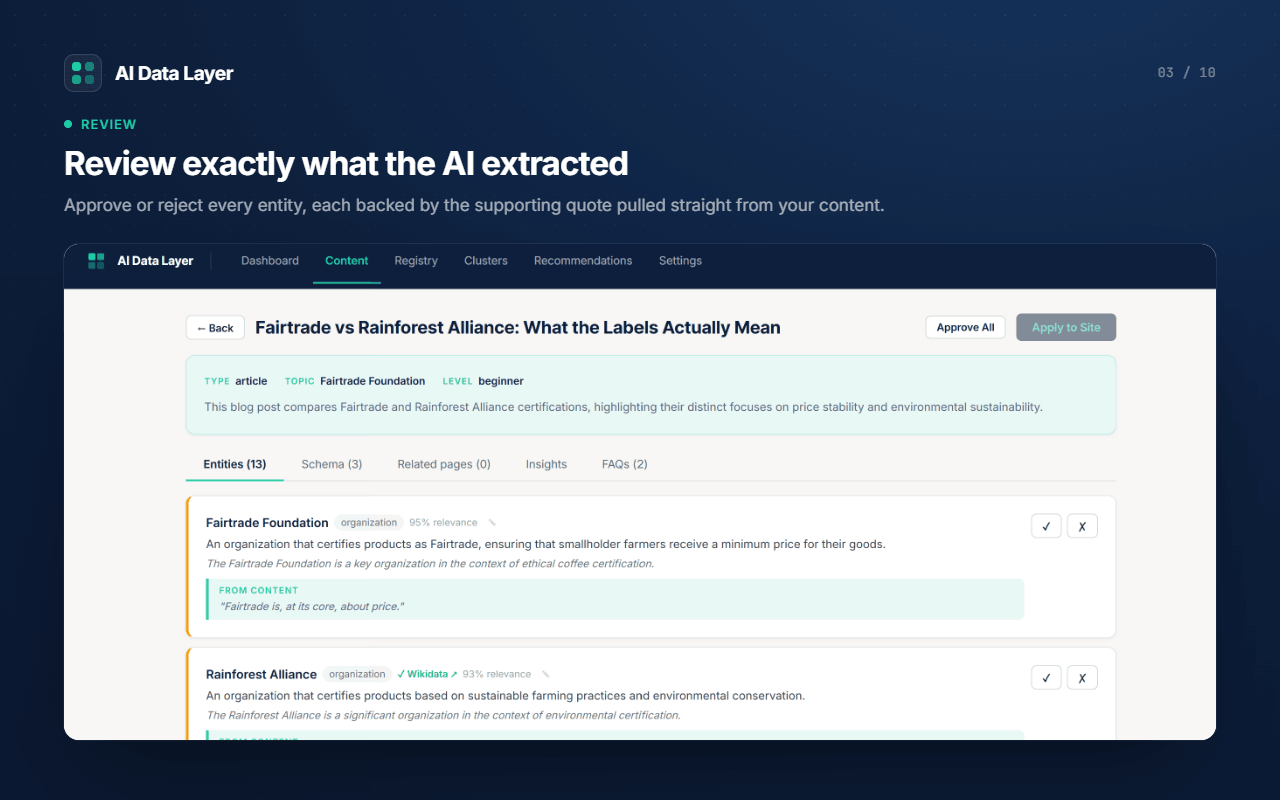
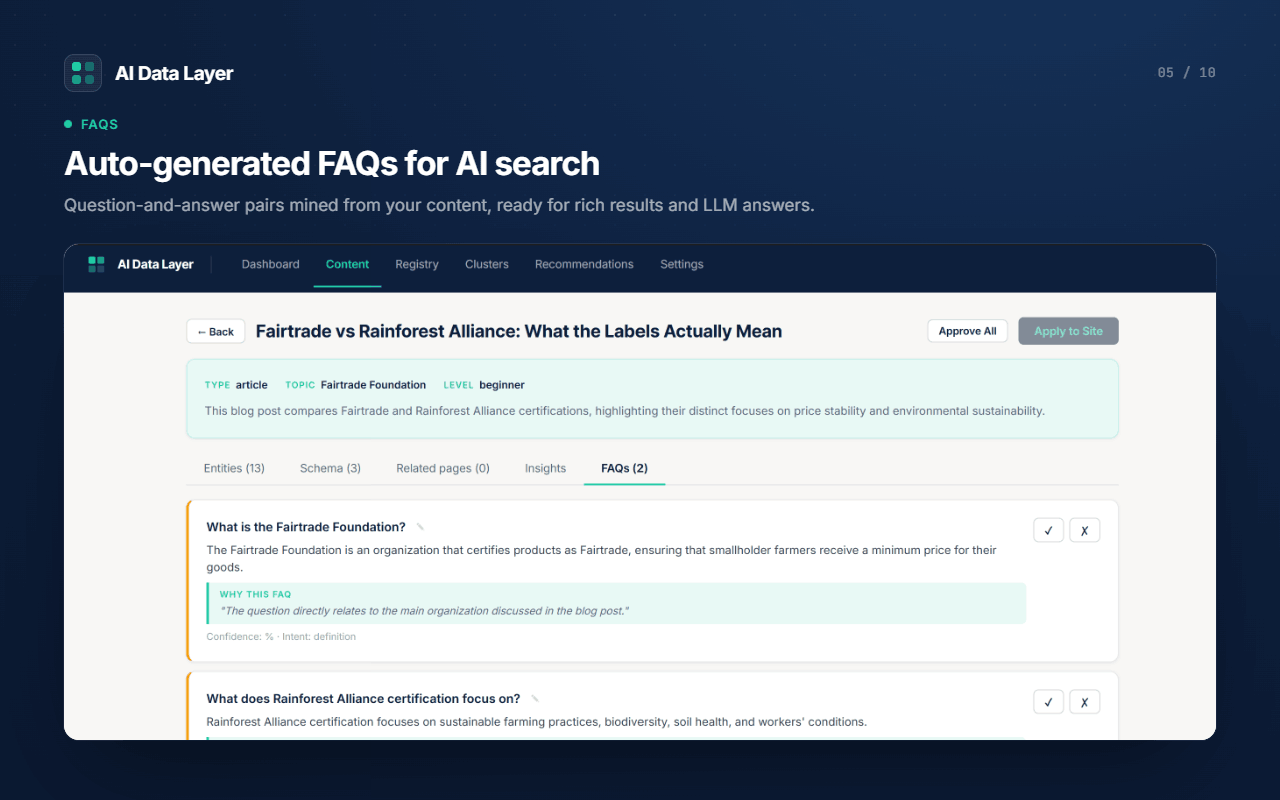
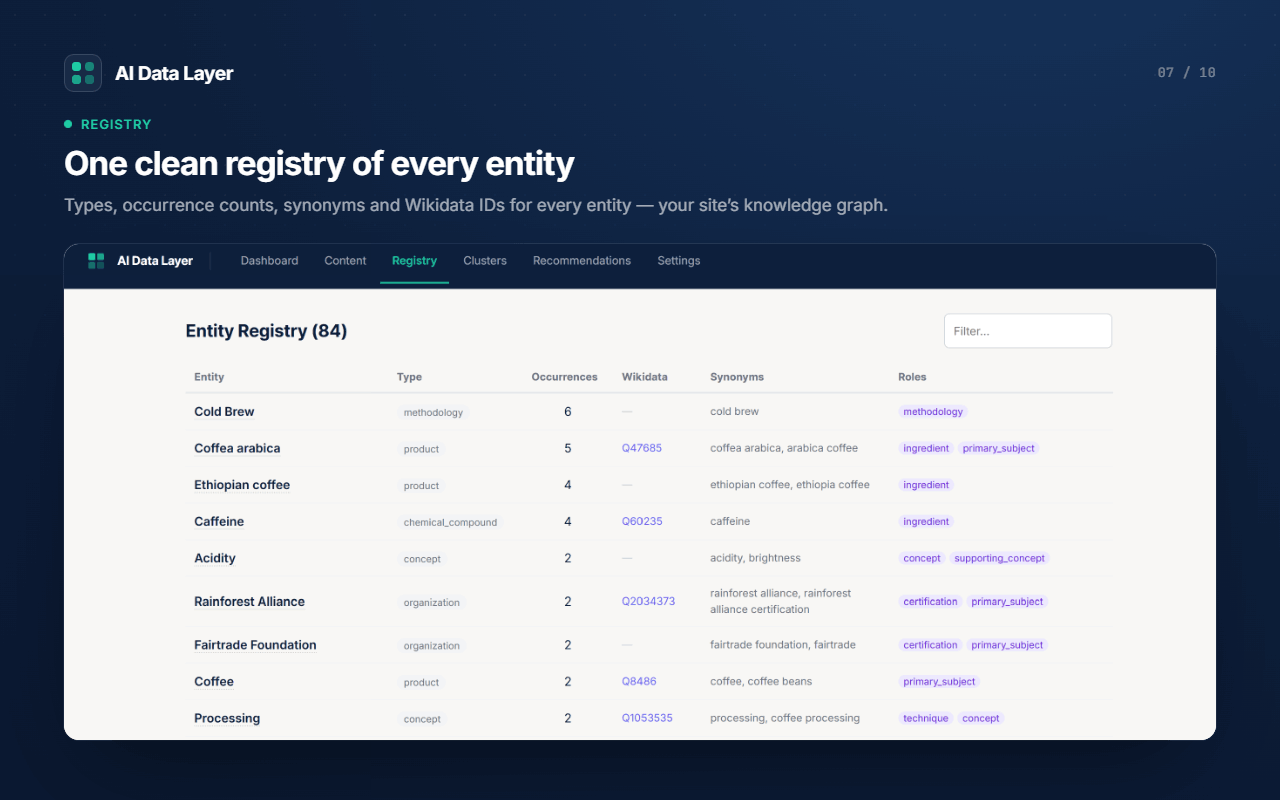
- Extracts entities from your posts and pages and validates them against Wikidata.
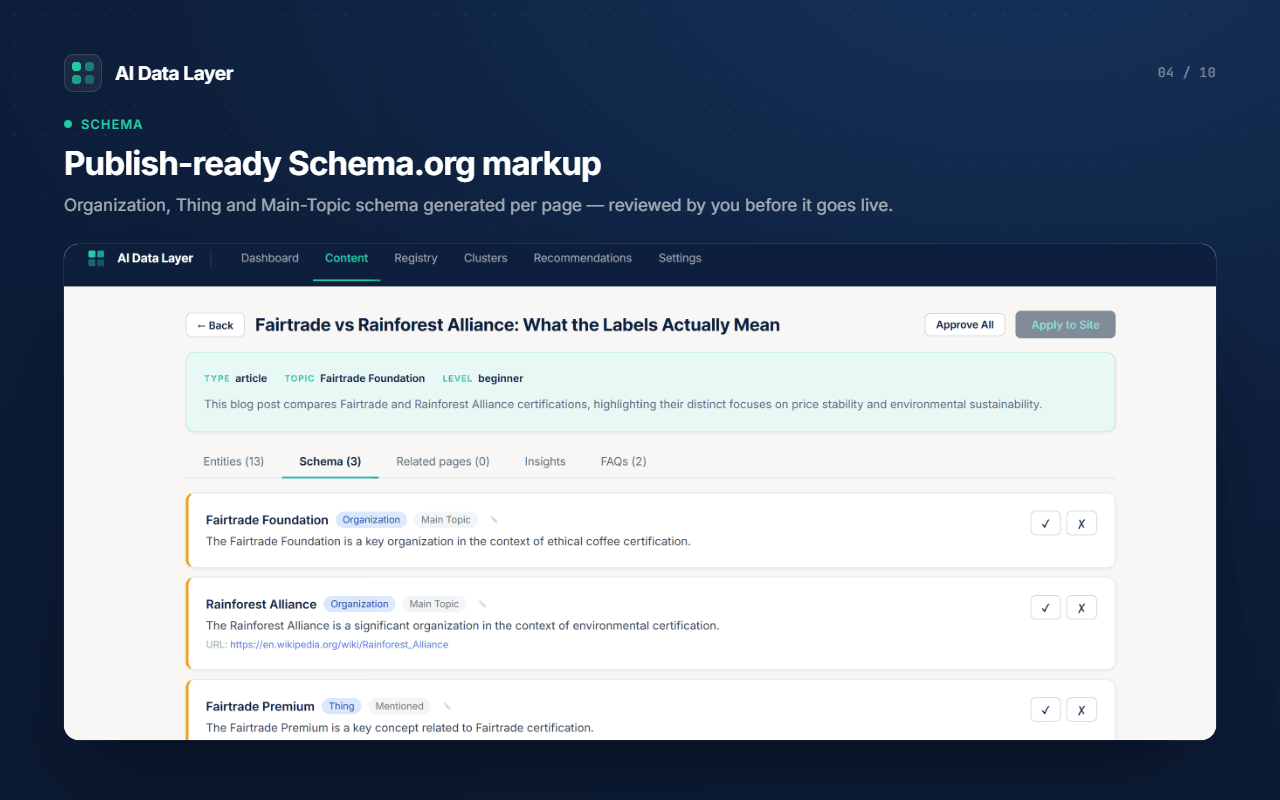
- Generates JSON-LD schema (Article/HowTo/FAQ + entity
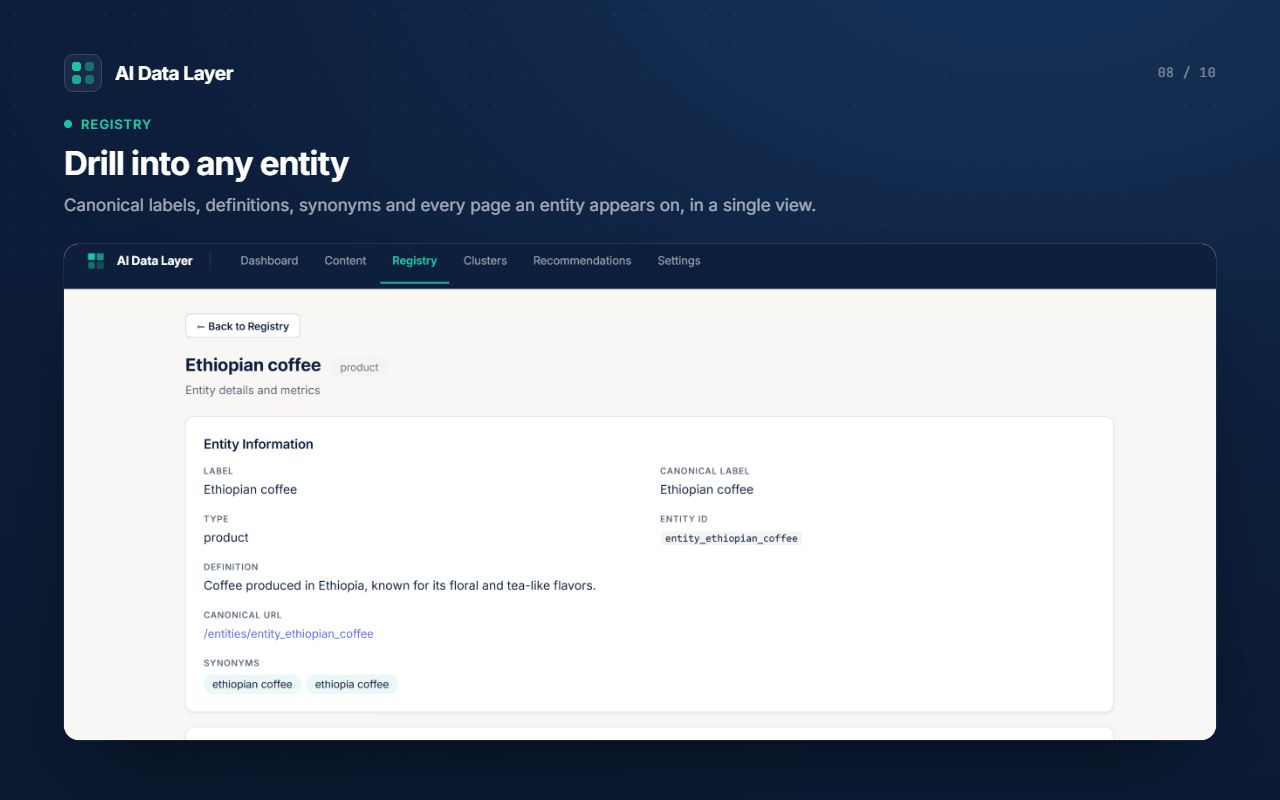
about[]withsameAs) and outputs it in the page<head>. - Publishes canonical entity pages at
/entities/{id}and lists them in your sitemap. - Serves an
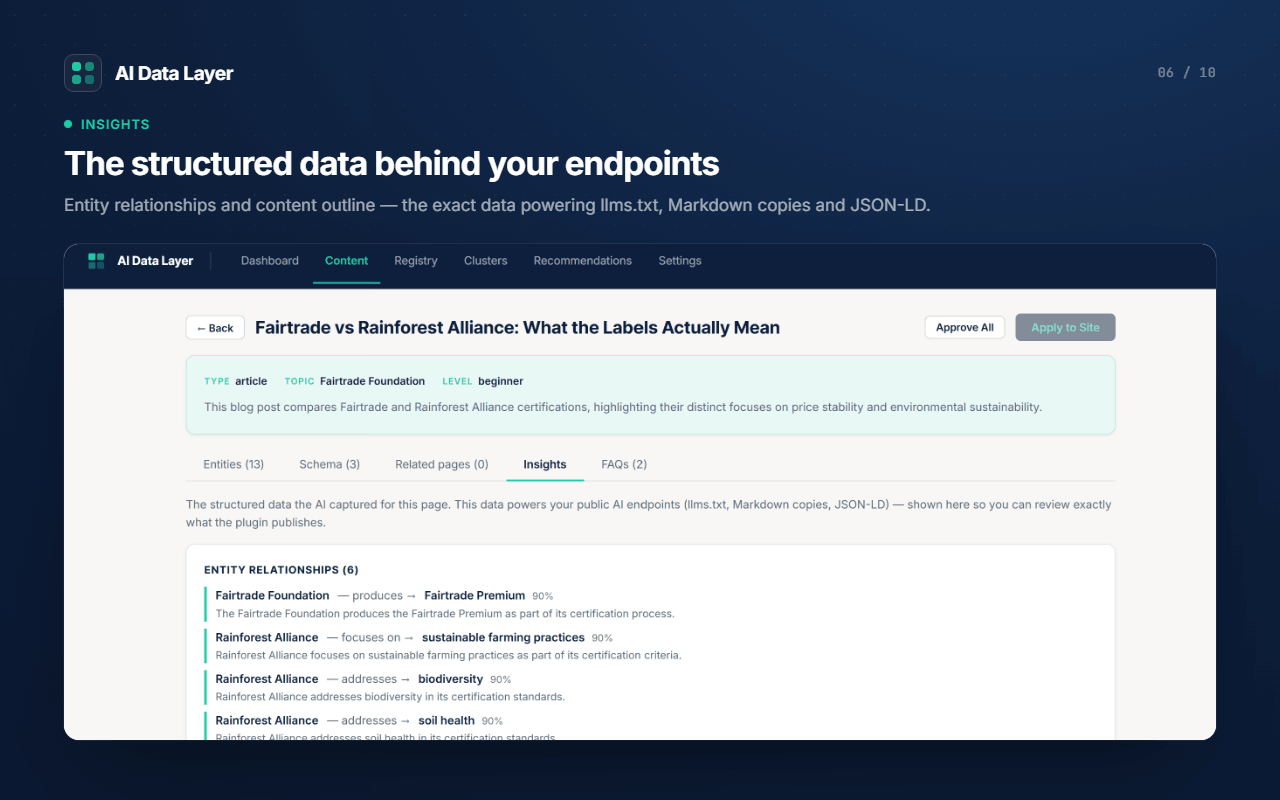
/llms.txtindex and token-efficient Markdown copies (<permalink>.md,/llms-full.txt) purpose-built for LLM retrieval. - Exposes a public read-only REST API (
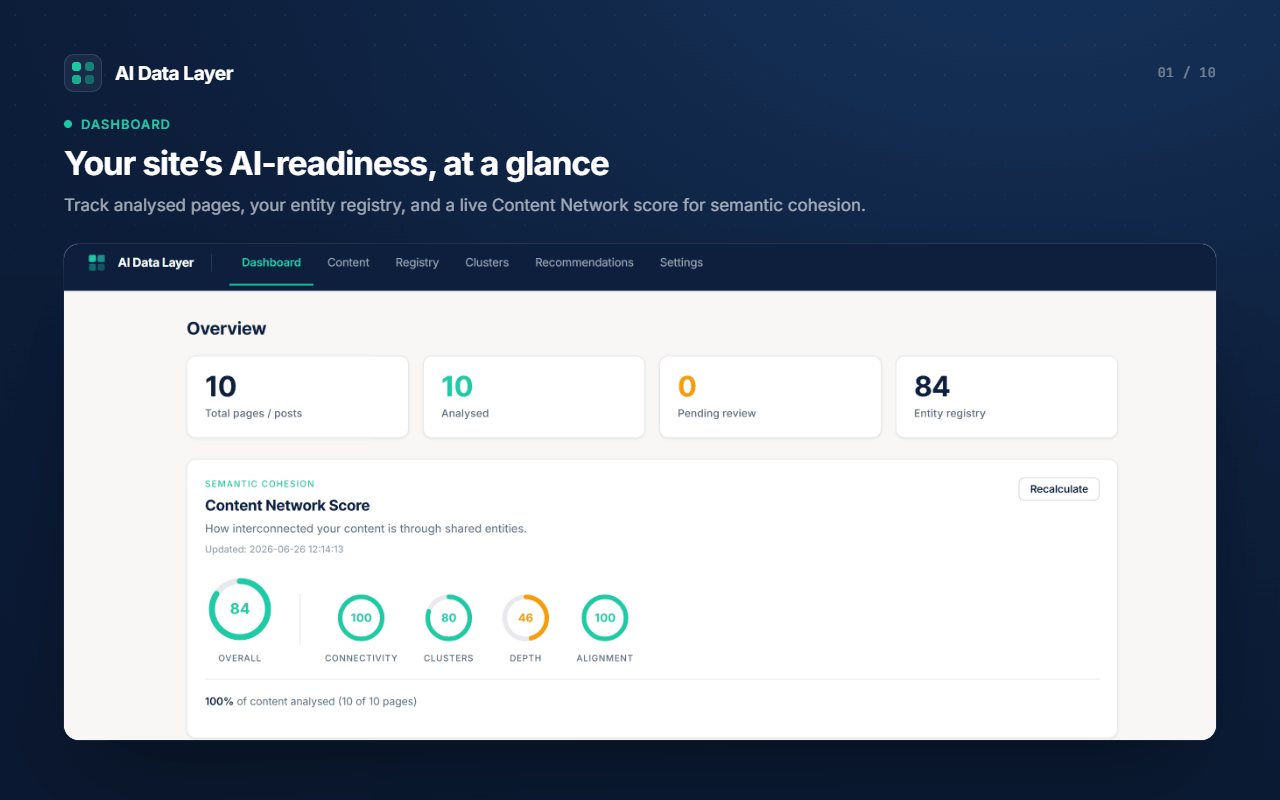
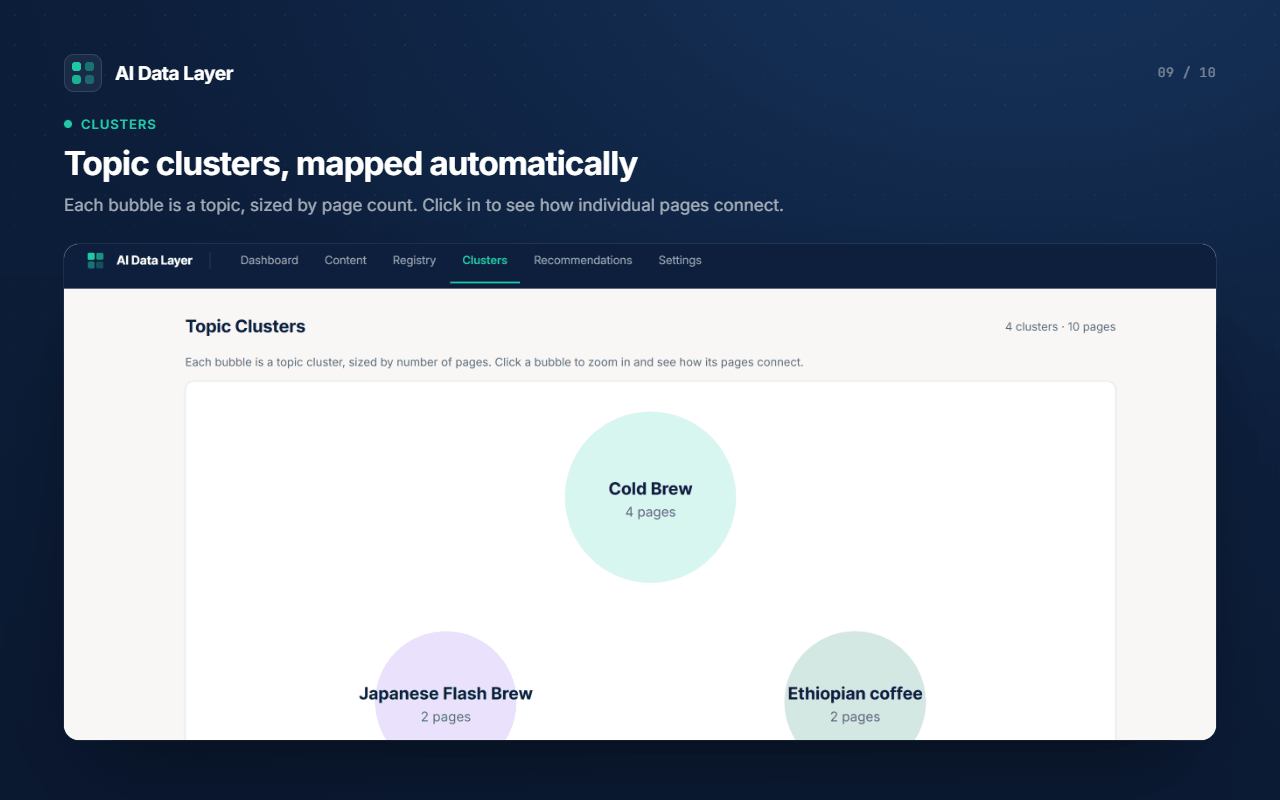
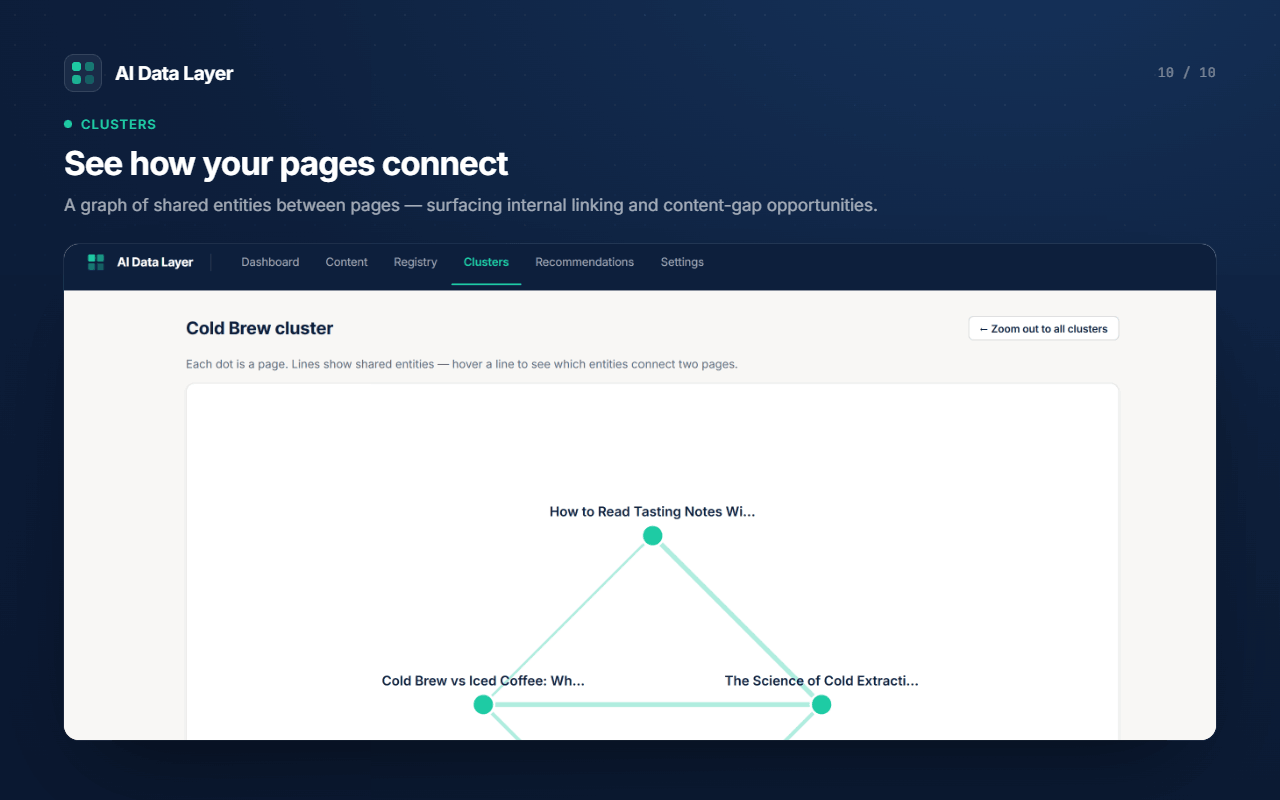
/wp-json/ai/v1/*) and a per-site Model Context Protocol (MCP) server so connected AI assistants can query your content. - Scores how interconnected your content is (“semantic cohesion”) and recommends improvements, including a Topic Clusters map.
How analysis works
Analysis runs in the AI Data Layer cloud service (it is compute-intensive and is not performed on your server). When you analyse a post, the plugin sends that post’s content to the service, which extracts entities and structured data and returns them for your review. You approve what gets published.
Licensing
A licence key is required to run analyses. A free trial (10 analyses) can be activated in one click from the setup screen — no card required. Paid plans and one-time credit packs are available; you manage billing through Stripe’s hosted checkout and customer portal (the plugin never handles your card details).
External services
This plugin connects to external services. It is not functional without the AI Data Layer cloud service, because content analysis is performed remotely. The services below are contacted, what is sent, and when:
-
AI Data Layer cloud service (operated by the plugin author; hosted on Supabase).
- What is sent: your licence key; your site domain; and, when you analyse a post, that post’s title, content and URL. Activating a trial also sends your site’s admin email address.
- When: on licence validation, when you analyse a post (manually or via the optional auto-analyse setting), when you activate a trial, and when you open billing.
- Endpoint: https://oerlbhrokgkwhtzzxndw.supabase.co
- Terms: https://ai-datalayer.com/terms — Privacy: https://ai-datalayer.com/privacy
-
OpenRouter / large language model (used by the cloud service to perform extraction).
- What is sent: the post content you submit for analysis is processed by a large language model (gpt-4o-mini via OpenRouter) to extract entities and structured data.
- When: during each analysis you initiate.
- Terms: https://openrouter.ai/terms — Privacy: https://openrouter.ai/privacy
-
Wikidata (used by the cloud service to verify entities).
- What is sent: extracted entity names are checked against the public Wikidata API to confirm identifiers. No site or personal data is sent.
- When: during each analysis, after extraction.
- Terms / Privacy: https://foundation.wikimedia.org/wiki/Policy:Terms_of_Use — https://foundation.wikimedia.org/wiki/Policy:Privacy_policy
-
Stripe (payments).
- What is sent: to start a subscription or buy credits, the plugin asks the cloud service to create a Stripe Checkout or Billing Portal session; you are then redirected to Stripe’s hosted pages to enter payment details. The plugin does not collect or store card data.
- When: when you click an upgrade / buy-credits / manage-subscription action.
- Terms: https://stripe.com/legal/consumer — Privacy: https://stripe.com/privacy
Screenshots
Installation
- Upload the plugin to
/wp-content/plugins/ai-data-layer, or install it from the Plugins screen. - Activate the plugin.
- Open AI Data Layer in the admin menu and either activate the free trial or paste your licence key.
- Review and approve the extracted entities, schema and FAQs for each post, then click Apply to Site.
FAQ
-
Does this work without an account?
-
A licence key is required because analysis runs in the cloud. You can activate a free trial (10 analyses) in one click, with no card.
-
Is my content sent to a third party?
-
Yes — analysing a post sends that post’s content to the AI Data Layer cloud service, which uses a large language model to extract structured data. See the “External services” section for full details. Nothing is sent until you analyse a post (or enable auto-analyse).
-
Does it handle my payment card?
-
No. Billing is handled entirely by Stripe’s hosted checkout and customer portal; the plugin never sees or stores card details.
-
Is it compatible with my SEO plugin?
-
Yes. When an SEO plugin (Yoast, Rank Math, AIOSEO, SEOPress, The SEO Framework) is detected, AI Data Layer emits only its unique schema nodes and defers page/breadcrumb schema to your SEO plugin. You can change this in Settings.
Reviews
There are no reviews for this plugin.
Contributors & Developers
“AI Data Layer” is open source software. The following people have contributed to this plugin.
Contributors
Translate “AI Data Layer” into your language.
Interested in development?
Browse the code, check out the SVN repository, or subscribe to the development log by RSS.
Changelog
1.11.2
First public release.
- AI content analysis — extracts entities, relationships, summaries and FAQs from your posts and pages.
- A site-wide entity graph, with entities verified against Wikidata.
- JSON-LD schema output (Article / HowTo / FAQ, plus entity about[] with sameAs).
- Canonical entity pages at /entities/{id}, listed in your sitemap.
- An /llms.txt index and AI-optimised Markdown copies of your content (per-page .md and a whole-site /llms-full.txt).
- A public read-only REST API and a per-site Model Context Protocol (MCP) server.
- Topic clusters, a semantic cohesion score, and plain-English recommendations.
- Review-and-approve workflow — you approve every suggestion before it is published.
- Compatible with major SEO plugins (defers duplicate schema automatically).