

Description
Web Salesperson adds a friendly AI sales assistant and live chat bubble to every page of your WordPress or WooCommerce website. It works like an AI chatbot, but sells: it asks helpful questions, recommends your services and captures leads.
- Talks with visitors by voice or typed chat, in many languages
- Answers questions using what it learned from your website and the answers you train it with
- Asks helpful questions and collects names, phone numbers and company details
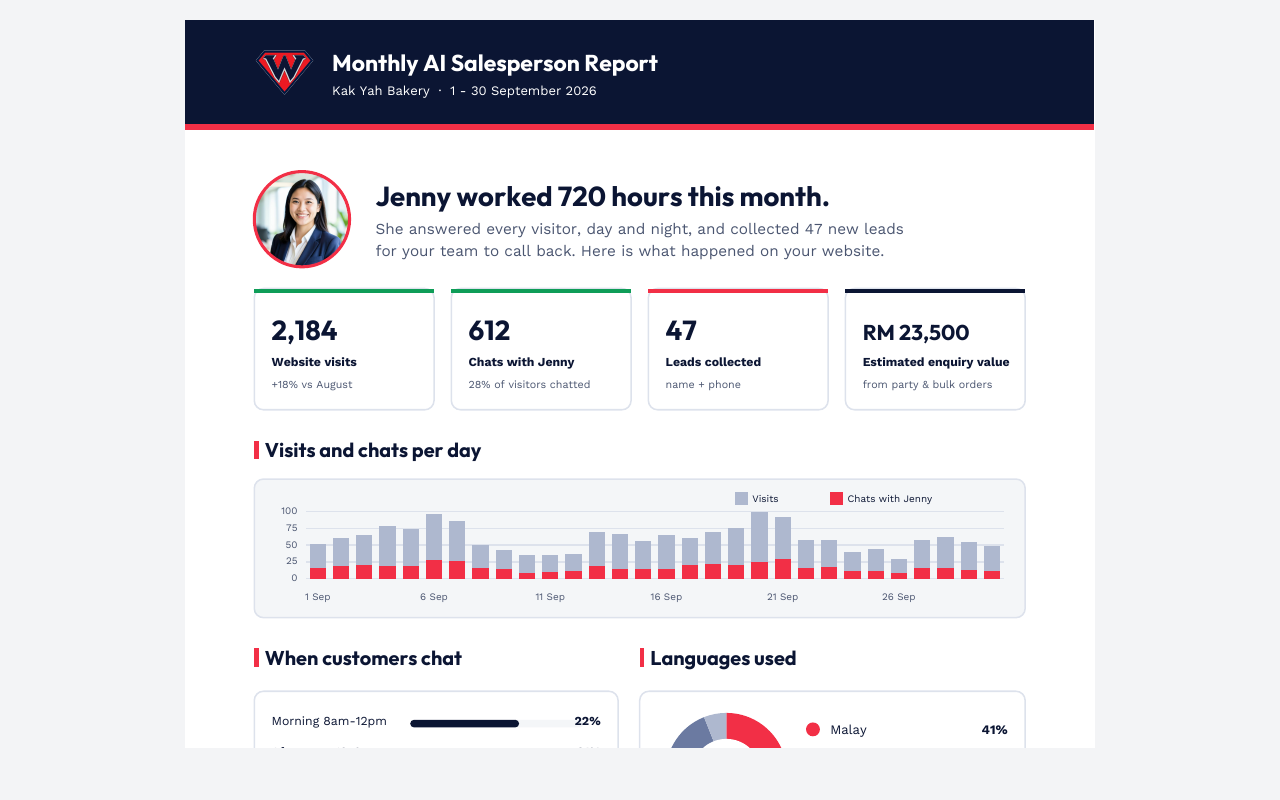
- Sends you chat summaries and reports
You need a free Web Salesperson account to get your assistant ID.
External services
This plugin loads the Web Salesperson assistant from https://websalesperson.ai so visitors can chat with your AI assistant. The script is loaded on your public pages only when an assistant ID is saved and the assistant is switched on.
When a visitor uses the assistant, their messages, voice audio, the page address and any details they choose to share (such as name, phone or email) are sent to Web Salesperson to produce replies and lead reports for the site owner.
Terms of service: https://websalesperson.ai/terms
Privacy policy: https://websalesperson.ai/privacy
Screenshots

Installation
- Install and activate the plugin.
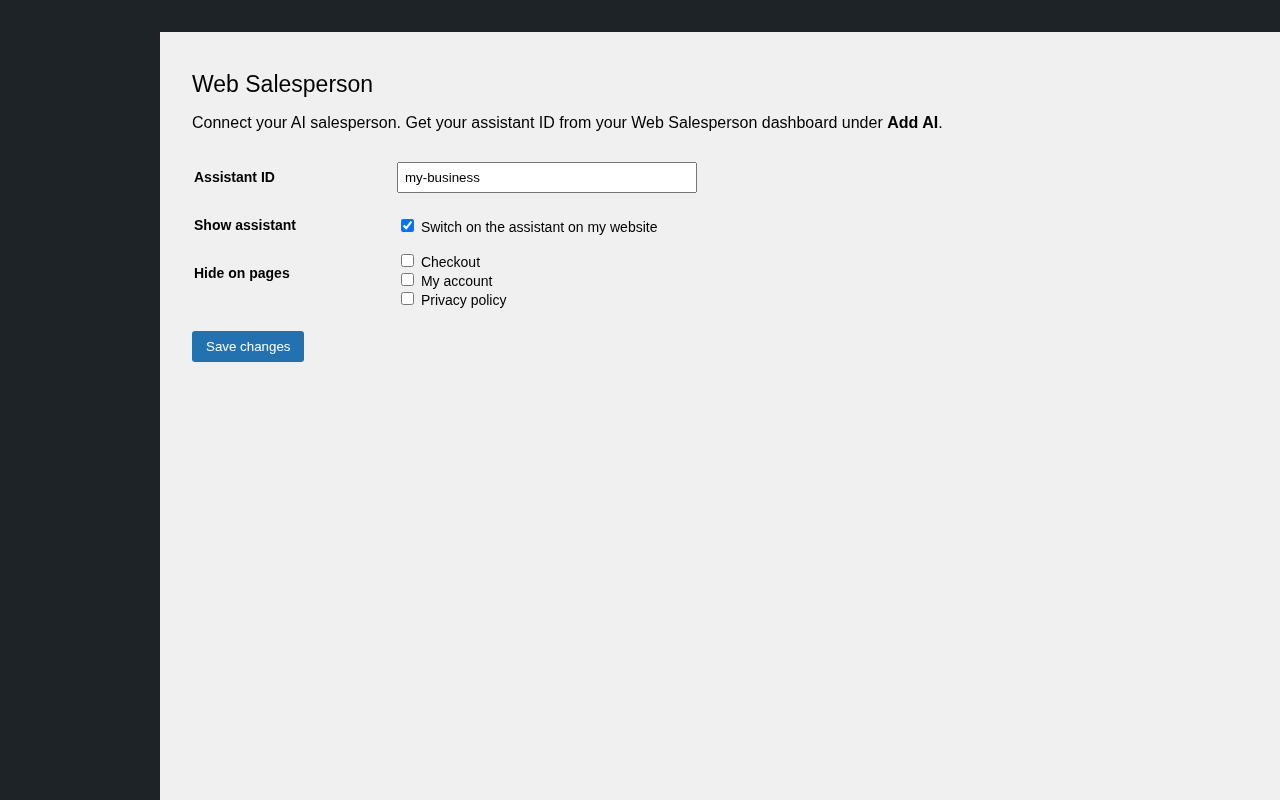
- Go to Settings Web Salesperson.
- Enter your assistant ID from https://websalesperson.ai/dashboard/add-ai and save.
- Visit your website – your assistant appears in the corner.
FAQ
-
Where do I find my assistant ID?
-
In your Web Salesperson dashboard under “Add AI”. It is the data-site value in your install code.
-
Can I hide it on some pages?
-
Yes. Tick the pages to hide under Settings Web Salesperson.
-
Will it slow down my website?
-
No. The assistant loads in the background after your page.
Reviews
There are no reviews for this plugin.
Contributors & Developers
“Web Salesperson – AI Sales Assistant” is open source software. The following people have contributed to this plugin.
Contributors
Translate “Web Salesperson – AI Sales Assistant” into your language.
Interested in development?
Browse the code, check out the SVN repository, or subscribe to the development log by RSS.
Changelog
1.0.0
- First release.