

Description
BazaarSpot is a shopping marketplace where shoppers discover products from independent stores. This plugin connects your WooCommerce store to your BazaarSpot shop:
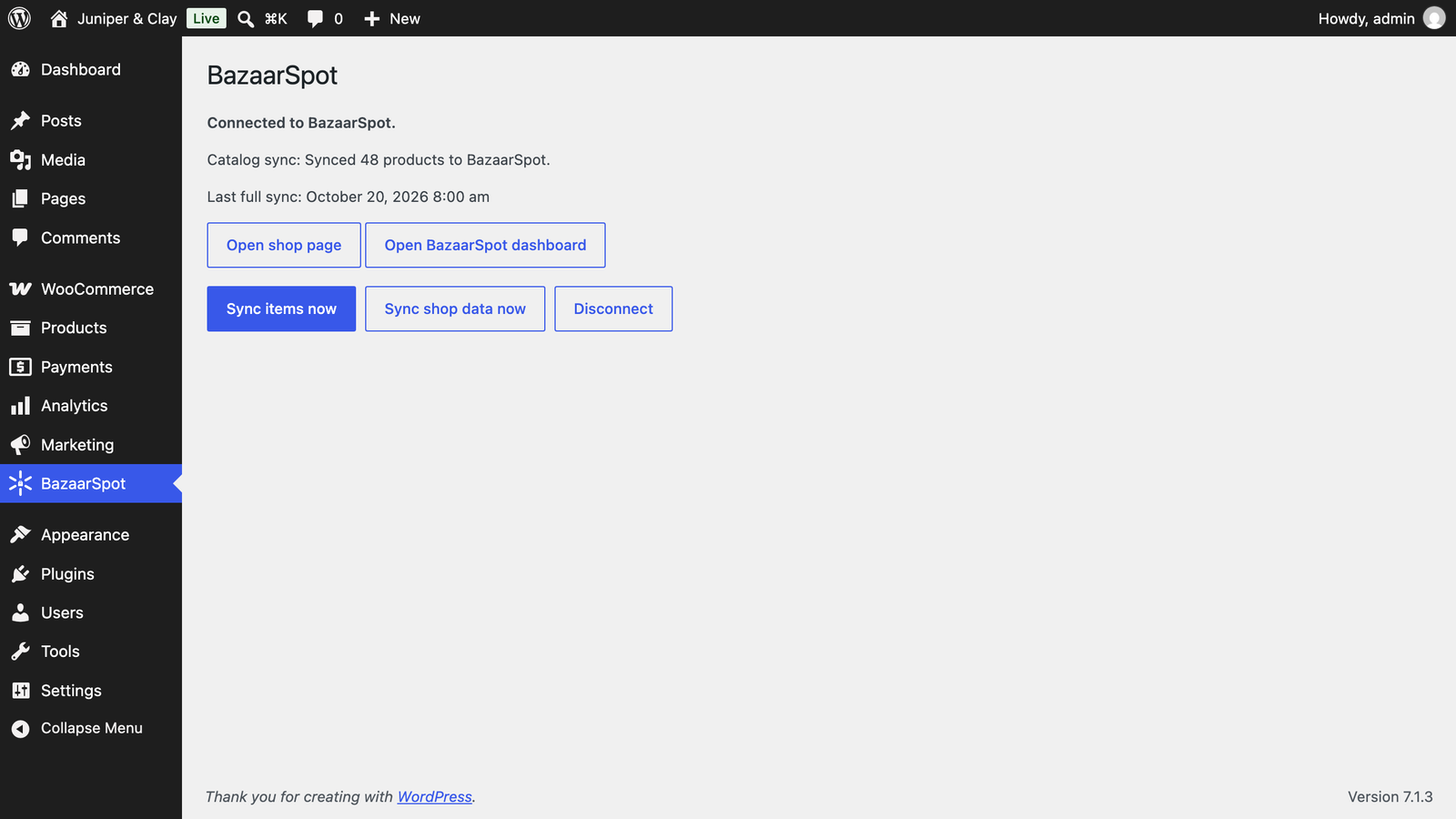
- Catalog sync. Products, variations, stock, prices and categories are sent to BazaarSpot when you connect, and again whenever they change.
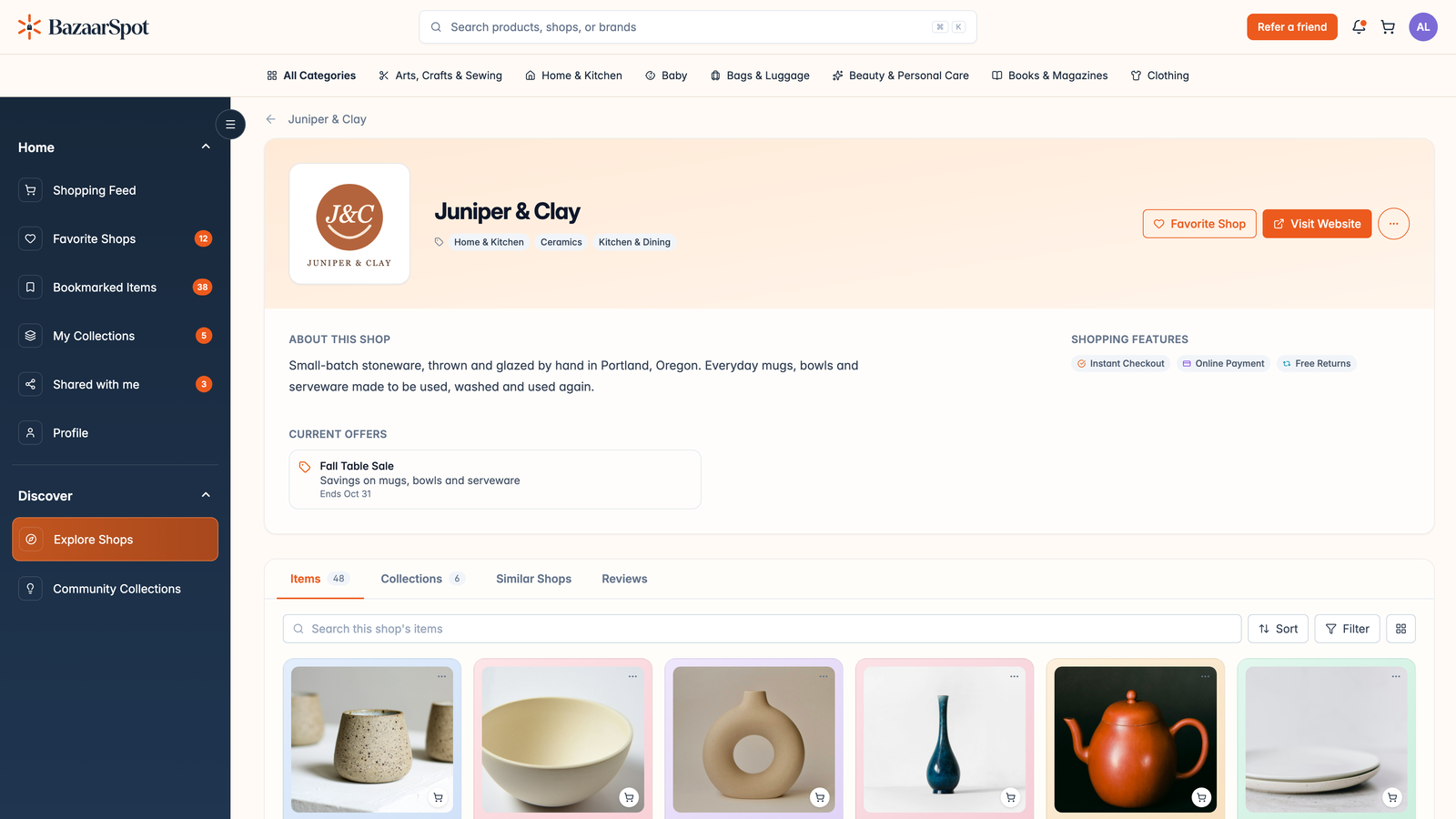
- Shop branding. Your store name, tagline, logo, site icon and base country are kept up to date on your BazaarSpot shop page.
- Collections. Your product categories appear as collections on BazaarSpot.
- Instant Checkout. Shoppers who buy from your BazaarSpot page land in your own WooCommerce checkout with their cart and details filled in. Shipping, coupons, taxes and payment work as for any other order.
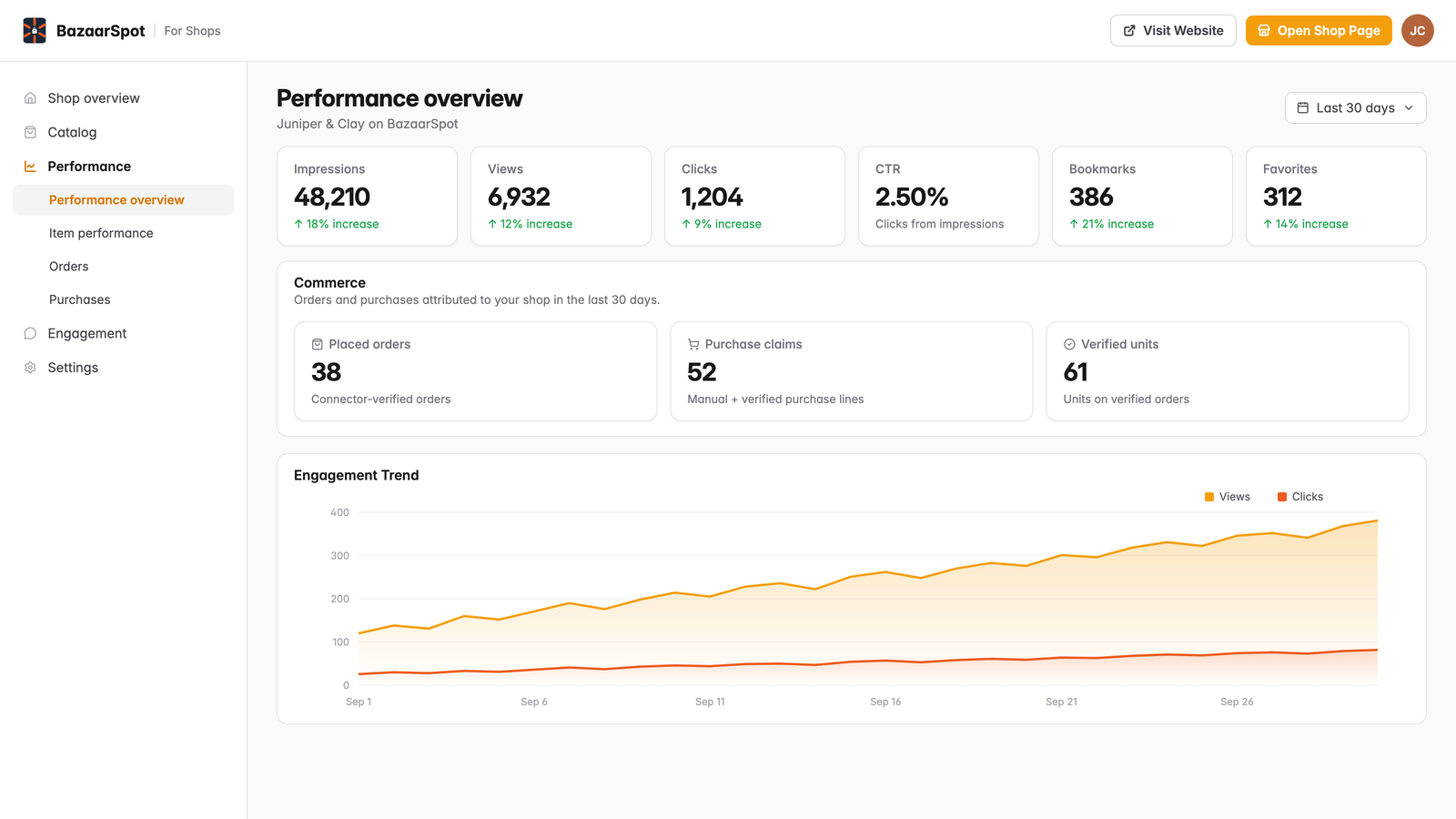
- Order reporting. Orders placed through Instant Checkout, and later status changes and refunds on them, are reported back to BazaarSpot.
Syncing runs in the background through WooCommerce’s Action Scheduler, so editing products never waits on the network.
You need a free BazaarSpot account. You can create one while connecting: Connect to BazaarSpot takes you to bazaarspot.net to sign up or sign in.
External services
This plugin connects your store to BazaarSpot (https://bazaarspot.net), the marketplace service operated by BazaarSpot. Nothing is sent until a store administrator clicks Connect to BazaarSpot on the BazaarSpot settings page. After you disconnect or delete the plugin, nothing more is sent.
Connecting your store (api.bazaarspot.net):
- Connect. When you click Connect to BazaarSpot, the plugin sends your site address, the address of the BazaarSpot settings page, your site title, your WooCommerce base country, and a one-way hash of a secret generated on your site. Your browser then opens bazaarspot.net, where you sign in and confirm the connection.
- Finishing the connection. While you are connecting, each visit to the BazaarSpot settings page sends that secret to check whether you have confirmed. Once you have, BazaarSpot returns your connection details, and the secret signs everything the plugin sends from then on.
- Domain verification. While you are connecting, the public REST route
/wp-json/bazaarspot/v1/verificationand abazaarspot-shop-verificationmeta tag on your homepage show the ID of the connection in progress, and nothing else. BazaarSpot fetches them to confirm the plugin runs on your site. Both disappear once the store is connected or you press Start over. If BazaarSpot connects your store but keeps your shop hidden until it can verify your site, both stay until verification passes. - Verify now. While your shop is hidden, clicking Verify now sends the connection’s ID and its secret to ask BazaarSpot to check your site again. BazaarSpot then fetches the verification route or your homepage.
Data the plugin sends to BazaarSpot (ingest.bazaarspot.net) once connected:
- Catalog. Product IDs, names, descriptions, SKUs, prices, stock, images, variations, attributes, categories, tags, brands and product URLs. Sent when you connect, when you press “Sync items now”, and when a product or category changes. When you trash or delete a product, its ID is sent so BazaarSpot removes it.
- Shop details. Site title, tagline, URL, logo, site icon and WooCommerce base country. Sent when you connect, when you press “Sync shop data now”, and when these settings change.
- Instant Checkout orders. Only for orders that started on BazaarSpot: order ID and number, date, status, currency, totals, refunds, and the products, quantities and prices bought. No customer name, email, phone or address is sent.
- Order deletion requests. When WooCommerce erases or anonymizes one of those orders, BazaarSpot is asked to remove its copy.
- Dashboard sign-in. When you click Open BazaarSpot dashboard, the plugin asks BazaarSpot for a one-time sign-in link to your shop dashboard.
- Disconnect notice. When you disconnect or delete the plugin, BazaarSpot is told the connection is closed.
Data BazaarSpot sends to your store: when a shopper starts Instant Checkout, BazaarSpot calls the REST route /wp-json/bazaarspot/v1/checkout with the cart and the contact and shipping details the shopper entered. They are used only to prefill your checkout. Every request is signed with your connection’s secret, and unsigned requests are refused.
- Terms of Service: https://bazaarspot.net/terms
- Privacy Policy: https://bazaarspot.net/privacy
Screenshots


Installation
- Install and activate WooCommerce.
- Install and activate BazaarSpot for WooCommerce from Plugins > Add New.
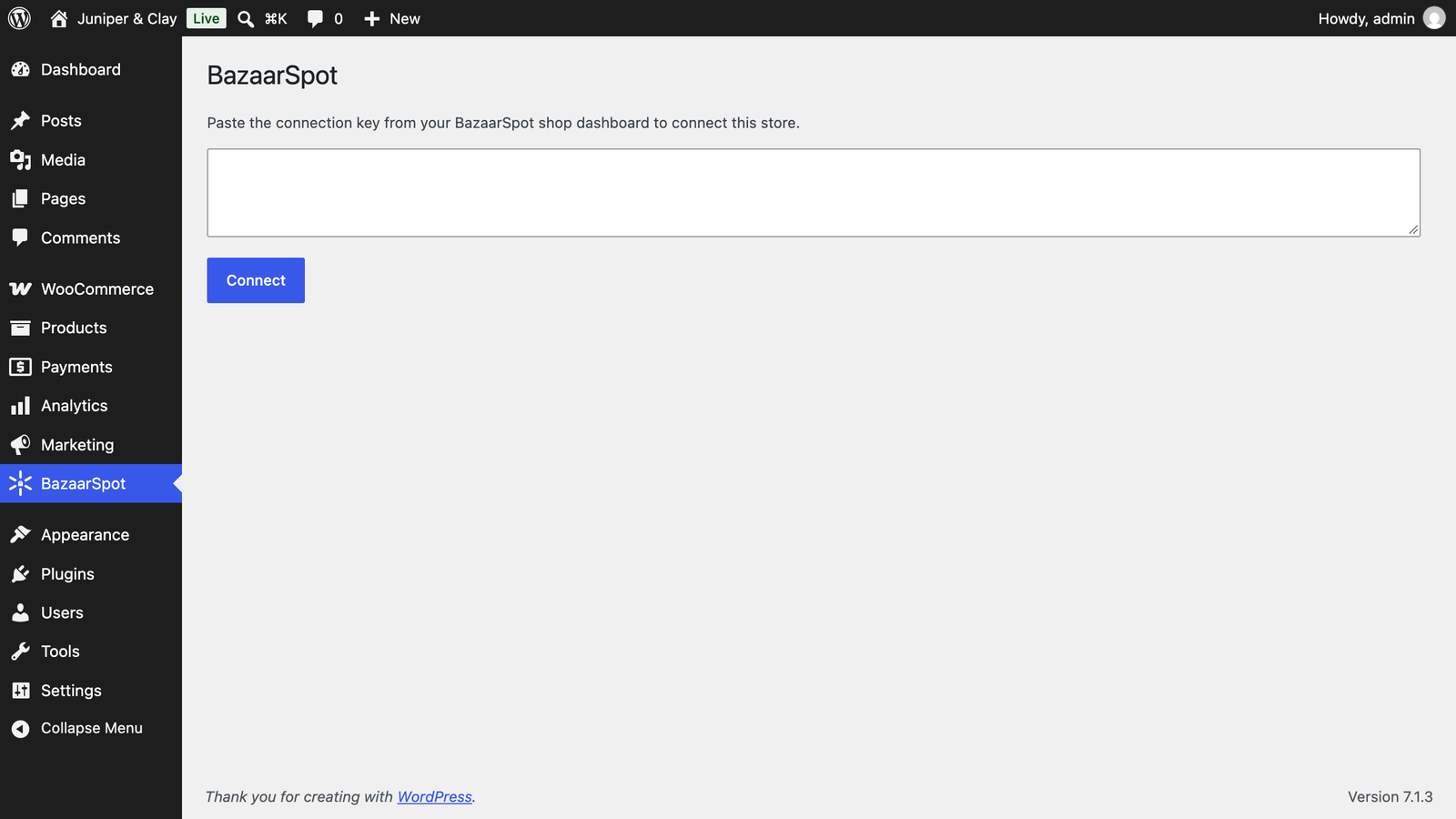
- In WordPress, open BazaarSpot in the admin menu and click Connect to BazaarSpot.
- Sign up or sign in on bazaarspot.net and confirm the connection. BazaarSpot checks that the plugin runs on your site and sends you back to WordPress. Your catalog and branding start syncing right away, and your shop goes live on BazaarSpot once the first products arrive.
To reconnect after disconnecting, click Connect to BazaarSpot again.
FAQ
-
Do I need a BazaarSpot account?
-
Yes, a free one. Connect to BazaarSpot lets you sign up on bazaarspot.net, and confirming the connection sets up your shop.
-
BazaarSpot says it couldn’t confirm the plugin runs on my site
-
Before connecting, BazaarSpot fetches the route
/wp-json/bazaarspot/v1/verificationor your homepage to check that the plugin runs on your site. If a firewall, maintenance mode or password protection blocks visitors, allow theBazaarSpot-Verificationuser agent or pause it while you connect, then press Check again. If a caching plugin serves an old copy of your homepage, clear its cache. -
Does it change how my checkout works?
-
No. Instant Checkout fills your normal WooCommerce cart and checkout. Your shipping methods, coupons, taxes and payment gateways handle the order as usual.
-
How do I stop syncing?
-
Press Disconnect on the BazaarSpot settings page. Deleting the plugin also disconnects the store and removes everything the plugin stored.
Reviews
There are no reviews for this plugin.
Contributors & Developers
“BazaarSpot for WooCommerce” is open source software. The following people have contributed to this plugin.
Contributors
Translate “BazaarSpot for WooCommerce” into your language.
Interested in development?
Browse the code, check out the SVN repository, or subscribe to the development log by RSS.
Changelog
1.10.0
- The BazaarSpot menu is split into Overview, Catalog sync and Connection pages, with a cleaner layout and a status badge on each.
1.9.2
- The BazaarSpot page shows this month’s sales from BazaarSpot: paid orders placed through Instant Checkout or after a visit from a BazaarSpot link, less refunds.
1.9.1
- Instant Checkout links no longer expire before the shopper arrives on stores that use a persistent object cache (such as LiteSpeed with Memcached).
- Orders placed through BazaarSpot Instant Checkout are credited to BazaarSpot in WooCommerce’s order attribution (Origin: Source: Bazaarspot) and marked on the order screen.
1.9.0
- Connect to BazaarSpot opens in a new tab, and the BazaarSpot page in WordPress updates on its own once you’re connected.
- Catalog sync progress updates live, and the sync buttons wait until a running sync finishes.
- Disconnect asks you to confirm with your WordPress password.
1.8.0
- Shows when BazaarSpot is reviewing a new store, and the reason if it declines.
- Verify now asks BazaarSpot to check your site again when your shop is hidden until it can verify your site.
1.7.0
- Connect with one click: Connect to BazaarSpot signs you in on bazaarspot.net and connects the store.
- Open BazaarSpot dashboard signs you straight in to your shop dashboard.
1.6.0
- Report order status changes and refunds on Instant Checkout orders to BazaarSpot.
- First release on WordPress.org.