
Description
You change a sentence in the page editor, save, refresh, and the old sentence is still there. It lives somewhere else: a template file, a widget, a menu, a shortcode, a synced pattern or a theme setting.
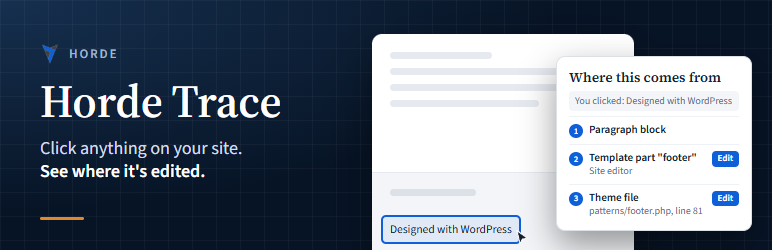
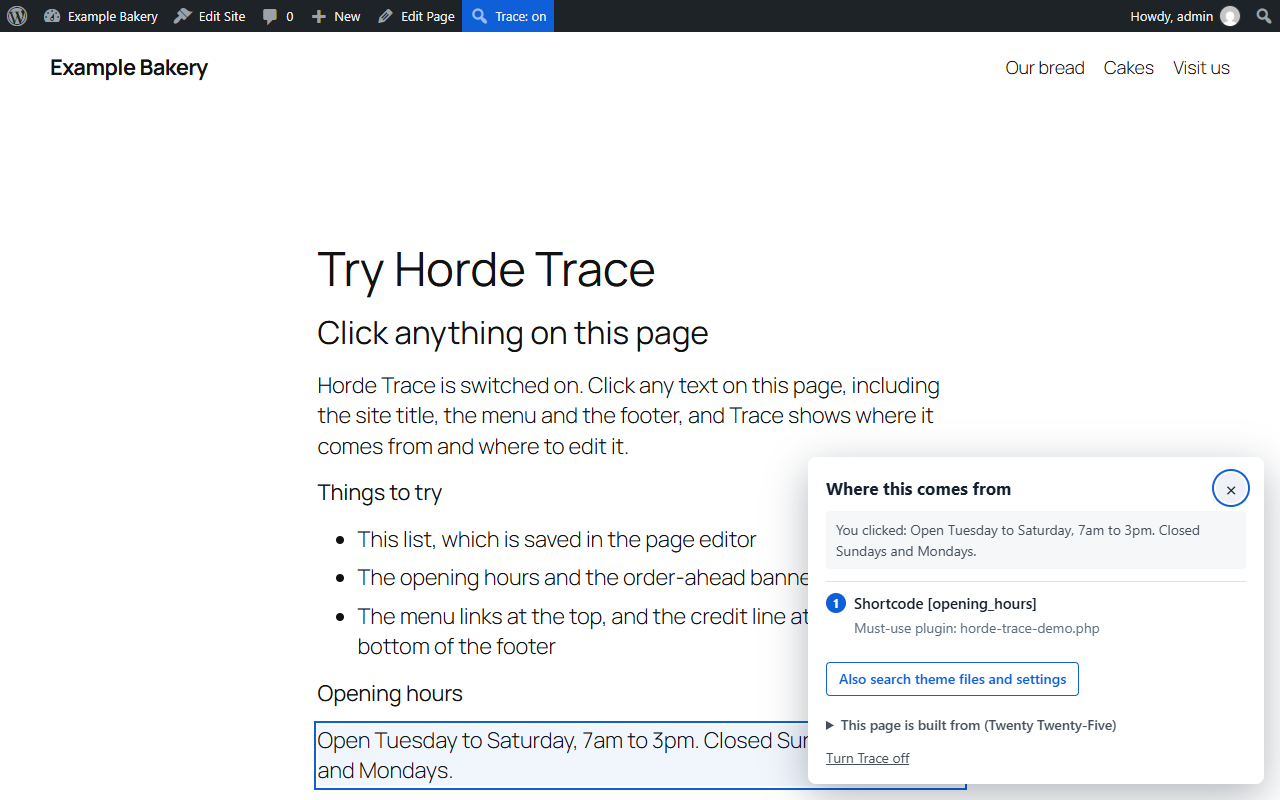
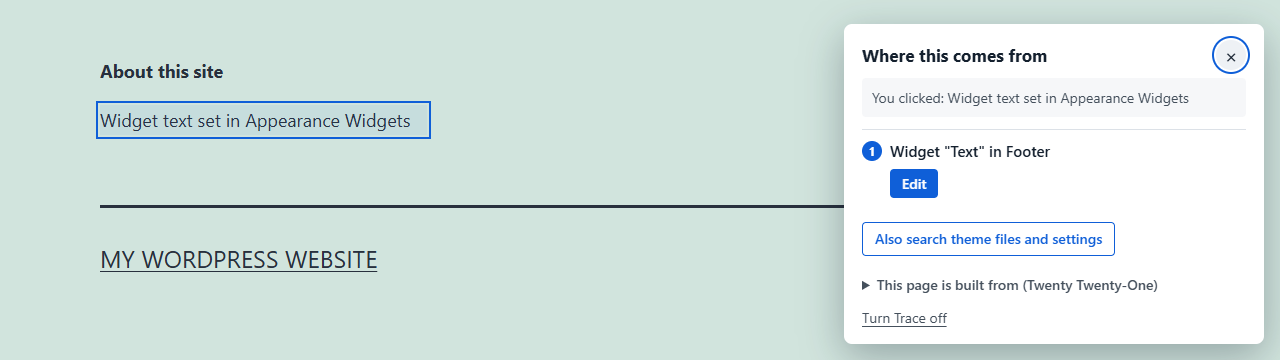
Horde Trace finds it. Switch Trace on from the admin bar, click the thing you want to change, and Trace shows where it comes from, with a link straight to the screen where you can edit it.
What Trace can find
- Blocks, and the page, post or synced pattern they’re saved in
- Site editor template parts and navigation menus (block themes)
- Widgets, and the widget area they’re in
- Classic menus, by menu and item
- Shortcodes, and the plugin or theme that registered them
- Text hardcoded in theme files, with the file name and line number
- Site title, tagline, Customizer settings and other stored settings
- Text saved in custom fields and page builder layouts
Built to stay out of the way
- Only administrators who switch it on see anything. Visitors never load any of it.
- Read-only. Trace never changes, moves or deletes anything.
- Nothing is sent anywhere. Everything runs on your own site.
Screenshots


Installation
- Install Horde Trace from Plugins Add New, or upload the plugin folder to
/wp-content/plugins/. - Activate it.
- While logged in as an administrator, open any page on your site and click Trace in the admin bar.
- Click the text, image or link you want to change. Trace shows where it comes from.
- Click Trace: on in the admin bar, or Turn Trace off in the panel, when you’re done.
FAQ
-
Will Trace slow my site down?
-
No. Trace only runs for a logged-in administrator who has switched it on, and only in that browser. For everyone else, it does nothing.
-
Why won’t links open while Trace is on?
-
While Trace is on, a click means “where does this come from?” Turn Trace off from the admin bar or the panel to use the site normally.
-
Who can use Trace?
-
Users who can manage themes (administrators on most sites). Everyone else, including visitors, never sees or loads it.
-
Does Trace collect or send any data?
-
No. Trace makes no outside requests and stores nothing except a cookie in your own browser that remembers Trace is switched on. The cookie expires after a day.
-
Does it work with page builders?
-
Trace finds text saved in Elementor, Divi, Beaver Builder and Bricks layouts by searching them. Clicking straight to the builder element is planned for Trace Pro.
Reviews
There are no reviews for this plugin.
Contributors & Developers
“Horde Trace” is open source software. The following people have contributed to this plugin.
Contributors
Translate “Horde Trace” into your language.
Interested in development?
Browse the code, check out the SVN repository, or subscribe to the development log by RSS.
Changelog
1.0.1
- Fixed: the panel heading and buttons could pick up the theme’s heading and button styles.
1.0.0
- First public release.
0.1.0
- First version: click mode, block, widget, menu and shortcode markers, and search across theme files, settings, content and custom fields.