
Description
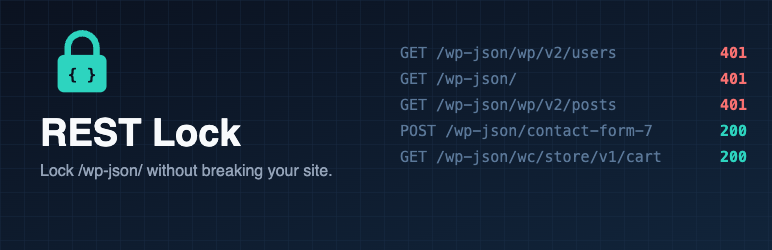
WordPress exposes a public REST API at /wp-json/. Anyone can list your users, your installed plugins’ endpoints and your content. Birim REST Lock closes it without breaking your site.
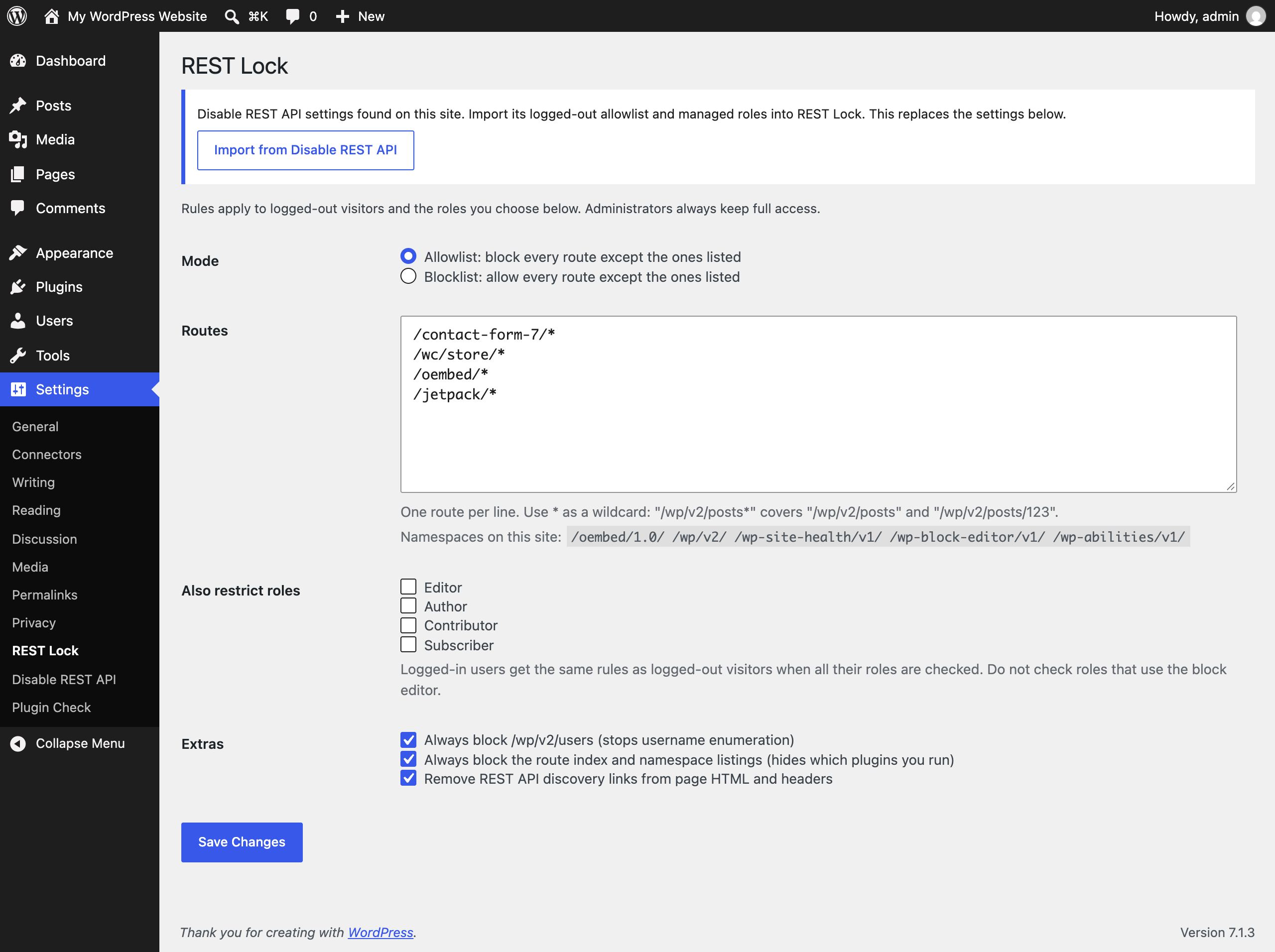
- Allowlist mode (default): block every route except the ones you list.
- Blocklist mode: allow every route except the ones you list.
- Wildcards:
/wp/v2/posts*covers/wp/v2/postsand/wp/v2/posts/123. - Role rules: apply the same rules to logged-in roles you choose, such as subscribers or customers. Administrators are never blocked.
- Stop username enumeration: always block
/wp/v2/users. - Hide what you run: block the route index and namespace listings, and remove REST links from page HTML, the
Linkheader and RSD. - Safe defaults: Contact Form 7, WooCommerce block checkout, oEmbed and Jetpack routes are allowed out of the box. CORS preflight (
OPTIONS) requests pass through, so token logins keep working. - One-click import from Disable REST API: moves your logged-out allowlist and managed roles across.
- Lightweight: one file, works on PHP 7.4 and up, no tracking, no external requests, no ads.
For developers
birim_rest_lock_blockedfilter:( bool $blocked, string $route, WP_REST_Request $request )to override the decision.birim_rest_lock_messagefilter: change the error message.
Screenshots
Installation
- Install from Plugins > Add New, or upload the
birim-rest-lockfolder to/wp-content/plugins/. - Activate the plugin.
- Go to Settings > REST Lock to review the routes.
FAQ
-
How do I check it works?
-
Open
https://yoursite.com/wp-json/wp/v2/usersin your browser. You should get a 401 error. This happens even while you are logged in: WordPress treats a browser visit to/wp-json/without a security nonce as logged out. The block editor and admin screens send the nonce, so they keep working. -
A plugin stopped working for visitors.
-
That plugin calls the REST API for logged-out visitors. Settings > REST Lock lists the namespaces on your site. Add the plugin’s namespace (for example
/my-plugin/v1) to the allowlist. -
Does it block APIs outside /wp-json/?
-
No. It controls routes registered with the WordPress REST API only.
-
I’m moving from Disable REST API.
-
Activate REST Lock and open Settings > REST Lock. Click “Import from Disable REST API”, review the result, then deactivate Disable REST API. The import copies the logged-out allowlist and turns roles you managed there into restricted roles. Per-role route lists are not copied; restricted roles share the logged-out rules.
-
Will it break the block editor?
-
No. Administrators are never blocked, and other logged-in users are only restricted if you choose their role. Do not restrict roles that write posts.
-
How do I report a security issue?
-
Please email security@birim.one instead of posting in the forum. See https://birimone.pages.dev/security/ for the full policy.
Reviews
There are no reviews for this plugin.
Contributors & Developers
“Birim REST Lock” is open source software. The following people have contributed to this plugin.
Contributors
Translate “Birim REST Lock” into your language.
Interested in development?
Browse the code, check out the SVN repository, or subscribe to the development log by RSS.
Changelog
1.0.0
- First release.