

Description
Kloom Loyalty Points turns one-time buyers into returning customers. Every paid order earns points, customers climb VIP tiers, and they redeem points for WooCommerce coupons right from a widget in your store.
- Points on every purchase: per amount spent, per product or per units bought. Refunds take the points back.
- Rewards as real WooCommerce coupons: fixed amount, percentage or free shipping, single use and with an expiry date.
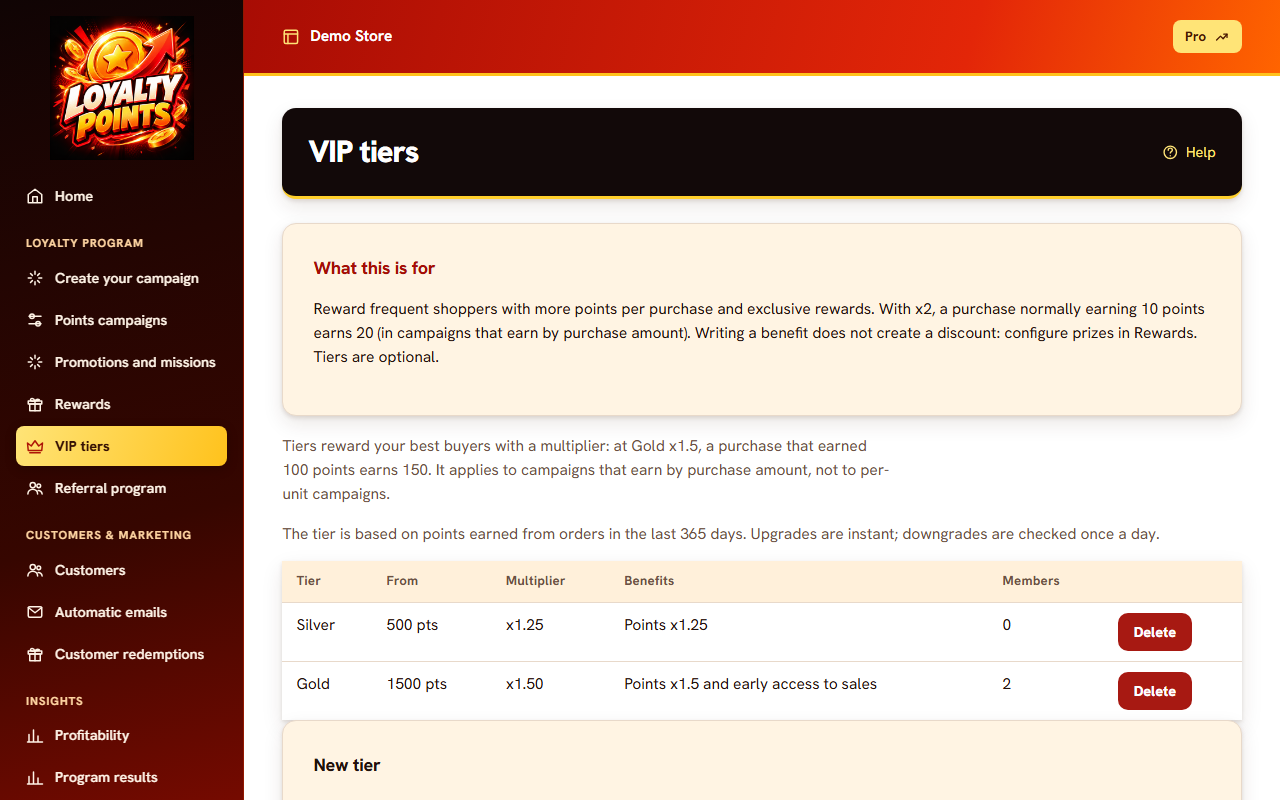
- VIP tiers with their own perks.
- Extra points for sign-up, birthdays, referrals and posts about your store.
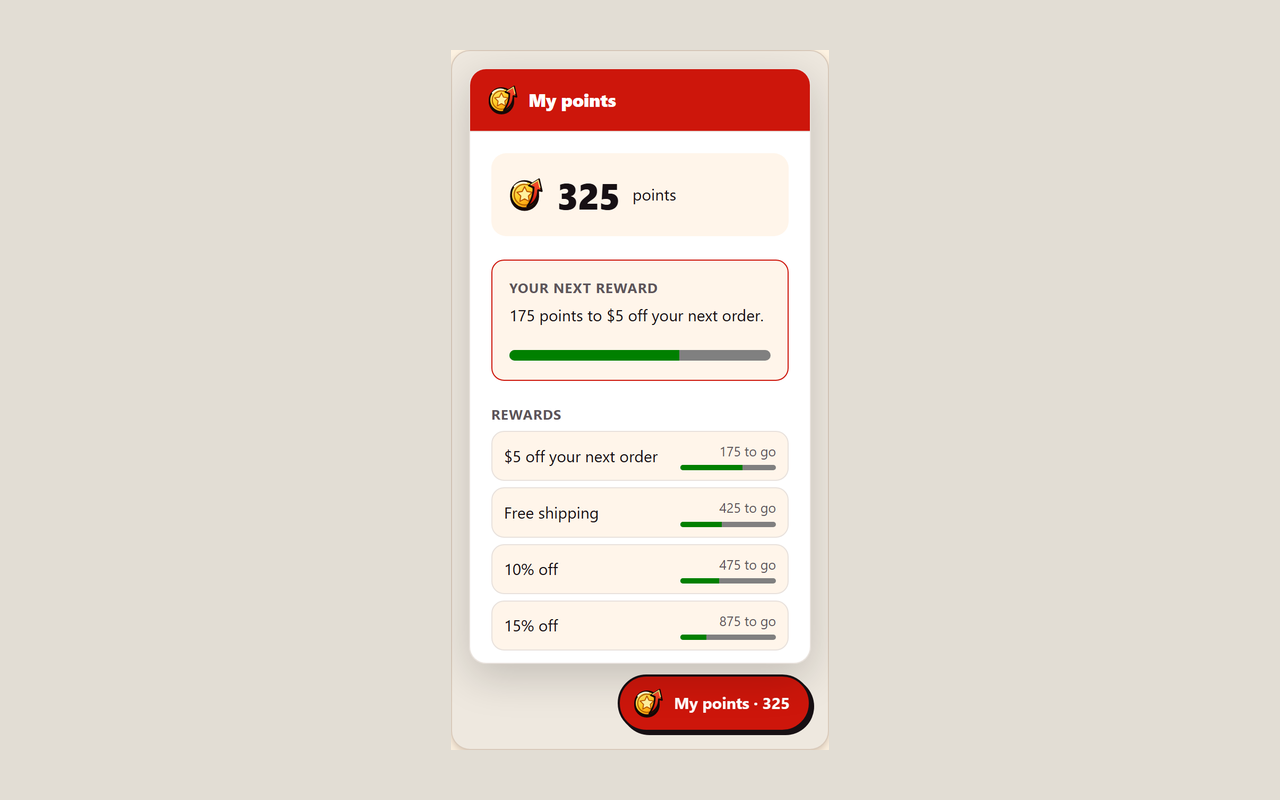
- Storefront widget that matches your colors, in Spanish, Portuguese or English. It loads in a Shadow DOM, so your theme does not break it.
- Emails when points arrive or are about to expire.
Customers sign in to the widget with a one-time code sent to their email. The widget never reads data from your pages.
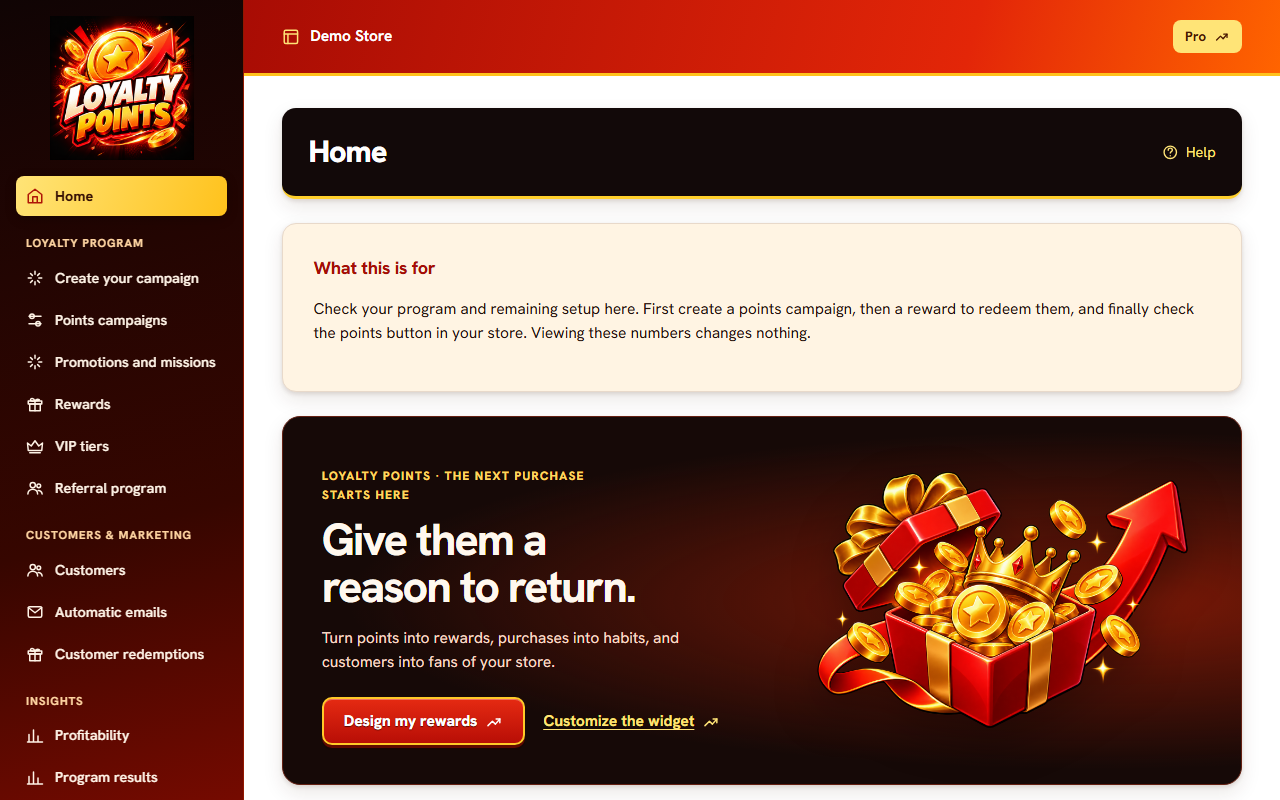
Everything is set up in the Kloom Loyalty Points dashboard; the plugin only connects your store and loads the widget. Your WordPress gets no extra tables or load.
En español
Puntos, niveles VIP y premios para tu tienda WooCommerce. Tus clientes suman puntos con cada compra y los canjean por cupones desde un widget en tu tienda. Todo el panel está en español.
Free trial
20 days or 30 orders with points, whichever comes first. No automatic charge. After that, a monthly plan paid from the dashboard.
External services
This plugin connects your store to the Kloom Loyalty Points service at https://loyalty-woo.kloomstudio.com.ar, which runs the loyalty program.
- Connection: when you click “Connect store”, your browser is sent to the service with your store address. WooCommerce then shows its own approval screen, and only if you approve it sends the service a REST API key for your store. The service uses that key to read orders and create reward coupons.
- Widget: once connected, every page of your store loads a script from https://loyalty-woo.kloomstudio.com.ar/assets/widget.js with your store address. The widget asks the service for your program settings. When a customer signs in, the email address they type is sent to the service, which emails them a sign-in code and keeps their points balance.
- Order data: the service reads order totals, items, status and the buyer’s name and email from your store to give and take back points.
The plugin adds a suggested paragraph about this service to Settings Privacy.
Terms of use: https://loyalty-woo.kloomstudio.com.ar/terminos
Privacy policy: https://loyalty-woo.kloomstudio.com.ar/privacidad
Screenshots

Installation
- Install and activate the plugin. WooCommerce must be active, the store must use HTTPS, and permalinks must be set to anything but “Plain” (Settings Permalinks).
- Go to WooCommerce Loyalty Points and click Connect store.
- WooCommerce asks you to approve access. After you approve, you land in your dashboard.
- Create your first campaign. The widget appears in your store right away.
FAQ
-
Do I need an account?
-
No separate sign-up. Approving access in WooCommerce creates your dashboard.
-
What access does it ask for?
-
Read and write access to the WooCommerce REST API. It reads orders to give points and creates a coupon when a customer redeems a reward.
-
How do I stop it?
-
Deactivate the plugin to hide the widget. To disconnect your store completely, revoke the “Loyalty Points” key in WooCommerce Settings Advanced REST API.
-
Does it work with HPOS and the block checkout?
-
Yes.
-
Where do I get help?
-
Write to kloomstudio@zohomail.com.
Reviews
There are no reviews for this plugin.
Contributors & Developers
“Kloom Loyalty Points” is open source software. The following people have contributed to this plugin.
Contributors
Translate “Kloom Loyalty Points” into your language.
Interested in development?
Browse the code, check out the SVN repository, or subscribe to the development log by RSS.
Changelog
1.0.0
- First release.