

Description
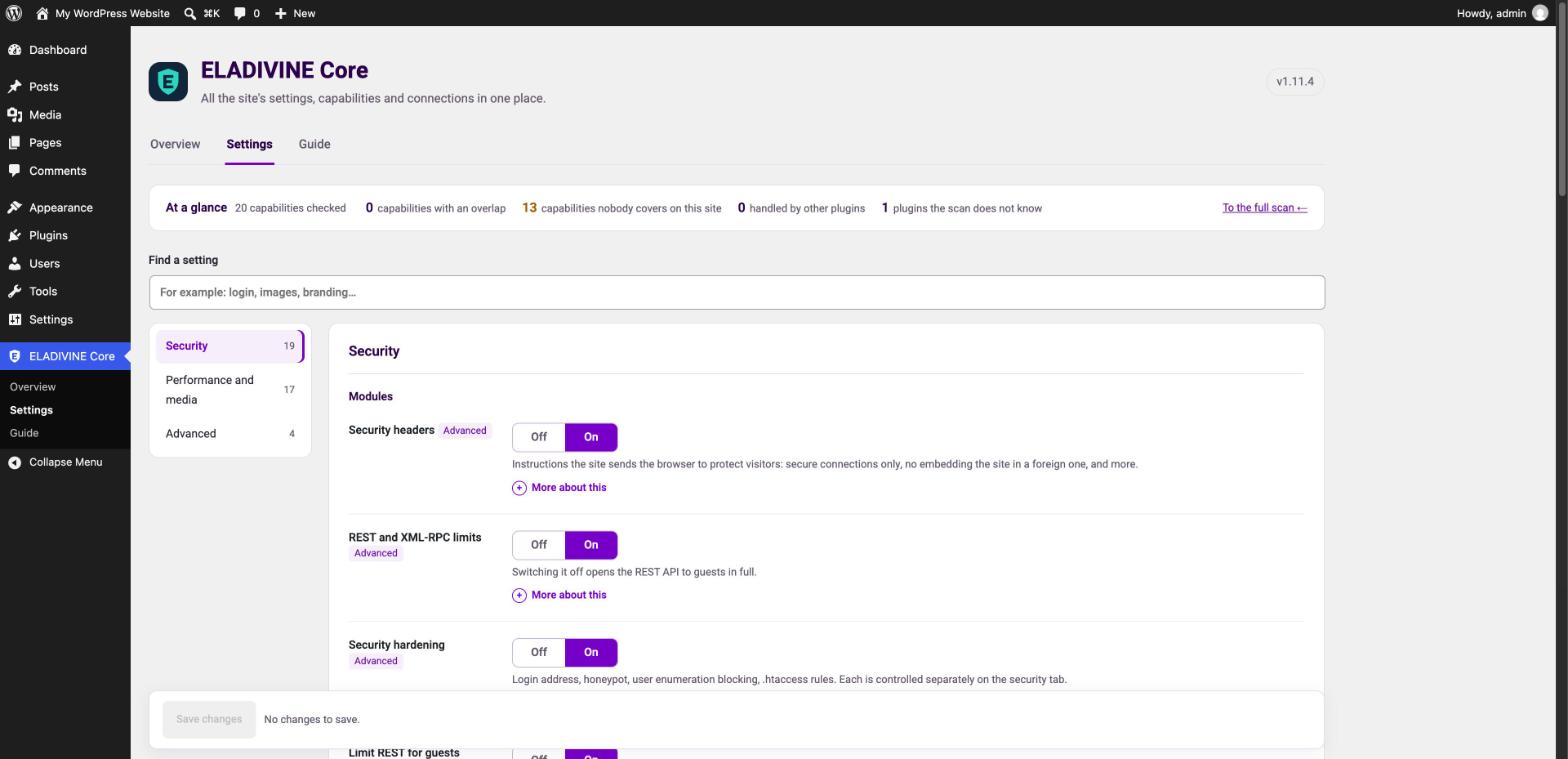
ELADIVINE Core hardens a WordPress site in one plugin: security headers, login protection, REST API and XML-RPC limits, user enumeration blocking and safer uploads. It switches on with sensible defaults, and every part has its own switch on one settings screen.
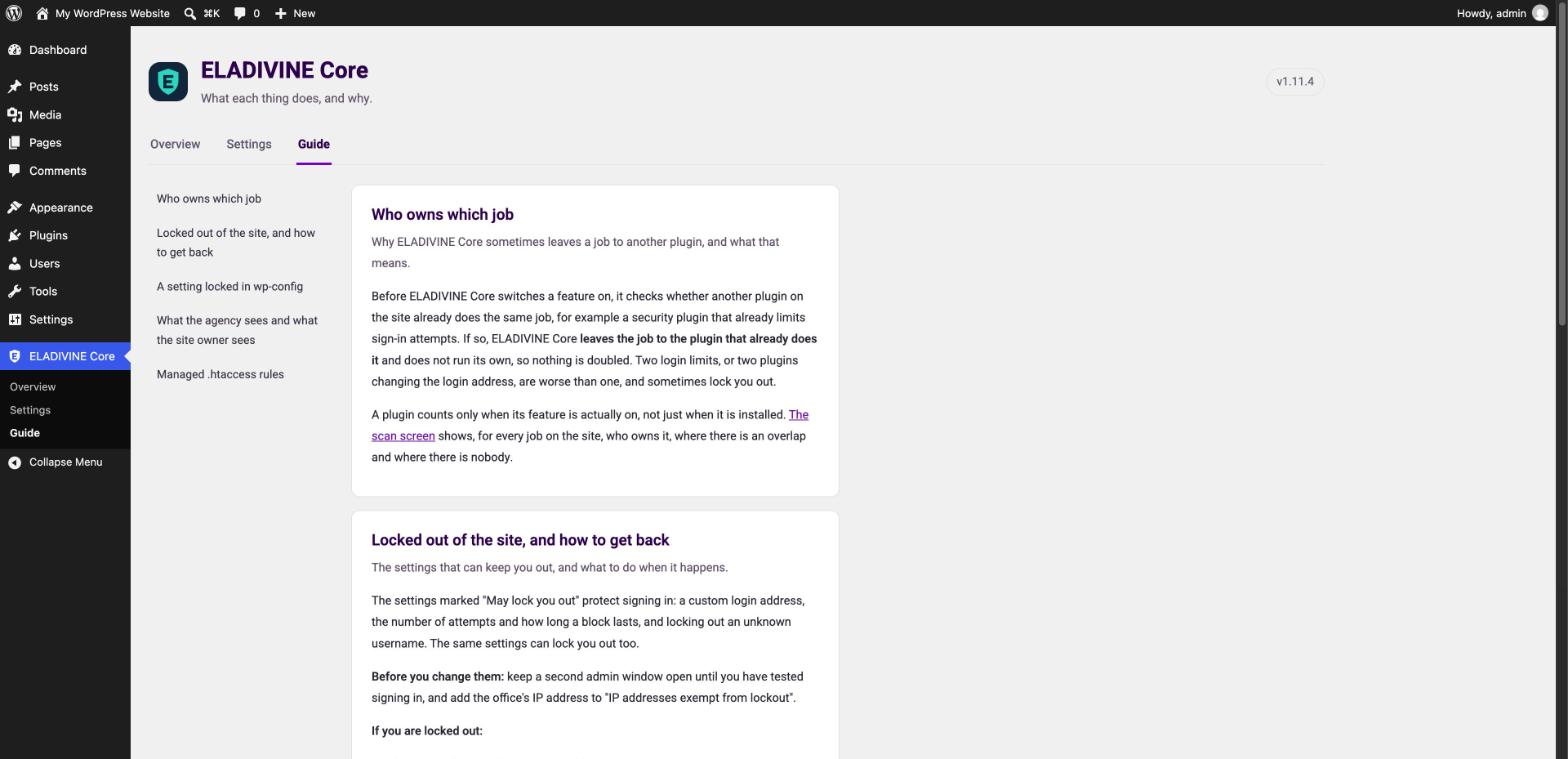
It never doubles up. Before it registers a protection, ELADIVINE Core checks whether another active plugin already provides it, and if so it leaves that job to the other plugin. Two login lockouts or two login URL renames on one site are worse than one: you get locked out at thresholds nobody can explain.
What it does
- Security headers: HSTS, X-Frame-Options, Referrer-Policy and a report-only Content Security Policy.
- Login protection: rate limiting with a lockout after a set number of failed attempts, a honeypot field, blocked usernames, optional immediate lockout on unknown usernames, and an e-mail to the site administrator when a real account is locked.
- Custom login URL: move the login page to an address of your choice.
- REST API and XML-RPC: an allowlist for guests, XML-RPC switched off, the users endpoints hidden, oEmbed optional.
- User enumeration: author scans and
?author=lookups blocked. - Uploads: JPEG quality, SVG uploads with a content check, and safe file names.
- Managed .htaccess rules on Apache, written in one marked block and checked by loading the site right after.
- Smaller things: the file editor switched off, generator tags hidden, fake search-engine bots blocked (verified by reverse DNS), image hotlinking blocked, attachment pages and author archives redirected, Heartbeat throttled.
- Site Health: tests that tell you which protections are off and which plugins overlap.
Everything above runs without a licence, an account or a connection to any server of ours.
Pro add-on
A separate Pro plugin is sold on its own. It adds an AI agent toolkit with an MCP server, answer-engine visibility (llms.txt and AI crawler policy), a capability scan, site-specific code, branding and WooCommerce tuning. ELADIVINE Core does not need it and contains none of its code.
Screenshots

Installation
- Install ELADIVINE Core from Plugins > Add New, or upload the zip.
- Activate it. The protections switch on at once.
- Review them under Settings > ELADIVINE Core. A setting defined as a constant in wp-config.php wins over the screen and is shown as locked.
FAQ
-
I already use another security plugin. Will they conflict?
-
ELADIVINE Core checks which jobs your other plugins actually perform and stands down on those. A plugin counts as the provider of a job only when that feature is switched on in it.
-
I locked myself out with the custom login URL.
-
Add
define( 'WEBACE_SEC_LOGIN_URL', false );to wp-config.php. The setting is then locked off and the normal login page returns. -
Does it contact any external service?
-
No. ELADIVINE Core sends nothing to any server of ours or anyone else’s. It makes two kinds of lookup: after writing .htaccess rules it loads your own home page to confirm the site still answers, and when a visitor claims to be Googlebot or Bingbot it checks that claim with a reverse DNS lookup.
Reviews
There are no reviews for this plugin.
Contributors & Developers
“ELADIVINE Core” is open source software. The following people have contributed to this plugin.
Contributors
Translate “ELADIVINE Core” into your language.
Interested in development?
Browse the code, check out the SVN repository, or subscribe to the development log by RSS.
Changelog
1.11.4
- The overview no longer lists AI, answer-engine and OAuth features as something this plugin can provide. They belong to the separate Pro plugin.
- New plugin mark in the admin screens and the menu.
- Overview items no longer show a button that leads back to the same screen.
1.11.3
- Password reset links work when the custom login URL is on. The reset link used to redirect to an address of dashes and answer 404.
1.11.2
- Renamed to ELADIVINE Core, with the text domain eladivine-core. Constants, functions and the settings option keep their
WEBACE_/webace_prefix, so existing settings and wp-config.php constants keep working.
1.11.1
- Login rate limiting trusts CF-Connecting-IP only from Cloudflare’s own ranges and X-Forwarded-For only from a proxy on the server, so a spoofed header can no longer dodge the lockout.
- Upload filename cleanup runs on media uploads only, not on every call to sanitize_file_name.
- The admin menu sits after the core items.
- Translations come from translate.wordpress.org; the plugin no longer bundles or loads its own.
- The child-theme notice shows on the Plugins screen and the plugin’s own screens only.
1.11.0
- ELADIVINE Core is the hardening alone, free and open. The AI, MCP and GEO pillars, the scan, site-specific code, branding and WooCommerce tuning moved to the separate Pro plugin.
- No built-in site operator: with nobody named in
WEBACE_OWNER_EMAILS, every administrator sees every setting. - English source strings, ready for translation.
- Constants, functions and the settings option are prefixed
WEBACE_/webace_. ADS_constant in wp-config.php still works, and saved settings carry over on the first load.