
Description
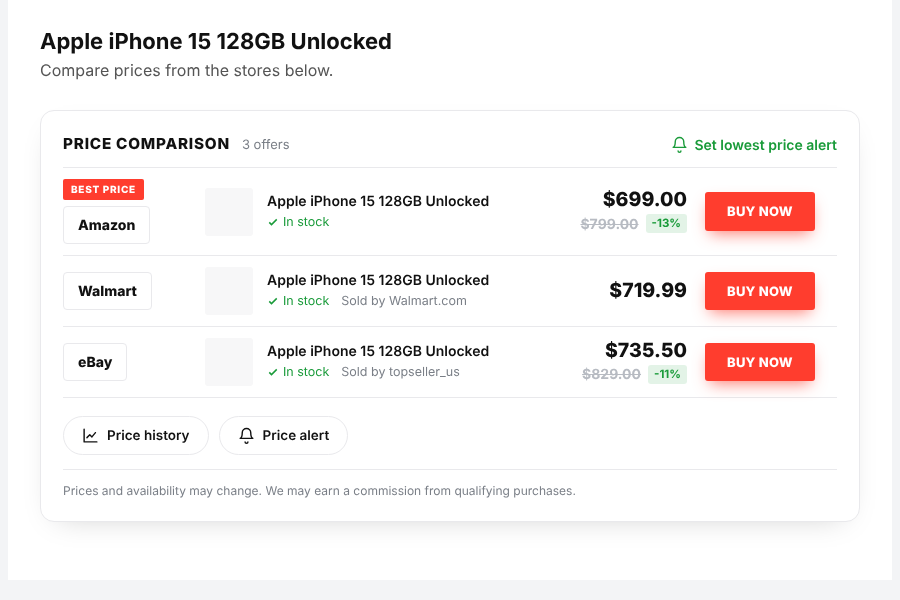
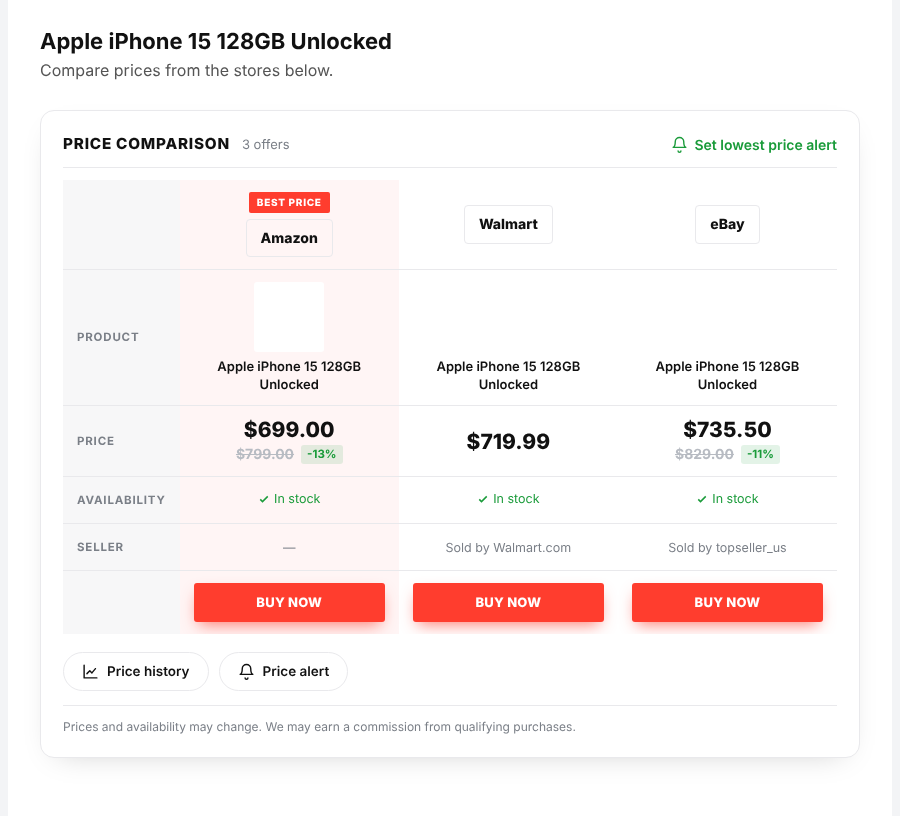
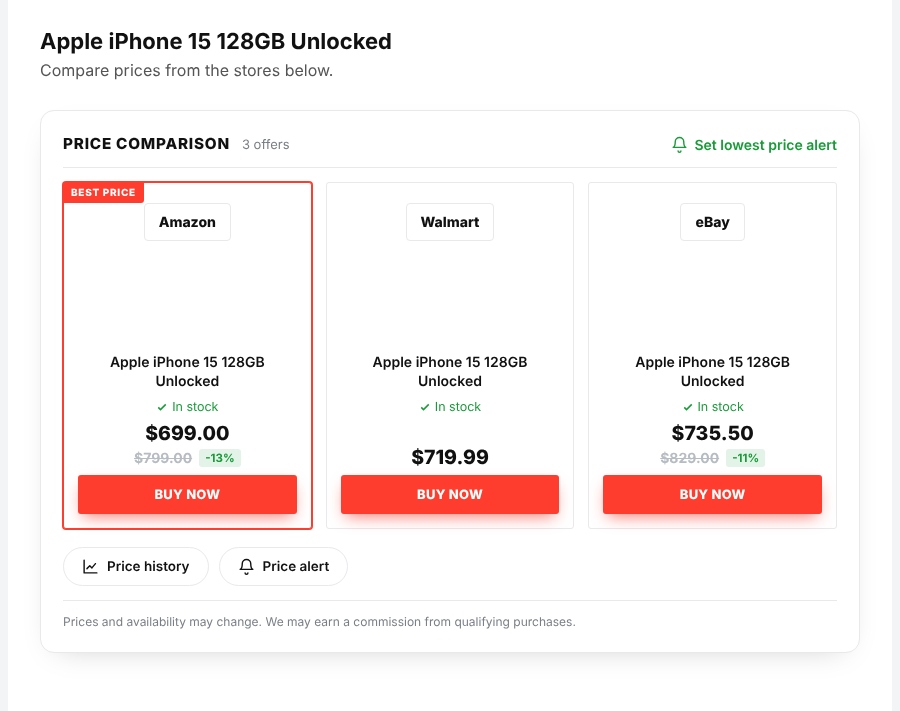
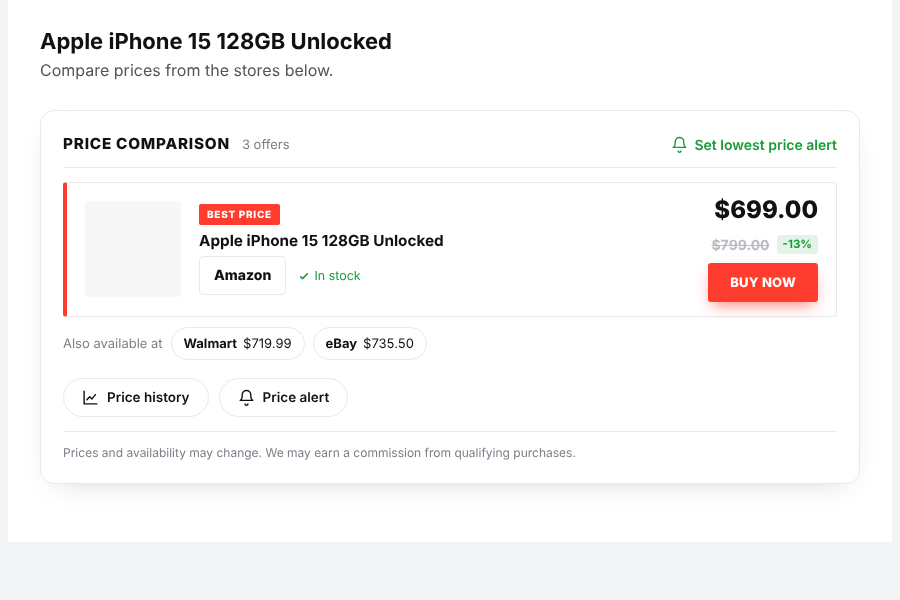
Add a product from one store and CompareDock finds the same product in the others, then shows a clean comparison with direct links. Visitors can open a price history chart and ask for an email when the price drops.
What you get
- Amazon, eBay and Walmart (via SerpApi). Amazon in 21 countries and eBay in 17 sites. Walmart (US). More stores are coming soon.
- Paste a link or type a name. The product is matched on the other stores automatically.
- 10 ready designs (offer list, collapsible box, table, best offer, boxes, mini list, side-by-side, ranking, swipe cards, deal banner). Each design has its own template file and CSS file and can be overridden from your theme.
- Price history with a smooth chart, 30 / 90 day / all-time views, lowest and average price and a “good time to buy” hint.
- Price alerts. Visitors choose a target price and get an email when it is reached. One-click unsubscribe.
- Block, widget and shortcode. Use the “Price comparison” block, the widget, or
[comparedock template="compare"]. - Bulk import with categories, tags, scheduling (one post every N minutes), CSV upload and a review step.
- Automatic title, short description, long description and featured image, each with its own on/off switch.
- Affiliate links for Amazon Associates, eBay Partner Network and your own link template, with click counting.
- Quick compare on the dashboard and a friendly setup checklist.
- Optional schema.org Product markup, WooCommerce price sync, light / dark colour scheme.
Trademarks. Amazon, eBay and Walmart are trademarks of their respective owners. This plugin is not affiliated with, endorsed by or sponsored by them.
External services
This plugin connects to third-party services only when you ask it to search for a product or refresh a price.
SerpApi (serpapi.com) – used to read product search results (title, price, image, link) from Amazon, eBay and Walmart. You add your own SerpApi key in the plugin settings. The product name or link that you enter is sent to SerpApi, together with your key. Nothing about your visitors is sent. Terms: https://serpapi.com/legal#terms-of-service – Privacy: https://serpapi.com/legal#privacy-policy
Product images – only when you turn on “Auto-set featured image” (off by default), one product image is downloaded from the store’s image host into your Media Library.
Emails – when a visitor creates a price alert, their email address and target price are stored in your own database and used only to send that alert. Alerts can be deleted from the plugin’s Price Alerts screen, with the unsubscribe link in every email, and through Tools > Export / Erase Personal Data. A suggested privacy policy text is added for you.
Screenshots

Blocks
This plugin provides 1 block.
- Price comparison
Installation
- Upload the plugin and activate it.
- Open the plugin menu and add your SerpApi key (the Dashboard shows a checklist).
- Edit a post or product. In the “Price Comparison” box paste a product link or type a name, then click Find.
- Click Update. The comparison appears under your content, or add the block or
[comparedock]anywhere.
FAQ
-
Do I need an API key?
-
Yes. All product data comes from the SerpApi search API, so you need your own SerpApi key (they have a free plan). The plugin does not read or scrape store websites.
-
Which stores and countries work?
-
Amazon (21 countries), eBay (17 sites) and Walmart (US). Target, Temu and more stores are planned.
-
Can I change how it looks?
-
Yes. The Offer list is the default design (and the Mini list for short descriptions). In CompareDock > Designs you can switch to any of the other 10 designs with one click, change the colour, add your own CSS per design, or copy a template file into your theme under
comparedock/. -
Does it slow down my site?
-
Prices are saved and refreshed in the background with WP-Cron. Visitors only load a small CSS file and, when they open price history or alerts, a small script.
-
How do price alerts work?
-
Visitors choose a target price and enter their email. When a refresh finds the price at or below the target, one email is sent.
Reviews
There are no reviews for this plugin.
Contributors & Developers
“CompareDock – Price Comparison & Price Alerts” is open source software. The following people have contributed to this plugin.
Contributors
Translate “CompareDock – Price Comparison & Price Alerts” into your language.
Interested in development?
Browse the code, check out the SVN repository, or subscribe to the development log by RSS.
Changelog
1.0.0
- First release.