
Description
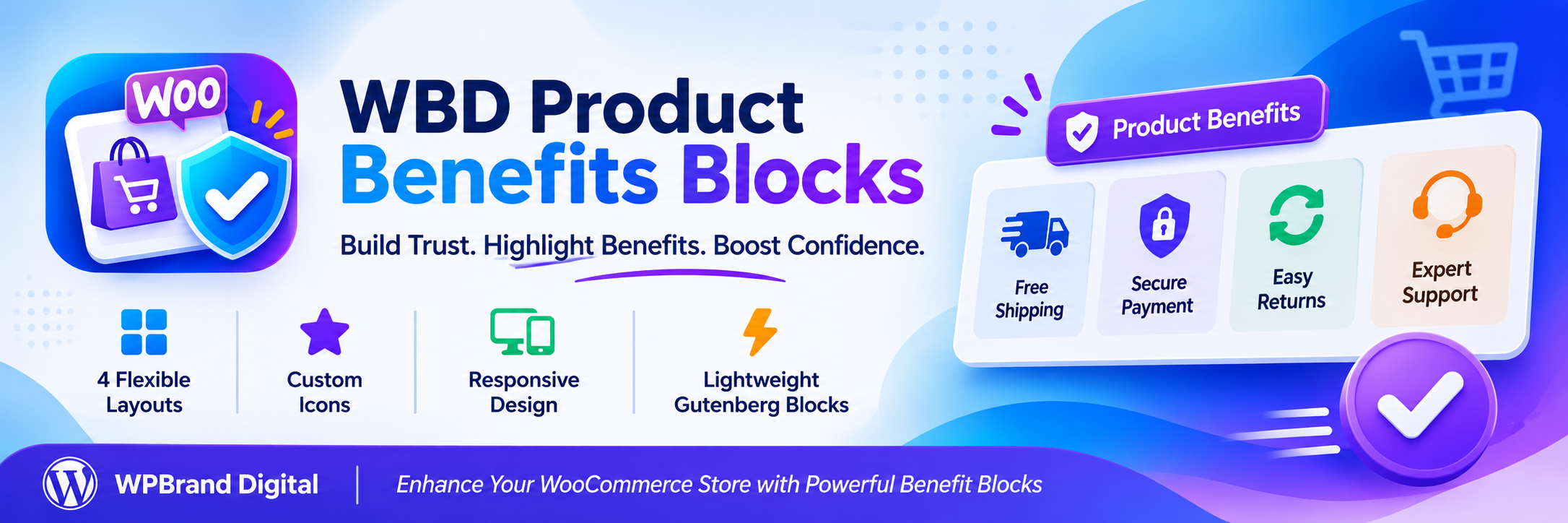
WBD Product Benefits Blocks adds conversion-focused blocks to the WordPress block editor. Version 1.0 ships one carefully built block: Product Benefits.
Use it to show shoppers why they should buy from you — free shipping, secure payment, easy returns, expert support, guarantees and trust badges — right next to your products, in your cart, on landing pages or anywhere else you use blocks.
Product Benefits block
- Four ready-made benefits are inserted automatically: Free Shipping, Secure Payment, Easy Returns and Expert Support.
- Add, remove, duplicate and reorder benefits.
- Edit titles and descriptions directly in the editor.
- Choose from 18 built-in, lightweight SVG icons or upload your own icon or image (with alt text).
- Optional link on each benefit, with an “open in new tab” option.
- Per-item icon and text alignment.
- Four layouts: Grid, Horizontal, Checklist and Trust Badges.
- Responsive columns: up to 6 on desktop, 4 on tablet and 2 on mobile.
- Style controls for gap, padding, colors, typography, borders, radius, shadows and icons.
- Hide the block on desktop, tablet or mobile.
- Works with native block supports: wide/full alignment, background and text color, padding, margin, font size and line height.
Built for speed
- Zero frontend JavaScript.
- About 5 KB of CSS, loaded only on pages that contain the block.
- No jQuery, no icon fonts, no remote fonts, no CDN files.
- Static, semantic HTML saved with your content.
Privacy and respect
- No tracking, analytics or telemetry.
- No external HTTP requests.
- No license keys, no upgrade nags, no admin notices or popups.
- Stores nothing in your database apart from the block content in your posts.
Works with or without WooCommerce
WooCommerce is not required. The block works in any post, page, template or template part, and it fits naturally on WooCommerce product pages, cart and checkout templates in block themes.
Accessibility
- Benefits are output as a list, so screen readers announce the number of items.
- Built-in icons are decorative and hidden from assistive technology; custom images support alt text.
- You choose the title tag (H2–H6 or paragraph) to keep a logical heading outline.
- Links are underlined so they are not identified by color alone, and have a visible focus outline.
Development
Public source code repository:
https://github.com/wpbranddigital/wbd-product-benefits-blocks
Build Instructions:
- npm install
- npm run build
- npm run start (development)
WBD Product Benefits Blocks is built using @wordpress/scripts.
Credits
Several built-in icon shapes are adapted from Feather Icons (https://feathericons.com), released under the MIT License, which is compatible with the GPL.
Blocks
This plugin provides 1 block.
- Product Benefits Display product benefits, guarantees, shipping information, returns, support and trust badges in a responsive Gutenberg layout.
Installation
- In your WordPress admin go to Plugins Add New, search for “WBD Product Benefits Blocks” and click Install Now, then Activate.
- Or upload the
wbd-product-benefits-blocksfolder to/wp-content/plugins/and activate it from the Plugins screen. - Edit any post, page or template, open the block inserter and search for Product Benefits, or open the WBD Product Benefits category.
FAQ
-
Does this plugin require WooCommerce?
-
No. It is designed for WooCommerce stores, but the block works on any WordPress site that uses the block editor.
-
How do I add the block to every WooCommerce product page?
-
With a block theme, go to Appearance Editor Templates Single Product and insert the Product Benefits block where you want it, for example below the Add to Cart button. With a classic theme, add it to individual product descriptions or to a synced pattern that you reuse.
-
Does it add JavaScript to my site?
-
No. The block outputs static HTML and a small stylesheet. The stylesheet is only loaded on pages where the block is used.
-
Can I use my own icons?
-
Yes. Select a benefit in the sidebar and use Upload / select image to choose any image from your Media Library. Square SVG or PNG images work best. Add alternative text if the image conveys meaning.
-
Which heading level should I use for benefit titles?
-
Use one level below the heading that introduces the section. For example, if the section above has an H2, use H3. For short trust badges with no section heading, choose “Paragraph”.
-
Why does my block look faded in the editor?
-
It is hidden on at least one device size (see the Visibility panel). Hidden blocks stay visible but faded in the editor so you can keep editing them.
-
What screen sizes are used for desktop, tablet and mobile?
-
The plugin follows WordPress core breakpoints: mobile is below 600px, tablet is 600–781px and desktop is 782px and wider.
-
Does it work with RTL languages?
-
Yes. Alignment options are logical, so “Left” means the start of the line and automatically flips in right-to-left languages.
-
Is the plugin translation ready?
-
Yes. All strings use the
wbd-product-benefits-blockstext domain and a POT file is included. -
Where can I find the source code?
-
The unminified source code is included in the
srcfolder of the plugin. SeeREADME.mdfor build instructions.
Reviews
There are no reviews for this plugin.
Contributors & Developers
“WBD Product Benefits Blocks” is open source software. The following people have contributed to this plugin.
Contributors
Translate “WBD Product Benefits Blocks” into your language.
Interested in development?
Browse the code, check out the SVN repository, or subscribe to the development log by RSS.
Changelog
1.0.2
- Fixed github link and plugin performace.
1.0.1
- Update plugin name and slug to WBD Product Benefits Blocks (wbd-product-benefits-blocks) for WordPress.org compliance.
- Update block namespace to wbd/product-benefits and category to wbd-product-benefits.
- Update text domain to wbd-product-benefits-blocks and refresh POT file.
1.0.0
- Initial release with the Product Benefits block.