Description
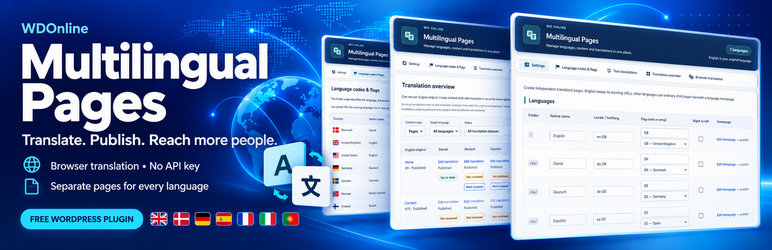
Publish independent WordPress pages and posts in multiple languages, with your chosen original language. Keep existing original-language URLs and place translated pages beneath native language homepages, such as /da/kontakt/ and /de/kontakt/.
Each translation is separate content that you can edit in WordPress or Avada. Use manual or optional local browser translation, without an API key. Nothing is synchronized or published automatically.
Features:
- Language homepages, translated page hierarchies and original-language source relationships.
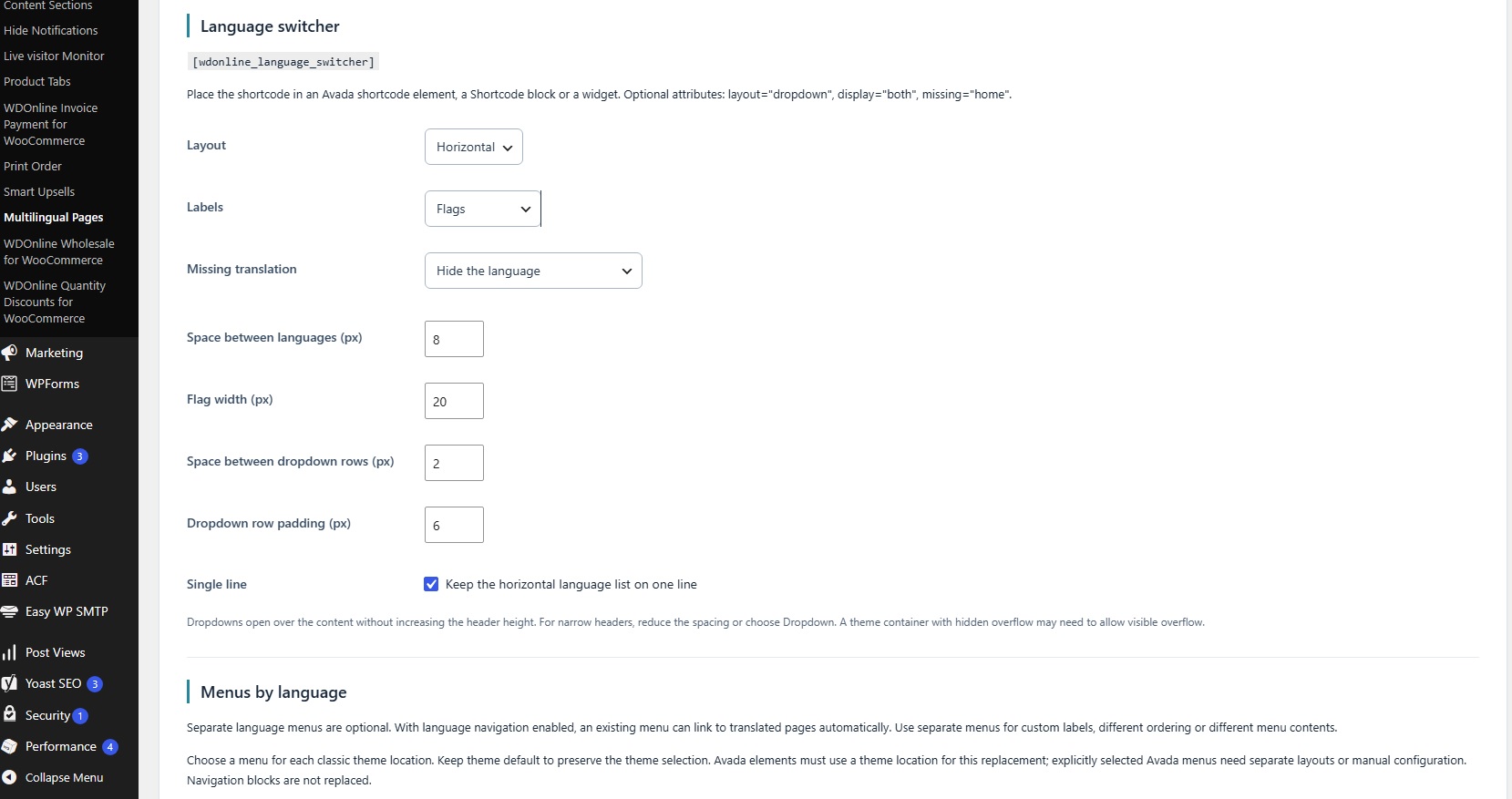
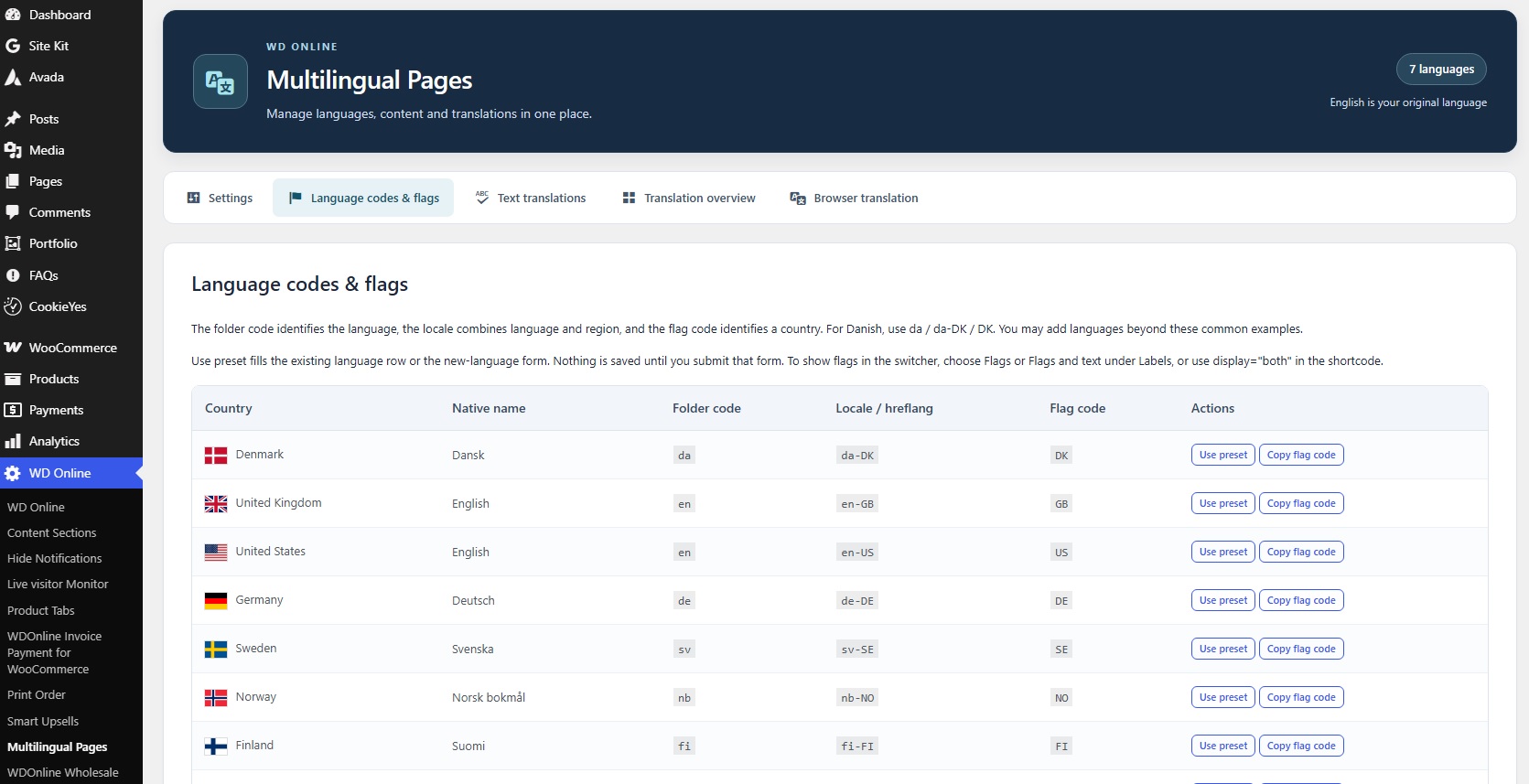
- A shortcode language switcher with text, local country flags or both; horizontal and dropdown layouts.
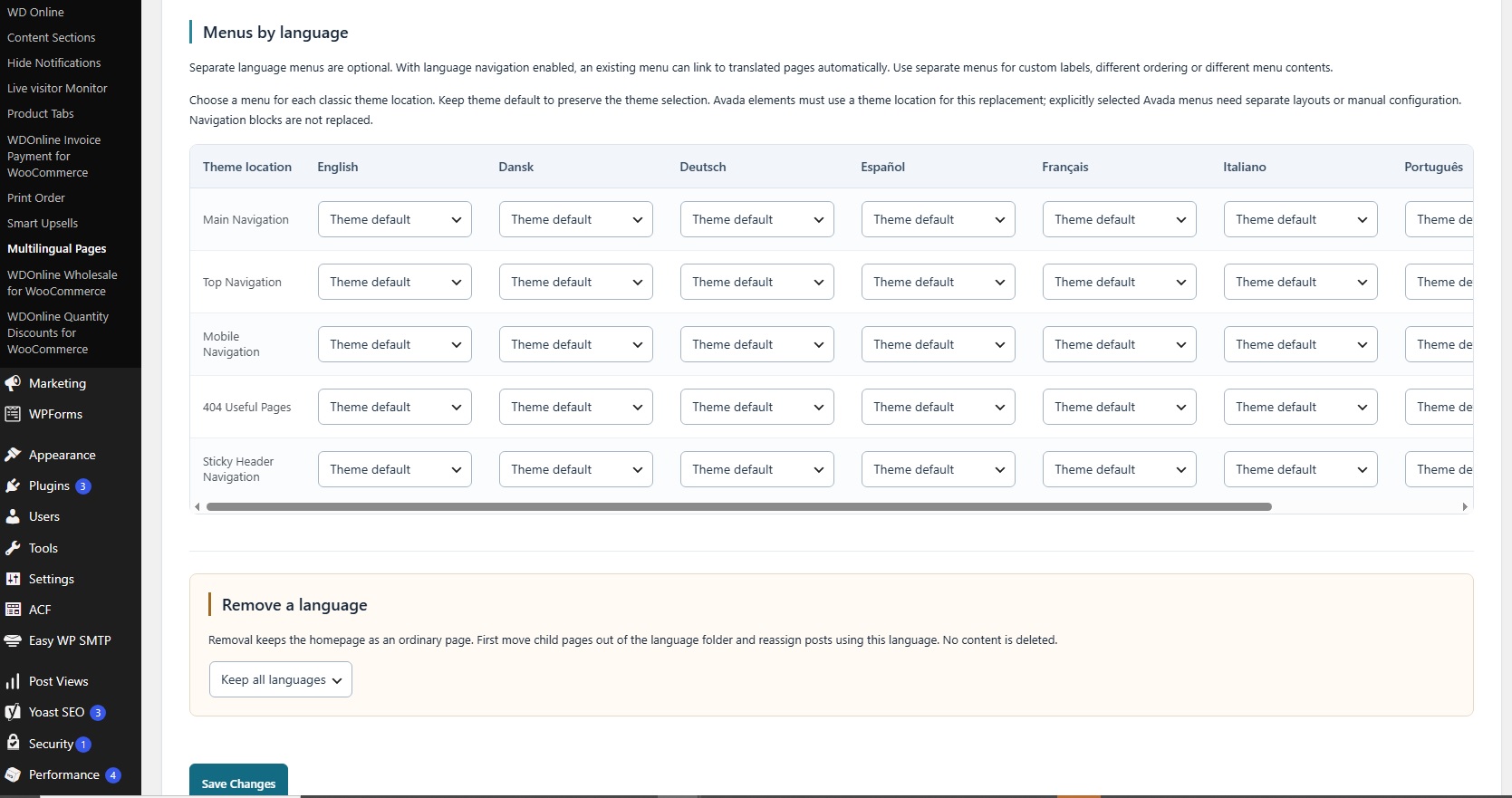
- Optional classic-menu mappings and navigation links that follow a selected language. An explicit preference is remembered in browser storage for 30 days.
- Reciprocal hreflang and x-default links, page language/direction, native sitemaps and indexing controls, with Yoast/Rank Math integrations.
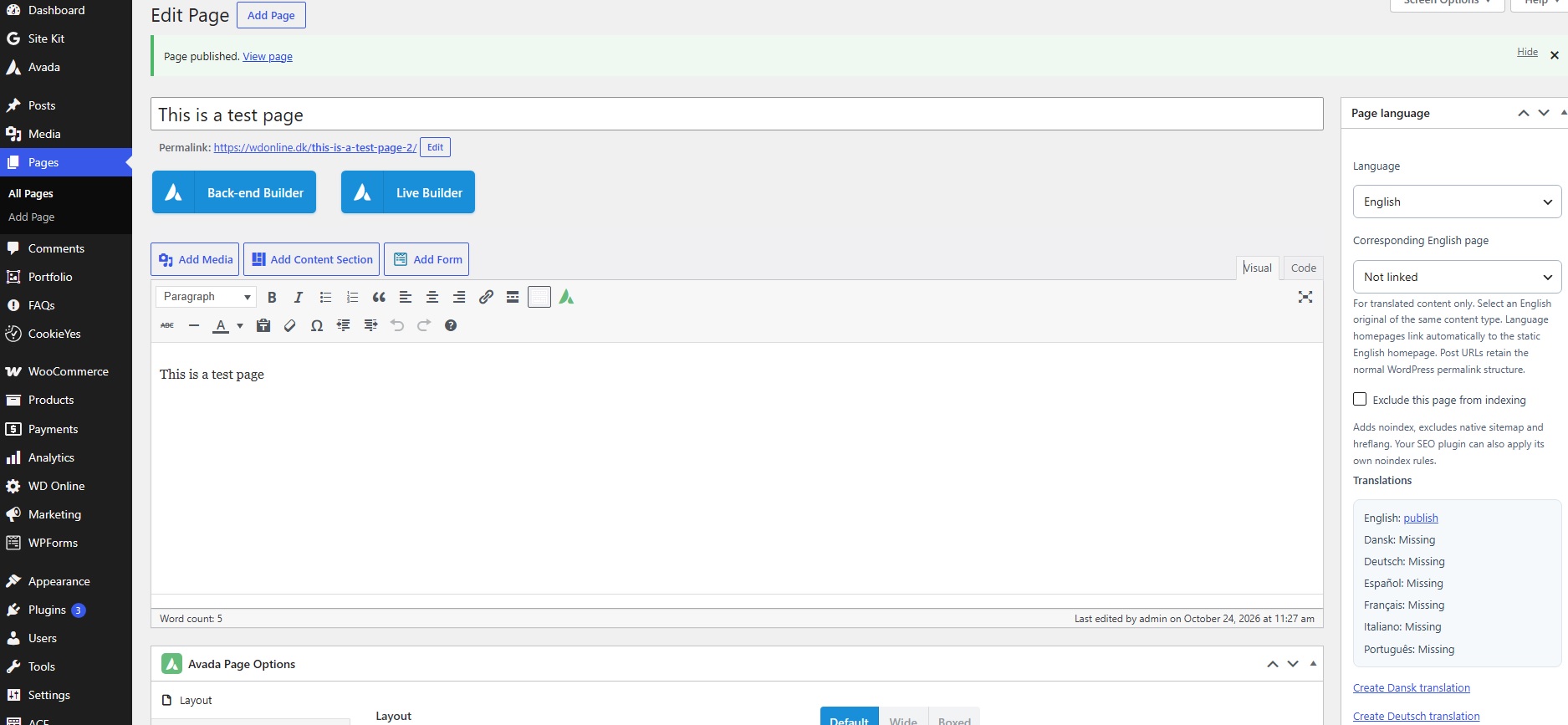
- Copy pages/posts or create linked translation drafts, retaining local builder metadata, custom fields, featured-image references and terms.
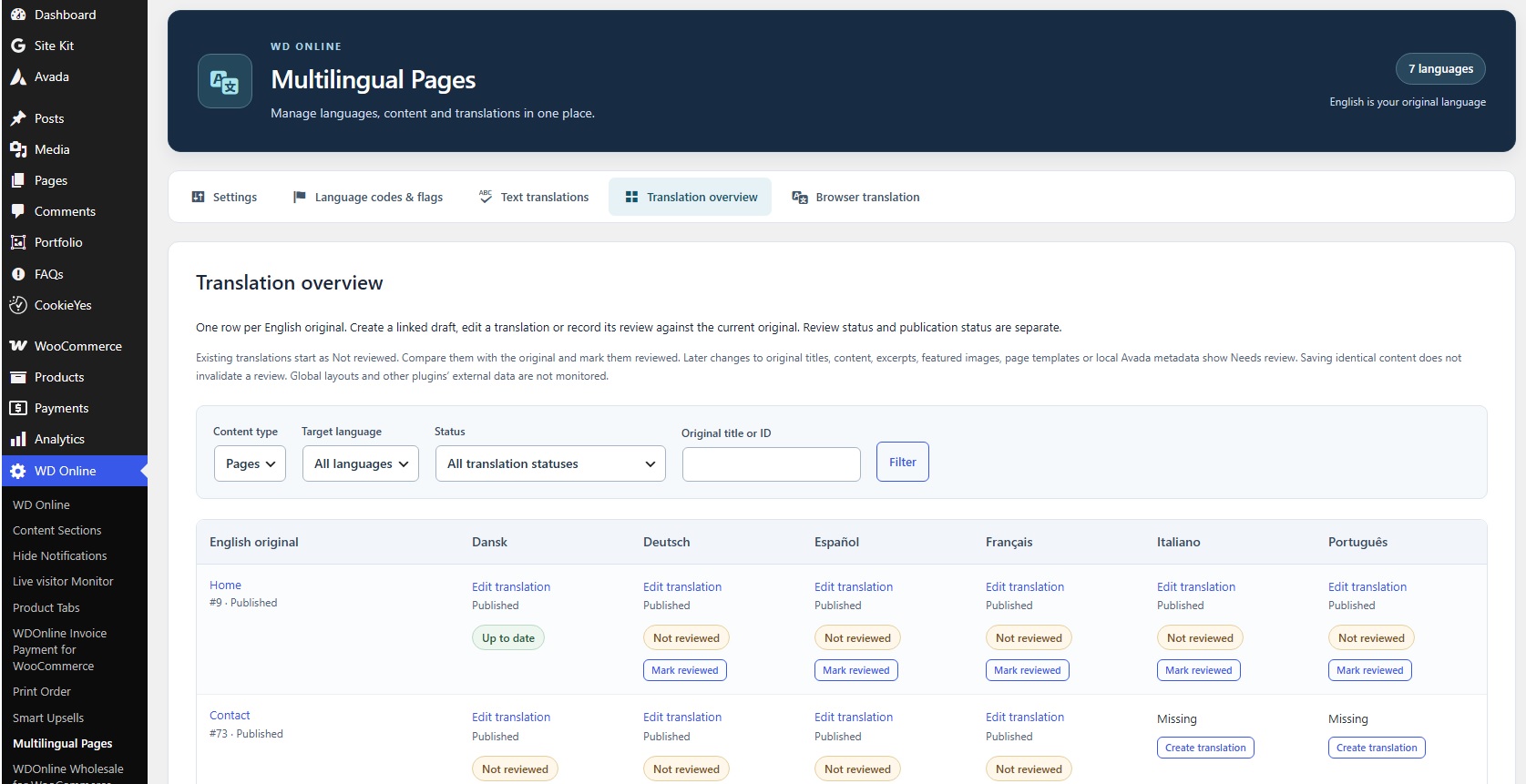
- A translation overview, language/missing-translation filters and explicit review checkpoints that flag changes to the original.
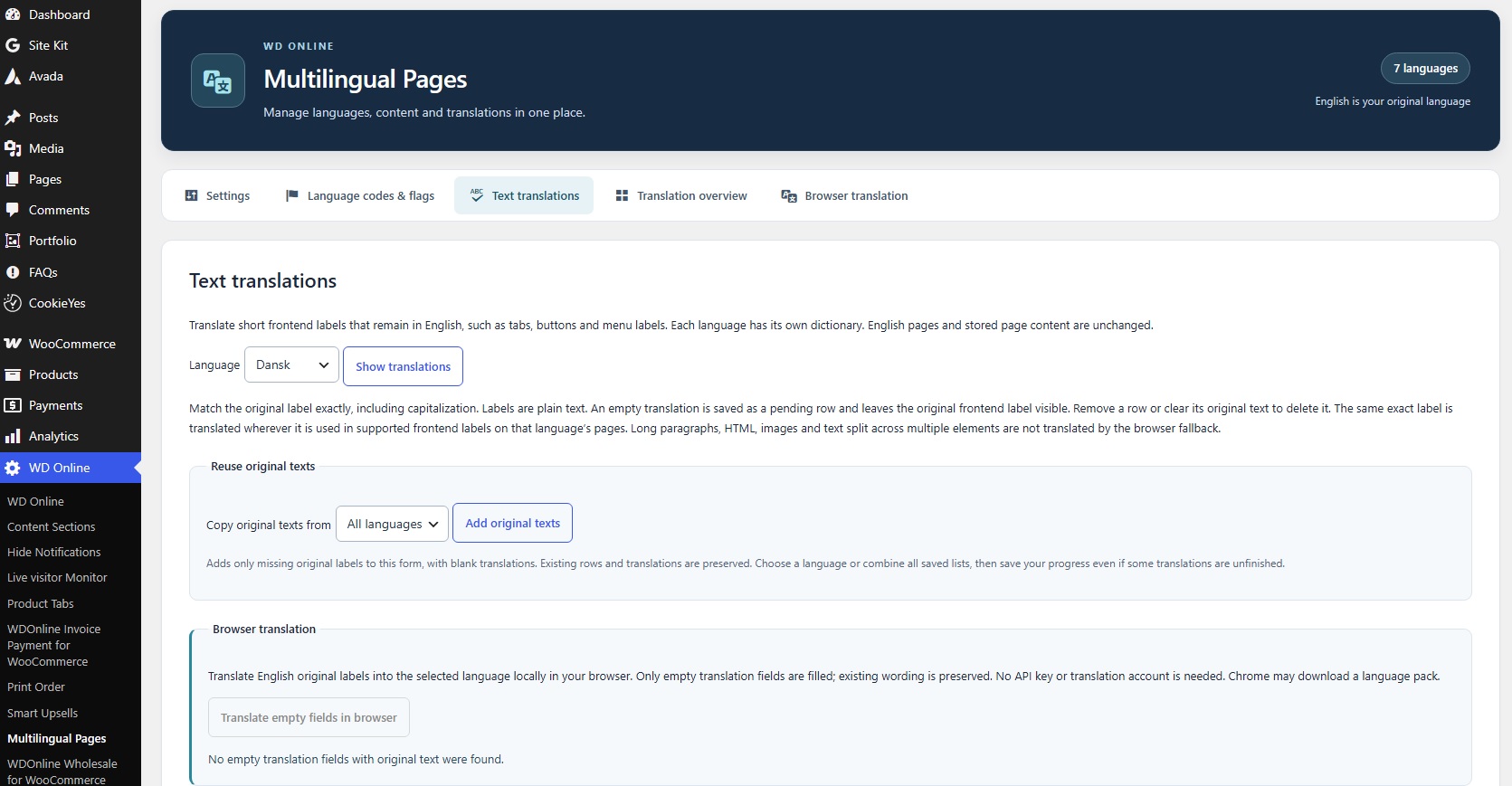
- Exact short-label dictionaries, reusable original-word lists and local browser translation of pending labels.
- A browser workbench with visual/text editing, supported text formatting and URL names based on the translated title, original name or custom input.
Scope and compatibility
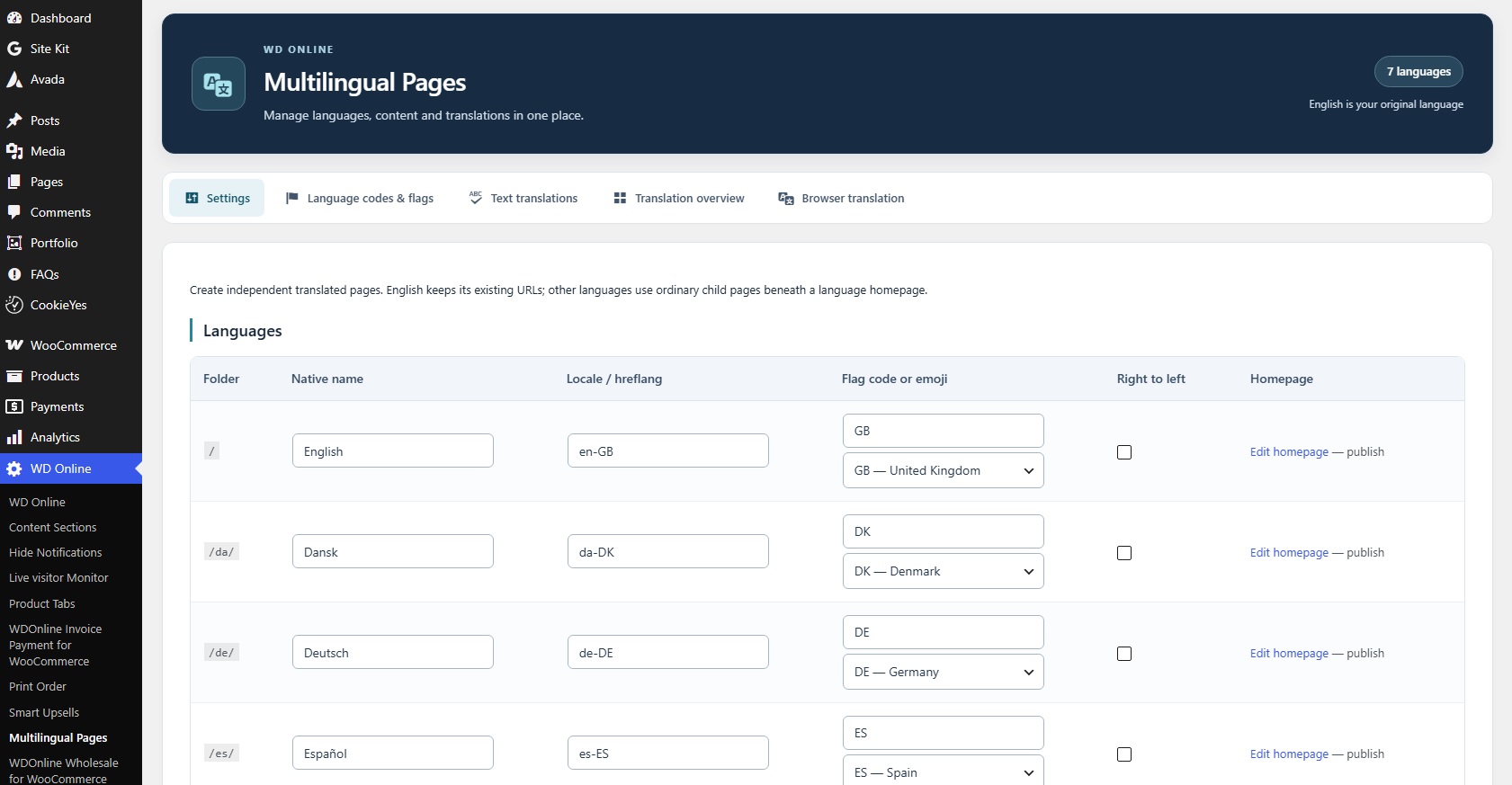
On a new installation, choose any supported original language using a preset or custom language values before adding translation languages. The choice is locked once a translation language is added. Changing the original language on an established site requires a separate migration. This setting does not change WordPress Site Language or translate existing content. Use pretty permalinks and a static original-language homepage. Translated posts keep ordinary WordPress post permalinks; only pages use language folders.
Products, taxonomies, archives, search results, checkout and emails are not automatically translated. Label dictionaries cover supported exact frontend labels, not every theme/plugin string.
Create translation and Copy retain local Avada/ACF metadata. Browser translation saves supported formatting and selected ACF text fields, excluding layouts, other fields, terms and SEO settings. Configure global builder elements and externally stored data separately.
Menu replacement applies to classic theme locations. Explicit Avada menu selections and Navigation blocks need manual configuration. Test with your theme, SEO plugin and cache; deactivate competing multilingual routing plugins. SEO plugins can apply additional indexing rules. Hreflang and sitemaps do not guarantee Google indexing. Canonical tags are not replaced.
Browser translation and privacy
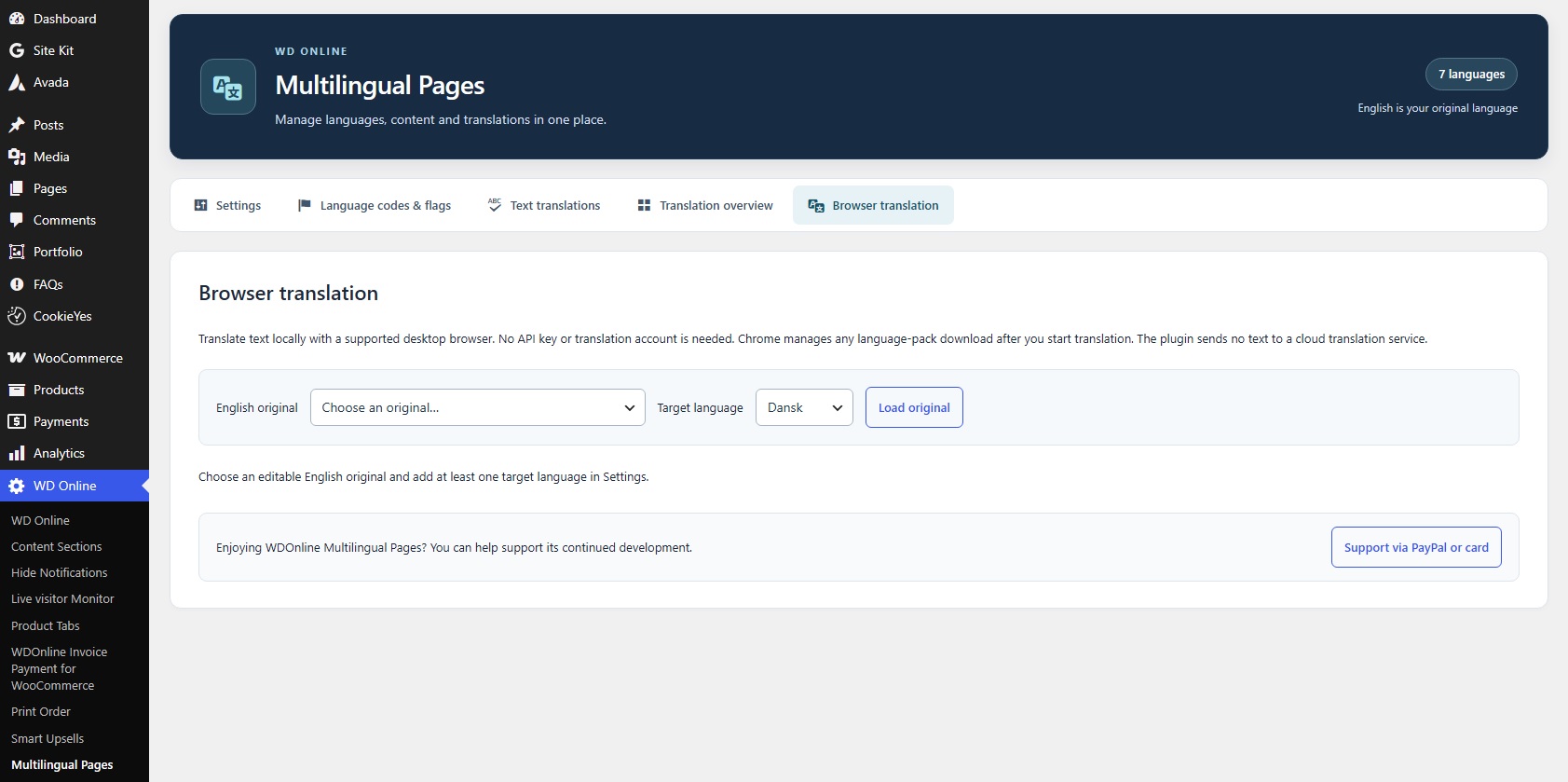
Optional browser translation starts only after a click, using the native Translator API in a supported desktop browser such as Chrome. HTTPS or localhost and an available original-to-target language pair are required. Availability depends on browser policy, device support and storage. Manual editing and saving remain available without this API.
Translation runs on the user’s device. The plugin sends no text to a hosted translation API, requires no API key or translation account, and has no cloud fallback. Chrome may connect to Google’s infrastructure to download language models after translation is started, involving normal download connection information handled by Chrome. The plugin does not fetch executable PHP or JavaScript from that infrastructure.
Saving workbench results sends translated content, source ID/fingerprint, language, URL choices and a security nonce to your own WordPress server. Dictionary saving sends its edited form rows there. Nothing is saved, published or marked reviewed automatically; review accuracy before saving. Copy unsaved work before leaving.
Provider information:
* Translator API: https://developer.chrome.com/docs/ai/translator-api
* Google privacy policy: https://policies.google.com/privacy
* Chrome additional terms: https://www.google.com/chrome/terms/
* Google terms: https://policies.google.com/terms
No analytics, telemetry or diagnostic uploads are included. Optional language navigation stores an explicit language choice and a 30-day expiry in localStorage, without a preference cookie or telemetry upload. Settings, relationships and saved dictionaries remain in the WordPress database. The voluntary support link opens PayPal only when clicked.
Third-party resources
The local flag SVGs are from flag-icons by Panayiotis Lipiridis (https://github.com/lipis/flag-icons), under the MIT License included in assets/flags/LICENSE.txt. No flag files are fetched externally.
Screenshots
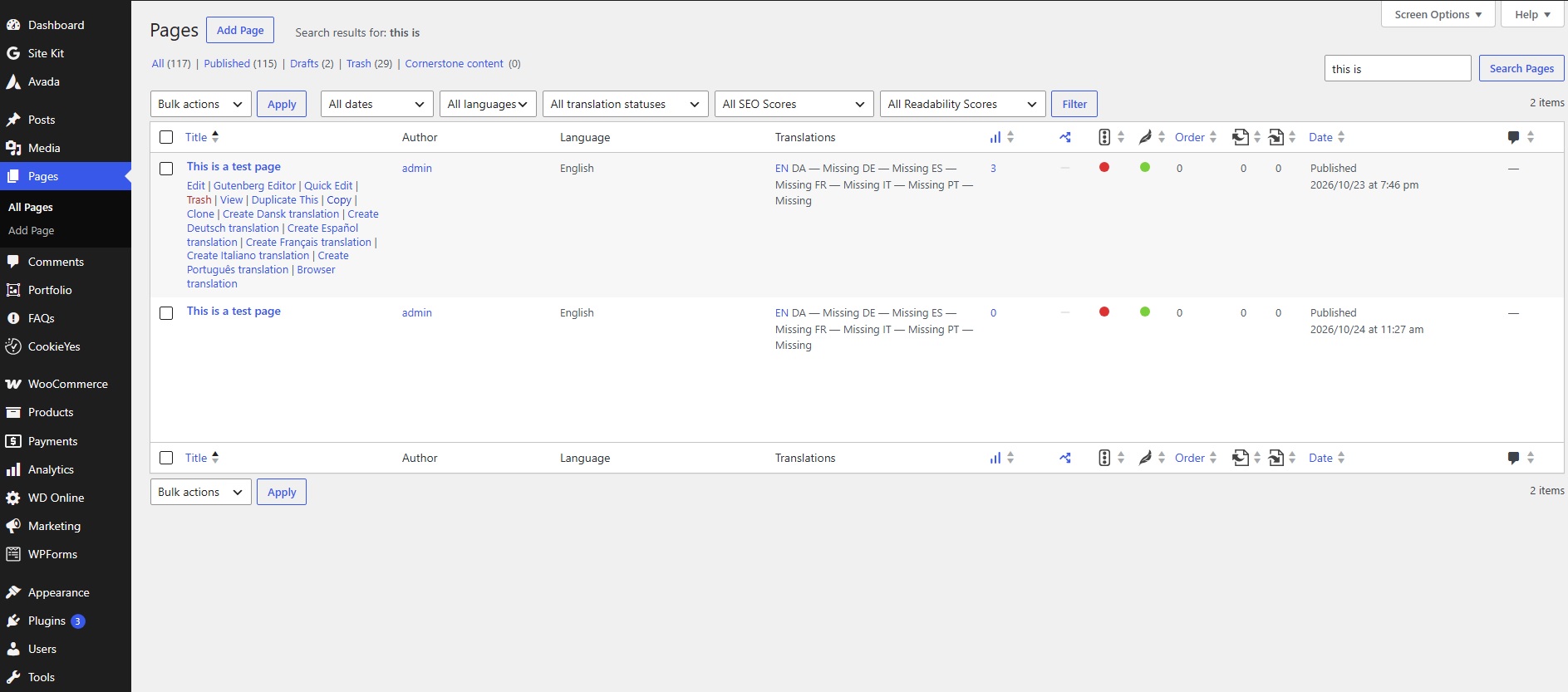
Installation
- Activate the plugin and open WD Online > Multilingual Pages. On a new installation, save your Original language before adding translations.
- Use pretty permalinks and select a static homepage in that language under Settings > Reading.
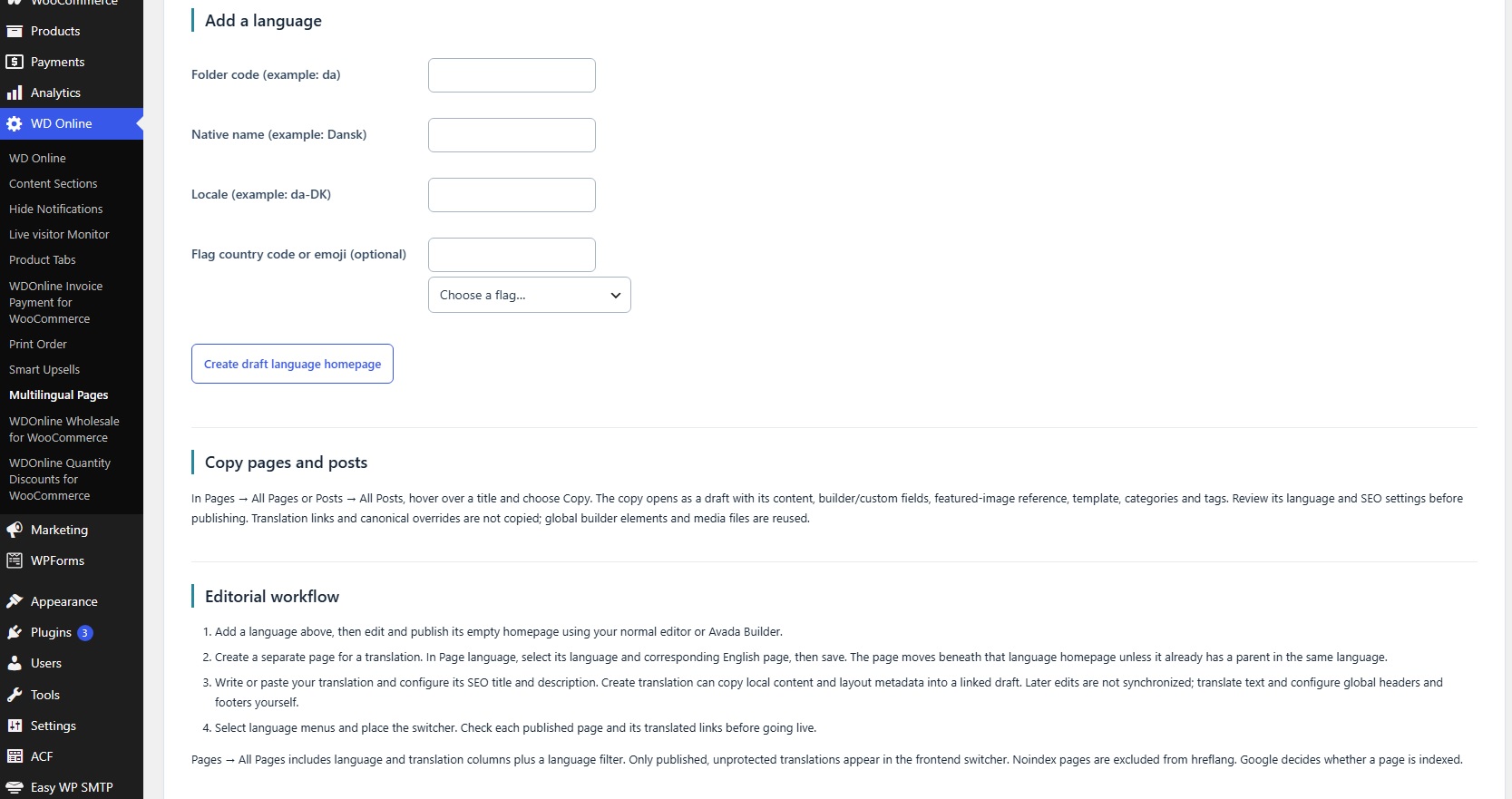
- Add a translation language different from your original, for example en / English / en-US / GB for a Danish-language site, then edit and publish its empty draft homepage.
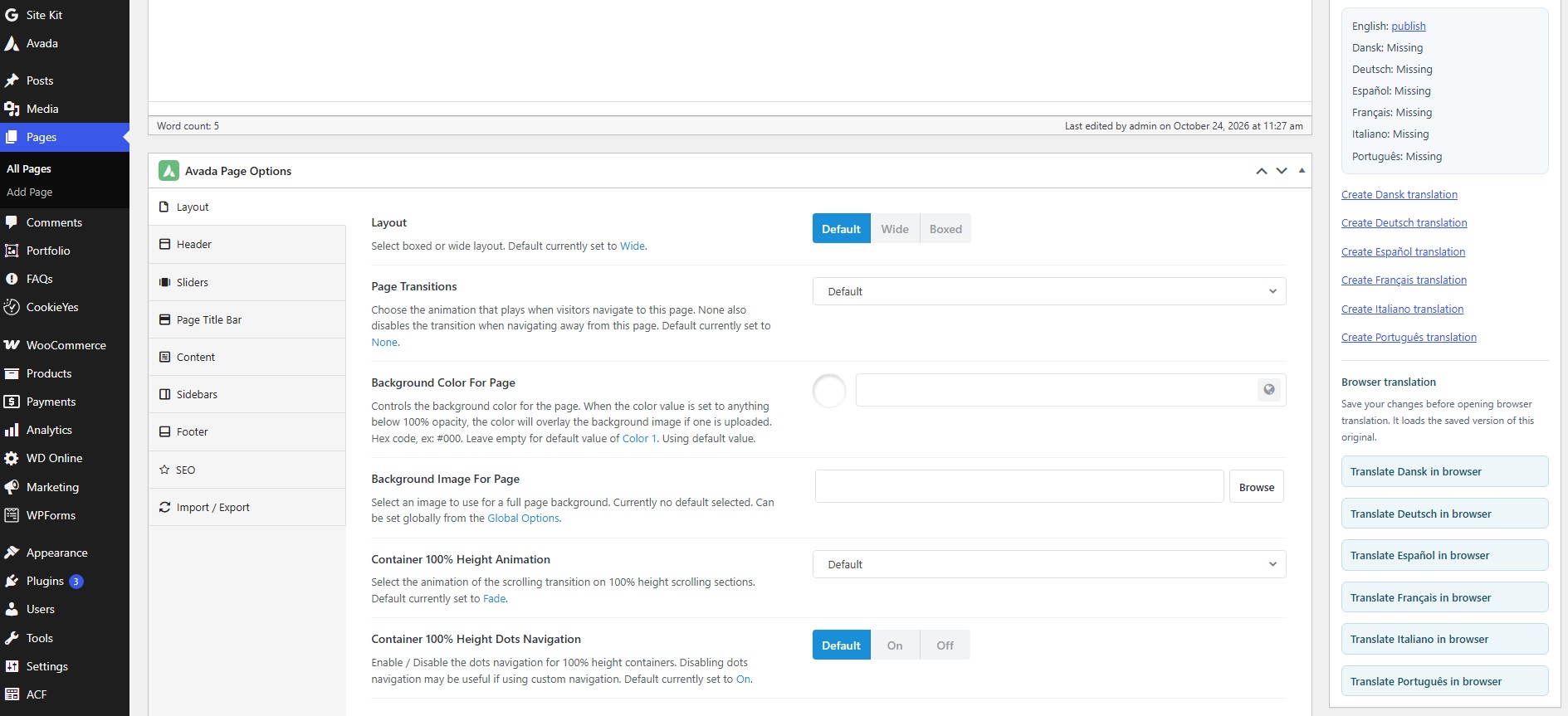
- Create translated pages beneath that language homepage. In Page language choose the language and corresponding original, then save. Alternatively use Create [language] translation on a saved original.
- Add [wdonline_language_switcher] to your header, shortcode block or widget, or append it to a classic theme menu location.
- Configure language menus if required, and check published links, mobile display, canonical, hreflang and indexing settings.
FAQ
-
Can I choose another original language?
-
Yes. On a new installation, save Original language under Settings using a preset or custom values before adding translation languages. English is not required as the original language. For example, Danish originals can keep their existing URLs and have English translations under /en/.
The original-language choice is locked once a translation language is added, even if that language is later removed. It does not change WordPress Site Language or automatically translate existing content. Changing the original language on an established site requires a separate migration.
-
How do I translate a page in my browser?
-
Open Browser translation and load a saved original and target language. You can also use Translate [language] in browser in the original’s language panel, or its Pages/Posts row action. Administrator access is required. Save original edits first.
Simple HTML retains H1-H6, bold, italics, paragraphs, lists, blockquotes, code and links. Link destinations stay unchanged. For shortcode/builder originals, paste text manually and add supported formatting. Custom styling, images and builder code are excluded. Review sentence flow around inline formatting.
Select saved ACF Text, Text Area or WYSIWYG fields if needed. Nested/options fields are excluded. Click Translate in browser, review all results and select a Translation URL option. Click Save as translation draft, then Open draft editor to add layouts, SEO and other fields. WordPress may add a numeric slug suffix. A password on the original is retained. Existing translations, including drafts, are never overwritten. Source changes after loading reject saving. Failure/cancellation preserves the previous result.
-
Can I translate the Text translations dictionary locally?
-
Choose a language and click Show translations. Use Add original texts to reuse labels from one or all saved dictionaries. Click Translate empty fields in browser to fill pending labels, then review and click Save text translations. Original labels must be in the configured original language; existing translations are preserved. No partial batch is applied on failure/cancellation. Formatting placeholders such as %s must remain exact. A complete dictionary has no pending fields.
Dictionaries match exact, case-sensitive labels. Clear page caches after saving. Normal Create translation copies content without translating it.
-
How do I track missing or outdated translations?
-
Use language/missing-translation filters or Translation overview. A linked draft counts as an existing translation; Missing published translation also finds non-public versions. Link posts through Post language. Publication and review status are separate.
Review source changes before marking translations reviewed; review never publishes content or assesses translation quality. See the reference for monitored fields.
-
Can translated URLs differ?
-
Yes. Use the translated title, original name or a custom slug. Pages retain their language folder and translated parent. Existing URLs are unchanged by upgrading; manage redirects if you change published URLs.
-
What are the shortcode options?
-
[wdonline_language_switcher]
[wdonline_language_switcher layout=”dropdown” display=”both” missing=”home”]layout: horizontal or dropdown. display: text, flags or both. missing: hide or home.
-
Can I adjust switcher spacing?
-
Under Language switcher, adjust flag size, horizontal gap, dropdown row gap/padding and Single line. Dropdowns overlay content; theme containers must allow visible overflow.
-
Does uninstall remove content?
-
No. All content, hierarchies, settings, dictionaries and relationships remain on deactivation/uninstall. Native URLs remain; switcher, menus and plugin SEO output require the plugin to be active. Delete unwanted settings/content explicitly.
-
Where is the detailed reference?
-
See docs/REFERENCE-EN.md, docs/START-HER-DA.md and changelog.txt.
Reviews
There are no reviews for this plugin.
Contributors & Developers
“WDOnline Multilingual Pages” is open source software. The following people have contributed to this plugin.
Contributors
Translate “WDOnline Multilingual Pages” into your language.
Interested in development?
Browse the code, check out the SVN repository, or subscribe to the development log by RSS.
Changelog
1.8.0
- Initial public release.
- Choose your original language during setup and create independent translated pages and posts.
- Translate supported text and selected ACF text fields locally in a compatible browser, without an API key.
- Add a customizable language switcher, language menus and reciprocal hreflang links.
- Manage reusable label translations, missing translations and review status from WordPress.