

Description
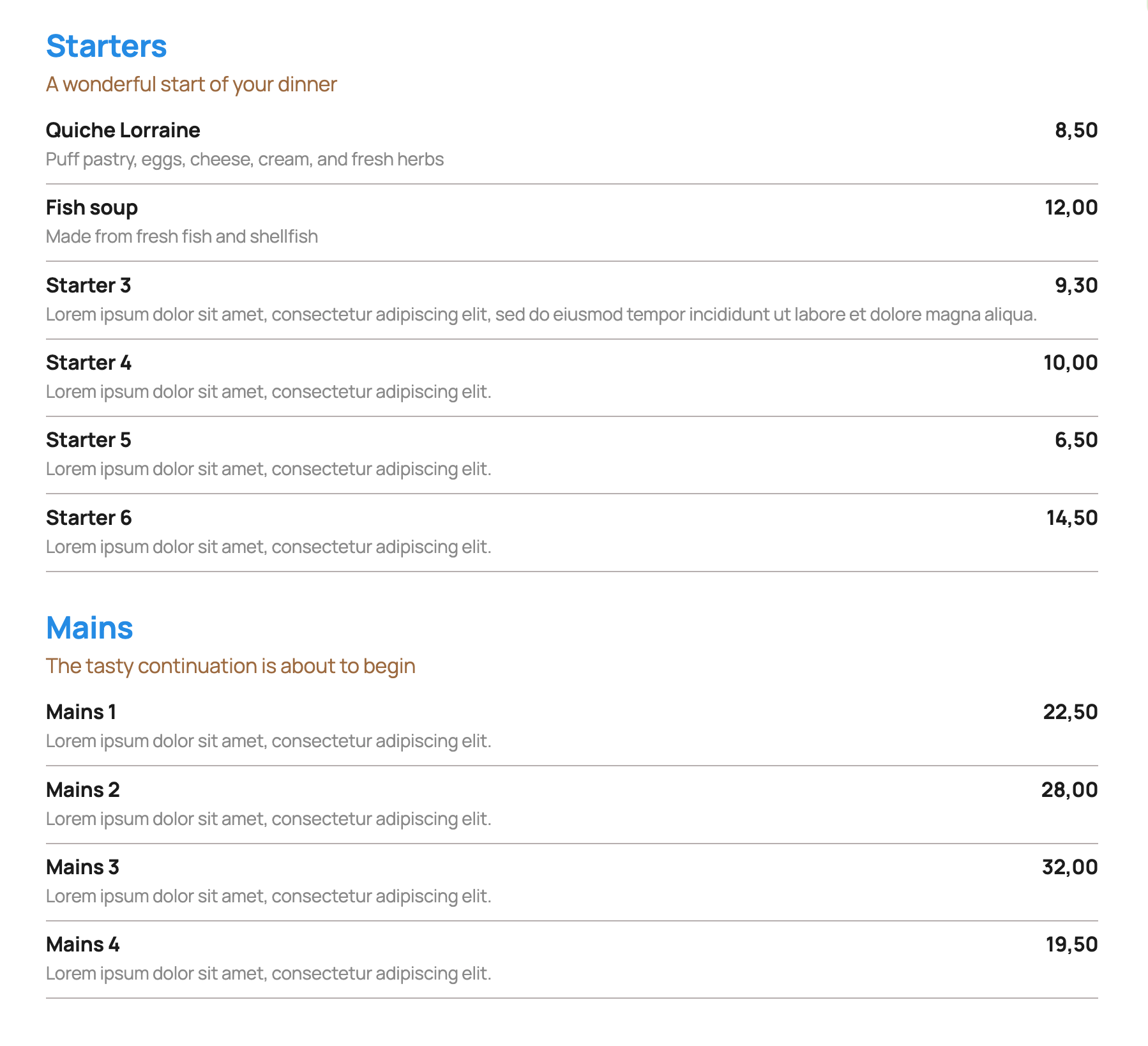
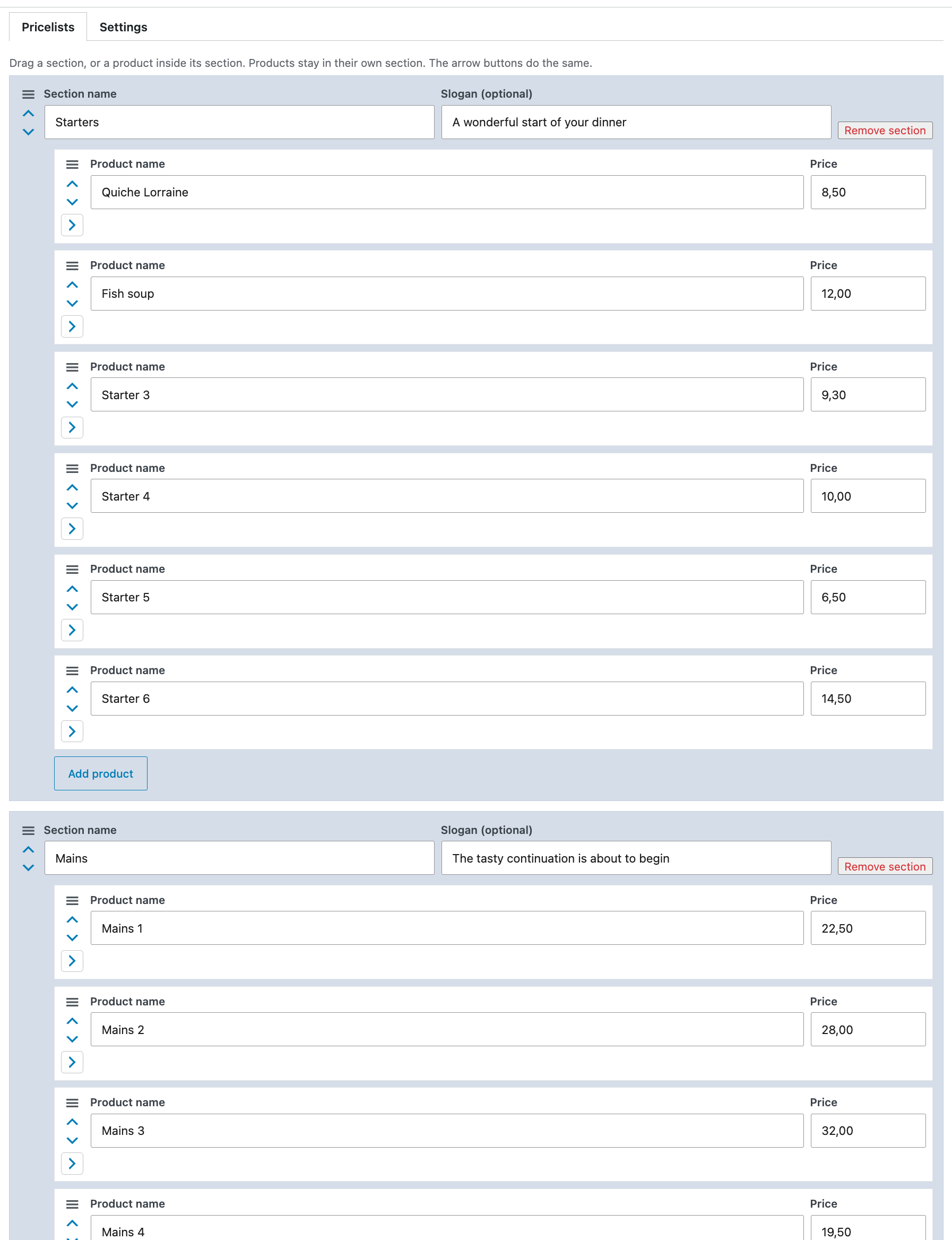
Insight Pricelist stores each price list on its own. A list has sections. Each section has an optional slogan and products with a name, an optional description, and a price.
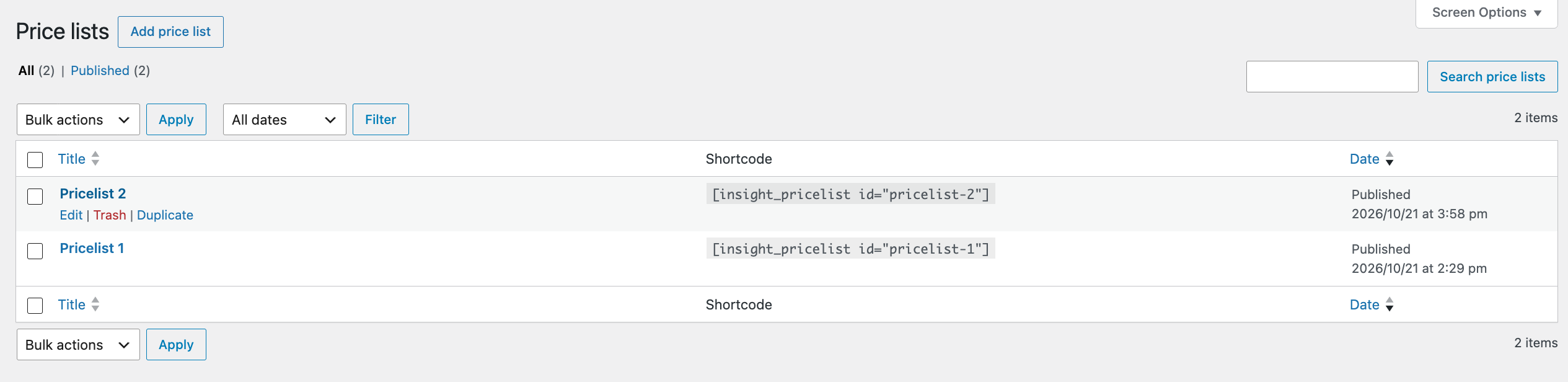
Add a published list to a page with:
[insight_pricelist id="your-list-slug"]
The id is the list slug, or the numeric id.
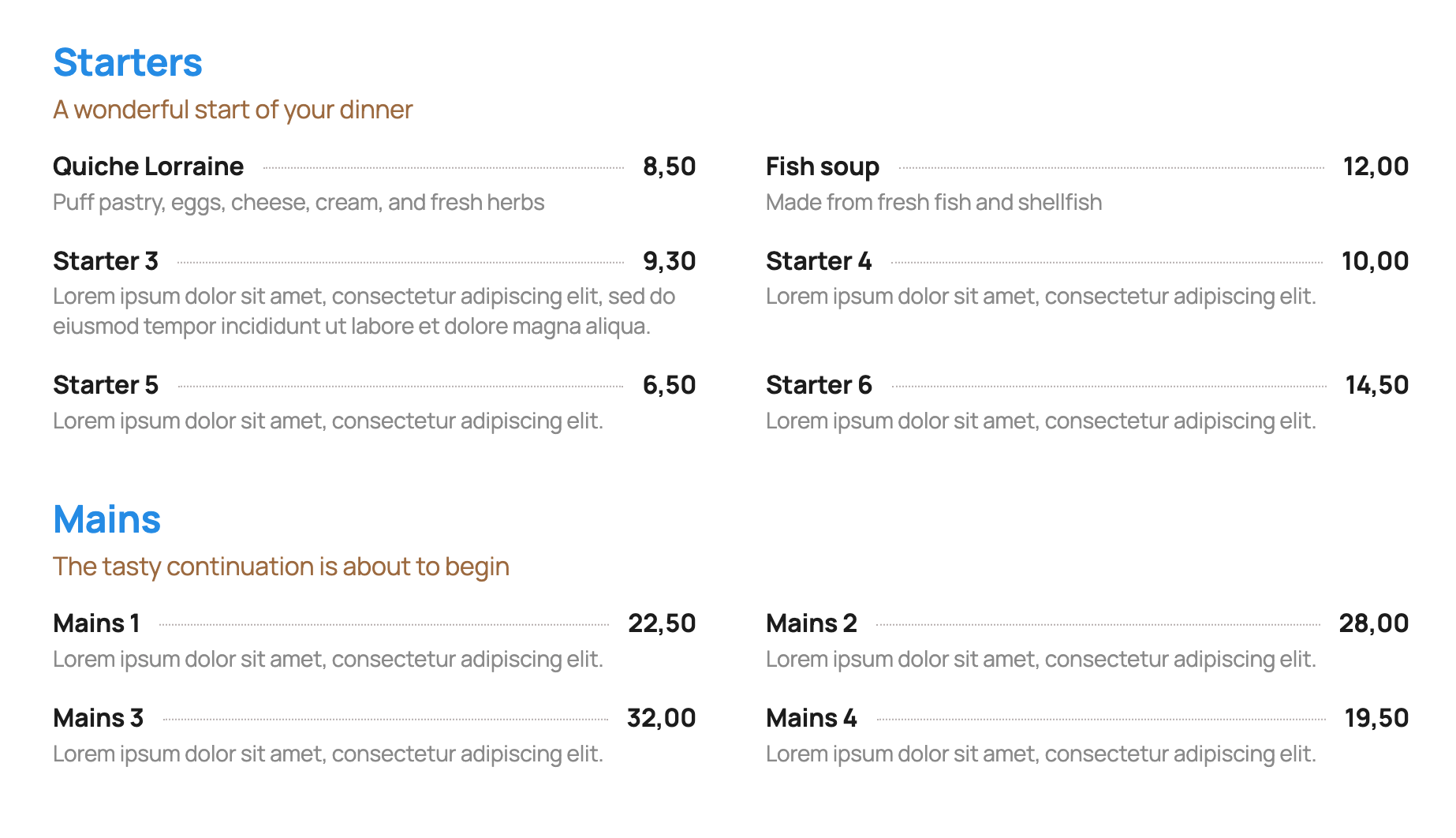
- One column or two columns. Two columns stack on small screens. In two columns, the line under a row runs across both products.
- Show or hide the list name. It is hidden by default.
- Reorder sections, and reorder products inside a section.
- A line under each product, a dotted line between the name and the price, or no line. One color for both line styles.
- A currency symbol before or after the price. Leave the currency empty to show the amount only. The price itself is free text, and an empty price hides the currency.
- For the list name, section name, slogan, product name, description, and price: color, size, a CSS class, and a font the site already loads. The plugin does not add font files.
- Width follows the block the shortcode sits in, or uses the theme wide width.
- Duplicate a whole list, including its colors and content.
- In the editor, products stay collapsed until opened. Anyone who can edit the list can change its settings and publish it. Uninstall does not delete lists.
Pro add-on
Need more? See Insight Pricelist Pro.
- Tab-style layout: sections as tabs, showing the products in that section only.
- Section and slogan left alignment or centered.
- Images for product, cover style, custom size.
- Client mode: edit settings with administrator privileges only.
- URLs (page or an external link) can be added to the product name or shown separately.
- Product Schema output.
- Separate class field for each section name (notranslate, target colors or any other need).
- Export (backup) and import.
Screenshots

Installation
- Upload the plugin folder to
/wp-content/plugins/insight-pricelist. - Activate Insight Pricelist.
- Open Insight Pricelist in the admin menu and add a list.
- Publish the list and paste its shortcode into a page.
Reviews
There are no reviews for this plugin.
Contributors & Developers
“Insight Pricelist” is open source software. The following people have contributed to this plugin.
Contributors
Translate “Insight Pricelist” into your language.
Interested in development?
Browse the code, check out the SVN repository, or subscribe to the development log by RSS.
Changelog
1.0.17
- Price lists with sections, optional slogans, products, descriptions, and prices.
- One or two columns. On a wide screen the line under a two-column row runs across both products. On a small screen the products stack and each keeps its own line.
- Container or wide width. Colors, sizes, classes, and fonts the site already loads. Per list: list name, line style, line color, and currency.
- Drag or move sections and products. Duplicate a whole list. Products in the editor are collapsed until opened.
- Anyone who can edit a list can change its settings and publish it. Uninstall keeps the lists.
- Link to Pro on the Plugins screen and in the price list editor. Product links and administrator-only settings are part of Pro.
1.0.9
- Coding standards: safer text cleaning, no suppressed query filters, and a readme.
1.0.8
- Slightly less space between a product description and its URL.
1.0.7
- URL uses the description style. A list can show the URL or turn the product name into the link.