
Description
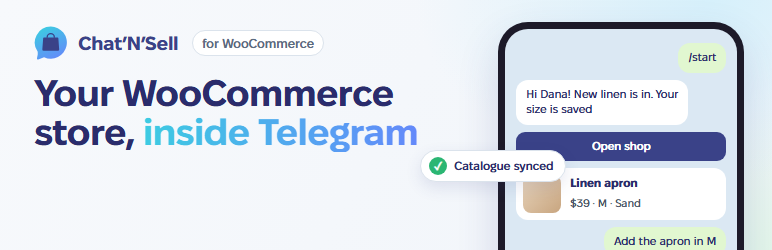
Chat’N’Sell turns your WooCommerce shop into a shop inside Telegram. Your customers browse your catalogue in a Telegram Mini App run by your own bot, and pay on your own WooCommerce checkout, with your payment methods, shipping and taxes.
This plugin is the lightweight link between your shop and your Chat’N’Sell account. All the bot logic runs on Chat’N’Sell; the plugin only:
- connects your shop to your Chat’N’Sell account with one click (or a pairing code),
- lets Chat’N’Sell read your catalogue through signed, read-only endpoints,
- tells Chat’N’Sell right away when a product, variation, stock level or category changes, so the bot never shows stale prices,
- opens carts built in the bot on your own checkout, with the bot’s prices and coupon applied and the shopper’s details pre-filled,
- tags those orders so you and the bot can follow them,
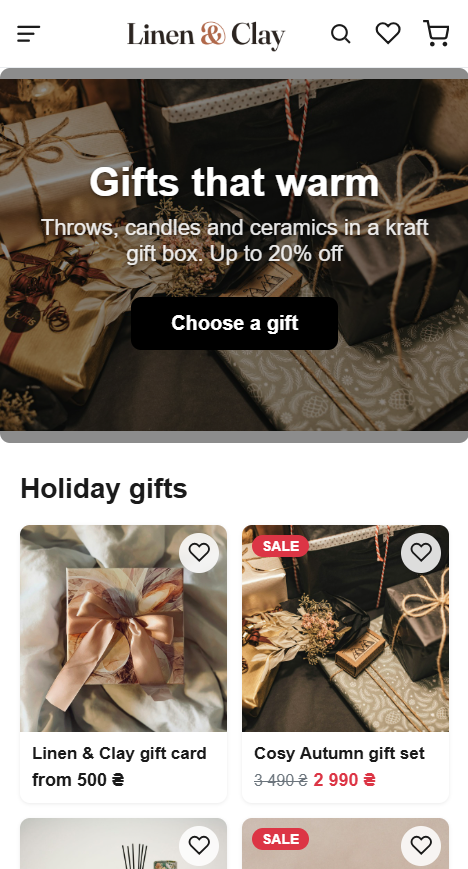
- optionally shows a small “shop in Telegram” widget on your storefront.
Features:
- Simple and variable products, sale prices, stock, images and categories.
- Works with the classic checkout and the Cart and Checkout blocks.
- Compatible with High-Performance Order Storage (HPOS).
- Changes are sent in the background (Action Scheduler) in one batch, so saving a product is never slowed down; failed sends are retried automatically.
- Only orders placed from a Telegram bot are ever shared. Your other orders and your customer list stay in your shop.
A Chat’N’Sell account is required. You can create one when you click Connect. See chatnsell.co for plans.
External services
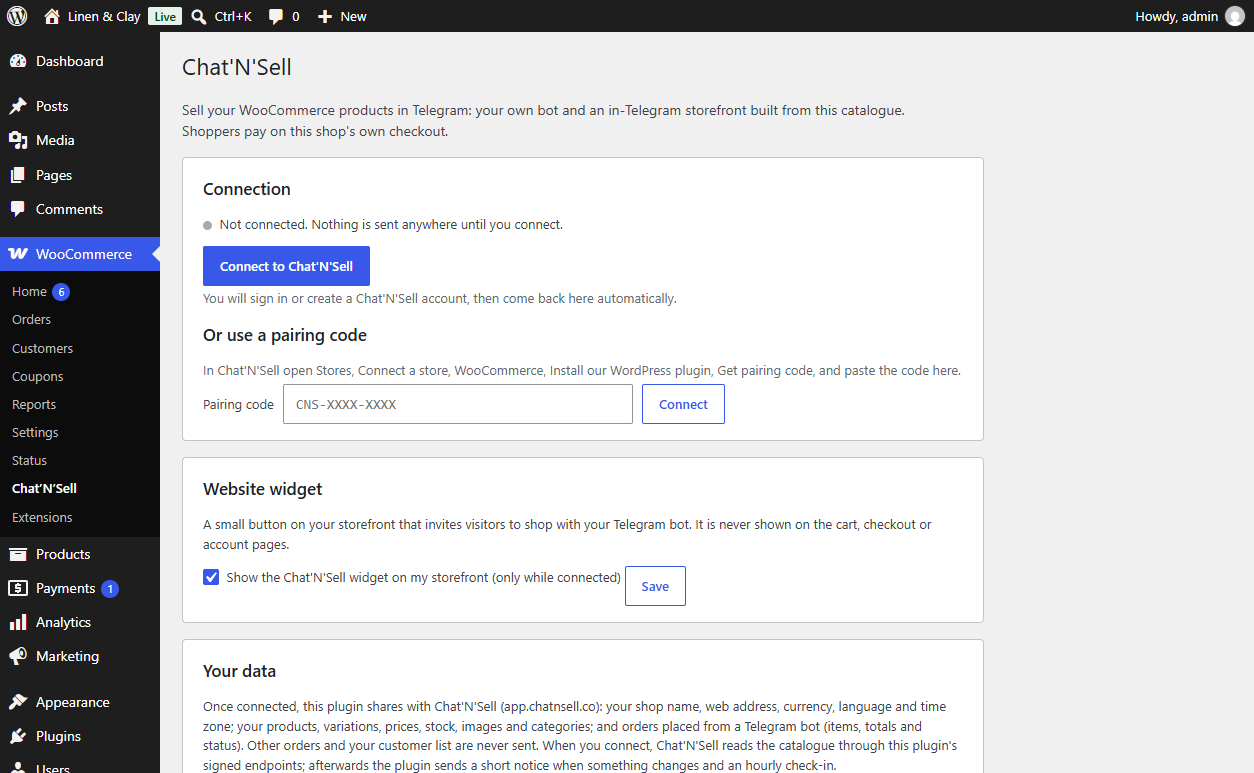
This plugin connects your shop to Chat’N’Sell, a service run by the plugin authors at https://app.chatnsell.co. Nothing is sent before you click “Connect to Chat’N’Sell” (or enter a pairing code) on the WooCommerce > Chat’N’Sell page, and nothing is sent after you disconnect.
What is sent to app.chatnsell.co and when:
- When you connect: the pairing code, your shop name, shop URL, the URL of this plugin’s endpoints, WooCommerce and plugin versions, currency, language and time zone.
- After connecting, Chat’N’Sell reads through this plugin’s signed endpoints: your shop details (as above plus weight unit), products and variations (names, descriptions, prices, sale prices, SKUs, stock, images, tags, categories, links, review averages), product categories, and orders that were placed from a Chat’N’Sell bot (order number, items, totals, status, tracking numbers).
- When a product, variation, stock level, category or bot order changes: the type of change and the id of the item (for bot orders, the order details listed above). Once an hour: a short “still connected” signal.
- When you disconnect or delete the plugin: a “disconnected” notice.
Every request is signed with a secret shared at connection time. Shoppers’ payment details never pass through Chat’N’Sell.
When the website widget is on (it can be switched off on the plugin page), your storefront pages load a script from app.chatnsell.co in your visitors’ browsers. It is never loaded on the cart, checkout or account pages.
When a shopper checks out from the bot, they arrive on your store with a signed link containing the cart, any bot coupon, their Telegram user id and the name and email they gave the bot; the plugin uses these only to fill the cart and checkout form.
Chat’N’Sell Terms of Service and Privacy Policy.
Screenshots
Installation
- Install and activate WooCommerce.
- Install “Chat’N’Sell for WooCommerce” from Plugins > Add New, or upload the zip, and activate it.
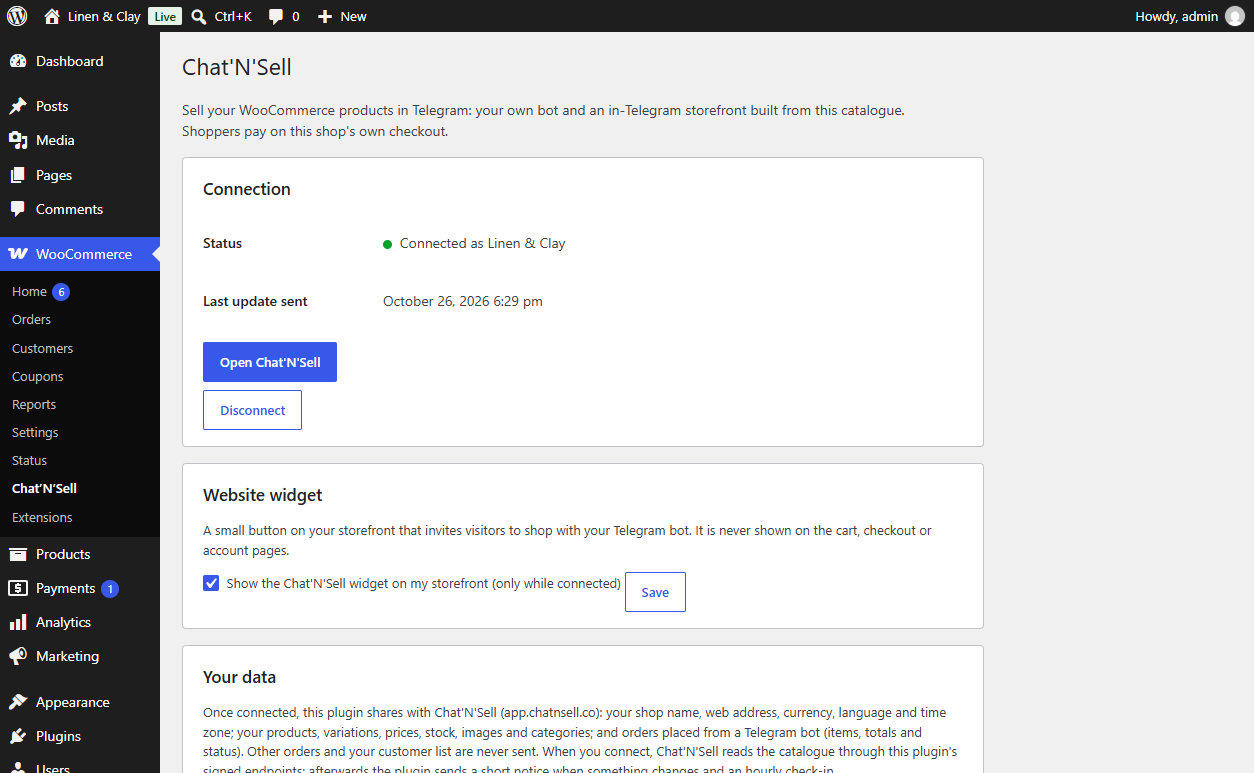
- Go to WooCommerce > Chat’N’Sell and click “Connect to Chat’N’Sell”. Sign in or create your account; you come back to your shop connected.
- Alternatively, in Chat’N’Sell open Stores > Connect a store > WooCommerce > Get pairing code, and paste the code on the plugin page.
- Set up your bot and choose which products it sells in Chat’N’Sell.
FAQ
-
Do I need a Chat’N’Sell account?
-
Yes. The plugin connects your shop to your Chat’N’Sell account, where you create the bot and choose the products it sells.
-
Where do shoppers pay?
-
On your own WooCommerce checkout, with your own payment methods. Chat’N’Sell never handles shopper payments.
-
Only orders placed from a Chat’N’Sell bot, so the bot can show their status to the shopper. All other orders stay in your shop.
-
Does it slow down my shop?
-
No. Changes are queued and sent in the background in one small request; the storefront widget loads asynchronously and can be switched off.
-
How do I disconnect?
-
Click Disconnect on WooCommerce > Chat’N’Sell. Deleting the plugin also disconnects the shop and removes all of its settings and data.
-
My site uses a staging copy of Chat’N’Sell
-
Developers can set
define( 'CHATNSELL_SERVER_URL', 'https://...' );in wp-config.php, or use thechatnsell_server_urlfilter.
Reviews
There are no reviews for this plugin.
Contributors & Developers
“Chat’N’Sell for WooCommerce” is open source software. The following people have contributed to this plugin.
Contributors
Translate “Chat’N’Sell for WooCommerce” into your language.
Interested in development?
Browse the code, check out the SVN repository, or subscribe to the development log by RSS.
Changelog
1.0.2
- After an update the plugin tells Chat’N’Sell its new version right away, and every request and answer carries it, so your Chat’N’Sell Stores page shows the current version.
1.0.1
- Variations with an “any” attribute (for example “Blue, any size”) are offered in Telegram with each real value, and the order records the value the shopper picked.
- Bot orders name the picked attribute values that the line name does not show.
- Catalogue prices are sent as the shop displays them (with tax when the shop shows prices with tax); currency and price display changes are reported.
- Orders report subtotal before coupons, discounts, shipping, tax and the payment method, so totals add up in Chat’N’Sell.
- Cash on delivery and other offline payments count as paid only once the order is completed.
- Checkout hand-off: quantities above stock are lowered with a clear notice, sold-out lines are named, error pages link back to Telegram, and the shipping phone is pre-filled too.
- Password-protected products are not offered in Telegram.
- Disconnecting in the Chat’N’Sell panel reaches the shop: the plugin shows “Disconnected in Chat’N’Sell” and stops sending.
- Signed requests are checked against the exact request address; failed sends are retried as separate scheduled actions.
- Plugin Check and WordPress coding standards clean, translation template included.
1.0.0
- First release: one-click connection, signed catalogue endpoints, instant change events, checkout handoff with bot prices, order tagging (HPOS and Checkout blocks), storefront widget.