
Description
Findmee writes blogs for your website and plans them in for you. Findmee Connector is the free
companion plugin: with it, every blog you approve in Findmee lands on your WordPress site complete.
- SEO title and meta description go straight into your SEO plugin: Yoast SEO, Rank Math, All in One SEO, SEOPress,
The SEO Framework or SureRank. No SEO plugin? The connector prints the title, meta description, share data and
Article schema for these posts itself, and moves them into an SEO plugin once you install one. - Languages: Dutch and English versions (or any other pair) are linked as translations in Polylang or WPML.
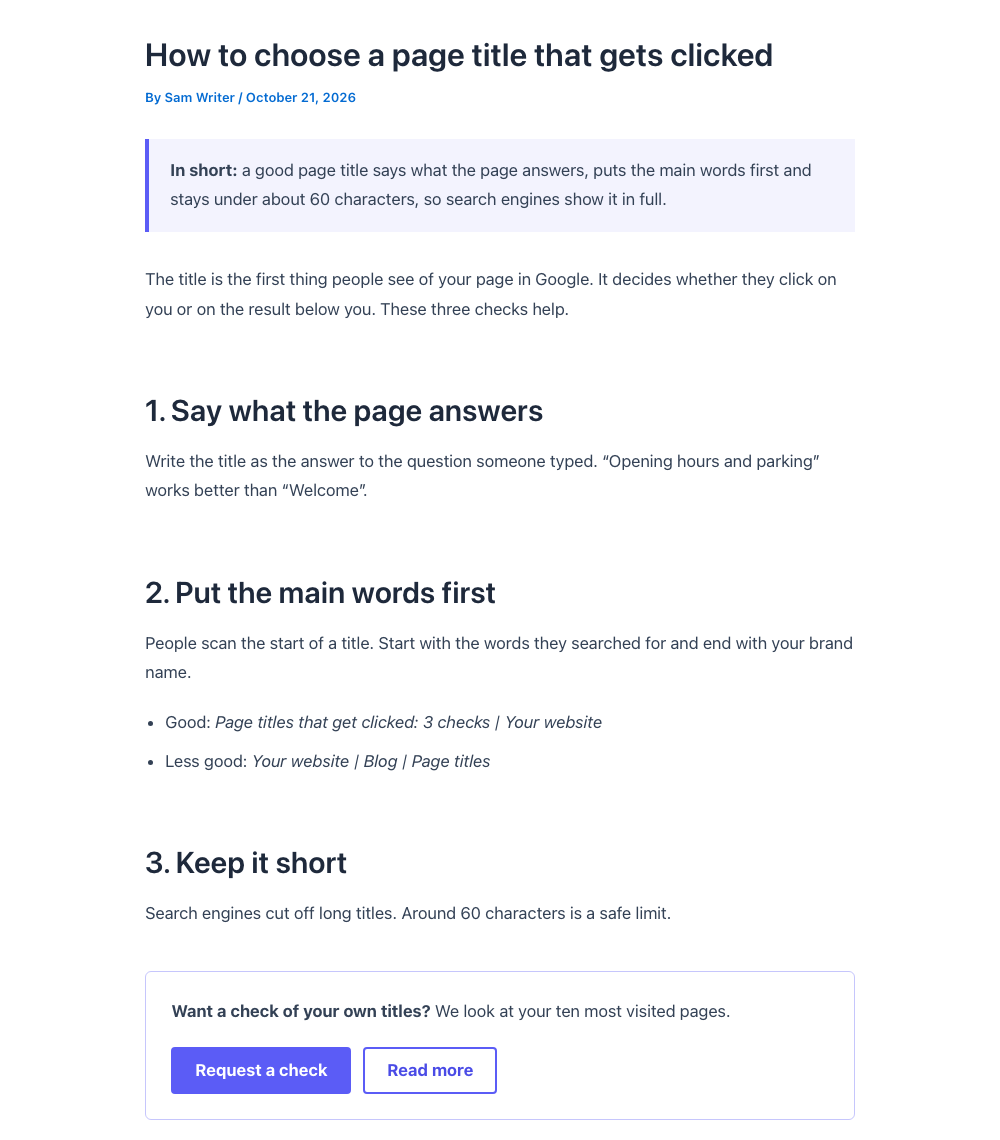
- Readable layout for Findmee posts in any theme: a comfortable text width, a summary box, clear buttons, and the
post title and featured image lined up with the text. Prefer your theme’s own look? Switch it off with one checkbox. - Author: choose the real person who appears as the author of Findmee posts.
- llms.txt: serves an up-to-date /llms.txt that tells AI assistants who you are and which pages matter. A real
llms.txt file on your server always wins. - Onboarding check: Findmee’s “Test connection” button reads what your site supports (SEO plugin, languages,
HTTPS, application passwords, user role) and tells you in plain words what to fix before the first blog.
The connector only changes posts written with Findmee. The rest of your site stays exactly as it is.
You need a Findmee account to use this plugin. Without one, the plugin does nothing on its own.
External services
This plugin is the WordPress side of Findmee, an online service that writes and schedules blog
posts. The plugin itself never contacts Findmee or any other service. Findmee contacts your site, through the
WordPress REST API, with a WordPress user and application password that you create and can revoke at any time
(Users > Profile > Application passwords).
What Findmee does through this connection, only after you approved it in Findmee:
- Creates and updates blog posts and their featured images.
- Writes the SEO title, meta description and focus keyword of those posts, and their language and translation links.
- Reads what your site supports (WordPress version, theme, active SEO and language plugin, the connected user’s role)
to check the connection. - Updates the text of your /llms.txt.
Findmee’s terms and privacy statement apply to the
data Findmee processes.
Screenshots
Installation
- Install and activate Findmee Connector under Plugins > Add New.
- Create a WordPress user for Findmee with the Editor role, and an application password for it (Users > Profile > Application passwords).
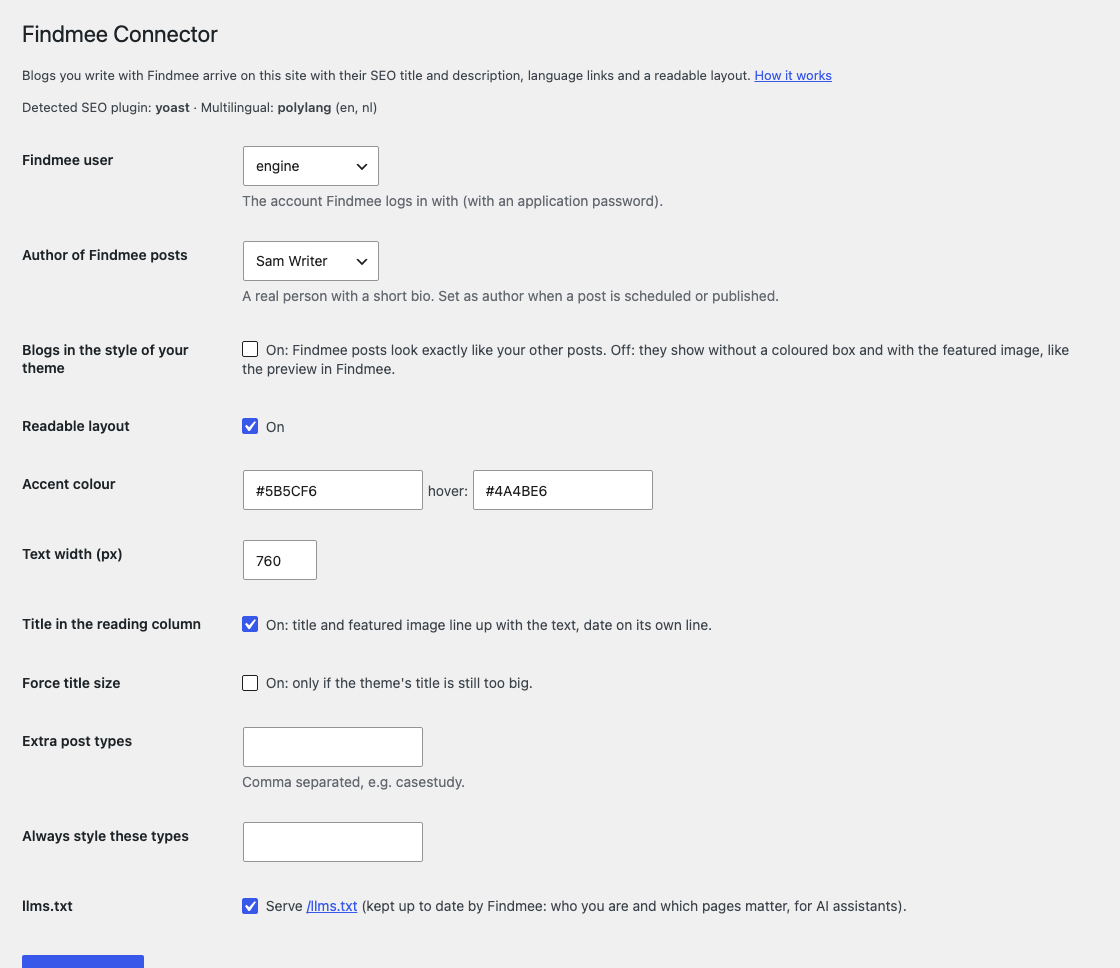
- Go to Settings > Findmee Connector. Choose that user as “Findmee user”, and the real person who should appear as the author of Findmee posts.
- In Findmee, enter your site address, the user name and the application password, and click “Test connection”.
FAQ
-
Do I need a Findmee account?
-
Yes. The plugin is the receiving end of Findmee; on its own it does not write or change anything.
-
Does it change my existing posts or pages?
-
No. The layout and the SEO output only apply to posts written with Findmee. Other posts and pages are left alone.
-
Which SEO plugins are supported?
-
Yoast SEO, Rank Math, All in One SEO, SEOPress, The SEO Framework and SureRank. Without one, the connector prints the
title, description, share data and Article schema for Findmee posts itself. -
Which language plugins are supported?
-
Polylang and WPML.
-
An Author can only edit their own posts. Findmee posts show your chosen author, so after publishing they belong to
that person; with only the Author role, Findmee could not update them later. -
I used the older Content Engine Bridge plugin
-
Findmee Connector replaces it. When both are active, the connector switches the old one off and copies its settings.
You can then delete Content Engine Bridge.
Reviews
There are no reviews for this plugin.
Contributors & Developers
“Findmee Connector” is open source software. The following people have contributed to this plugin.
Contributors
Translate “Findmee Connector” into your language.
Interested in development?
Browse the code, check out the SVN repository, or subscribe to the development log by RSS.
Changelog
0.7.0
- Categories: Findmee can sort its posts into your categories per language. With Polylang or WPML, a category’s
language and its translations are read and set through the REST API (only for users who may manage categories).
0.6.0
- New name: Findmee Connector (was Content Engine Bridge). Settings move over automatically.
- Layout CSS and the title script are loaded the WordPress way (enqueued), only on Findmee posts.
- Settings screen translatable; settings link on the Plugins screen.
- Changing llms.txt now needs the Editor role, an administrator, or the Findmee user chosen in the settings.
- Settings are removed when you delete the plugin; your posts and their SEO values stay.
0.5.0
- Without an SEO plugin: title, meta description, share data and Article schema for Findmee posts.
- SEO values move into an SEO plugin installed later.
- Warning when the connected user only has the Author role.