

Description
Drisko COD Risk Control for WooCommerce evaluates Cash on Delivery orders while customers complete checkout. It supports Classic Checkout and Checkout Block and includes a default rule that blocks COD when the order total is above 5,000 in the store currency.
No Drisko account is required for the default rule. Store administrators can optionally connect a Drisko account to preserve the installation’s earlier checkout history and configure advanced rules.
The plugin remains inactive until a store administrator explicitly authorizes and enables Drisko protection. When the Drisko service cannot provide a decision, checkout fails open and keeps COD available.
Features
- Default COD rule available without creating a Drisko account.
- Checkout-time evaluation using contact, address, cart, device, fingerprint and behavioral risk signals after required merchant authorization.
- Support for WooCommerce Classic Checkout and Checkout Block.
- Browser-side COD visibility backed by server-side checkout enforcement.
- Anonymous checkout history retained when the store is later connected to a Drisko account.
- Advanced rules available after optional Drisko account connection.
Privacy
The plugin remains inactive until a store administrator explicitly accepts the required authorization. Once enabled, checkout contact, shipping, cart, browser, device, IP address, fingerprint, checkout-interaction and completed-order data is sent for fraud-prevention and COD-availability decisions. This data is necessary for the service; the plugin does not disclose scoring rules, thresholds or other proprietary risk logic. Store owners remain responsible for providing any shopper notice or consent required by applicable law. Removing the plugin revokes its remote installation credential and removes local settings; historical order decision metadata is retained for fraud review and audit purposes.
External services
Drisko COD Risk Control for WooCommerce depends on services operated by Digispin under the Drisko name. The services register an authorized store installation, evaluate checkout risk, link an optional Drisko account and receive completed-order outcomes. The plugin cannot provide its COD risk decision without the Drisko API.
Drisko API: https://cod.drisko.ai
When an administrator enables protection, the authorization is recorded with the accepting administrator and time. Only after a store administrator explicitly accepts the required authorization, the plugin sends the store domain, site URL, plugin version and a random installation challenge to register the installation. Entering or changing checkout details then sends the customer’s name, email address, phone number and shipping address together with cart lines, product identifiers, quantities, prices, totals and currency to obtain a COD-availability decision. The same evaluation sends a random device identifier, browser and operating-system details, screen resolution, timezone, language, session duration, page and checkout counts, form-interaction timing, copy/paste and scroll indicators, recent checkout events, and the Fingerprint request and visitor identifiers. When an order is created, the plugin sends the order ID and number, payment and financial status, customer email address, totals, item details and the earlier checkout association values so Drisko can associate the decision with the completed order. When an administrator uninstalls the plugin, it sends the installation ID and secret to revoke the remote installation. The plugin makes no service registration, evaluation or completed-order request before merchant authorization.
Drisko account app: https://app.drisko.ai
When an administrator selects Register / Connect to Drisko, the plugin opens the Drisko account app in a new browser tab and sends the platform name, store domain and a one-time WordPress return URL. WooCommerce REST API credentials entered by the administrator in that optional app are sent directly to Drisko so the account can connect to the store; they are not exposed in the checkout browser.
Both services are provided by Digispin (Drisko):
- Terms & Conditions: https://drisko.ai/terms
- Privacy Policy: https://drisko.ai/privacy
Fingerprint device-identification service: https://fpcdn.io
Only after a store administrator explicitly accepts the required authorization, the plugin loads the Fingerprint JavaScript agent from fpcdn.io on applicable storefront pages. Fingerprint receives browser and device signals and the shopper’s IP address to generate a request ID and stable visitor ID for fraud prevention. Those two identifiers are then included in the Drisko risk evaluation. The Fingerprint agent is not loaded before merchant authorization.
This service is provided by FingerprintJS, Inc.:
- Terms of Service: https://docs.fingerprint.com/docs/terms-of-service
- Privacy Policy: https://docs.fingerprint.com/docs/privacy-policy
Screenshots
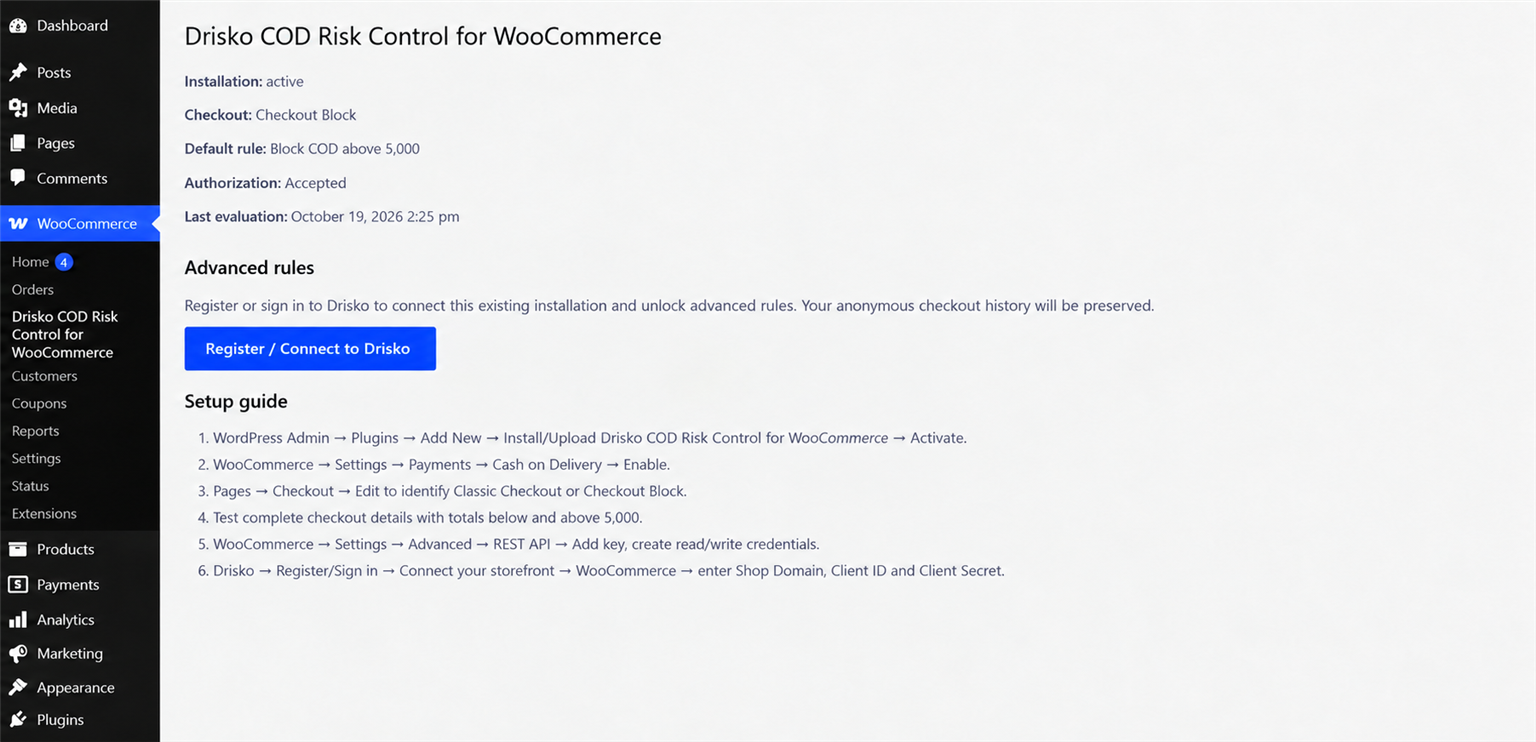
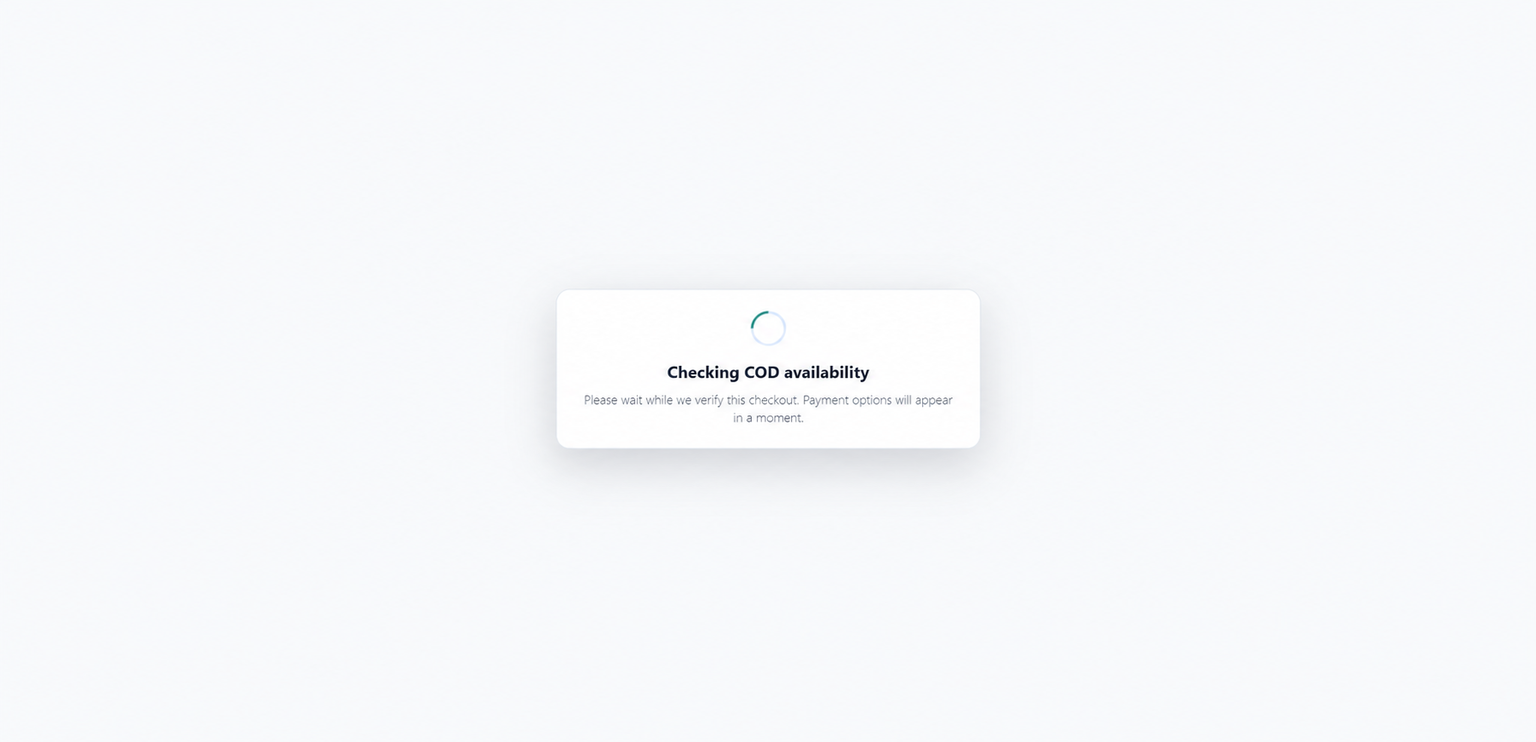
Installation
- Install and activate Drisko COD Risk Control for WooCommerce.
- Open WooCommerce > Drisko COD Risk Control for WooCommerce, check Required for Drisko to work, and select Enable Drisko protection.
- Go to WooCommerce > Settings > Payments > Cash on Delivery and enable it.
- Edit Pages > Checkout. Drisko supports either checkout type.
- To unlock advanced rules, create read/write keys at WooCommerce > Settings > Advanced > REST API, then select Register / Connect to Drisko on the plugin page.
FAQ
-
Is a Drisko account required?
-
No. After a store administrator authorizes and enables the service, the default rule works without a Drisko account. Registration is required only for advanced rules and dashboard access.
-
The plugin fails open. If a fresh decision cannot be obtained within the bounded evaluation window, COD remains available so the service outage does not prevent checkout.
-
Does connecting an account remove anonymous checkout history?
-
No. The existing installation is claimed by the connected account so its earlier sessions and order associations can remain linked to that store.
-
Which checkout types are supported?
-
Drisko COD Risk Control for WooCommerce supports Classic Checkout and Checkout Block. Store owners should test their theme, checkout extensions and payment configuration on a staging site before production use.
Reviews
There are no reviews for this plugin.
Contributors & Developers
“Drisko COD Risk Control for WooCommerce” is open source software. The following people have contributed to this plugin.
Contributors
Translate “Drisko COD Risk Control for WooCommerce” into your language.
Interested in development?
Browse the code, check out the SVN repository, or subscribe to the development log by RSS.
Changelog
1.0.9
- Document the Drisko API and account app, transmitted data, transmission timing, Terms and Privacy Policy.
- Require explicit merchant authorization before service registration, COD risk evaluation, Fingerprint loading, risk-signal collection, server-side recheck or completed-order notification.
- Keep the authorization disclosure limited to necessary data categories, service recipients and legal terms without exposing proprietary risk logic.
- Rename the display name to Drisko COD Risk Control for WooCommerce while retaining the reserved drisko-plug slug.
1.0.8
- Open Drisko registration in a new tab using the hosted app instead of the COD API host.
- Prefill WooCommerce registration and securely return to the originating plugin to claim the existing installation.
1.0.7
- Add a secure Register / Connect to Drisko handoff from the plugin admin page.
- Return to WordPress after registration to claim the existing provisional merchant and preserve checkout history.
- Store WooCommerce Consumer Key and Consumer Secret through the encrypted logistics channel path.
1.0.6
- Require a one-time merchant authorization on the Drisko COD Risk Control for WooCommerce admin page before any registration or checkout processing begins.
- Collect fingerprint and behavioral risk signals automatically after the administrator enables Drisko.
- Remove the shopper-facing checkout consent control.
1.0.5
- Add an optional checkout consent control for fingerprint and behavioral risk signals when no consent platform is installed.
- Re-evaluate COD immediately when optional signal consent changes.
- Do not collect or send behavioral events before consent.
1.0.4
- Add consent-aware FingerprintJS collection and reevaluate checkout when consent changes.
1.0.3
- Preserve empty checkout data objects when proxying evaluation through WordPress.
1.0.2
- Prevent repeated Checkout Block store updates from continuously restarting COD evaluation.
- Bound checkout evaluation so an unavailable service always restores the checkout fail-open.
1.0.1
- Fix Checkout Block customer/address mapping so completed checkouts are evaluated.
- Add an administrator retry control for pending anonymous installations.
1.0.0
- Initial public release.