
Description
QuestionPunk runs surveys and AI interviews. In an interview, an AI asks each person follow-up questions about their answers, by text in 130+ languages or by voice in 25. This plugin puts your QuestionPunk surveys on your WordPress site.
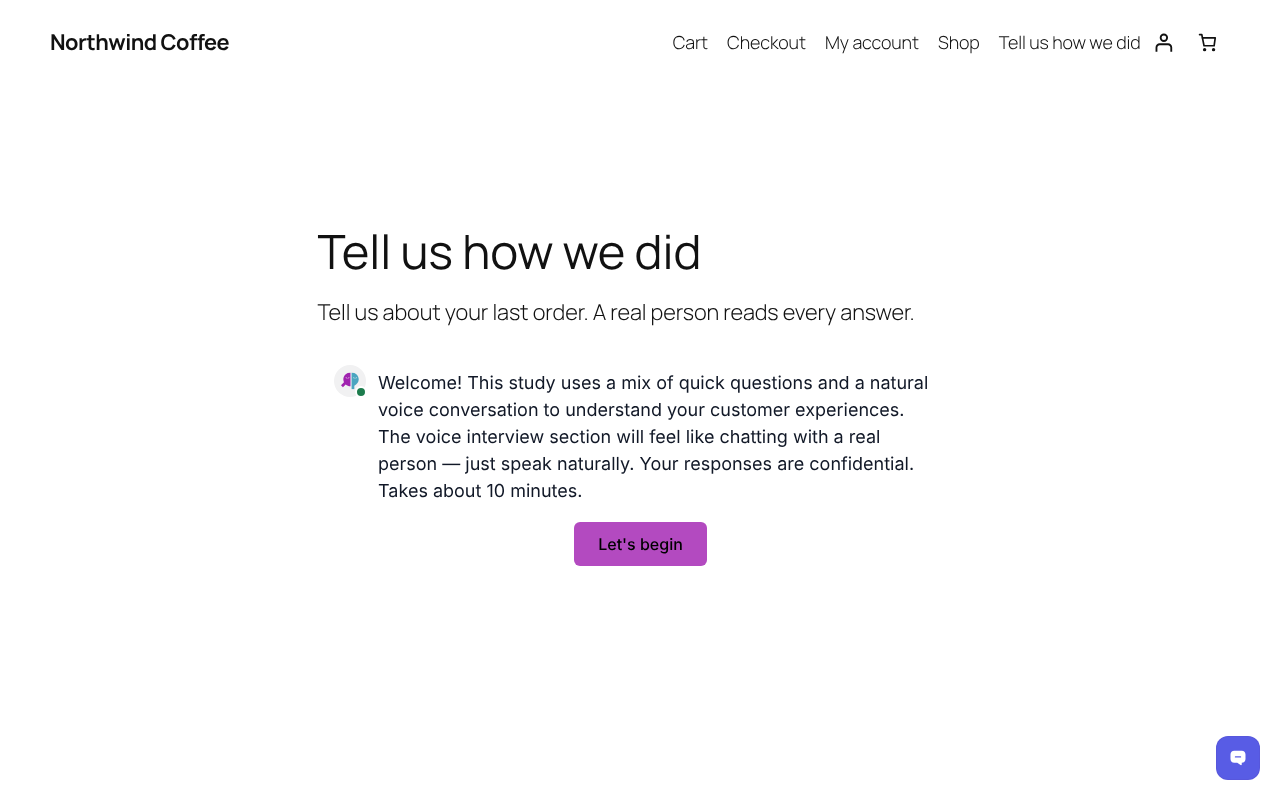
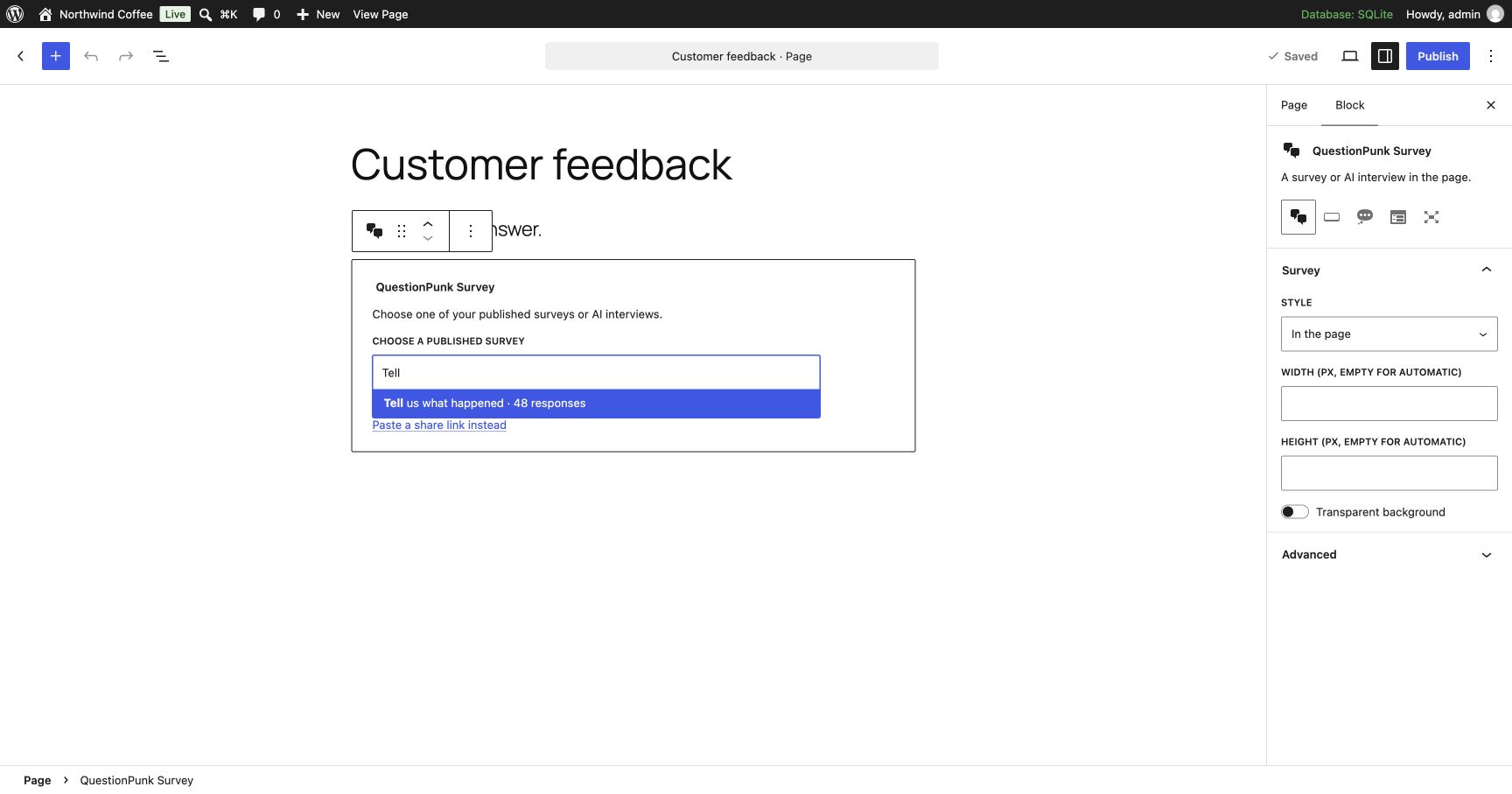
- Pick surveys from your account. Connect your QuestionPunk account in Settings QuestionPunk, then choose a published survey from a searchable list in the block and in the settings. The block previews the survey’s first question in the editor.
- Block and shortcode. Add the QuestionPunk Survey block, or use
[questionpunk survey="…"]. Without a connected account, paste the survey’s share link. - A block for each style. Survey, Survey Button, Chat Button, Feedback Tab and Full-Page Survey are separate blocks in the inserter, and you can switch between them.
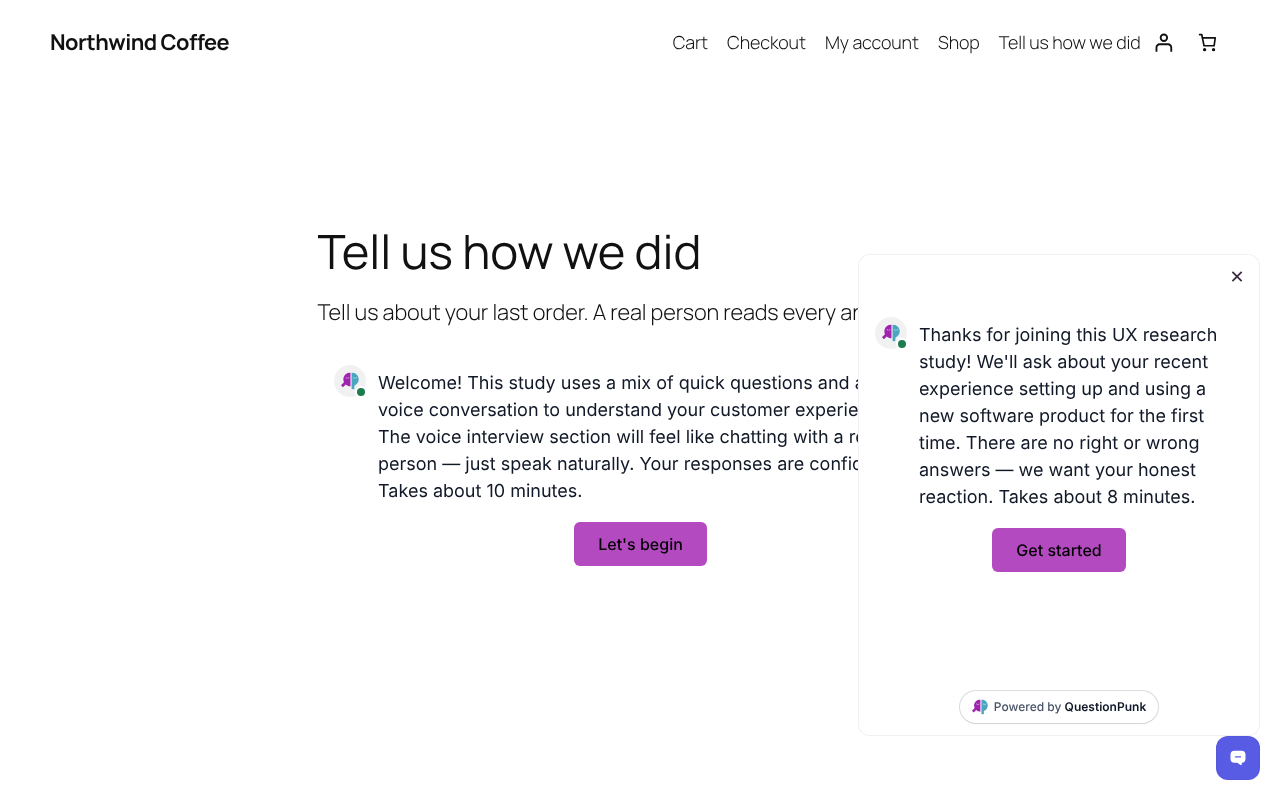
- Five styles. In the page, a button that opens a popup, a chat button bottom right, a feedback tab on the right edge, or full page.
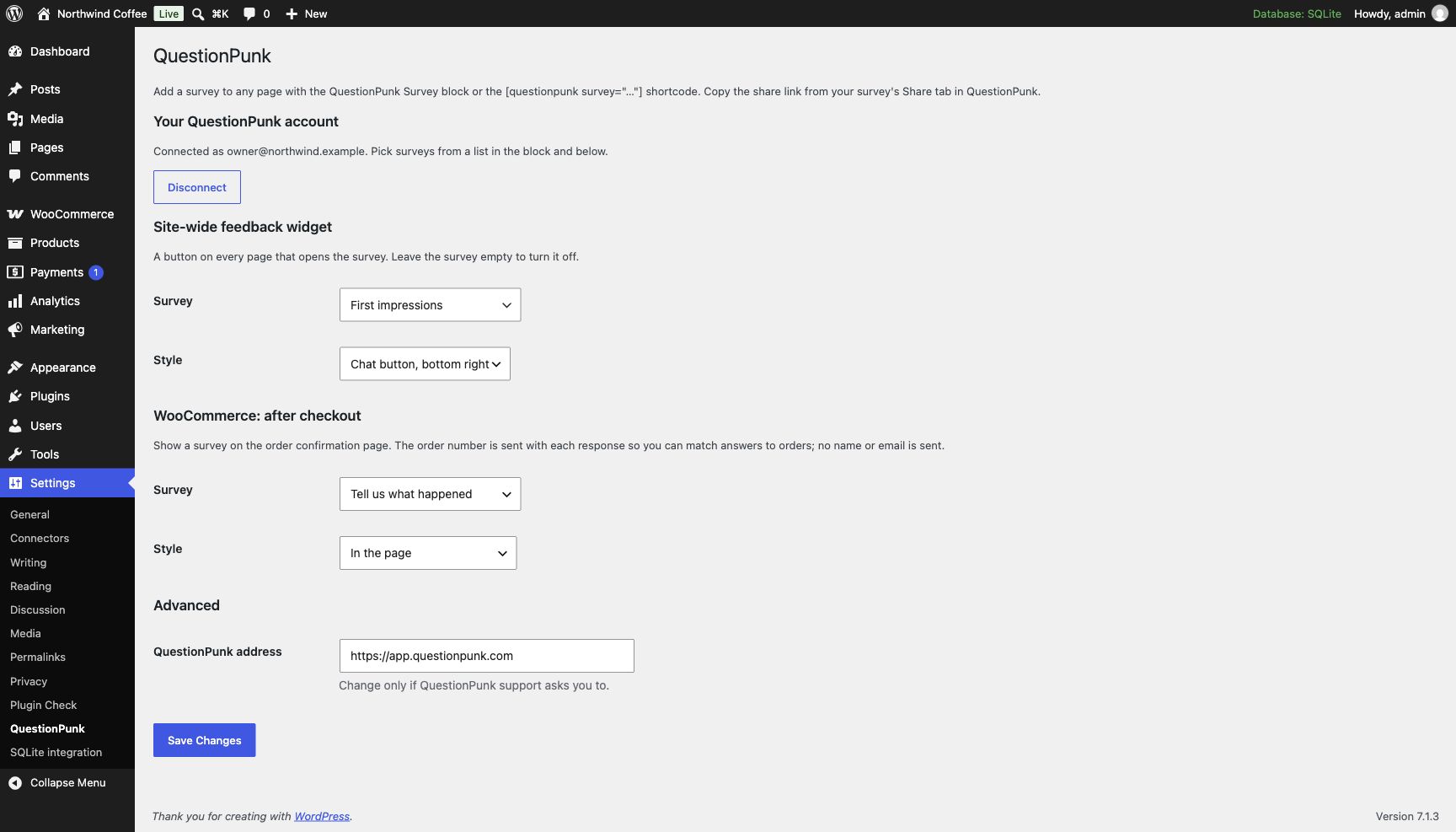
- A chat button or feedback tab on every page. Turn it on in Settings QuestionPunk.
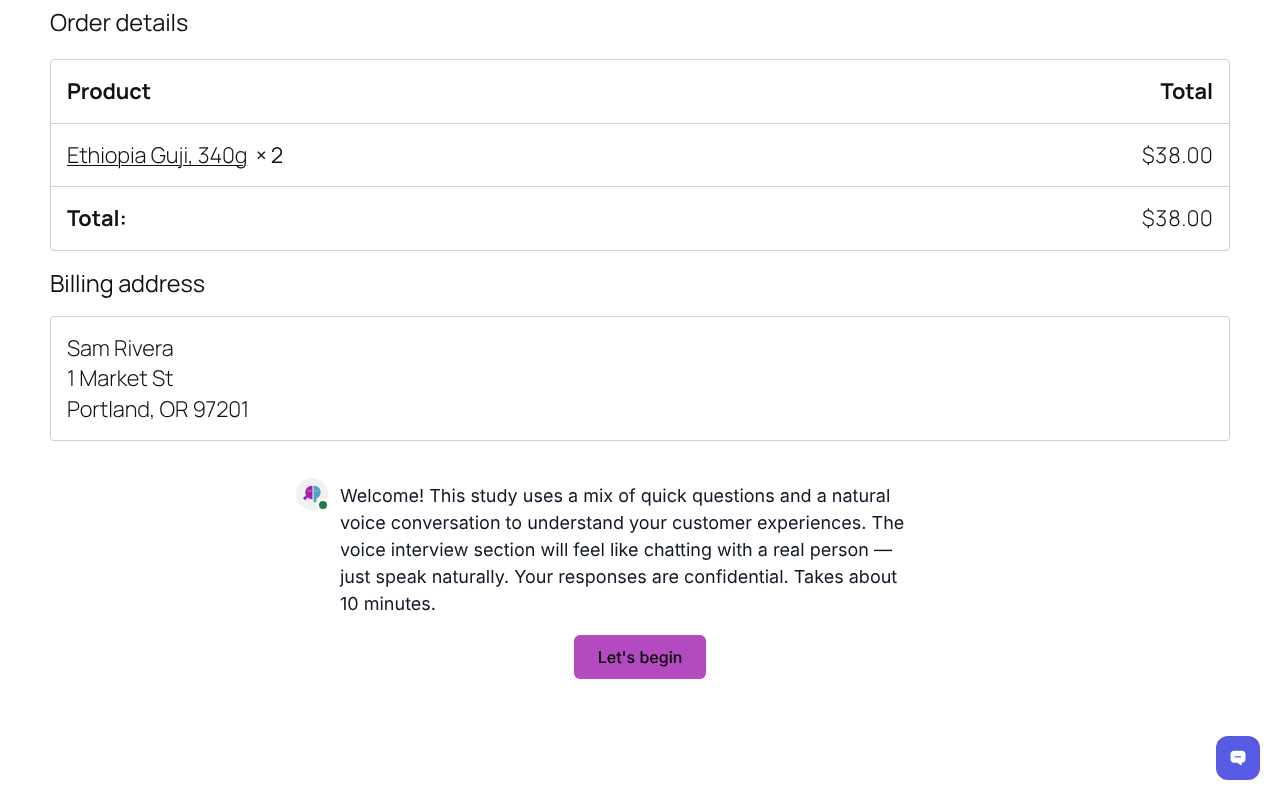
- A survey after WooCommerce orders. Choose the survey in Settings QuestionPunk and it shows on the order confirmation page. The order number comes with each response, so you can match answers to orders. No name or email is sent.
- Popups and widgets load when opened. The script loads asynchronously, and the popup, chat button and feedback tab load the survey only when a visitor opens it.
This plugin is free to install. You need a QuestionPunk account to build surveys (https://www.questionpunk.com). Every plan includes unlimited surveys and responses, subject to fair use.
- Free: No credit card required. Includes up to 5,000 AI text follow-ups per month on standard models, plus 3,000 AI credits per month, templates and report export, with QuestionPunk branding.
- Pro: $29/month or $290/year. Includes 25,000 AI credits per month, all AI models, no QuestionPunk branding, premium PowerPoint reports and priority support.
- Team: $79/month or $790/year. Includes everything in Pro, shared workspaces for your team and 50,000 AI credits per month. Not priced per seat.
- Enterprise: Custom pricing, AI usage and support.
Prices are in US dollars. AI text follow-ups on standard models use no credits, within fair-use allowances. AI credits cover voice interviews, premium models, Test with AI runs and AI analysis; 1,000 credits equal $1 of AI usage. See https://www.questionpunk.com/pricing for current plans, allowances and fair-use details.
Shortcode
[questionpunk survey="ID" mode="standard" width="600" height="500" transparent="true"]
survey: your survey id or share link (required)mode:standard,popup,popover,sliderorfull-pagewidth,height: pixels; leave out for automaticparam_<name>="value": sent with each response as the URL parameter<name>, for exampleparam_source="pricing-page"
External services
This plugin loads surveys from QuestionPunk (https://app.questionpunk.com), a third-party service. On pages that show a survey, the visitor’s browser loads the script https://app.questionpunk.com/embed.js and the survey itself from QuestionPunk. Answers a visitor gives are sent to QuestionPunk and stored in the survey owner’s account. On the WooCommerce order confirmation page the order number is also sent; no name, email or address is sent by this plugin.
When you connect your QuestionPunk account (optional), this site’s server also calls QuestionPunk: it registers the site as an app (OAuth), exchanges the sign-in for an access token, and fetches your account’s email, your published surveys and the title and first question of a survey you pick, to show them in the editor. It asks for read access only. The tokens, or an API key you paste instead, are stored in this site’s database and never sent to visitors’ browsers. Disconnect revokes the access.
- Terms of service: https://www.questionpunk.com/legal#terms-of-service
- Privacy policy: https://www.questionpunk.com/legal#privacy-policy
Screenshots
Blocks
This plugin provides 1 block.
- QuestionPunk Survey Embed a QuestionPunk survey or AI interview.
Installation
- Install and activate the plugin.
- In Settings QuestionPunk, select Connect to QuestionPunk and approve read access. (Sites not served over https paste an API key from QuestionPunk’s Settings Developer instead.)
- Add the QuestionPunk Survey block to a page and choose a survey, or set up the widget and post-purchase survey in Settings QuestionPunk.
You can skip step 2: paste a survey’s share link from its Share tab instead.
FAQ
-
Does it slow my site down?
-
The script loads asynchronously, and the popup, chat button and feedback tab styles load the survey only when a visitor opens it.
-
Can I pass my own data into responses?
-
Yes. Add
param_<name>="value"to the shortcode. Each one is stored with the response as a URL parameter.
Reviews
There are no reviews for this plugin.
Contributors & Developers
“QuestionPunk” is open source software. The following people have contributed to this plugin.
Contributors
Translate “QuestionPunk” into your language.
Interested in development?
Browse the code, check out the SVN repository, or subscribe to the development log by RSS.
Changelog
0.2.0
- Connect your QuestionPunk account and pick surveys from a list in the block and in the settings.
- Editor preview of the chosen survey’s first question.
- A block variation for each style: Survey, Survey Button, Chat Button, Feedback Tab and Full-Page Survey.
- Surveys keep loading from QuestionPunk when an optimization plugin re-serves the embed script.
0.1.0
- First release: block, shortcode, site-wide widget and WooCommerce order confirmation survey.