Description
A button says “Pricing” and links to #pricing, but that section’s ID was renamed or deleted. Nothing happens when a visitor clicks it, and no broken-link checker tells you, because the page itself still loads.
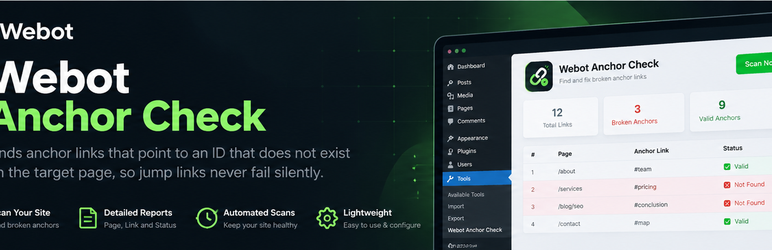
Webot Anchor Check scans your published pages and posts, reads the rendered HTML (so menus, headers, footers and page-builder output are included), and checks that every #fragment link points to an element ID or <a name> that really exists on the target page.
What you get
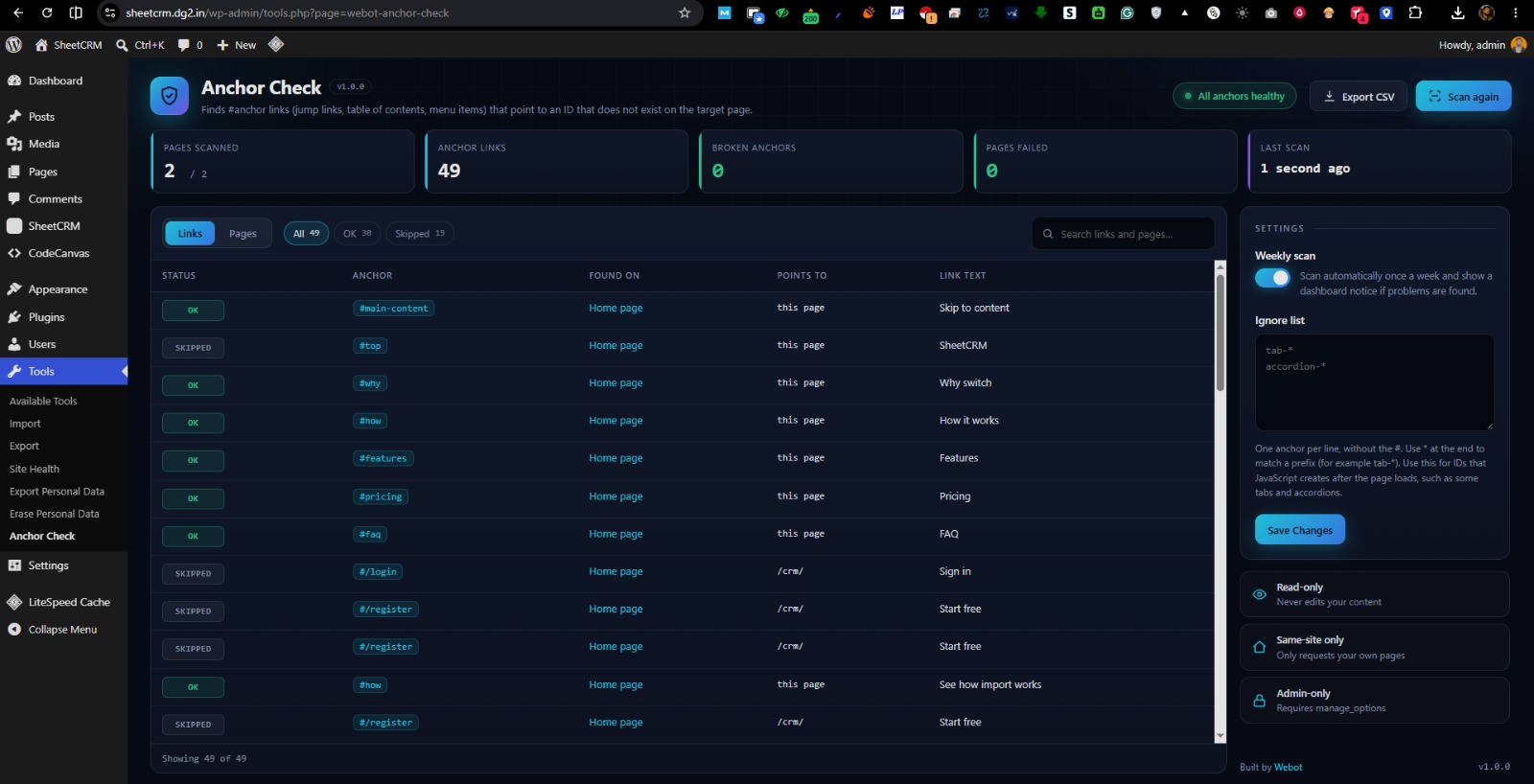
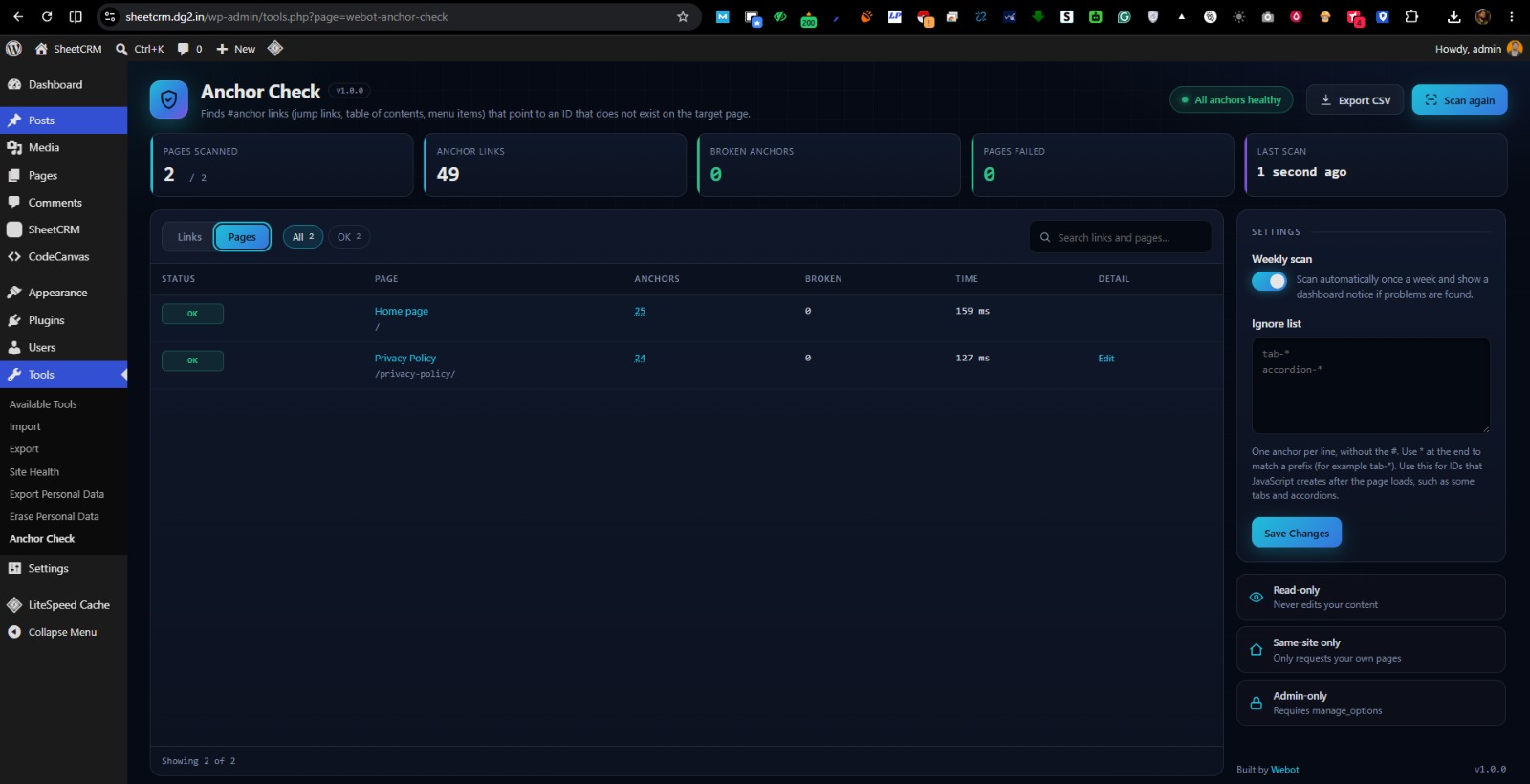
- A full scan log of every page and every #anchor link, each marked OK, Broken, Failed, Skipped or Unchecked
- Filter and search the log, switch between a Links view and a Pages view
- A live progress terminal while the scan runs
- Failed pages are listed with the reason (for example HTTP 404), so nothing is skipped silently
- One-click edit links to the page that contains the broken link
- Optional weekly scan with a dashboard notice
- CSV export of the full log
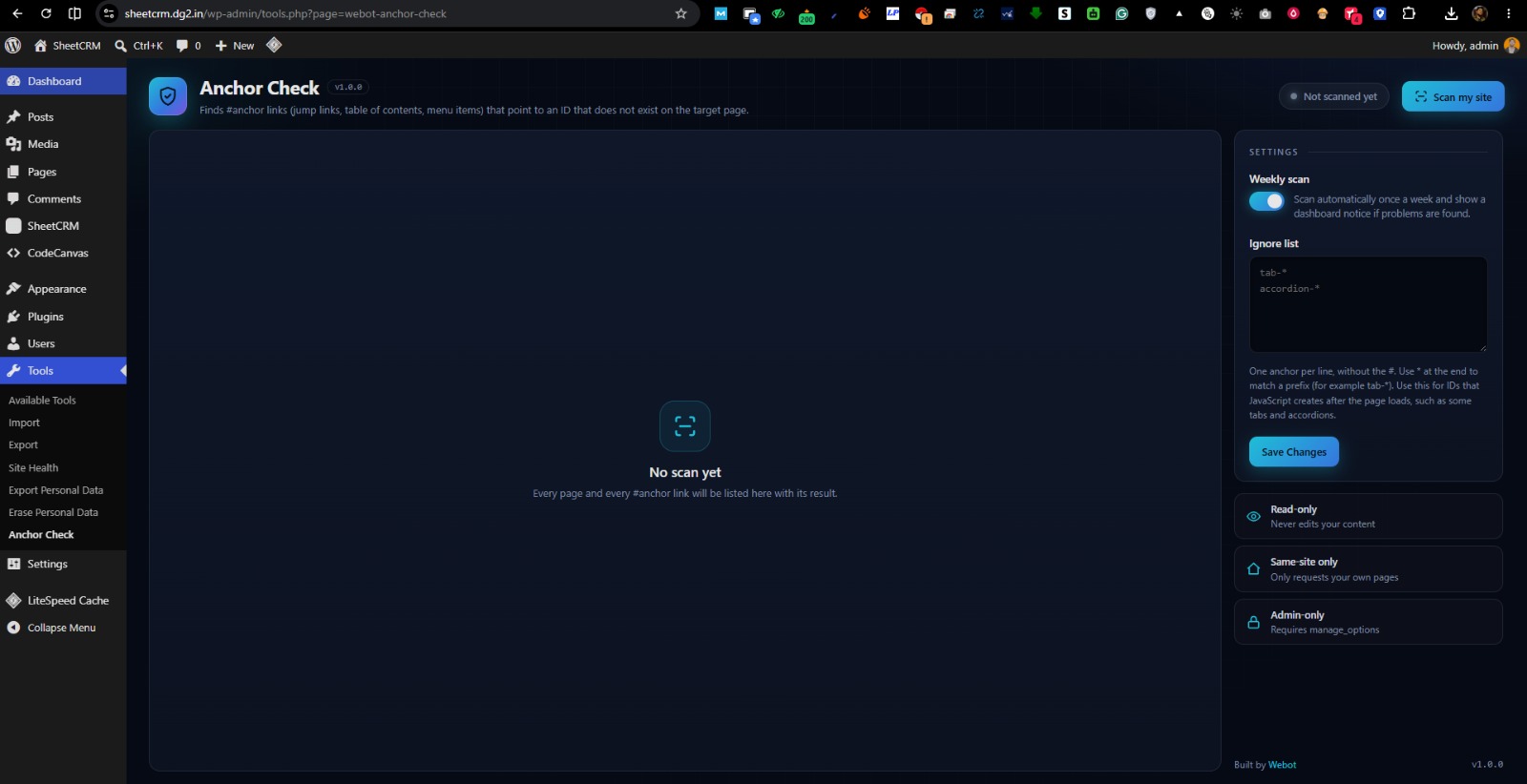
- An ignore list for IDs that JavaScript creates after the page loads
- No external services, no account, no tracking. Everything stays on your site.
What it skips on purpose
#top(browsers scroll to the top without an ID)#!and#/style links used by JavaScript routers- Text fragments (
#:~:text=) - Links to other websites
Screenshots
Installation
- Upload the
webot-anchor-checkfolder to/wp-content/plugins/, or install it from the Plugins screen. - Activate the plugin.
- Go to Tools > Anchor Check and click Scan my site.
FAQ
-
Why does it report an anchor that works on my site?
-
Some tabs, accordions and sliders create their IDs with JavaScript after the page loads. The plugin reads the server-rendered HTML, so it cannot see those IDs. Add them to the ignore list under Tools > Anchor Check > Settings. Use * at the end to match a prefix, for example
tab-*. -
Does it check links to other websites?
-
No. Only links to pages on your own site are checked.
-
Will it slow down my site?
-
Visitors are not affected. A scan requests your pages the same way a visitor would, in small batches, and only when you start it or when the weekly scan runs.
-
My site is behind a password or maintenance mode.
-
Pages that do not return a normal 200 response are skipped, because their anchors cannot be checked.
-
Does it change my content?
-
No. It only reads and reports.
-
What data does it store?
-
The latest scan results and log, your settings and short-lived cached ID lists, all in your own database. Everything is removed when you delete the plugin.
Reviews
There are no reviews for this plugin.
Contributors & Developers
“Webot Anchor Check” is open source software. The following people have contributed to this plugin.
Contributors
Translate “Webot Anchor Check” into your language.
Interested in development?
Browse the code, check out the SVN repository, or subscribe to the development log by RSS.
Changelog
1.0.0
- First release.