

Description
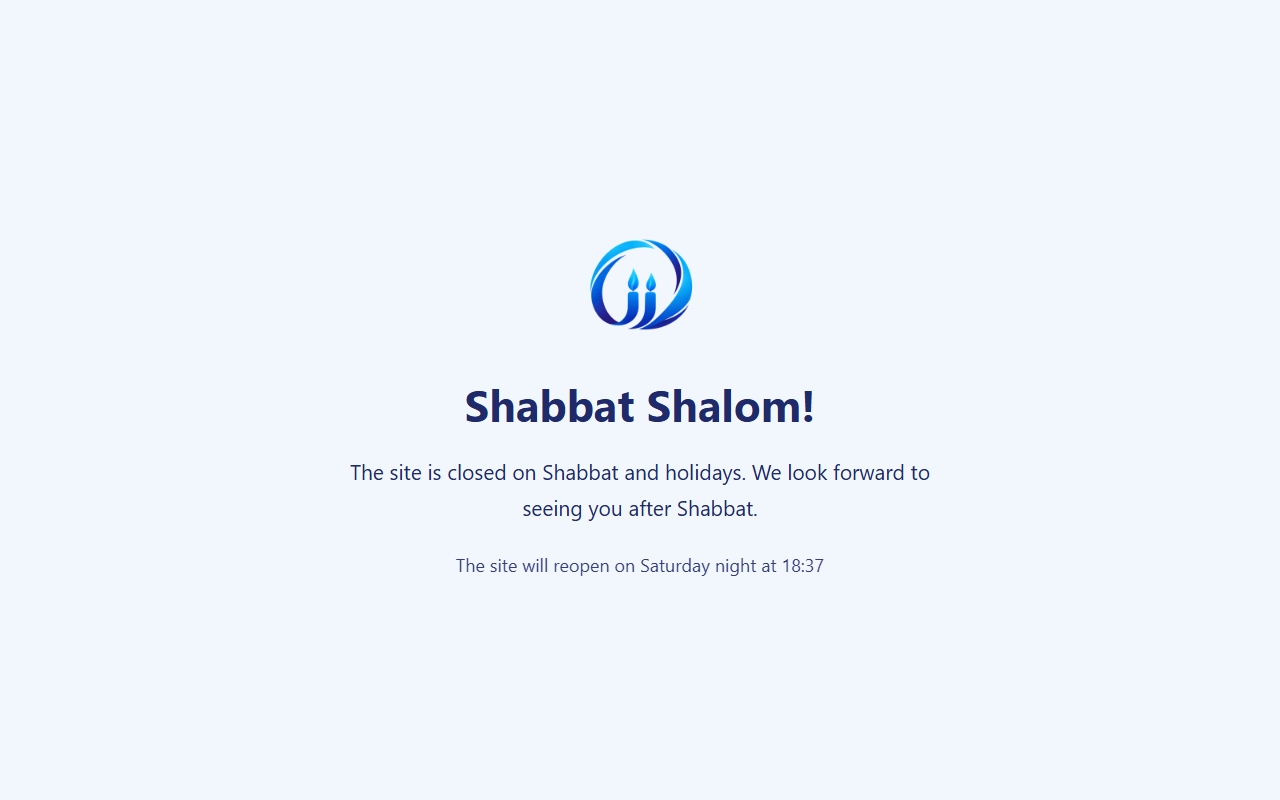
Oversight Shabbat closes the public side of your site from candle-lighting until havdalah, and shows visitors a message page instead. It is built for Israeli sites and fully translatable, including right-to-left languages such as Hebrew.
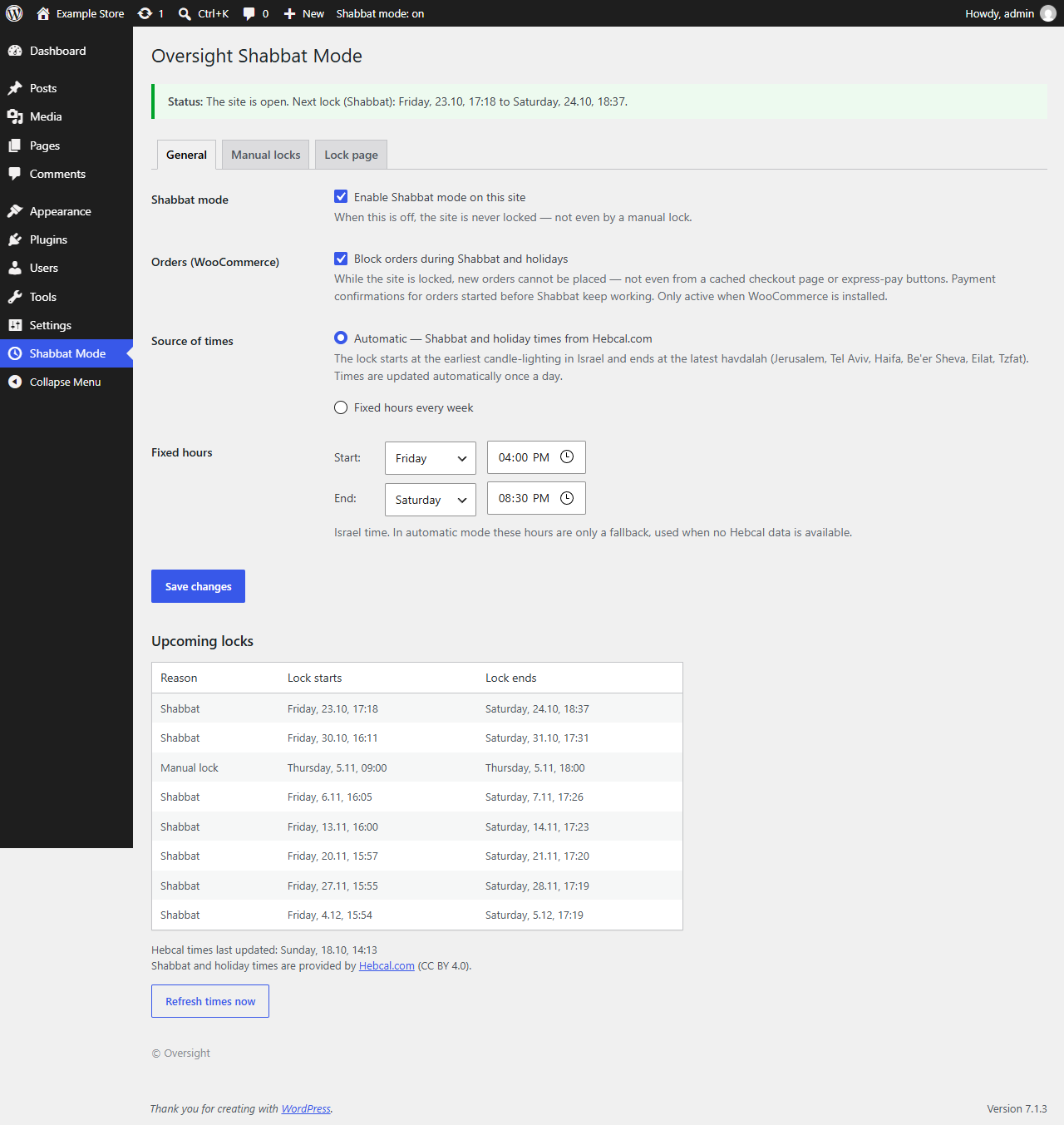
- Automatic times — Shabbat and Yom Tov times (Rosh Hashana, Yom Kippur, Sukkot, Shmini Atzeret, Pesach, Shavuot) from Hebcal.com, using the Israeli holiday calendar. The lock starts at the earliest candle-lighting and ends at the latest havdalah among Jerusalem, Tel Aviv, Haifa, Be’er Sheva, Eilat and Tzfat, so it is safe for the whole country. Times are refreshed once a day.
- Fixed hours — use a fixed weekly window instead of automatic times. These hours are also the fallback when no Hebcal data is available.
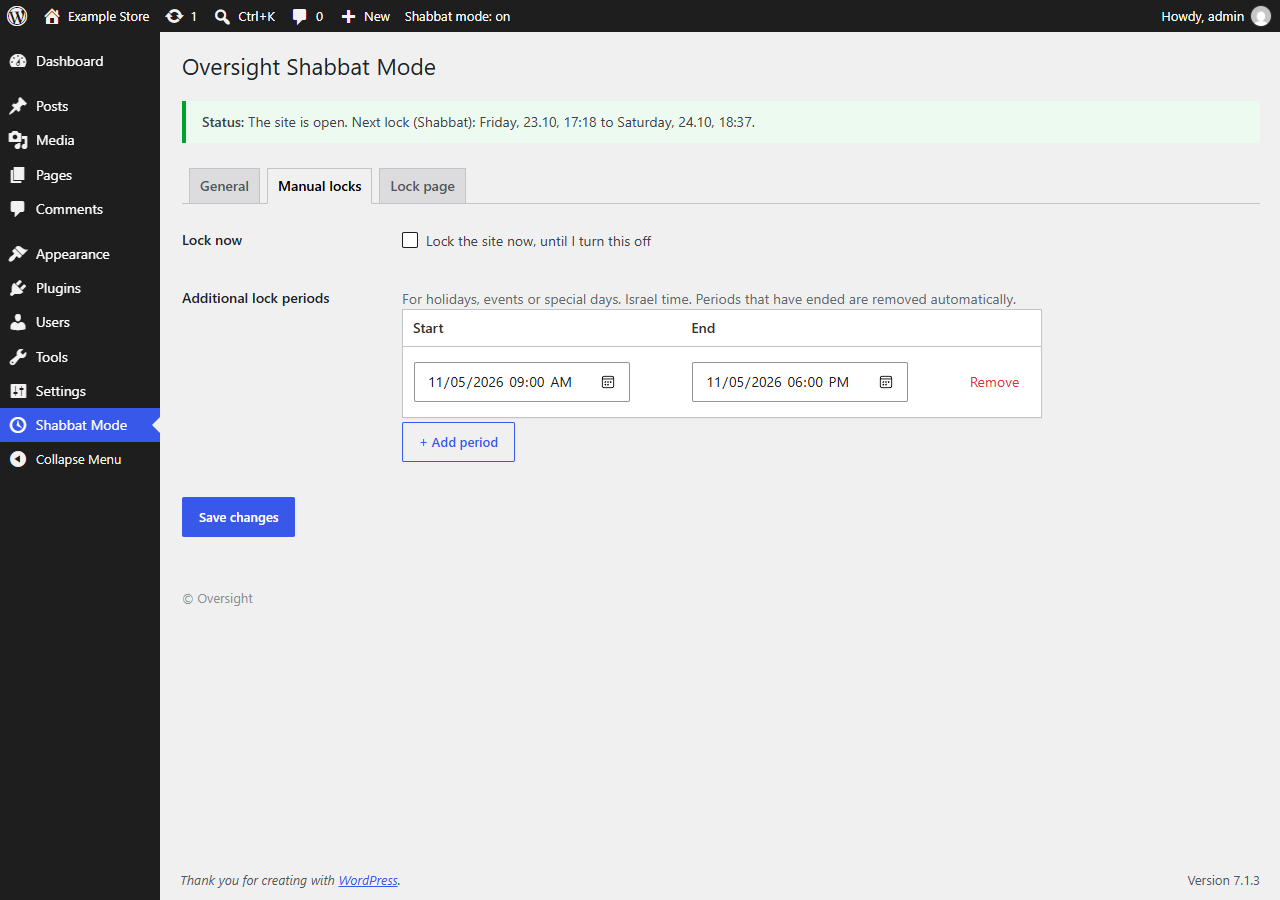
- Manual locks — add extra date/time periods (holidays, events) and an instant “Lock now” switch.
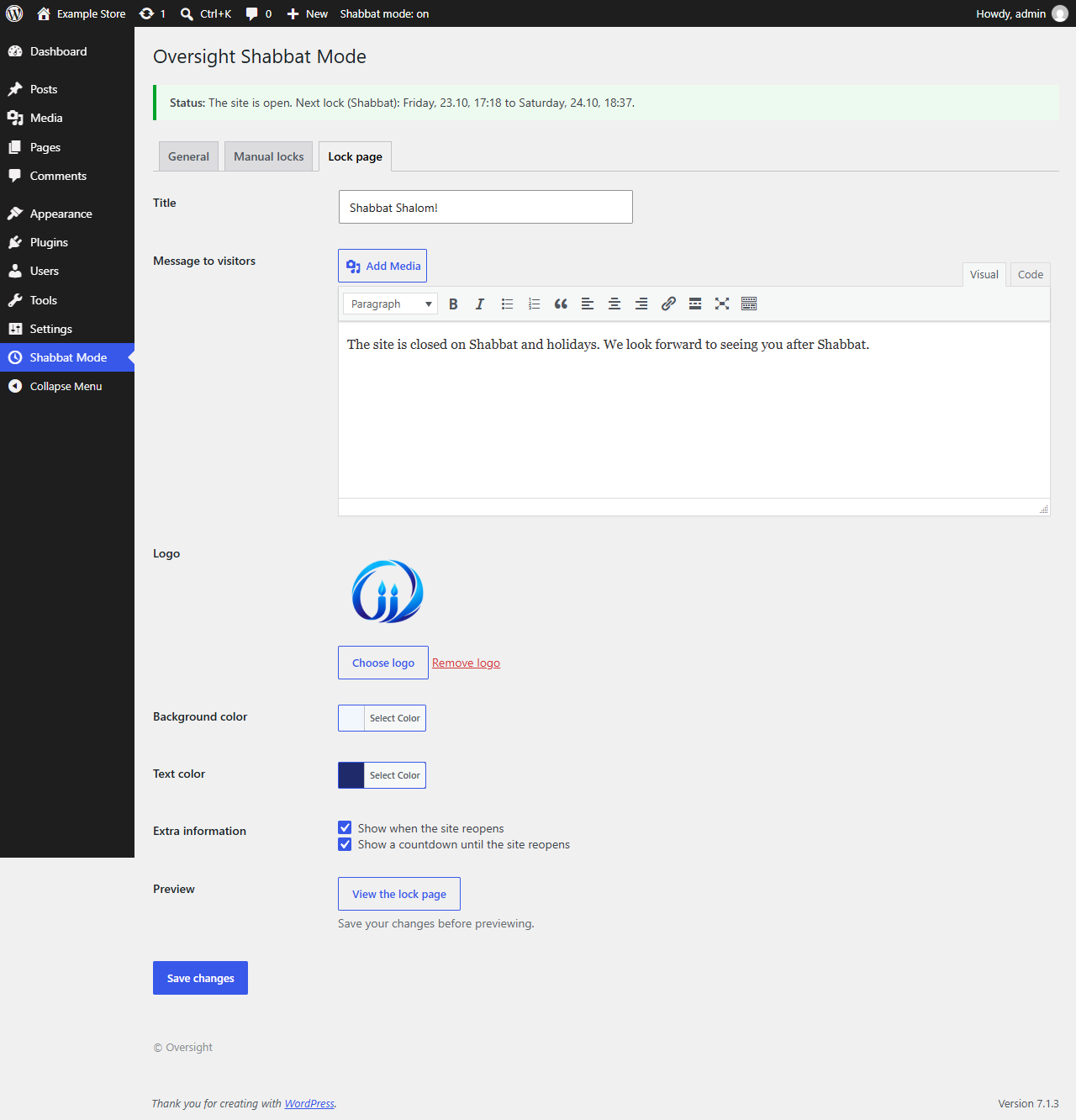
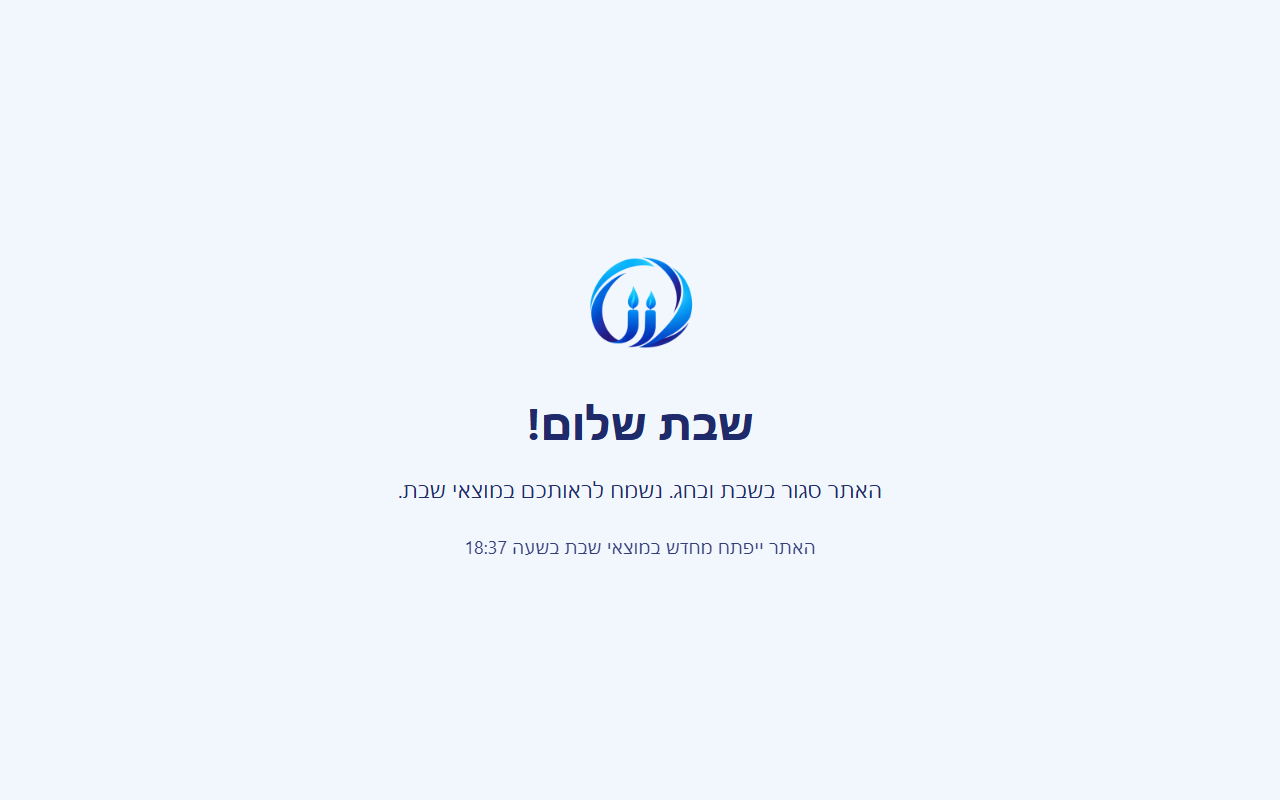
- Custom lock page — title, message (full editor), logo, colors, the time the site reopens and a live countdown.
- WooCommerce orders blocked — during a lock no new order can be placed, not even from a cached checkout page, the block checkout or express-pay buttons. Payment confirmations for orders started before Shabbat still complete.
- SEO-safe — visitors and search engines get HTTP 503 with a
Retry-Afterheader, which tells Google the downtime is temporary. robots.txt and sitemaps stay available. - Cache-aware — page caches are purged when a lock starts and ends, and a tiny script shows the lock page even if a cached copy was served.
- Administrators keep seeing the site normally, with a red notice bar.
- All times use Israel time, regardless of the WordPress timezone setting.
External services
This plugin connects to the Hebcal.com REST API (https://www.hebcal.com/hebcal) to get Shabbat and Jewish holiday times (candle-lighting and havdalah) for Israel.
- When: only while Shabbat mode is enabled and set to “Automatic” times — once a day (WP-Cron), when automatic mode is first switched on, after a plugin update, and when an administrator clicks “Refresh times now”. Nothing is sent while the plugin is disabled or set to fixed hours.
- What is sent: one request per city with fixed parameters only — the city’s GeoNames ID (Jerusalem, Tel Aviv, Haifa, Be’er Sheva, Eilat, Tzfat) and a date range (the next 60 days). No visitor, user or site data is sent, apart from the standard HTTP request information (such as the server’s IP address and the WordPress user agent).
- Service provider: Hebcal.com. Data is licensed under CC BY 4.0. Terms / API documentation, Privacy policy.
No other external services are used. The plugin does not track visitors and does not contact the plugin author.
Screenshots
Installation
- Install the plugin from Plugins Add New, or upload the zip file, and activate it.
- Go to Shabbat Mode in the admin menu, tick “Enable Shabbat mode on this site” and save.
- In the “Lock page” tab, customize the message and click “View the lock page” to preview it.
FAQ
-
Will this hurt my SEO?
-
No. During a lock the site returns HTTP 503 (Service Unavailable) with a
Retry-Afterheader saying when it reopens. This is the method Google recommends for temporary closures: pages are not removed from the index and rankings are not affected. robots.txt and sitemaps keep working normally. -
What keeps working during a lock?
-
The admin area, the login page, the REST API, AJAX, WP-Cron and WooCommerce / payment gateway webhooks — so payments and integrations do not break.
-
Can customers place orders during Shabbat?
-
Not by default: “Block orders during Shabbat and holidays” is on. Payment confirmations (webhooks) for orders started before Shabbat, orders created by an administrator, and the WooCommerce REST API (/wc/v3) are not blocked.
-
I use a caching plugin. Does it work?
-
Yes. The plugin purges the page cache when each lock starts and ends (WP Rocket, LiteSpeed Cache, W3 Total Cache, WP Super Cache, SiteGround Optimizer, WP Fastest Cache, Breeze, Cache Enabler, Nginx Helper). In addition, a small script on every page checks the lock state and shows the lock page even if an old cached page was served.
On fully cached sites we recommend a real server cron so the purge runs on time, for example
*/5 * * * * curl -s https://example.com/wp-cron.php?doing_wp_cron > /dev/null, together withdefine( 'DISABLE_WP_CRON', true );in wp-config.php. -
What about Cloudflare?
-
The Cloudflare cache is not purged automatically. If you cache HTML pages on Cloudflare (Cache Everything / APO), exclude the site or purge manually. Developers can hook their own purge into the
oversight_shabbat_purge_cacheaction. -
My host shows its own error page instead of the lock page
-
Some servers replace every 503 response with their own error page. Ask your host not to intercept 503 responses from the site.
-
Is the plugin available in Hebrew?
-
Yes. The Hebrew (he_IL) translation is delivered through translate.wordpress.org; on a Hebrew site the admin screens and the lock page are shown in Hebrew, right-to-left.
Reviews
There are no reviews for this plugin.
Contributors & Developers
“Oversight Shabbat” is open source software. The following people have contributed to this plugin.
Contributors
Translate “Oversight Shabbat” into your language.
Interested in development?
Browse the code, check out the SVN repository, or subscribe to the development log by RSS.
Changelog
1.2.0
- Prepared for WordPress.org: English source strings (translations via translate.wordpress.org), updates now come from WordPress.org.
- Hebcal is contacted only while Shabbat mode is enabled in automatic mode.
- Hebcal.com attribution in the settings page.
1.1.0
- New: block WooCommerce orders during Shabbat and holidays (classic checkout, block checkout and express pay).
- New: holiday / Shabbat names shown next to each lock in the upcoming-locks table and the status line.
1.0.0
- First release: automatic Shabbat and holiday lock based on Hebcal, fixed hours, manual locks, custom lock page, SEO-safe 503 response, cache purging.