
Description
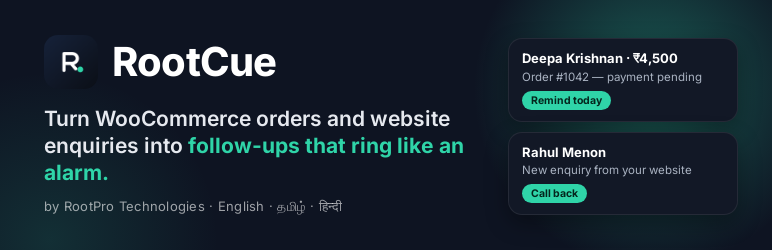
RootCue (by RootPro Technologies) remembers the next action for every customer — payment reminders, repeat visits, quotation follow-ups — and shows you who needs you today.
This plugin connects your WordPress site:
- WooCommerce orders — pending payments become payment reminders; completed orders become revisit or review follow-ups, depending on your RootCue business template.
- Contact forms — Contact Form 7, WPForms and Gravity Forms enquiries become new leads with a follow-up.
What it does not do:
- It never messages your customers. RootCue prepares messages; you decide whether to send them.
- It never changes your WordPress or WooCommerce database structure. Settings live in two options, removed on uninstall.
- It never slows down checkout. Events are sent in the background with retries.
Every request is signed (HMAC-SHA256) with a secret only your site and RootCue know.
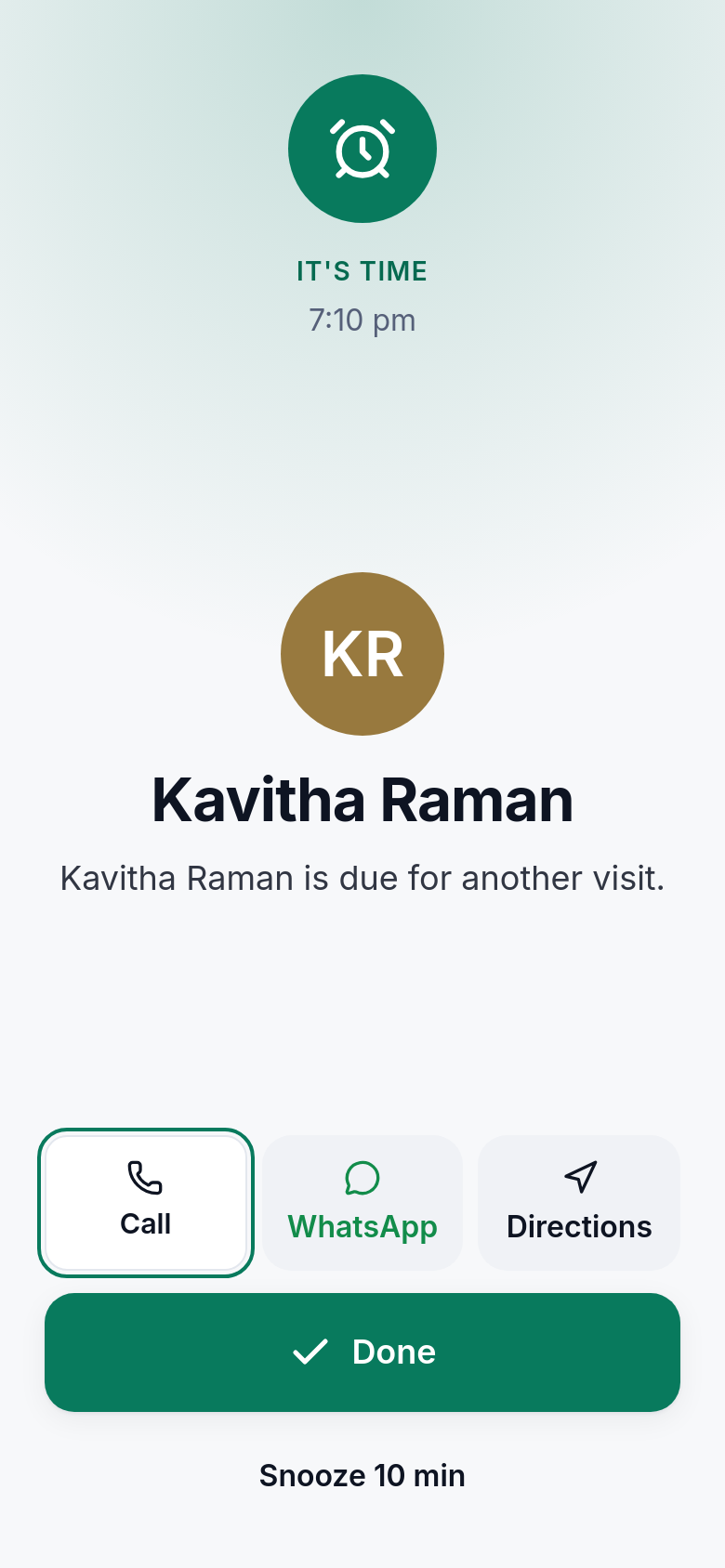
RootCue works in English, Tamil and Hindi, on Android, iPhone and the web. Reminders ring like an alarm, and for home-service businesses RootCue can save each customer’s location and give voice directions to their door.
External services
This plugin connects to RootCue, a customer follow-up service by RootPro Technologies, to create follow-up reminders from your site’s orders and enquiries. It does nothing until you paste your RootCue webhook URL and signing secret in Settings RootCue.
What is sent, and when:
- When a WooCommerce order is created or changes status (only if you turn on “WooCommerce orders”): the billing name, phone, email and company, the order number, status, total, currency and item names, and your site’s name.
- When a contact form is submitted (only for the form plugins you turn on): the name, phone, email and message from the form, and your site’s name.
- When you press “Test connection”: a test event with no customer data.
Data is sent to the webhook URL you paste (on the RootCue API, e.g. https://api.rootcue.rootpro.in), signed with your secret. Nothing is sent to any other service, and nothing is sent from your visitors’ browsers.
- RootCue terms of service: https://rootcue.rootpro.in/terms
- RootCue privacy policy: https://rootcue.rootpro.in/privacy
Screenshots


Installation
- In RootCue, open More Integrations Add WordPress. Copy the webhook URL and signing secret.
- Install and activate this plugin, then open Settings RootCue.
- Paste the URL and secret, choose what to send, save, and press Test connection.
FAQ
-
Do I need a RootCue account?
-
Yes. RootCue is free to start at https://rootcue.rootpro.in — create a workspace, then add the WordPress connection in More Integrations.
-
Does it slow down my site or checkout?
-
No. Events are queued and sent in the background (with WooCommerce’s Action Scheduler when available, otherwise WP-Cron), with automatic retries.
-
What customer data is sent?
-
Name, phone, email and company from the billing details, the order number, total and item names. For forms: name, phone, email and the message.
-
My contact form uses different field names.
-
Use the
rootcue_cf7_fieldsfilter to tell the plugin which Contact Form 7 fields hold the name, phone, email and message.
Reviews
There are no reviews for this plugin.
Contributors & Developers
“RootCue — Customer Follow-ups” is open source software. The following people have contributed to this plugin.
Contributors
Translate “RootCue — Customer Follow-ups” into your language.
Interested in development?
Browse the code, check out the SVN repository, or subscribe to the development log by RSS.
Changelog
0.1.2
- Settings errors are shown once (they appeared twice on some sites).
- Readme: external services disclosure, screenshots and FAQs for WordPress.org.
0.1.1
- Contact Form 7 enquiries reach RootCue even when the site’s own email fails to send.
- Tested with WordPress 7.1 and WooCommerce 11.2.
0.1.0
- First release: WooCommerce orders, Contact Form 7, WPForms, Gravity Forms; signed delivery with retries; connection test.