
Description
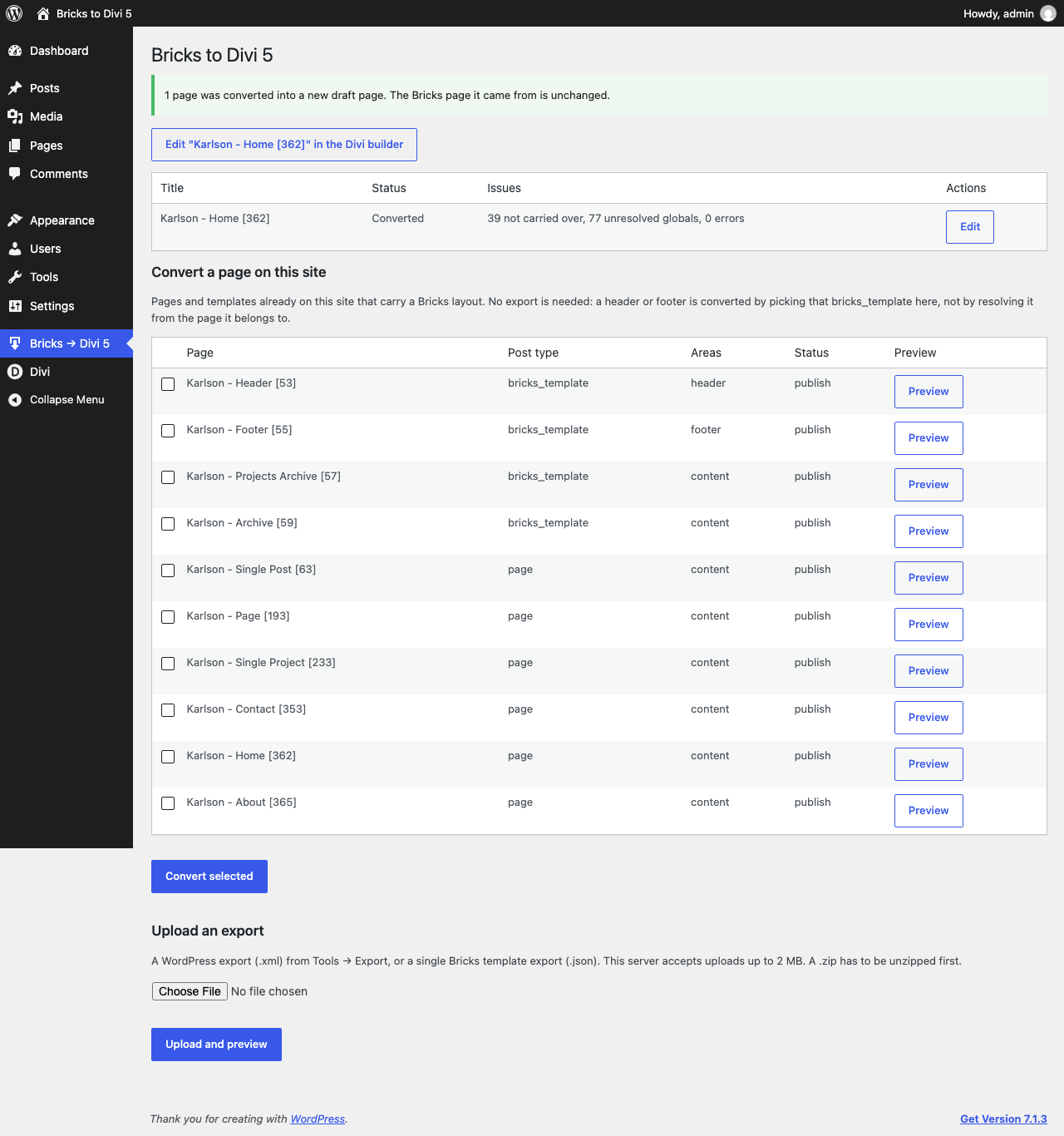
JHMG Converter For Bricks to Divi 5 reads a Bricks Builder page’s stored settings — never its rendered
HTML — and writes a new Divi 5 post from them, leaving the original Bricks page untouched. It supports
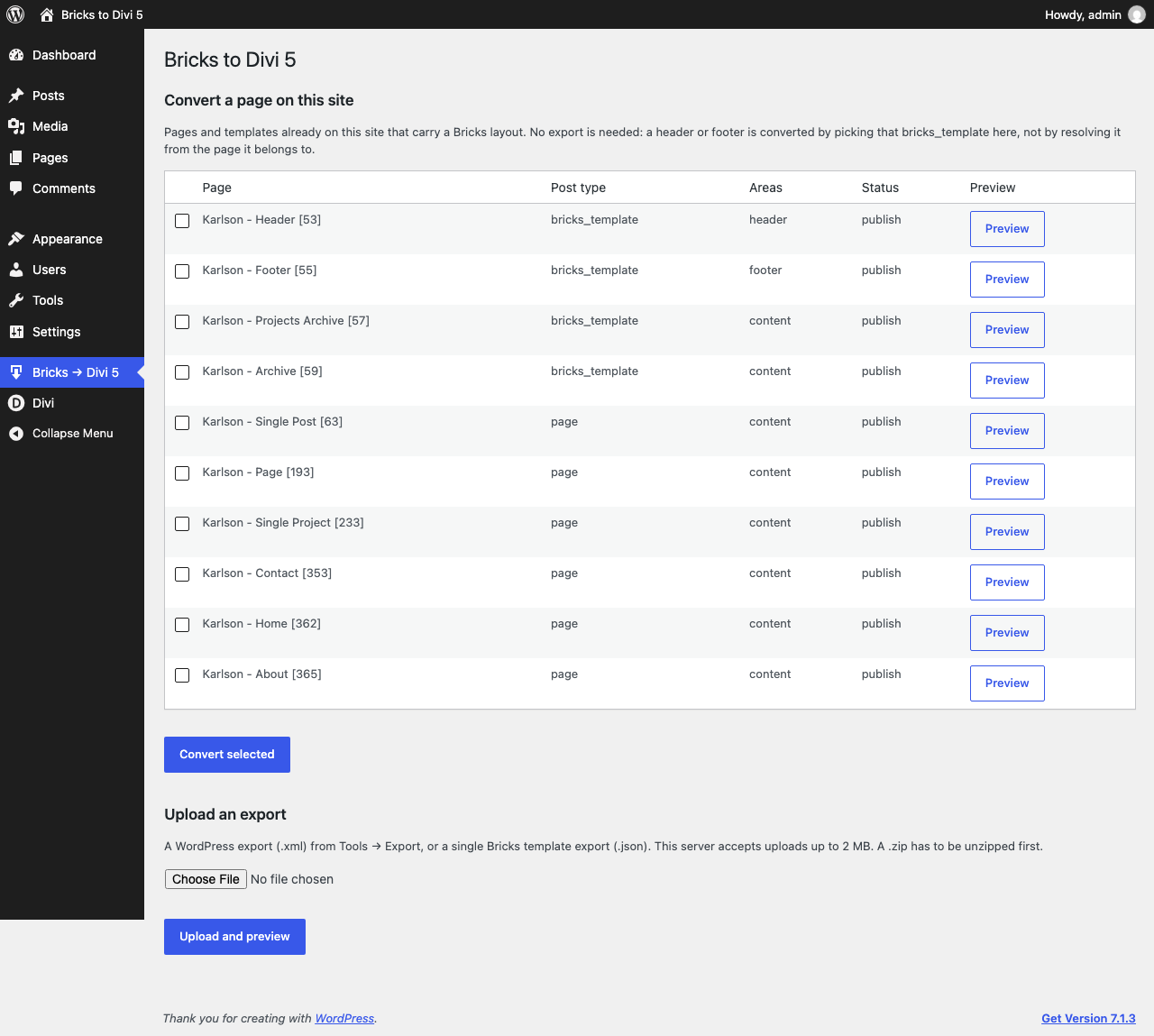
converting a page already on the site, or a Bricks export uploaded through the admin screen.
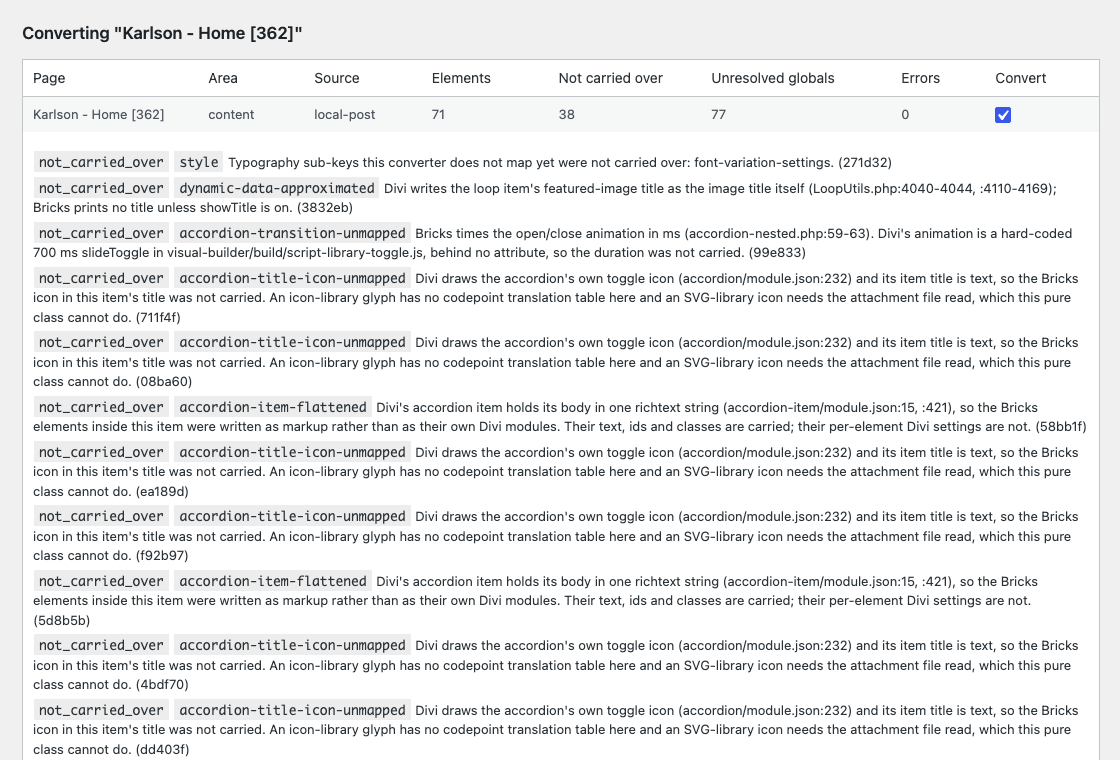
Every conversion produces a report of what was carried over, what could not be mapped to a Divi
equivalent, and any global variables or colours that could not be resolved, so nothing is silently
dropped or guessed.
External services
This plugin makes no request to any third-party service. Converting a page reads data already stored on your own site, and
nothing is sent anywhere during a conversion. The pages it creates, however, can contain links and embeds that your visitors’
browsers follow, so they are listed here.
Social share buttons (converted Bricks “Social sharing” elements). Each share button becomes a link to the network’s own
share page. Nothing is sent when the page loads; when a visitor clicks a button, their browser opens the network with the
page’s address, title and, for some networks, the page’s excerpt and featured image address in the link, so the network can
prepare the post. The networks are Facebook, X (Twitter), LinkedIn, WhatsApp, Pinterest, Telegram and VK. Each network also
receives the usual request data from the visitor (IP address, browser details and any cookies it has set).
- Facebook: https://www.facebook.com/terms.php and https://www.facebook.com/privacy/policy/
- X (Twitter): https://x.com/en/tos and https://x.com/en/privacy
- LinkedIn: https://www.linkedin.com/legal/user-agreement and https://www.linkedin.com/legal/privacy-policy
- WhatsApp: https://www.whatsapp.com/legal/terms-of-service and https://www.whatsapp.com/legal/privacy-policy
- Pinterest: https://policy.pinterest.com/en/terms-of-service and https://policy.pinterest.com/en/privacy-policy
- Telegram: https://telegram.org/tos and https://telegram.org/privacy
- VK: https://vk.com/terms and https://vk.com/privacy
YouTube and Vimeo (converted Bricks “Video” elements). The video’s address is saved in a Divi Video module. When the page
is shown, Divi embeds the video through WordPress’s oEmbed support: your site may ask YouTube or Vimeo for the player, and a
visitor’s browser then loads the player from them and sends the usual request data (IP address, browser details and any cookies
they have set). Pages without a video make no such request.
- YouTube: https://www.youtube.com/t/terms and https://policies.google.com/privacy
- Vimeo: https://vimeo.com/terms and https://vimeo.com/privacy
Google Maps (converted Bricks “Map” elements). The map’s address or coordinates and markers are saved in a Divi Map module.
When a visitor views the page, Divi loads Google Maps, which receives the usual request data from the visitor (IP address,
browser details and any Google cookies). Pages without a map make no such request. Divi’s Map module uses the Google Maps API
key set in Divi’s own settings.
- Google Maps: https://developers.google.com/maps/terms and https://policies.google.com/privacy
Screenshots
Installation
- Upload the plugin files to the
/wp-content/plugins/jhmg-converter-for-bricks-to-divi-5directory, or install the plugin through the WordPress plugins screen directly. - Activate the plugin through the “Plugins” screen in WordPress.
- Use the plugin’s screen under the WordPress admin menu to convert a Bricks page or upload a Bricks export.
FAQ
-
Does this plugin require Bricks to be active?
-
No. Conversion reads Bricks’ stored post meta directly and never loads Bricks’ own PHP, so it works with
Bricks inactive or uninstalled. -
Does this plugin modify my existing Bricks pages?
-
No. A conversion always creates a new post; the source Bricks page is never modified.
-
Converting a single page — including one that carries a WooCommerce element such as an add-to-cart
form or a product gallery — works fully in the free plugin, honestly reporting any WooCommerce
element it cannot yet convert. Converting more than one page per run, converting a WooCommerce
element into its real Divi module rather than a reported placeholder, and turning a Bricks header
or footer template into a Divi Theme Builder global layout all need the Pro add-on
(https://divi5lab.com/plugins/bricks-to-divi-5). Everything else is unchanged. -
Does the plugin copy my Bricks theme style’s custom CSS into my site?
-
No. A Bricks theme style can carry its own stylesheet. The free plugin does not save CSS into your site’s Additional CSS; it lists
that stylesheet in the conversion report, so you can review it and paste it into Appearance > Customize > Additional CSS if you
want it. The Pro add-on can apply it for you. -
Does the plugin run my Bricks Code elements?
-
No. A Bricks Code element that runs PHP is not converted at all. One that holds HTML, CSS or JavaScript is converted into a Divi
Code module that shows the source as escaped text; nothing in it is executed or applied.
Reviews
There are no reviews for this plugin.
Contributors & Developers
“JHMG Converter For Bricks to Divi 5” is open source software. The following people have contributed to this plugin.
Contributors
Translate “JHMG Converter For Bricks to Divi 5” into your language.
Interested in development?
Browse the code, check out the SVN repository, or subscribe to the development log by RSS.
Changelog
1.0.0
- Initial release.
- New: extension hooks for companion plugins (brdc_loaded, brdc_pro_active, brdc_direct_conversion_limit,
brdc_theme_builder_exporter, brdc_woocommerce_handlers)