

Description
Translangated turns your WordPress site into a fully multilingual website. Translate every page, post, menu, widget, WooCommerce product and theme or plugin string directly from the front end, while you see the live page. No license key, no paid tiers and no word limits: every feature is included.
Visual front-end translation editor
- Click any text on the page and type its translation, with a live preview.
- Translate images, alt text, links and SEO metadata in the same editor.
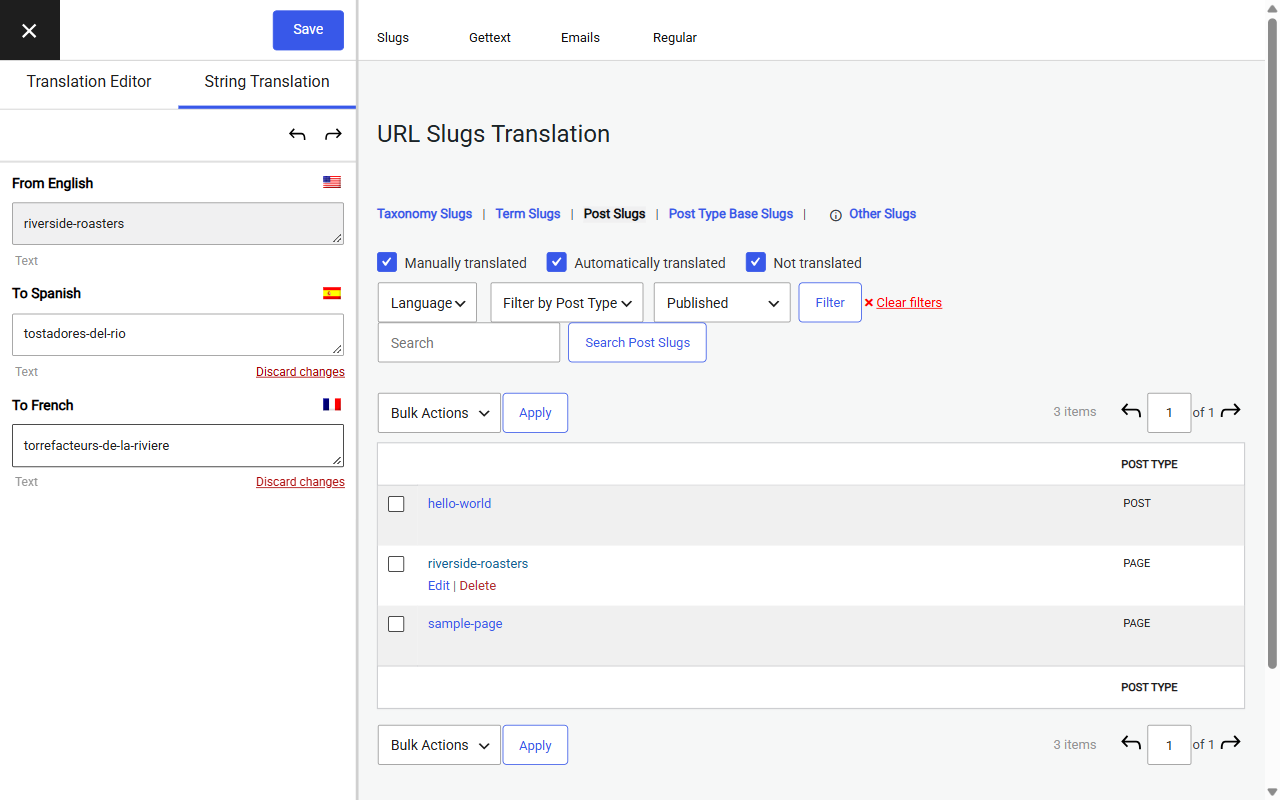
- String Translation for theme and plugin text (gettext), emails and URL slugs.
- Works with Gutenberg, Elementor, WPBakery and most page builders and themes.
Automatic translation with DeepL and Google Translate
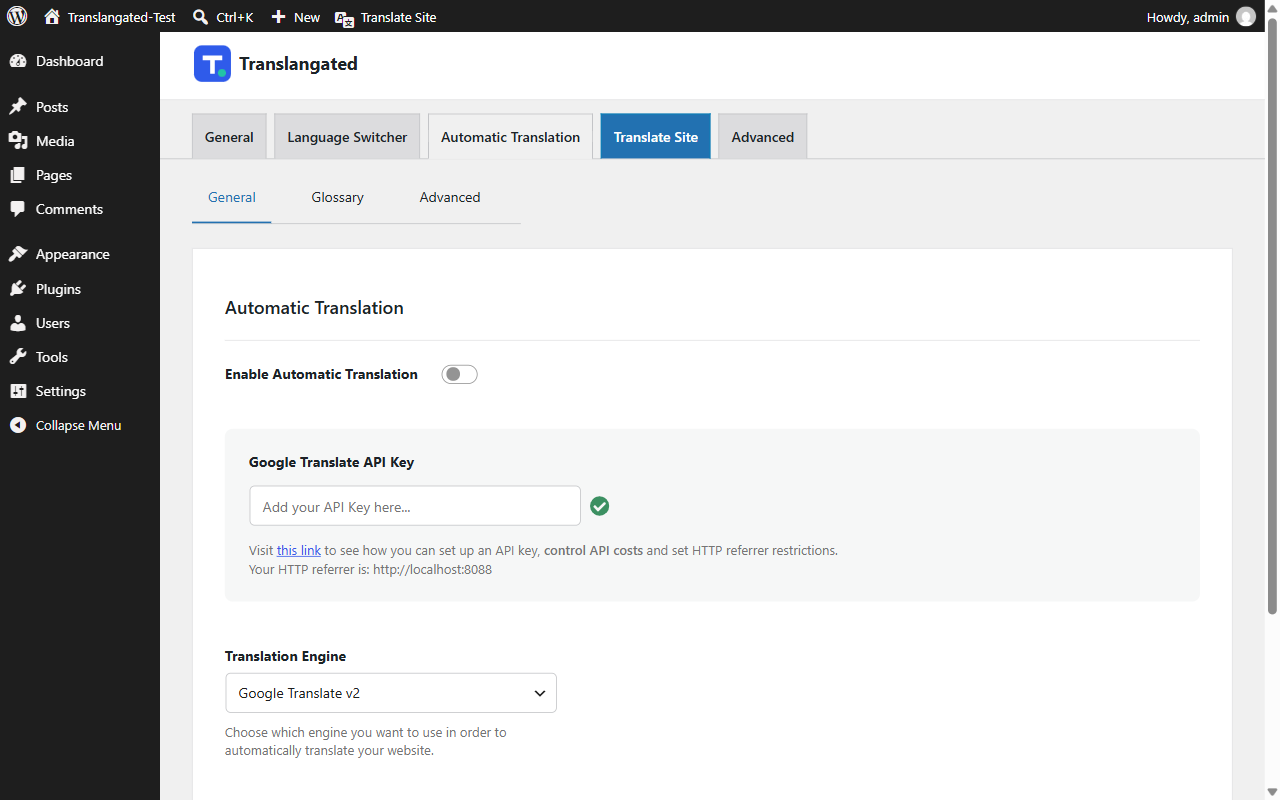
- Translate a whole site in minutes with your own DeepL (Free or Pro) or Google Translate API key.
- Review and edit every machine translation in the visual editor.
- Formality setting for DeepL (formal or informal tone) in supported languages.
Multilingual SEO
- Translate URL slugs for posts, pages, categories, tags, custom post types and WooCommerce products.
- Translate page titles, meta descriptions, Open Graph and Twitter card tags, and image alt text.
- SEO-friendly language URLs (example.com/es/), hreflang tags and translated XML sitemaps, so search engines index each language.
Language switcher and visitor language detection
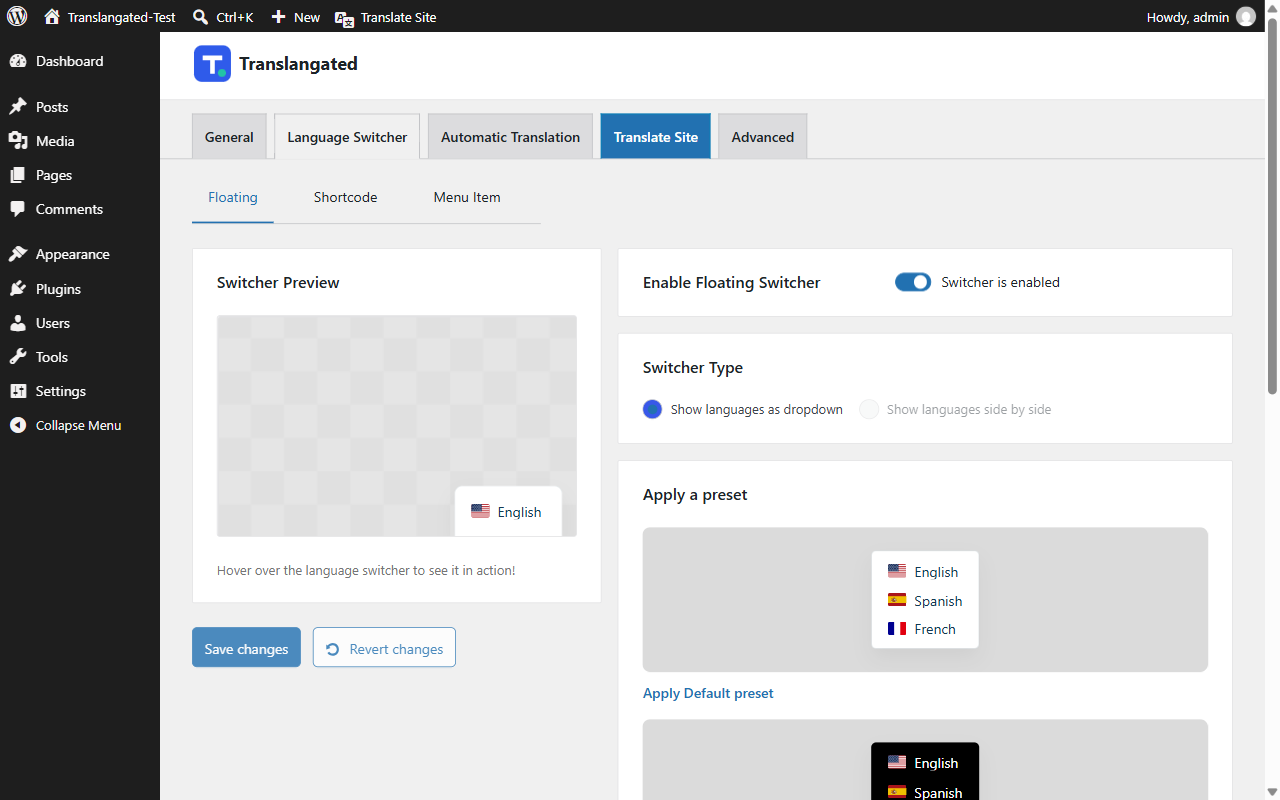
- Add a language switcher as a floating switcher, a menu item, a shortcode, a Gutenberg block or an Elementor widget, with flags and language names.
- Automatic user language detection sends first-time visitors to the language of their browser. It works with page caches and never redirects search engine crawlers.
Unlimited languages
- Add as many languages as you need, including regional variants such as es_MX or pt_BR.
- Keep a language unpublished until its translation is ready.
WooCommerce translation
- Translate products, categories, attributes, cart, checkout and WooCommerce emails.
- Customers receive order emails in the language they used on your store.
Your data stays on your site
All translations are stored in your own WordPress database. Translangated contacts no outside service unless you turn on automatic translation (see “External services” below).
External services
Translangated only connects to outside services when you turn on automatic translation and enter your own API key for one of the engines below. Nothing is sent before that.
DeepL API
Used to machine-translate your site content when DeepL is the selected engine. When a page with untranslated text is visited, or when you run automatic translation, the plugin sends the text to translate, the source and target language codes, the formality setting and your DeepL API key to api-free.deepl.com (Free keys) or api.deepl.com (Pro keys). It also requests the list of supported languages.
- Terms of service: https://www.deepl.com/pro-license
- Privacy policy: https://www.deepl.com/privacy
Google Cloud Translation API
Used to machine-translate your site content when Google Translate is the selected engine. When a page with untranslated text is visited, or when you test the API key, the plugin sends the text to translate, the source and target language codes and your API key to translation.googleapis.com.
- Terms of service: https://cloud.google.com/terms
- Privacy policy: https://policies.google.com/privacy
Source code and build
The minified JavaScript files assets/js/trp-editor.js, assets/js/trp-string-translation-editor.js and assets/js/trp-lang-switcher-configurator.js, and the minified stylesheets assets/css/trp-editor.css and assets/css/trp-lang-switcher-configurator.css, are built with webpack from the uncompressed Vue, JavaScript and SCSS sources included in assets/src/. The block editor script includes/gutenberg-blocks/block-language-restriction/build/index.js is built from includes/gutenberg-blocks/block-language-restriction/src/ by the same configuration. The build configuration is in package.json and webpack.config.js in the plugin folder.
To rebuild them (requires Node.js and npm):
- Run
npm installin the plugin folder. - Run
npm run build(ornpm run devto rebuild on every change).
Third-party libraries bundled in assets/lib/:
- Select2 4.1.0 (
assets/lib/select2-lib/), MIT license. Source: https://github.com/select2/select2 . Non-minified copies (select2.js,select2.css) are included next to the minified files. - simple_html_dom 1.9.1 (
assets/lib/simplehtmldom/), MIT license. Source: https://sourceforge.net/projects/simplehtmldom/ - potx, the Drupal Translation template extractor (
assets/lib/potx/), GPLv2 or later. Source: https://www.drupal.org/project/potx
Credits
Portions Copyright 2017 Cozmoslabs (GPLv2 or later), modified by Jyolabs. See NOTICE.txt and LICENSE.txt.
Screenshots


Blocks
This plugin provides 1 block.
- Language Switcher Displays the Language Switcher.
Installation
- In your WordPress dashboard go to Plugins Add New Plugin, search for “Translangated” and click Install Now, then Activate. Or upload the
translangatedfolder to/wp-content/plugins/and activate it on the Plugins screen. - Go to Settings Translangated and add the languages you want.
- Click “Translate Site” in the admin bar to open the visual editor and start translating.
- Optional: go to Settings Translangated Automatic Translation, choose DeepL or Google Translate and enter your API key.
Language URLs such as /es/ need pretty permalinks. Under Settings Permalinks, pick any option except “Plain”.
FAQ
-
Is Translangated really free?
-
Yes. Every feature, including SEO slug translation, DeepL and unlimited languages, is included. There is no license key and no premium version.
-
Do I need an API key for automatic translation?
-
Only if you want machine translation. DeepL offers a free API plan, and Google Cloud Translation is a paid API with a free monthly allowance. Check each provider’s current pricing. Manual translation works without any key.
-
Does Translangated work with WooCommerce?
-
Yes. Products, categories, attributes, cart, checkout, account pages and order emails can all be translated.
-
Will translated pages be indexed by Google?
-
Yes. Each language gets its own URL, hreflang tags and a translated sitemap, and you can translate slugs, titles and meta descriptions.
-
Does it work with page caching?
-
Yes. Each language is served at its own URL, so caching plugins cache every language separately. Visitor language detection runs in the browser and works with full-page caches.
-
Where are translations stored?
-
In custom tables in your own WordPress database. Nothing is stored on an outside server.
-
Can I run Translangated next to another multilingual plugin?
-
No. Running two multilingual plugins at the same time causes conflicts. Deactivate the other plugin first.
Reviews

Contributors & Developers
“Translangated” is open source software. The following people have contributed to this plugin.
Contributors
Translate “Translangated” into your language.
Interested in development?
Browse the code, check out the SVN repository, or subscribe to the development log by RSS.
Changelog
1.0.0
- First release.
- Visual translation editor, String Translation, unlimited languages and language switcher.
- Built in: SEO Pack (slug, title and meta translation, hreflang, sitemaps), DeepL, Google Translate and automatic user language detection.