
Description
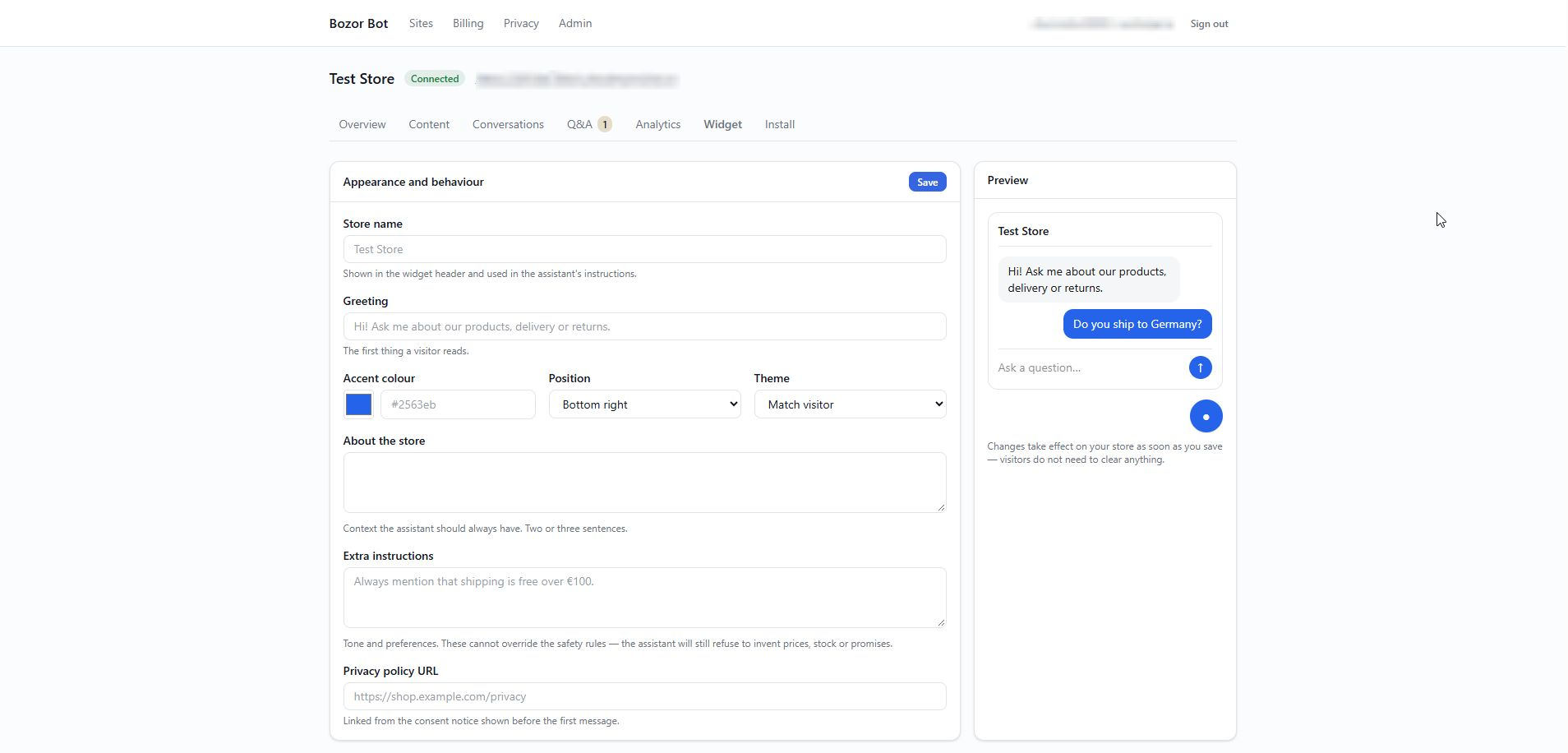
Bozor Bot adds a chat window to your store that answers visitor questions from
your own catalogue and pages: it recommends products you actually sell, with
the price and stock from your store, and answers delivery, returns and payment
questions from your own policy pages.
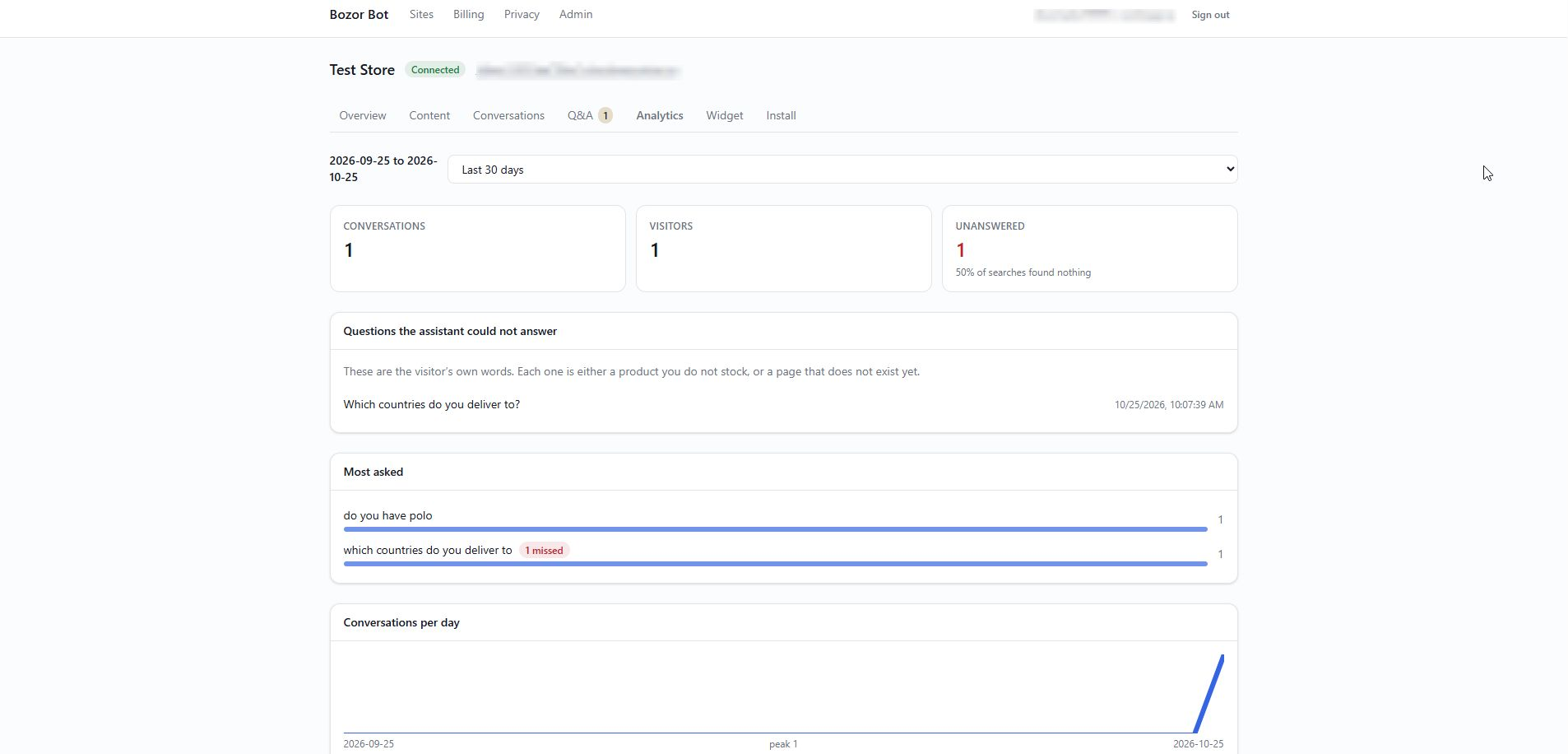
When it cannot answer, it says so rather than inventing something, and the
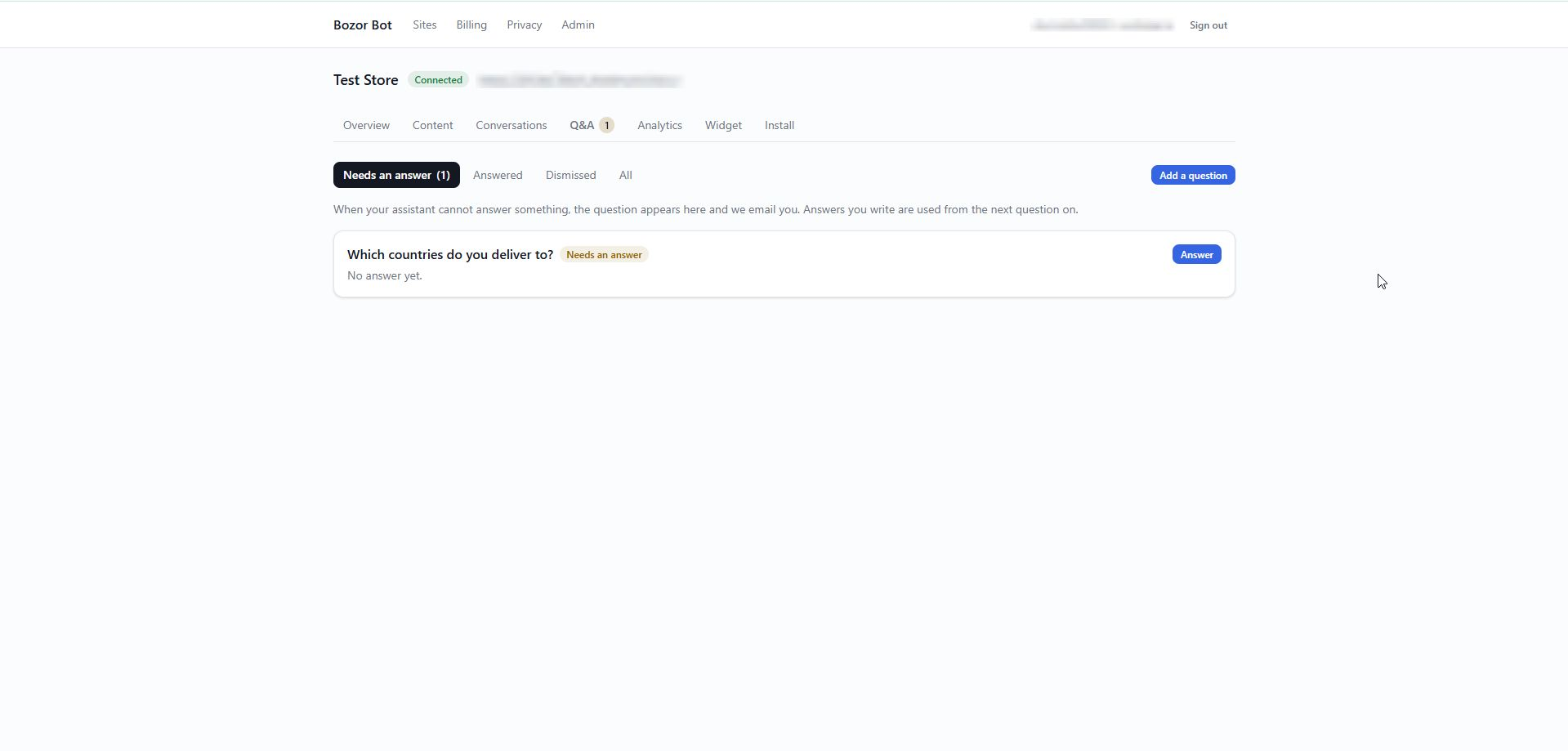
question is added to a list in your dashboard so you can write the answer once.
Bozor Bot is a hosted service. This plugin connects your site to it and
adds the chat window; the answering happens on Bozor Bot’s servers. You need a
free Bozor Bot account to use it — see “External services” below for exactly
what is sent and when.
What the plugin does
- Lets Bozor Bot read your published products, pages and posts over a signed,
authenticated connection. - Adds the chat widget to your site. No theme editing, no script tags to paste.
Features
- Product recommendations with prices and stock taken from your catalogue,
never written by the AI. - Answers about delivery, returns, warranty and payment from your own pages.
- A list of questions it could not answer, so you can fill the gaps.
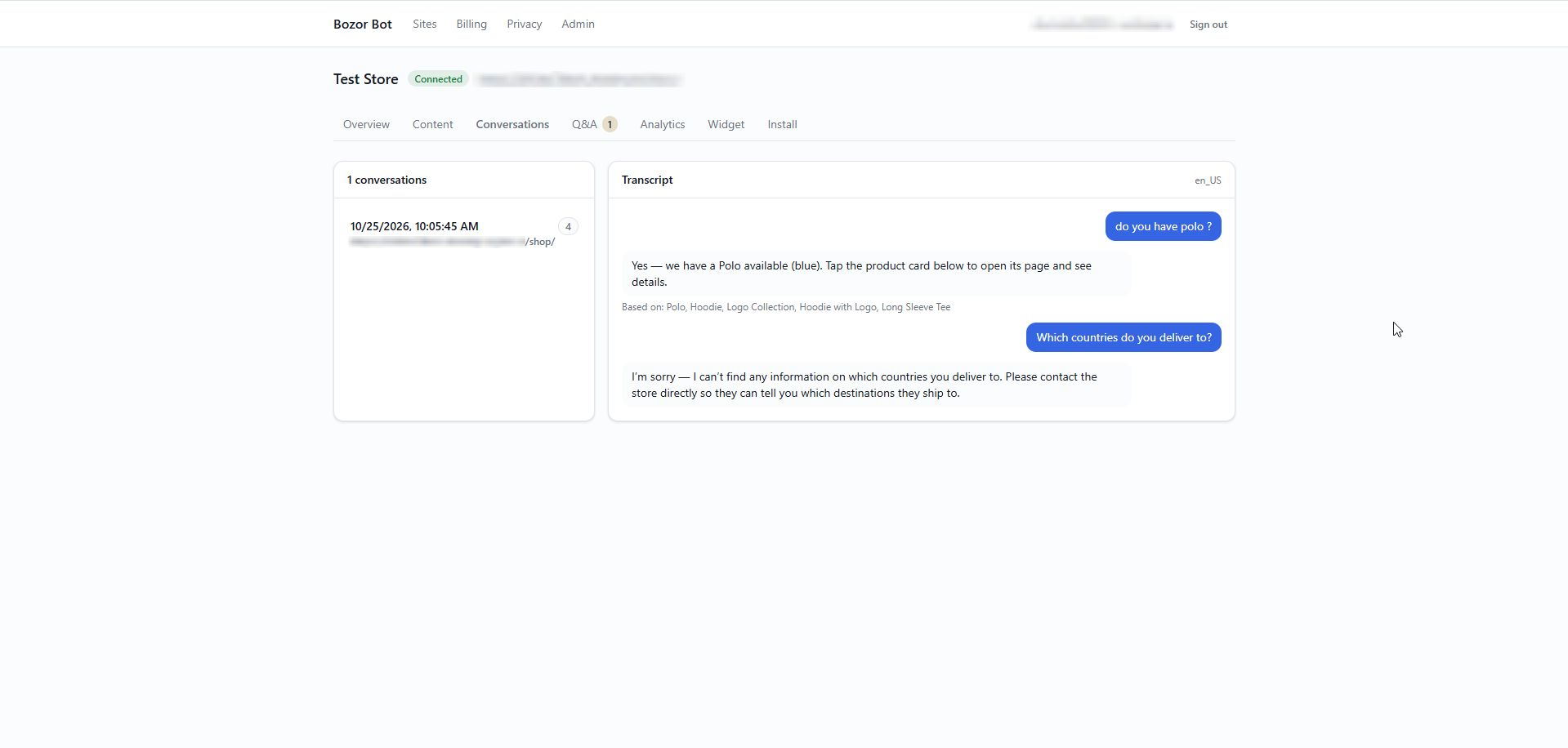
- Conversation transcripts and analytics in your dashboard.
- Replies in the language the shopper writes in; the widget interface is
available in English and Russian. - A small widget (under 15 KB) loaded asynchronously, so it does not slow your
pages down.
Plans
There is a free plan with no card required. Paid plans with higher limits are
listed at bozor-bot.com.
Security
- Requests between your site and Bozor Bot are signed with HMAC-SHA256 and
cover the method, path, timestamp, a single-use nonce and the body, so a
captured request cannot be replayed or altered. - The shared secret stays in your database and is never sent to the browser.
Only the public site key appears in page source. - Only published content is shared. Drafts, private posts, orders and customer
data are never read.
External services
This plugin connects to Bozor Bot, a hosted AI shopping-assistant service
operated by the plugin author. The plugin does nothing useful without it.
- Service: Bozor Bot — https://bozor-bot.com
- Terms of Service: https://bozor-bot.com/terms.html
- Privacy Policy: https://bozor-bot.com/privacy.html
What is sent, and when:
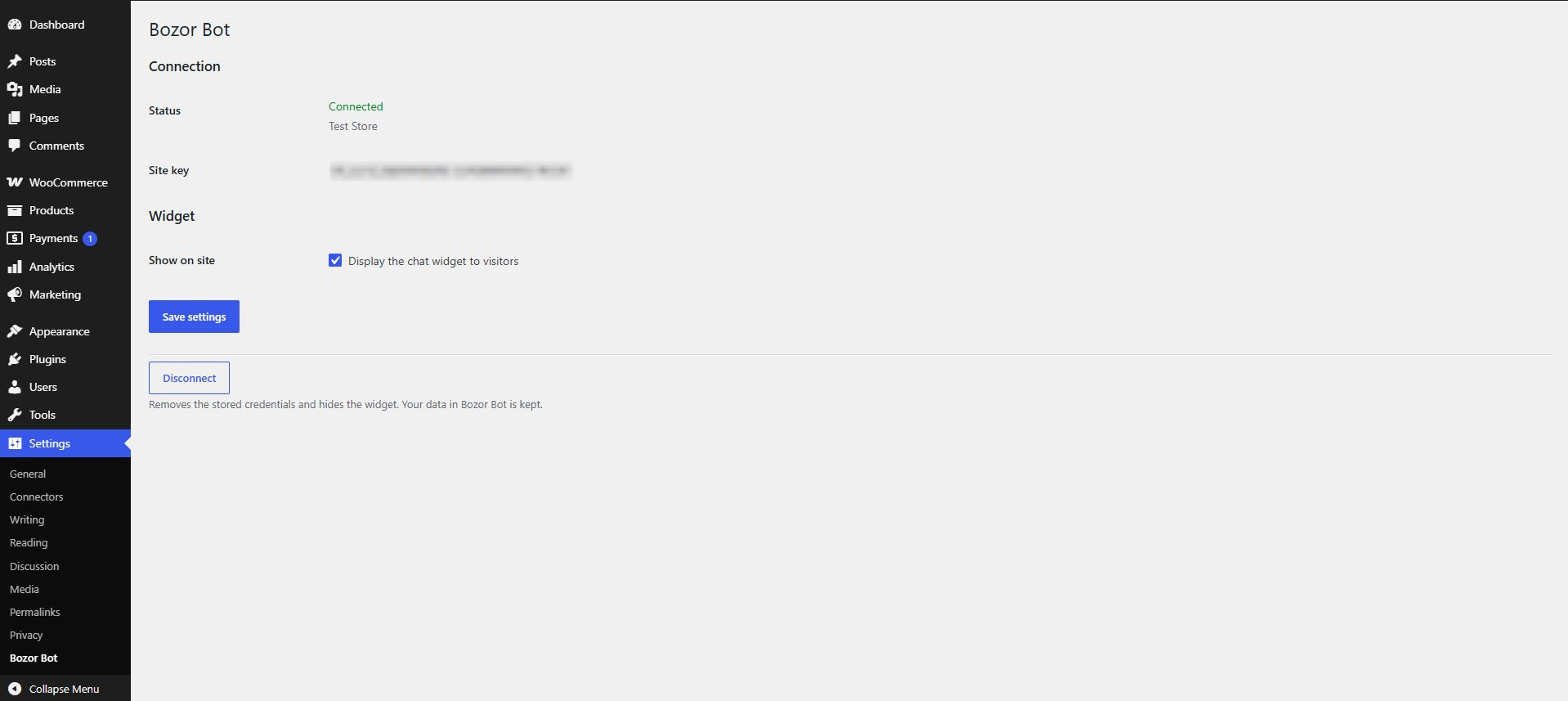
- When you connect the site (Settings > Bozor Bot > Connect): the pairing
code you enter and your site’s home URL are sent toapi.bozor-bot.com. The
service returns this site’s credentials, which are stored in your database. - When you open Settings > Bozor Bot on a connected site: a signed request
toapi.bozor-bot.comchecks the connection still works. It carries no
content. - When Bozor Bot syncs your store: the service calls this site’s
/wp-json/bozorbot/v1/export endpoint, which returns published products
(name, link, SKU, price, currency, stock status, description, image URL,
categories, attributes) and published pages and posts (title, link, text).
Every request must carry a valid signature; anything else is refused. - On every front-end page, while the widget is enabled: the visitor’s
browser loads the chat widget script from Bozor Bot’s servers, along with
this site’s public key and locale. - When a visitor uses the chat: their message, the page they are on, their
browser language and a random identifier generated in their browser are sent
from their browser toapi.bozor-bot.comto produce an answer. Conversations
are stored so you can review them, for as long as you choose in your
dashboard. No cookies are set and IP addresses are not stored against
conversations.
The plugin adds suggested wording for your own privacy policy under
Settings > Privacy > Policy Guide, which you can copy into your policy.
Screenshots

Installation
- Install the plugin from Plugins > Add New, or upload it, and activate it.
- Create a free account at app.bozor-bot.com.
- In the dashboard, add your site and copy the pairing code.
- In WordPress, go to Settings > Bozor Bot, paste the code and click Connect.
The first sync starts straight away. Larger catalogues take a few minutes.
FAQ
-
Do I need an account?
-
Yes. Bozor Bot is a hosted service, and the plugin connects your site to your
account. The free plan needs no card. -
Does this work without WooCommerce?
-
Yes. Without WooCommerce the assistant answers from your pages and posts;
product recommendations need WooCommerce. -
Will the AI make up prices?
-
No. Prices and stock shown in product cards are taken from your catalogue, not
written by the AI. The assistant answers from your content and says so when it
cannot find an answer. -
What happens if I deactivate the plugin?
-
The widget disappears from your site. Your connection details are kept so that
reactivating does not require pairing again. Deleting the plugin removes them. -
How do I revoke access?
-
Click Disconnect under Settings > Bozor Bot, or rotate the secret in your Bozor
Bot dashboard, which invalidates this site’s credentials immediately. -
Where can I get help?
-
See https://bozor-bot.com/support.html or email support@bozor-bot.com.
Reviews
There are no reviews for this plugin.
Contributors & Developers
“Bozor Bot” is open source software. The following people have contributed to this plugin.
Contributors
Translate “Bozor Bot” into your language.
Interested in development?
Browse the code, check out the SVN repository, or subscribe to the development log by RSS.
Changelog
1.0.0
- First release on WordPress.org.
- Suggested privacy-policy text under Settings > Privacy.
- Notices on the settings screen no longer travel in the page address.