
Description
Takumi PWA makes your site installable on phones and computers as a Progressive Web App. Visitors add it to their home screen and open it like an app: full screen, with your icon, and readable even on a weak or missing connection.
There is nothing to set up. On activation the plugin takes your site title, Site Icon and theme colors and builds the app from them. Every setting can be changed later, but none has to be.
Works out of the box
- Web app manifest and service worker, generated from your site settings. No files are written to your site root and no rewrite rules are needed.
- One image, every icon. Upload a single square image (or just use your Site Icon) and the plugin produces every size phones ask for, including the Android adaptive icon and the iPhone home screen icon. With no image at all, a simple placeholder keeps the site installable.
- Offline reading. Pages visitors have opened stay available without a connection. A friendly offline screen lists the pages that can still be read.
- Safe caching, decided for you. The admin, the login screen, logged-in views, previews, and WooCommerce or Easy Digital Downloads carts, checkouts and account pages are never stored.
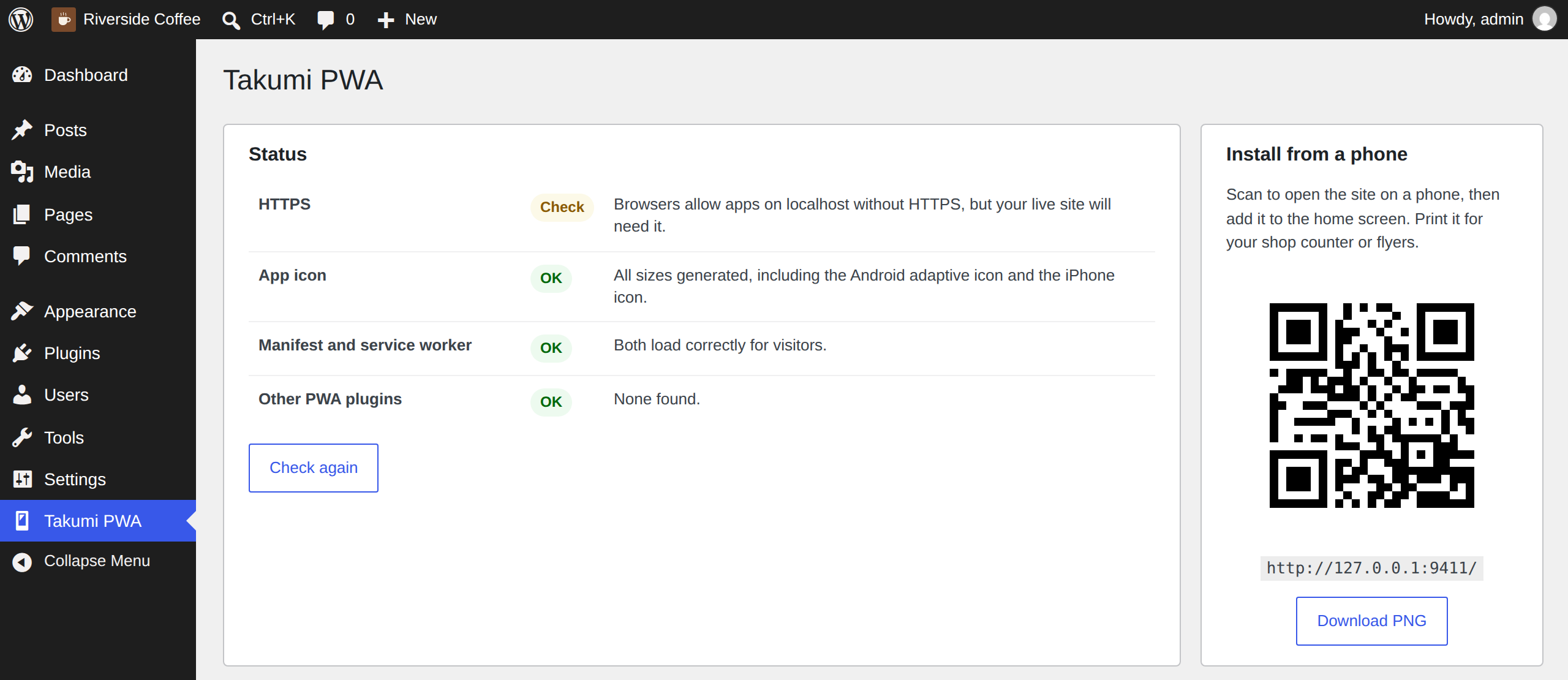
- Status checklist. One screen shows whether HTTPS, the icons, the manifest and the service worker are all working, and says in plain words what to do when something is not.
App features
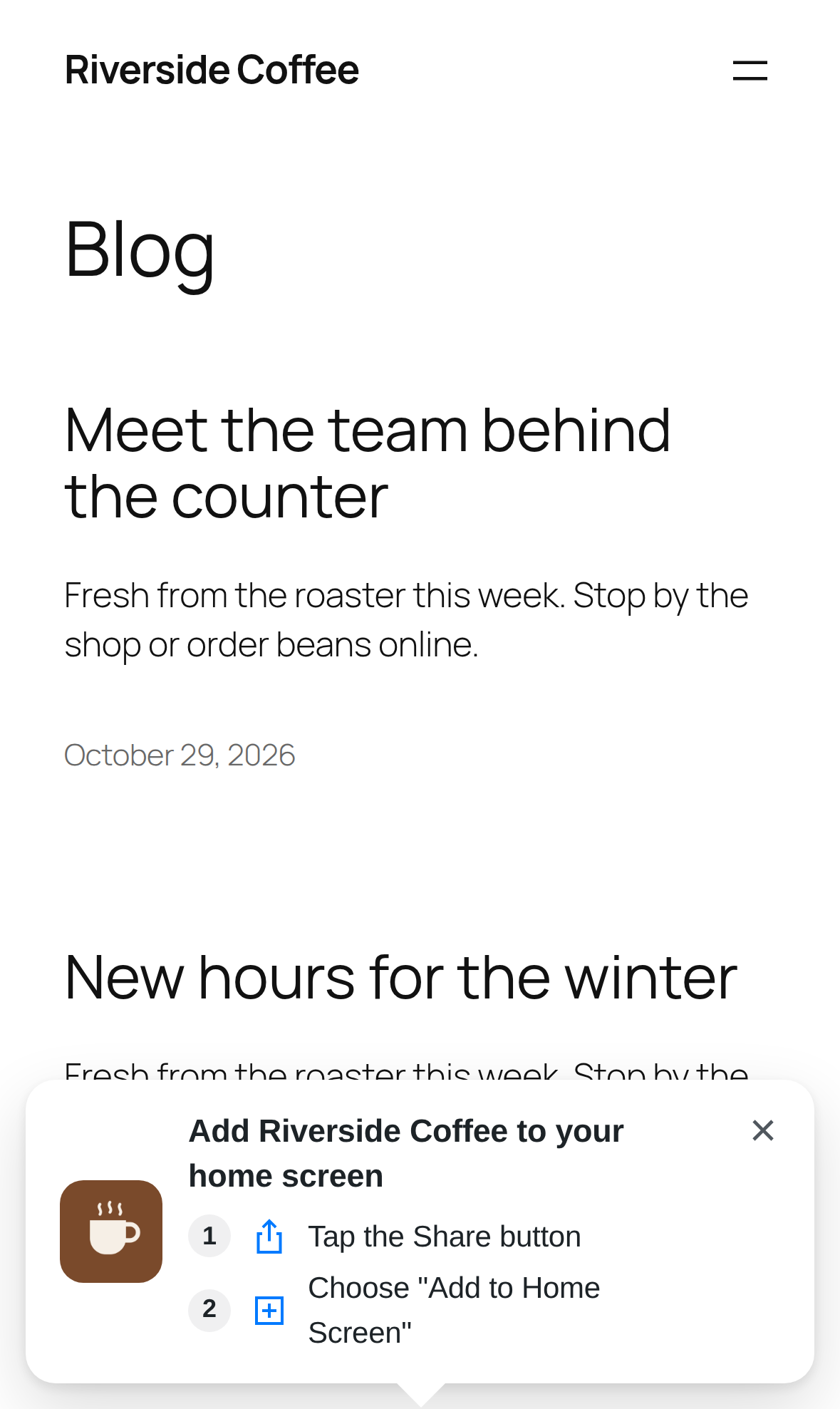
- Install banner. Invites visitors to install the app from their second visit. iPhone and iPad users, whose browser has no install button, get the two steps shown with pictures.
- Install button shortcode. Place
[tkpwa_install_button]anywhere to add your own install button. - QR code. A printable QR code on the settings screen, for shop counters, flyers and business cards.
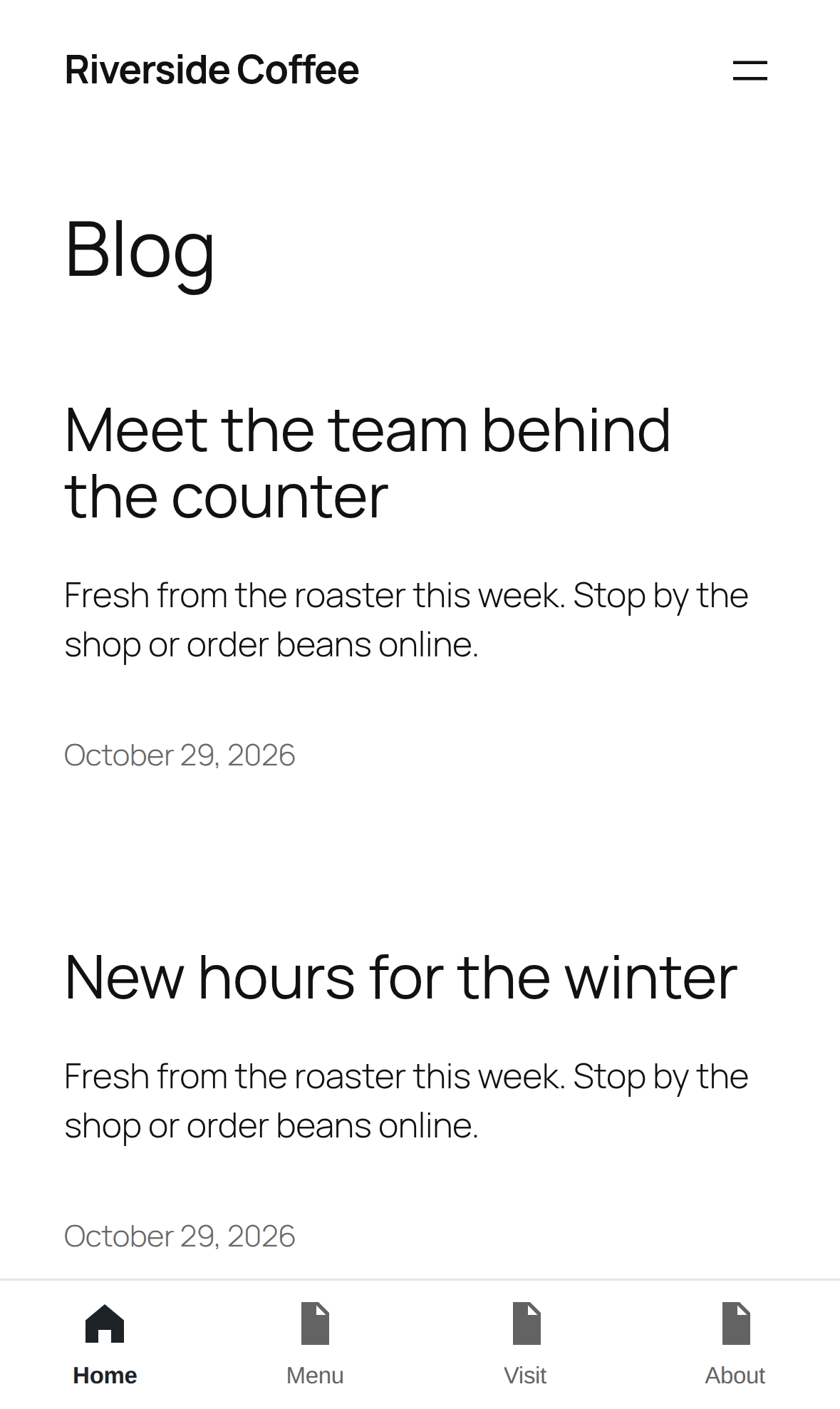
- Bottom navigation bar. App-style tabs at the bottom of the screen, built automatically from your existing menu, with icons chosen to match each link.
- Icon shortcuts. Long-press the app icon to jump straight to your main pages.
- Loading screen. Shows your icon while the next page loads, instead of a frozen screen.
- Pull to refresh and a reading progress bar.
- Show or hide in the app. Add the CSS class
tkpwa-hide-in-appto any block to hide it in the installed app, ortkpwa-only-in-appto show it only there.
Works with your other plugins
- Contact Form 7, WPForms and Gravity Forms: with “Offline forms” on, a message submitted without a connection is kept on the device and sent automatically once the connection returns.
- Polylang and WPML: each language gets its own manifest, start page and translated app name.
- Share to your site: on Android, the installed app appears in the Share menu. Sharing a link or text from another app starts a new draft post with it.
- Conflict warning: if another PWA or push notification plugin is active, you are told on activation, because a site can run only one service worker.
Credits
The QR code is drawn with qrcode-generator by Kazuhiko Arase, MIT license, bundled with the plugin. Nothing is loaded from external servers.
Developed and maintained by Yoshiro Moriyama, founder of Takumi Web Services, a WordPress development studio based in Toronto, Canada.
Screenshots

Installation
- Upload the
takumi-pwafolder to/wp-content/plugins/, or install it from the Plugins screen. - Activate it.
- Open Takumi PWA in the admin menu to see the status checklist. If everything is green, you are done.
Your site must be served over HTTPS. Browsers do not install apps from http:// sites.
FAQ
-
Do I need to configure anything?
-
No. The app name, icon and colors come from your site. Open the settings only if you want something different.
-
Why does the status screen say HTTPS is needed?
-
Browsers only allow service workers, and therefore installable apps, on secure sites. Most hosts offer a free SSL certificate; once it is enabled, change both addresses under Settings > General to start with
https://. -
How do iPhone users install the app?
-
Safari on iPhone and iPad has no install prompt. The plugin shows a short banner with the two steps: tap the Share button, then “Add to Home Screen”.
-
Will visitors see old content?
-
Pages always come from the network first. A stored copy is only shown when there is no connection, or when the network takes more than a few seconds and a copy exists. Saving the plugin settings clears every visitor’s stored pages.
-
Are logged-in pages or shopping carts stored on the device?
-
No. Any page viewed while logged in, previews, and the cart, checkout and account pages of WooCommerce and Easy Digital Downloads are never stored. You can add more paths under Advanced.
-
I already use another PWA or push notification plugin.
-
Use only one. A site can register a single service worker, so two such plugins break each other. Takumi PWA lists any it finds on its status screen and on the Plugins screen.
-
Does it send push notifications?
-
Not in this version.
-
What happens when I uninstall it?
-
Deleting the plugin removes its settings and generated icons. A visitor who already installed the app keeps a copy of the service worker, but it always tries the network first, so they see your live site as normal; stored pages are only used when they are offline.
Reviews
There are no reviews for this plugin.
Contributors & Developers
“Takumi PWA” is open source software. The following people have contributed to this plugin.
Contributors
Translate “Takumi PWA” into your language.
Interested in development?
Browse the code, check out the SVN repository, or subscribe to the development log by RSS.
Changelog
1.0.0
- First release.