

Description
By Moowa® Studios.
Product: Moowa Media Manager.
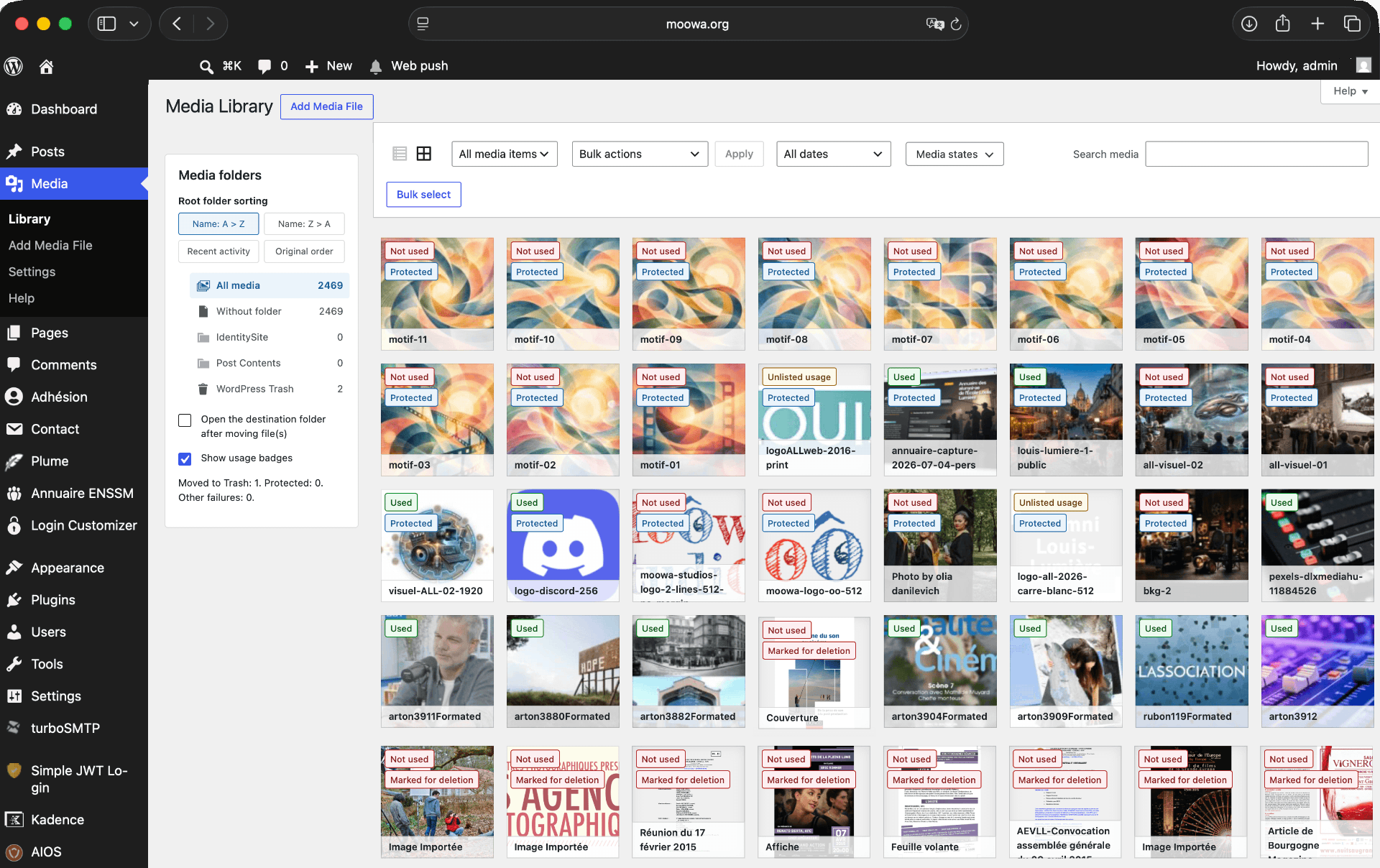
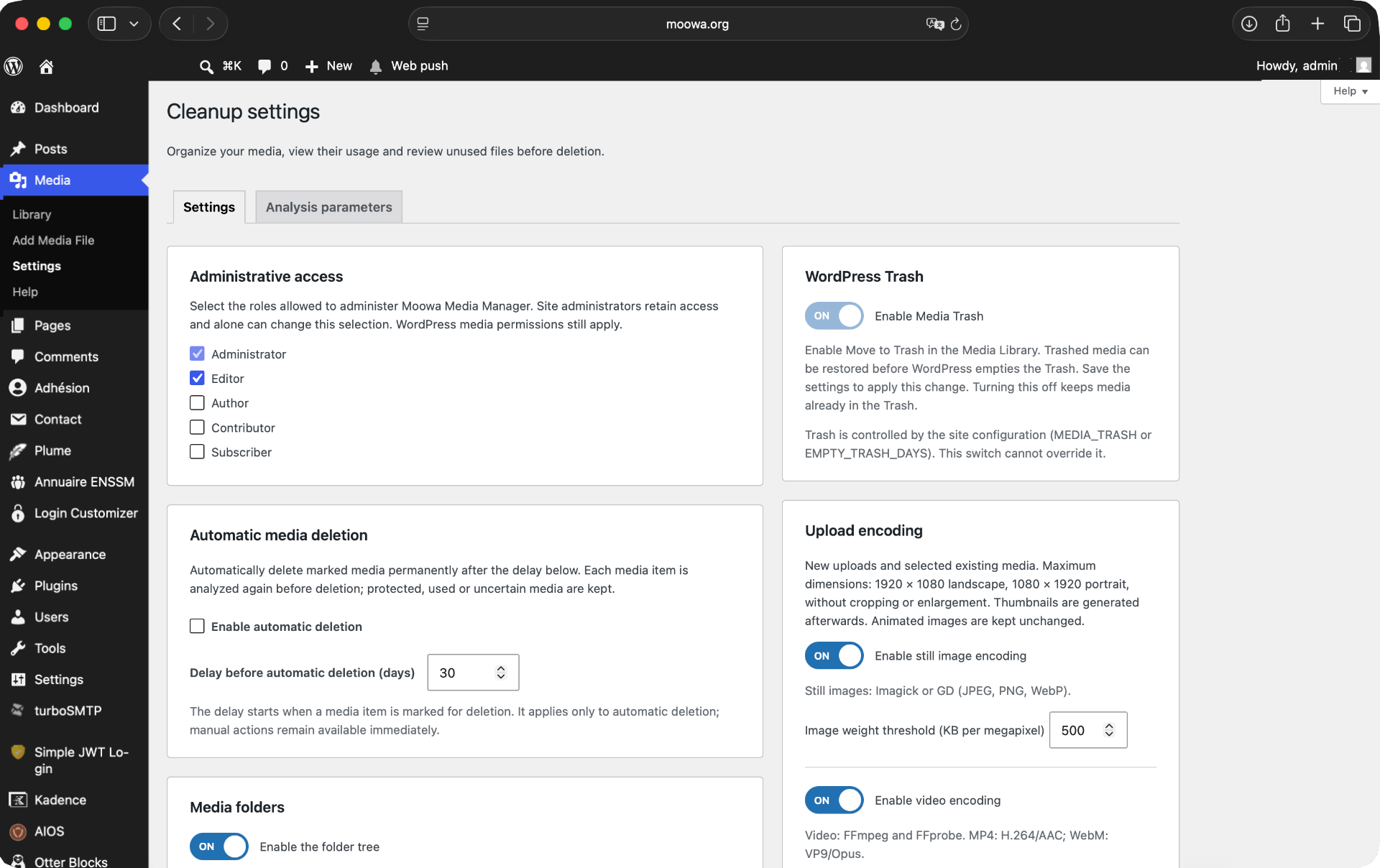
Native Media Library list actions for protection, conservative usage analysis, reversible marking, and reviewed permanent deletion. Files remain available during the configurable waiting period. English source strings are ready for community translations through WordPress.org. No FileBird dependency. Automatic cleanup is disabled by default and requires explicit activation in Settings.
Unknown database references and incomplete scans block marking. Detection covers standard WordPress data, FSE templates, registered patterns and current-site custom tables. External, opaque and dynamically constructed references cannot be guaranteed.
Requirements and privacy
The core media management features require WordPress 6.5 or later and PHP 7.4 or later.
Optional image encoding uses WordPress image editors (Imagick or GD) with JPEG, PNG and WebP support. Some PNG transparency and bit-depth cases require Imagick. Optional video encoding requires locally installed FFmpeg and FFprobe, PHP process execution, H.264/AAC codecs for MP4, and VP9/Opus codecs for WebM. These binaries are not bundled or downloaded by the plugin. Hosting execution limits may prevent video processing. Each encoding feature is disabled by default and is unavailable when its dependencies are missing.
Encoding retains only the first video and optional first audio stream. Subtitles and additional audio tracks are not retained in the encoded output. Original retention is enabled by default; review this setting before encoding.
Processing takes place on the site’s server. The plugin does not send media or analysis data to an external service. The Help page includes optional external links for contributions (Stripe) and support; they are opened only when clicked.
Deactivation keeps plugin data. Uninstallation keeps data by default; the explicit cleanup option removes most plugin data while keeping media files and retained originals.
Screenshots
Installation
- Upload the moowa-media-manager folder to wp-content/plugins.
- Activate the plugin.
- Open Media > Library in list view.
- Protect selected media, then analyze displayed or selected media in grid view.
Reviews
There are no reviews for this plugin.
Contributors & Developers
“Moowa Media Manager” is open source software. The following people have contributed to this plugin.
Contributors
Translate “Moowa Media Manager” into your language.
Interested in development?
Browse the code, check out the SVN repository, or subscribe to the development log by RSS.
Changelog
1.0.0
- Initial public release.