
Description
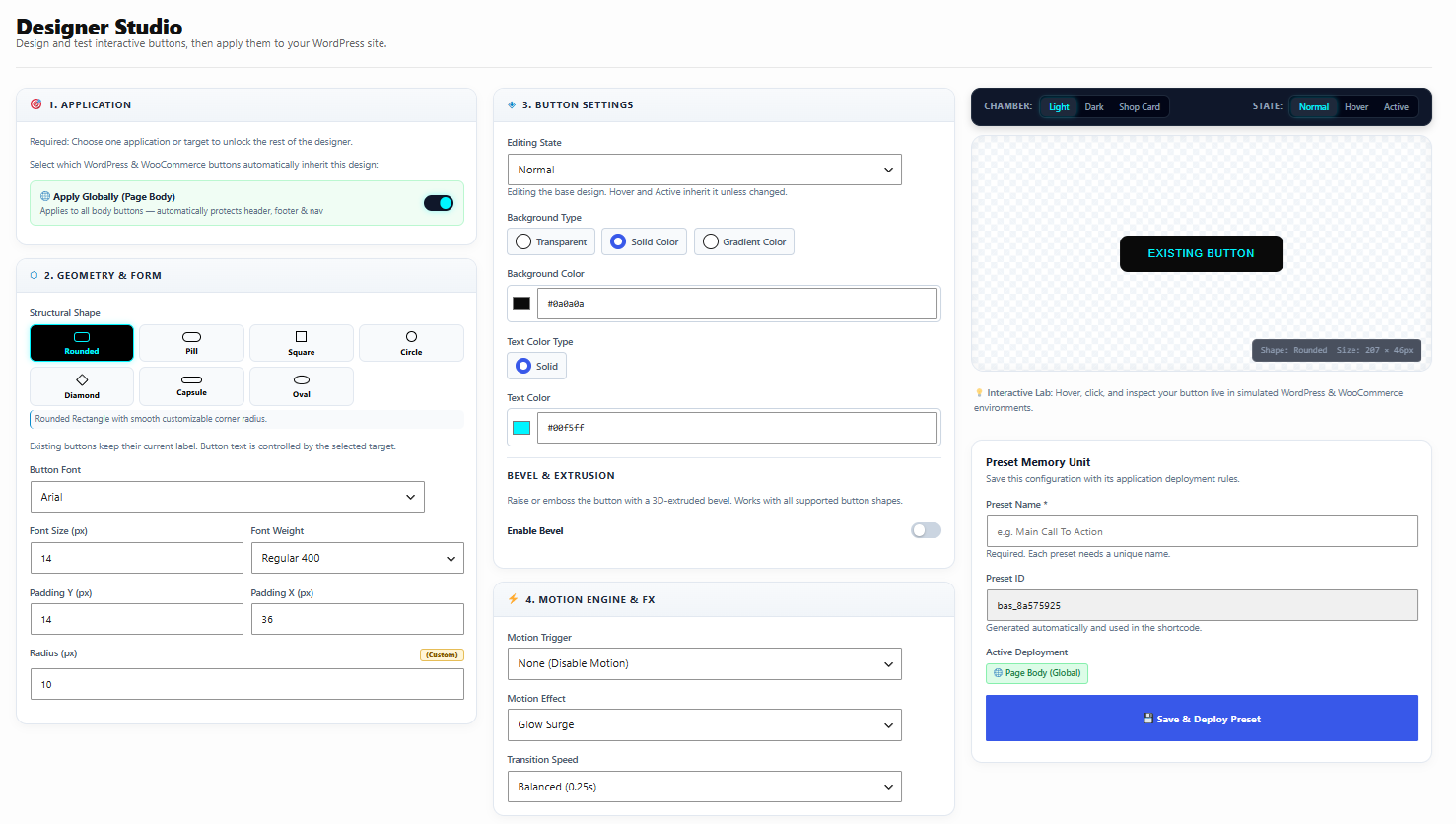
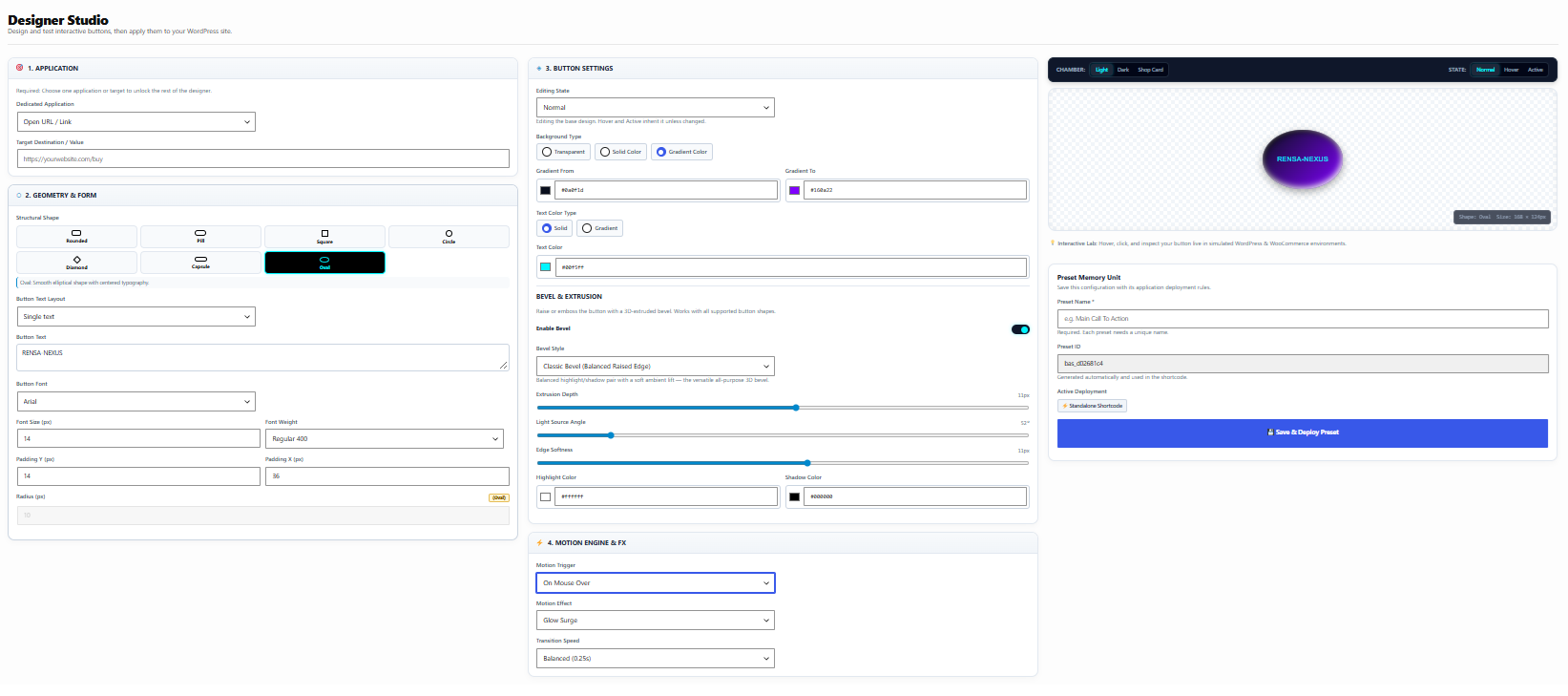
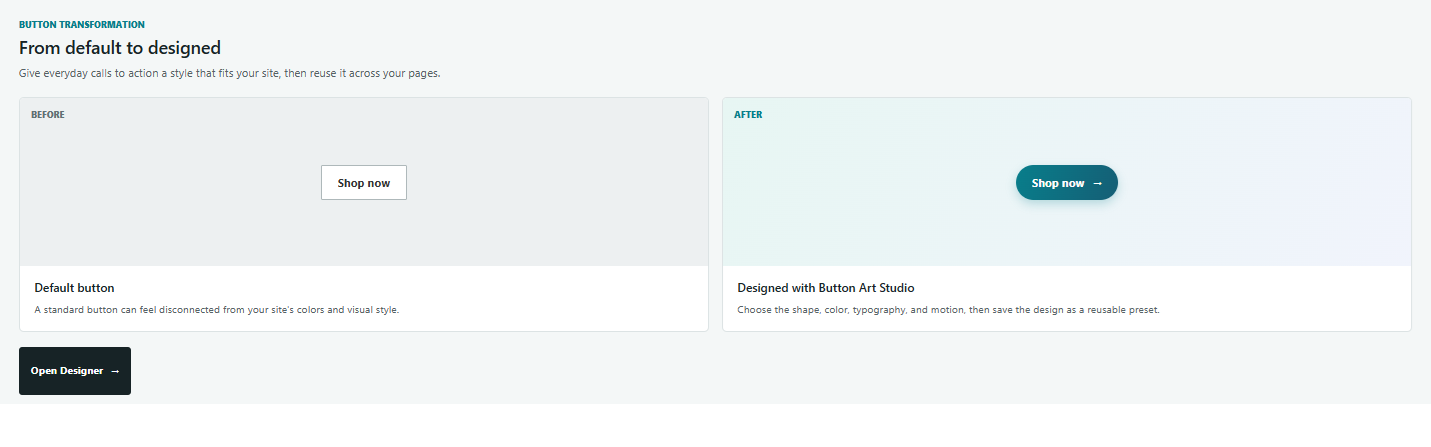
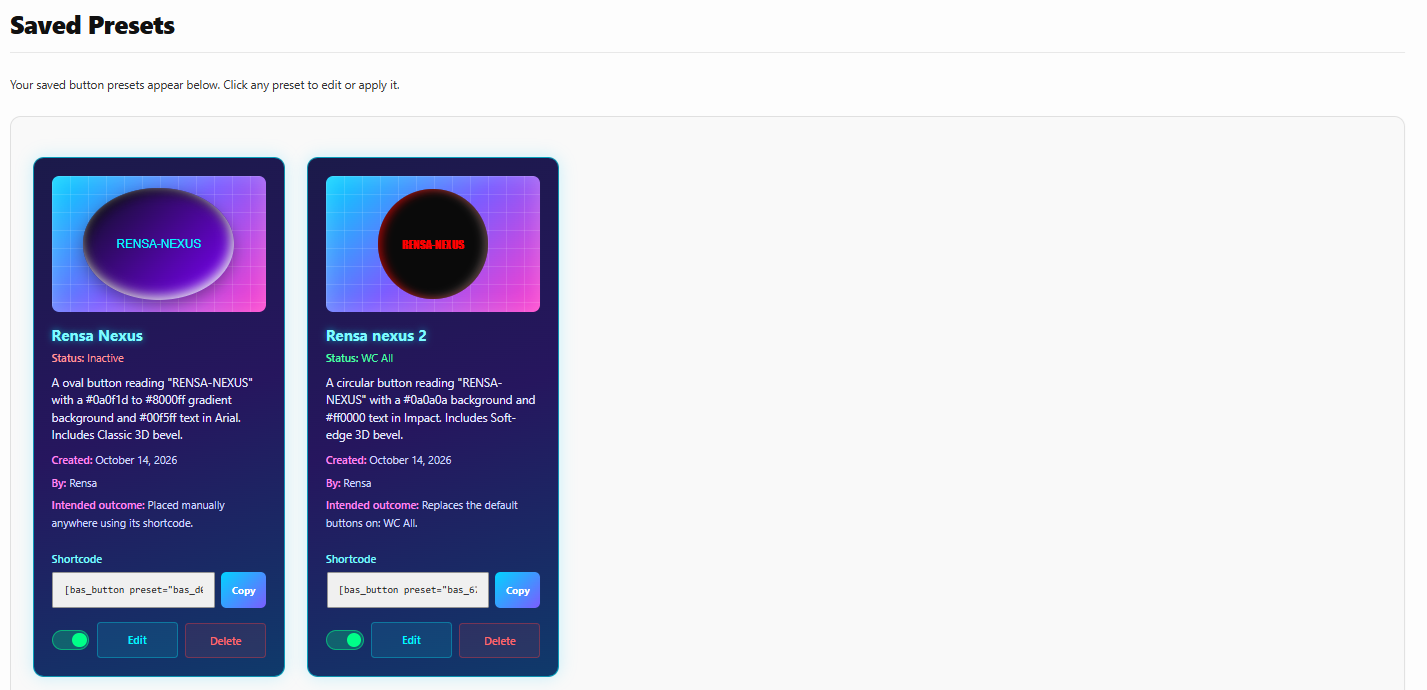
Rensa-Nexus Button Art Studio provides a visual button designer, reusable presets, a shortcode, and a dynamic Gutenberg block. Choose shapes, typography, colors, background and text gradients, motion, and bevel settings, then apply designs to supported page targets.
Learn more about the plugin at Nexus Rensa, or visit Rensa to explore the main site.
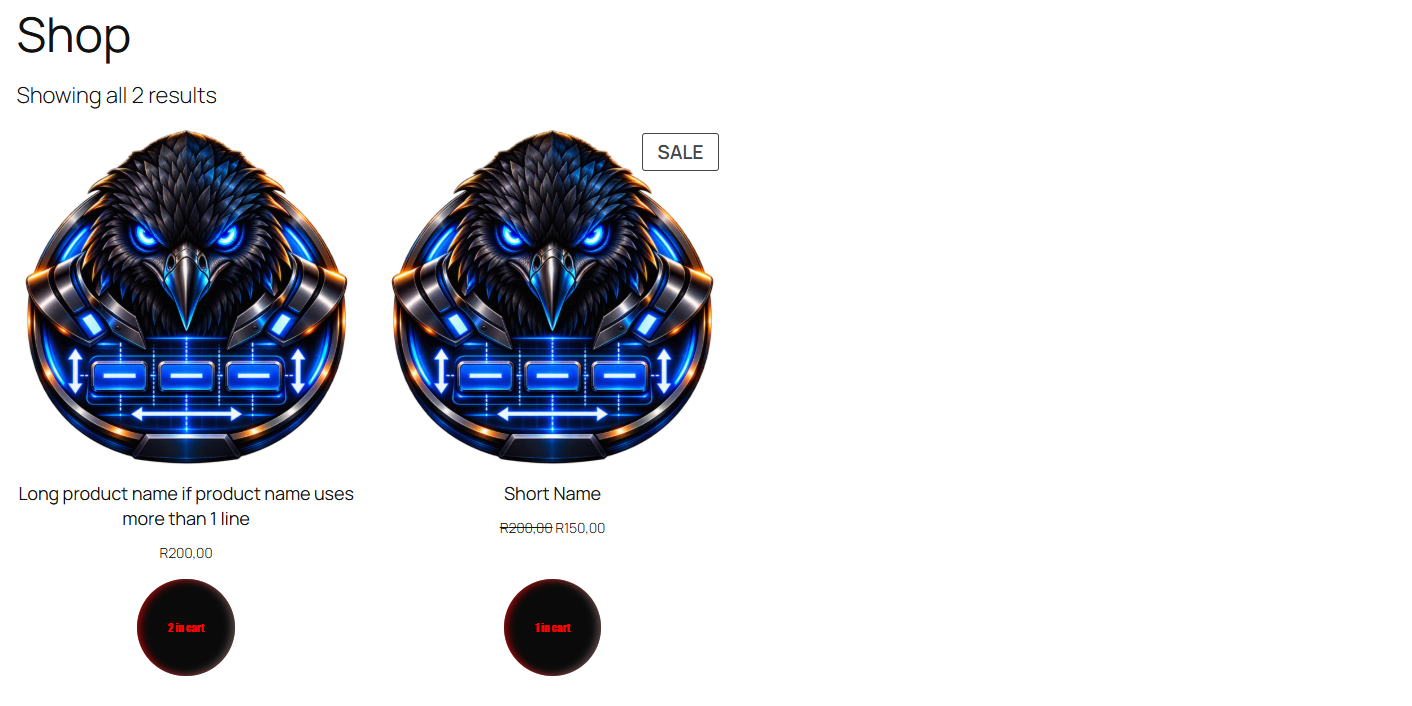
WordPress Core and Gutenberg targets are available by default. WooCommerce and Elementor target options appear when those plugins are active. Neither integration is required to use the core designer or shortcode.
This standalone Free plugin does not require a license key or online activation. Button Art Studio Pro is in development; planned features include cyber-style buttons, metallic backgrounds, custom background-image uploads, and expanded glow settings.
Compatibility
The plugin itself requires WordPress 6.3 or later and PHP 7.4 or later. WooCommerce and Elementor are optional integrations.
Current upstream releases checked October 14, 2026:
* WordPress 7.1.3. The Tested up to field uses the major.minor version, 7.1.
* WooCommerce 11.2.1 requires WordPress 7.0 or later and PHP 7.4 or later. WooCommerce targeting therefore requires WordPress 7.0 or later when using this current WooCommerce release.
* Elementor 4.3.5 requires WordPress 6.8 or later and PHP 7.4 or later.
Elementor targeting supports both the V3 Button widget and the V4 atomic Button element. These upstream versions and requirements do not replace runtime testing of the plugin integrations on those releases.
Screenshots
Blocks
This plugin provides 1 block.
- Button Art Studio Button – Add a saved button preset to your page.
Installation
- Upload the plugin files to the
/wp-content/plugins/rensa-nexus-button-art-studiodirectory, or install the plugin through the WordPress Plugins screen. - Activate the plugin through the Plugins screen.
- Open Rensa-Nexus Button Art Studio in the WordPress admin menu to create a preset.
- Use the generated
[rensbuar_button preset="your-preset"]shortcode or insert the Rensa-Nexus Button Art Studio block in Gutenberg.
FAQ
-
Do I need WooCommerce?
-
No. The core designer, presets, shortcode, and Gutenberg block work without WooCommerce. WooCommerce-specific target choices are shown when WooCommerce is active.
-
Do I need Elementor?
-
No. Elementor-specific target choices are shown when Elementor is active; WordPress Core and Gutenberg targets remain available independently.
-
How are presets stored?
-
Presets are stored in the site’s WordPress options and remain available when the plugin is updated.
Reviews
There are no reviews for this plugin.
Contributors & Developers
“Rensa-Nexus Button Art Studio” is open source software. The following people have contributed to this plugin.
Contributors
Translate “Rensa-Nexus Button Art Studio” into your language.
Interested in development?
Browse the code, check out the SVN repository, or subscribe to the development log by RSS.
Changelog
1.0.5
- Clarify the Gutenberg block title and description and add a custom block icon.
1.0.4
- Use an inline SVG block icon so it displays on the WordPress.org plugin page.
- Rewrite the block editor script in plain JavaScript so it loads without a build step.
1.0.3
- Use Block API v3 and require WordPress 6.3 or later for iframe editor compatibility.
1.0.2
- Validate gradient text colors and align block API metadata and script dependencies with the declared WordPress minimum.
- Scope published preset ID retrieval to users who can edit posts and use a prefixed admin page slug.
- Use the prefixed
[rensbuar_button]shortcode; replace the pre-release[bas_button]tag in existing content.
1.0.1
- Address plugin review findings and migrate plugin identifiers while preserving existing settings and preset content.
1.0.0
- Initial Free release.