
Description
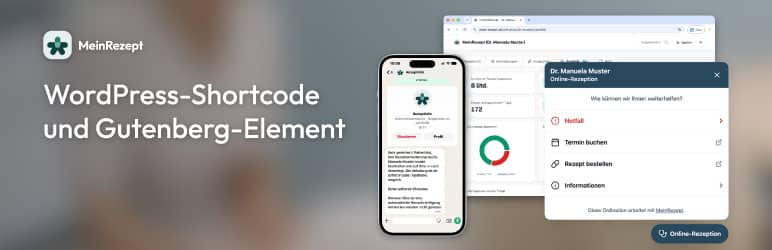
Add your practice’s MeinRezept prescription form to WordPress. Configure the practice once in the settings, then place the form with a shortcode or a Gutenberg block.
Features
- Settings page: country, practice slug, form style, background, iframe height and width
- Shortcode
[rezeptanfrage]– no attributes; uses your saved settings - Gutenberg block “Rezeptanfrage” in the MeinRezept category
- Embed URL is built for you (no free-form iframe URLs)
- Admin connection test (checks whether the form URL responds)
External service
This plugin loads the form from MeinRezept. The address depends on the country selected in the settings. When someone opens a page with the shortcode or block, their browser connects to that service. The admin connection test may also request the form URL from your WordPress server.
Privacy / legal information: mein-rezept.at/impressum-datenschutz
The plugin does not store patient form data in WordPress.
Notes
Works on normal posts and pages. No page builder required. Some security plugins or themes block iframes; in that case the form may not appear.
Privacy
- The form is loaded from MeinRezept when the shortcode or block is used. The address depends on the selected country.
- The connection test may contact the same host from your server.
- No analytics or ads are added by this plugin.
- No patient submissions are stored in WordPress.
- Service privacy details: mein-rezept.at/impressum-datenschutz
Screenshots


Blocks
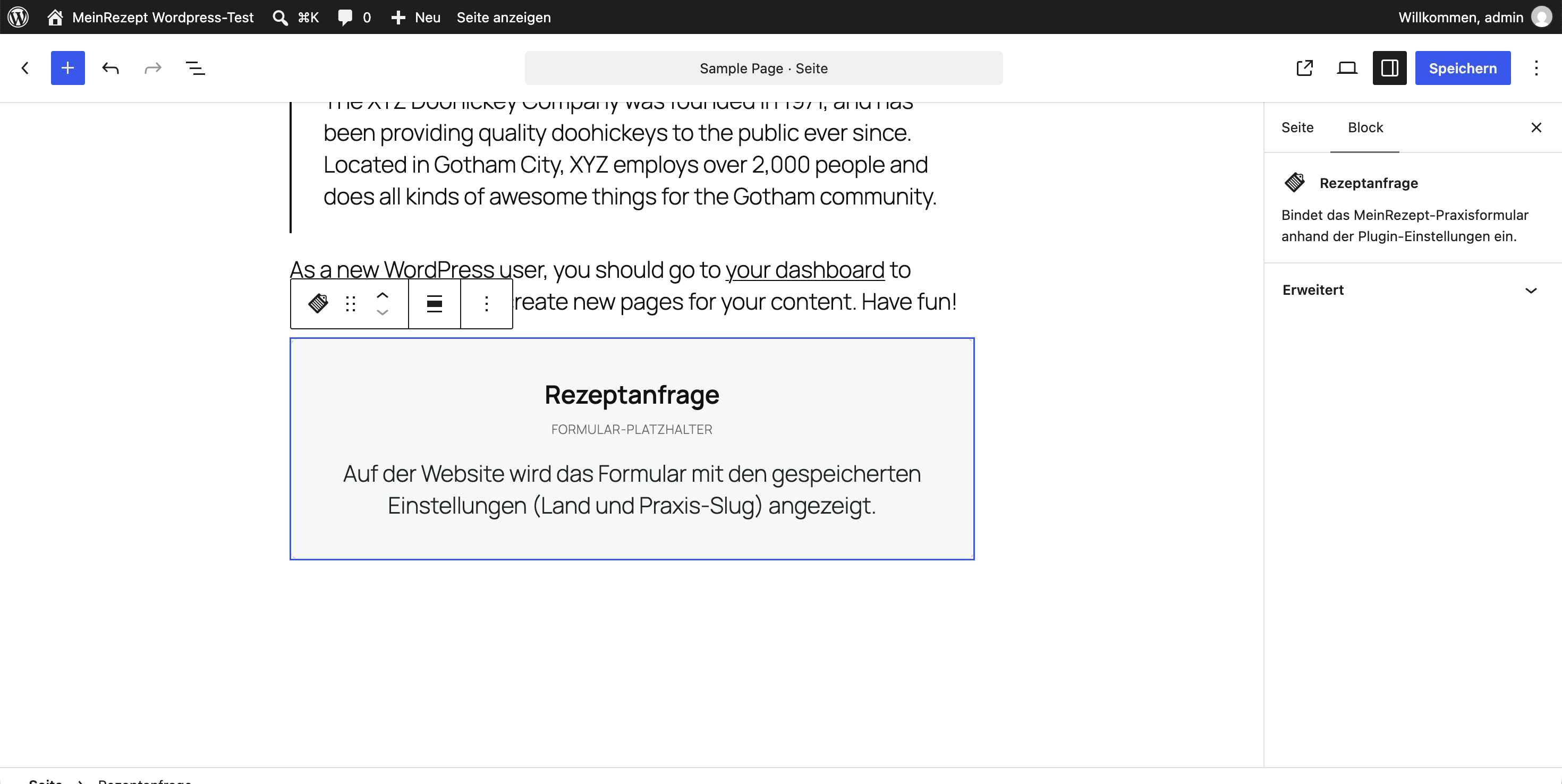
This plugin provides 1 block.
- Rezeptanfrage Bindet das MeinRezept-Praxisformular anhand der Plugin-Einstellungen ein.
Installation
- Install and activate the plugin (or upload the
digirezept-dauermedikation-rezeptanfragefolder towp-content/plugins/). - Open Settings MeinRezept and save country and practice slug.
- Add your WordPress domain under Integration Allowed domains in the MeinRezept practice dashboard.
- Add
[rezeptanfrage]or the Rezeptanfrage block to a page or post.
Requires WordPress 5.8+ and PHP 7.4+.
FAQ
-
Do I need a page builder?
-
No. The shortcode and the block work in the standard editor.
-
Where is the block?
-
In the block inserter, category MeinRezept, block Rezeptanfrage (or search for “Rezeptanfrage” or “MeinRezept”).
-
Does the connection test prove my domain is allowed?
-
No. It only checks that the form URL is reachable. Domain allowlisting is done in the MeinRezept dashboard (Integration Allowed domains).
-
Does WordPress store patient data?
-
No. Only your settings are stored (country, slug, style, background).
Reviews
There are no reviews for this plugin.
Contributors & Developers
“DigiRezept Dauermedikation Rezeptanfrage” is open source software. The following people have contributed to this plugin.
Contributors
Translate “DigiRezept Dauermedikation Rezeptanfrage” into your language.
Interested in development?
Browse the code, check out the SVN repository, or subscribe to the development log by RSS.
Changelog
1.0.0
- First release: settings, shortcode, block, style/background options, connection test