
Description
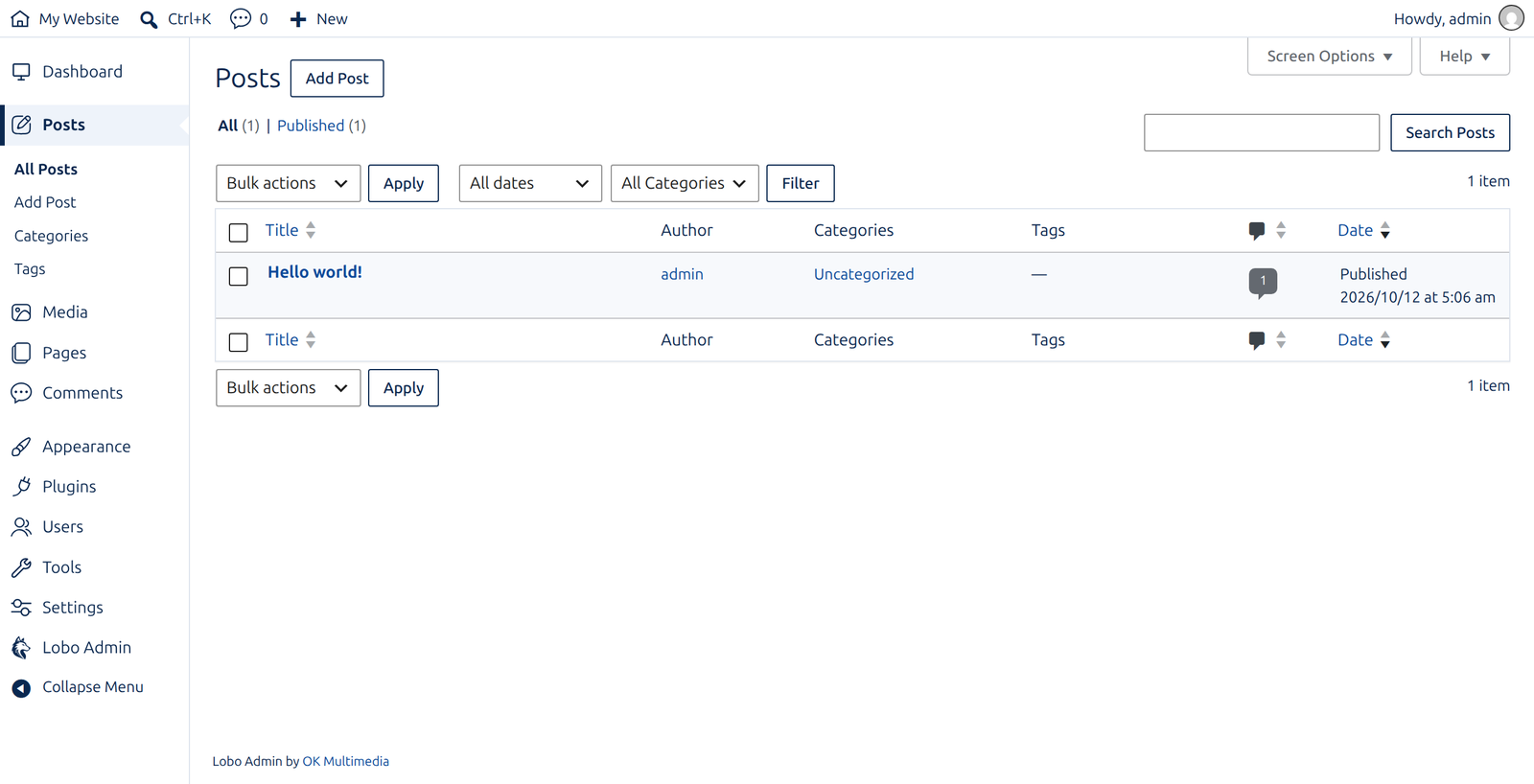
Lobo Admin gives the WordPress admin area a calm, clean look in one click.
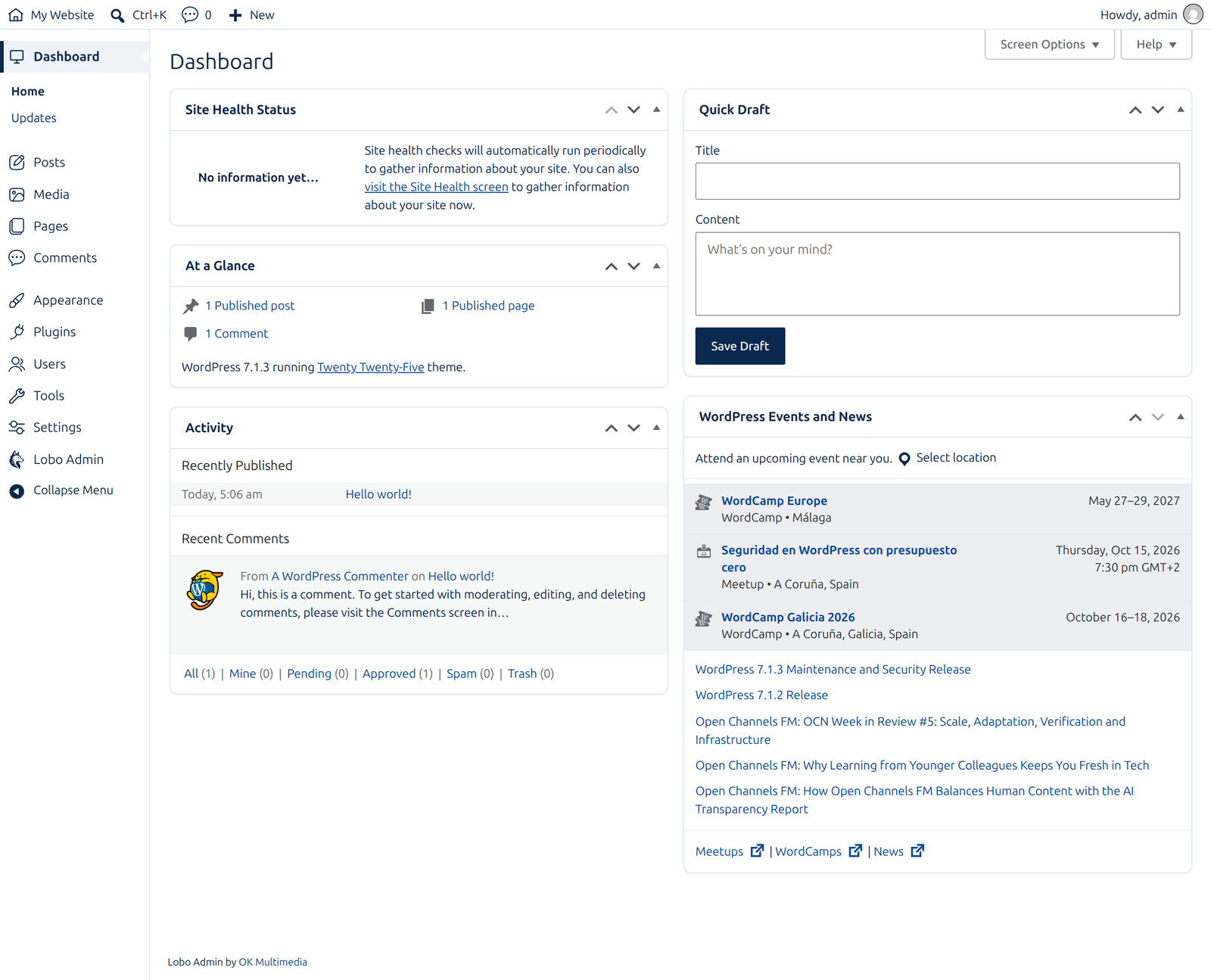
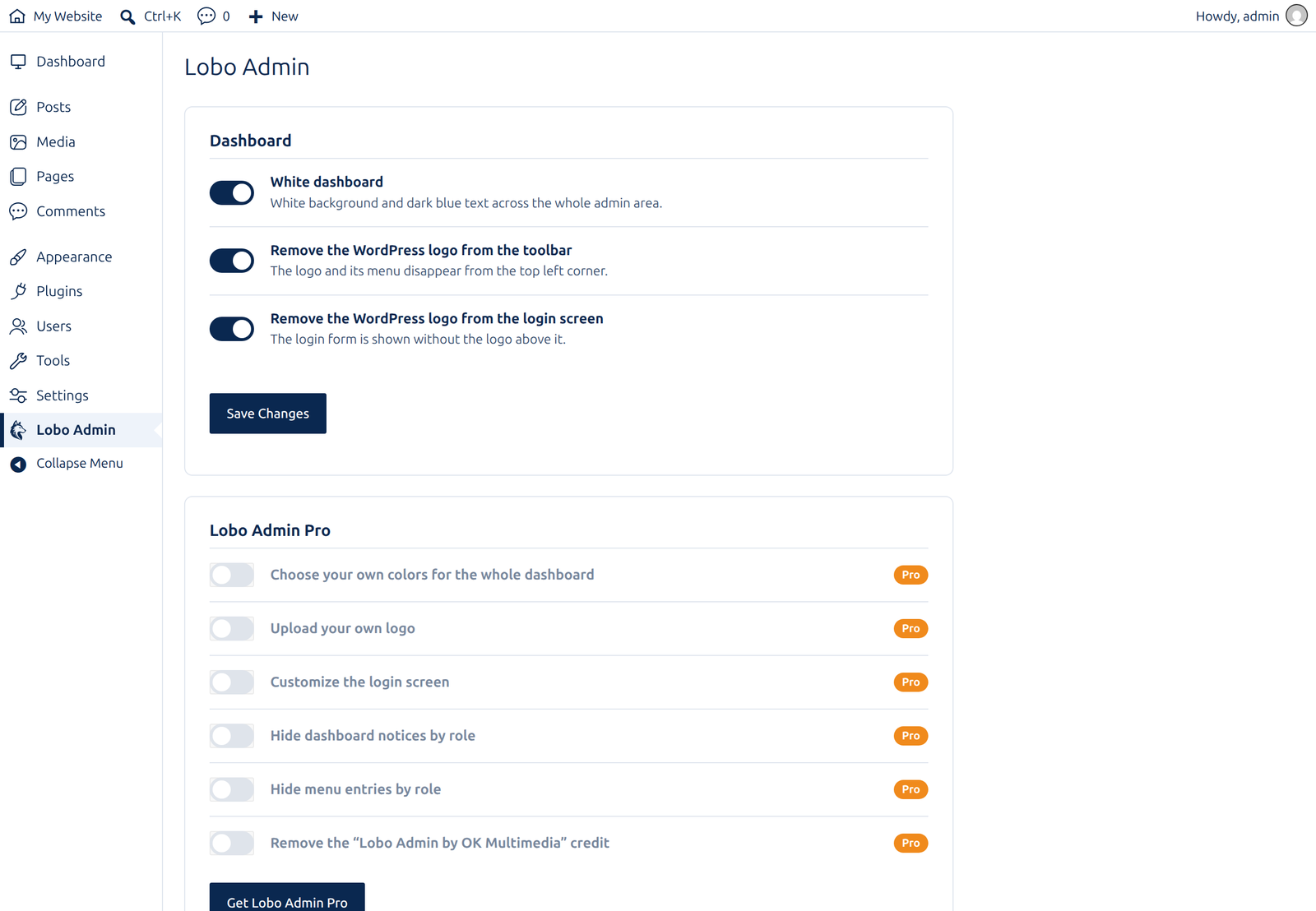
- White dashboard with dark blue text, in the side menu, the toolbar, tables and buttons.
- Outlined icons in the side menu instead of the default filled ones.
- The WordPress logo removed from the toolbar.
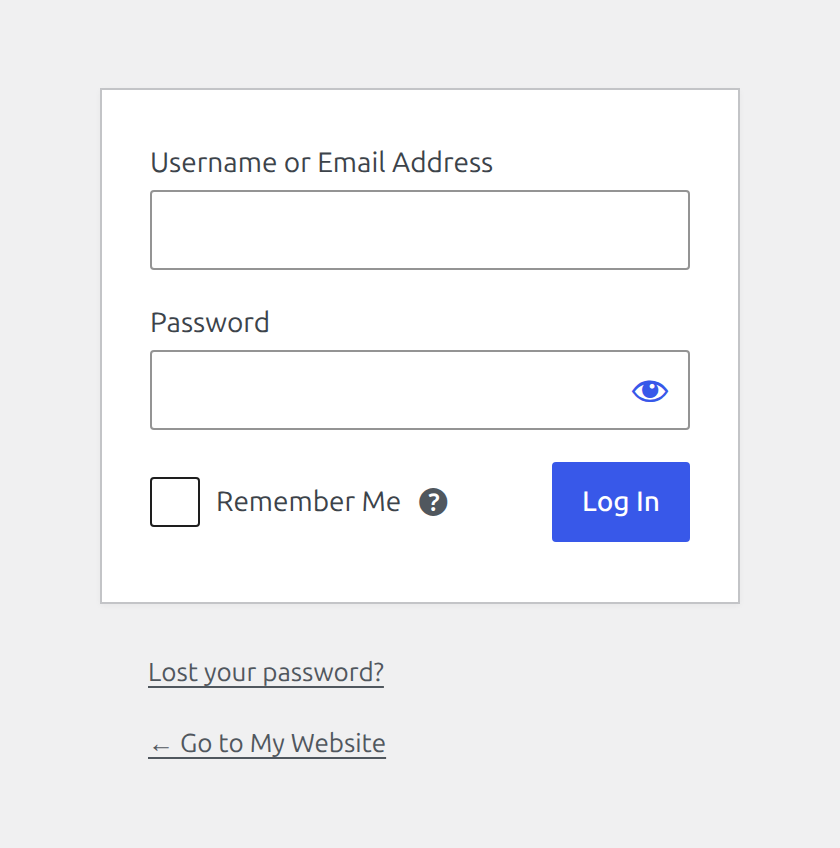
- The WordPress logo removed from the login screen.
Each change has its own switch, so you keep only what you want.
Lobo Admin Pro
The paid version, available at okmultimedia.com, adds:
- Twelve ready-made color palettes and your own colors, with text that always stays readable.
- Your own logo in the dashboard and on the login screen.
- A custom login screen: logo, background and button color.
- Notices hidden for the roles you choose.
- Menu entries hidden for the roles you choose.
- No “Lobo Admin by OK Multimedia” credit, or your own footer text.
Lobo Admin Pro: https://okmultimedia.com/en/tienda/lobo-admin-pro
Screenshots
Installation
- Upload the plugin and activate it.
- Open “Lobo Admin” in the side menu to switch each change on or off.
FAQ
-
Does it change anything on the public site?
-
Only the toolbar shown to logged-in users. Visitors see no difference.
-
Can I go back to the WordPress look?
-
Yes. Switch “White dashboard” off, or deactivate the plugin.

Contributors & Developers
“OKM Lobo Admin – Dashboard Customizer” is open source software. The following people have contributed to this plugin.
Contributors
Translate “OKM Lobo Admin – Dashboard Customizer” into your language.
Interested in development?
Browse the code, check out the SVN repository, or subscribe to the development log by RSS.
Changelog
0.1.0
- First version.