Description
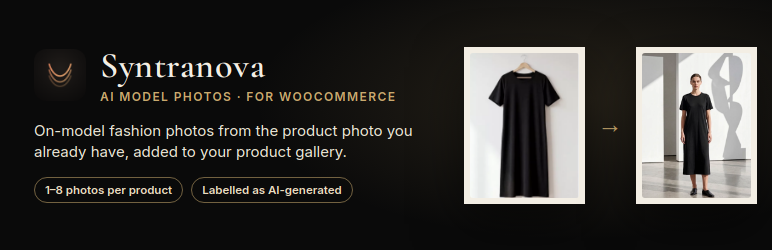
Photo shoots with models are slow and expensive. The ateliernoir.ai service by Syntranova turns the photo you already have (flat lay, mannequin or packshot) into editorial photos on a model, in the setting you choose, and this plugin brings it into WooCommerce:
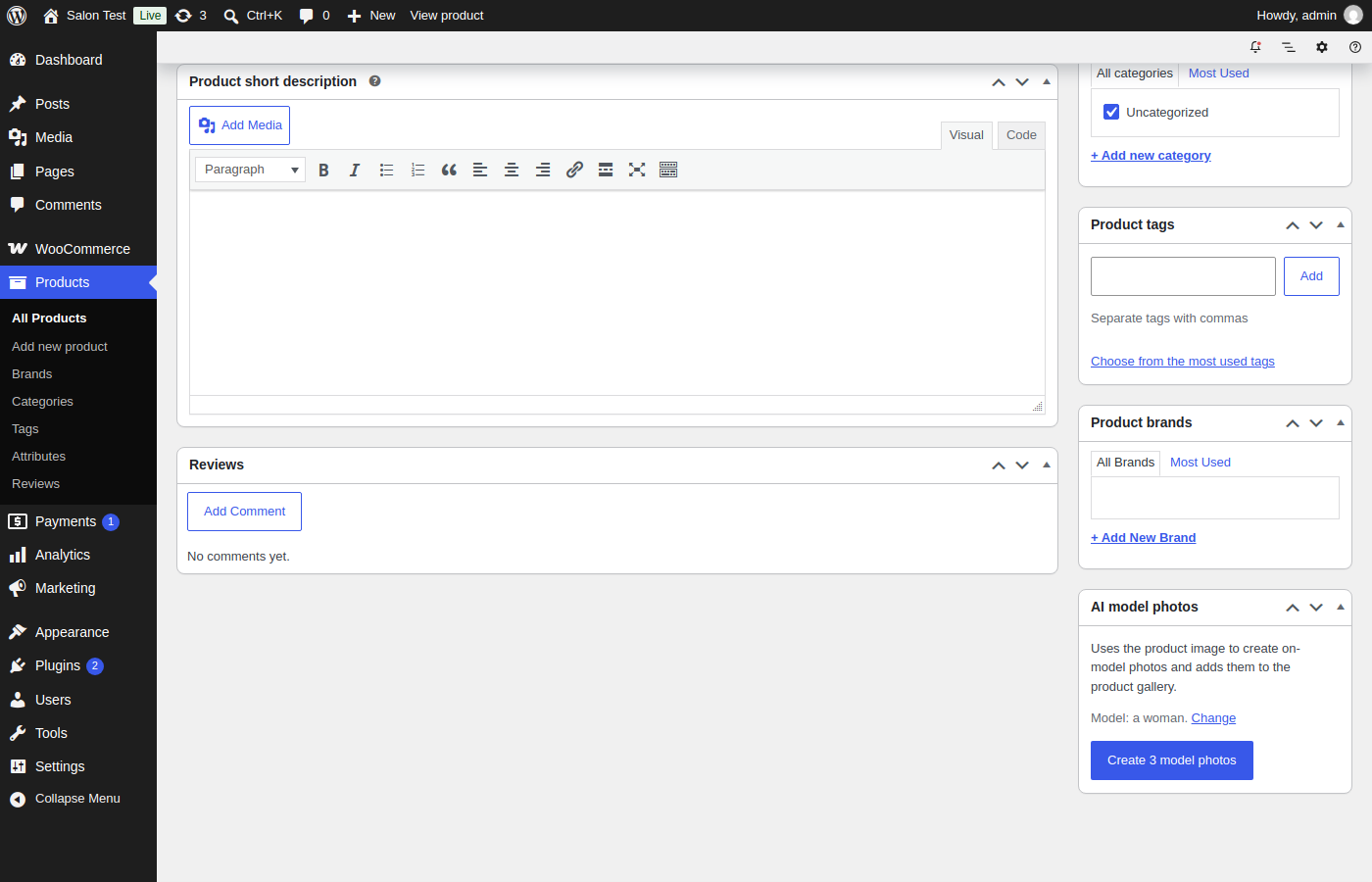
- “Create model photos” button on every product
- Bulk action: create photos for up to 20 selected products at once
- Choose the model and the setting from the ateliernoir.ai library, or let them be chosen automatically
- Finished photos are added to the product gallery automatically, labelled as AI-generated
- 1 to 8 photos per product
You need an ateliernoir.ai account with a plan that includes API access. Each photo uses one frame from your plan.
External services
This plugin connects to the ateliernoir.ai API (https://ateliernoir.ai/api/v1/) from your WordPress server, using the API key you enter:
- In the settings page, it reads the model and setting libraries (GET /models, GET /sets).
- When you click “Create model photos” or use the bulk action, it sends the public address of the product’s main image, the product name and your chosen options (POST /generations). The service downloads that image to create the photos.
- Every 2 minutes, while a job is running, it checks the job (GET /generations/{id}) and downloads the finished photos from ateliernoir.ai into your Media Library.
Nothing is loaded from ateliernoir.ai on your public store pages. The service is provided by Syntranova AL Ltd: Terms of service, Privacy policy.
Screenshots
Installation
- Install and activate WooCommerce, then this plugin.
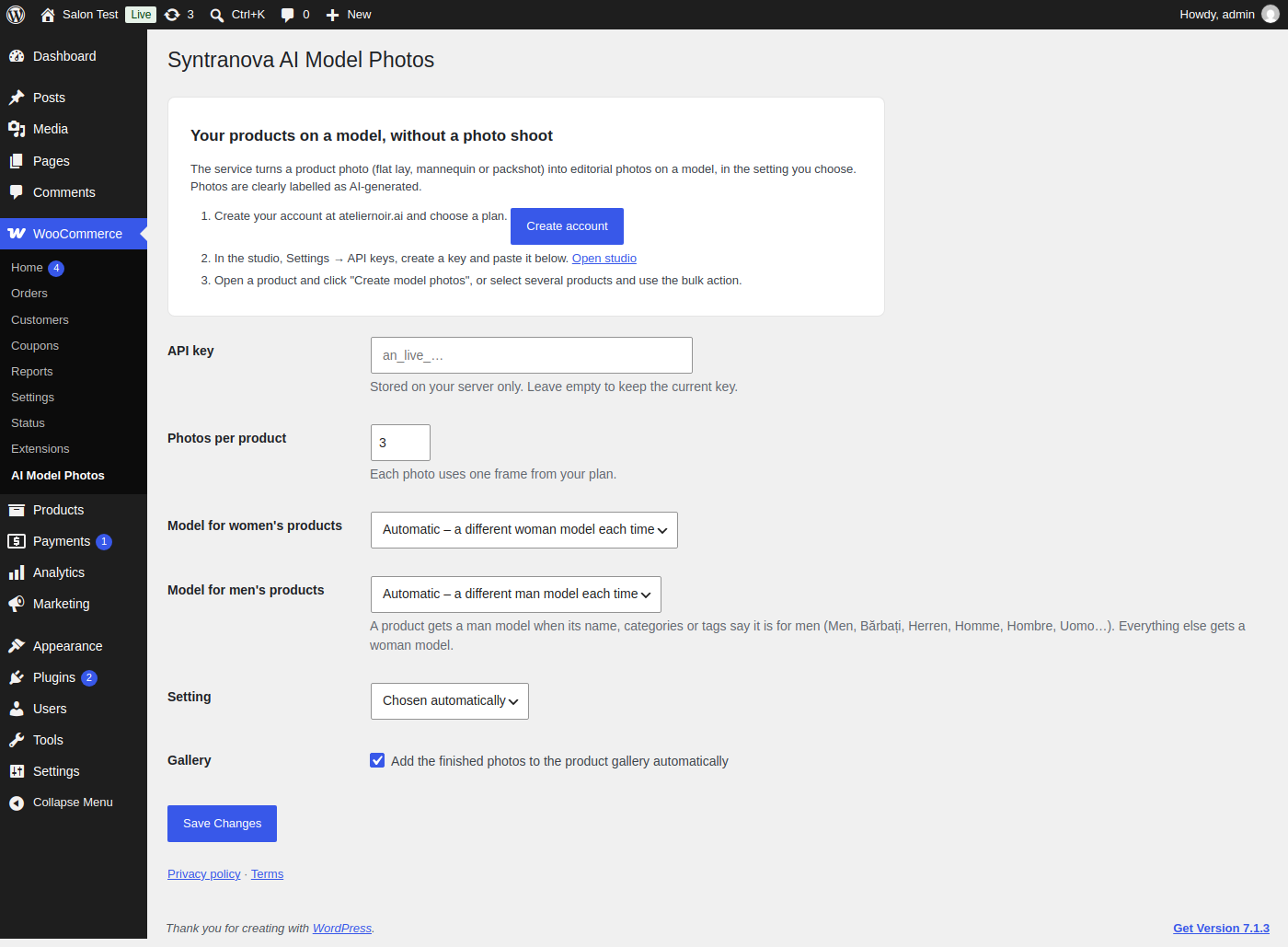
- Create your account at https://ateliernoir.ai/ and create an API key in the studio (Settings API keys).
- Go to WooCommerce AI Model Photos, paste the key and choose your defaults.
- Open a product with an image and click “Create model photos”.
FAQ
-
Which photos work best?
-
A clear photo of the garment: flat lay, on a mannequin or a packshot on a plain background.
-
How long does it take?
-
Usually a few minutes. The photos appear in the product gallery when they are ready.
-
Will a dress be shown on a woman and a suit on a man?
-
Yes. Products whose name, categories or tags say they are for men (Men, Bărbați, Herren, Homme, Hombre, Uomo and more) get a man model; everything else gets a woman model. You can pick a fixed model for each in the settings, or adjust the detection with the
synamp_product_genderfilter. -
My images are on a CDN or private storage
-
Use the
synamp_image_urlfilter to send a public address of the product image. -
Are the photos marked as AI-generated?
-
Yes. The image title says “AI-generated model photo”.
Reviews
There are no reviews for this plugin.
Contributors & Developers
“Syntranova AI Model Photos for WooCommerce” is open source software. The following people have contributed to this plugin.
Contributors
Translate “Syntranova AI Model Photos for WooCommerce” into your language.
Interested in development?
Browse the code, check out the SVN repository, or subscribe to the development log by RSS.
Changelog
1.1.0
- The model now matches the product: men’s products (from the name, categories or tags, in many languages) get a man model, everything else a woman model.
- Separate model choice for women’s and men’s products in the settings.
- The product screen shows which model will be used.
- New filters: synamp_product_gender and synamp_image_url.
1.0.0
- First release.