
Description
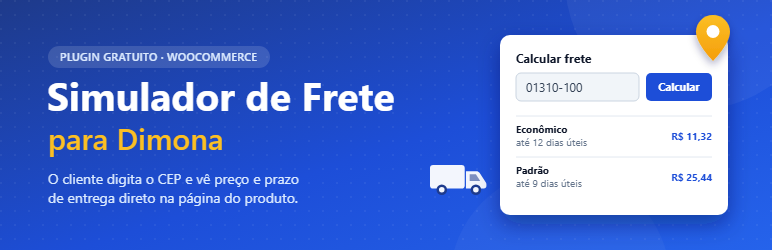
Simulador de Frete para Dimona adds a shipping simulator to the WooCommerce product page for stores that ship with Dimona.
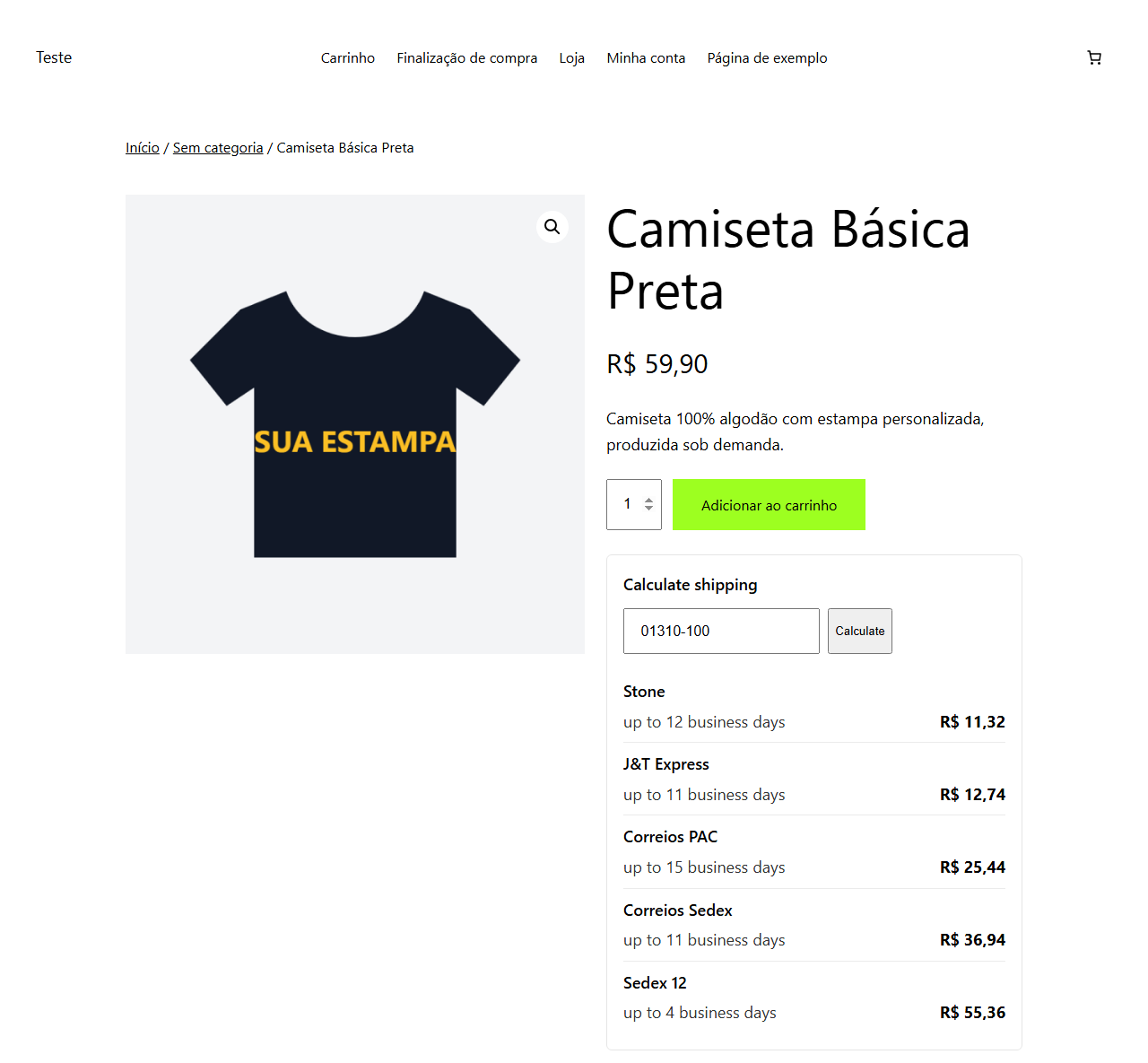
The customer types the ZIP code (CEP), clicks Calculate and sees every shipping option Dimona offers for that address, with price and delivery time — before adding the product to the cart.
Features:
- Shipping simulator on every product page that needs shipping.
- Uses the quantity selected on the product page.
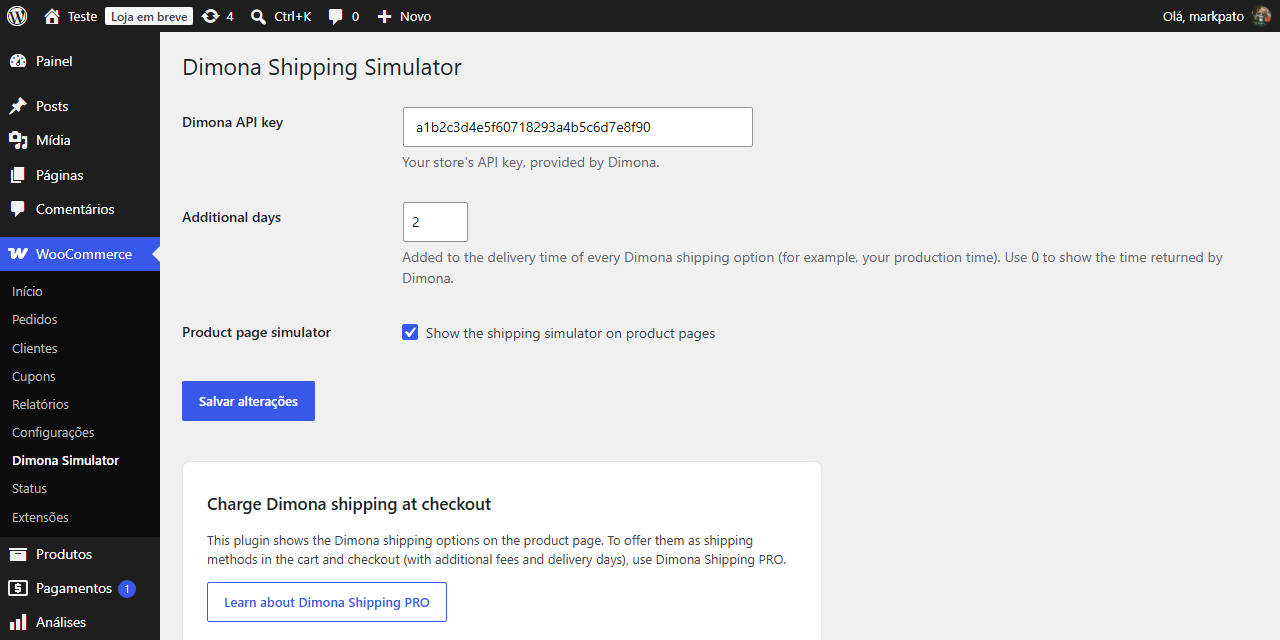
- Additional days: add your production time to the delivery time returned by Dimona.
- Remembers the customer’s ZIP code between product pages.
- ZIP code mask (00000-000) and accessible result area.
- Translation ready (translations are managed on translate.wordpress.org).
You need a Dimona account and the API key Dimona provides for your store.
Charging Dimona shipping at checkout
This plugin only shows the shipping options on the product page. To offer the Dimona shipping options as shipping methods in the WooCommerce cart and checkout (including additional fees), see Dimona Shipping PRO, sold separately. This plugin is fully functional on its own and has no time limit.
External services
This plugin connects to the Dimona shipping API to calculate shipping. Without it, the simulator cannot show shipping options.
- What is sent: the destination ZIP code typed by the customer, the product quantity, and the store’s Dimona API key (configured in WooCommerce Dimona Simulator).
- When: only when a customer clicks Calculate in the simulator on a product page. Results are cached for 10 minutes.
- Where:
https://admin.camisadimona.com.br/api/v2/shipping, operated by Dimona. - Dimona website: https://www.camisadimona.com.br
- Dimona privacy policy: https://www.camisadimona.com.br/politica-privacidade/
No other data is sent, and the plugin does not contact any other server.
Screenshots
Installation
- Install and activate WooCommerce.
- Install the plugin from Plugins Add New (search for “Simulador de Frete para Dimona”), or upload the zip and activate it.
- Go to WooCommerce Dimona Simulator, enter your Dimona API key and save.
- Open any product page: the simulator appears below the Add to cart button.
FAQ
-
Where do I get the Dimona API key?
-
The API key is provided by Dimona for your store account. Contact Dimona if you don’t have it.
-
Does it add Dimona shipping to the cart and checkout?
-
No. This plugin shows the shipping options on the product page only. Shipping methods for the cart and checkout are available in Dimona Shipping PRO, sold separately.
-
Is this plugin made by Dimona?
-
No. This is an independent plugin that uses the public Dimona shipping API. Dimona is a trademark of its respective owner.
-
What are “additional days”?
-
A number of business days added to the delivery time of every option — for example, the time you need to produce the order before Dimona ships it.
Reviews
There are no reviews for this plugin.
Contributors & Developers
“Simulador de Frete para Dimona” is open source software. The following people have contributed to this plugin.
Contributors
Translate “Simulador de Frete para Dimona” into your language.
Interested in development?
Browse the code, check out the SVN repository, or subscribe to the development log by RSS.
Changelog
1.0.0
- First release: shipping simulator on the product page using the Dimona API, with additional delivery days.