Description
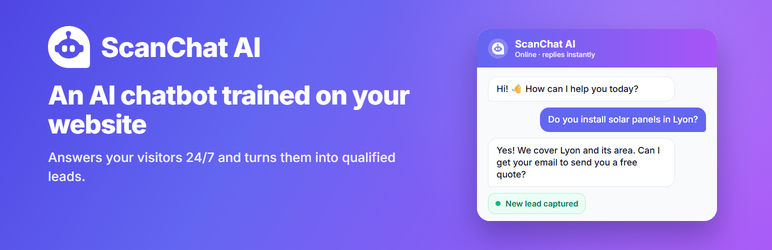
ScanChat AI adds an AI assistant to your WordPress website. It learns from your own pages and documents, answers your visitors’ questions at any time, and collects their contact details (name, email, phone, project…) so you can follow up.
This plugin connects your WordPress site to your ScanChat AI account and displays your chatbot on your pages. No code to copy.
Features
- One-click “Connect my account” — pick your chatbot, done.
- Answers from your own content (pages, documents) in the visitor’s language.
- Lead capture with the fields you choose, email alerts, CRM webhooks (depending on your plan).
- Works with multilingual websites (WPML, Polylang…): the chatbot follows the language of each page.
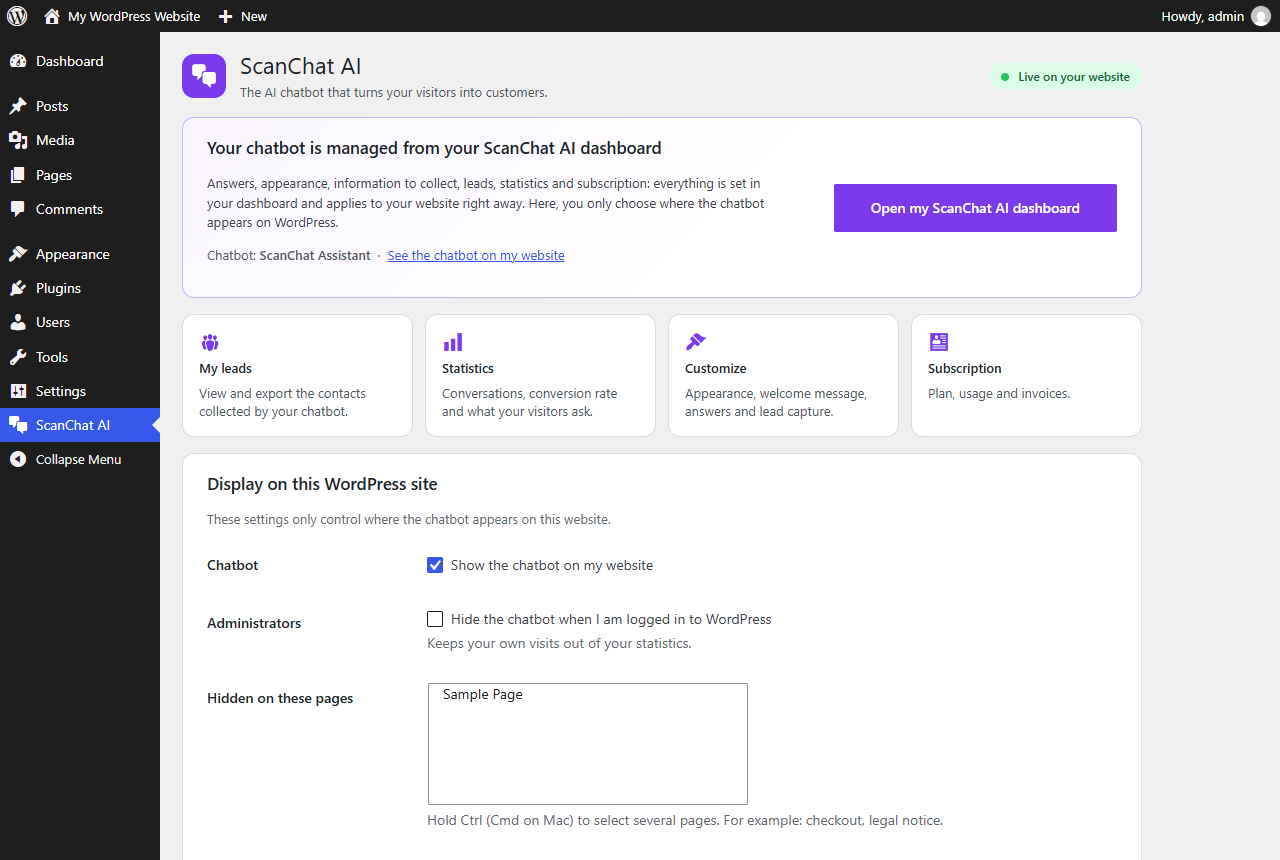
- Show the chatbot everywhere, or hide it on chosen pages (checkout, legal notice…).
- Option to hide the chatbot while you are logged in, to keep your statistics clean.
A ScanChat AI account is required. Plans start with a 7-day free trial: scan-chat.com.
External services
This plugin relies on the ScanChat AI service, operated by ScanChat AI (https://scan-chat.com), to display and run the chatbot.
- What is loaded: on the public pages where the chatbot is shown, the browser loads the chatbot script from
https://scan-chat.com/api/widget. Nothing is loaded in the WordPress admin except links. - What is sent, and when: when the script loads, it requests your chatbot’s settings using your chatbot ID. When a visitor writes to the chatbot, their messages, the page language and a random conversation ID are sent to
https://api.scan-chat.aito generate the answers. If the visitor chooses to give contact details in the conversation, they are stored in your ScanChat AI account as a lead. - Connection: when you click “Connect my account”, you are sent to
https://dashboard.scan-chat.aiwith your site address so you can choose the chatbot to install. Only the chosen chatbot ID and name are sent back to your site.
Terms of service: https://scan-chat.com/terms
Privacy policy: https://scan-chat.com/privacy
Screenshots
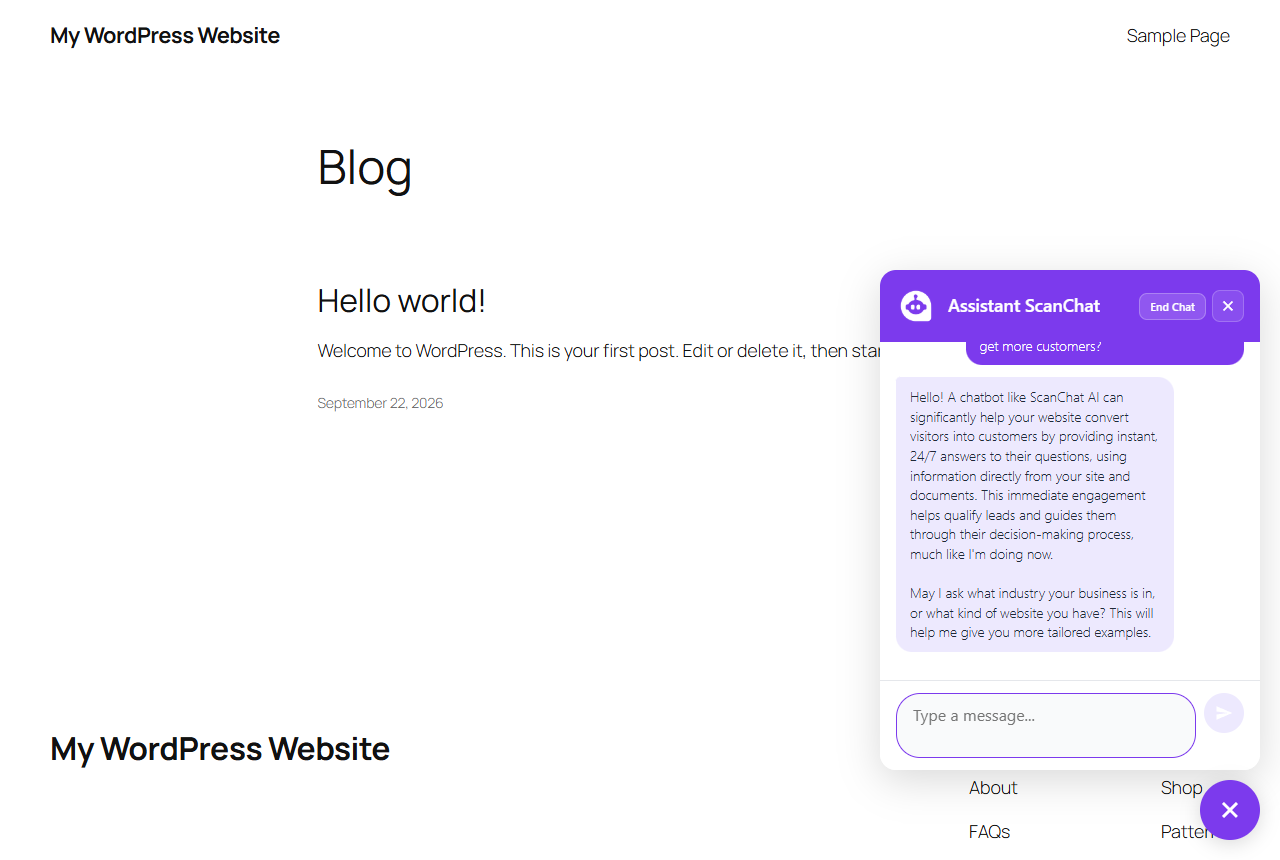
Installation
- Install the plugin from Plugins Add New (search “ScanChat AI”), or upload the ZIP file from Plugins Add New Upload Plugin.
- Activate it. You are taken to the ScanChat AI page.
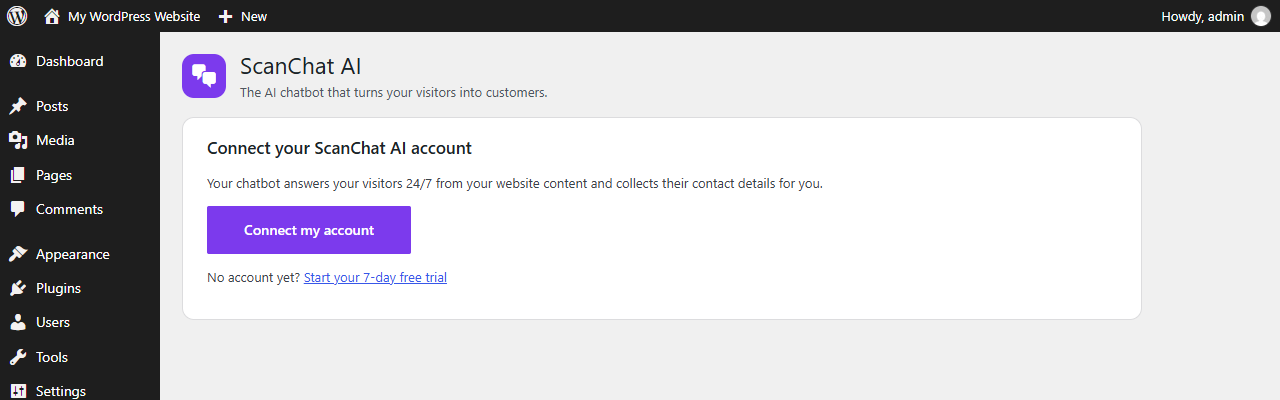
- Click Connect my account, sign in to ScanChat AI and choose your chatbot.
- Your chatbot now appears on your website.
FAQ
-
Do I need a ScanChat AI account?
-
Yes. The plugin displays the chatbot you create in your ScanChat AI dashboard. You can start with a 7-day free trial.
-
Does it slow down my website?
-
No. The chatbot script loads at the end of the page, in the background (defer).
-
How do I change the chatbot’s look or answers?
-
From your ScanChat AI dashboard (“Customize the chatbot” button on the plugin page). Changes appear on your site immediately.
-
Can I hide the chatbot on some pages?
-
Yes, choose the pages in ScanChat AI Display settings.
-
Where are my leads?
-
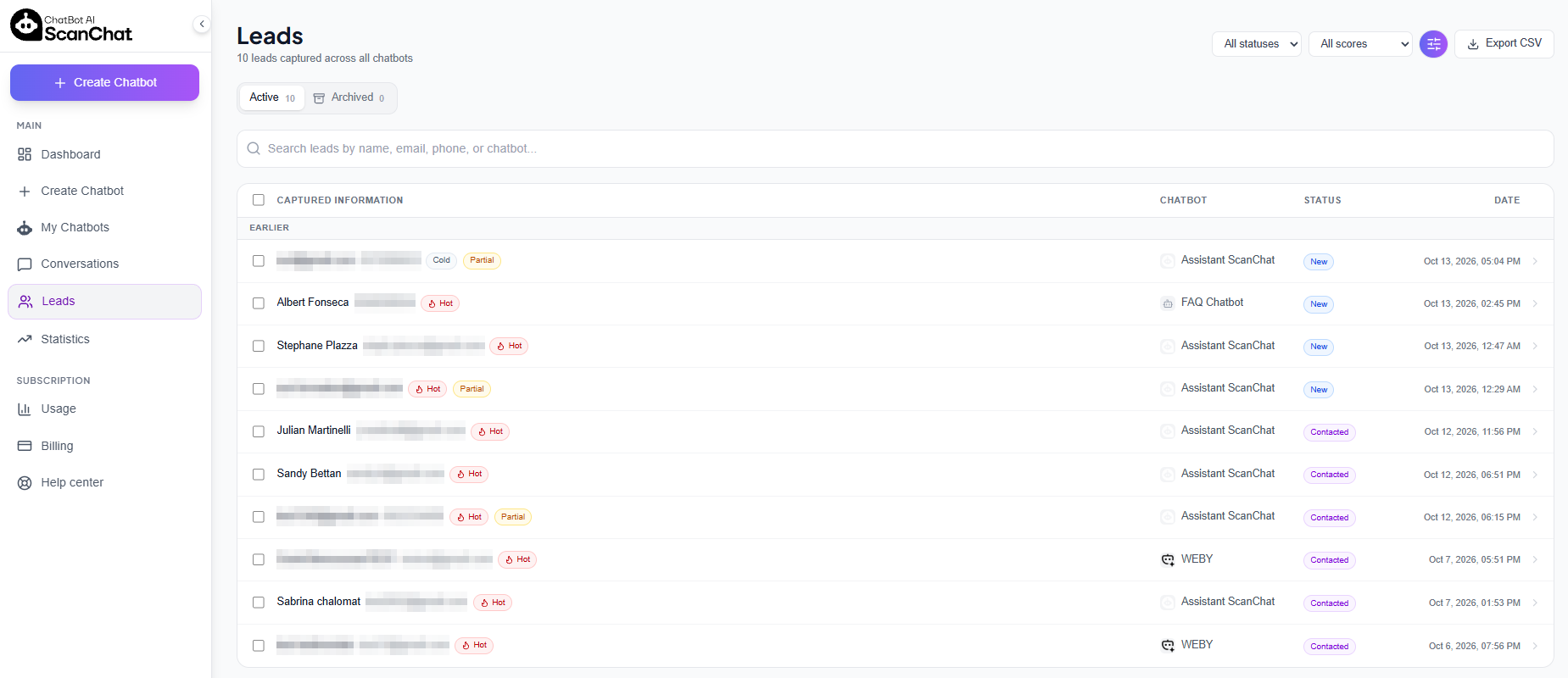
In your ScanChat AI dashboard (“See my leads” button). You can also receive them by email or send them to your CRM, depending on your plan.
Reviews
There are no reviews for this plugin.
Contributors & Developers
“ScanChat AI – AI Chatbot & Lead Capture” is open source software. The following people have contributed to this plugin.
Contributors
Translate “ScanChat AI – AI Chatbot & Lead Capture” into your language.
Interested in development?
Browse the code, check out the SVN repository, or subscribe to the development log by RSS.
Changelog
1.0.1
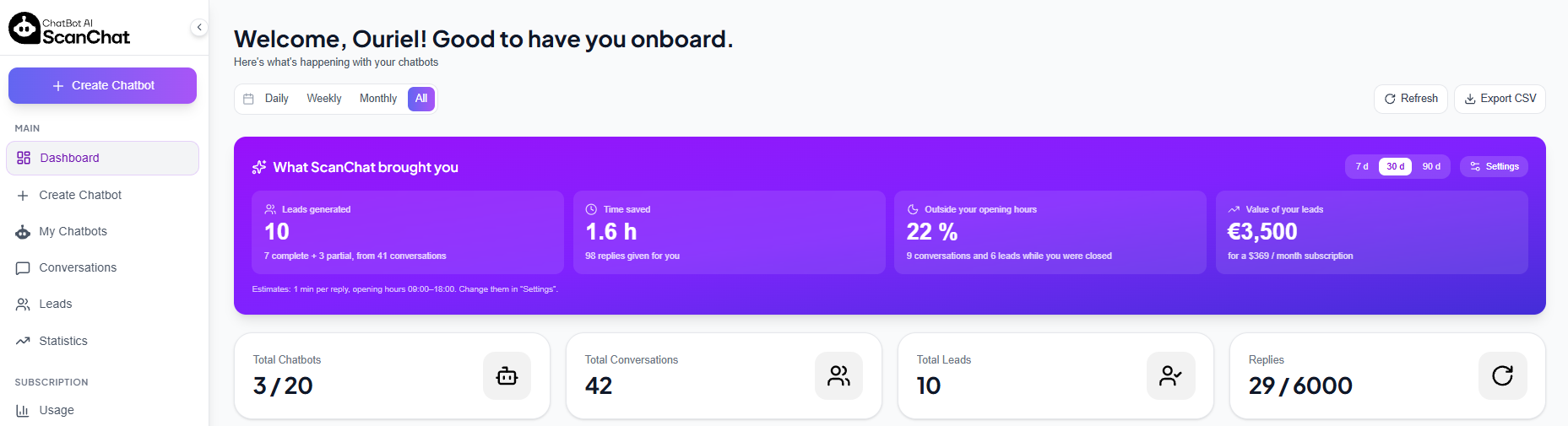
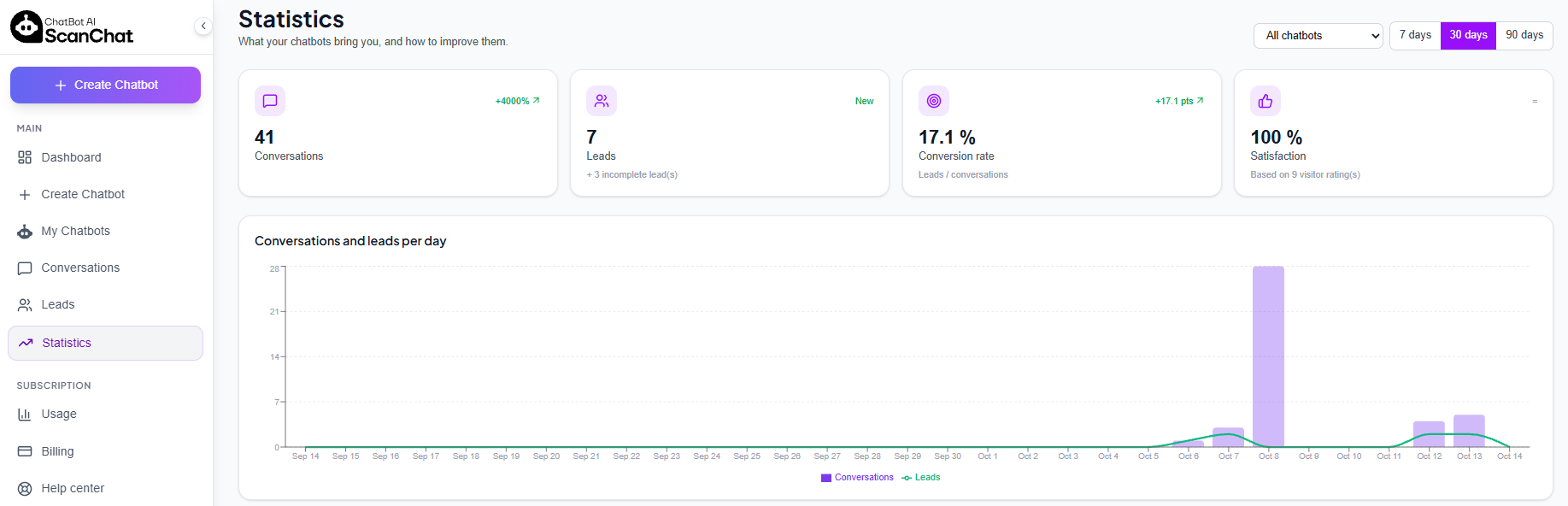
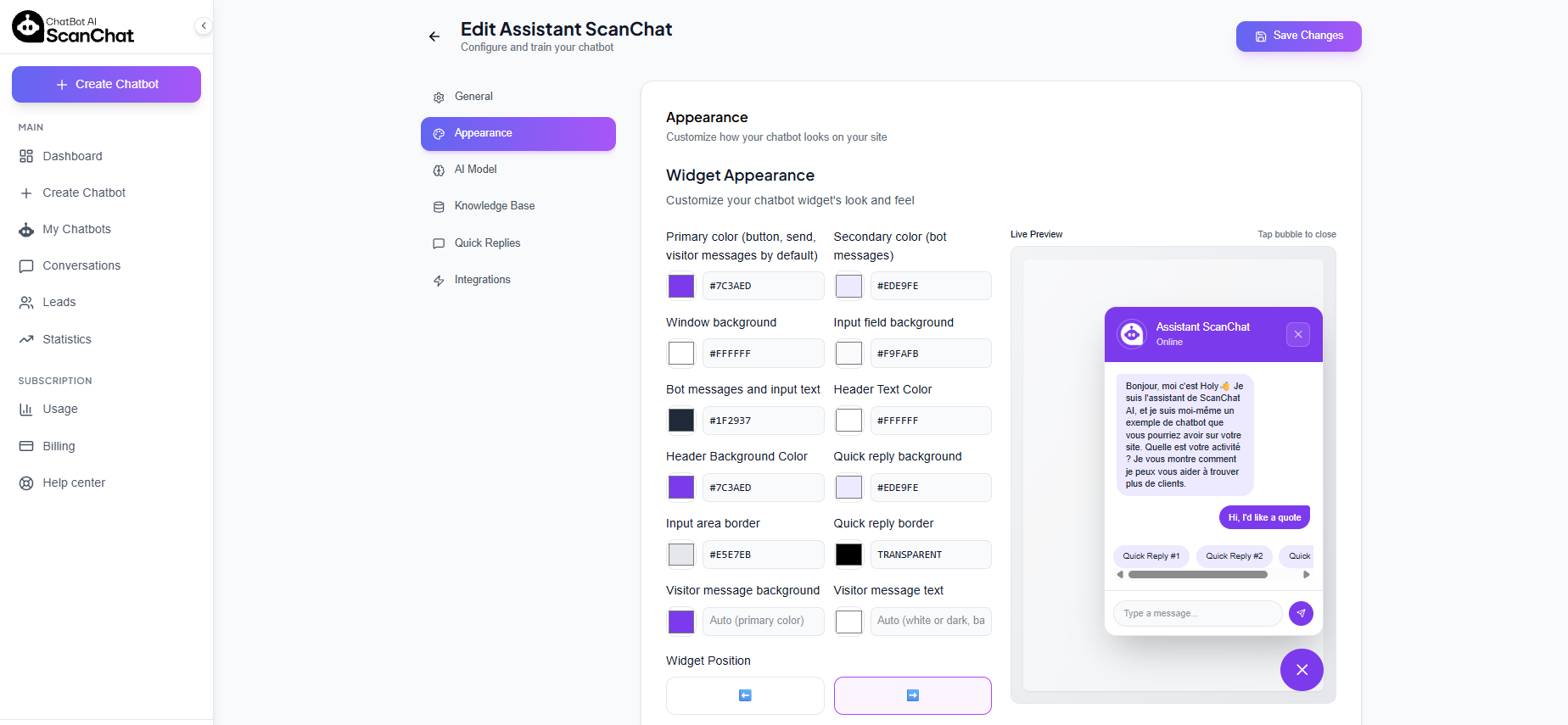
- New screenshots of the ScanChat AI dashboard (leads, AI lead scoring, statistics, customization).
1.0.0
- First release: one-click connection, display settings, translations (French, Spanish, Hebrew).