Description
Cash on delivery stores in Bangladesh lose real money when customers mistype their mobile number. The courier calls a dead number, the parcel comes back, and the SMS gateway silently drops the order updates.
Nombar BD Mobile Validator fixes the number at the moment it is typed. Every valid number is cleaned and saved in the one format your tools expect, and obviously broken ones are stopped at checkout with a friendly message in Bangla or English.
What it does
- Converts Bangla digits to English digits automatically: ০১৭১২৩৪৫৬৭৮ becomes 01712345678.
- Strips spaces, dashes, dots, brackets, plus signs and invisible characters copied out of messaging apps.
- Accepts every common way of writing the number: 01712345678, +8801712345678, 8801712345678, 008801712345678, 01712-345678 or 1712345678.
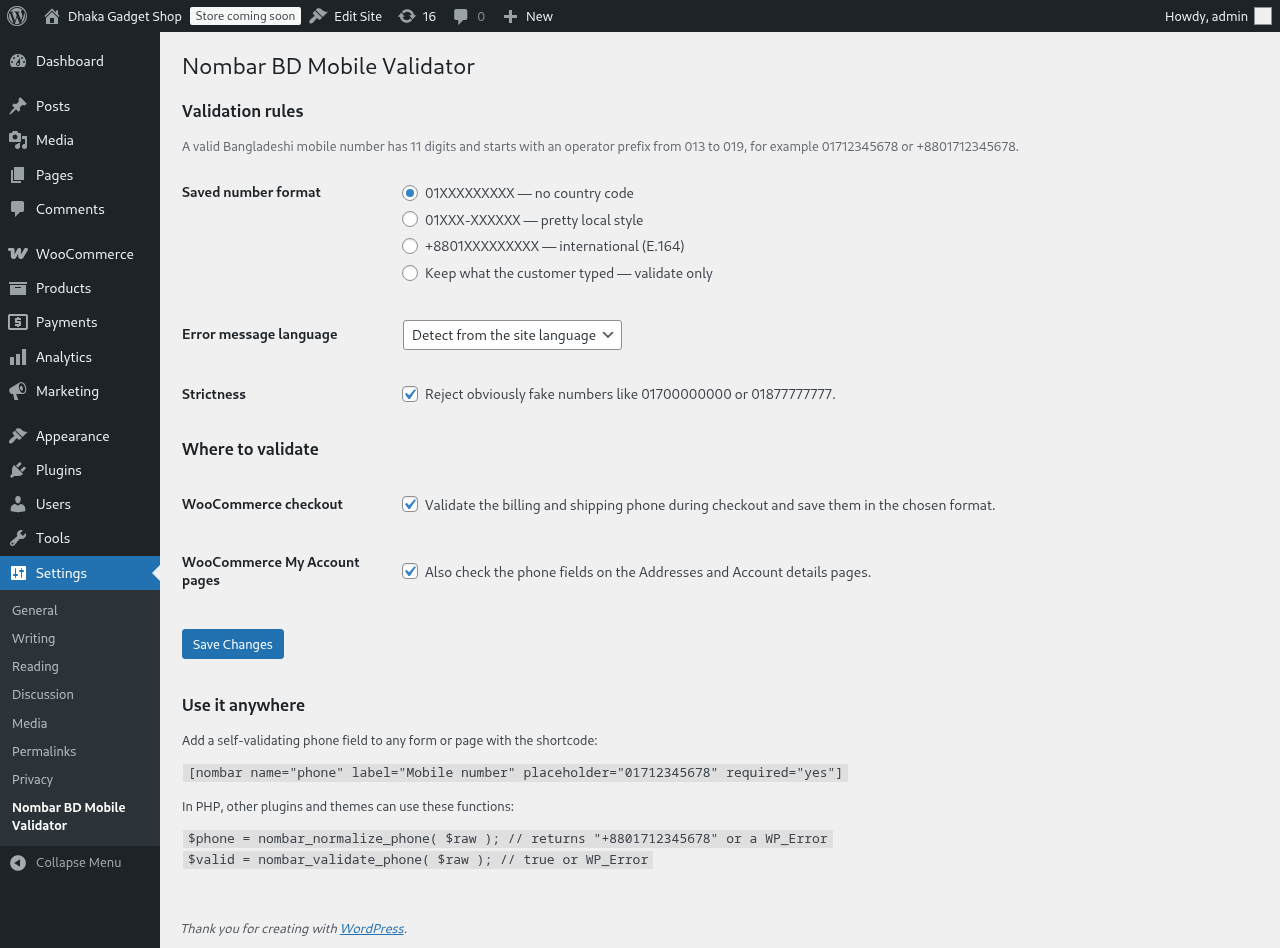
- Normalizes everything to the format you choose: 01XXXXXXXXX, 01XXX-XXXXXX or +8801XXXXXXXXX.
- Validates the 11-digit length and the operator prefix (013 to 019) and shows a clear error in Bangla or English.
- Rejects obviously fake numbers like 01700000000, 01877777777 or 01111111111.
- Checks the billing and shipping phone at WooCommerce checkout — classic checkout and the block checkout both work — plus the Addresses form and the Account details form in My Account.
- A
[nombar]shortcode adds a self-validating phone field to any page or plain HTML form. - A small PHP API for developers:
nombar_normalize_phone()andnombar_validate_phone(), plus filters for prefixes, error messages and more.
Why it stays free
This plugin is pure PHP and a few regular expressions. It runs entirely on your own site: no API calls, no SMS, no OTP service, no external servers, nothing to pay for. It intentionally does not verify that a number is switched on or owned by the customer — real OTP verification costs money per SMS, and this plugin is designed to cost nothing.
Does it send an OTP?
No, on purpose. OTP verification requires a paid SMS gateway. Nombar BD Mobile Validator does the free part well: it makes sure the number is a real, complete, correctly formatted Bangladeshi mobile number before it reaches your orders.
Which operators are supported?
All Bangladeshi mobile prefixes: Grameenphone (013, 017), Robi (018), Airtel (016), Banglalink (014, 019) and Teletalk (015).
Does it work without WooCommerce?
Yes. Use the [nombar] shortcode on any page, or call nombar_normalize_phone() / nombar_validate_phone() from your own plugin or theme.
Does it support landline numbers?
No. It validates mobile numbers only, because mobile numbers are what couriers and SMS tools need. Numbers starting with the Dhaka area code 02 and other landline codes will not pass.
Can I change the valid prefixes?
Yes, with the nombar_operator_prefixes filter:
add_filter( 'nombar_operator_prefixes', function( $prefixes ) { $prefixes['0132'] = 'Custom'; return $prefixes; } );
Why did a real-looking number get rejected?
The fake-number check rejects numbers whose last eight digits are all identical, like 01711111111. If you would rather accept anything with a valid prefix, untick the strictness option on the settings page, or use the nombar_reject_repeated_digits filter.
Does it work with the WooCommerce block checkout?
Yes. The classic checkout validates through the standard checkout hooks. The block checkout (the default on new WooCommerce installs) works too: Bangla digits are normalized before WooCommerce checks them, and anything with a bad prefix, wrong length or fake pattern is blocked when the order is placed, with the same friendly error.
Screenshots
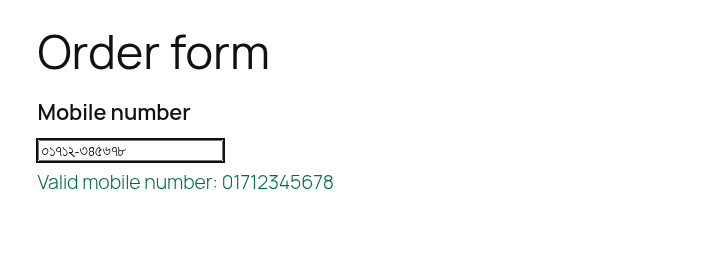
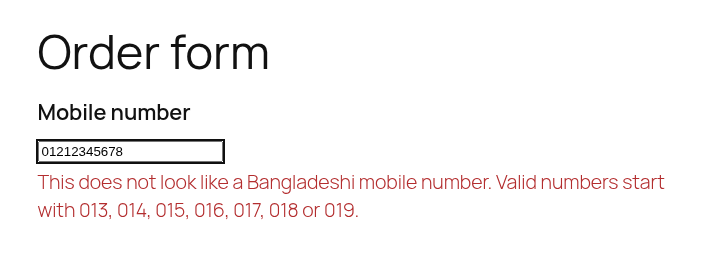
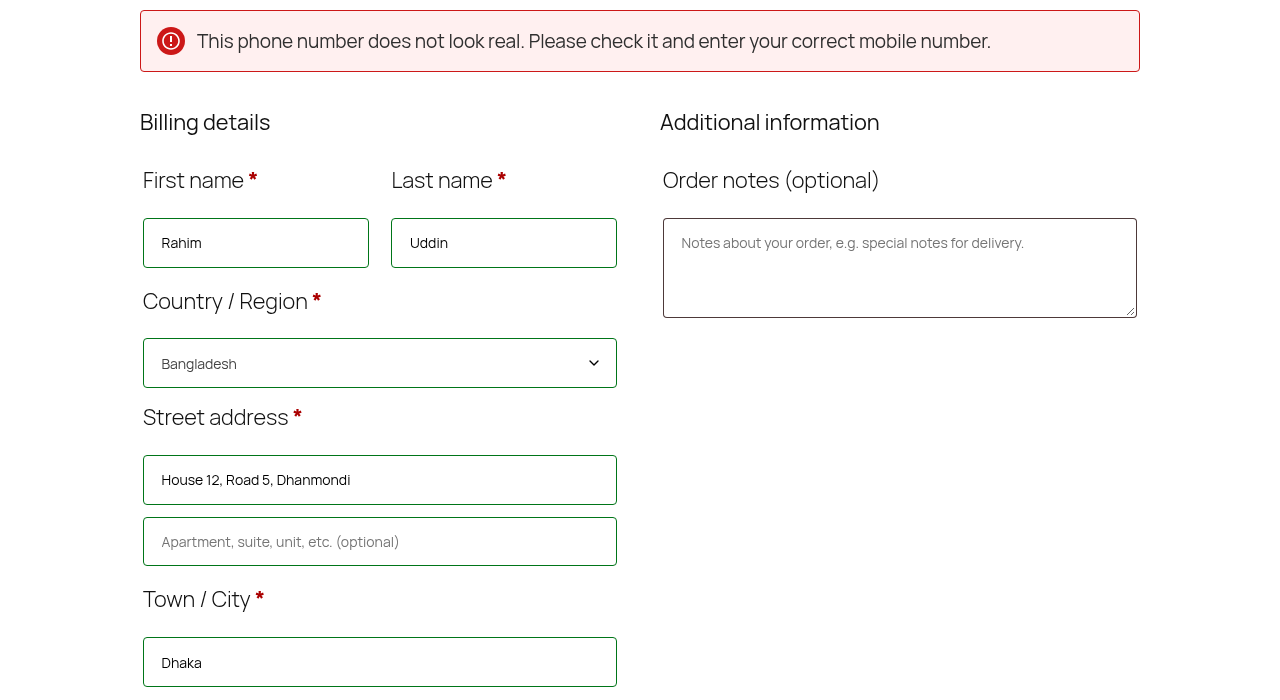
Installation
- Upload the
nombar-bd-mobile-validatorfolder to/wp-content/plugins/, or install the plugin through the WordPress plugins screen. - Activate the plugin.
- Go to Settings Nombar BD Mobile Validator and pick your saved number format and error language. The defaults work for most Bangladeshi stores.
FAQ
-
Will it rewrite numbers already saved on old orders?
-
No. It only touches numbers entered while the plugin is active, so your order history stays exactly as it is.
-
Does it change the customer’s input on screen?
-
The live hint formats the field when the customer leaves it, so they can see the corrected number. Server-side validation is always the final authority.
-
Where can I see the normalized number?
-
On the WooCommerce order edit screen, in the billing (and shipping) phone field — saved in the format you chose.
Reviews
There are no reviews for this plugin.
Contributors & Developers
“Nombar BD Mobile Validator” is open source software. The following people have contributed to this plugin.
Contributors
Translate “Nombar BD Mobile Validator” into your language.
Interested in development?
Browse the code, check out the SVN repository, or subscribe to the development log by RSS.
Changelog
1.0.0
- First release: WooCommerce checkout and account validation, Bangla digit support, format normalization, [nombar] shortcode, settings page.