Description
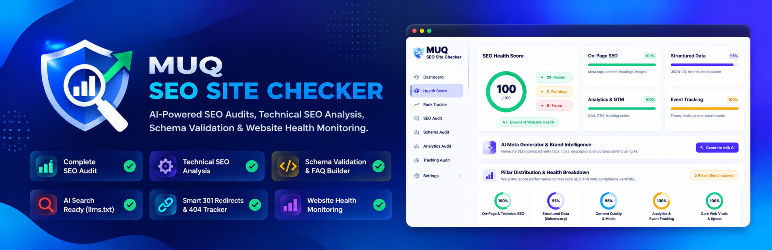
MUQ SEO Site Checker is an enterprise-grade AEO, GEO, and Technical SEO audit suite for WordPress. It prepares your website for both traditional search engines and modern conversational AI engines — including Google AI Overviews, Perplexity AI, ChatGPT Search, Claude, and Bing Copilot.
As search transforms from 10 blue links to AI-synthesized summaries, websites need more than basic meta tags. MUQ SEO Site Checker provides real-time Answer Engine Optimization (AEO) and Generative Engine Optimization (GEO) tools directly inside WordPress, ensuring your content is recognized, cited, and recommended by AI engines.
Answer Engine Optimization (AEO)
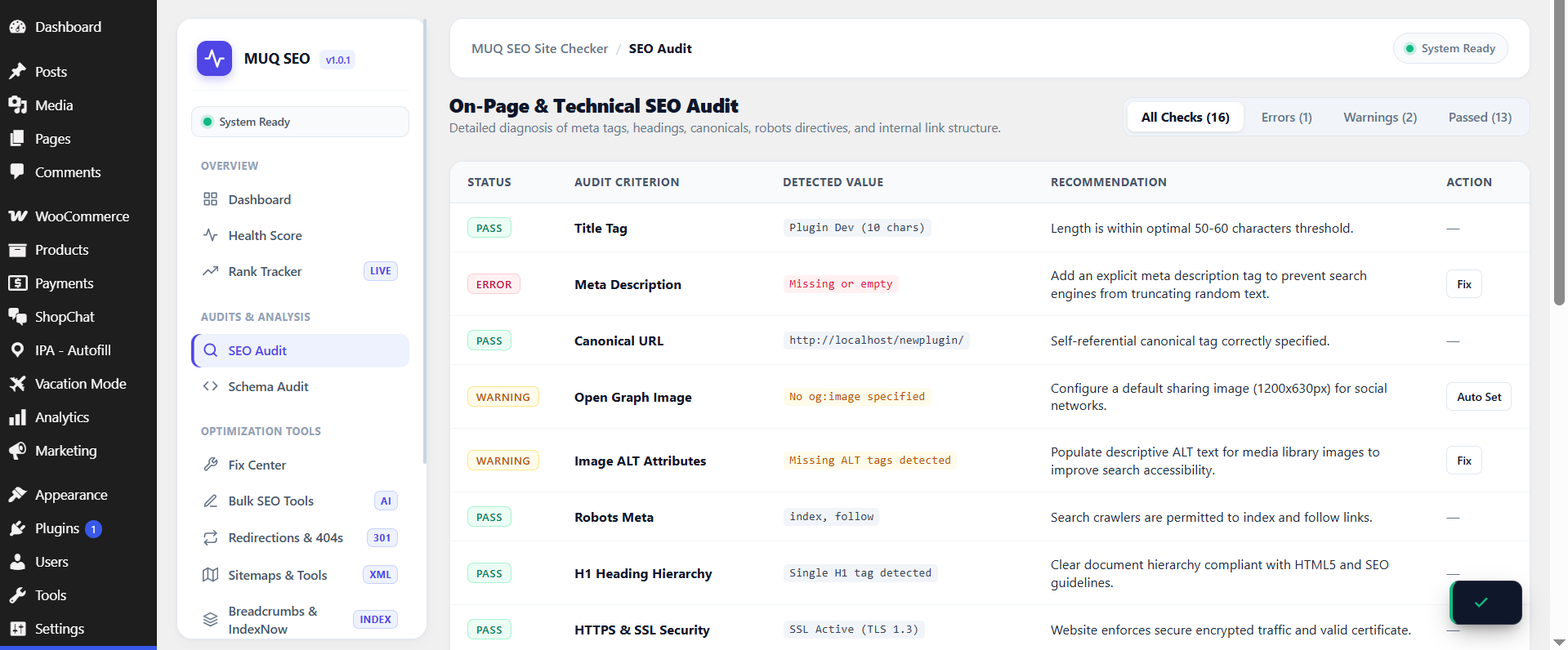
- Direct Answer Sweet Spot Engine: Audits whether question headings (
H2/H3) are followed immediately by a concise, authoritative 40–60 word direct answer — the exact format favored by Google AI Overviews and Perplexity. - Conversational Question Detection: Identifies interrogative natural language patterns (What is, How to, Why does, Can you) to capture voice and chat-based queries.
- Structured Chunking & Takeaways: Audits presence of bulleted lists, numbered steps, and comparison tables that answer engines require for extraction.
- Inverted Pyramid Snippet Formula: Built-in copywriting guidance to structure content for instant snippet capture.
Generative Engine Optimization (GEO) & AI Governance
- Centralized AEO & GEO Intelligence Hub: Dedicated admin dashboard auditing sitewide answer readiness, factual information gain, and AI crawler permissions across all published posts.
- AI Search & Citation Preset: Dedicated virtual
robots.txtconfiguration that permits AI Search and retrieval bots (PerplexityBot,ChatGPT-User,Claude-Web) so your site gets cited as a source, while blocking raw scrapers and bulk training harvesters (CCBot,Bytespider,Google-Extended). - AI Search Standard (
/llms.txt&/llms-full.txt): Automatically serves standard markdown summaries at/llms.txtand/llms-full.txtto guide LLMs and AI search crawlers. - Single-Post AI Markdown Stream (
?output=md): Zero-bloat clean markdown feeds served dynamically for generative retrieval engines. - Author E-E-A-T & Speakable Schema: Structured microdata (
PersonwithsameAs,knowsAbout, andSpeakableSpecification) to establish author credentials for AI overviews.
Core Technical SEO & Schema Suite
- Structured Data (Schema.org JSON-LD): Generate compliant schema for
Organization,WebSite,LocalBusiness,Article,Product, and build interactiveFAQPagemarkup. - Instant IndexNow Notification: Send automated publish pings to participating search engines (Bing, Yandex, Naver) via the IndexNow protocol for rapid indexation.
- Interactive XML Sitemaps: Native, dynamic XML sitemaps with custom XSL stylesheets with zero physical file writes.
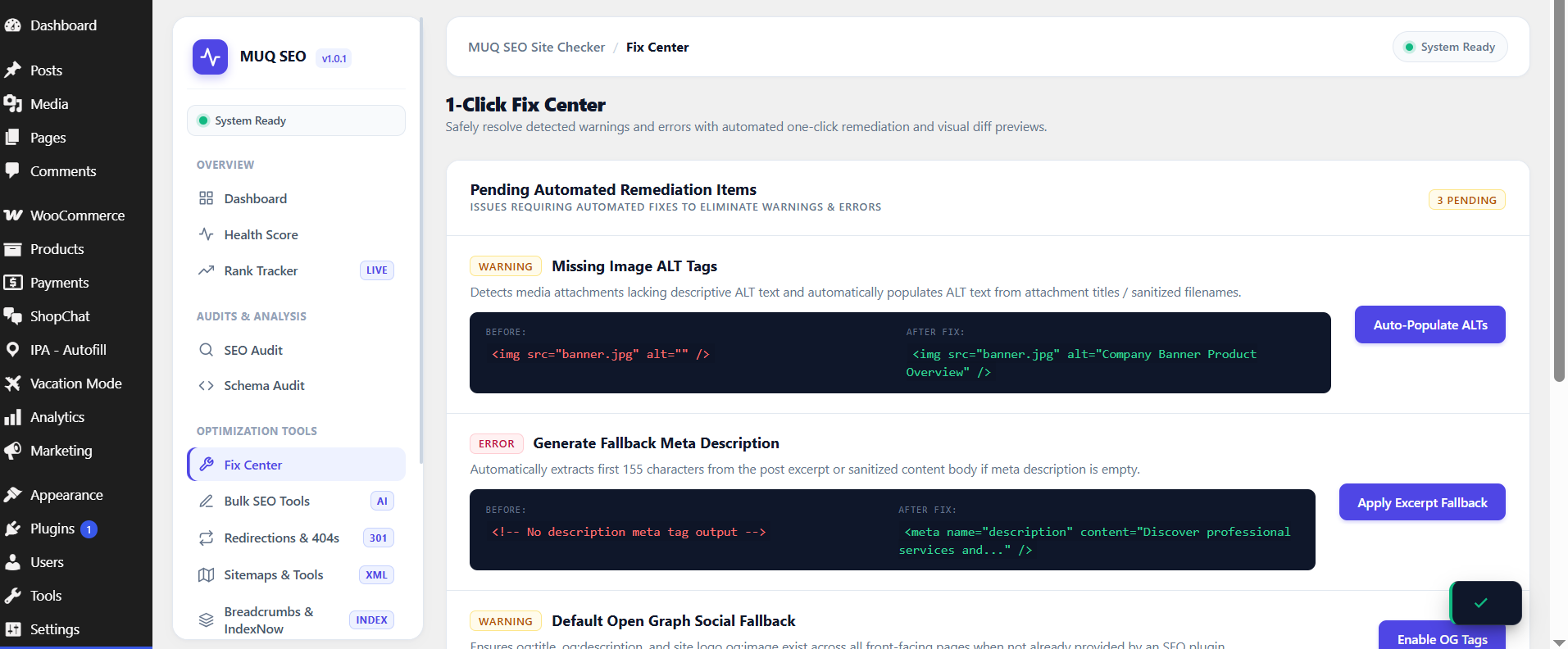
- 1-Click Fix Center: Identify and resolve missing image alternative (ALT) attributes, meta descriptions, and Open Graph tags across existing posts.
- URL Redirects & 404 Logging: Monitor 404 errors in real time and set 301, 302, and 410 URL redirects with regex pattern support.
- Privacy Focused & Zero Bloat: Built purely with native WordPress APIs, no external scripts loaded by default, and minimal server footprint.
External Services
This plugin optionally connects to the following external services. All connections are user-initiated and require explicit configuration by the site administrator.
Google Search Console API
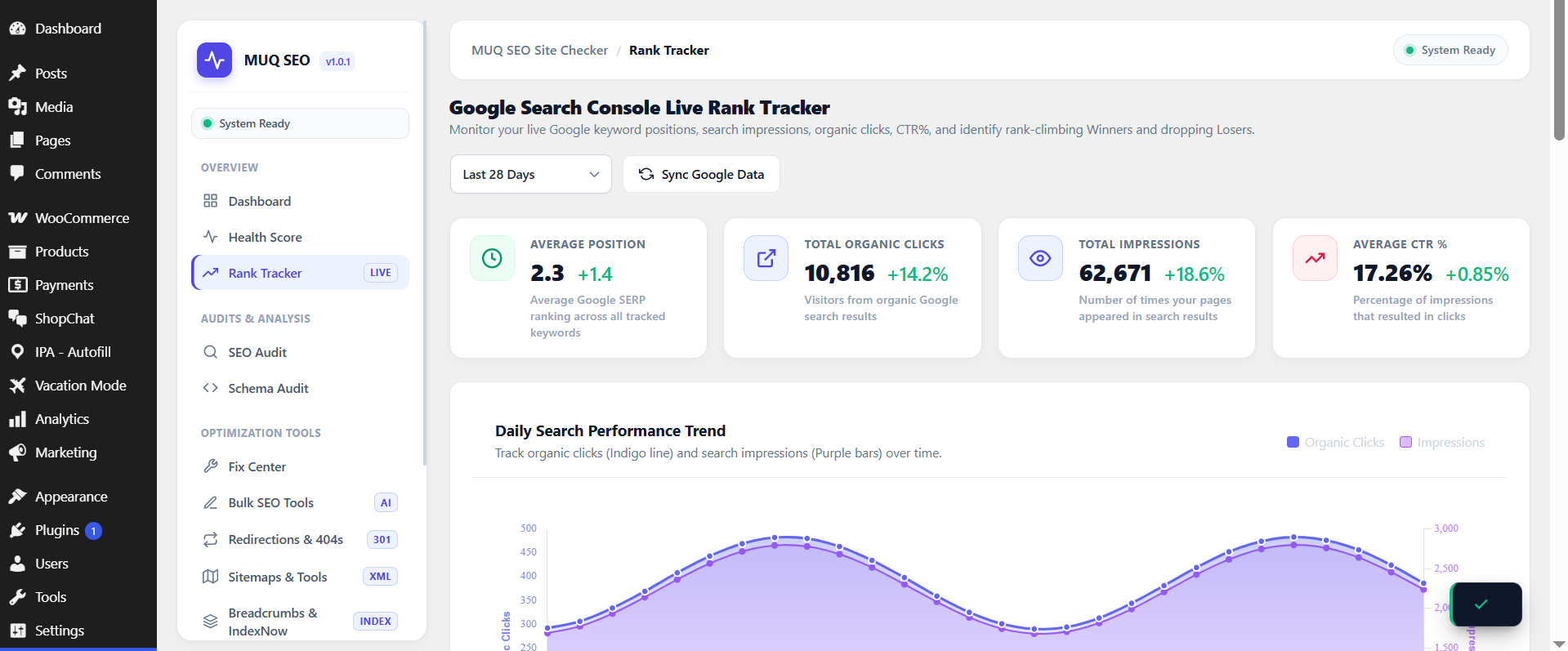
When you connect a Google Service Account in Rank Tracker > Google Search Console Connection, the plugin queries the official Google Search Console API (https://www.googleapis.com/webmasters/v3/) to retrieve search performance metrics, impressions, clicks, CTR, and average SERP positions for your verified property. This connection is completely optional and disabled by default.
- Data sent: Property URL and query date range parameters for Search Analytics reporting. No personal user data is transmitted.
- Google Privacy Policy: https://policies.google.com/privacy
- Google Terms of Service: https://policies.google.com/terms
- Google API Services User Data Policy: https://developers.google.com/terms/api-services-user-data-policy
Google PageSpeed Insights API
When you add a Google PageSpeed API key in Settings, the plugin queries the PageSpeed Insights API to retrieve performance scores for your pages.
- Data sent: The public URL of the page being analyzed.
- Google Privacy Policy: https://policies.google.com/privacy
IndexNow API (Bing / Yandex)
When IndexNow is enabled by the administrator, the plugin sends a URL ping to https://api.indexnow.org/indexnow whenever a post is published or updated, to notify search engines of new content. IndexNow is disabled by default and must be explicitly enabled in Settings.
- Data sent: The public URL of the updated post and your site’s IndexNow API key.
- IndexNow FAQ / Terms: https://www.indexnow.org/faq
- Bing Privacy Policy: https://privacy.microsoft.com/en-us/privacystatement
Google & Bing Sitemap Ping
When “Search Engine Auto-Ping” is explicitly enabled in Settings > Sitemaps, the plugin sends a GET ping request to Google (https://www.google.com/ping) and Bing (https://www.bing.com/ping) whenever a post or page is published, providing the public URL of your sitemap index. This feature is disabled by default and requires explicit user activation.
- Data sent: The public XML sitemap index URL of your website.
- Google Privacy Policy: https://policies.google.com/privacy
- Bing / Microsoft Privacy Policy: https://privacy.microsoft.com/en-us/privacystatement
Google Gemini AI
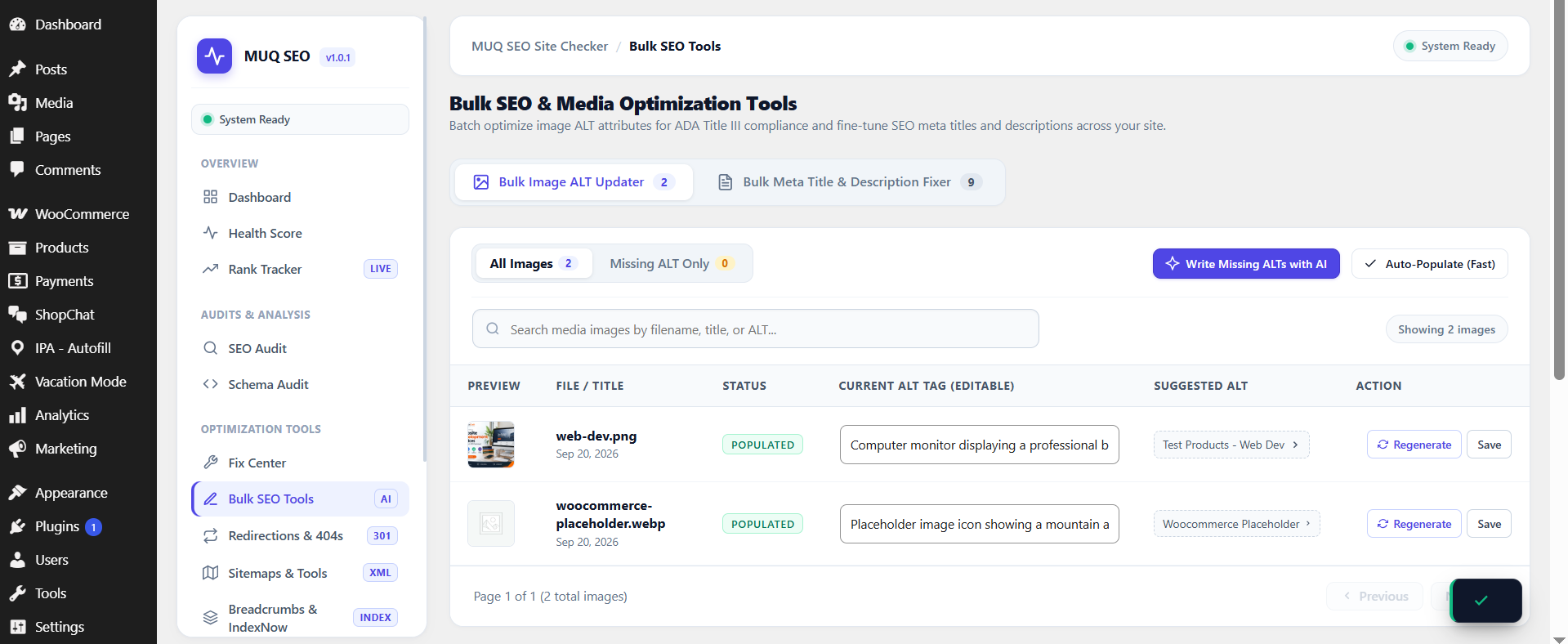
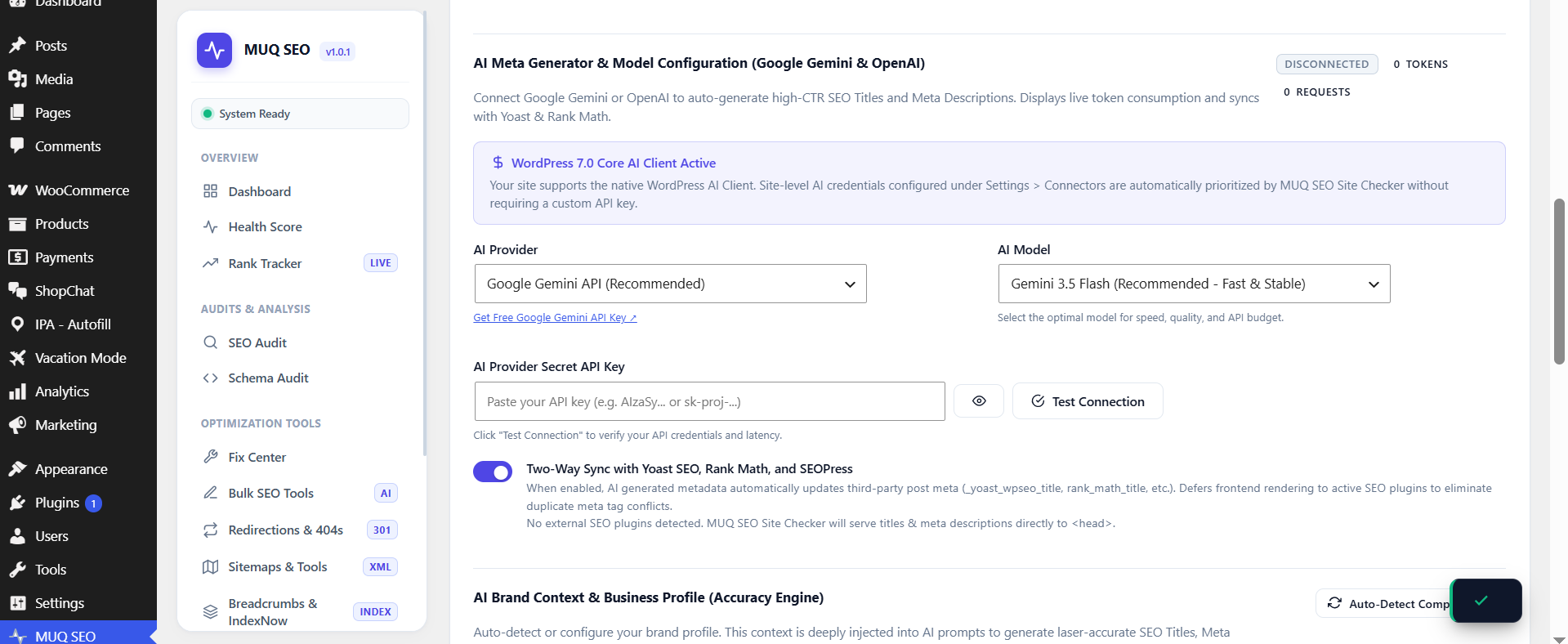
When you enter a Google Gemini API key in Settings > AI and enable AI features, the plugin sends post content to the Gemini API to generate SEO suggestions. When the AI-generated ALT text feature is enabled, image files may also be sent to Gemini Vision for analysis.
- Data sent: Post title, content, focus keyword, and optionally image data (thumbnail) for ALT text generation.
- Google AI Privacy Policy: https://ai.google.dev/gemini-api/terms
- Google Terms of Service: https://policies.google.com/terms
OpenAI
When you enter an OpenAI API key in Settings > AI and select OpenAI as the provider, the plugin sends post content to the OpenAI API. When the AI-generated ALT text feature is enabled, image files may also be sent to OpenAI Vision for analysis.
- Data sent: Post title, content, focus keyword, and optionally image data (thumbnail) for ALT text generation.
- OpenAI Privacy Policy: https://openai.com/policies/privacy-policy
- OpenAI Terms of Use: https://openai.com/policies/terms-of-use
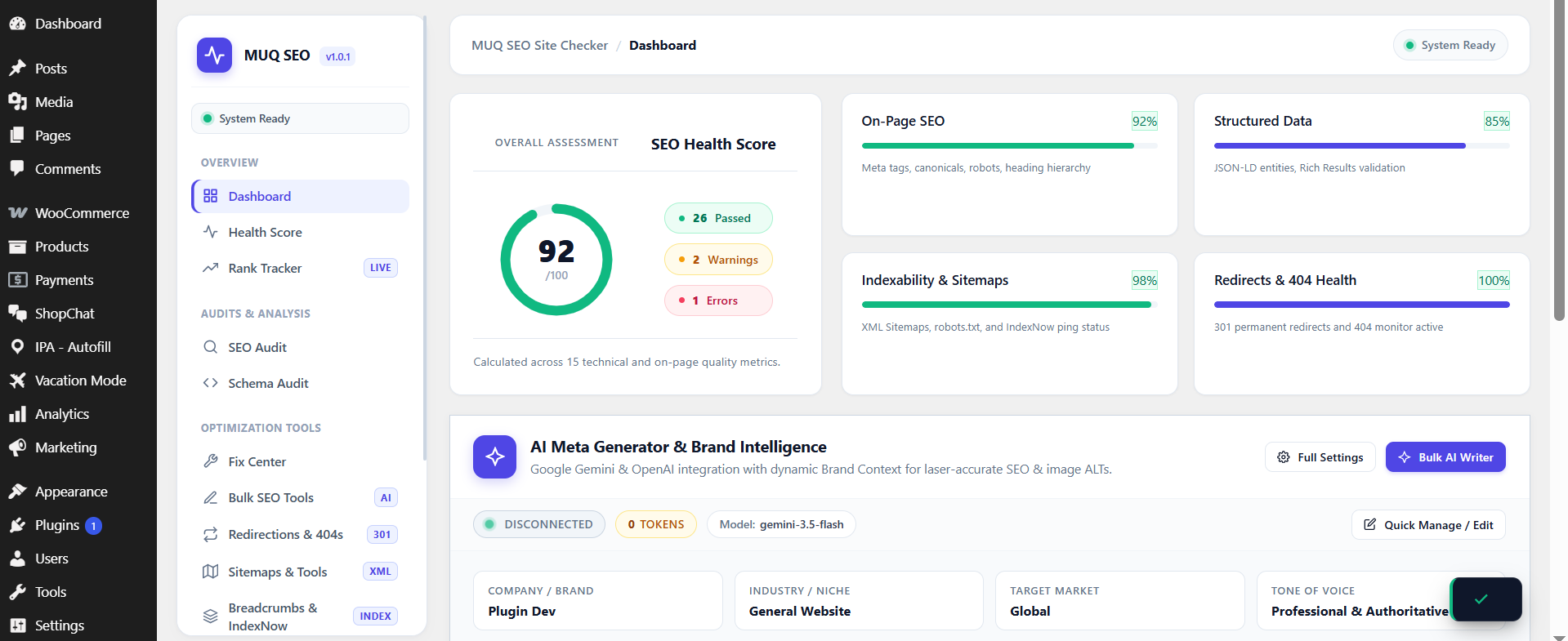
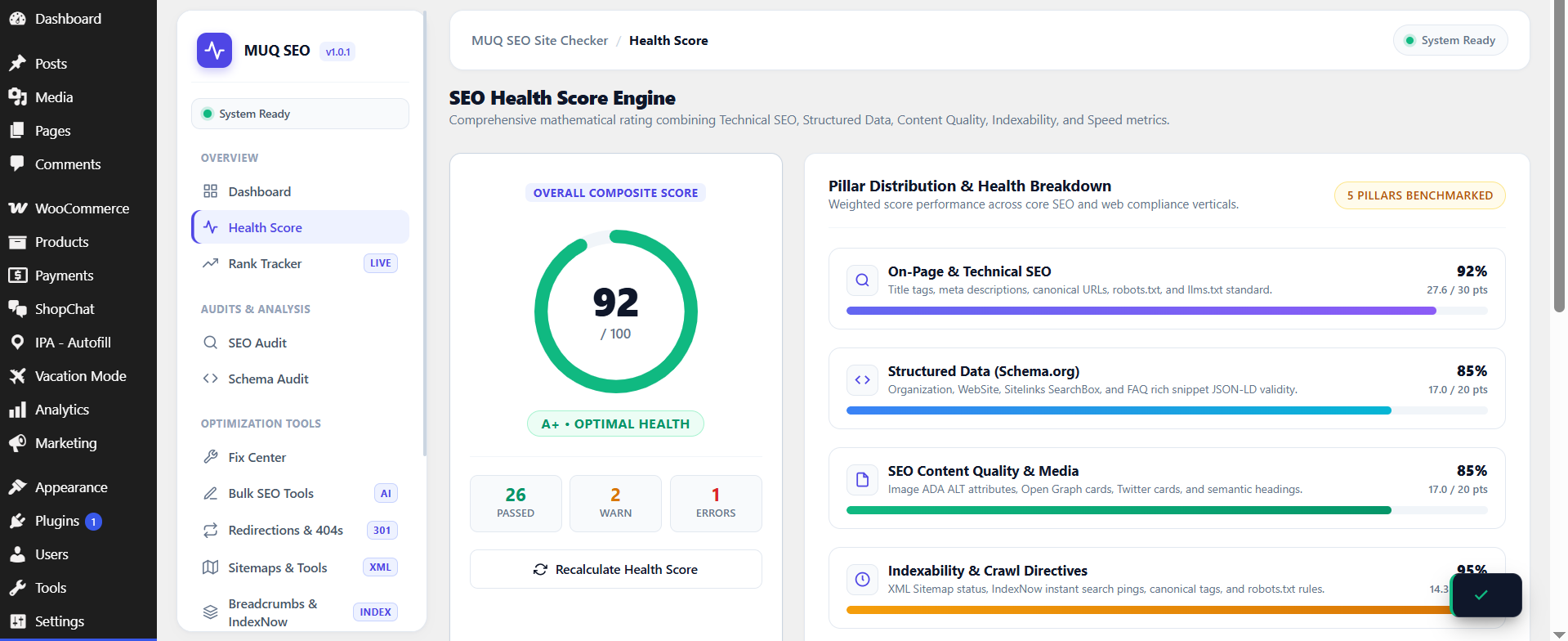
Screenshots
Installation
- Upload the
muq-seo-site-checkerfolder to your/wp-content/plugins/directory. - Activate the plugin through the Plugins menu in WordPress.
- Navigate to MUQ SEO Site Checker in your WordPress admin menu to run your first technical and AEO inspection.
FAQ
-
What is AEO (Answer Engine Optimization)?
-
Answer Engine Optimization (AEO) focuses on structuring your content to be selected as the direct answer by AI-driven search tools such as Google AI Overviews, Perplexity AI, ChatGPT Search, and voice assistants (Siri, Alexa). AEO emphasizes concise direct answers (40–60 words) placed immediately under question headings, supported by structured lists and tables.
-
What is GEO (Generative Engine Optimization)?
-
Generative Engine Optimization (GEO) is the process of optimizing your site so that Large Language Models (LLMs) trust, crawl, and cite your brand as an authoritative source when synthesizing generative answers. GEO leverages clean entity schema,
/llms.txtstandards, and crawler directives that allow search attribution while protecting site content. -
How does this plugin help my site get cited in ChatGPT Search and Perplexity?
-
The plugin provides two critical tools for AI discovery:
1. GEO Robots Directives: Allows search-retrieval bots likePerplexityBotandChatGPT-Userto index your pages for citations, while keeping bulk data scrapers at bay.
2. Post Studio AEO Analyzer: Evaluates your articles in real-time to confirm that questions have crisp, 40-60 word direct answers that AI engines can quote directly. -
Does MUQ SEO Site Checker conflict with Yoast SEO or Rank Math?
-
No. MUQ SEO Site Checker includes intelligent third-party detection. If Yoast SEO or Rank Math is active, it automatically disables duplicate meta tags, social Open Graph outputs, and seamlessly syncs focus keywords and titles.
-
What is llms.txt?
-
llms.txt is an open standard file served at
yoursite.com/llms.txtthat provides Large Language Models (LLMs) with concise, markdown-formatted information about your website. MUQ SEO Site Checker automatically generates and serves both/llms.txtand/llms-full.txt. -
Does this plugin load external fonts or scripts?
-
No external scripts are loaded by default. Chart.js is bundled locally. All assets are loaded locally from your own server.
-
Does it support AI features?
-
The plugin supports the native WordPress 7.0 Core AI Client out of the box, routing through whichever provider is configured centrally under Settings > Connectors. For sites on earlier WordPress versions, optional direct integration with Google Gemini or OpenAI is supported. AI features are entirely opt-in and disabled by default.
-
How do I connect Google Search Console to track keyword rankings?
-
Connecting your Google Search Console account allows live tracking of organic clicks, impressions, CTR, and SERP positions directly in your WordPress dashboard:
1. Open Google Cloud Console (https://console.cloud.google.com/), create a project, and enable the “Google Search Console API”.
2. Under “IAM & Admin > Service Accounts”, create a Service Account, generate a JSON Key, and download the key file.
3. In Google Search Console (https://search.google.com/search-console), navigate to Settings > Users and permissions, and add the Service Account email address with “Read” permissions.
4. In your WordPress admin, go to SEO Site Checker > Rank Tracker, switch to the “Google Search Console Connection” tab, paste your JSON key content, and click “Save & Connect Search Console”. -
Do I need a Google Search Console account to use the plugin?
-
No. The plugin includes an “Instant Preview Mode” that demonstrates rank tracking grounded in your published site content. All other modules—including the Technical SEO Audit, AEO & GEO Hub, Schema Generator, Sitemaps, and Post Studio—function completely without any external Google connection.
Reviews
There are no reviews for this plugin.
Contributors & Developers
“MUQ SEO Site Checker” is open source software. The following people have contributed to this plugin.
Contributors
Translate “MUQ SEO Site Checker” into your language.
Interested in development?
Browse the code, check out the SVN repository, or subscribe to the development log by RSS.
Changelog
1.2.0
- Added AEO (Answer Engine Optimization) & Direct Answer Readiness engine in Post Studio.
- Added real-time conversational question detection (H2/H3) and 40–60 word snippet length audit.
- Added GEO (Generative Engine Optimization) Virtual robots.txt Preset to allow AI Search (PerplexityBot, ChatGPT-User, Claude-Web) while blocking non-attributing bulk scrapers.
- Enhanced metadata, tags, and listing documentation for AEO, GEO, and AI Search discoverability.
- Maintained strict design system consistency with zero foreign color additions.
1.0.1
- Removed arbitrary .htaccess editor to comply with WordPress.org security policies.
- Extracted inline sitemap XSL styles to external stylesheet.
- Enhanced late output escaping across templates and breadcrumb engine.
- Fixed SVG filter helper functions across admin navigation.
1.0.0
- Initial public release.
- Added On-Page SEO, Schema, Sitemaps, and Redirection inspection engines.
- Added 1-Click Fix Center for image ALT attributes, meta descriptions, and Open Graph tags.
- Added AI Search
/llms.txtand/llms-full.txtstandard generator and route handler. - Added secure CSV export and historical trend reporting.