
Description
Help shoppers save products for later with guest and account wishlists, private notes, product variations and sharing by link.
Let shoppers save products and return to their wishlists. Free works locally without payment, signup or a time limit. Installation reporting and newsletter signup are optional choices.
Live Free and Pro demos | Documentation and PDF manual | Free vs Pro | Support
What is included in Free?
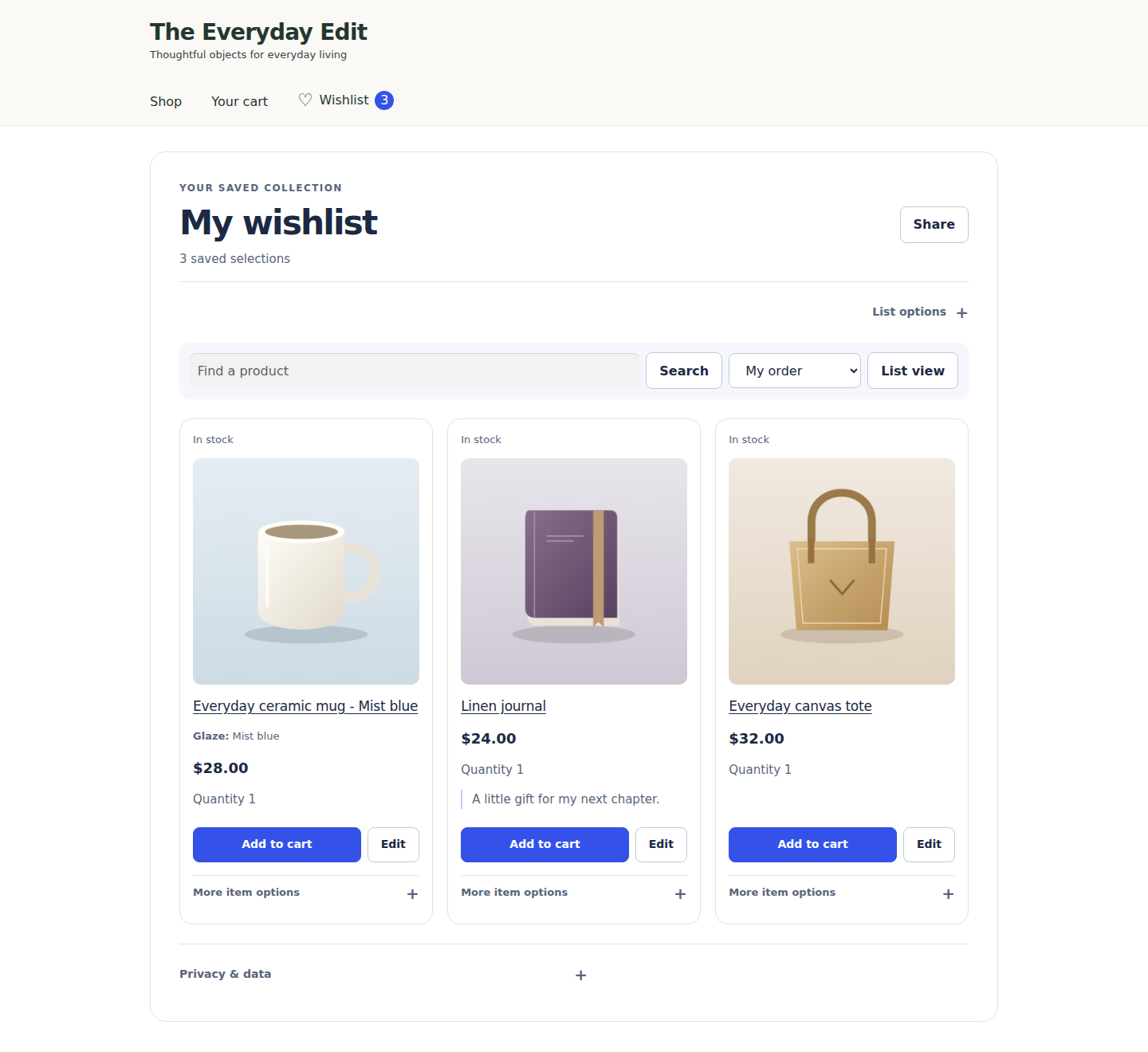
- One wishlist per guest or account, up to 1,000 saved selections.
- Simple products and chosen variations; individual add-to-cart actions.
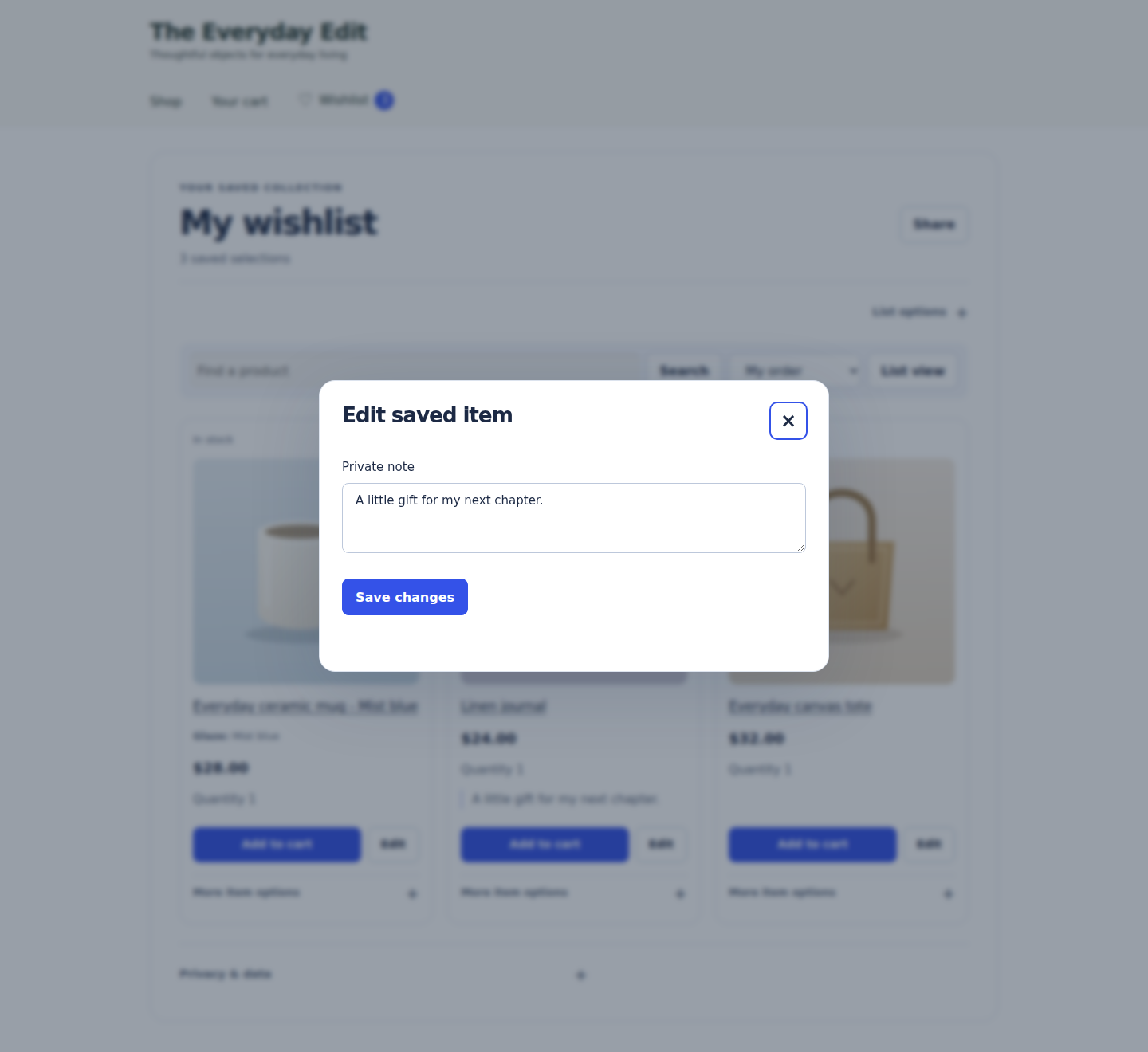
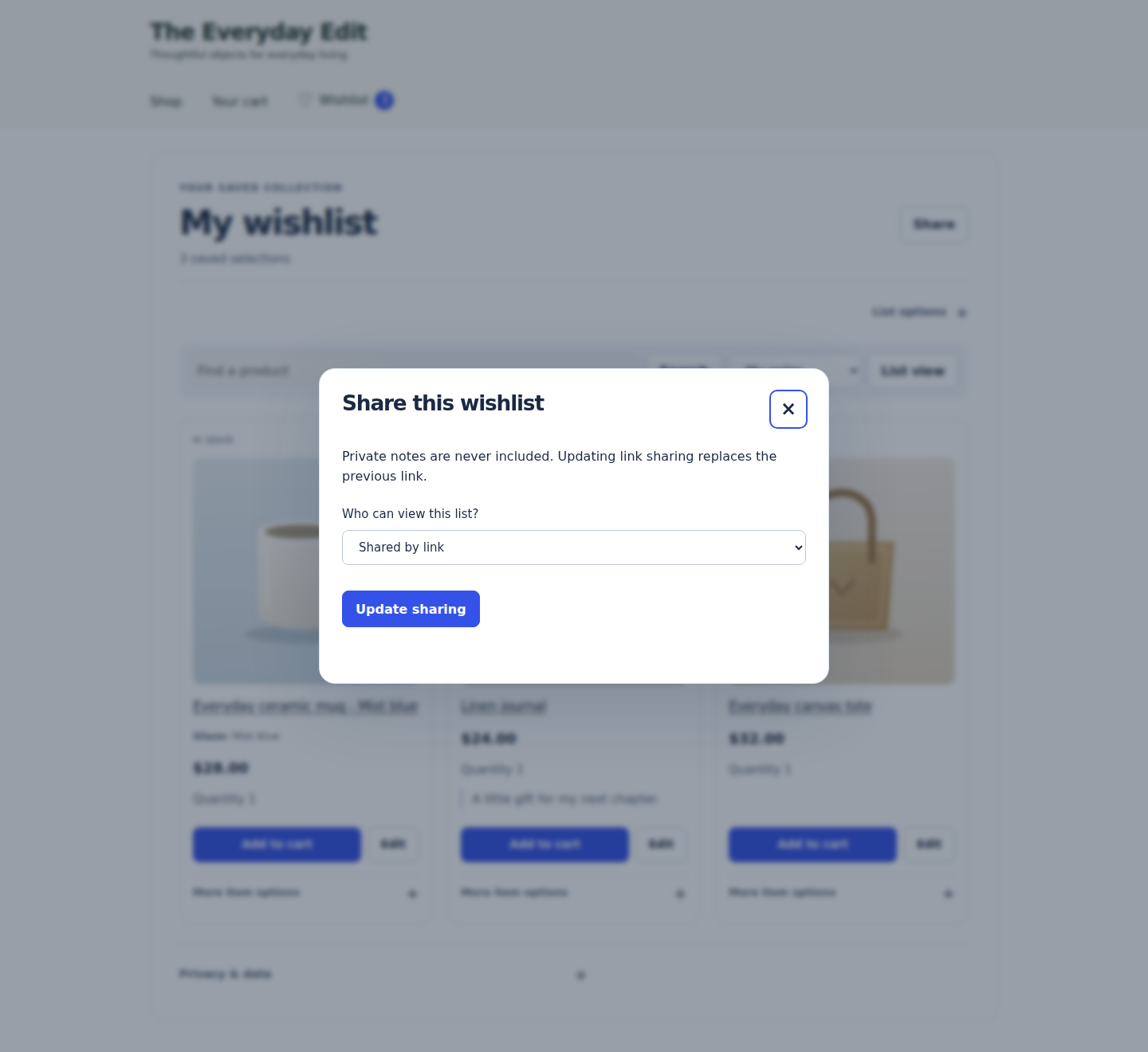
- Private notes; sharing excludes notes and account details.
- Search, sorting, manual ordering and grid/list views.
- CSV export; print or save as PDF through the browser’s print dialog.
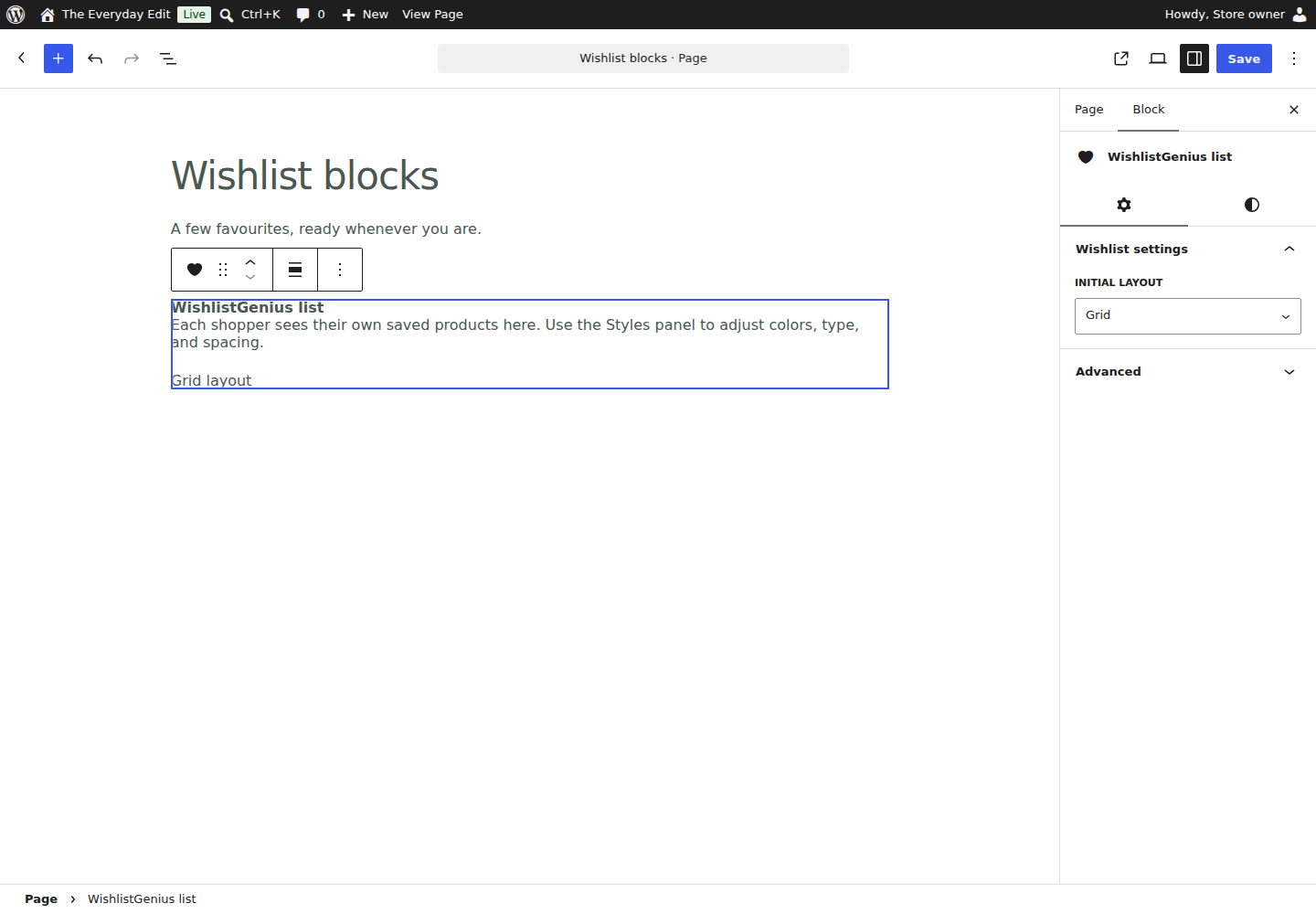
- Wishlist, button and counter blocks/shortcodes; an Elementor widget.
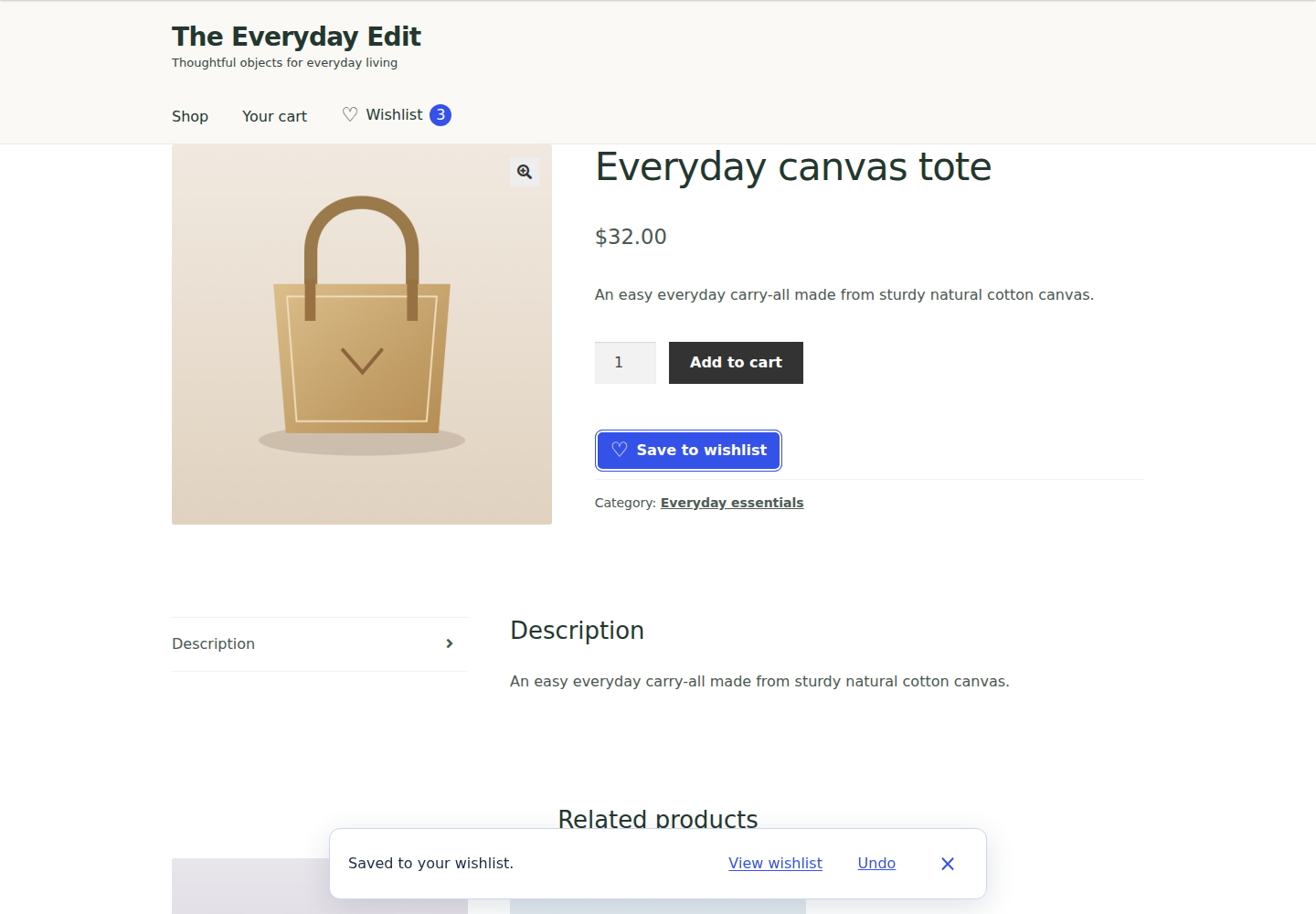
- Button labels, icons, colours, placement and header/mobile links.
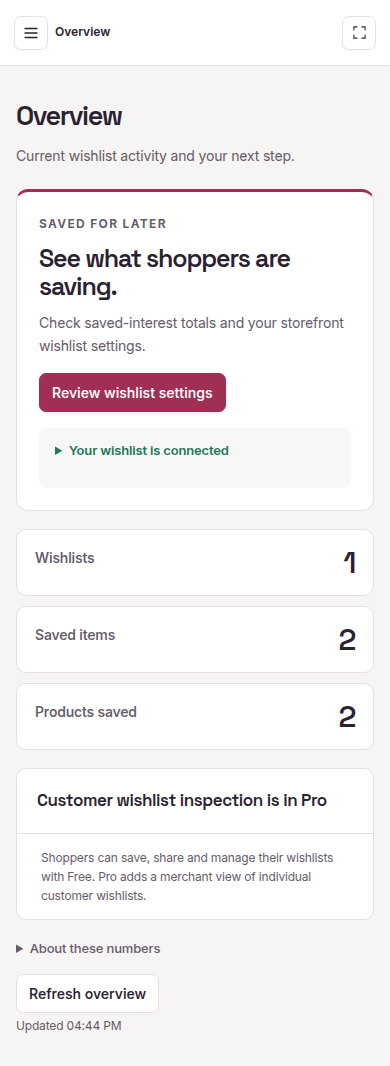
- Aggregate wishlist totals, without individual customer-list inspection.
- Export/erasure, including retained Pro data while inactive or removed.
Try the live demos
Explore real WordPress/WooCommerce stores: Free shopper, Free store owner, Pro shopper or Pro store owner.
No signup or purchase. Separate Free/Pro stores last 30 minutes. Use fictional details; no payments or external email. Messages appear locally.
Optional Pro add-on
The paid Pro add-on helps you follow up on saved products and understand demand:
- Customer emails: requested back-in-stock and price-drop alerts, wishlist reminders and campaigns.
- Product reports: inspect individual customer wishlists and explore product demand.
- Store tools: multiple wishlists, quantities, bulk add to cart, cart save-for-later, circular heart-only buttons and supported image overlays, public discovery, quotes and imports.
Sending requires configuration and customer permission; saves/previews never subscribe anyone. Free has labelled, hideable Pro previews with fictional data. Previews never enable sending. Working Pro tools require the add-on and successful licence activation.
Privacy
Local data: products/variations, quantities, notes, lists/sharing, account/guest IDs, activity, cart operations and purchase attribution. Matching account purchases suppress notifications; unrelated order products are not copied. Staff need WooCommerce management permission.
Retention: the signed wgg_guest cookie defaults to 30 days (configurable 1-365); cron removes expired guest data. Activity/jobs default to 90 days and cart records to one day. Account lists stay until deleted; purchase-suppression records until no matching selection remains. Orders follow store retention settings.
Sharing and rights: links exclude notes/account details. Pro discovery/retained public links follow the store’s directory setting. Export/erasure covers account data and purchase attribution. Explain retention/mail providers in your privacy policy.
Admin preferences: focus mode stays in-browser; tab/workflow choices are local per admin/store. Tasks expire in seven days without recipient data/approvals. Local journey counts default off, expire in 90 days and are deleted when disabled; manual export only, no transmission. Expired data is hidden pending cleanup; Overview does not track visits.
Review invitations: disabled; eligibility uses local save dates/activity counts, without identity or transmission. Dismissing retains only that choice.
Optional external service
Setup offers two independent, unchecked, skippable choices after the storefront save. Change them in Privacy & email preferences. They do not authorize shopper mail, Pro licensing or publisher update checks.
Service endpoint | Privacy policy | Service terms
- Installation sharing: hostname, reported edition, plugin/WordPress/PHP versions and language, at most weekly via cron. No URL paths/queries, shopper records or orders. Address changes pause reporting pending review; reports do not prove ownership or count all installations.
- Email signup: entered email and reported edition for tips, releases, articles and occasional Pro offers. A prefilled admin email is sent only on selecting/saving this choice; email-only signup sends no hostname. New signups need inbox confirmation and start with all topics/weekly articles. Existing preferences remain; change topics or unsubscribe by email link. Purchase-history personalization/link tracking need separate choices. Edition does not prove purchase.
- Security: random connection ID, protected credential and consent version accompany requests. The service records consent/report times and receives the network address for security logs. No shopper data, orders, names, wishlist contents, plugin lists or workflow counts are sent.
- Withdrawal: local reporting stops before remote withdrawal; failures are retryable. Stopping email/edition sharing cancels pending signup for that connection. Confirmed subscriptions need the email’s preferences/unsubscribe link. Skipping creates no connection; deactivation stops reporting, not confirmed subscriptions.
- Retention: reports/connections expire after 90 days without refresh; pseudonymous revocation records may remain that long. Pending emails expire after 48 hours; confirmed records within 730 days unless explicitly renewed. Consent/suppression history lasts 180 days. Cleanup/outages/backups affect deletion. Acceptance does not prove delivery/subscription.
WordPress export/erasure covers local choices for the supplied admin email. Stop domain-only connections in Privacy & email preferences.
Screenshots




Installation
Requires single-site WordPress 7.0+, WooCommerce 10.0+, PHP 8.2+ and JavaScript. Multisite is unsupported.
- Activate WooCommerce, then WishlistGenius Free. Individual activation opens Setup & settings.
- Choose your wishlist page, buttons and header/mobile access, then Save and continue. Choose either, both or neither optional sharing/email choice before finishing.
- Select Try your wishlist, save a published product, then test View wishlist and a cart action. Exit focus returns to WordPress.
Reopen the workspace from WishlistGenius in the main WordPress menu, or Open WishlistGenius on the Installed Plugins screen.
Customize further opens detailed settings. Bulk/CLI activation and updates do not redirect. Test on staging.
Install matching Pro 0.3.46 with Free 0.3.46 active. Activate in Licence & updates. Update Free first; do not uninstall.
FAQ
-
Can guests save without an account?
-
Yes. A cookie reconnects their browser to saved favourites; guest data expires under the store’s retention setting.
-
Yes. Lists start private; shared links exclude notes/account details. Make a list private or replace its link to stop the old link working.
-
Can I see which products customers saved in Free?
-
The merchant Customer wishlists viewer is part of Pro from 0.3.44. Free retains shopper-facing wishlists, saving, sharing, chosen variations, basic styling and aggregate totals. Pro inspection excludes private notes and identities.
-
Use WordPress blocks, the Elementor widget or these shortcodes:
[wishlist_genius]displays the wishlist.[wishlist_genius_button product_id="123"]displays a product’s save button; replace 123 with its ID.[wishlist_genius_counter]displays the saved-selection count.
Setup also guides header/mobile wishlist access. Placement depends on your theme or page builder; test it on your store.
-
Does it support variable products and product add-ons?
-
Simple products and selected variations are supported. Add-on, bundle, booking and subscription options need adapters and testing. WooCommerce native wishlists remain separate.
-
Is save for later or add to cart included in Free?
-
Free saves products and adds them to the cart individually, one unit per action. Normal cart quantities work. Cart save-for-later, bulk cart and editable wishlist quantities are Pro features.
-
Will uninstalling remove my wishlists?
-
Data stays by default, including wishlists/quantities when removing Pro. To release a Pro site slot first, use Licence & updates > Advanced: staging and connection management > Release this site.
For deletion, set
WG_DELETE_DATA_ON_UNINSTALLto boolean true before uninstalling Free. This removes plugin data/settings, database previews, generated coupons, scheduled work and local licence credentials, but keeps orders, products and pages. See the manual for cache expiry.
Reviews
There are no reviews for this plugin.
Contributors & Developers
“WishlistGenius – Wishlist for WooCommerce & Save for Later” is open source software. The following people have contributed to this plugin.
Contributors
Translate “WishlistGenius – Wishlist for WooCommerce & Save for Later” into your language.
Interested in development?
Browse the code, check out the SVN repository, or subscribe to the development log by RSS.
Changelog
0.3.46
- Prevent duplicate save buttons in WooCommerce block-theme product archives.
- Keep repeated additions of the same saved selection together in the cart while preserving product options and attribution.
- Avoid creating empty wishlists during passive shop and product-page checks.
- Refresh saved-button states for dynamically loaded products; improve copy, connection and cart error messages.
- Remove unwanted decoration from missing-image placeholders. Retain the pluginsshop author and match Pro 0.3.46.
0.3.45
- Align the matched Free/Pro release and installation guidance with the documented compatibility requirement.
- Preserve the 0.3.44 edition split, stored wishlists, shopper controls and existing licence terms.
0.3.44
- Establish the revised launch Free/Pro split; retain stored data and existing licence terms.
0.3.43
- Use singular or plural cart confirmations and show failed-selection counts only when needed.
- Keep the Free package aligned with Pro 0.3.43 and preserve the clearer plugin title.
0.3.42
- Show a loading state until save buttons are ready, so early clicks are not silently lost.
- Keep dynamically loaded save buttons and the matching Pro list picker ready before use.
0.3.41
- Make request, session and unsubscribe errors and retained guest-item notices available for translation.
- Keep wishlist ownership, merge safeguards and request checks unchanged.