

Description
PayRivet is a WooCommerce Stripe payment gateway for accepting credit and debit cards, Apple Pay, Google Pay, Stripe Link, saved payment methods and eligible US bank account (ACH) payments.
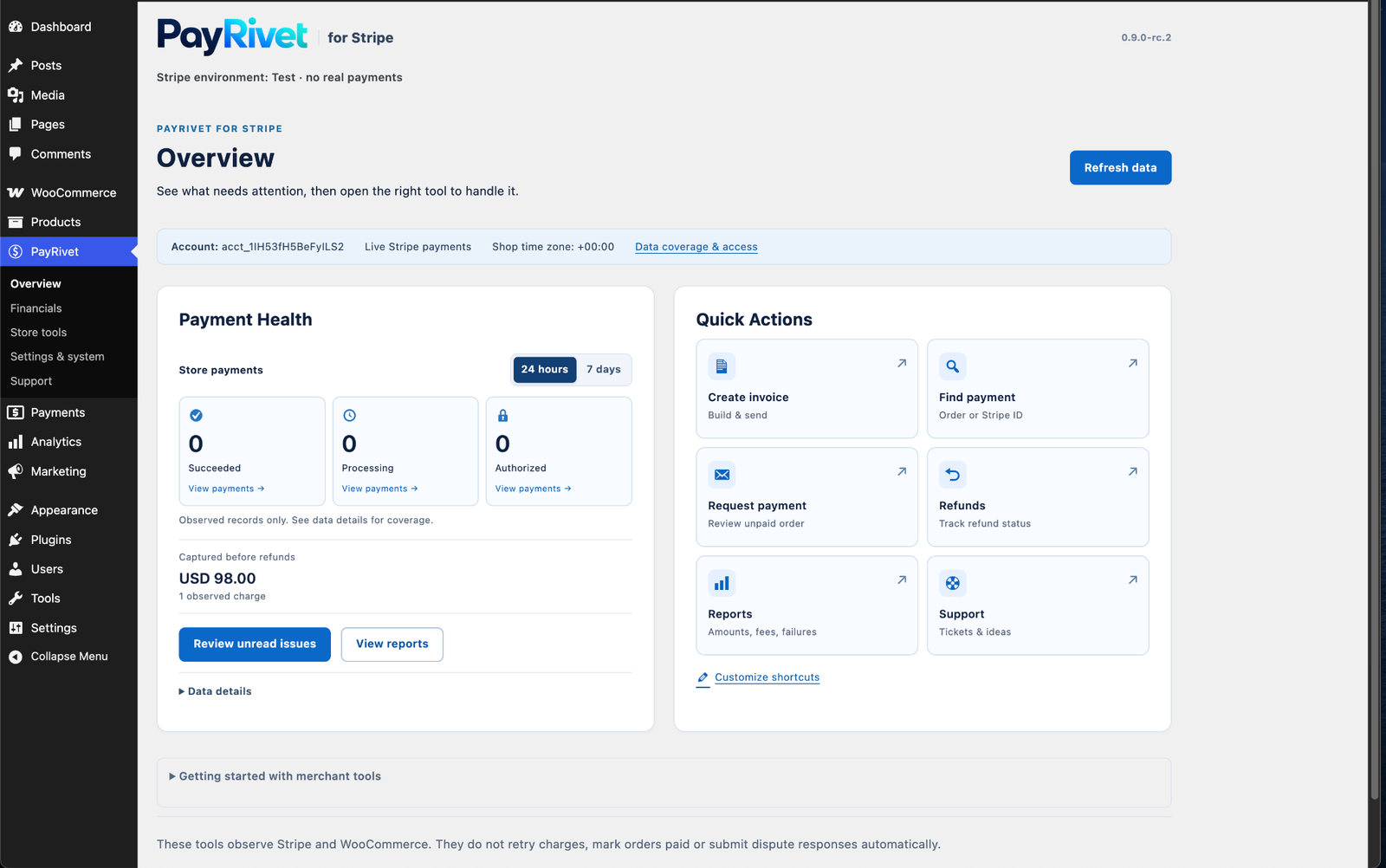
Built for WooCommerce stores that want a straightforward Stripe checkout plus useful payment operations inside WordPress, PayRivet combines guided Stripe connection, automatic webhook delivery, refunds, payment visibility and direct support.
WooCommerce Stripe payments without unnecessary setup
PayRivet Free is a complete payment gateway, not a time-limited trial.
Free includes:
- Credit and debit cards
- Apple Pay and Google Pay express checkout where supported
- Stripe Link
- Saved payment methods for eligible signed-in customers
- US bank account (ACH) for eligible USD/US checkouts
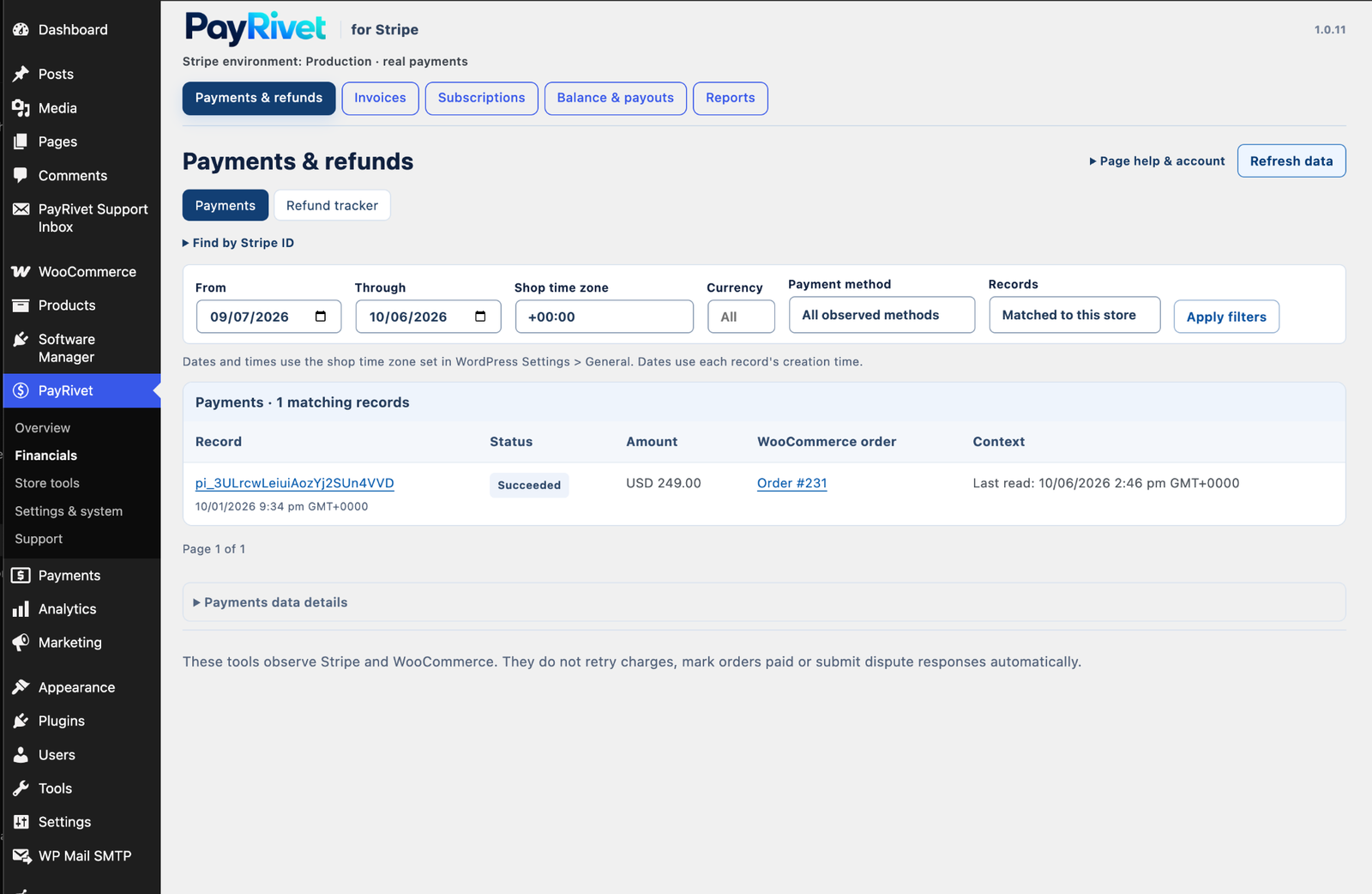
- WooCommerce refunds through the supported Stripe payment flow
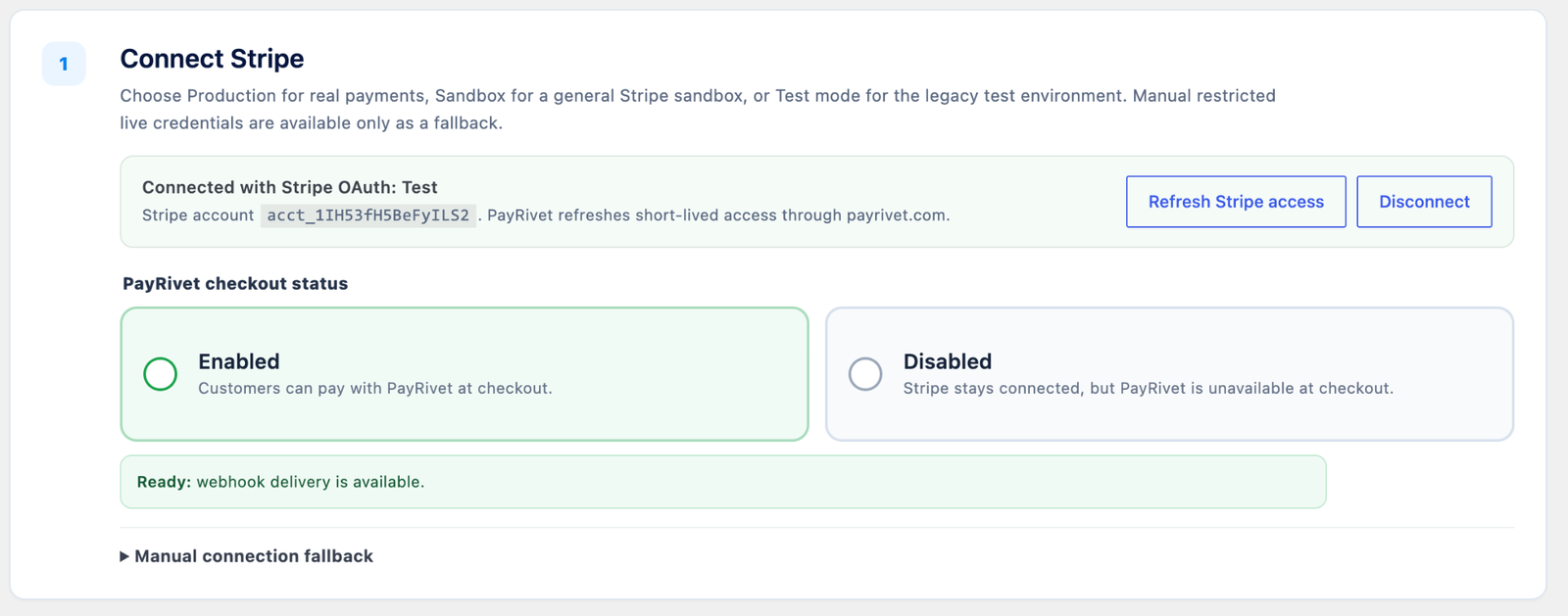
- Guided Stripe OAuth connection through PayRivet Connect
- Automatic webhook relay for OAuth-connected stores
- Production, Test mode and Stripe Sandbox environment selection
- Basic local payment/order visibility and redacted diagnostics
- In-plugin support and feature requests
- Optional “Secure payments powered by PayRivet” checkout credit, disabled by default
PayRivet Free also shows clearly labeled previews of separately distributed PayRivet Pro areas such as Invoicing, native Subscriptions, Advanced Reports and Payment Guard. Premium implementation is not included in this WordPress.org package.
PayRivet is an independent product from Graffx Design LLC. It is not an official Stripe or WooCommerce extension.
External services
PayRivet uses external services only where needed to provide requested payment, connection and support functionality.
Stripe
Stripe processes payments and supplies Stripe-hosted payment interfaces. Shopper payment details entered in Stripe-hosted fields are sent directly to Stripe. PayRivet also sends the order/payment information required to create, confirm, refund and reconcile payments for the connected merchant account.
Stripe is contacted when Stripe-powered checkout/payment functionality is used and when an administrator performs Stripe-related payment, refund, connection or diagnostic actions.
Terms: https://stripe.com/legal
Privacy: https://stripe.com/privacy
PayRivet Connect
When an administrator selects “Connect with Stripe”, the plugin contacts PayRivet Connect at payrivet.com. The service starts and maintains the Stripe App OAuth connection, issues short-lived credentials to the authenticated store connection, and relays verified Stripe webhook events.
The service receives the store HTTPS origin, plugin version, selected Stripe environment, connection/session verification data, and the Stripe account/OAuth data required to maintain the connection.
Privacy: https://payrivet.com/privacy-policy/
Terms: https://payrivet.com/terms/
PayRivet support
The in-plugin support form contacts payrivet.com only after an administrator submits it. It sends the submitted contact details/message, site URL/name and software versions. It does not automatically attach passwords, card details, API keys or webhook secrets.
Privacy: https://payrivet.com/privacy-policy/
Terms: https://payrivet.com/terms/
Optional aggregate usage reporting
Aggregate reporting is disabled by default and runs only after an administrator opts in. When enabled, PayRivet sends the site URL, a random installation ID, edition/plugin version, cumulative successful PayRivet production-order count, gross PayRivet production payment volume grouped by currency, and total item quantity about once per day.
It does not send customer names, emails, postal addresses, product names, SKUs, WooCommerce order IDs, Stripe object IDs, card/bank details, IP addresses or individual transaction records. Disabling the setting stops future reports and requests deletion of that site’s telemetry record.
Privacy: https://payrivet.com/privacy-policy/
Terms: https://payrivet.com/terms/
Ordinary documentation/support links are contacted only when an administrator chooses to open them. The inherited WooCommerce Stripe exit-survey integration is disabled in PayRivet.
Source code and build tools
PayRivet-specific PHP, JavaScript and CSS source is included in readable form.
Generated JavaScript in build/ is derived from the GPL-licensed WooCommerce Stripe Gateway 11.0.0 source:
- Source: https://github.com/woocommerce/woocommerce-gateway-stripe/tree/11.0.0
- Client source: https://github.com/woocommerce/woocommerce-gateway-stripe/tree/11.0.0/client
- Build manifest: https://github.com/woocommerce/woocommerce-gateway-stripe/blob/11.0.0/package.json
- Source archive: https://github.com/woocommerce/woocommerce-gateway-stripe/archive/refs/tags/11.0.0.zip
To reproduce upstream generated assets, check out tag 11.0.0 and run npm run build.
PayRivet applies deterministic integration-identifier substitutions to inherited generated JavaScript to prevent browser-global collisions with another Stripe gateway. These substitutions do not add payment business logic. SOURCE-ACCESS.txt and SOURCE-PATCHES.txt in the plugin root document the correspondence.
Readable source for assets/js/stripe-payment-request.min.js is included as assets/js/stripe-payment-request.js.
Privacy
PayRivet stores connection settings, payment-operation safety records, verified webhook state, redacted diagnostics, local review-prompt state and locally calculated aggregate usage totals in the WordPress database. WooCommerce and Stripe retain their own order, customer and payment records under their respective settings and policies.
Back up the site before uninstalling a payment gateway if historical diagnostics or settings may be needed.
Screenshots
Installation
- Install and activate WooCommerce.
- Install and activate PayRivet.
- Open PayRivet > Payment settings.
- Choose Production, Test mode or Sandbox and select Connect with Stripe.
- Configure Link, saved payment methods, eligible ACH, and Apple Pay / Google Pay as needed.
- Confirm automatic webhook delivery is ready.
- Place a Stripe test order before relying on live payments.
For predictable payment ownership, avoid running another Stripe gateway at the same time as PayRivet.
FAQ
-
Is PayRivet Free a trial?
-
No. Core checkout remains available without a PayRivet software license. Premium previews identify separately distributed PayRivet Pro functionality.
-
Are Apple Pay, Google Pay, Link and saved cards included?
-
Yes. Availability can still depend on Stripe, merchant-account eligibility, currency, country, shopper device/browser and WooCommerce checkout context.
-
Does PayRivet add a public checkout credit?
-
Only when the store administrator explicitly enables the optional “Secure payments powered by PayRivet” setting. It is disabled by default.
-
Does PayRivet collect usage analytics?
-
Not by default. Optional aggregate usage sharing is disabled until a site administrator explicitly opts in. When enabled, the data sent is described under External services.
-
Why can I see Invoicing or Subscriptions in Free?
-
Those areas are clearly marked Pro previews. Their premium implementation is not included in this plugin.
Reviews
There are no reviews for this plugin.
Contributors & Developers
“PayRivet Payments with Stripe for WooCommerce” is open source software. The following people have contributed to this plugin.
Contributors
Translate “PayRivet Payments with Stripe for WooCommerce” into your language.
Interested in development?
Browse the code, check out the SVN repository, or subscribe to the development log by RSS.
Changelog
1.0.12
- Replaced remaining inherited Stripe option/cache prefixes with PayRivet-owned identifiers.
- Preserved WooCommerce-owned hooks/settings and payment-critical historical order identifiers for compatibility.
- No change to gateway IDs, Stripe API request/response formats or payment-processing logic.
Older release history is available in changelog.txt.