
Description
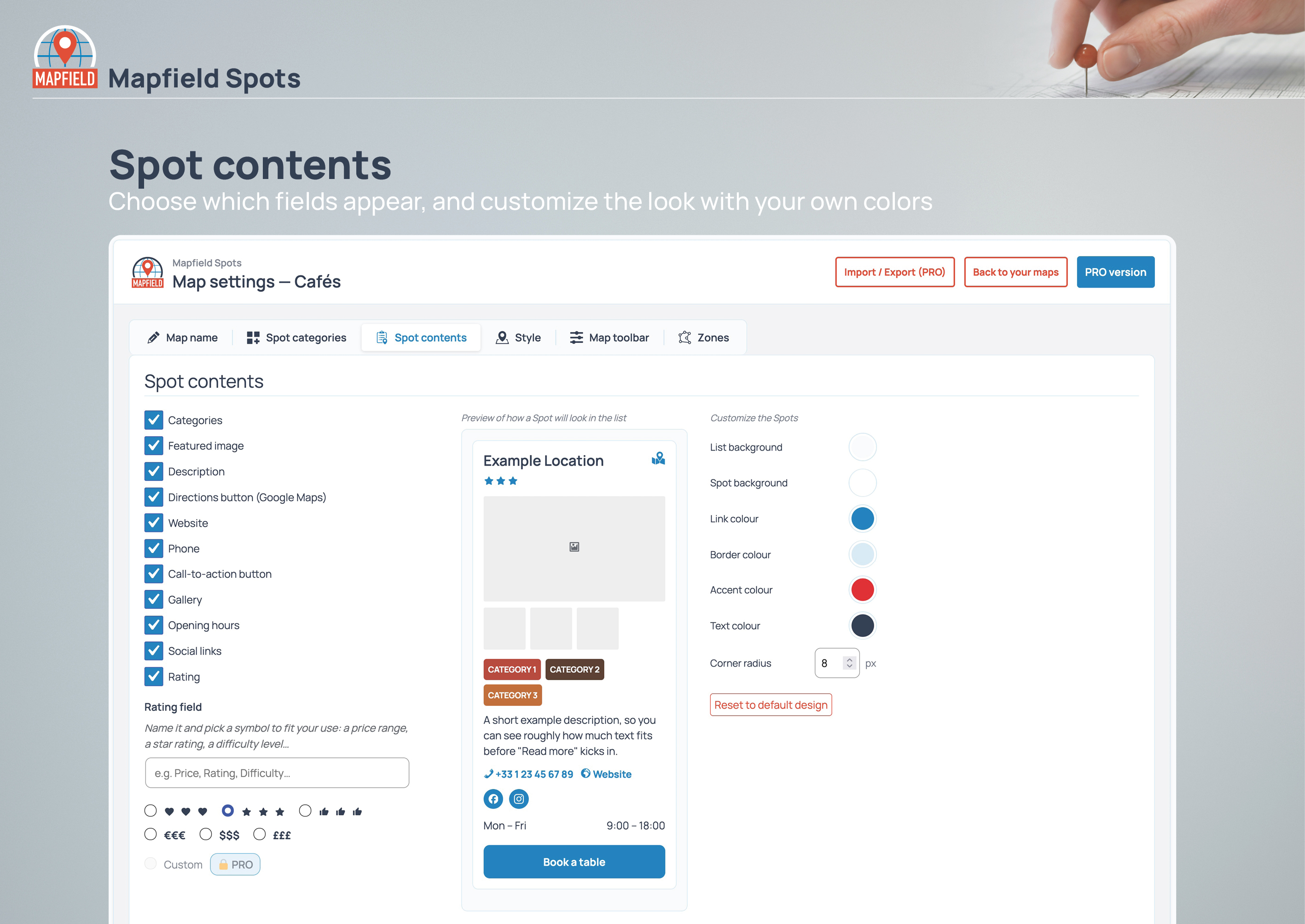
Mapfield Spots lets you create a “map” — a full custom post type with a predefined set of fields (Photo, Description, Category) and its own set of pinned locations. Locations are set from the post editor using an interactive map (drag the marker, search an address, or click the map directly), backed by MapLibre GL JS and the current Mapbox Geocoding API (v6).
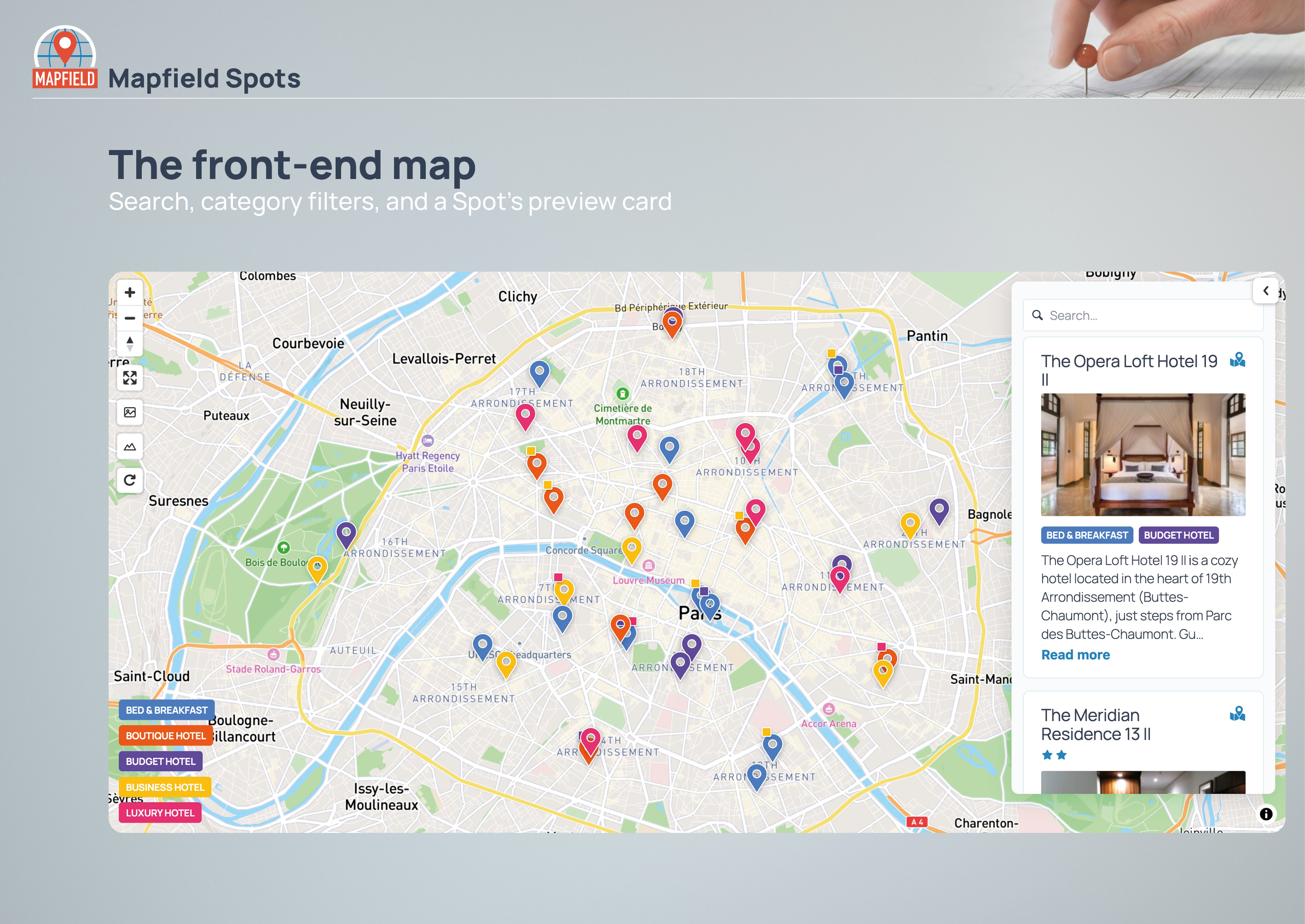
Display a map anywhere with the [mapfield_spots_map type="your-map-slug"] shortcode, or the matching Gutenberg block — drop it into any post, page, or template as many times as needed.
Video walkthrough
Your own Mapbox account
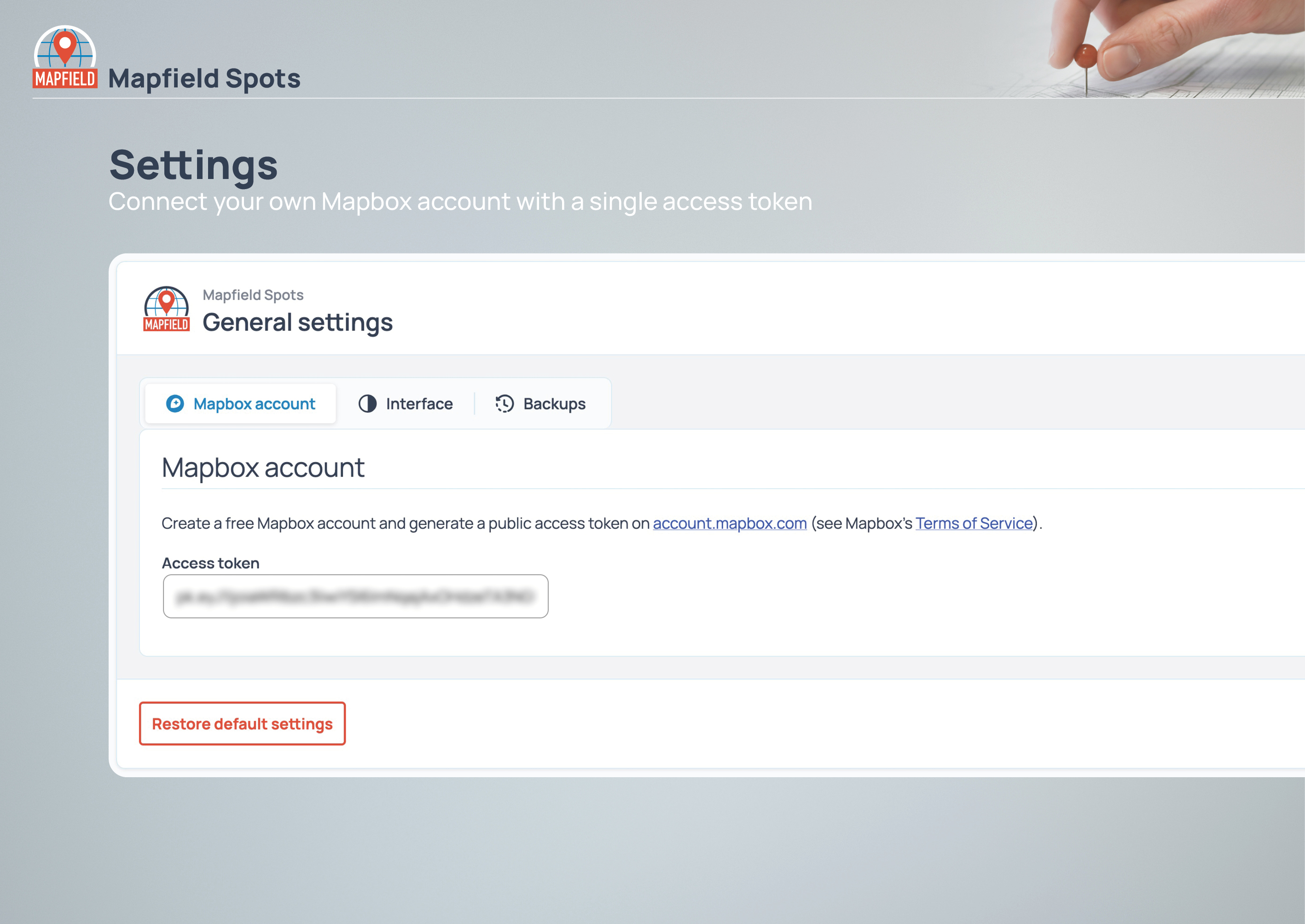
Mapfield Spots is a client for the Mapbox API — it is not a Mapbox reseller. You need your own free Mapbox account and access token (see Mapfield Spots Settings); your usage is billed directly between you and Mapbox, under Mapbox’s own Terms of Service.
Free vs. PRO
This plugin never disables or locks functionality behind a paywall inside this package — everything you see here works fully, with no trial or nag screens, and you can create as many Map Types as you like. A separate, dedicated PRO plugin adds extra features on top: Zones, ACF fields, custom markers and rating icons, scheduled backups, Import/Export, multi-stop circuits with travel times, combining several maps into one embed, and a dark/light interface theme.
External services
This plugin connects to the following third-party services:
Mapbox — used to render the interactive map (tiles/styles) and, when you search an address while placing a Spot, to resolve it to coordinates via the Mapbox Geocoding API. Requires your own free Mapbox account and access token (Mapfield Spots Settings); your usage is billed directly between you and Mapbox. Every map view and address search is sent to Mapbox. See Mapbox’s Terms of Service and Mapbox’s Privacy Policy.
YouTube — the plugin’s dashboard widget embeds a short tutorial video via a privacy-enhanced (youtube-nocookie.com) iframe. The video only loads when you view the “Mapfield Spots” dashboard widget. See YouTube’s Terms of Service and Google’s Privacy Policy.
Screenshots
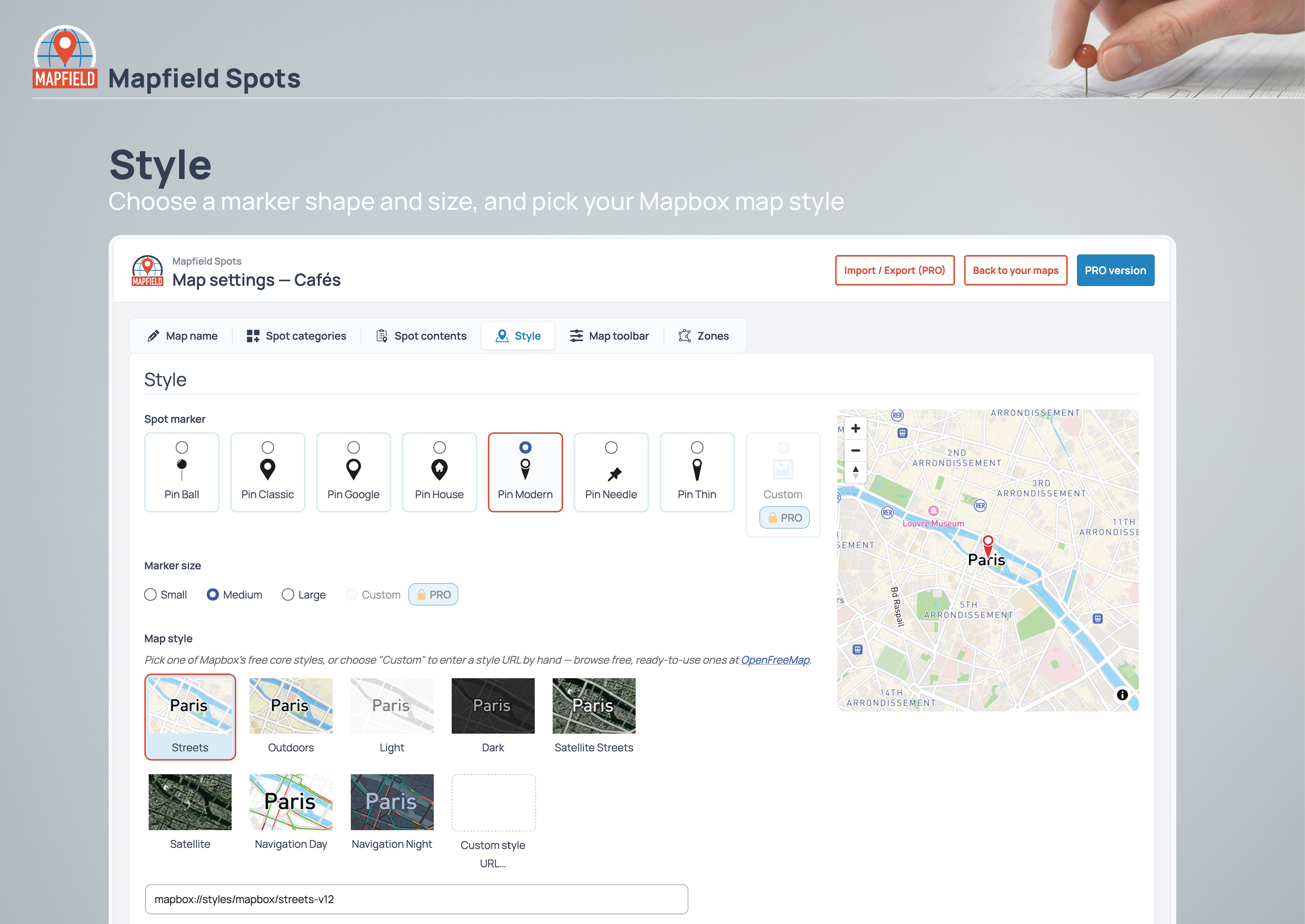
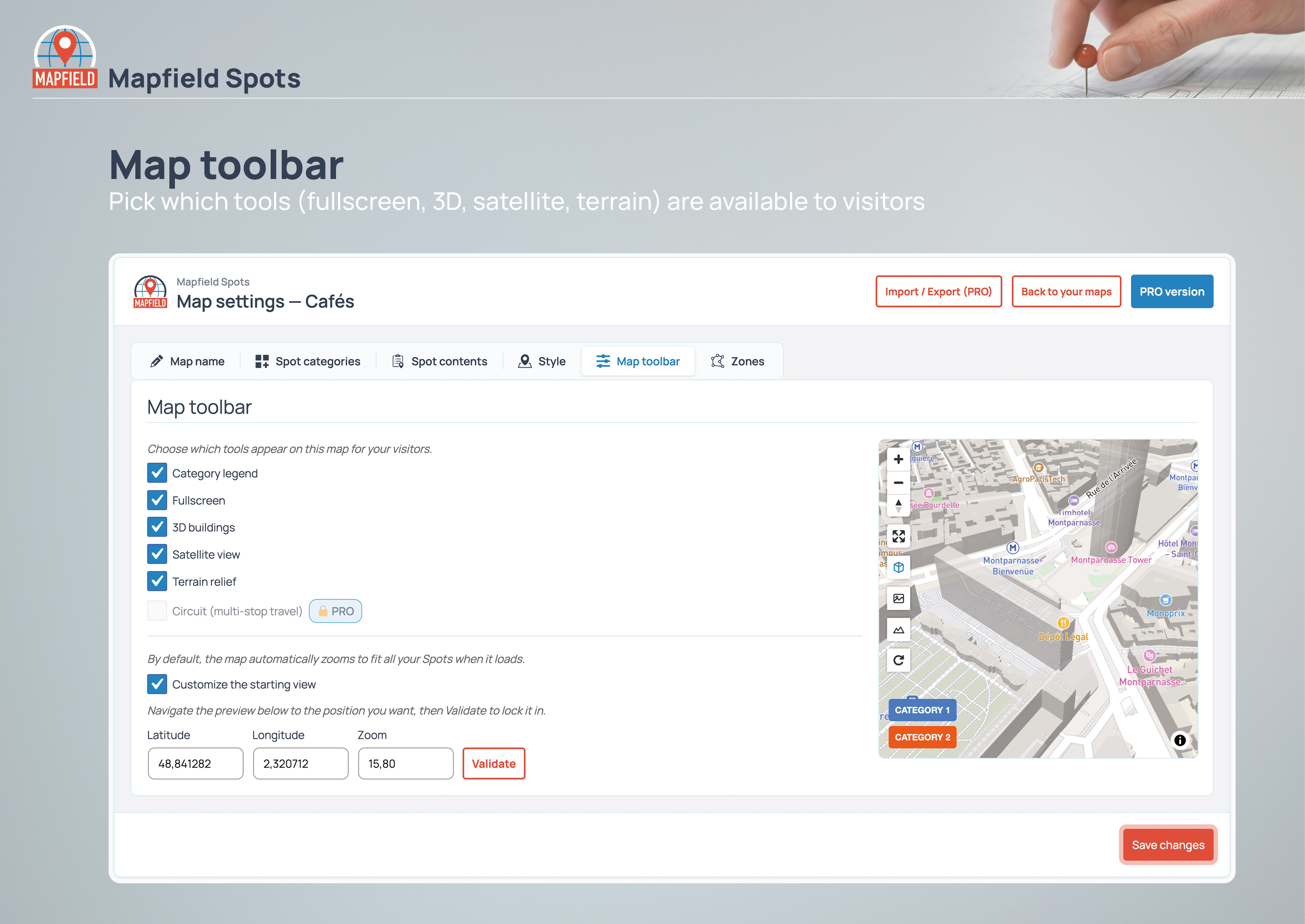
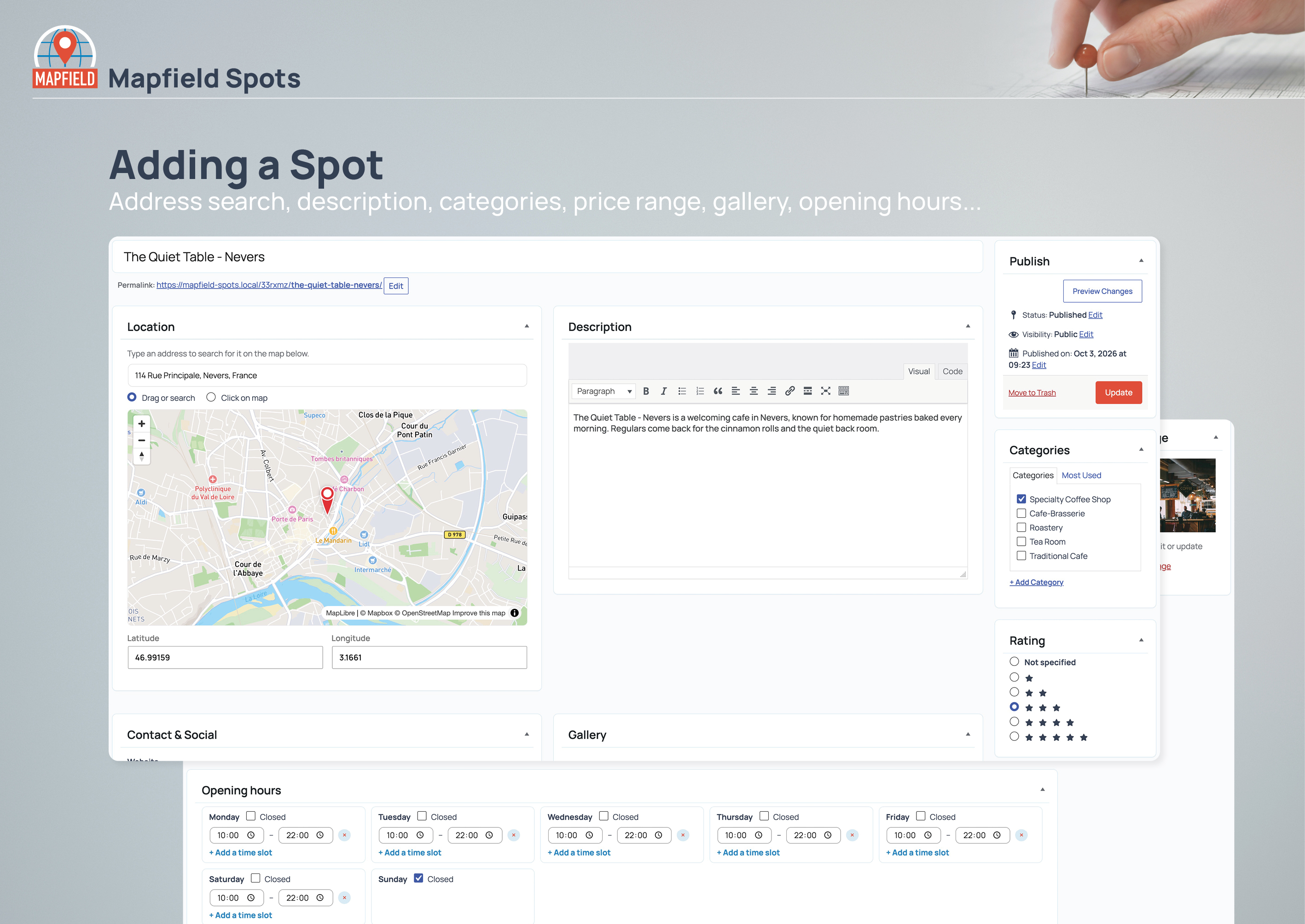
Blocks
This plugin provides 1 block.
- Mapfield Spots
Installation
- Upload the plugin files, or install through the Plugins screen.
- Activate the plugin.
- Go to Mapfield Spots Settings and enter your Mapbox access token.
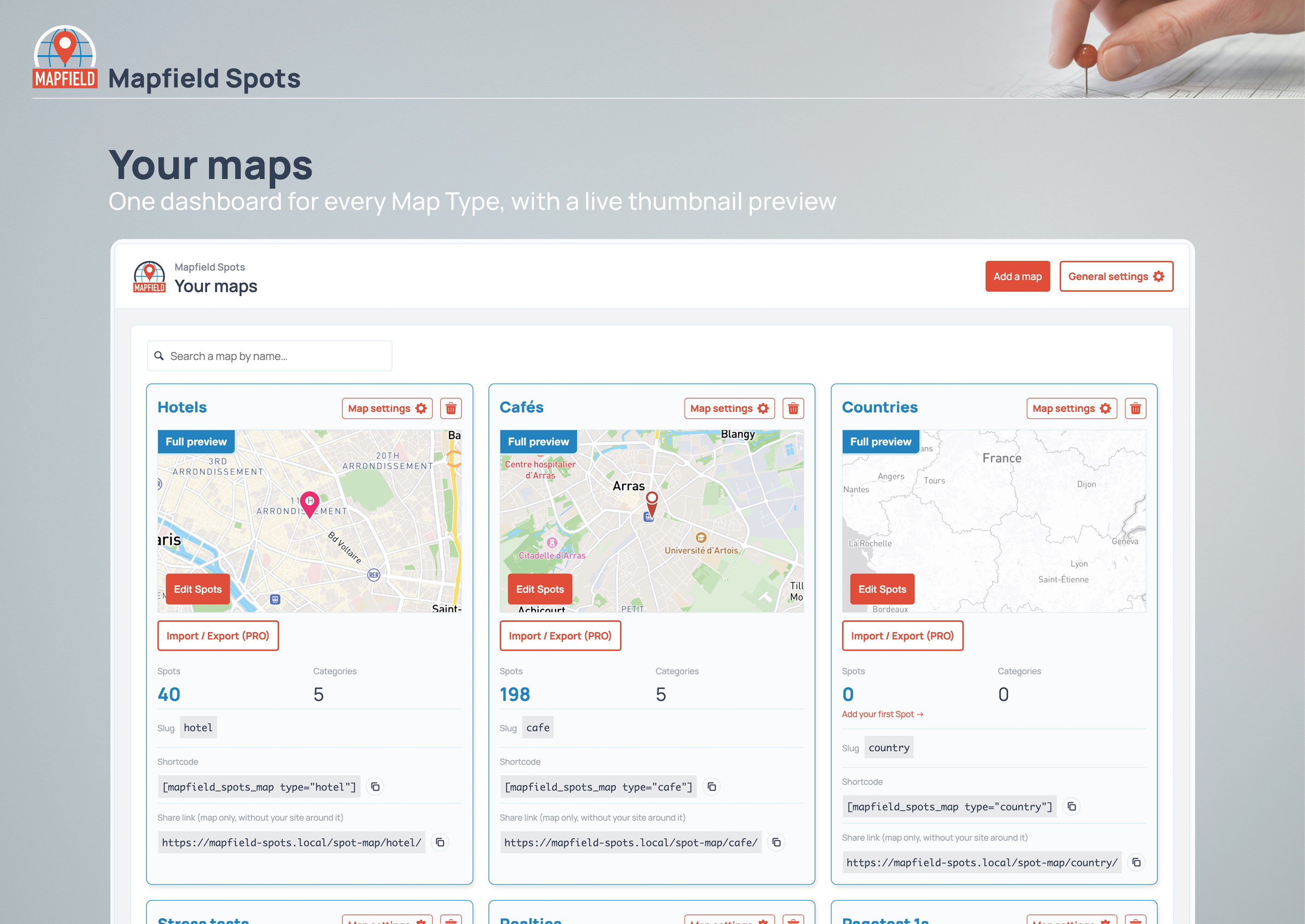
- Go to Mapfield Spots Your maps and create your first map.
FAQ
-
What’s the difference between the free and PRO versions?
-
This plugin never locks functionality behind a paywall inside this package — everything here works fully, with no trial or nag screens, and you can create as many Map Types as you like. A separate, dedicated PRO plugin adds extra features on top: Zones, ACF fields, custom markers and rating icons, scheduled backups, Import/Export, multi-stop circuits with travel times, combining several maps into one embed, and a dark/light interface theme.
-
Do I need a Mapbox account?
-
Yes — Mapfield Spots is a client for the Mapbox API, not a Mapbox reseller. You need your own free Mapbox account and access token (Mapfield Spots Settings); your usage is billed directly between you and Mapbox.
-
Will I have to pay Mapbox?
-
Mapbox has a generous free tier that covers most small-to-medium sites, but the exact thresholds are set by Mapbox and can change over time — see Mapbox’s own pricing page for current numbers. The plugin never proxies or caches your maps on our end, so your usage is exactly what your visitors actually load — nothing hidden.
-
Does it work with Advanced Custom Fields (ACF)?
-
The free plugin detects ACF field groups assigned to a map’s post type (text, number, select, checkbox, and other simple field types) and reports them in a notice; actually enabling and displaying those fields on the front end is a PRO feature.
-
Which themes has this been tested with?
-
Astra, GeneratePress, Kadence, Blocksy, OceanWP, Divi, and Elementor. It follows standard WordPress markup and enqueuing practices, so most well-coded themes should work without issue.
-
What happens to my data if I uninstall the plugin?
-
Deleting the plugin (not just deactivating it) permanently removes every Spot and category created for each of your maps, along with the plugin’s own settings (Mapbox token, map style). If you also have the PRO add-on installed, deleting it removes its own data too (Zones, the backup schedule, dark mode preference). Your media library is never touched — photos you’ve used on a Spot stay right where they are.
-
How many Spots can one map handle?
-
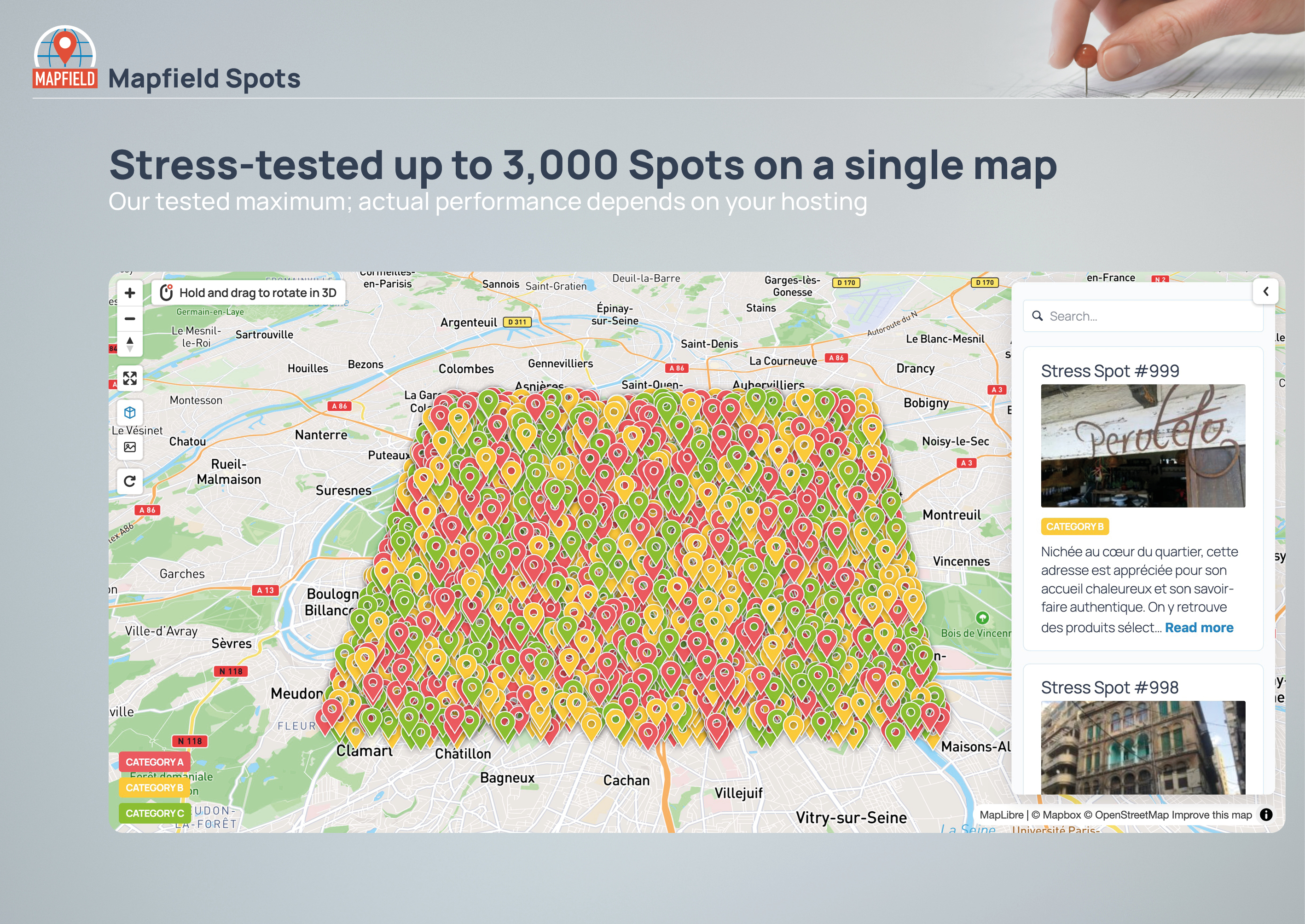
We’ve stress-tested a single map up to 3,000 Spots, the maximum we’ve tried — the front-end map keeps working at that size, but you’ll notice it get gradually slower well before you reach it. This isn’t a hard-coded limit — actual performance depends on your hosting (server speed, available memory) and on how much content each Spot carries (a Photo on every Spot means that many images for visitors’ browsers to load, since they aren’t paginated). For most sites — tens to a few hundred Spots per map — none of this is even noticeable.
Reviews
There are no reviews for this plugin.
Contributors & Developers
“Mapfield Spots” is open source software. The following people have contributed to this plugin.
Contributors
Translate “Mapfield Spots” into your language.
Interested in development?
Browse the code, check out the SVN repository, or subscribe to the development log by RSS.
Changelog
1.0.0
- Initial release.