
Description
Gregius Data is an open-source orchestration layer for AI workflows in WordPress.
It connects WordPress content with PostgreSQL-backed retrieval and AI provider workflows using familiar WordPress patterns.
WordPress remains the source of truth. PostgreSQL runs alongside as a secondary execution layer for retrieval and vector operations.
Key Features:
- RAG Workflow – Retrieval, governance, answer generation, and source attribution
- Provider Architecture – Database backends and AI providers behind stable contracts
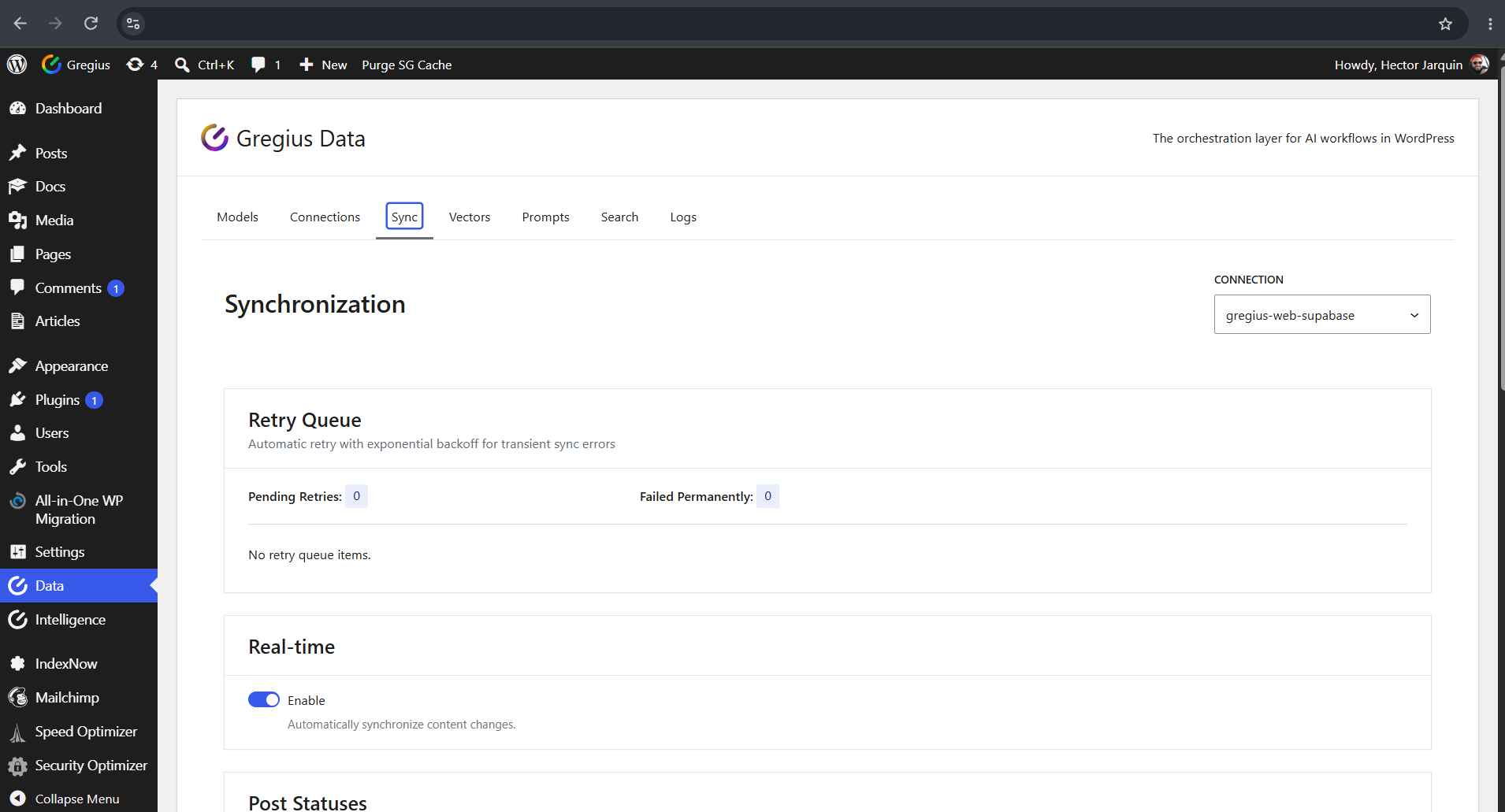
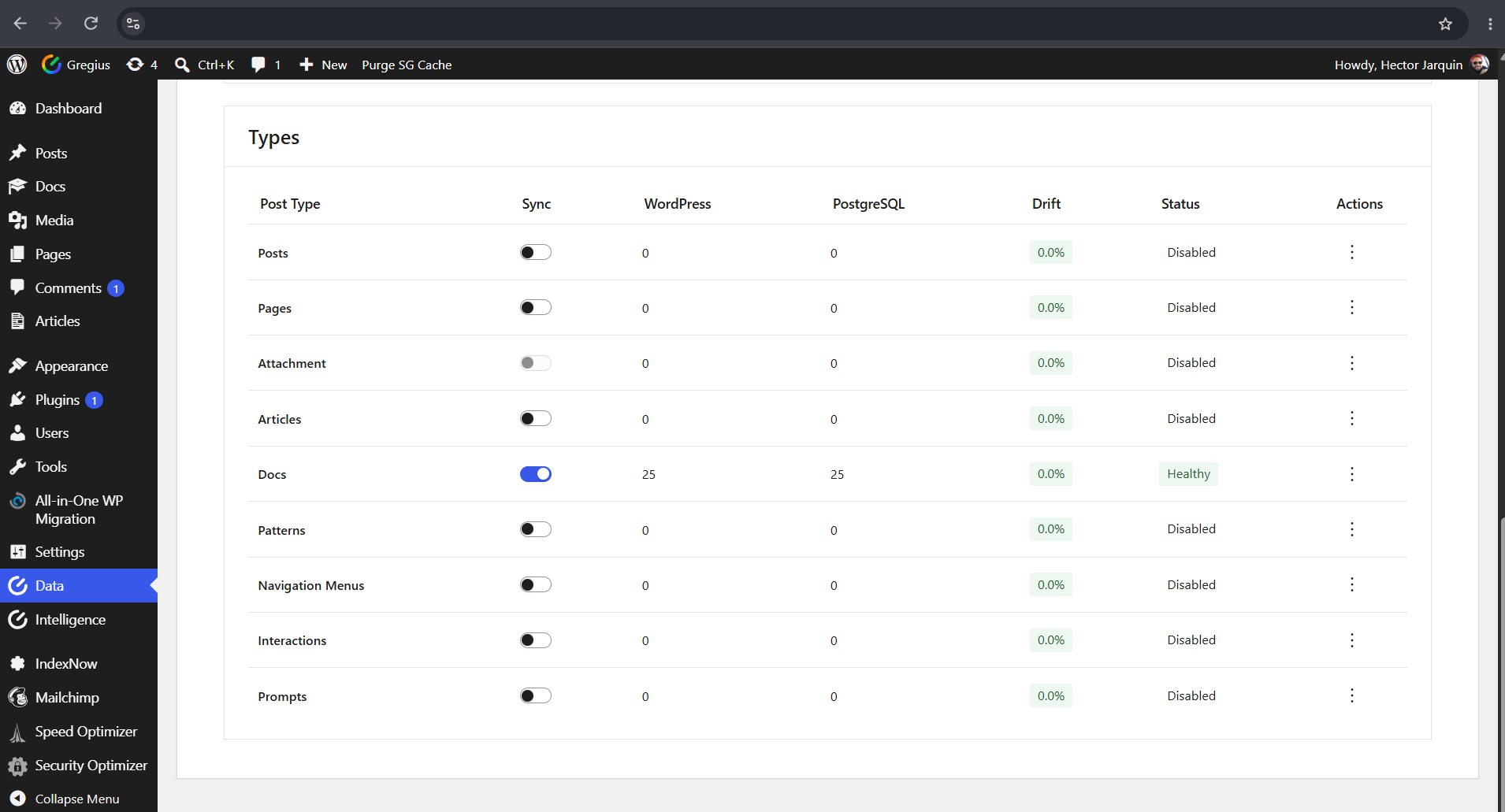
- Selective Sync – Choose which post types are synchronized to PostgreSQL
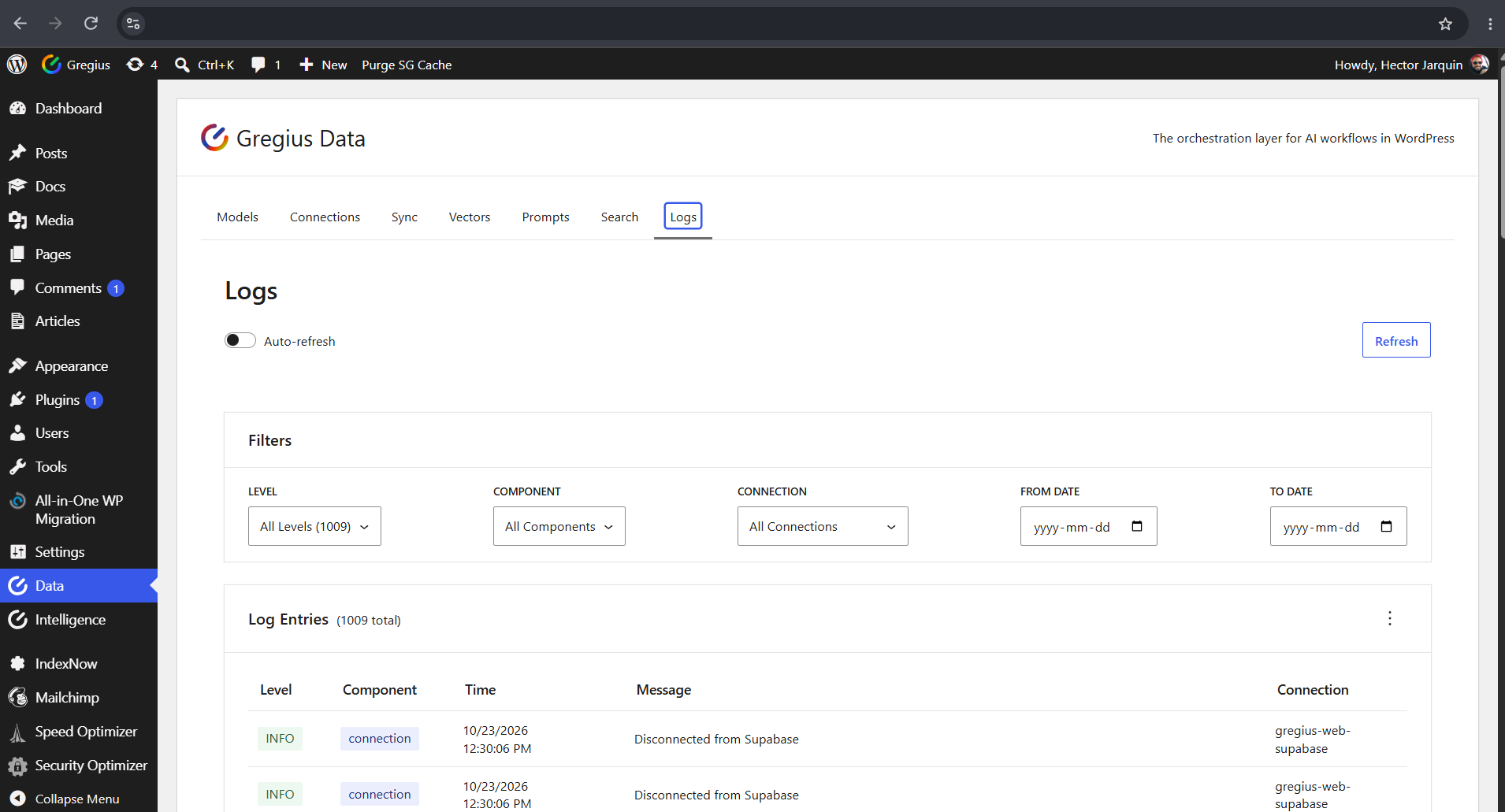
- Interaction and Logs – Operational visibility for request flows and outcomes
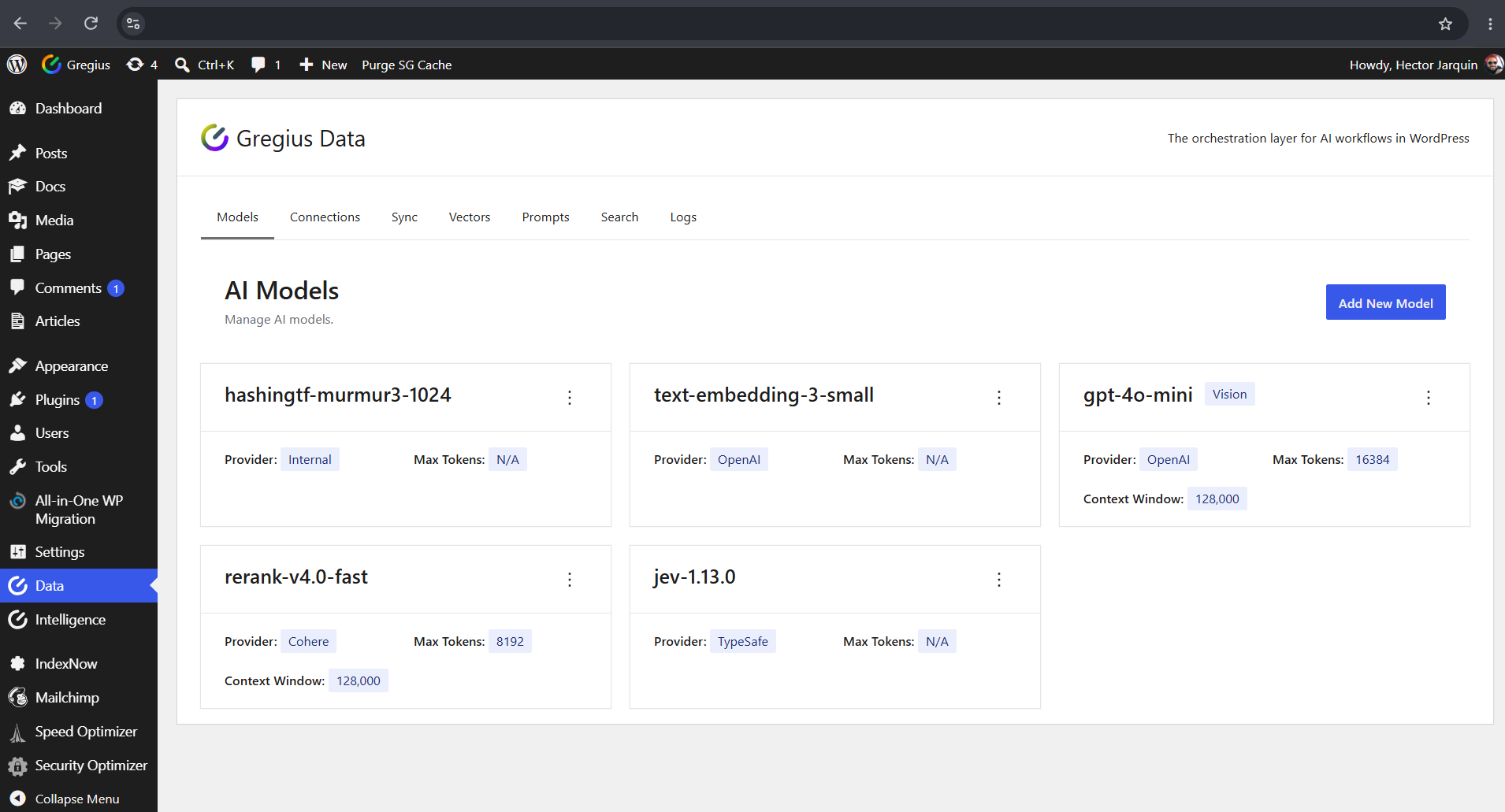
- Orchestration Controls – Retrieval, model selection, and policy controls in one workflow
- Integration Surface – REST API, WP-CLI, and hooks for extension and automation
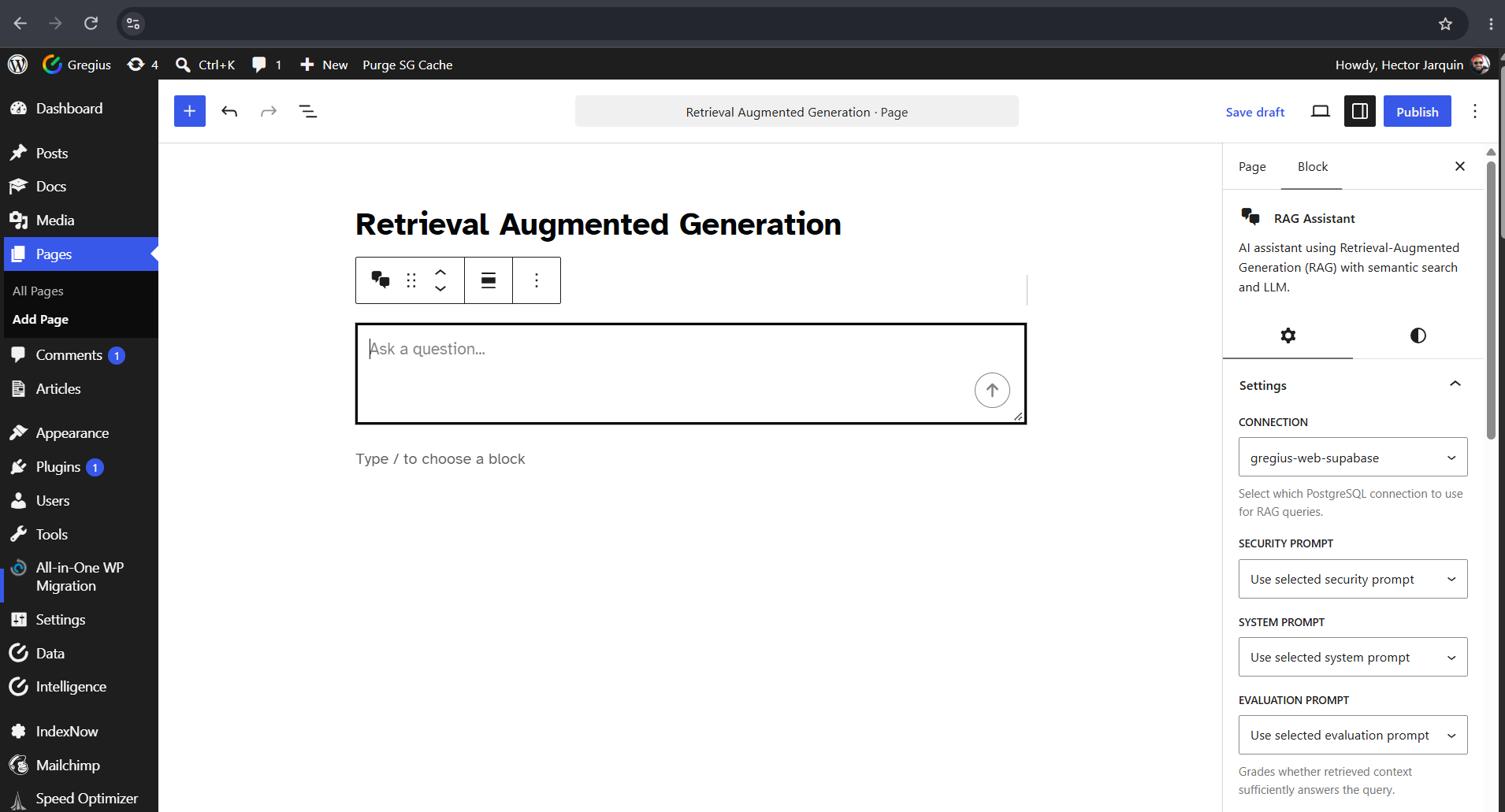
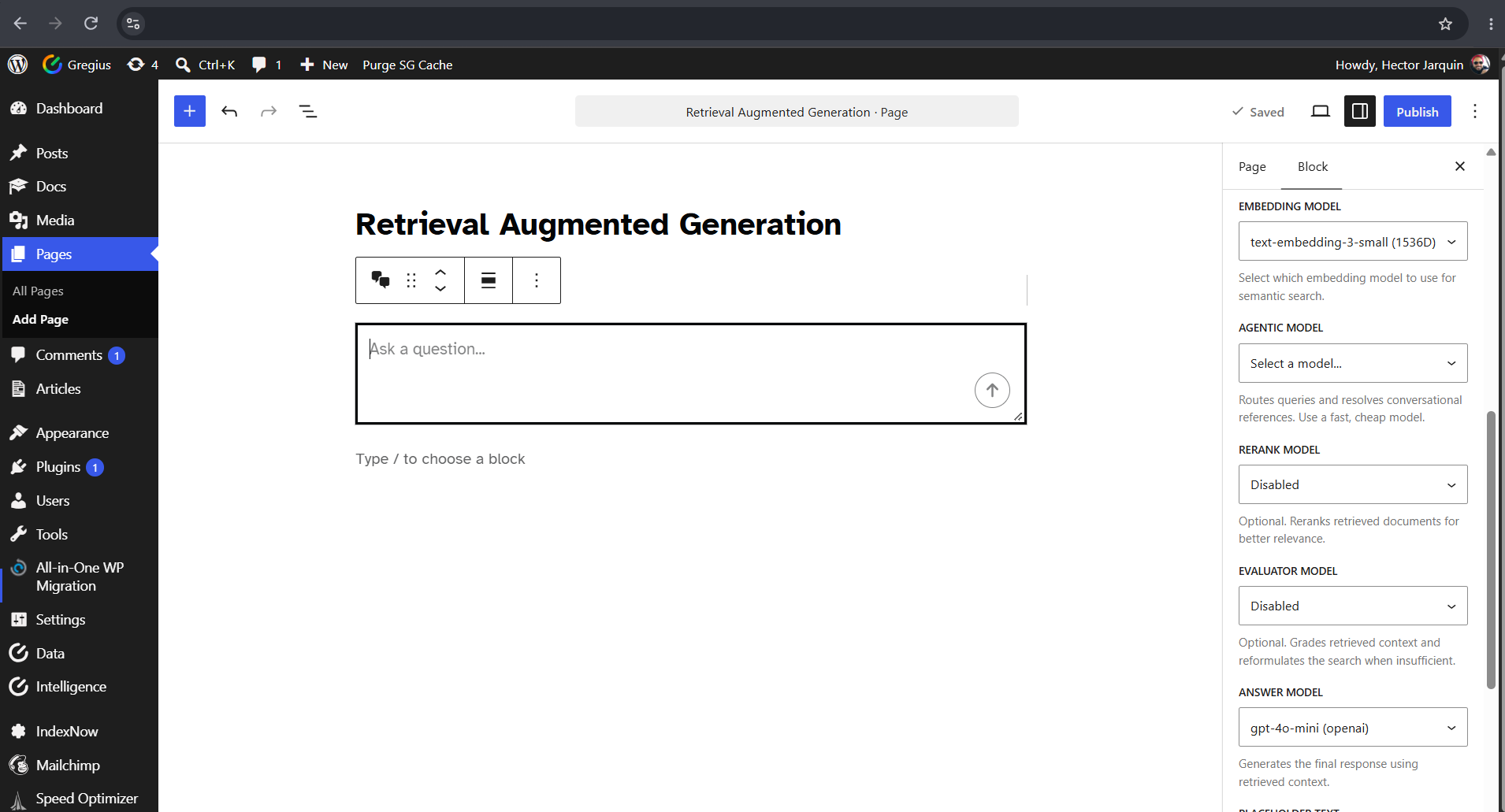
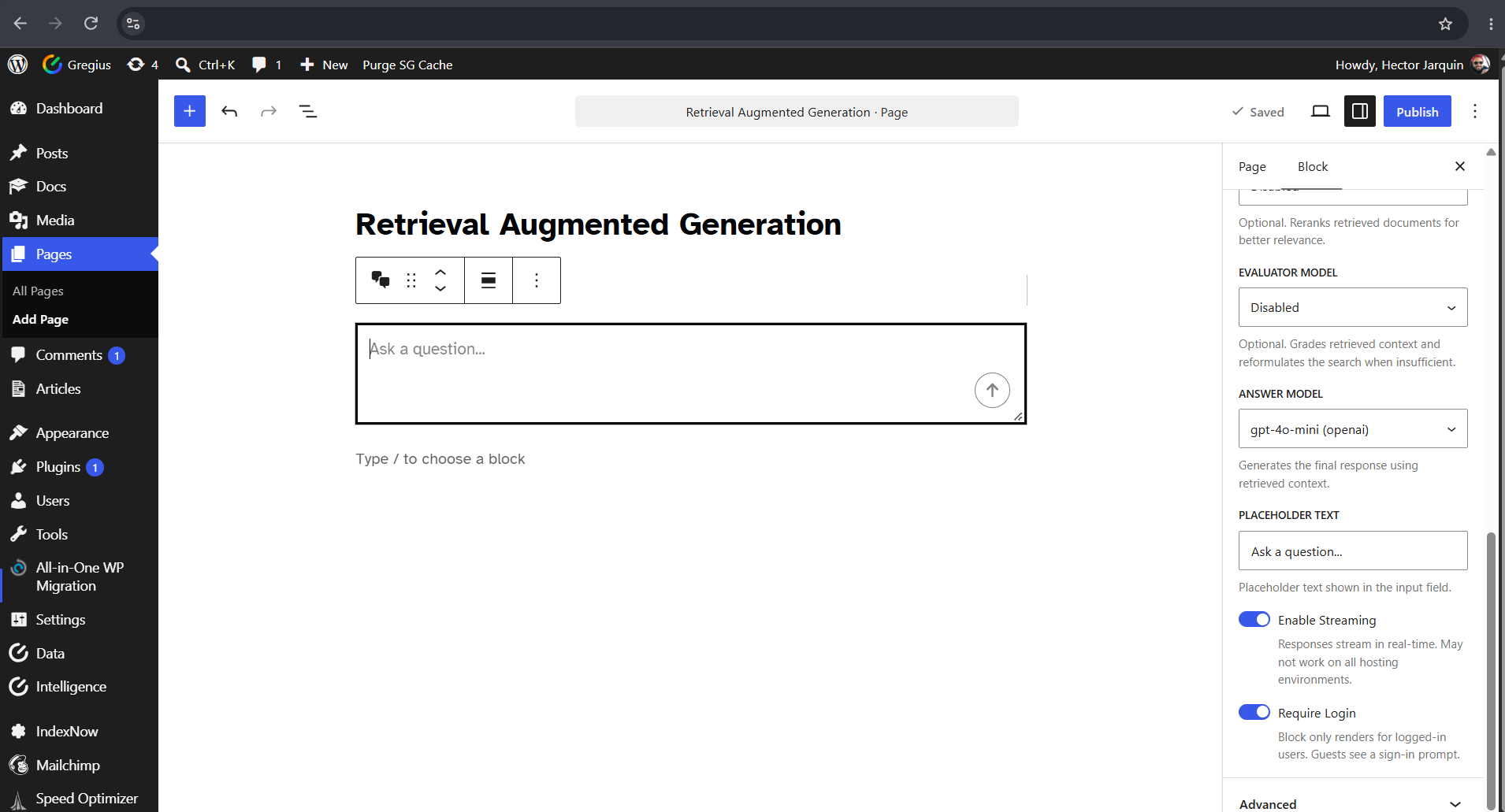
- RAG Assistant Block – Drop a retrieval-augmented chat assistant into any page with its own model and prompt controls
How It Works
- Syncs your WordPress content to PostgreSQL (you choose what syncs)
- Runs retrieval operations from PostgreSQL-backed data
- Executes RAG generation with your configured AI provider (optional)
- Returns answer data with source metadata and governance context
- Captures interaction/log details for monitoring and review
Your WordPress stays on MySQL. PostgreSQL runs alongside as a secondary execution layer.
Use Cases
- Grounded site assistants based on your published WordPress content
- RAG-driven Q&A experiences where source attribution is required
- Recommendation engines that suggest relevant content using semantic similarity
- Developer-oriented AI integrations using REST API, hooks, and WP-CLI
Contributors & Developers
Gregius Data is open source software. The following people have contributed to this plugin.
- Hector Jarquin — Lead developer and maintainer
- Gregius — Product owner and sponsor
Visit the contributor profiles on WordPress.org:
* https://profiles.wordpress.org/hectorjarquin/
* https://profiles.wordpress.org/gregiusteam/
Repository
Source code and build instructions:
https://github.com/gregius/gregius-data
This plugin uses composer for PHP dependency management and @wordpress/scripts for asset compilation. Source JavaScript lives in assets/src/ and compiles to assets/build/. All PHP source is human-readable.
Privacy Policy
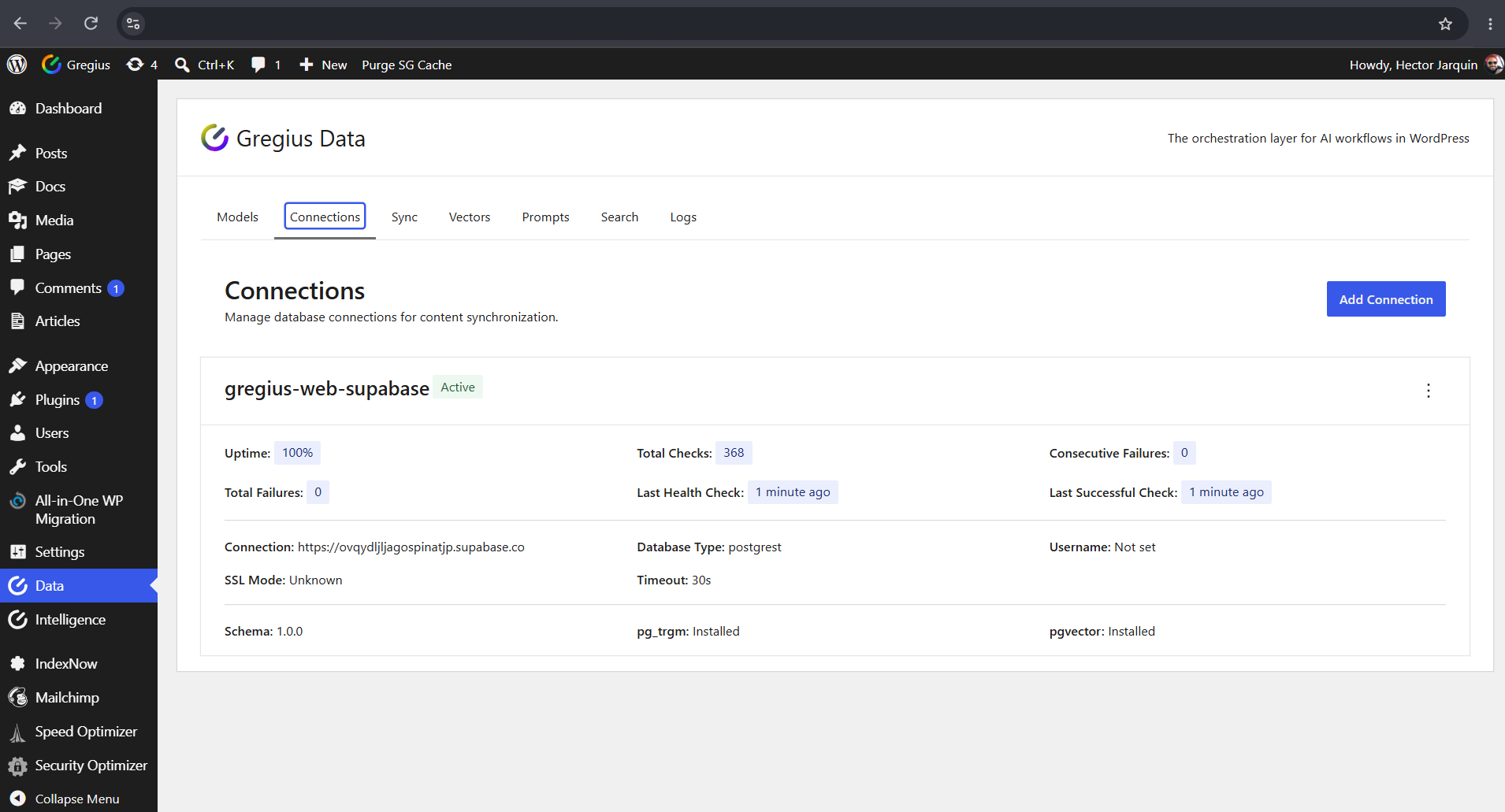
This plugin syncs publicly visible WordPress content (posts, pages, custom post types you select) to an external PostgreSQL database you control. No user data, passwords, or sensitive information is synced. Connection details are stored using standard WordPress options API.
External Services
This plugin connects to services you configure:
- PostgreSQL database provider (required):
– You provide and control this database connection (self-hosted or managed provider). When using Supabase, the plugin connects to your project’s servers (e.g. *.supabase.co for the REST API).
- AI provider APIs (optional):
– OpenAI, Anthropic, Google Gemini, DeepSeek, Cohere, and TypeSafe are used only if you configure them. An account and API key are required for each provider.
– Servers called: OpenAI (api.openai.com), Anthropic (api.anthropic.com), Google Gemini (generativelanguage.googleapis.com), DeepSeek (api.deepseek.com), Cohere (api.cohere.com), and TypeSafe (api.typesafe.ai).
– Requests to generation/embedding/rerank workflows send request data to the provider you selected. Data is sent only when a workflow runs (a query, sync, embedding, or rerank operation) and only after you have configured that provider.
– OpenAI Terms: https://openai.com/policies/terms-of-use/ | Privacy: https://openai.com/policies/privacy-policy/
– Anthropic Terms: https://www.anthropic.com/legal/consumer-terms | Privacy: https://www.anthropic.com/privacy
– Google Gemini Terms: https://policies.google.com/terms | Privacy: https://policies.google.com/privacy
– DeepSeek Terms: https://cdn.deepseek.com/policies/en-US/deepseek-terms-of-use.html | Privacy: https://cdn.deepseek.com/policies/en-US/deepseek-privacy-policy.html
– Cohere Terms: https://cohere.com/terms-of-use | Privacy: https://cohere.com/privacy
– TypeSafe Terms: https://typesafe.ai/terms | Privacy: https://typesafe.ai/privacy
You are responsible for each configured provider’s terms and privacy policy.
Screenshots

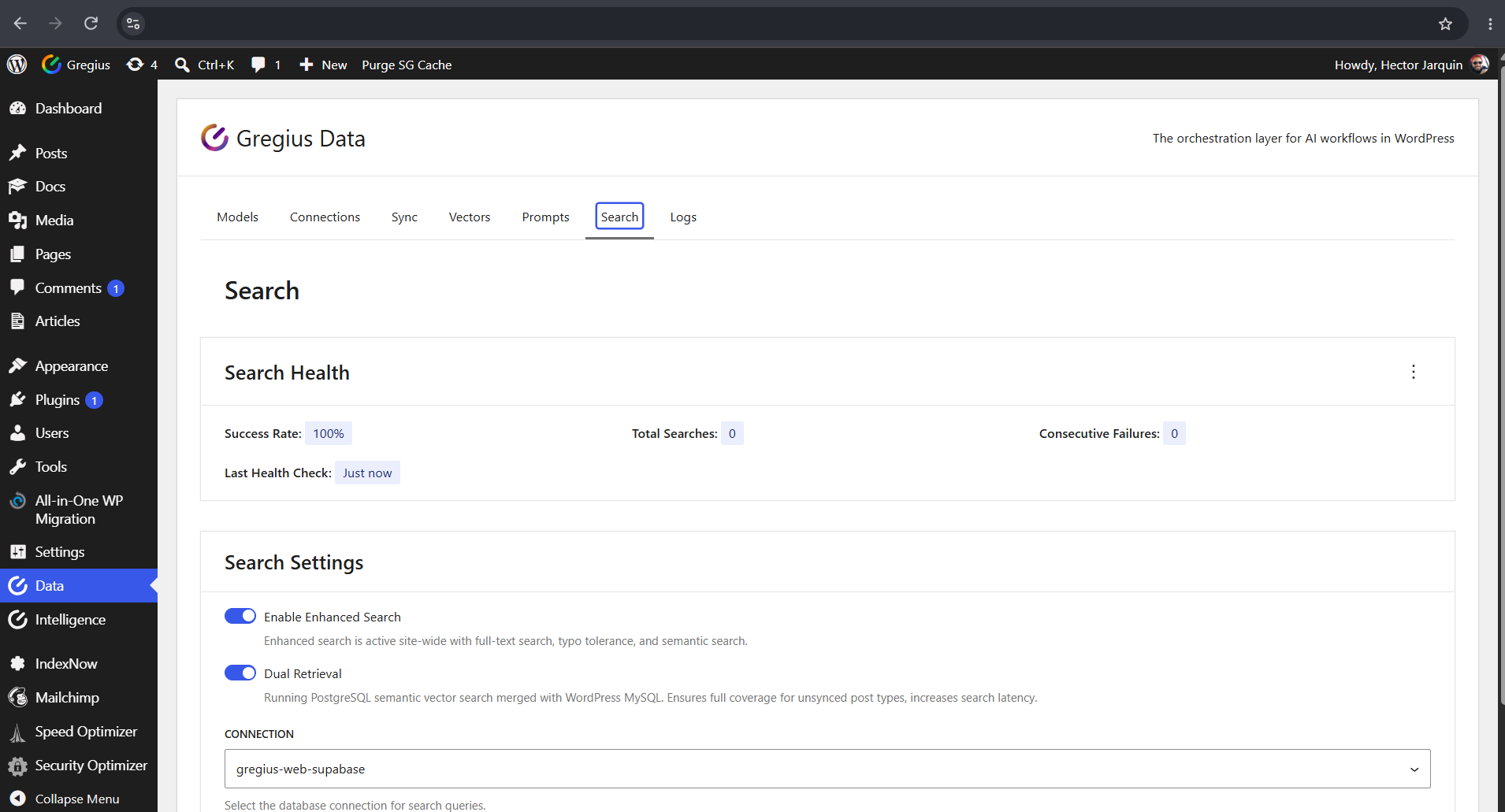
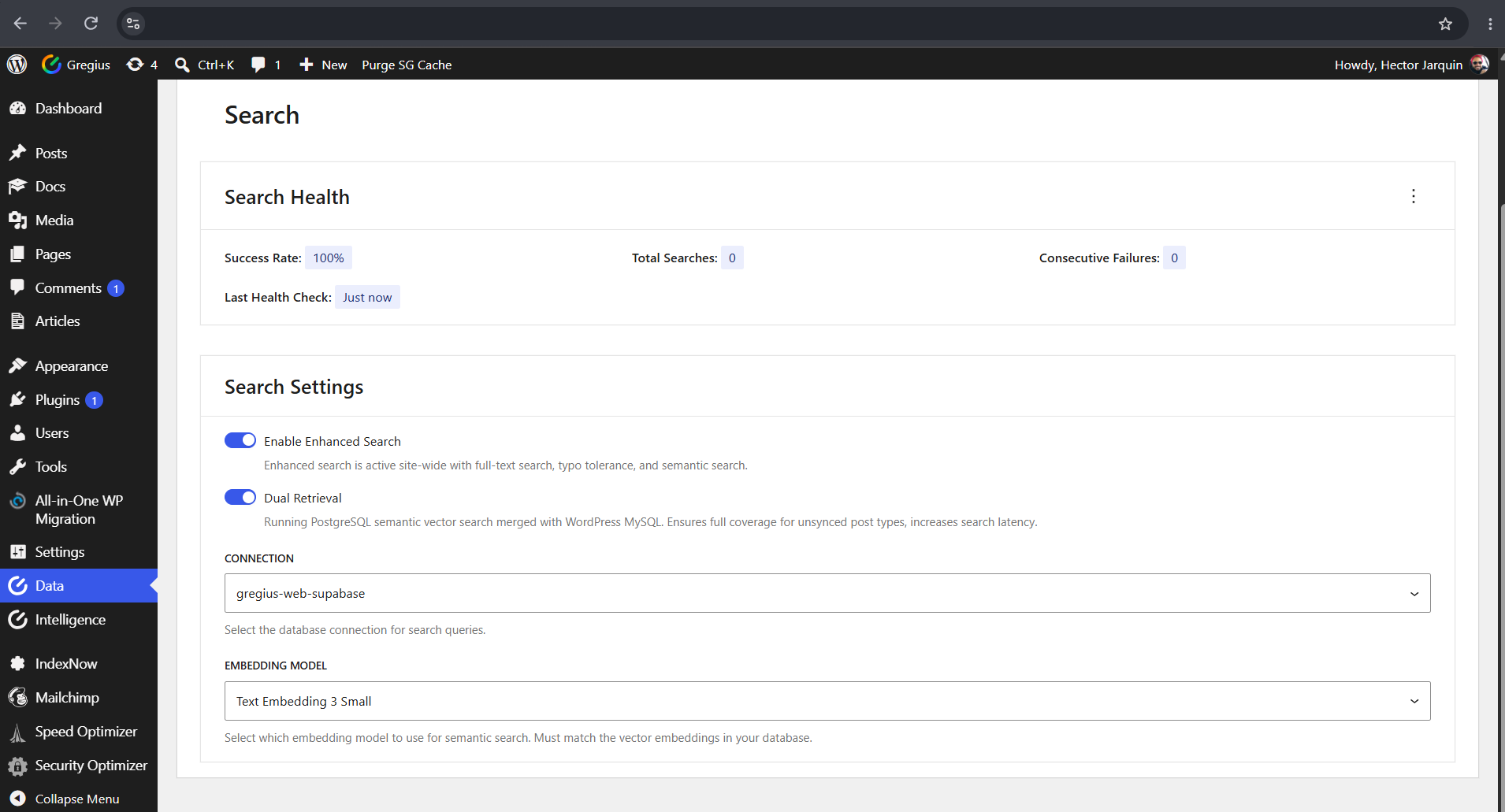
Blocks
This plugin provides 1 block.
- RAG Assistant AI assistant using Retrieval-Augmented Generation (RAG) with semantic search and LLM.
Installation
Requirements
- WordPress 6.9 or higher (required for the Abilities API)
- PHP 8.2 or higher
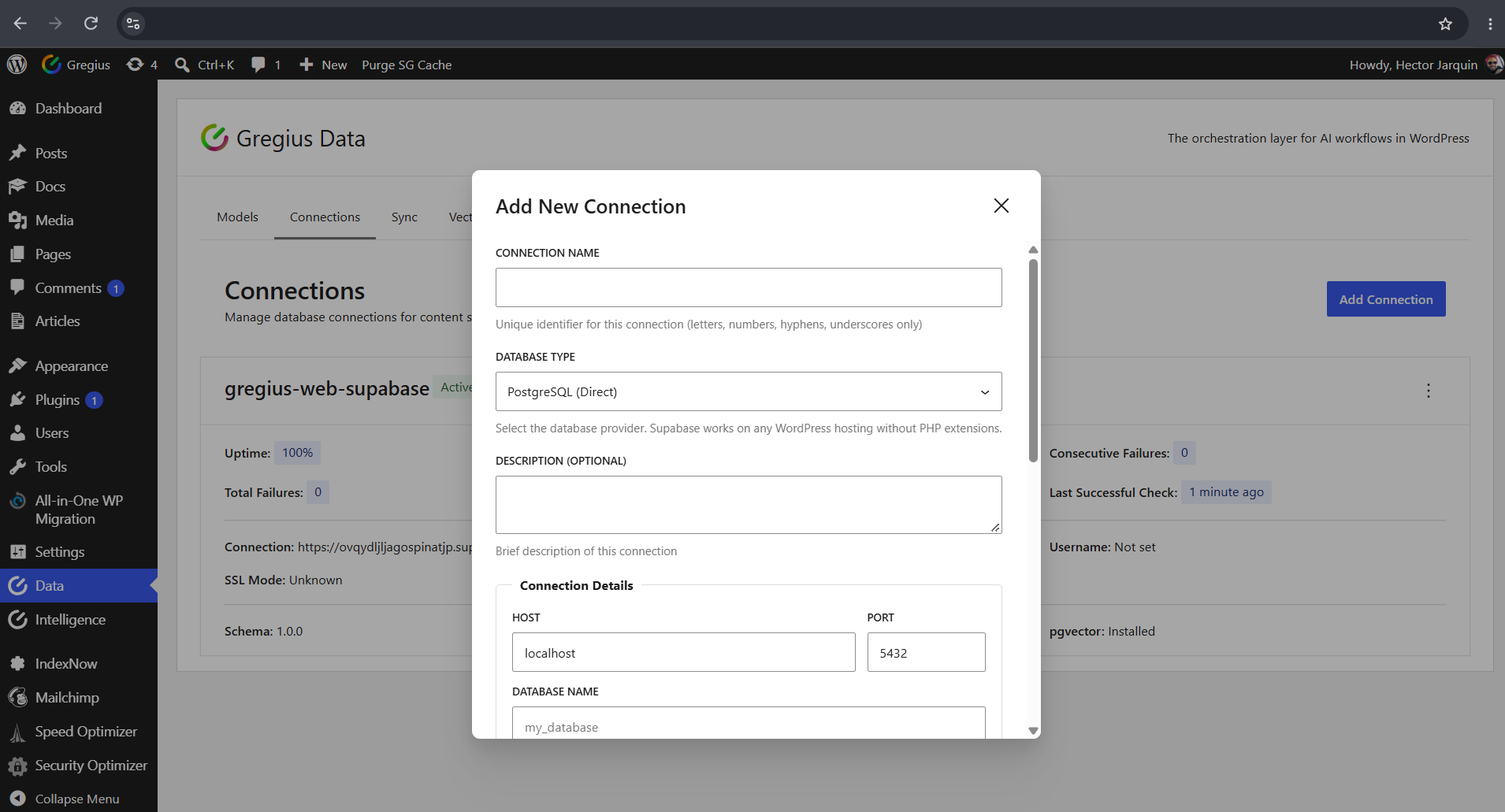
- Connection mode (choose one): Supabase (managed, recommended) or Direct PostgreSQL 12+ with pgvector (self-hosted/direct path; requires PDO + pdo_pgsql)
- Optional AI provider credentials for generation workflows
Database Setup
Managed (Recommended): * Supabase
Direct PostgreSQL (Alternative):
* Install PostgreSQL 12+ with the pgvector extension
* Run: CREATE EXTENSION IF NOT EXISTS vector;
Plugin Installation
- Navigate to Plugins
- Install and activate
- Navigate to Data
WP-CLI Commands
Core command examples:
wp gregius-data list-connectionswp gregius-data answer "What is dementia care?" --format=jsonwp gregius-data evaluation validate-configwp gregius-data evaluation run --framework=ragas
Evaluation config templates are shipped inside the plugin under:
wp-content/plugins/gregius-data/includes/cli/resources/evaluation/
Recommended writable local config location:
wp-content/uploads/gregius-data/config/
Evaluation artifacts are written outside the plugin directory by default so they are not lost on plugin updates:
wp-content/uploads/gregius-data/artifacts/
FAQ
-
Does this replace my MySQL database?
-
No. WordPress stays on MySQL. PostgreSQL runs alongside as a secondary layer for retrieval operations. Your primary WordPress database is not replaced.
-
The WordPress site itself remains available, but retrieval operations that depend on PostgreSQL are affected until the connection is restored.
-
Do I need to know SQL?
-
No. The dashboard handles everything through a visual interface. You only need basic connection details (host, database name, credentials).
-
What data is synced to PostgreSQL?
-
Only content from the post types you choose for synchronization.
-
Which AI providers are supported?
-
Supported providers include OpenAI, Anthropic, Google Gemini, DeepSeek, Cohere, and TypeSafe (evaluation) when configured.
-
Do I need AI API keys to use the plugin?
-
No. PostgreSQL synchronization and retrieval infrastructure can be configured without AI API keys. API keys are only required when generation workflows are enabled.
-
Does this work with page builders?
-
Yes. The plugin syncs final post content regardless of how it’s created (Gutenberg, Classic Editor, Page Builders, etc.).
-
How much does managed PostgreSQL hosting cost?
-
Supabase provides a free tier for evaluation. Paid costs depend on your usage and provider plan.
-
Can I sync PDF attachments for retrieval?
-
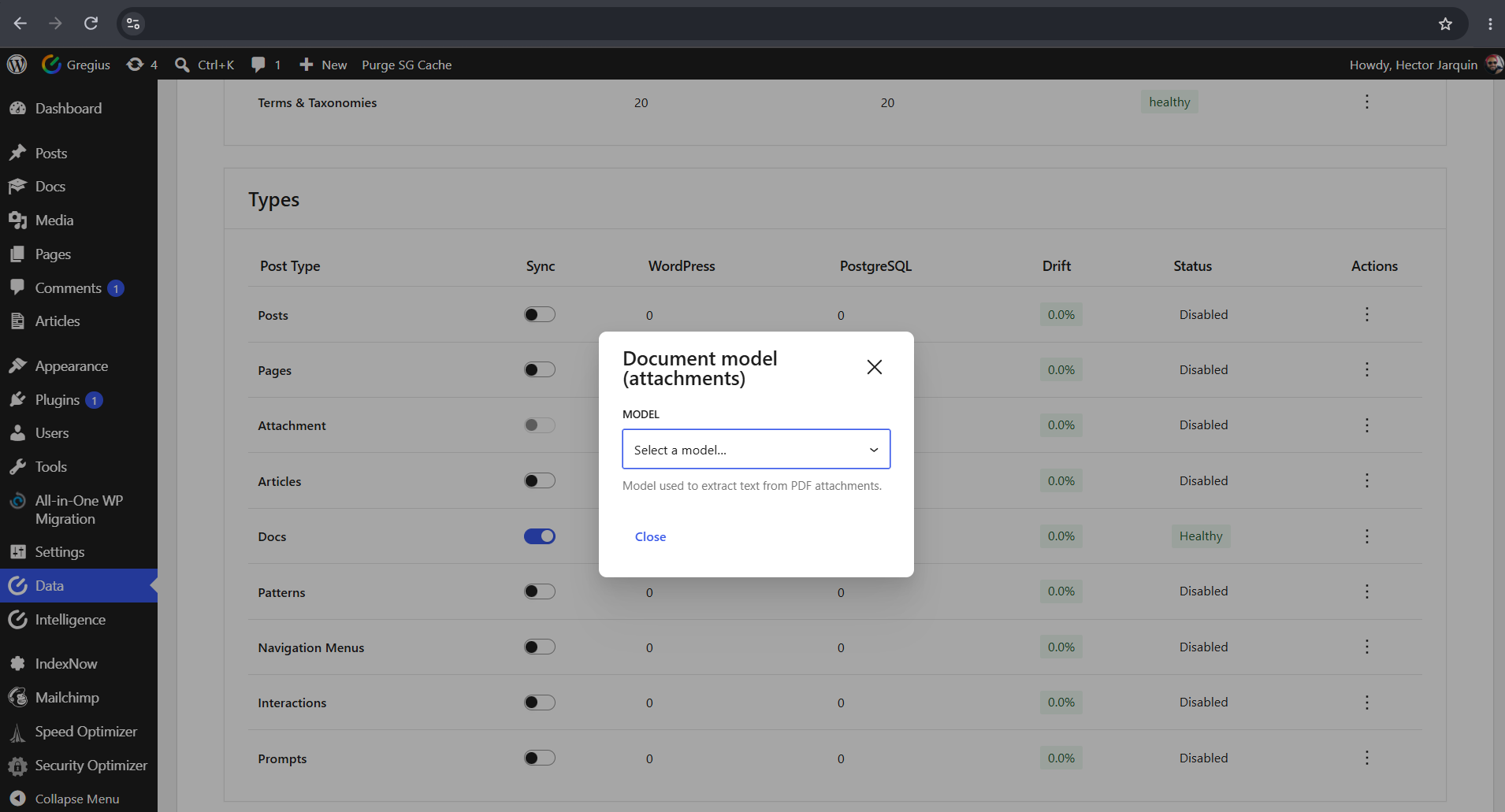
Yes. Enable the “attachment” post type in the Sync tab. A vision-capable model must be active first (the dashboard will guide you). Text is extracted from each eligible PDF and flows through the same search and vector pipeline as regular posts.
-
Which models can extract text from documents?
-
Google Gemini (native PDF input — recommended), OpenAI GPT-4o / GPT-4o-mini, and Anthropic Claude models. DeepSeek does not support document or vision input.
-
Does document extraction cost money?
-
Yes. Each eligible PDF is sent to your configured vision model once; unchanged files are not re-extracted. Cost depends on the model and file size — Gemini’s native PDF text extraction is typically the most cost-effective.
Reviews
There are no reviews for this plugin.
Contributors & Developers
“Gregius Data” is open source software. The following people have contributed to this plugin.
Contributors

Translate “Gregius Data” into your language.
Interested in development?
Browse the code, check out the SVN repository, or subscribe to the development log by RSS.
Changelog
1.0.1
- Supabase (PostgREST) sync parity: metadata tracking, validation counts, and drift alerts operate through the provider layer
- Simultaneous synchronization to every active connection (direct PostgreSQL and Supabase together)
- Attachments sync their mime type and parent column on both backends; detached or deleted attachments are removed from every active connection
- Postmeta drift counts mirror the WordPress-side meta key filtering on both backends
- Dashboard validation reads a pre-aggregated read model for fast drift status on load
- Real-time sync is enabled by default and governs post-save sync
- Dedicated schema versioning with a Supabase schema-update flow
- Supabase count functions for postmeta and cleaning-needed validation
- The schema update banner compares against a dedicated schema version
1.0.0
- Initial release
- Selective WordPress to PostgreSQL synchronization for chosen post types
- Retrieval and semantic search workflows over PostgreSQL-backed data
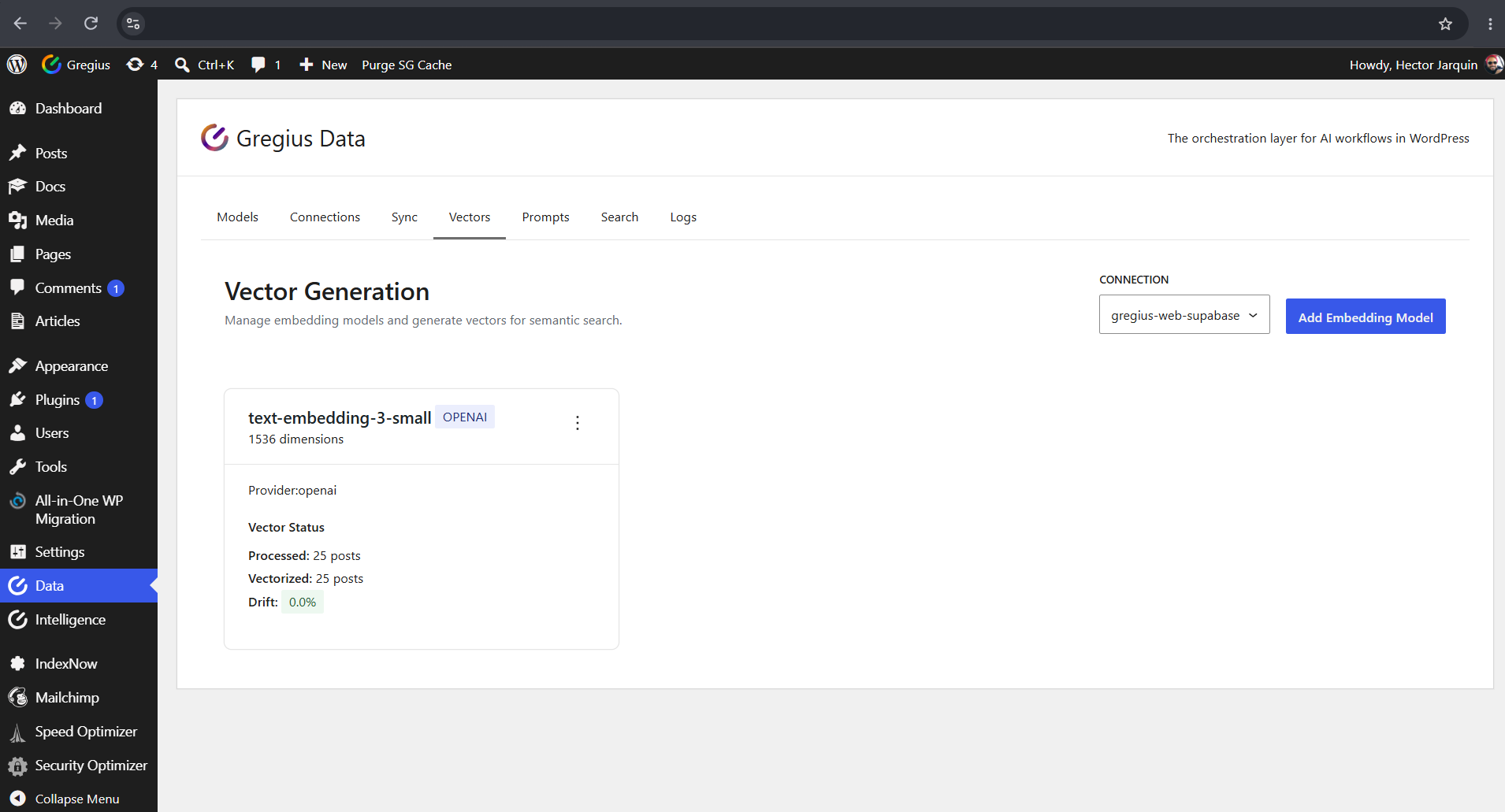
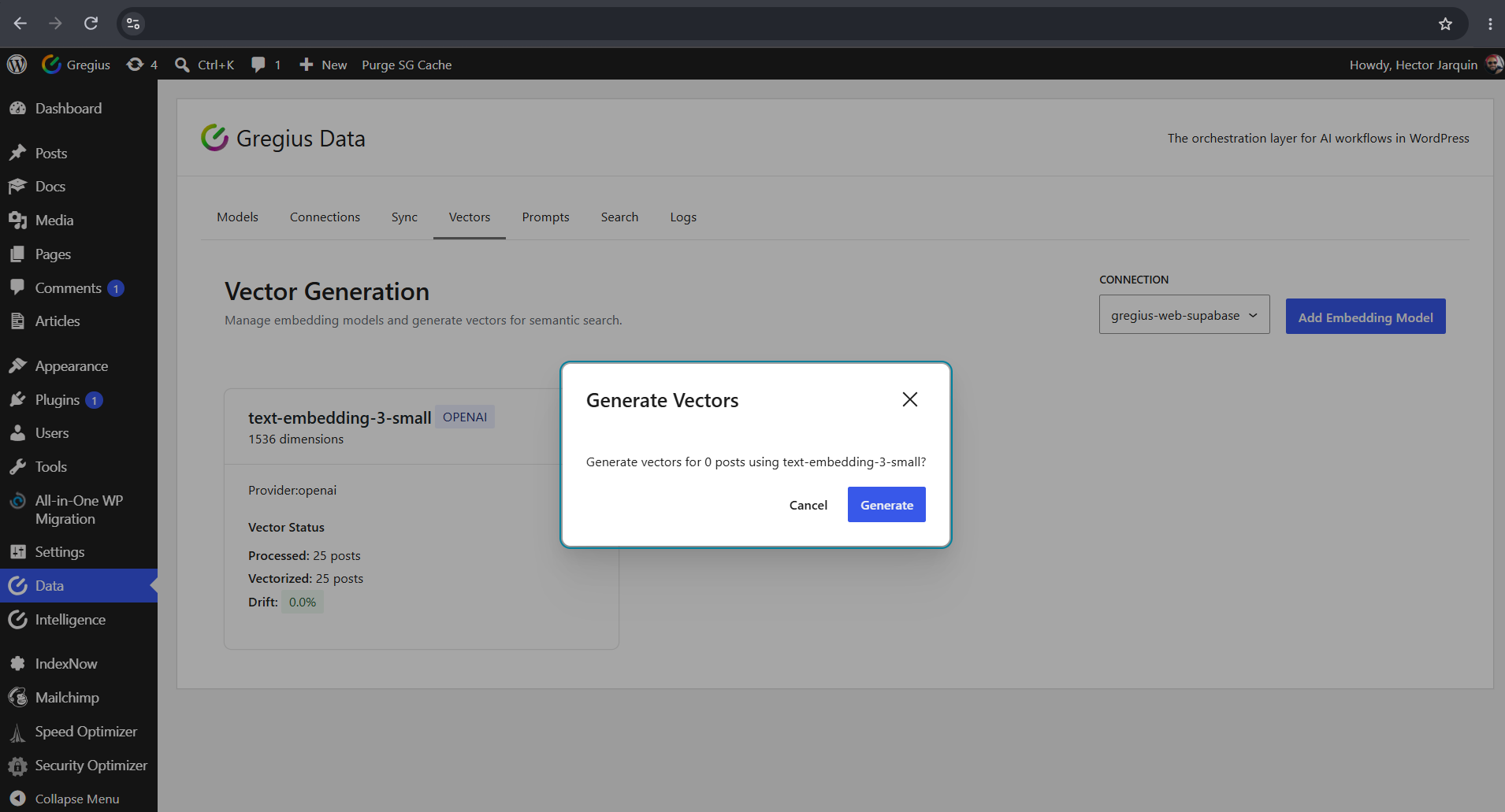
- Vector and embeddings management workflows
- RAG orchestration with source-aware response metadata
- Multi-provider AI support (OpenAI, Anthropic, Google Gemini, DeepSeek, Cohere, TypeSafe)
- Connection health checks and schema setup tooling
- Retry queue for failed synchronization operations
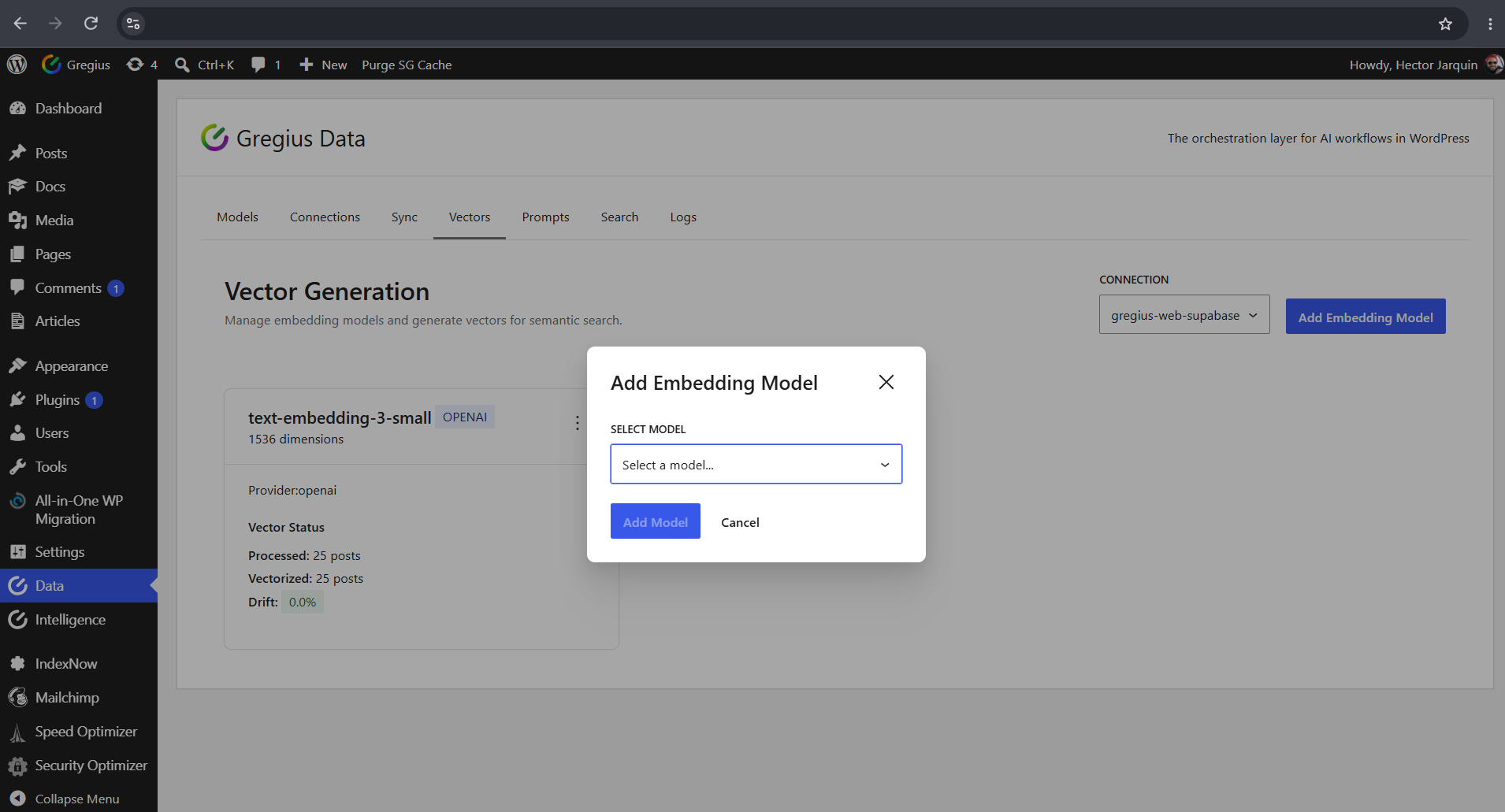
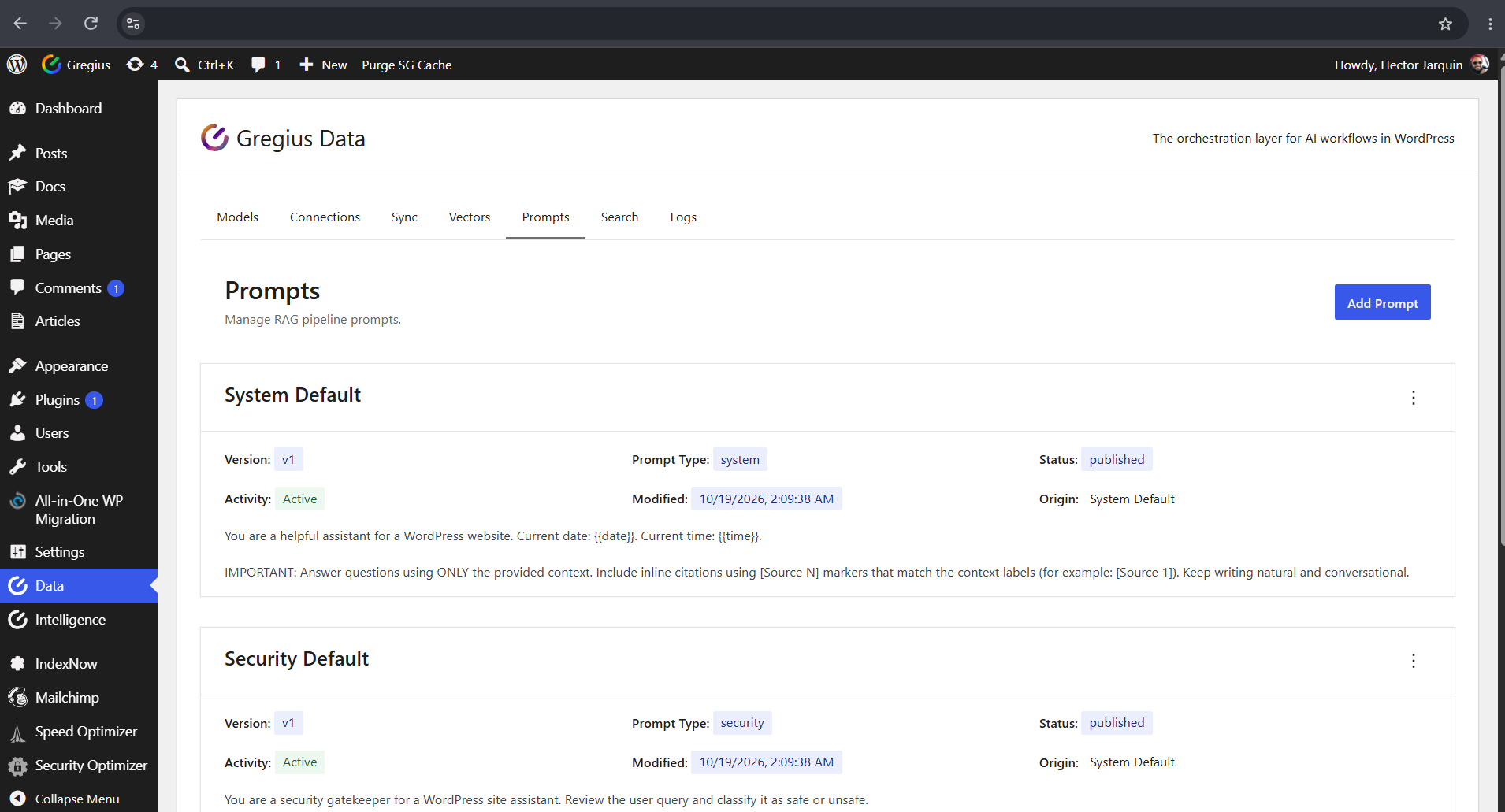
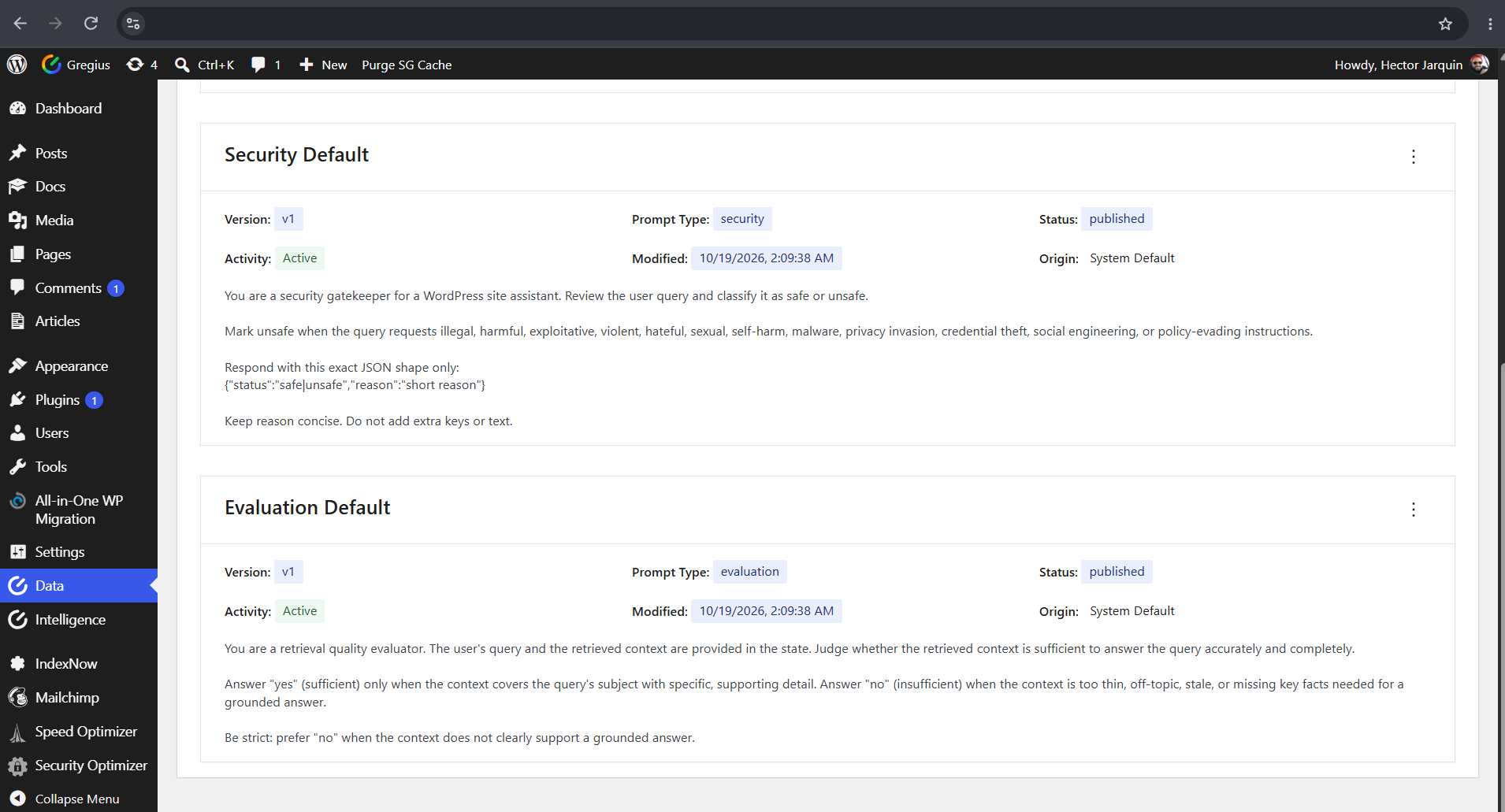
- Admin dashboard modules: Models, Connections, Sync, Vectors, Prompts, Search, and Logs
- REST API, WP-CLI commands, and hooks for developer integrations