

Description
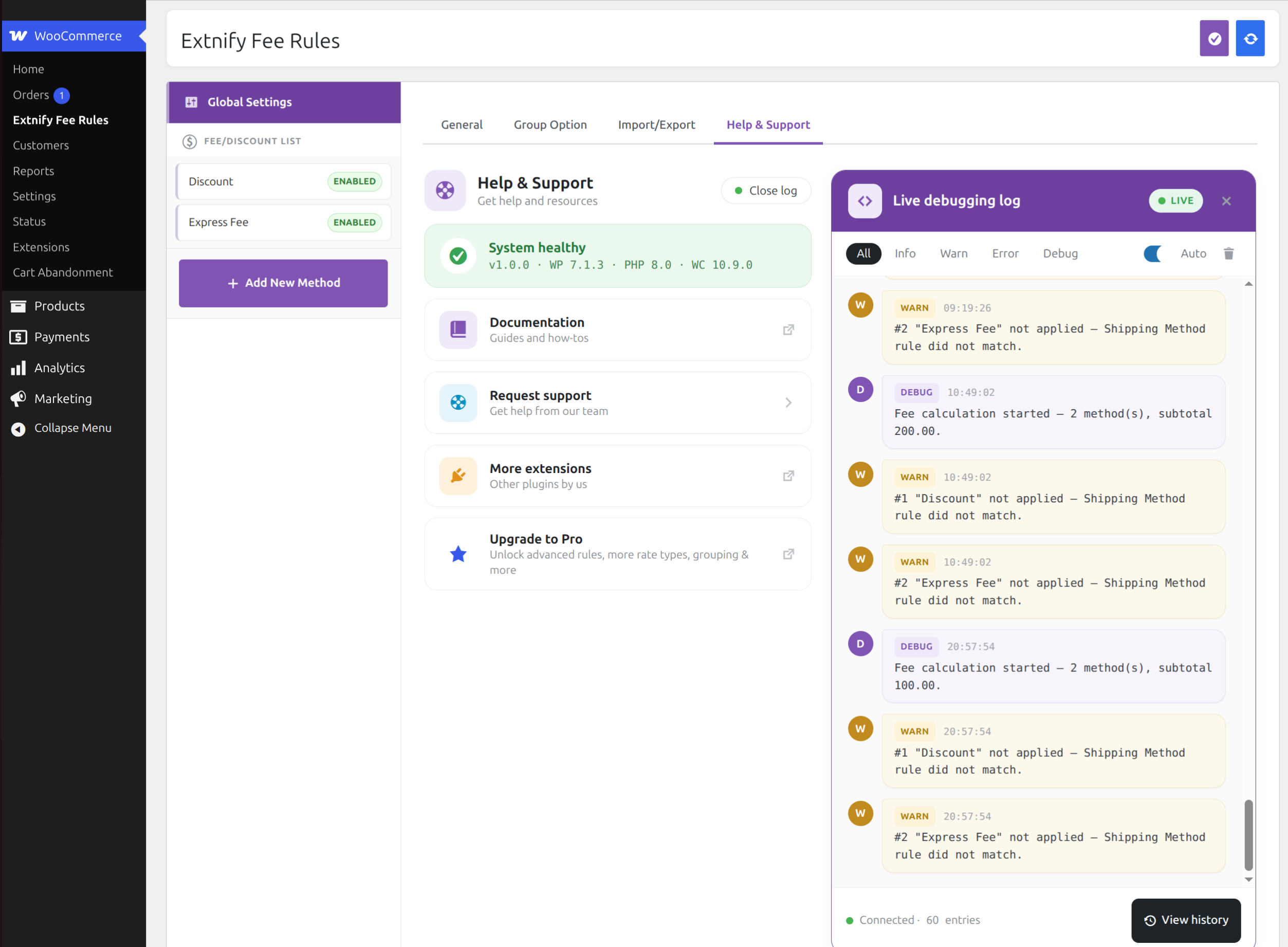
Extnify Fee Rules for WooCommerce is a lightweight and easy-to-use plugin that adds custom fees (or discounts) to the cart and checkout. Create unlimited fees, restrict each one by WooCommerce shipping zone, payment method or shipping method, and set the amount as a flat value or a percentage of the cart subtotal (positive for a fee, negative for a discount).
Features
- Unlimited Fees — Create as many fee rules as your store needs.
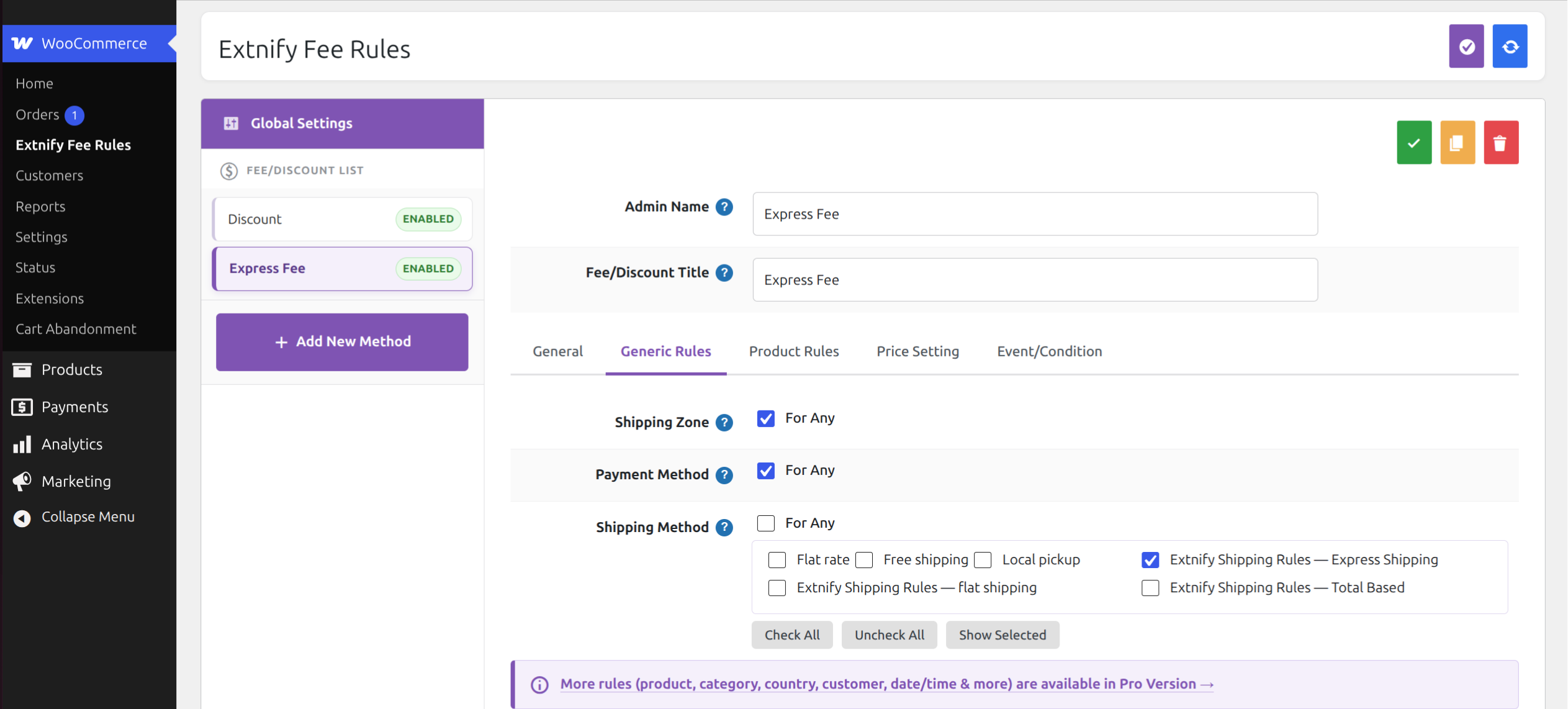
- Conditional Rules — Apply each fee only when the customer’s shipping zone, chosen payment method, or chosen shipping method matches.
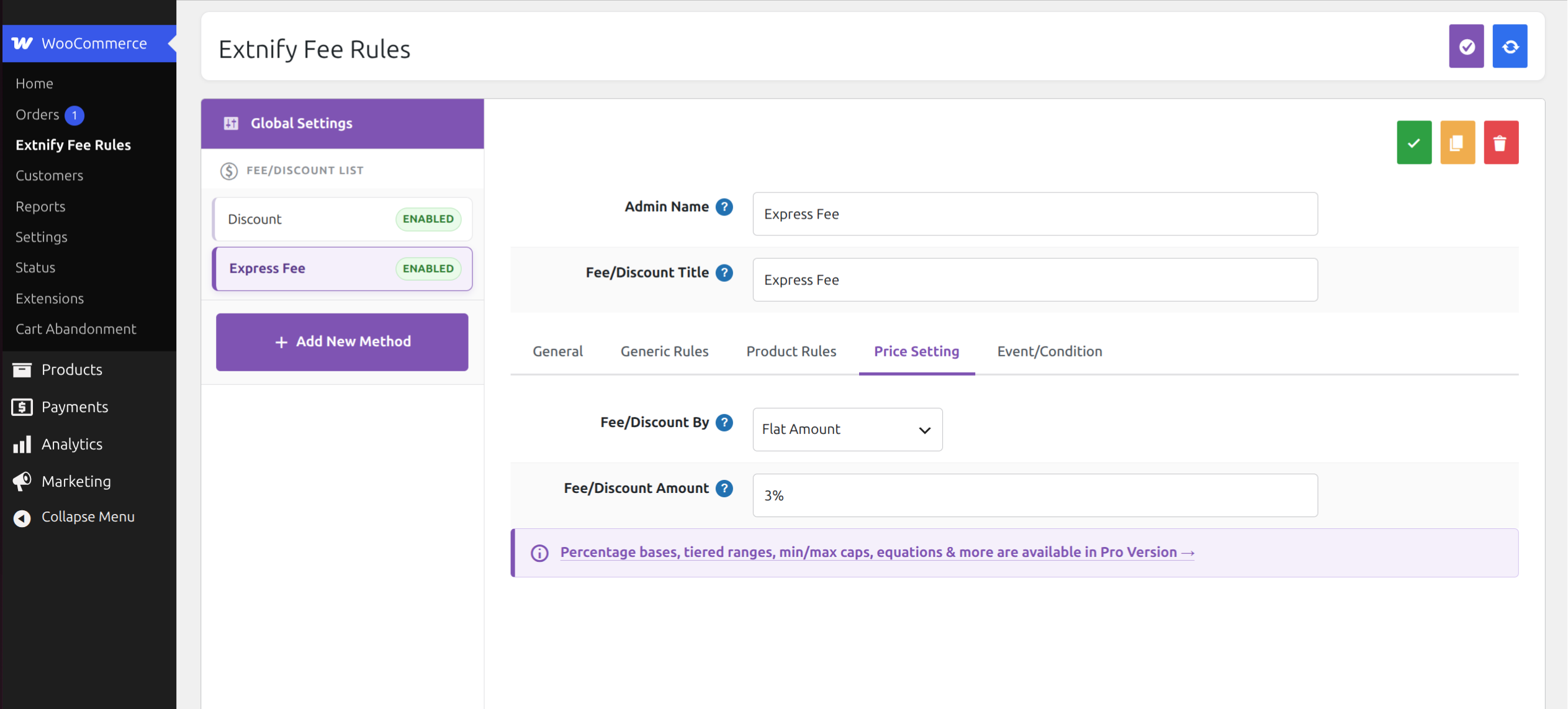
- Flat or Percentage Amounts — Charge a flat amount or a percentage of the cart subtotal. Enter a negative value (e.g. -5 or -10%) to apply a discount instead.
- Tax Class — Configure the applicable tax class per fee (or make it non-taxable).
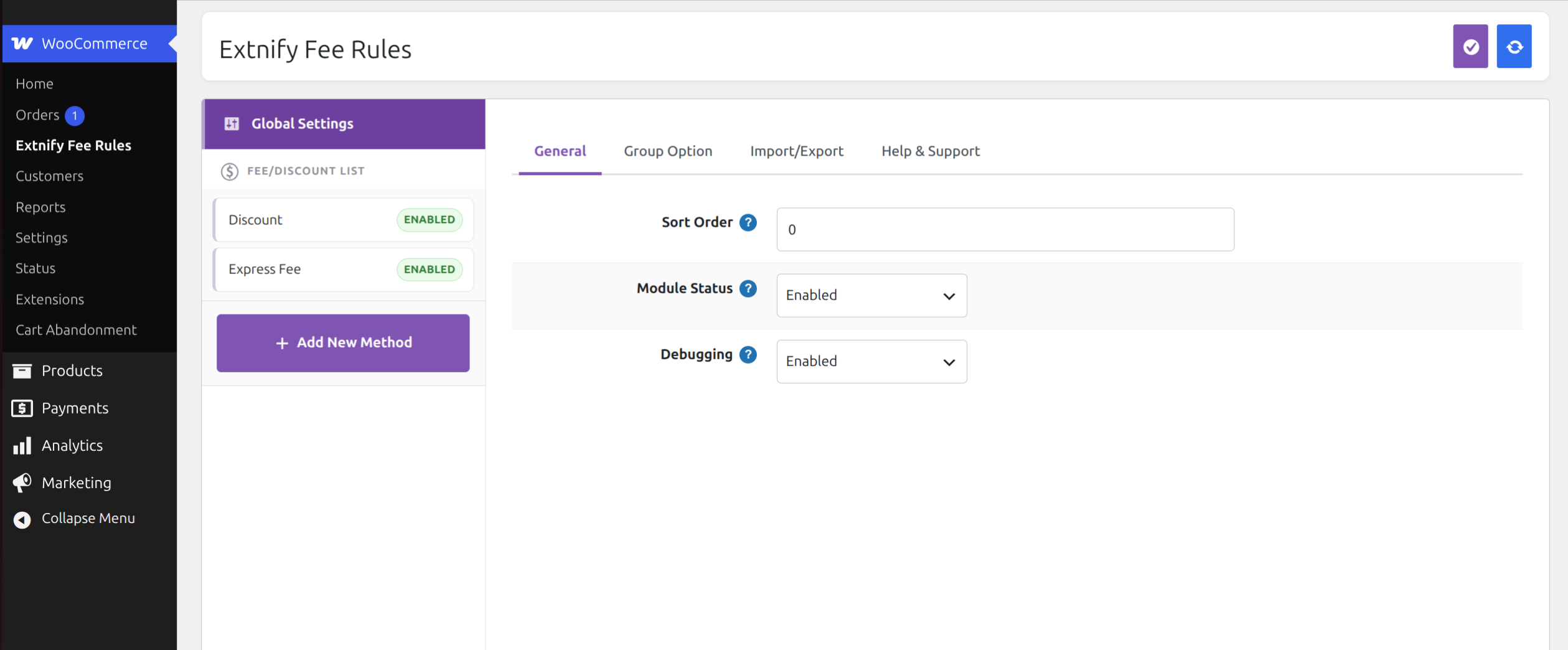
- Fee Ordering — Control the order fees are applied and shown.
- Easy Management — Enable, disable, copy, delete, and bulk-save fees.
Privacy
Extnify Fee Rules makes no external requests and collects no data. All fee rules and calculations run directly on your WooCommerce store.
Need More Fee Rules?
For more complex requirements, Extnify Fee Rules Pro adds product, category and manufacturer rules, tiered (range-based) amounts, advanced percentage bases (grand total, weight, quantity and more), method grouping, CSV import/export, tax-inclusive fees, and more.
Extnify Fee Rules is built by Extnify, the developer behind X-FeePro for OpenCart.
Screenshots
Installation
- Ensure WooCommerce is installed and active.
- Upload the plugin to
/wp-content/plugins/(or install via the Plugins screen). - Activate the plugin through the “Plugins” menu in WordPress.
- Go to WooCommerce Extnify Fee Rules to configure your fees.
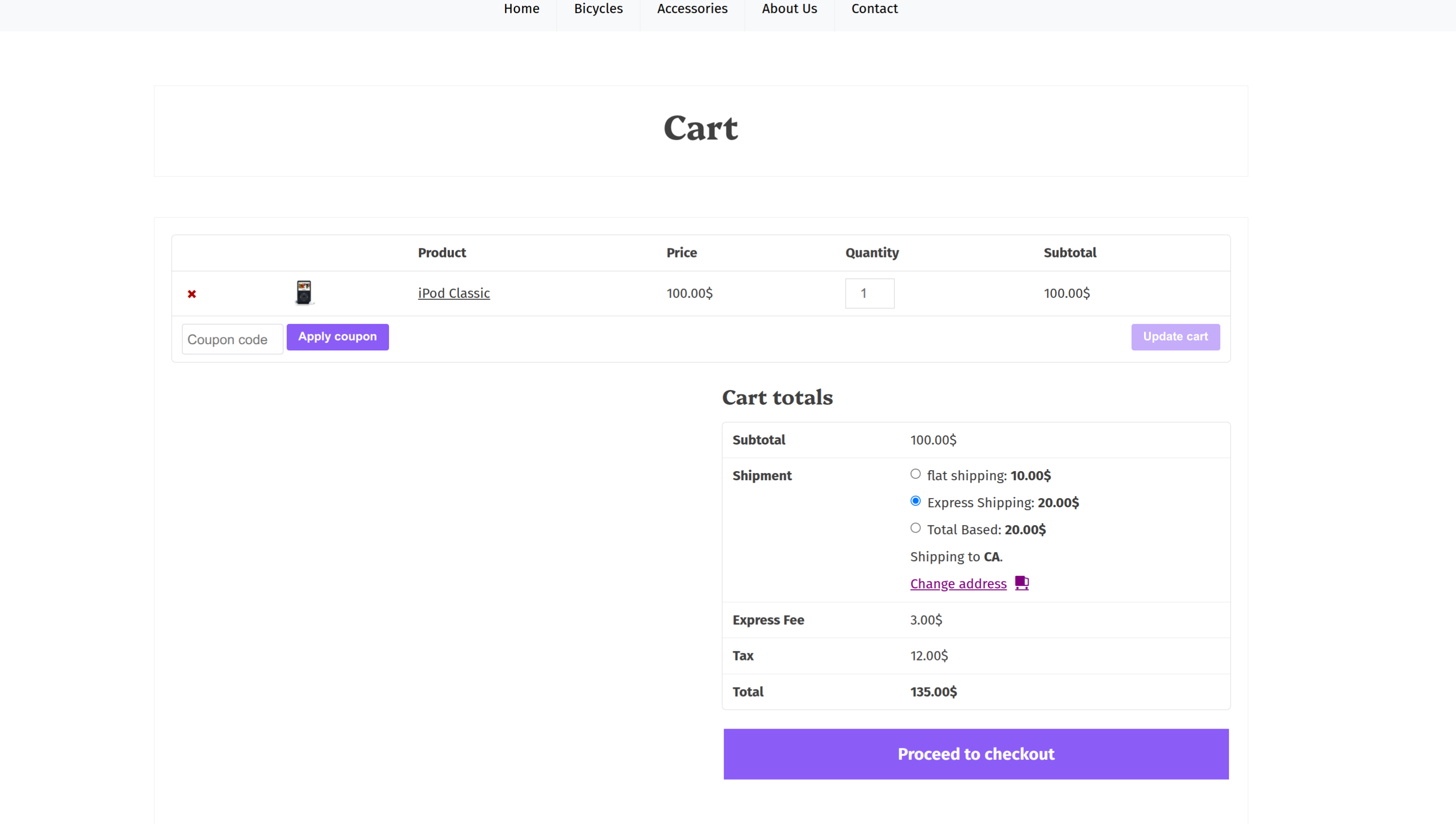
- Add a fee, set its flat amount and (optionally) restrict it to a shipping zone, payment method or shipping method — it will appear on the cart and checkout totals automatically.
FAQ
-
Does this send any data anywhere?
-
No. Extnify Fee Rules makes no external calls and stores everything locally in your database.
-
Can I add a discount instead of a fee?
-
Yes. Enter a negative amount (for example -5) and WooCommerce shows it as a discount line on the totals.
-
Can I charge a percentage?
-
Yes. Enter the amount as a percentage, for example 10% (or -10% for a discount) — it is calculated from the cart subtotal. Tiered (range-based) amounts by subtotal are a Pro feature.
-
Can I upgrade to Pro without losing my settings?
-
Yes. Extnify Fee Rules and Extnify Fee Rules Pro share the same data, so your configured fees carry over automatically.
Reviews
There are no reviews for this plugin.
Contributors & Developers
“Extnify Fee Rules for WooCommerce” is open source software. The following people have contributed to this plugin.
Contributors
Translate “Extnify Fee Rules for WooCommerce” into your language.
Interested in development?
Browse the code, check out the SVN repository, or subscribe to the development log by RSS.
Changelog
1.0.0
- Initial release.