
Description
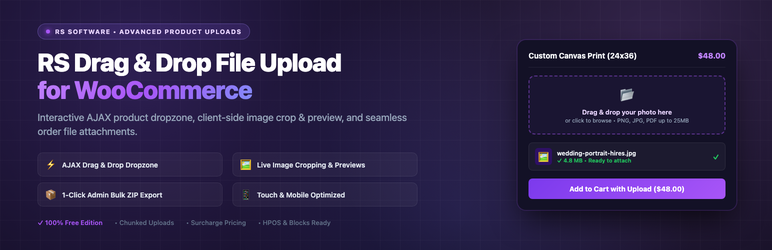
Selling custom t-shirts, personalized gifts, 3D printing services, engraved jewelry, or printed documents? RS Customer File Uploads for WooCommerce provides an effortless, high-performance file dropzone directly above or below the “Add to Cart” button.
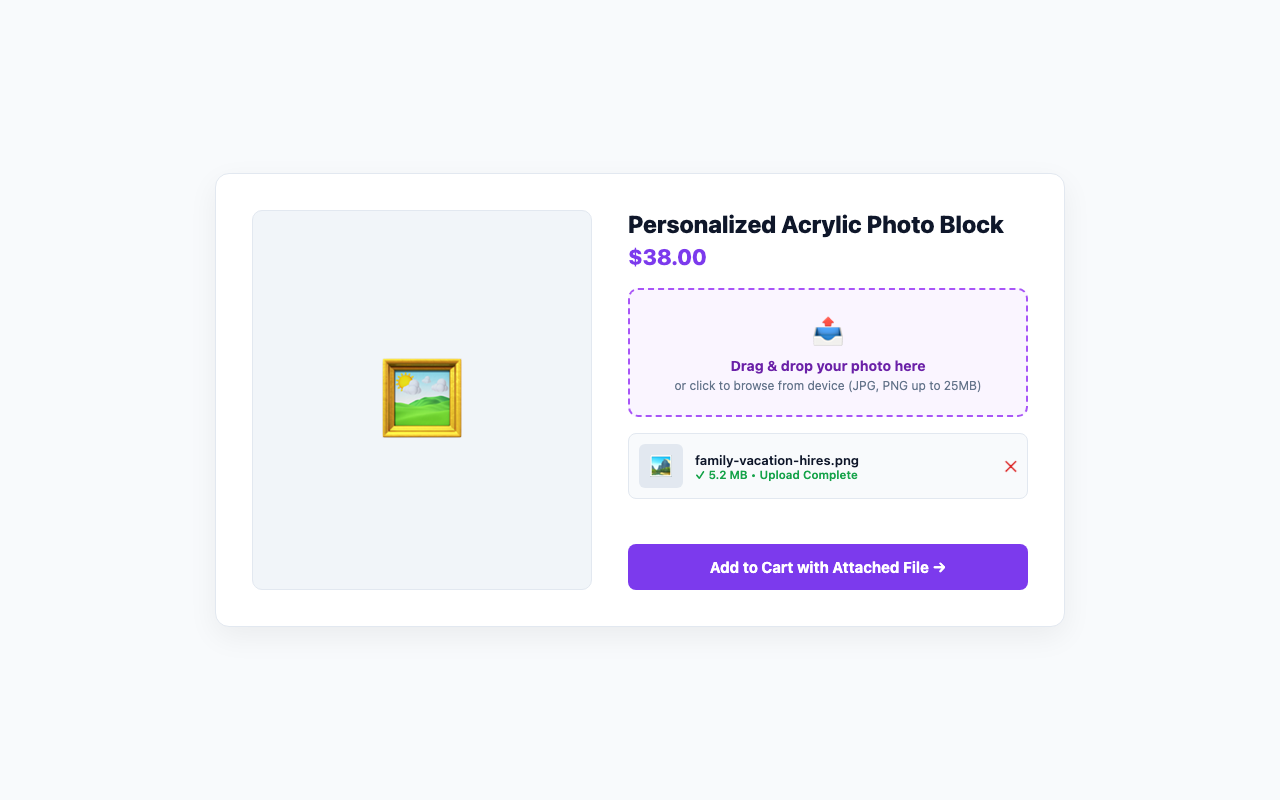
Customers simply drag and drop their files or browse from their device. Files upload instantly via AJAX with live progress bars, client-side validation, and thumbnail previews before checkout.
📂 Core Features:
- 📥 Intuitive Drag & Drop Dropzone: Sleek dropzone embedded right on the single product page with smooth hover animations.
- ⚡ Instant AJAX File Uploads: Asynchronous uploads with real-time percentage progress bar without freezing the page.
- ✂️ In-Browser Image Cropper & Rotator: Allow customers to crop their photos to aspect ratios (1:1 square, 4:3, 16:9, or free) and rotate images before uploading.
- 💵 Upload Surcharge Fee Engine: Automatically add a flat fee or percentage charge per uploaded file to monetize file preparation and artwork setup.
- 📁 Multi-File Uploads: Allow customers to upload multiple files per product with configurable limits.
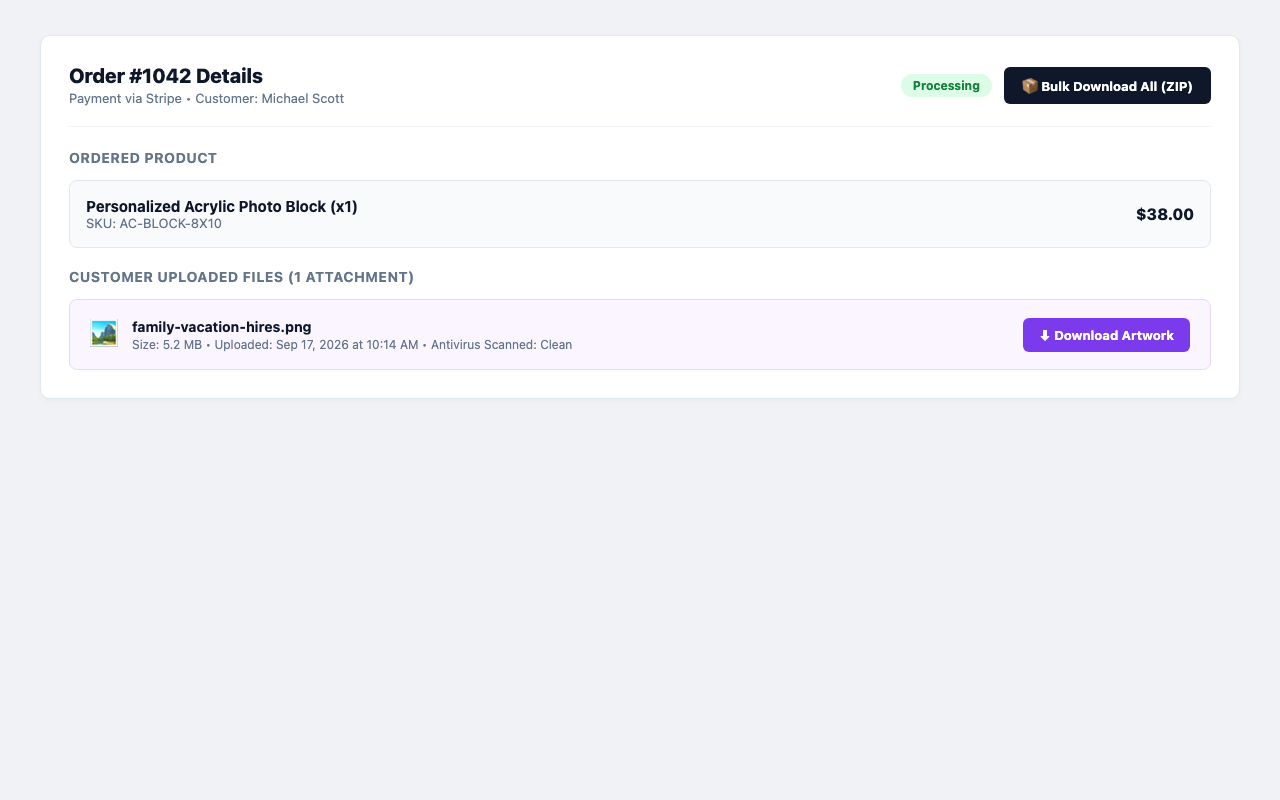
- 📦 1-Click Admin Bulk ZIP Download: Download all customer files for an entire order as a single organized ZIP archive from the order details screen.
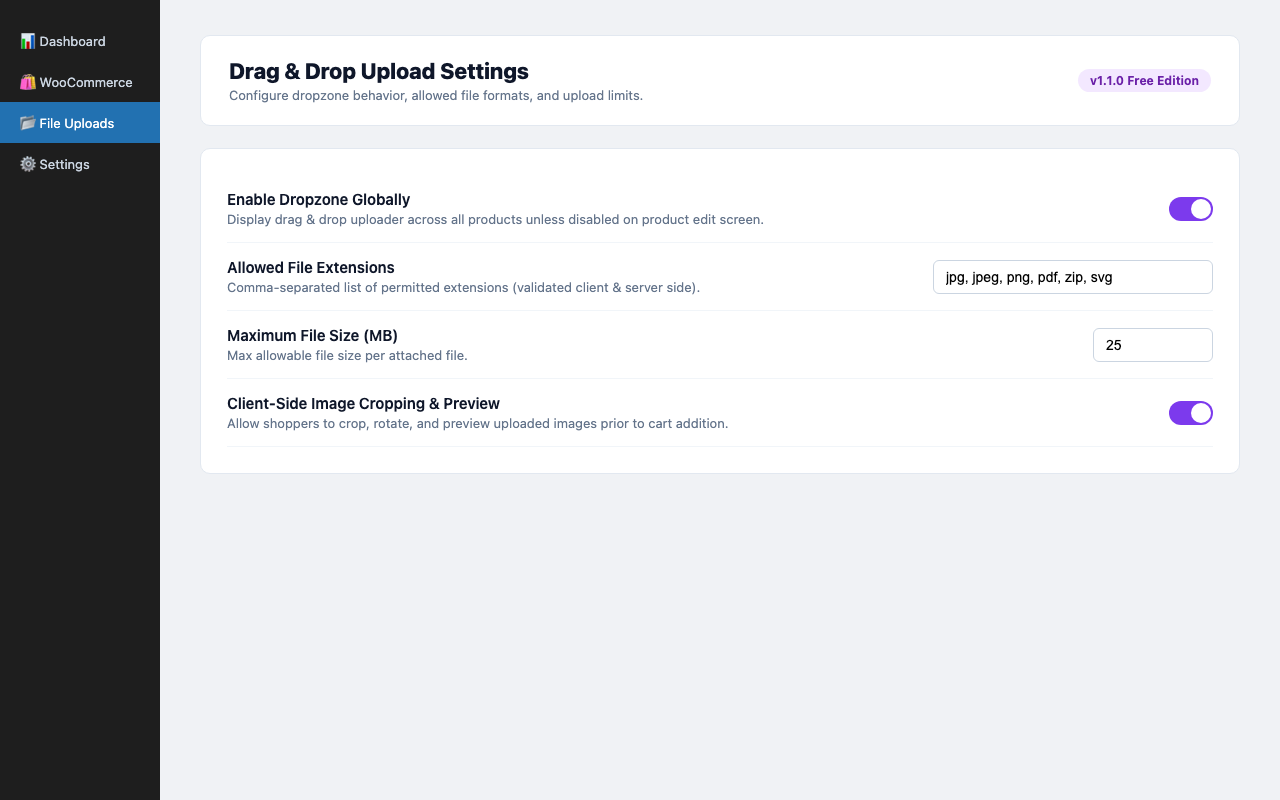
- 🛡️ Comprehensive Extension Security: Restrict uploads by allowed MIME types and extensions (JPG, PNG, PDF, ZIP, DOCX, etc.) to prevent malicious files.
- 📏 File Size Limits & Chunking: Set maximum file size thresholds with friendly customer error messaging and large file chunking support.
- 🖼️ Client-Side Image Previews: Uploaded images immediately display thumbnail previews with file size badges and remove buttons.
- 🛒 Seamless Cart & Checkout Integration: Attached files are preserved in the WooCommerce cart session and visible on the checkout review table.
- 📋 Admin Order Management: Store managers can view, preview, approve, and download uploaded customer files directly inside the WooCommerce Order Edit screen.
- 🔒 Security Sanitization: Uploaded files are quarantined outside public directories with execution prevention and EXIF metadata stripping.
- 🚀 HPOS Compatible: Fully compliant with WooCommerce High-Performance Order Storage (custom order tables).
3rd Party Libraries
- Cropper.js (v2.3.0) – https://github.com/fengyuanchen/cropperjs
License: MIT (https://github.com/fengyuanchen/cropperjs/blob/main/LICENSE)
Author: Chen Fengyuan
Used for in-browser client-side image cropping and rotation before upload.
External Services
This plugin does not connect to any third-party services, external servers, or remote APIs. All file uploads, image cropping, and archive creation take place entirely on your local WordPress installation.
Screenshots
Installation
- In your WordPress Admin, go to Plugins > Add New.
- Search for
RS Customer File Uploads for WooCommerce. - Click Install Now, then click Activate.
- Go to WooCommerce > File Uploads in your admin menu.
- Set your allowed file types, max file size, and dropzone text.
- Enable file uploads globally or customize per-product in Product Data > File Uploads!
FAQ
-
Where are customer uploaded files stored?
-
Customer-uploaded files are stored in a private directory outside the publicly accessible web root, preventing direct file access across all web servers (including Nginx, Apache, and IIS). All file downloads are strictly protected and routed through cryptographically signed, expiring URLs or served directly to authorized store managers.
-
Can I enable uploads for specific products only?
-
Yes! You can choose to enable the dropzone globally for all products, or restrict it to specific categories or individual products in the product edit screen.
-
Can customers upload files from their smartphones?
-
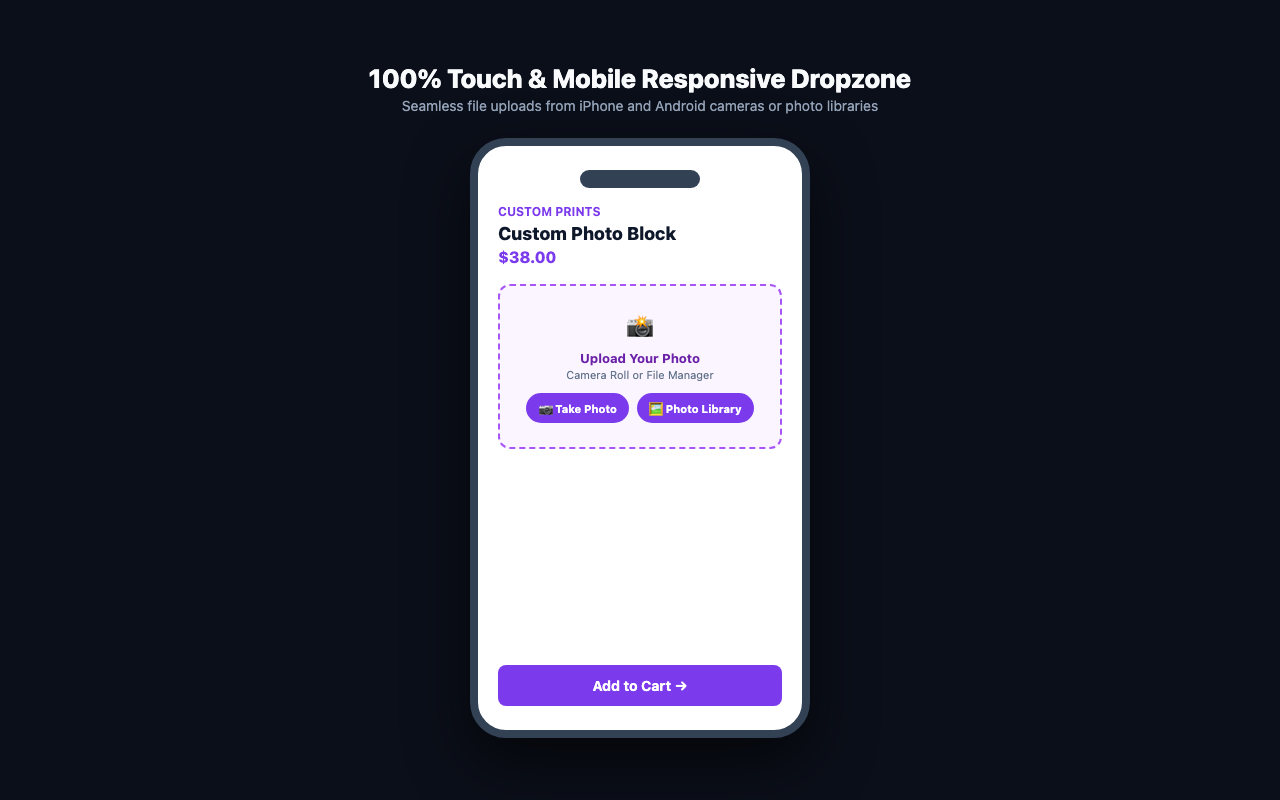
Yes, the dropzone is fully touch-optimized. On mobile devices, clicking the dropzone lets users select photos directly from their camera roll or take a new photo instantly.
-
What happens if the customer cancels their cart?
-
Temporary abandoned files are automatically cleaned up on a scheduled daily WP-Cron cycle to save disk space.
-
Is WooCommerce HPOS supported?
-
Yes, RS Customer File Uploads for WooCommerce is 100% compatible with WooCommerce High-Performance Order Storage.
Reviews
There are no reviews for this plugin.
Contributors & Developers
“RS Customer File Uploads for WooCommerce” is open source software. The following people have contributed to this plugin.
Contributors
Translate “RS Customer File Uploads for WooCommerce” into your language.
Interested in development?
Browse the code, check out the SVN repository, or subscribe to the development log by RSS.
Changelog
1.1.0
- Initial official release on WordPress.org.
- Drag-and-drop AJAX file uploader on WooCommerce single product pages.
- Client-side image cropping and rotation before upload.
- Surcharge fee calculations for uploaded files.
- Admin bulk ZIP archive download for order attachments.
- Allowed file types and max size validation.
- Image thumbnail previews with remove button.
- Admin order view and download links.
- Full WooCommerce HPOS compatibility.